
截图

介绍
CursedAddons
Description
CursedAddons is a Minecraft Fabric mod that enhances chat functionality with keybindings, aliases, chat notifiers, and the ability to view onClick actions for rich messages.
Features
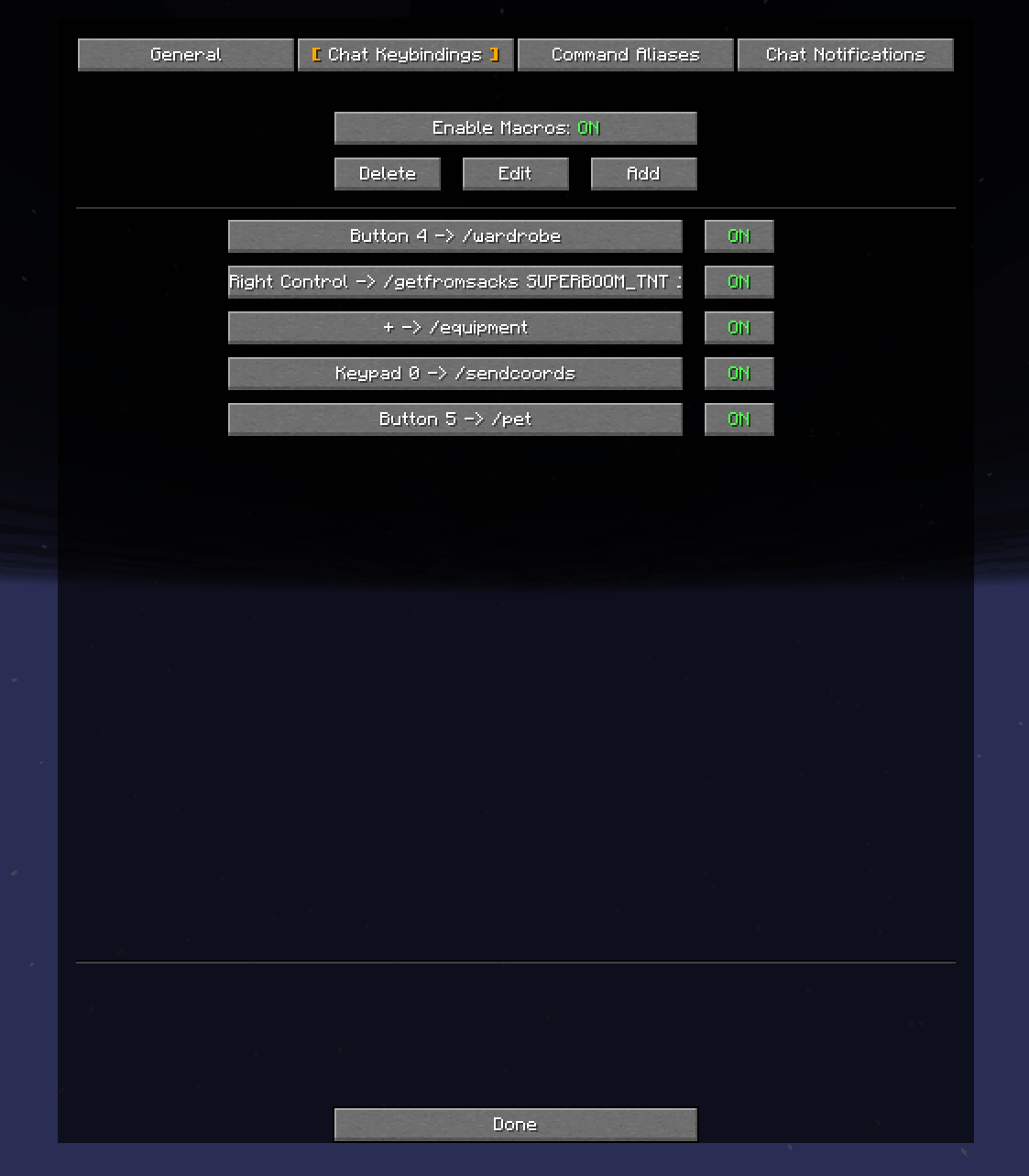
- Command Keybindings: Define custom hotkeys and key combinations (e.g., Shift+F1) to instantly send predefined chat messages or commands.
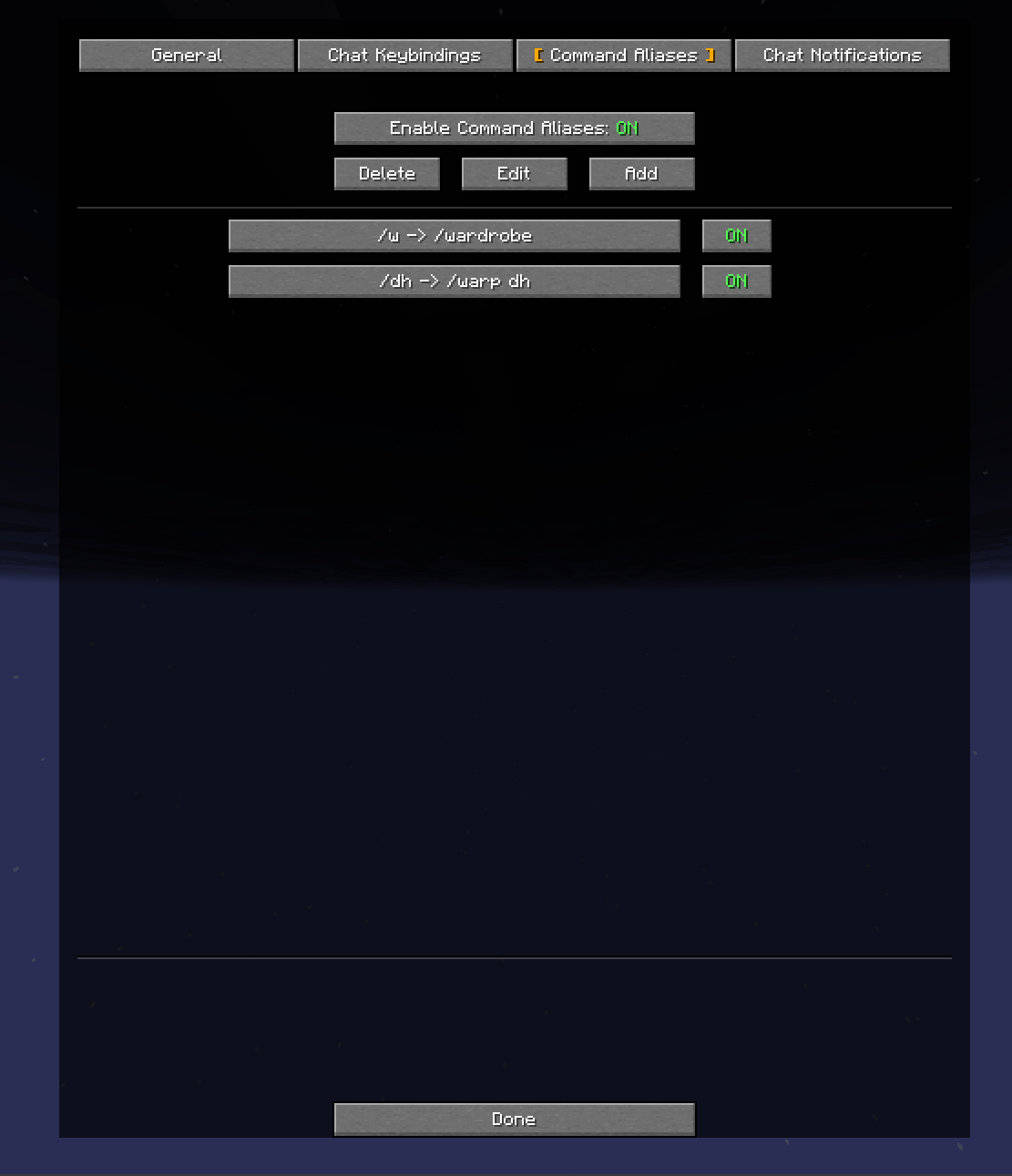
- Command Aliases: Create shortcuts for frequently used commands or messages (e.g.,
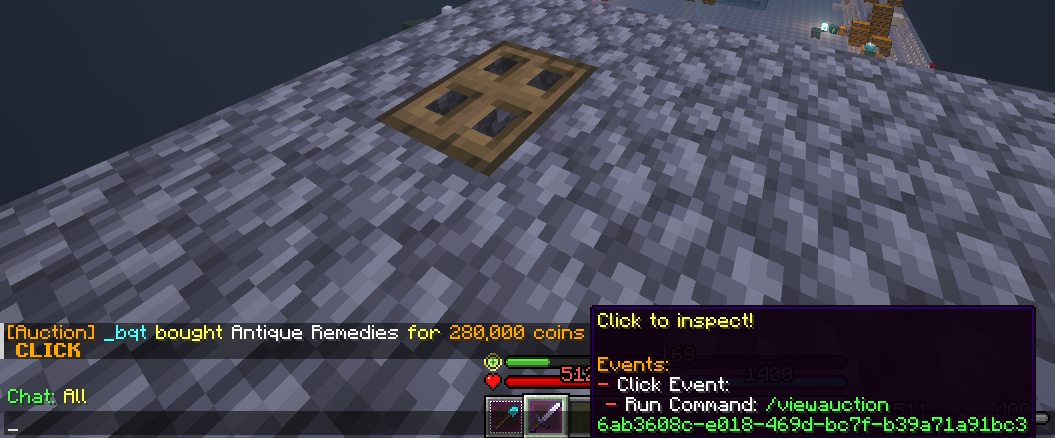
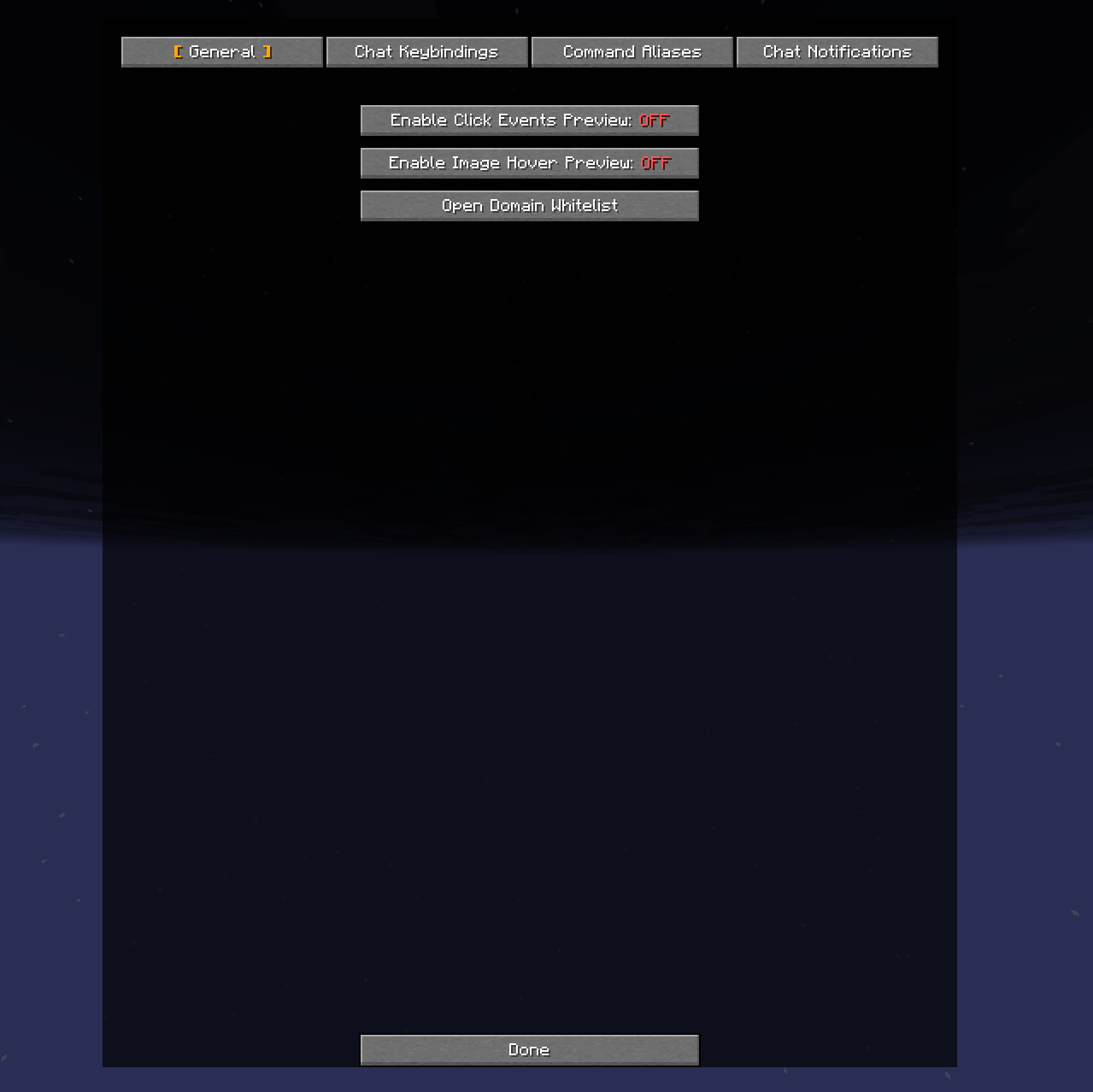
/s→/sayor/about→Hello, my name is John Smith). - Click Events Preview: When hovering over clickable text in chat, preview what actions will occur (opening URLs, running commands, copying to clipboard, etc.) before clicking.
- Image Hover Preview: Preview images directly in chat by hovering over image URLs. Supports PNG, JPG, GIF, and WebP with domain whitelisting.
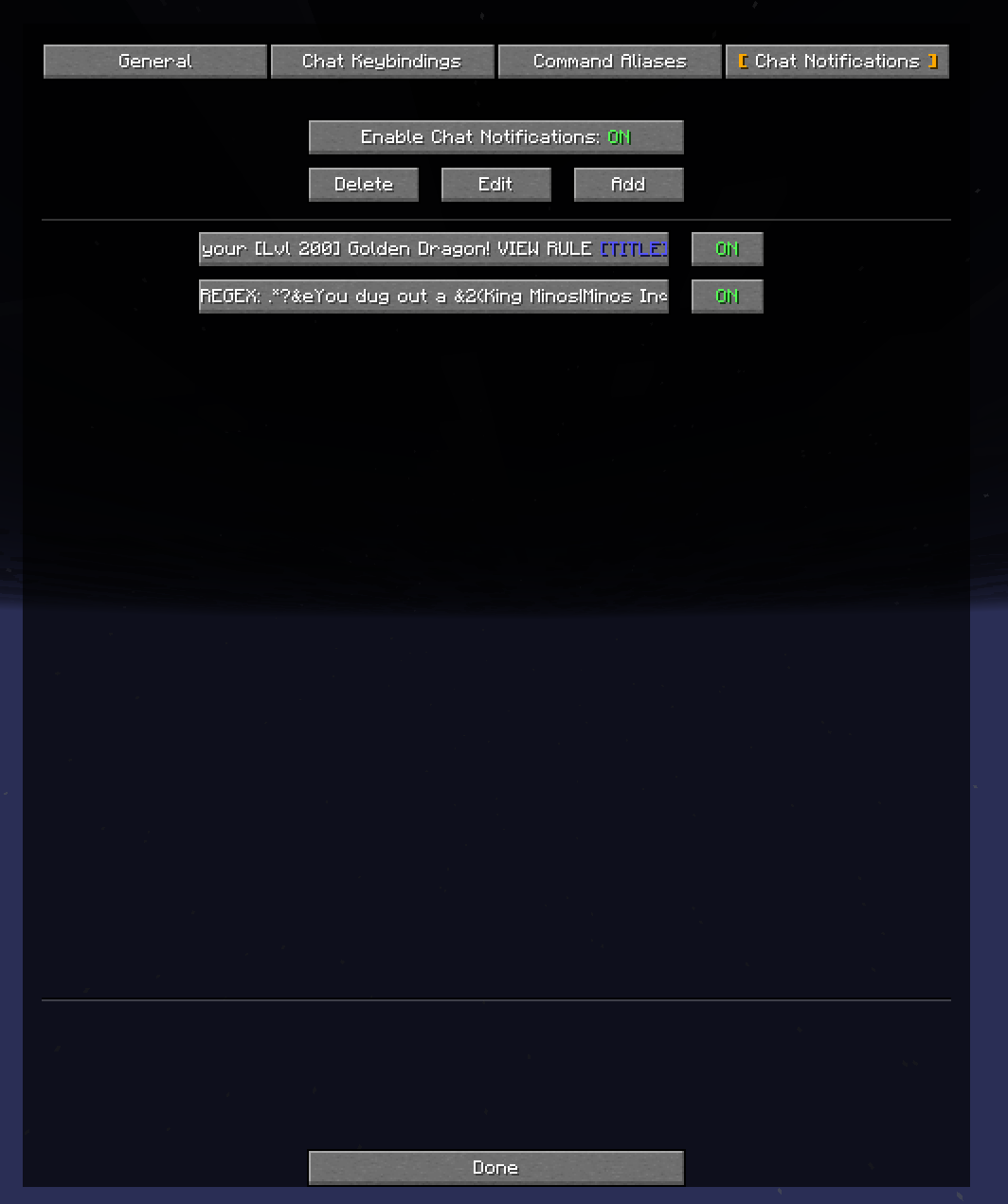
- Chat Notifications: Set up custom notifications for specific chat messages using string matching or regex patterns. Notifications can play sounds, set window titles, or execute commands when triggered.
- Fake Chat Messages: Send custom formatted messages to chat using tellraw JSON syntax, including colors, links, and interactive elements.
- Fixes MC-122477: Fixes a bug on Unix systems where the key to open commands and/or chat can sometimes be doubled when pressed.
Installation
Prerequisites
- Minecraft Java Edition
1.21.11(currently supported; future versions may be supported in updates) - Fabric Loader
0.18.2or newer - Fabric API
0.141.3+1.21.11or newer
Steps
- Install Fabric Loader: If you haven’t already, download and install the Fabric Loader for Minecraft
1.21.11from the Fabric website. - Download Fabric API: Download the Fabric API for
1.21.11from its Modrinth page. - Download CursedAddons
- Place Mods in
modsfolder:
- Locate your Minecraft installation directory.
- Navigate to the
modsfolder. If it doesn’t exist, create one. - Place the downloaded
fabric-api-*.jarandcursedaddons-*.jarfiles into themodsfolder.
- Launch Minecraft: Start the Minecraft launcher, select the Fabric profile, and launch the game.
Usage
CursedAddons can be configured through its configuration screen, accessible in two ways:
- Via ModMenu: If you have ModMenu installed, go to Mods → CursedAddons → Config
- Via Command: Type
/cursedaddonsin chat to open the configuration screen
For per-feature setup instructions, see the Feature Guide.
Regex Tester
For debugging ChatNotifications regex patterns, use the online regex tester. It allows you to:
- Test patterns against Minecraft chat messages with § color codes
- See capture groups in the same format used by the mod ($0, $1, etc.)
- Preview how color codes will appear visually
- Convert & color codes to § automatically (like the mod does)
Contributing
Contributions are welcome! If you have suggestions, bug reports, or want to contribute code, please feel free to open an issue or pull request!
License
This project is licensed under the GNU General Public License v3.0. See the LICENSE file for more details.
Big shout out to 70CentsApple for the original concept!
常见问题
CursedAddons 支持哪些 Minecraft 版本?
CursedAddons 支持 Minecraft Java 版 1.21.10–26.1.2,共 5 个版本,可用的加载器:Fabric。下载时注意选择和你游戏版本一致的文件。
CursedAddons 怎么安装?
先用 PCL2 或 HMCL 启动器安装对应版本的 Fabric,再把下载的 .jar 文件放进游戏目录的 mods 文件夹,重新启动游戏即可。开启了版本隔离的,mods 文件夹在 versions/版本名 下面。运行环境:仅客户端。

评论
登录后评论和评分