
截图

介绍
This is a very simple mod I created that adds one command, and one keybind.
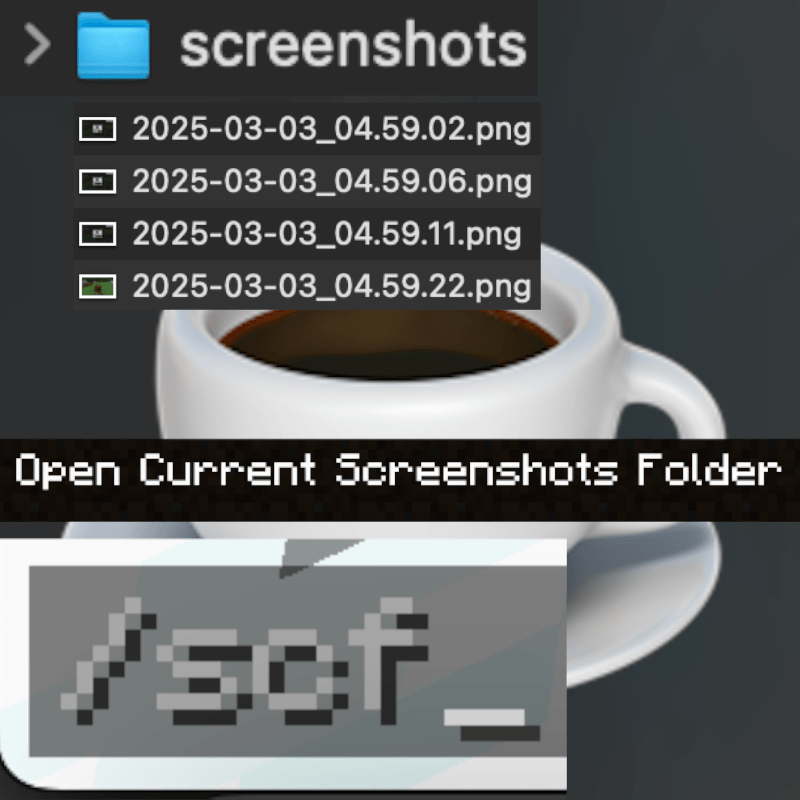
-The command is /scf – This has no arguments.
-The keybind is by default bound to “INSERT”, but is easily changable in the controls menu in Minecraft.
Both of these trigger the same operation, which is opening the “current” screenshots folder, as in, the screenshots folder inside the “.minecraft” or “minecraft” directory this mod is installed in.
This is completely cross-platform as far as I have tested.
If you find a bug, please contact me on Discord: “iredmc”
常见问题
C-reenshots 支持哪些 Minecraft 版本?
C-reenshots 支持 Minecraft Java 版 1.20.1–26.1.2,共 8 个版本,可用的加载器:Forge / NeoForge。下载时注意选择和你游戏版本一致的文件。
C-reenshots 怎么安装?
先用 PCL2 或 HMCL 启动器安装对应版本的 Forge / NeoForge,再把下载的 .jar 文件放进游戏目录的 mods 文件夹,重新启动游戏即可。开启了版本隔离的,mods 文件夹在 versions/版本名 下面。运行环境:仅客户端。
jadenquinnio29 的其他作品
查看全部 →
Dreams
This mod adds various things related to the vastly growing YouTuber: Dream!

Teleport Tools
This is a mod I made in about 30 minutes, with the aim to create a Fabric-specific mod for use with Iris that adds teleport utility items for stress testing my new computer.
评论
登录后评论和评分