介绍
Creative Touch
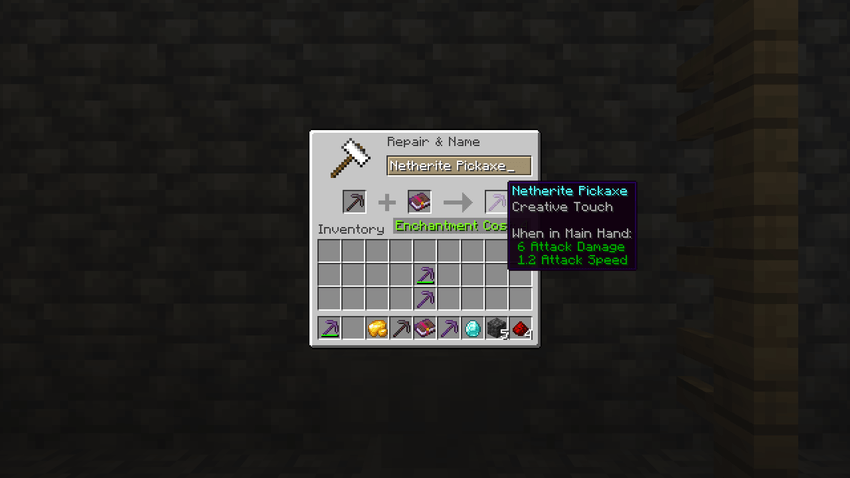
A treasure enchantment for mining tools. A pickaxe, shovel, axe or hoe that carries it breaks the blocks it is made for the way Creative mode does: at once, however hard they are, with the same short pause before the next one. Everything else stays survival. It has to be on the client and on the server.
Support me and get early access on my Patreon.
Instant breaking
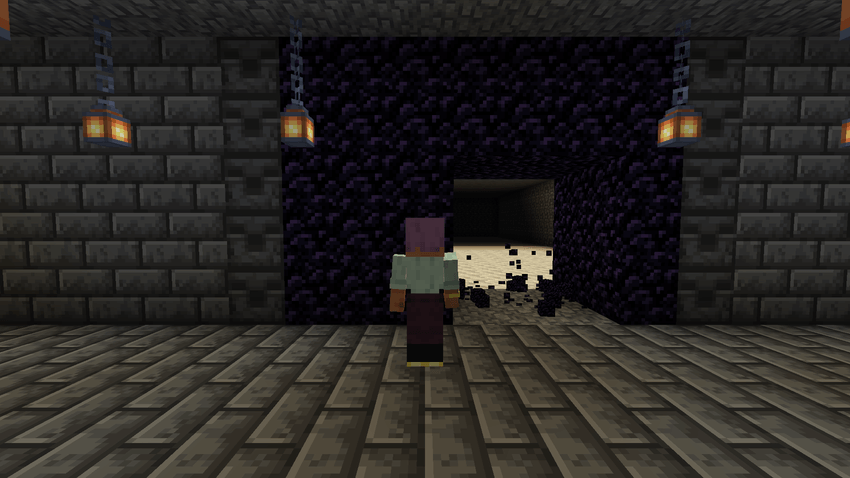
- The block breaks the moment you start on it, with no mining animation, and the next one follows after Creative’s 5-tick delay.
- Version 1.1.0, so far for NeoForge 1.21.1 only, limits it to the blocks the tool is made for: a pickaxe on stone and obsidian, an axe on wood, a shovel on dirt. Everything else is mined at normal speed.
- The 1.0.0 builds, which is every other loader and version, break any block that way, including ones survival cannot normally remove, such as bedrock. Keep that in mind before handing it out on a server.
Drops and durability
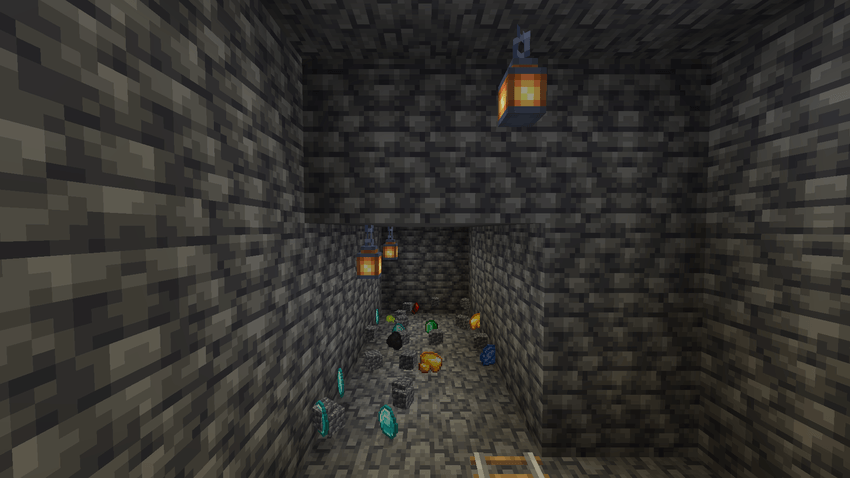
- Blocks drop their loot. Silk Touch, Fortune and the correct-tool rules apply as usual.
- The tool loses durability with every block.
- Reach and block protection checks are untouched.
Getting it
- One level, for any pickaxe, shovel, axe or hoe.
- It is a treasure enchantment: it comes on enchanted books from librarian trades and loot, never from the enchanting table. Put the book on the tool at an anvil.
- No config file and no new items.
Requirements
Minecraft 1.20.1 (Forge or Fabric), 1.21.1 or 26.2 (NeoForge or Fabric), on Java 17, 21 and 25 respectively. The Fabric builds need Fabric API. Install it on the client and on the server: the client makes the break instant and the server accepts it. Singleplayer works as it is.
NeoForge 1.21.1 and 26.2, Fabric 1.20.1, 1.21.1 and 26.2, Forge 1.20.1. On the client and the server. Free to use in modpacks.
常见问题
Creative Touch 支持哪些 Minecraft 版本?
Creative Touch 支持 Minecraft Java 版 1.20.1–26.2,共 3 个版本,可用的加载器:Fabric / Forge / NeoForge。下载时注意选择和你游戏版本一致的文件。
Creative Touch 怎么安装?
先用 PCL2 或 HMCL 启动器安装对应版本的 Fabric / Forge / NeoForge,再把下载的 .jar 文件放进游戏目录的 mods 文件夹,重新启动游戏即可。开启了版本隔离的,mods 文件夹在 versions/版本名 下面。
falling_colud96 的其他作品
查看全部 →
Better Clouds Reforged
与原生风格完美融合的精美云朵。
Better Inventory And Backpacks
彻底重做Minecraft物品栏

Realistic Waves
为 Minecraft 带来逼真的波浪效果。

Fantasia RPG Slimes
新增 14 种拥有独特能力的史莱姆!
评论
登录后评论和评分