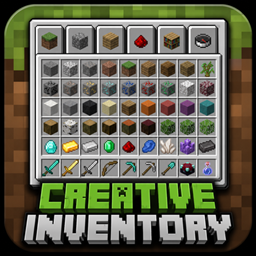
Creative Inventory in Survival
Open the creative inventory with one key and go straight back to survival when you close it. Works even with cheats turned off.
介绍
Press G. The creative inventory opens. Take what you need, close it, and
you are back in survival with the items in your inventory.
No commands, no opening your world to LAN, no ticking “allow cheats”.
### How it works
The creative inventory only works in creative mode, Minecraft checks
that itself. So the mod switches you over while the window is open and
switches back the moment you close it. You are in creative for a few
seconds, never longer.
Closing counts no matter how you do it: escape, E, or leaving the world.
There is no way to get stuck in creative.
### Singleplayer only
On a multiplayer server this does nothing, and it will tell you so. The
game mode is decided by the server, and no client-side mod can change
that. This is not a way to get creative mode on someone else’s server.
Modpacks: free to include, no need to ask.
常见问题
Creative Inventory in Survival 支持哪些 Minecraft 版本?
Creative Inventory in Survival 支持 Minecraft Java 版 26.1.2,可用的加载器:Fabric。下载时注意选择和你游戏版本一致的文件。
Creative Inventory in Survival 怎么安装?
先用 PCL2 或 HMCL 启动器安装对应版本的 Fabric,再把下载的 .jar 文件放进游戏目录的 mods 文件夹,重新启动游戏即可。开启了版本隔离的,mods 文件夹在 versions/版本名 下面。

评论
登录后评论和评分