
介绍
The Create mod added the redstone link, which is super useful for various redstone control systems. But the channel can only be set using items, which are prone to collision and hard to organize in larger systems.
This mod adds a Variable Name Tag (Var Tag), which allows you to set the channel using String (text) names!
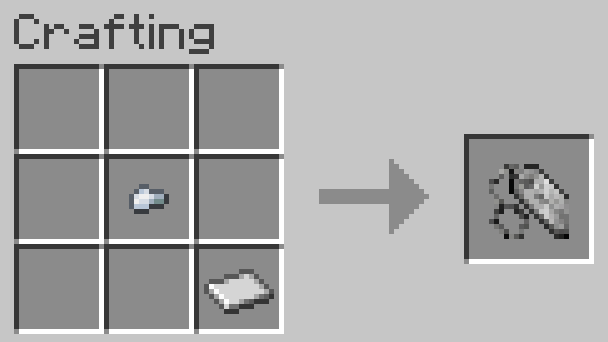
It can be crafted with an iron nugget and an iron sheet:
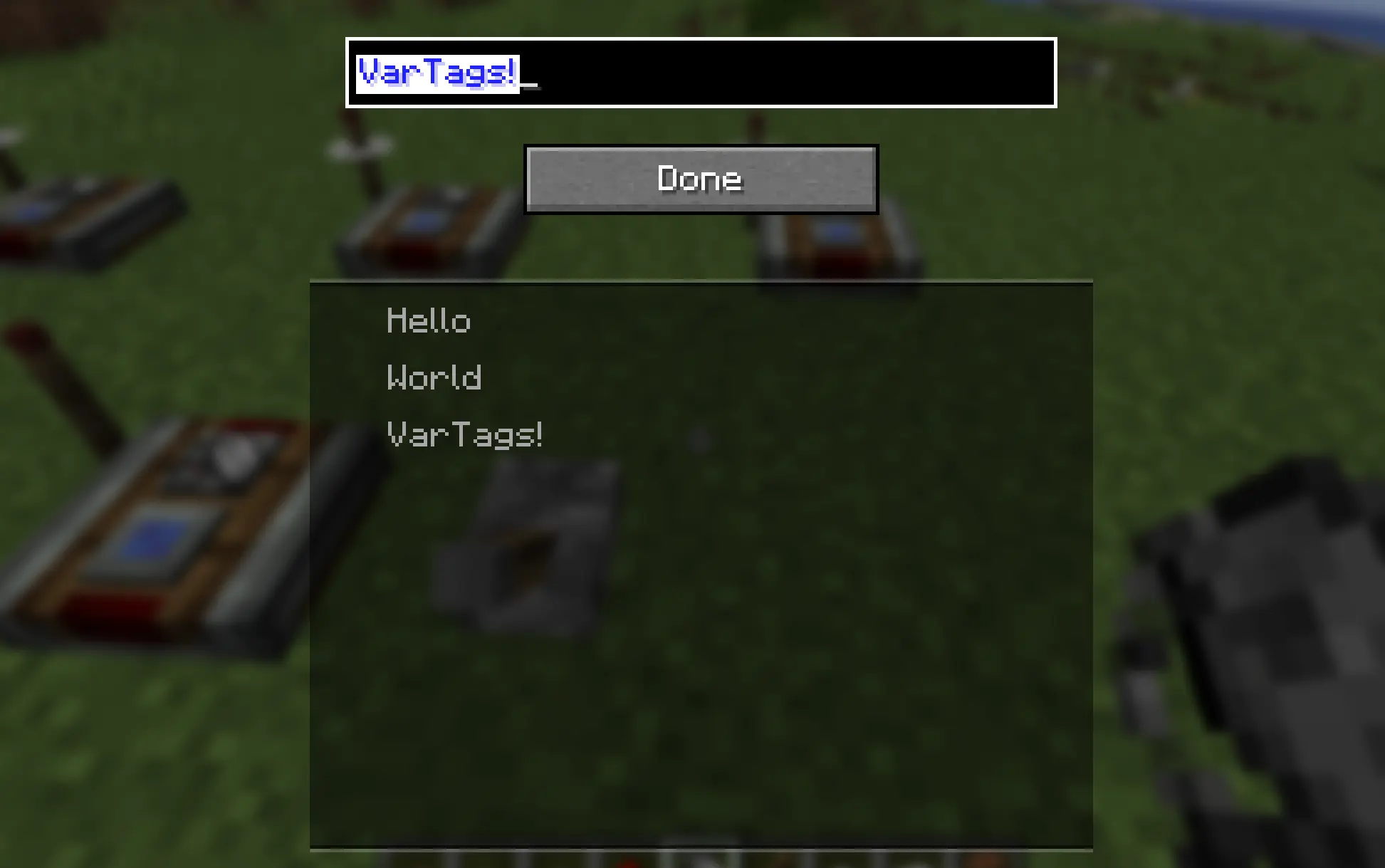
Right-clicking with it opens a UI to set the variable name. Variable names set in the same dimension are displayed in the list below. Click to fill in.
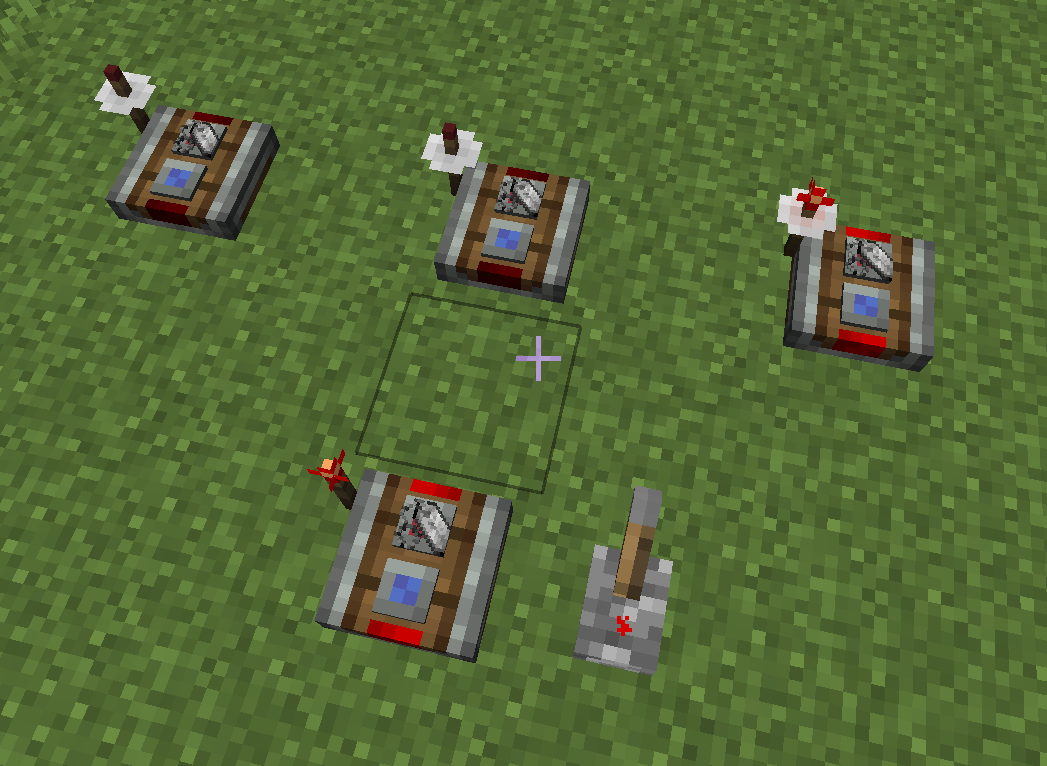
Only tags with the same variable name will “match”:
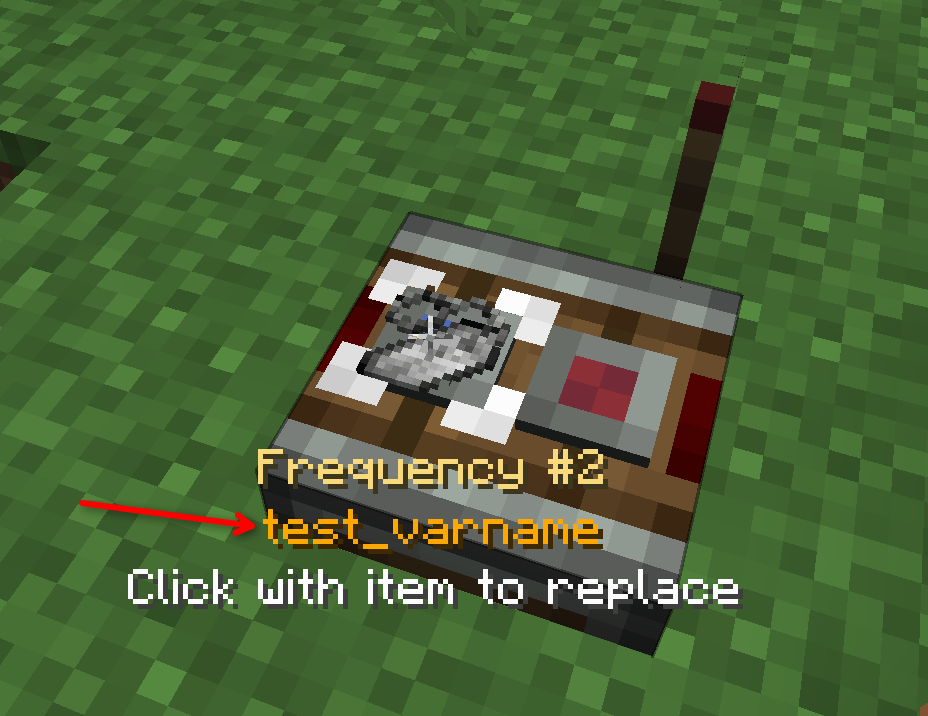
Pointing to the frequency slot on the redstone link will also display the string name:
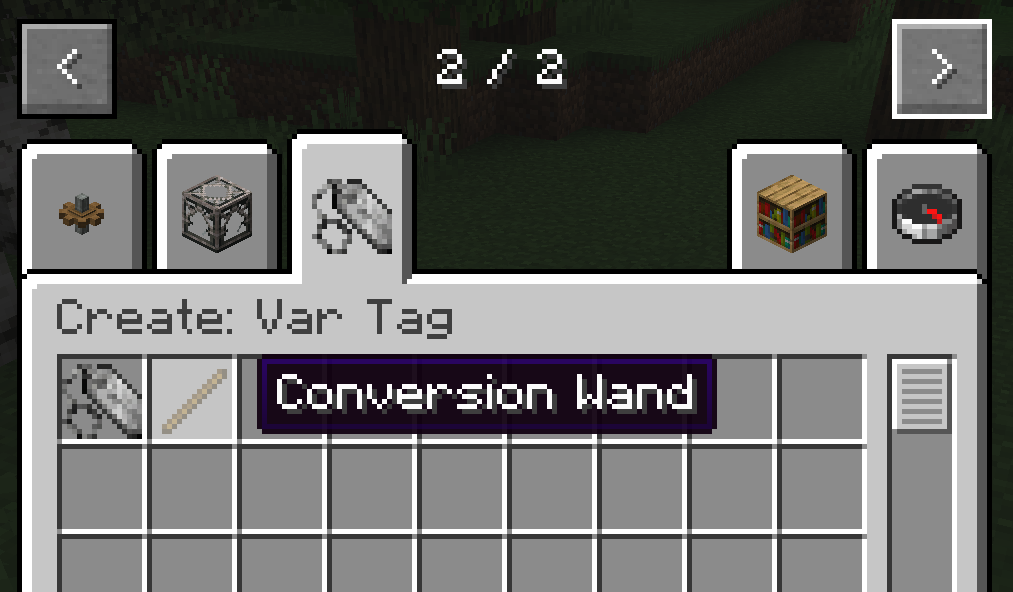
There is also a creative mode tool (Conversion Wand) that allows you to replace all var tags in the current dimension with vanilla items, so your map still works even after the var tag mod is removed. Right click with the wand to convert. Note: This cannot be undone!
常见问题
Create: Var Tag 支持哪些 Minecraft 版本?
Create: Var Tag 支持 Minecraft Java 版 1.21.1,可用的加载器:NeoForge。下载时注意选择和你游戏版本一致的文件。
Create: Var Tag 怎么安装?
先用 PCL2 或 HMCL 启动器安装对应版本的 NeoForge,再把下载的 .jar 文件放进游戏目录的 mods 文件夹,重新启动游戏即可。开启了版本隔离的,mods 文件夹在 versions/版本名 下面。运行环境:客户端和服务端都要装。

评论
登录后评论和评分