Create: Strict Links
Makes Create Redstone Link frequencies respect data components (NBT), for more frequency diversity and even password protection via named items or written books.
截图

介绍
Makes the Create Mod Redstone Link frequencies take data components (NBT) into account, allowing for more frequency diversity and even password protection via written books.
This also extends to other mods’ blocks and items that use Create’s frequency system, like the Aeronautics Typewriter.
Attribution:
- Created from the template jaredlll08/MultiLoader-Template.
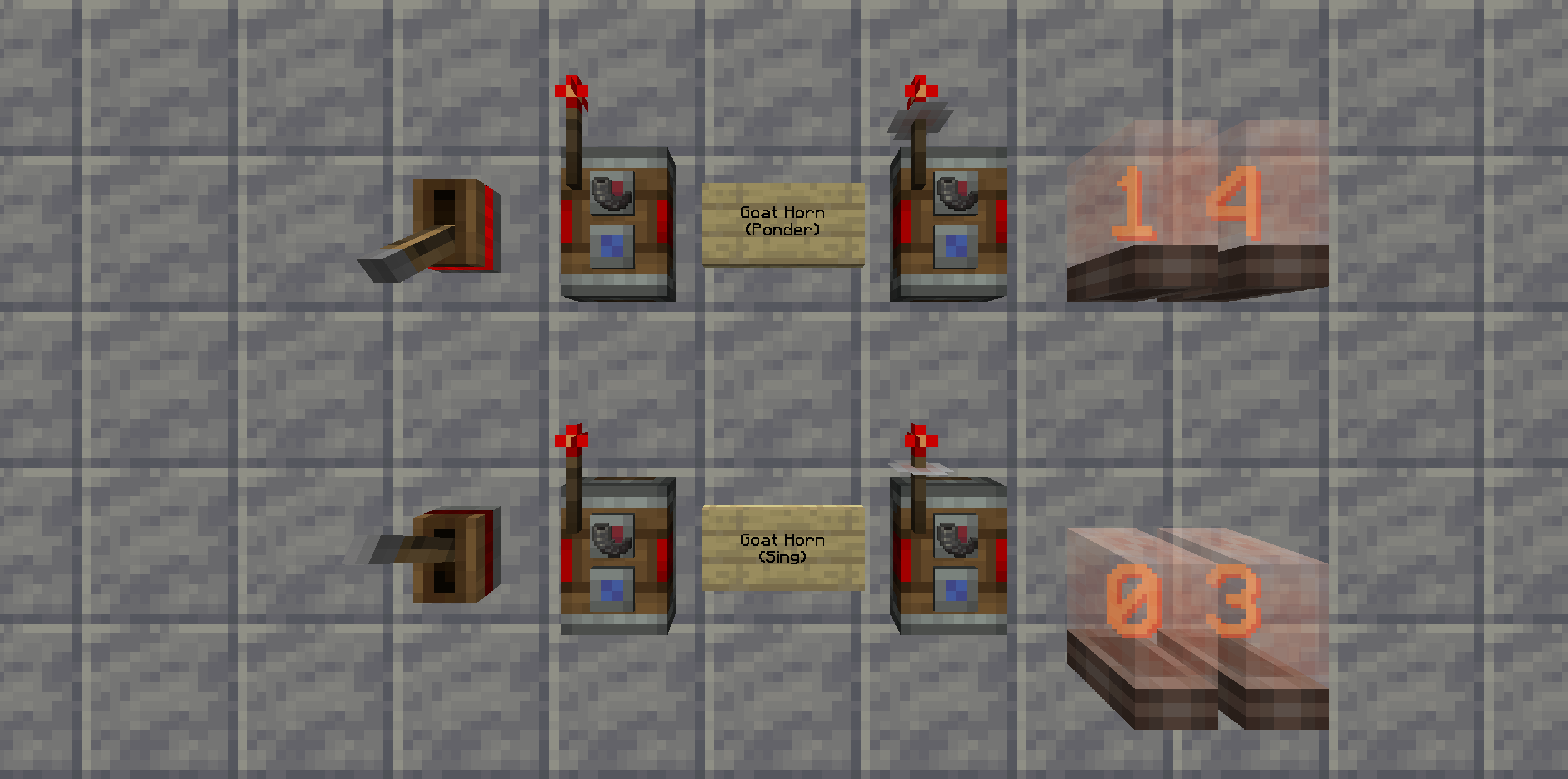
- Banner uses blocks from the Create Mod.
Modpack Policy:
You are free to use Create: Strict Links in any modpacks; public or private 🙂
Just make sure you abide by our licenses (see section below), common sense, and the Minecraft EULA.
We would also appreciate a mention in the credits section of your modpack and a quick shout on our discussion board about your modpack (so we can check it out and play it ourselves!)
Please also consider reporting any issues or suggestions, so we can improve the mod for you and other players.
License:
This project is licensed under the AGPL-3.0-or-later License.
See the LICENSE.txt file for details.
Disclaimers:
NOT AN OFFICIAL MINECRAFT PRODUCT. NOT APPROVED BY OR ASSOCIATED WITH MOJANG OR MICROSOFT.
THE SOFTWARE IS PROVIDED “AS IS”, WITHOUT WARRANTY OF ANY KIND, EXPRESS OR IMPLIED, INCLUDING BUT NOT LIMITED TO THE WARRANTIES OF MERCHANTABILITY, FITNESS FOR A PARTICULAR PURPOSE AND NONINFRINGEMENT. IN NO EVENT SHALL THE AUTHORS OR COPYRIGHT HOLDERS BE LIABLE FOR ANY CLAIM, DAMAGES OR OTHER LIABILITY, WHETHER IN AN ACTION OF CONTRACT, TORT OR OTHERWISE, ARISING FROM, OUT OF OR IN CONNECTION WITH THE SOFTWARE OR THE USE OR OTHER DEALINGS IN THE SOFTWARE.
常见问题
Create: Strict Links 支持哪些 Minecraft 版本?
Create: Strict Links 支持 Minecraft Java 版 1.21.1,可用的加载器:NeoForge。下载时注意选择和你游戏版本一致的文件。
Create: Strict Links 怎么安装?
先用 PCL2 或 HMCL 启动器安装对应版本的 NeoForge,再把下载的 .jar 文件放进游戏目录的 mods 文件夹,重新启动游戏即可。开启了版本隔离的,mods 文件夹在 versions/版本名 下面。运行环境:客户端和服务端都要装。
Drunken Cod 的其他作品
查看全部 →
Sable: Fragile Snow
Tiny datapack that adds Snow Layers and Powder Snow to Sable's fragile blocks tag.

Symbols’n’Signs
Collection of meaningful symbol items and ways to display them.

Mob Mementos
Wearable accessories against annoying mob mechanics

Sable: Over-Pressured
Tiny datapack that adds air pressure above the Nether roof.
评论
登录后评论和评分