
Create: Storage Terminal
Create: Storage Terminal makes large storage systems easier to search, manage, and access
截图
介绍
📦 Create: Storage Terminal
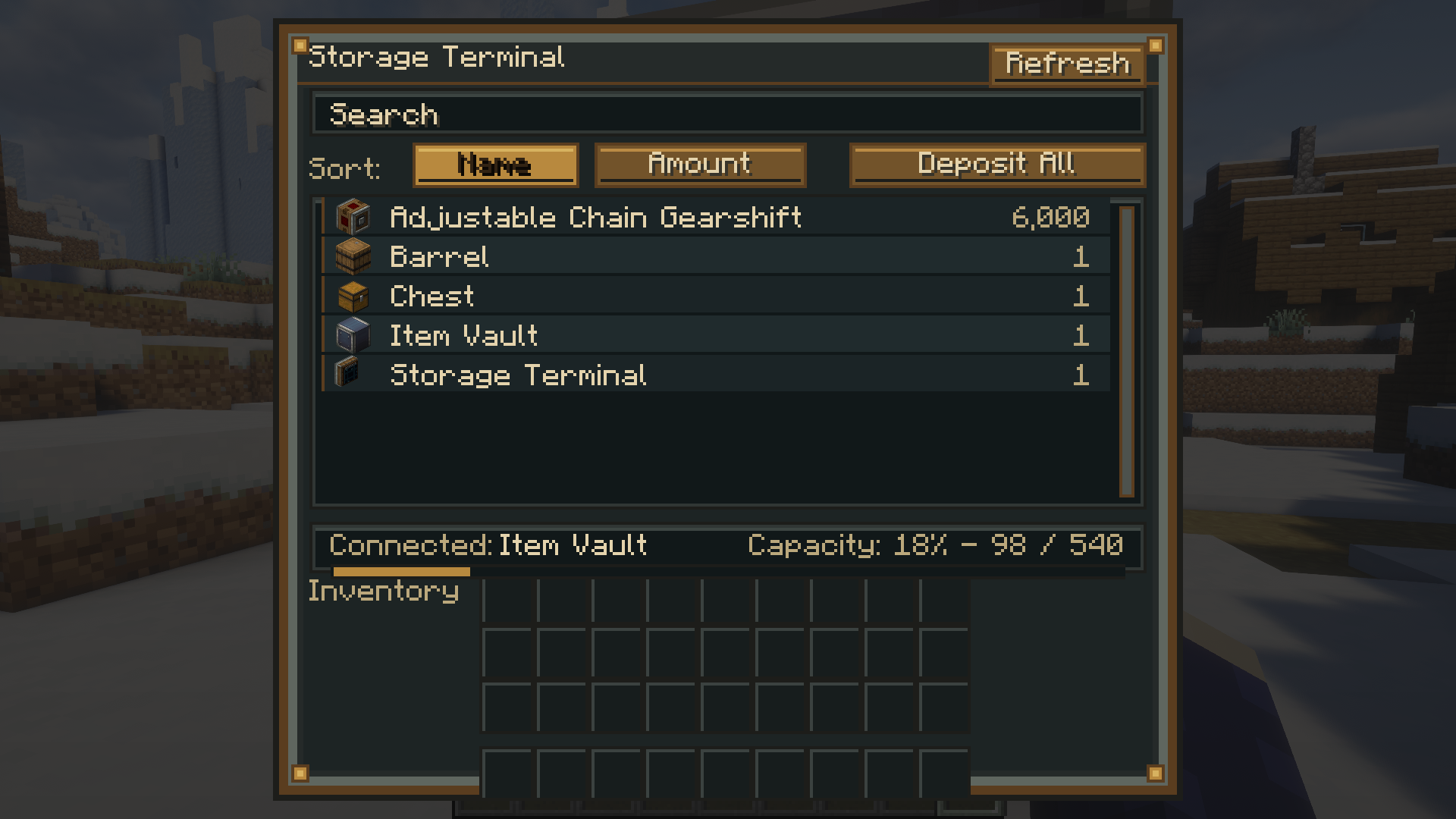
Create: Storage Terminal adds a convenient, Create-inspired storage interface to Minecraft.
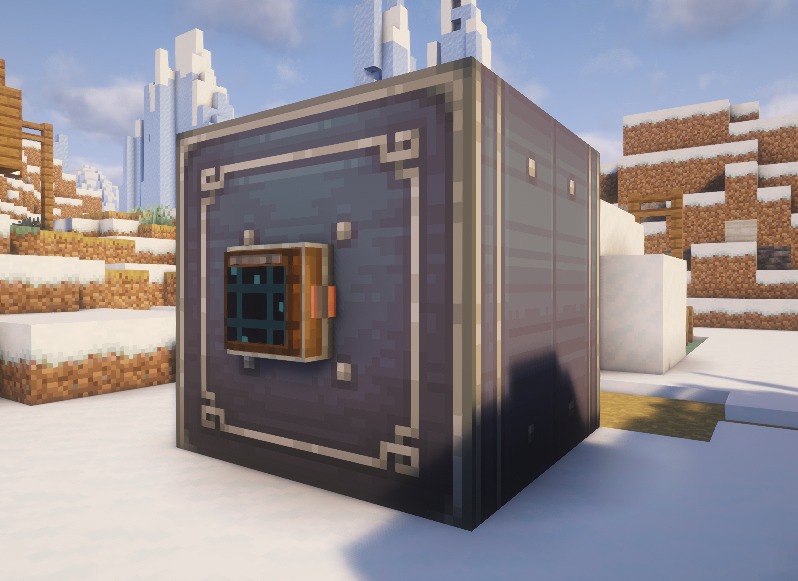
Place a Storage Terminal next to compatible storage—especially Create Item Vaults—to browse, search, deposit, and retrieve items through a single terminal.
✨ Features
- 🔍 Search stored items instantly
- 📋 Sort items by Name or Amount
- 📤 Retrieve items directly from connected storage
- 📥 Deposit items from your inventory
- 📦 Deposit All button to quickly store your inventory
- 🔄 Refresh the storage contents at any time
- 📊 View connected storage and capacity information
- 🎨 Designed to match the Create mod aesthetic
🖱️ Controls
| Action | Result |
|——–|——–|
| Left Click | Extract one stack |
| Right Click | Extract half a stack |
| Shift + Click | Extract as many items as possible |
| Double Click | Extract a full stack |
| Shift + Click (Inventory) | Deposit the selected stack |
| Deposit All | Deposit all compatible items |
📖 How to Use
- Craft a Storage Terminal
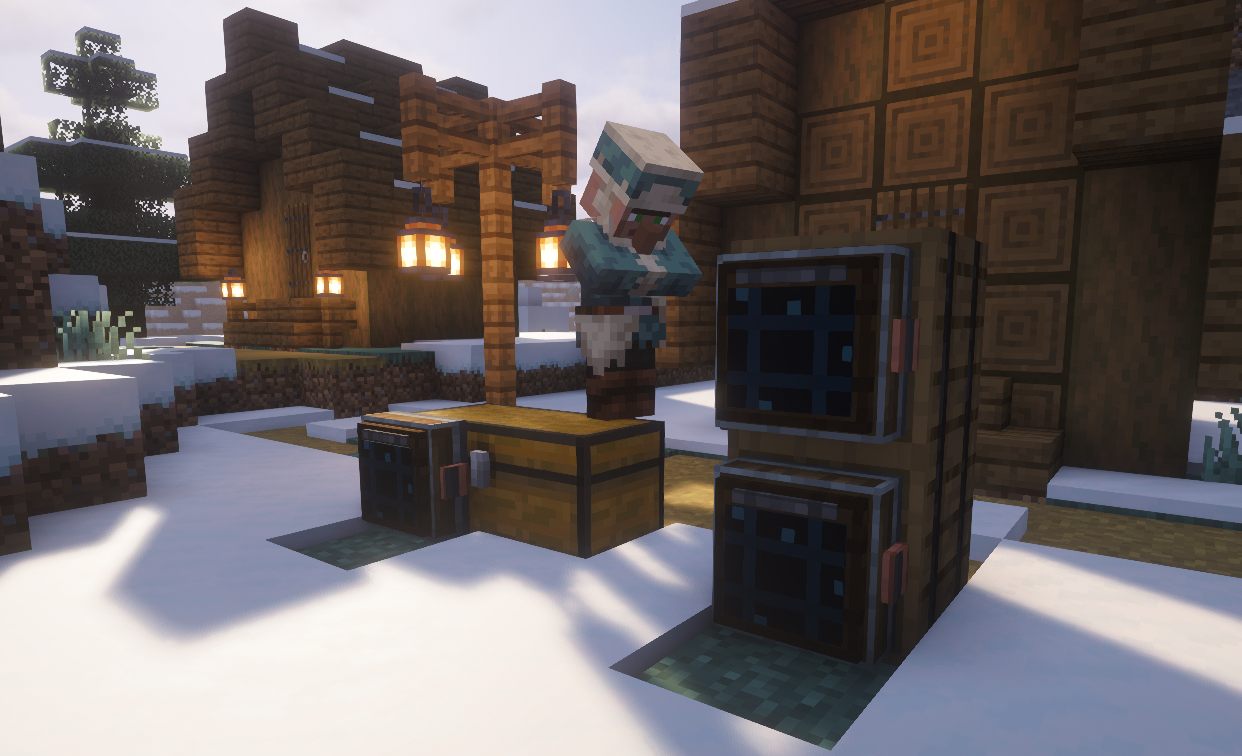
- Place it against or next to compatible storage
- Open the terminal
- Search, sort, deposit, and retrieve your items
The terminal is designed primarily for Create Item Vaults, but also supports compatible inventories that expose an item handler.
🎨 Designed for Create
The Storage Terminal has been designed to blend naturally with the Create mod, using a mechanical style inspired by Create’s industrial aesthetic.
📌 Requirements
- Create
- The correct Minecraft version and mod loader
🚧 Planned Features
Future updates may include:
- 📡 Support for larger connected storage networks
- 📦 More supported storage blocks
- 🔍 Additional sorting and filtering options
- ⚙️ More terminal customization
💡 Simple. Fast. Mechanical.
Create: Storage Terminal makes managing large Create storage systems easier without opening every container individually.
⚠️ This is an unofficial create addon. Do not report addon bugs to the original create developers.

This mod have been created with IntelliJ
⚠️ This is an unofficial create addon. Do not report addon bugs to the original create developers.
Disclaimer about product: NOT AN OFFICIAL MINECRAFT PRODUCT. NOT APPROVED BY OR ASSOCIATED WITH MOJANG OR MICROSOFT
常见问题
Create: Storage Terminal 支持哪些 Minecraft 版本?
Create: Storage Terminal 支持 Minecraft Java 版 1.20.1–1.21.1,共 2 个版本,可用的加载器:Forge / NeoForge。下载时注意选择和你游戏版本一致的文件。
Create: Storage Terminal 怎么安装?
先用 PCL2 或 HMCL 启动器安装对应版本的 Forge / NeoForge,再把下载的 .jar 文件放进游戏目录的 mods 文件夹,重新启动游戏即可。开启了版本隔离的,mods 文件夹在 versions/版本名 下面。运行环境:客户端和服务端都要装。
SmartStreamLabs 的其他作品
查看全部 →
Create: Structures Arise
这个模组为你的Minecraft世界添加了28个新的机械动力结构。

AnvilCore 🔨 [DISCONTINUED]
AnvilCore 是所有 SmartStreamLabs 模组的前置库,负责处理共享代码和核心功能。

Create: Pillager Arise
10 new structures for in game! ( Defended by pillagers ) Requires Create

Echoes of The End ( Structures)
Adds 9 New Structures To The End. Is This The End? ( Vanilla Blocks Only )
评论
登录后评论和评分