
Create: Routes
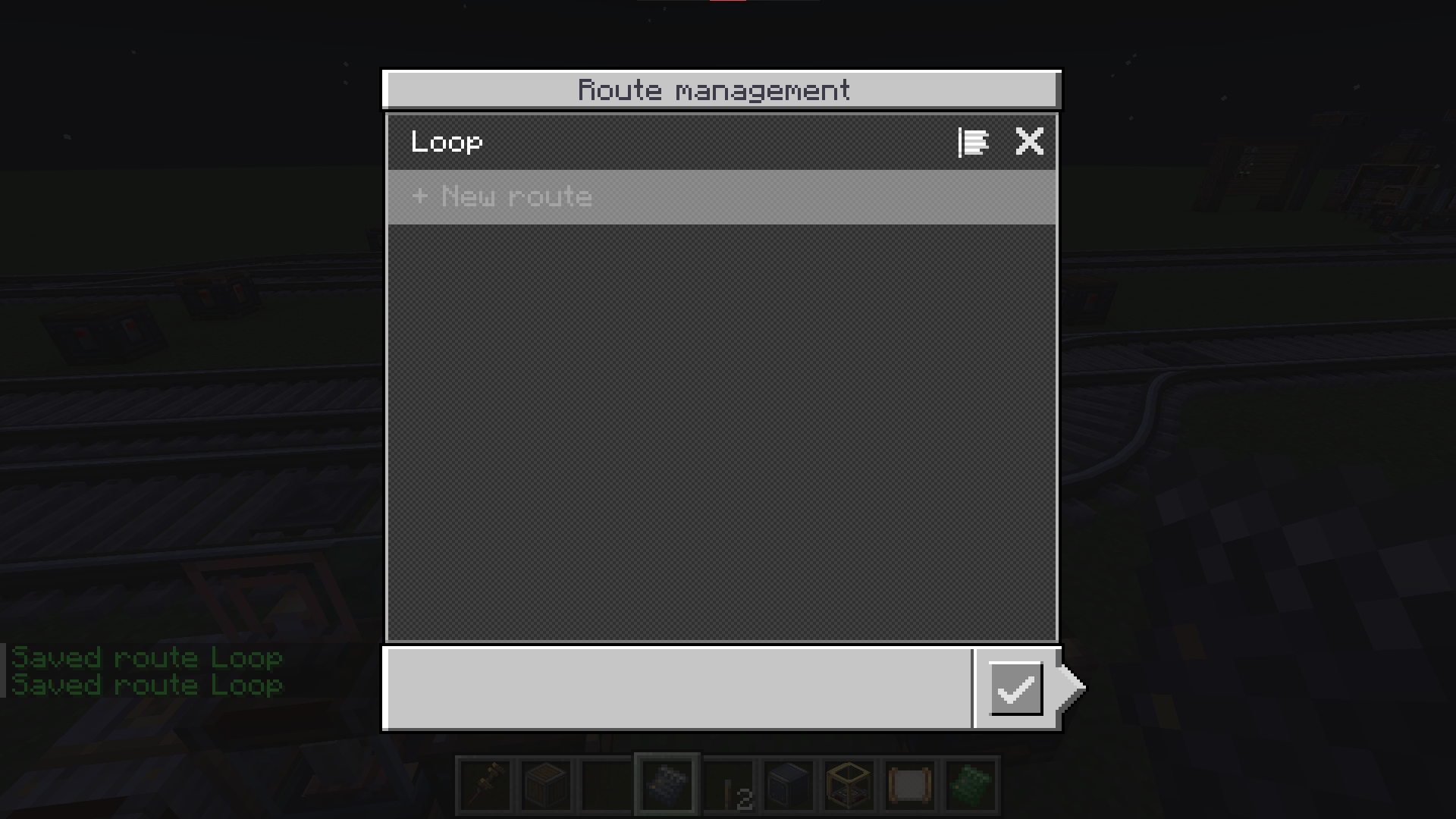
Write once, follow anywhere. Name a run of stops as a route, and every schedule follows it with a single entry — edit the route once and every train updates.
截图
介绍
Write once, follow anywhere.
Create: Routes gives the stops a home of their own. Name a run of stops as a route. Edit the route and every train following it picks the change up.
Following a route
Add a Follow Route entry to any schedule and that one entry stands for the whole run.
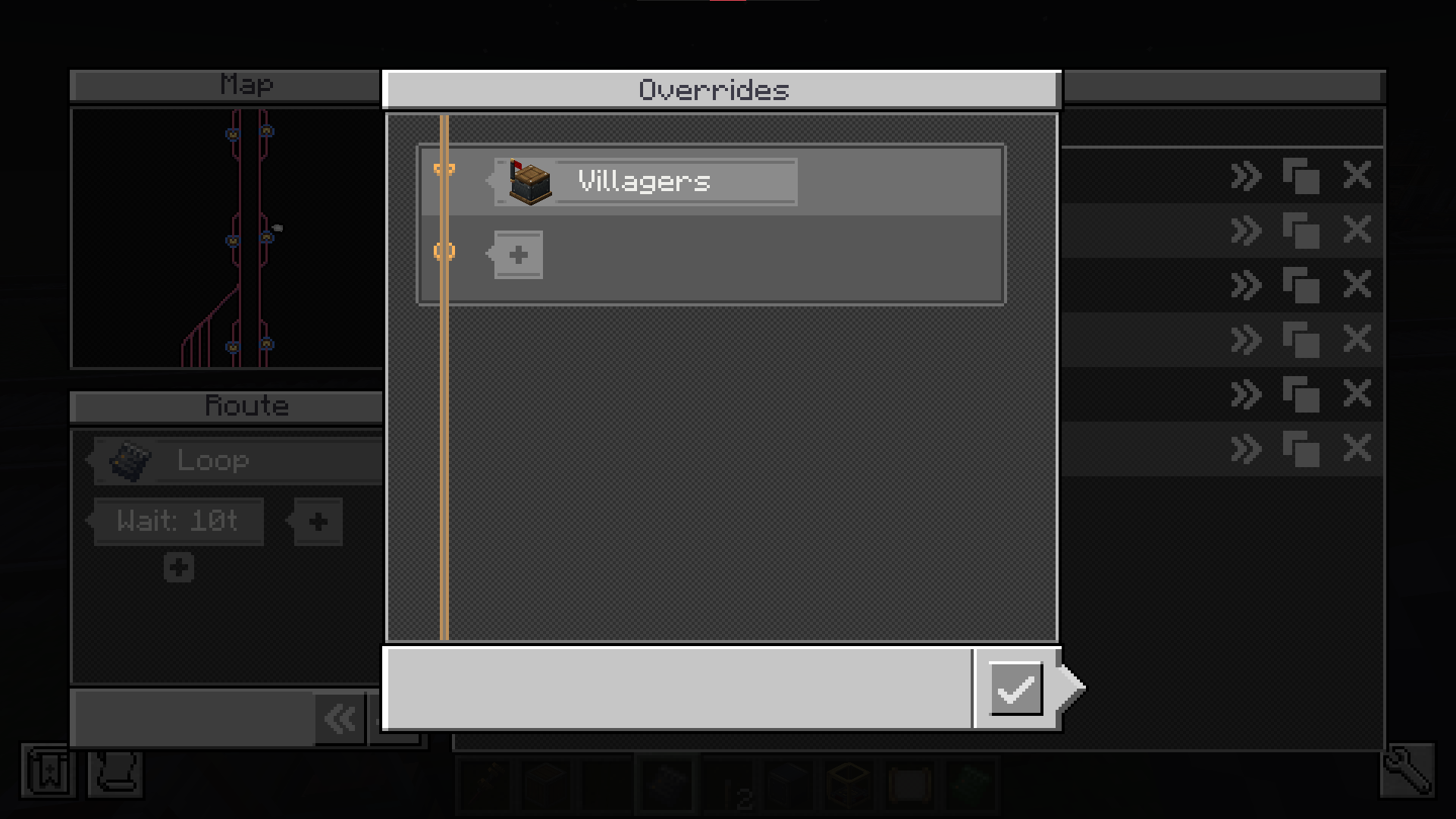
- Rev — run the route’s stops back to front.
- Skip — drop the last stop.
An out-and-back line is two entries pointing at one route.
Shared defaults
Wait conditions belong to the route. A stop that sets none of its own borrows them, so the wait is set once at the top instead of on all twelve stops.
Nesting
A route can follow another route. Define a trunk once and every branch running over it shares that one definition — fix the trunk and you fix all of them.
The editor
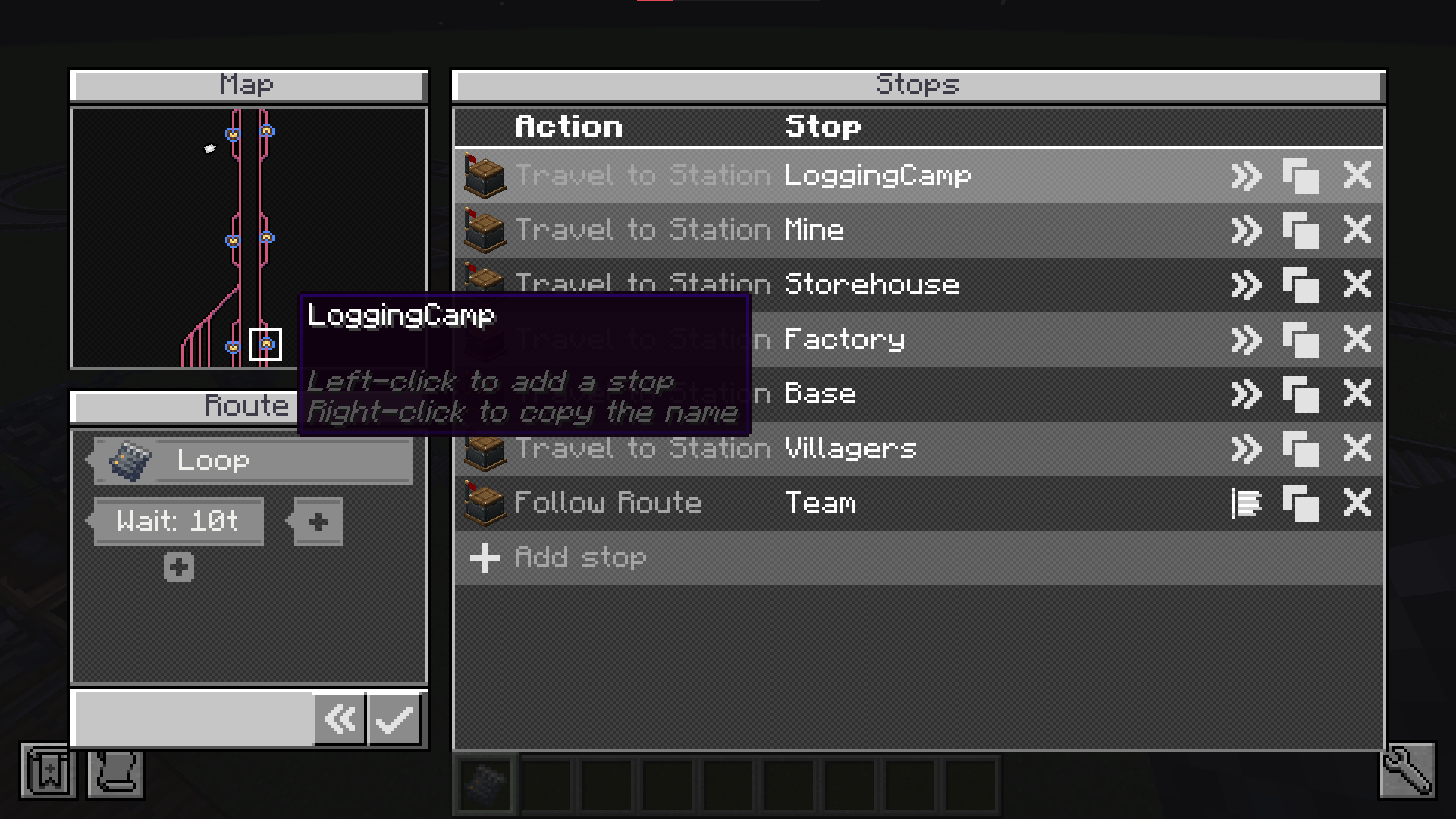
Open it from the Follow Route entry’s Configure route button. Pick stops straight off the railway map, drag to reorder.
常见问题
Create: Routes 支持哪些 Minecraft 版本?
Create: Routes 支持 Minecraft Java 版 1.20.1–1.21.1,共 2 个版本,可用的加载器:Forge / NeoForge。下载时注意选择和你游戏版本一致的文件。
Create: Routes 怎么安装?
先用 PCL2 或 HMCL 启动器安装对应版本的 Forge / NeoForge,再把下载的 .jar 文件放进游戏目录的 mods 文件夹,重新启动游戏即可。开启了版本隔离的,mods 文件夹在 versions/版本名 下面。运行环境:客户端和服务端都要装。

评论
登录后评论和评分