
截图
介绍
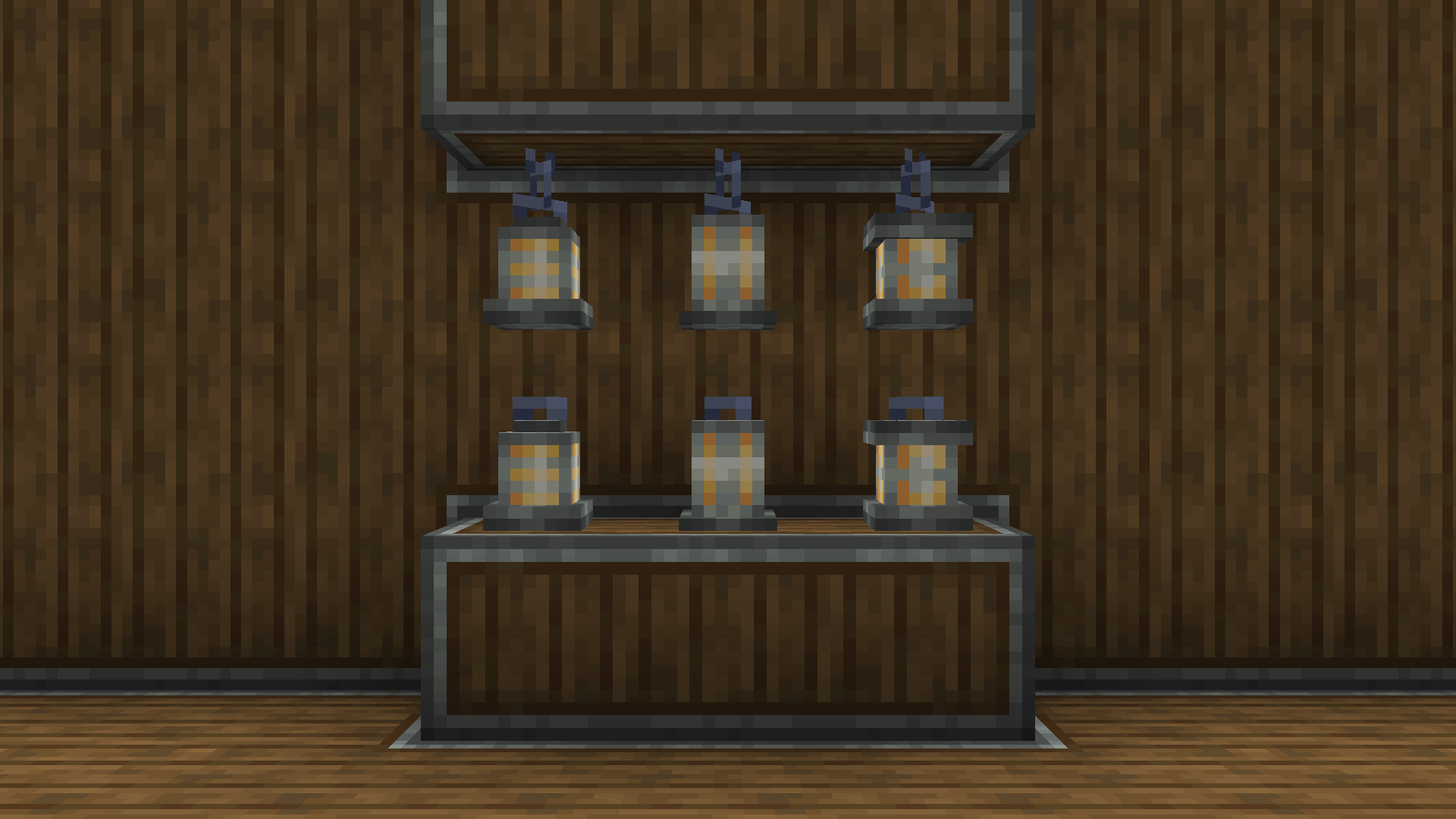
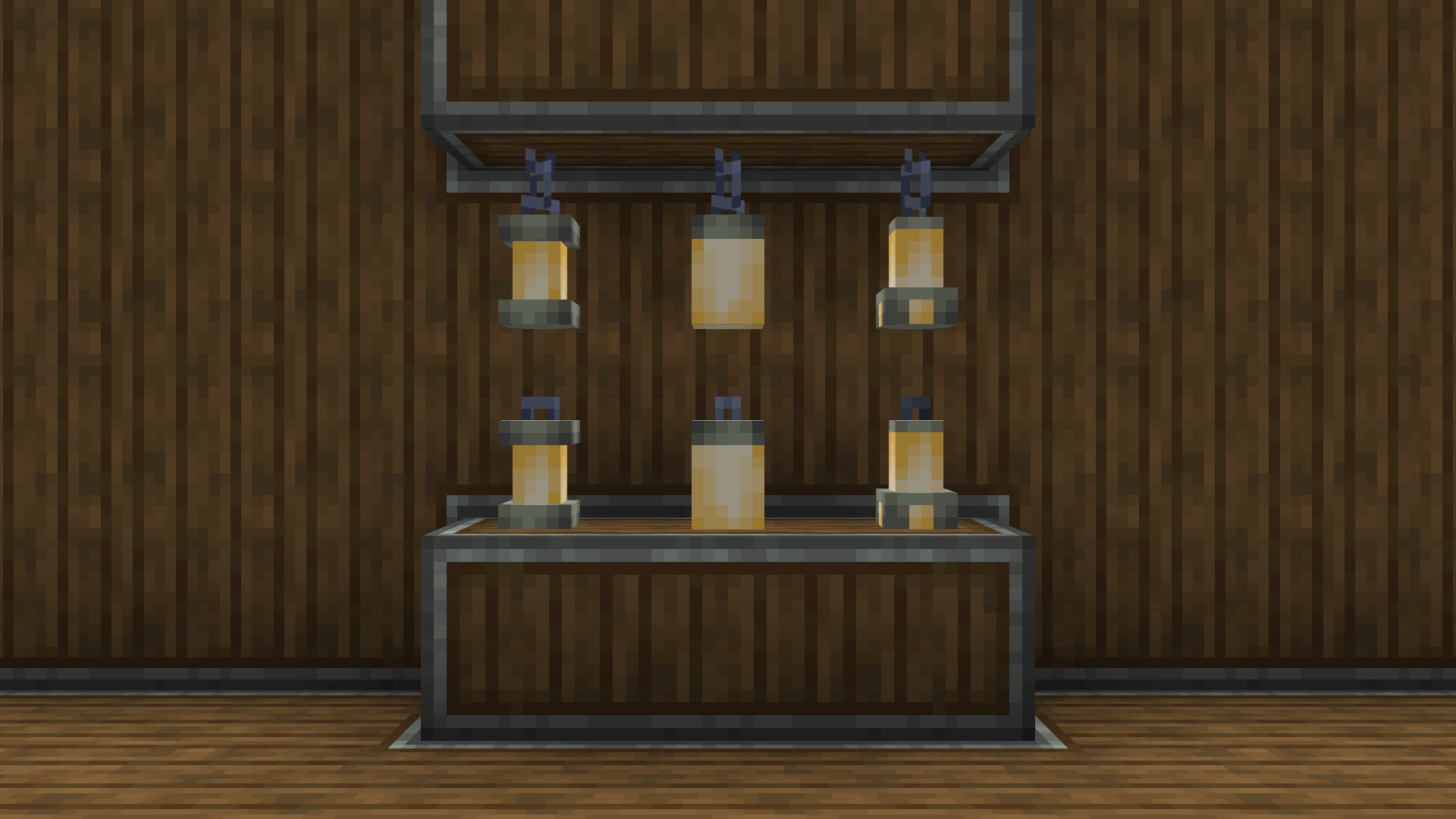
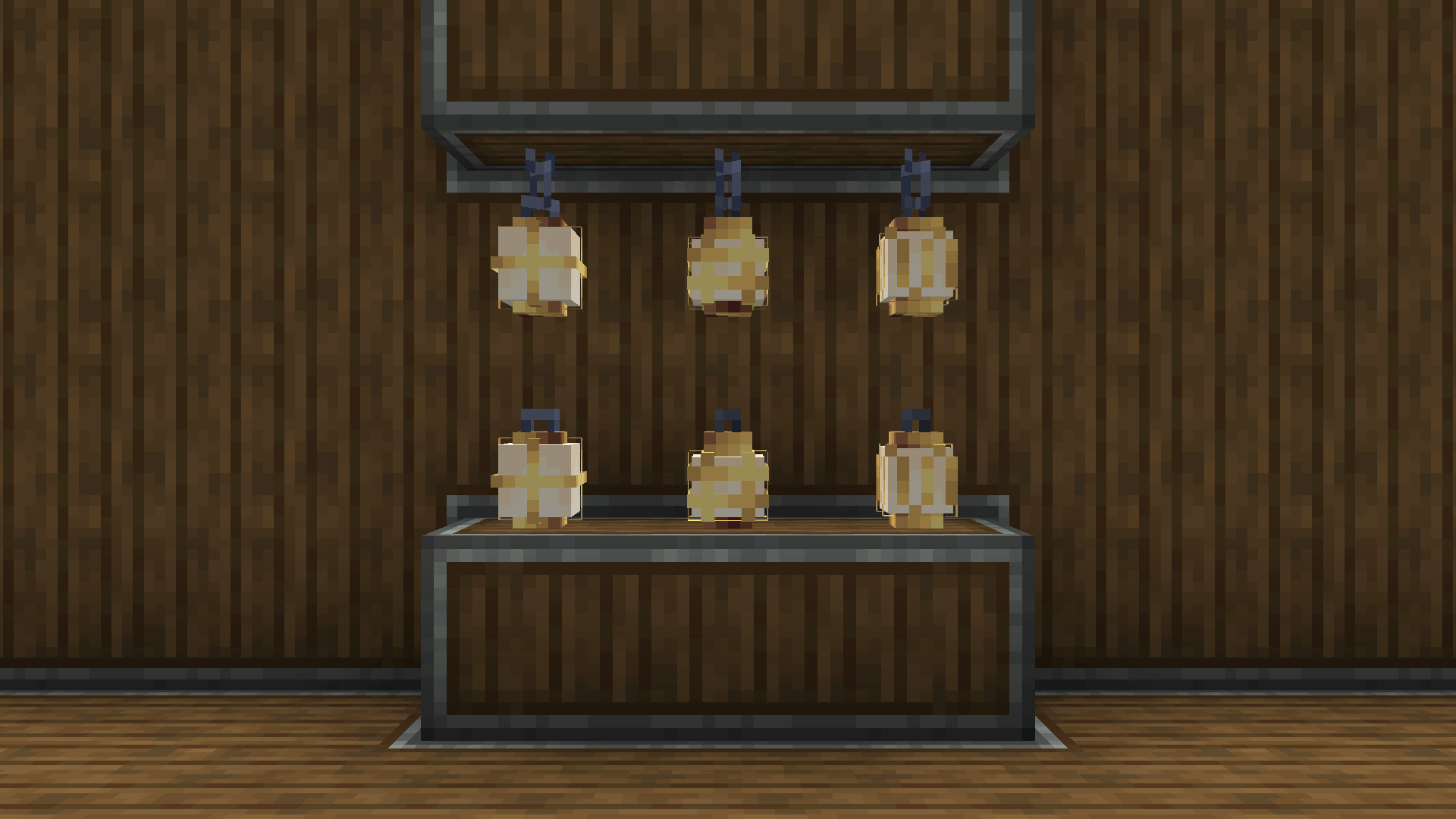
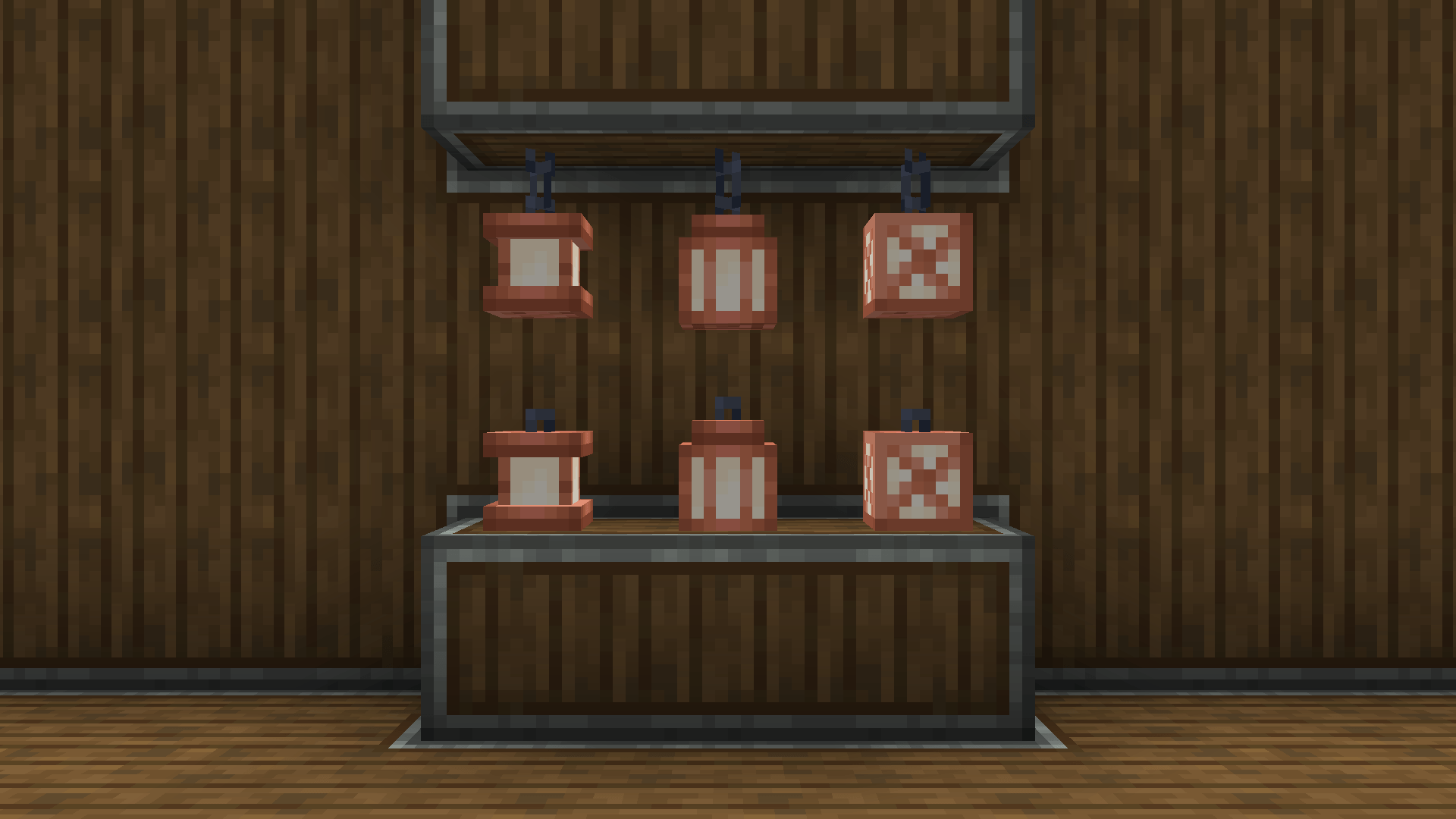
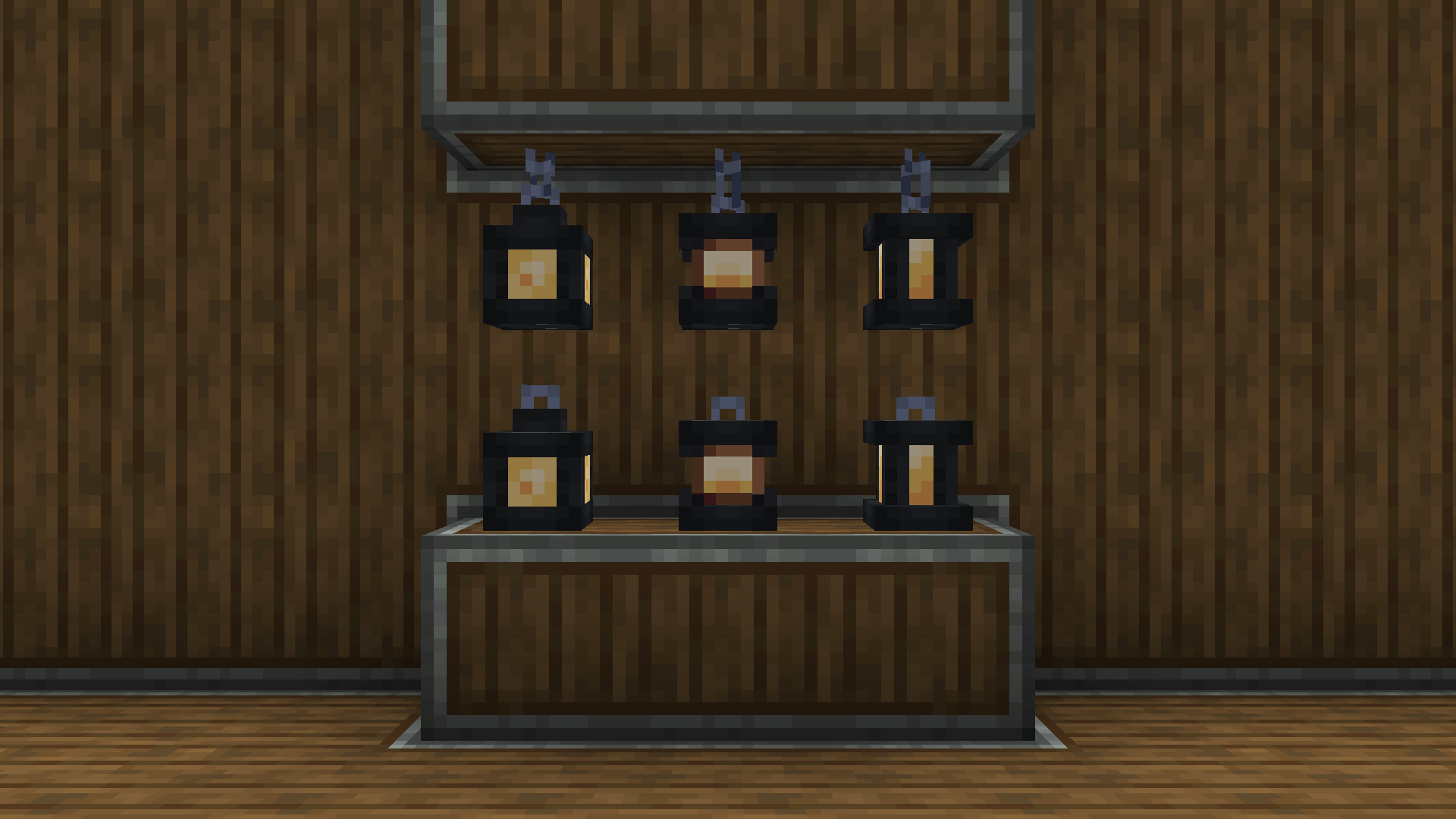
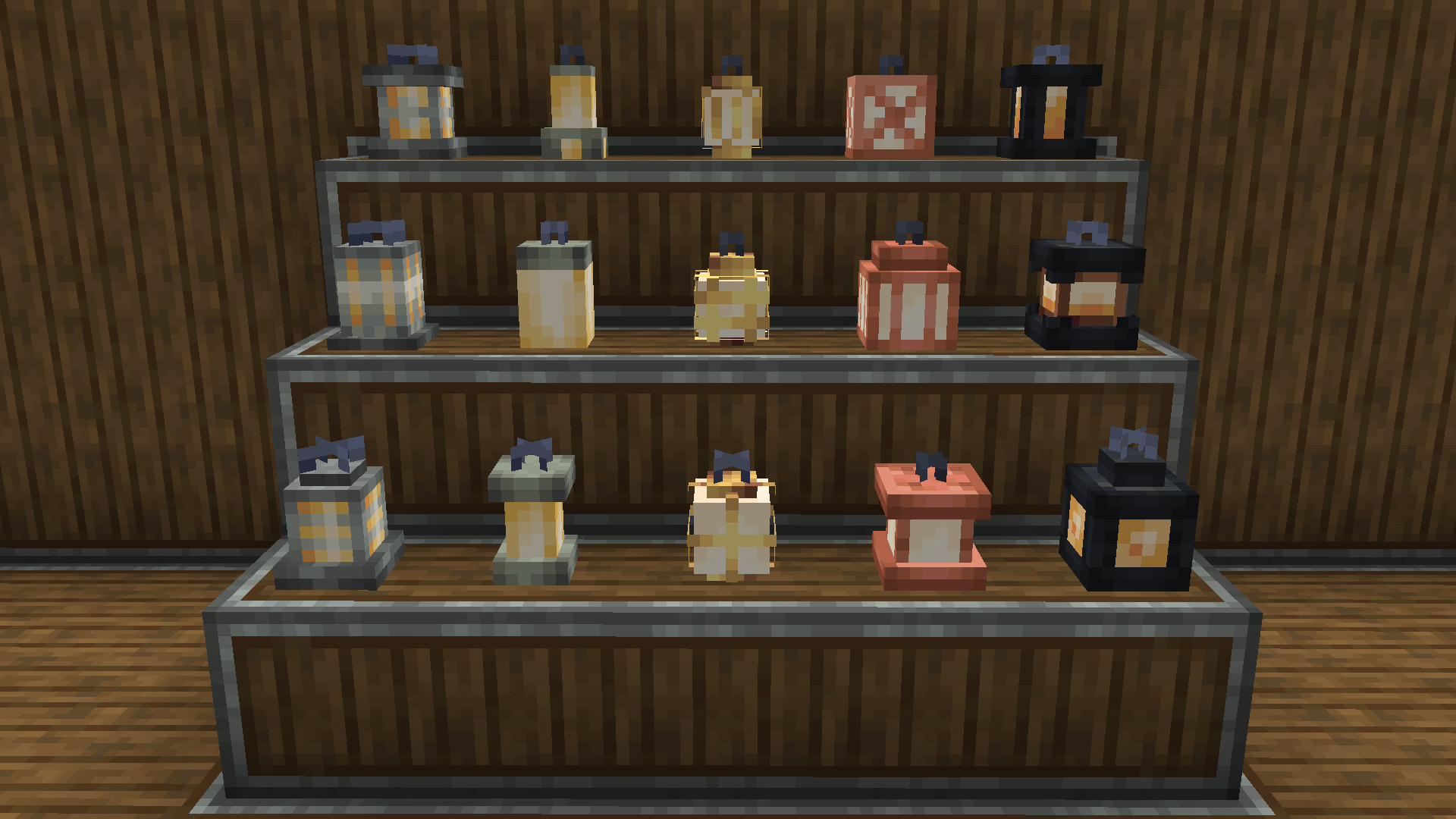
Create: Luminous is a cosmetic addon for the Create Mod that introduces new decorative lanterns designed to closely match the industrial aesthetic of Create.
Features:
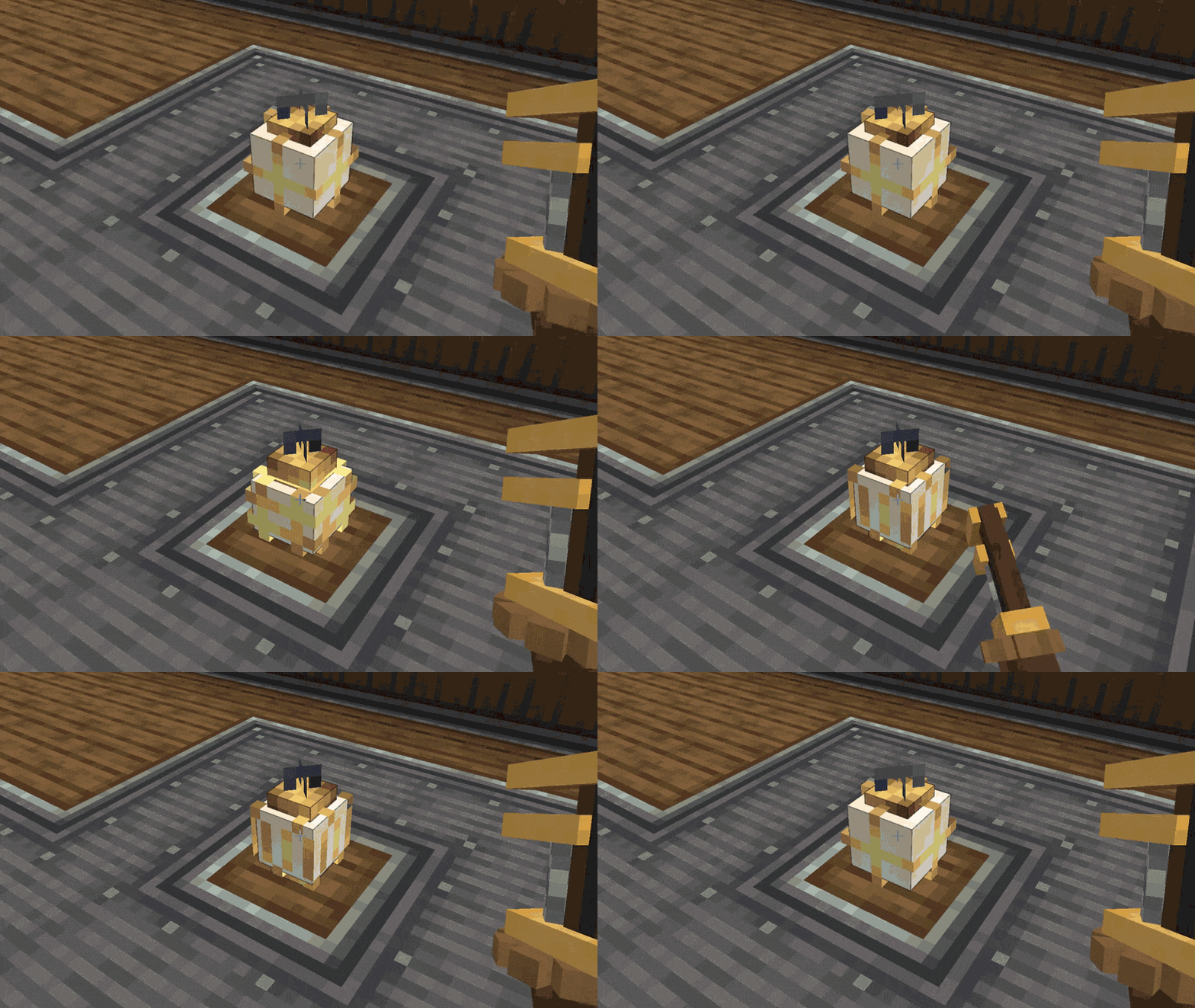
Wrenchable lantern styles (just right click it!)
Lanterns:
Andesite Lanterns & Crafting:
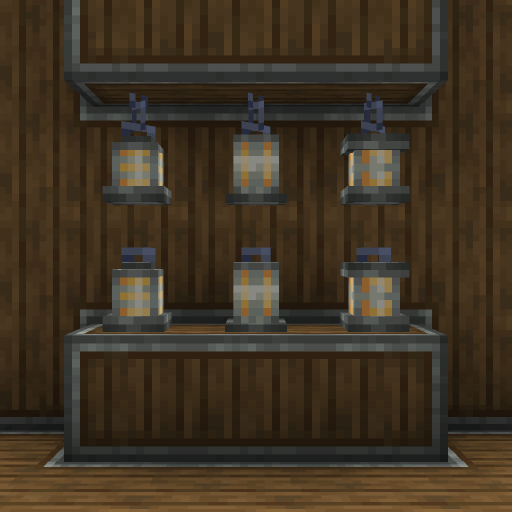
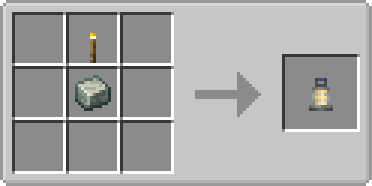
Zinc Lanterns & Crafting:
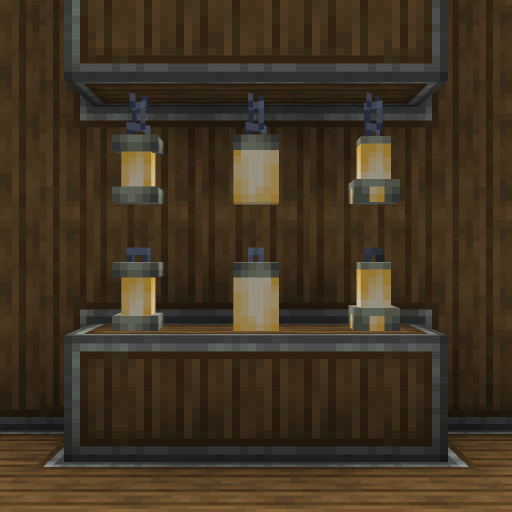
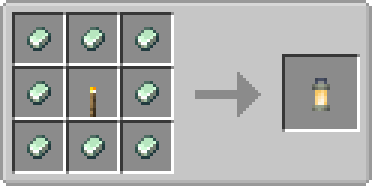
Brass Lanterns & Crafting:
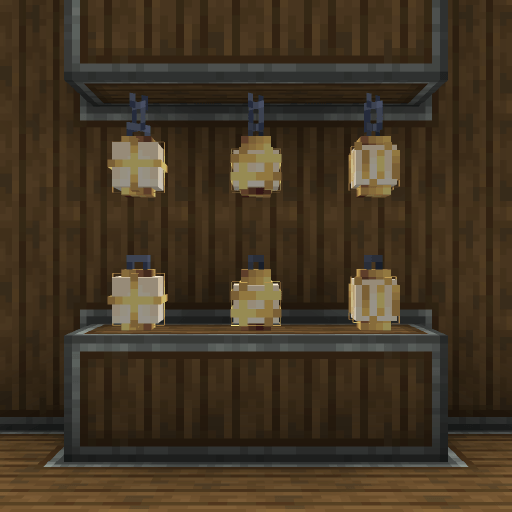
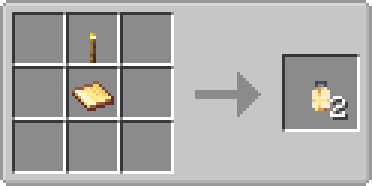
Copper Lanterns & Crafting:
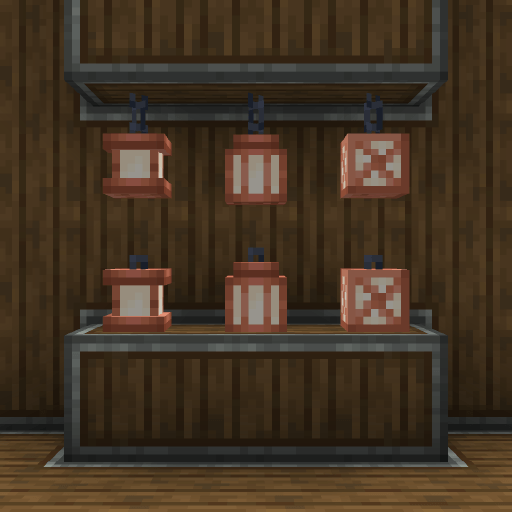
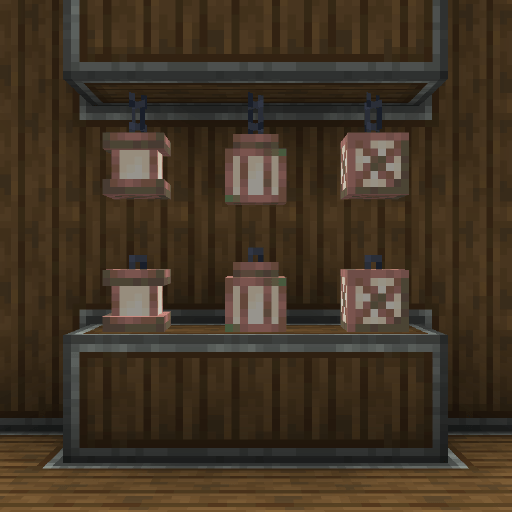
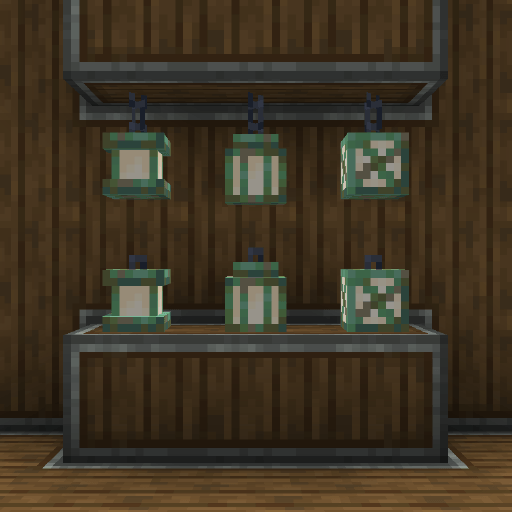
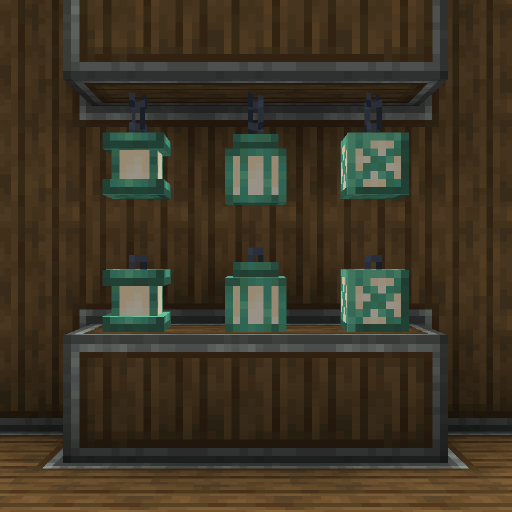
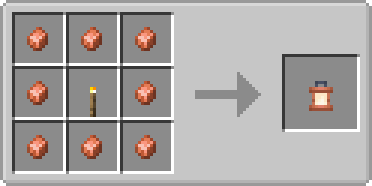
Sturdy Lanterns & Crafting:
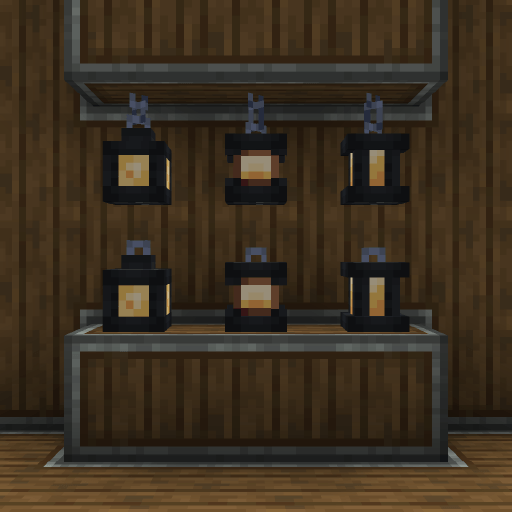
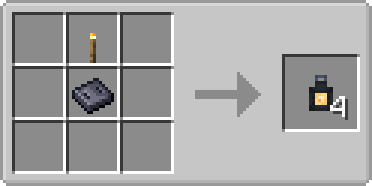
🛠️ Requirements & Installation
- Minecraft: 1.21.1
- Modloader: NeoForge
- Dependencies: This mod requires Create to function.
🔜 Planned Updates
- Cardboard lantern
- XP lantern
- More create style lanterns (each with variants)
- Soul update
- Kinetic Glow Update
⚠️ FAQ
Q: Do you plan to backport to older versions (1.20.1, 1.19.2, 1.18.2, etc.)? A: No, I do not plan to backport the mod myself. However, if you are a modder and want to port it to older versions, you are welcome to do so!
Q: Will there be a Fabric or Forge version? A: This mod is built for NeoForge. I might consider a standard Forge port in the future, but I have no plans for Fabric. If you know how to port mods to Fabric, feel free to create a port yourself!
Q: Which languages are supported? A: Currently, the mod supports English (US) and Spanish (MX). I plan to add more translations in future updates.
Q: Are there any compatibility issues with other mods? A: Since v1.1.0 mainly adds decorative blocks, it is highly unlikely to cause conflicts. It should work perfectly alongside any other mod. However, if you do encounter a bug, please leave a comment so I can fix it ASAP!
📦 Modpacks
You are free to use Create: Luminous in any modpack! No credit required, but it’s always appreciated.
Created by Mirru.
常见问题
Create: Luminous 支持哪些 Minecraft 版本?
Create: Luminous 支持 Minecraft Java 版 1.21.1,可用的加载器:NeoForge。下载时注意选择和你游戏版本一致的文件。
Create: Luminous 怎么安装?
先用 PCL2 或 HMCL 启动器安装对应版本的 NeoForge,再把下载的 .jar 文件放进游戏目录的 mods 文件夹,重新启动游戏即可。开启了版本隔离的,mods 文件夹在 versions/版本名 下面。
评论
登录后评论和评分