Create Living Logistics
Transport mobs through Create's chain conveyor network in dedicated shipping cages.
截图
介绍
Living Logistics
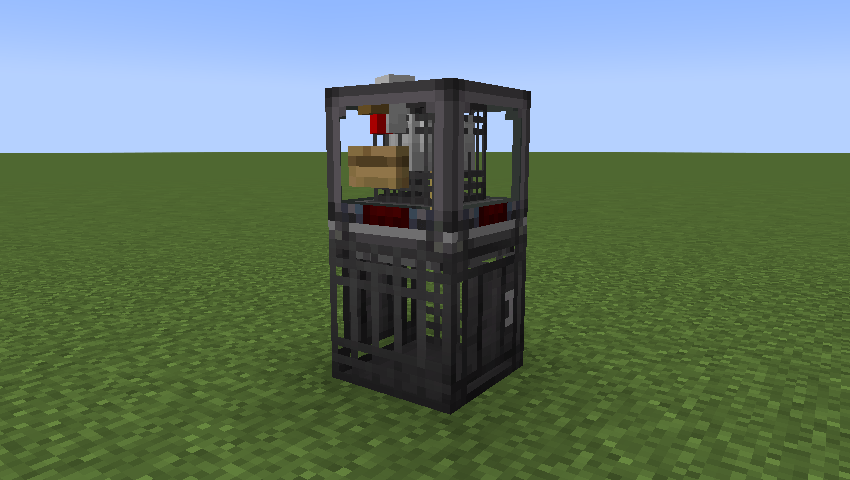
Living Logistics adds mob transport to Create’s package logistics. Store mobs in connected cages, collect them with a Mob Sweeper, and ship them in transport cages through Frogports and chain conveyors.
Features
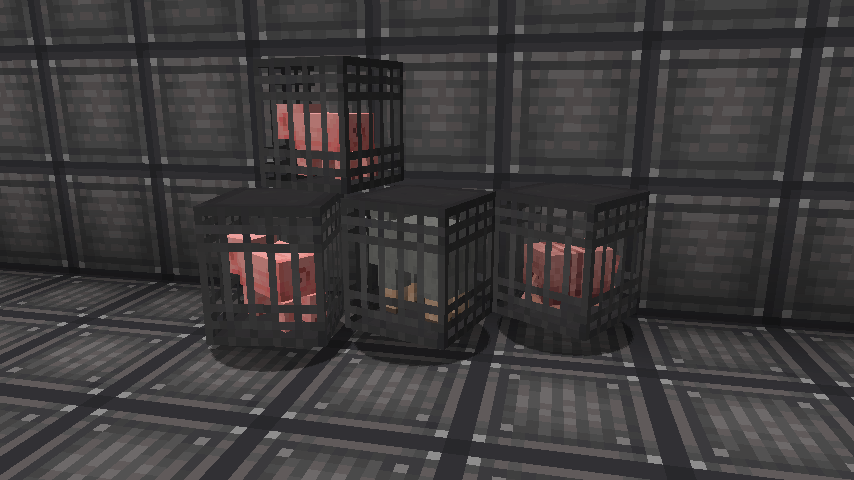
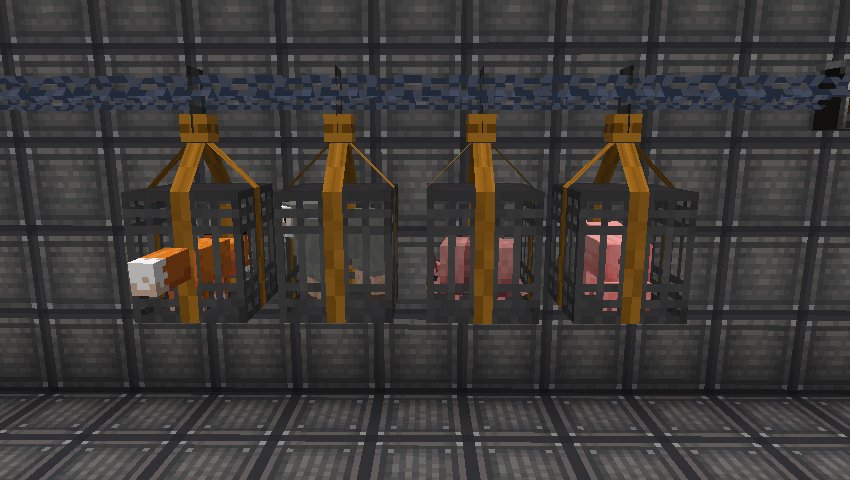
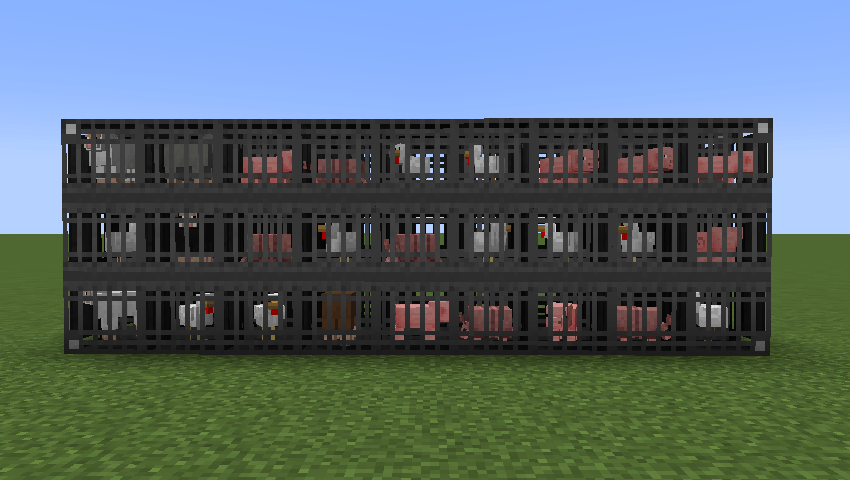
- Cage: Connect cage blocks into a larger structure. Each block holds one mob. Lead an animal and right-click a cage to store it, or use a cage item on a mob to capture it directly in a transport cage.
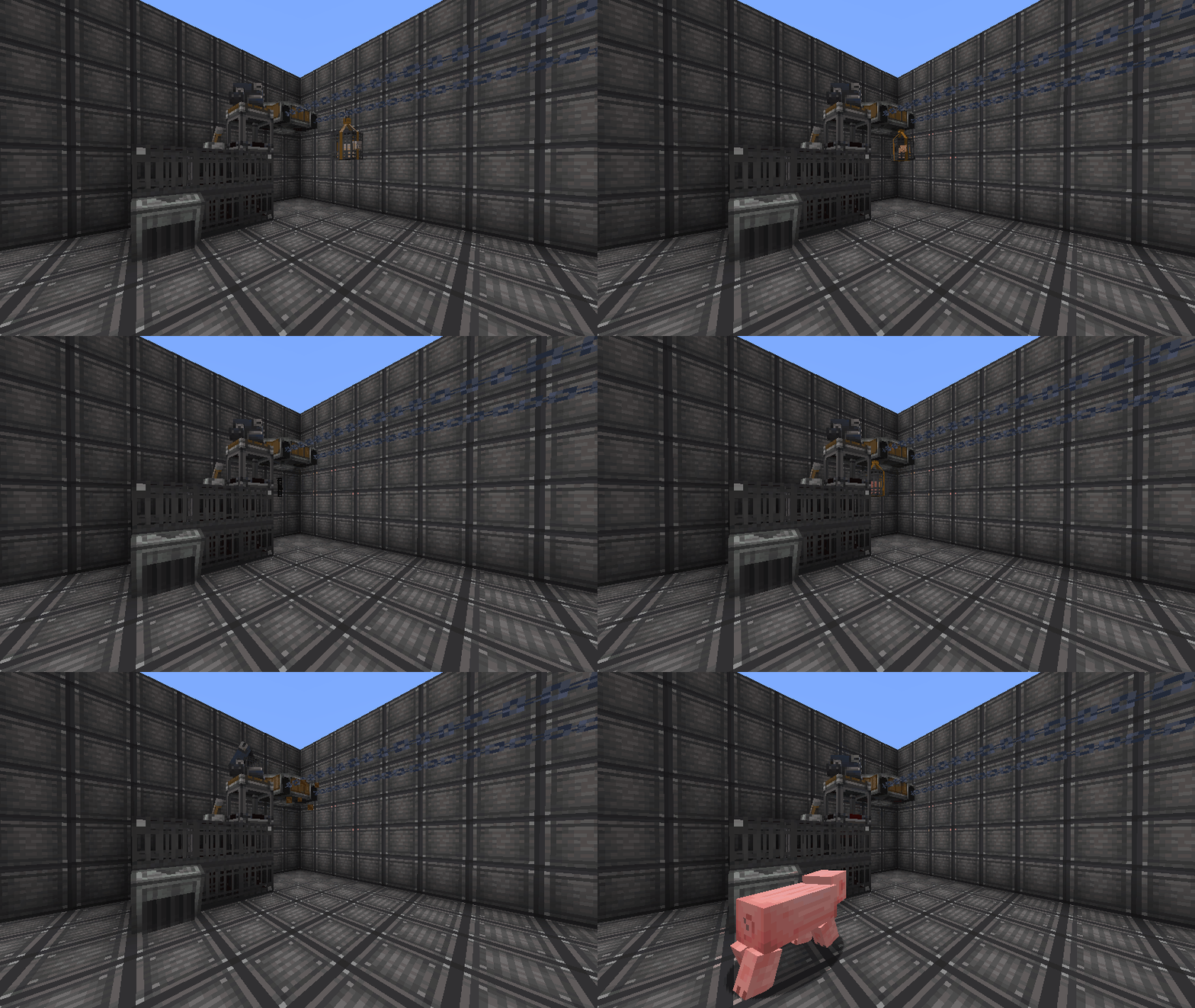
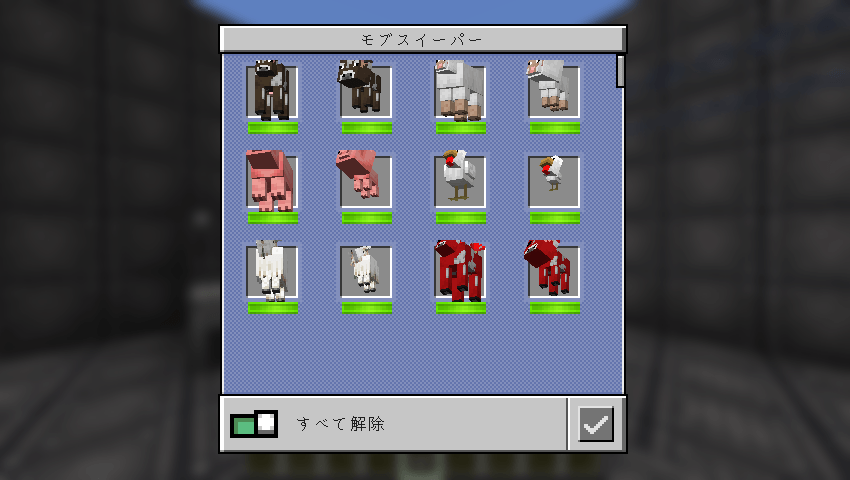
- Mob Sweeper: Place it on the floor to collect mobs and deliver them to a cage. Right-click a cage with the item to choose a destination. Shift-right-click to select which mobs to collect, including separate adult and baby entries. Without a linked cage, it searches for a nearby cage. The default mob search radius is 64 blocks and can be changed in the config.
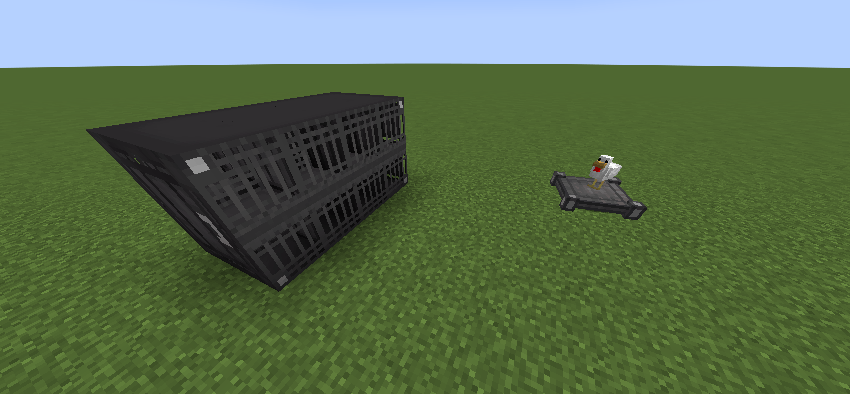
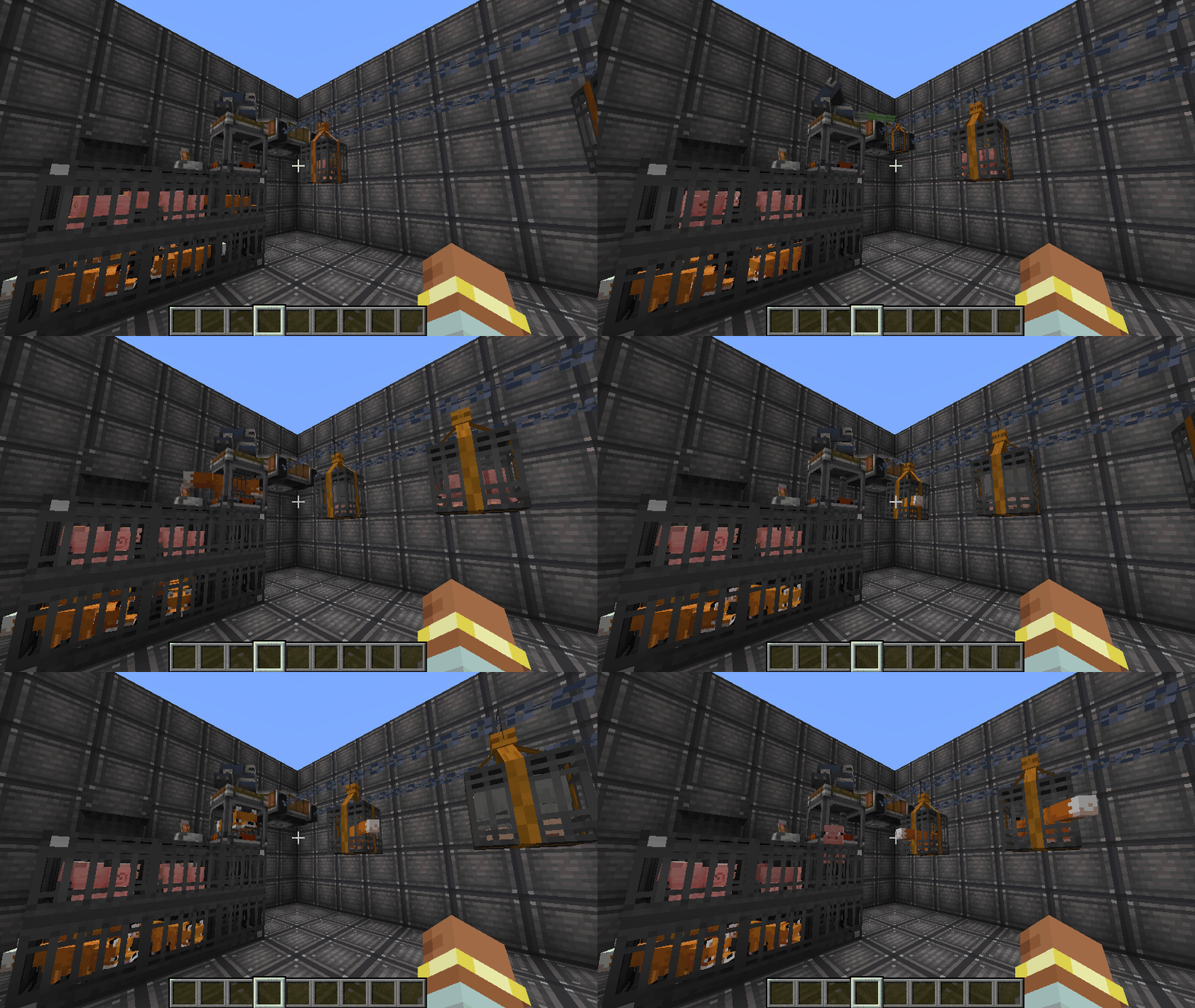
- Cage Packager: Attach it to a cage to pack a stored mob into a transport cage. Create’s Frogports and chain conveyors can carry the package to another Cage Packager, which places the mob into an adjacent empty cage.
Getting started
- Build a cage and put an animal inside with a lead, or configure a Mob Sweeper to collect mobs for it.
- Place a Cage Packager with a cage behind it and connect it to your Create package delivery network.
- Deliver the transport cage to another Cage Packager with an empty cage behind it.
-
You can also shift-right-click a transport cage item to release its mob.
-
Funnels and chutes connected to cages can also move mobs in and out. The Create-style Ponder scene explains basic cage use.
-
The capture system accepts passive, neutral, hostile, and boss mobs that can be saved as Minecraft
Mobentities. Mobs that cannot be leashed can be captured by right-clicking them with a cage item or collected by a Mob Sweeper. Very large mobs need enough clear space to be released;
Requires: Minecraft 1.21.1, NeoForge 21.1.262 or newer for 1.21.1, and Create 6.0.10. Development builds use Create 6.0.10-280.
常见问题
Create Living Logistics 支持哪些 Minecraft 版本?
Create Living Logistics 支持 Minecraft Java 版 1.21.1,可用的加载器:NeoForge。下载时注意选择和你游戏版本一致的文件。
Create Living Logistics 怎么安装?
先用 PCL2 或 HMCL 启动器安装对应版本的 NeoForge,再把下载的 .jar 文件放进游戏目录的 mods 文件夹,重新启动游戏即可。开启了版本隔离的,mods 文件夹在 versions/版本名 下面。
Milasand 的其他作品
查看全部 →
Aeronautics Replay
为 Aeronautics 飞船和机械结构添加 ReForgedPlay 支持

swirling smoke
Swirling Smoke 添加了动态的、由天气驱动的风,让烟雾在环境中自然流动。

Create: Northstar – Structures
为 Northstar Redux 的各个星球添加建筑

Create: Northstar – Structures
一个为 Northstar Redux 的行星添加结构的附加模组。
评论
登录后评论和评分