
截图


介绍
Stop Unexpected Blocks from Joining Your Builds
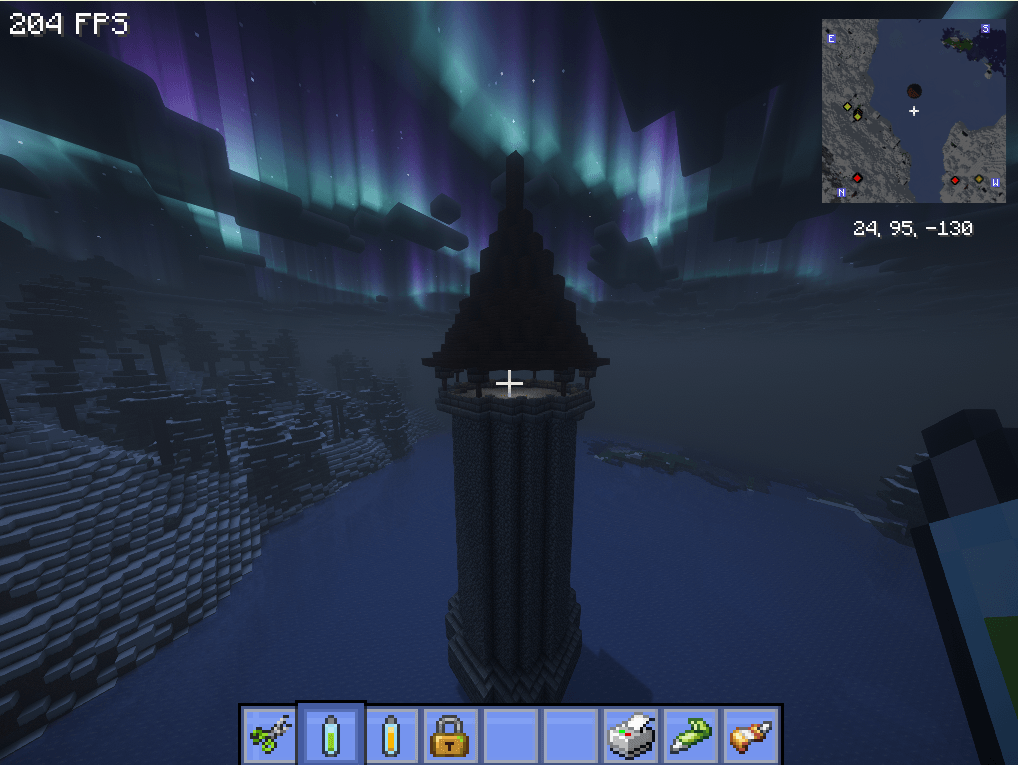
Glue adjust is a lightweight addon for Create that solves one of the most frustrating problems when building airships or building in general: the Physics Assembler grabbing blocks it shouldn’t.
When you apply Super Glue in area mode, Create places a single rectangular glue entity that covers the entire bounding box of your selection — including empty space and nearby terrain. The moment you assemble your contraption, anything touching that box gets pulled along for the ride.
And the reason of this mod is to avoid this.
Items
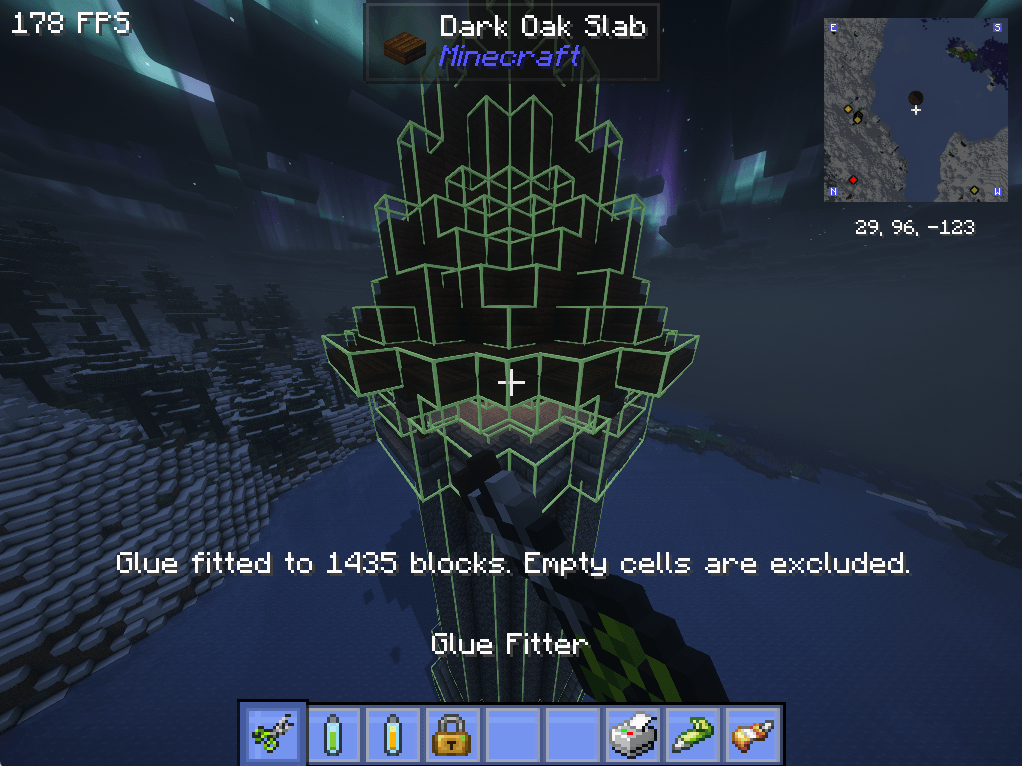
Glue Fitter
Right-click a block inside a glue selection to fit it to the blocks in that area. Empty spaces are removed, helping keep nearby blocks out of your assembly.
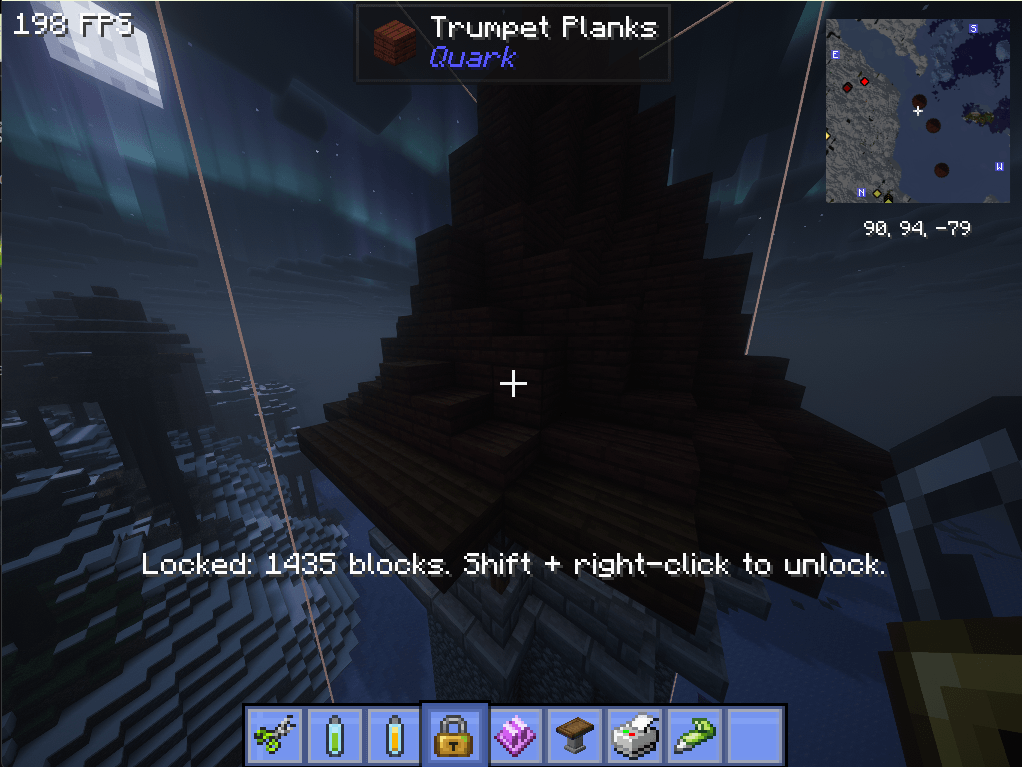
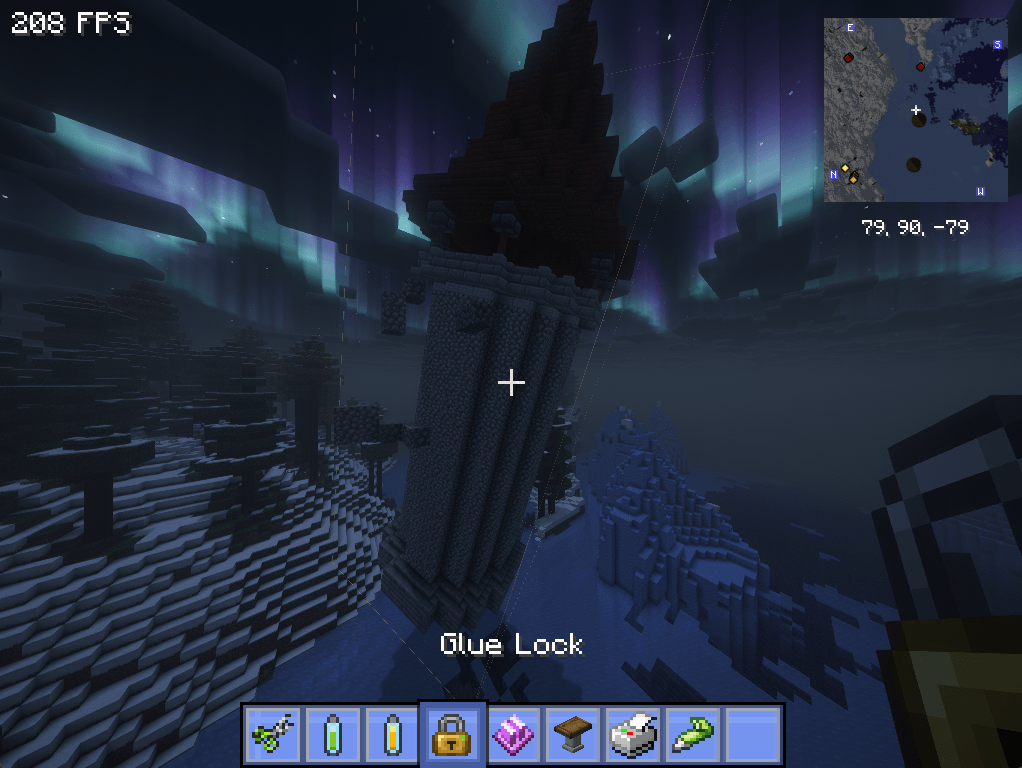
Glue Lock
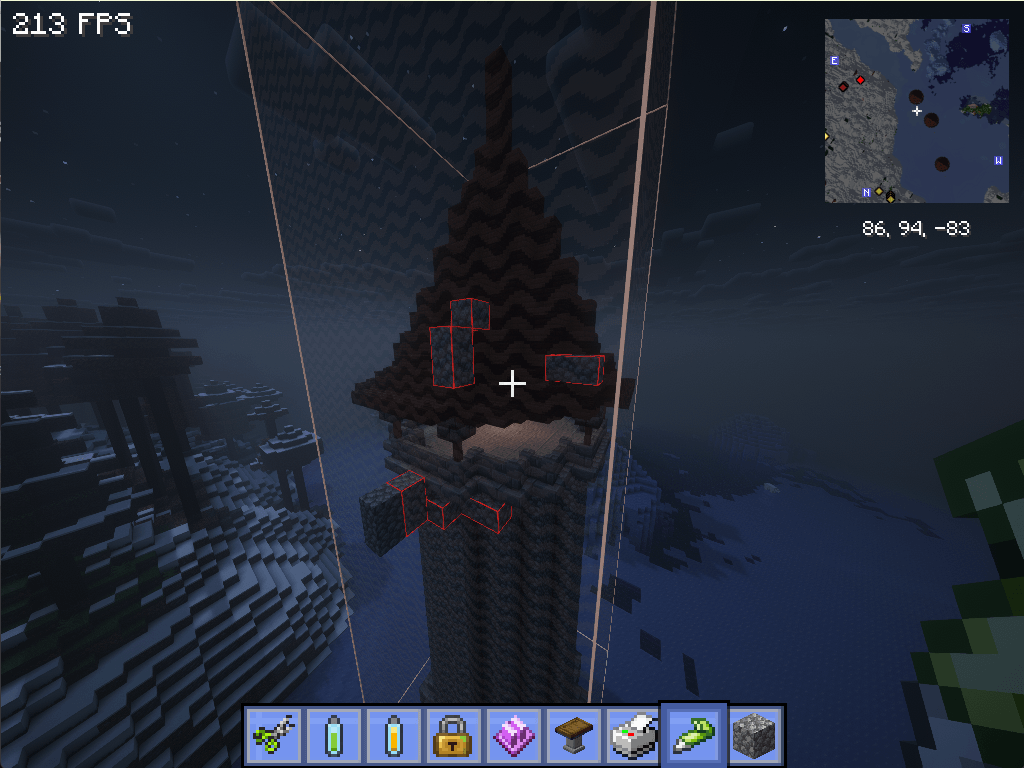
Protect a glue/honey selection during Physics Assembler operations. A red outline warns you about nearby blocks that will no include during when assembly.
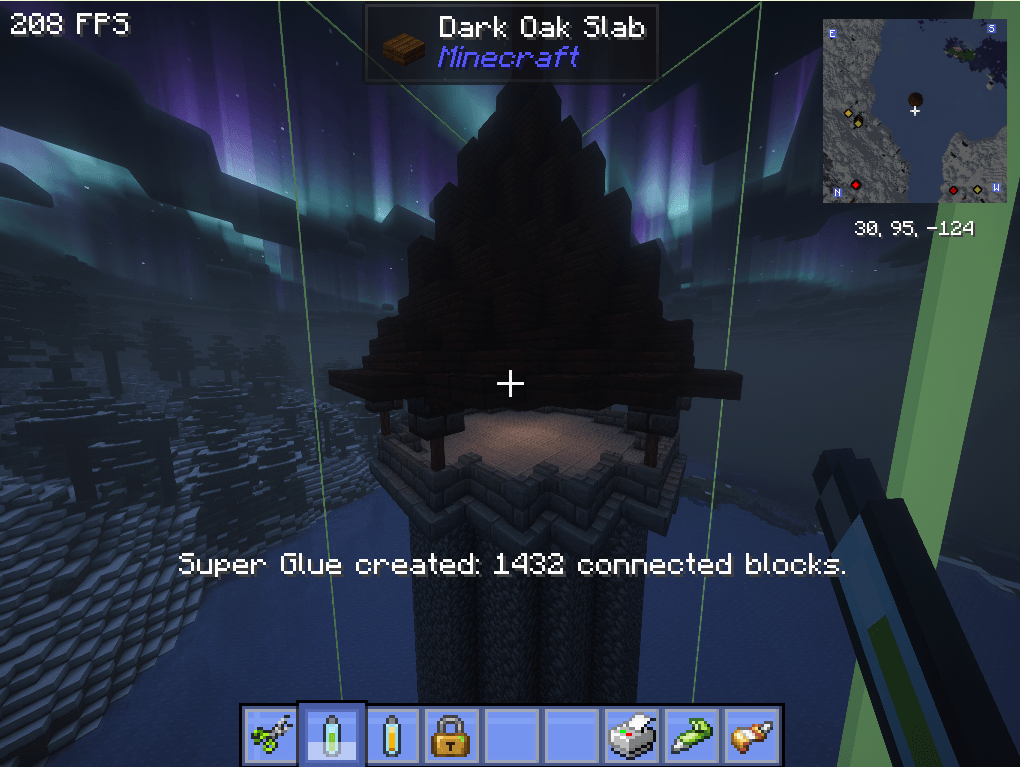
Super Glue
Right-click a block to detect its face-connected construction and glue it automatically with one selection.
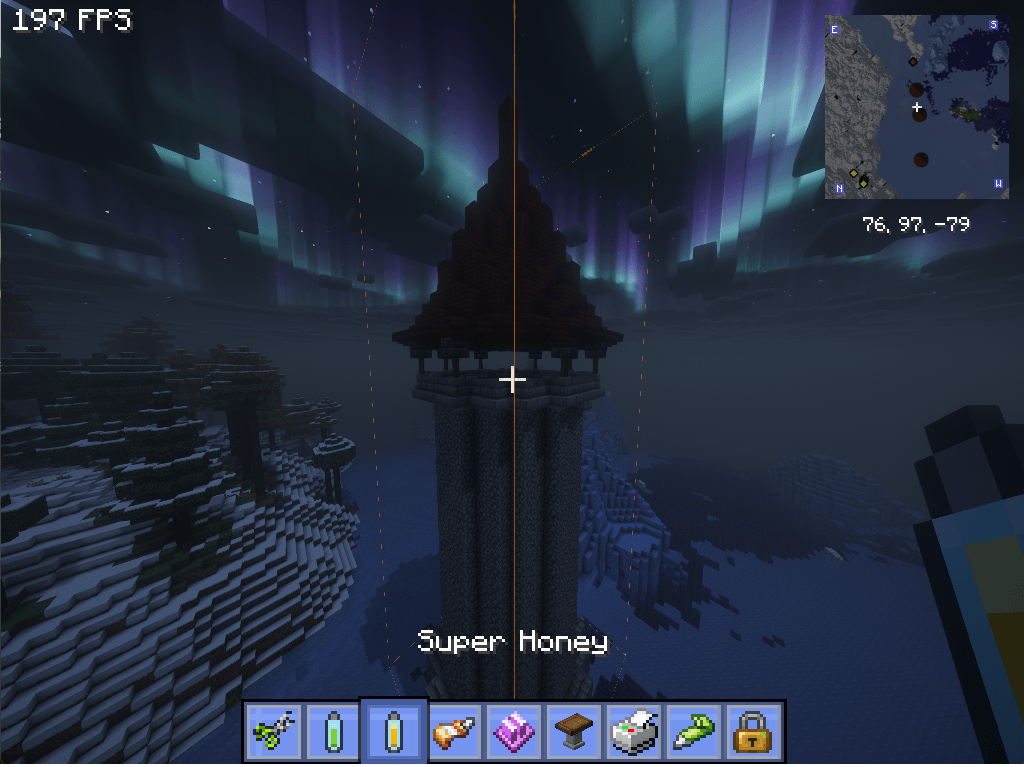
Super Honey
Automatically finds the face-connected blocks in a construction and applies a Honey Glue selection.
常见问题
Create: Glue Adjust 支持哪些 Minecraft 版本?
Create: Glue Adjust 支持 Minecraft Java 版 1.21.1,可用的加载器:NeoForge。下载时注意选择和你游戏版本一致的文件。
Create: Glue Adjust 怎么安装?
先用 PCL2 或 HMCL 启动器安装对应版本的 NeoForge,再把下载的 .jar 文件放进游戏目录的 mods 文件夹,重新启动游戏即可。开启了版本隔离的,mods 文件夹在 versions/版本名 下面。
评论
登录后评论和评分