Create: Gauge Auto Link
Added some small tweaks to make it easier to locate and connect gauges
截图
介绍
Create: Gauge Auto Link
Create: Gauge Auto Link is a client‑side only addon for Create (version 6.0.10 and above) on NeoForge 1.21.1 that adds a few small tweaks to make connecting and locating gauges in your factory easier.
✨ Key Feature
One‑Click Upstream Linking & Visual Locator
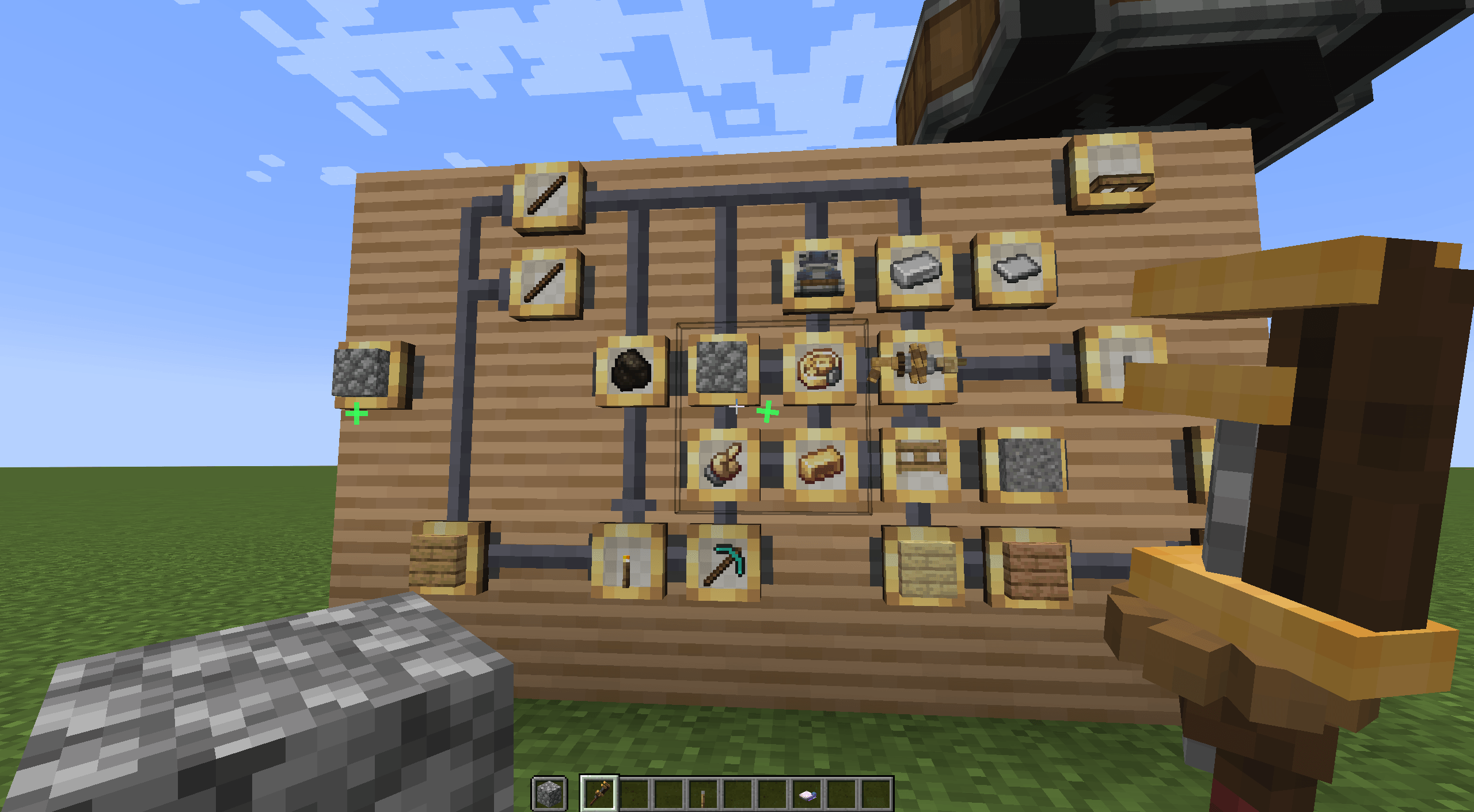
- While sneaking with a wrench in your main hand, the mod scans nearby gauges and highlights – with a green marker – the exact location of the item held in your off‑hand.
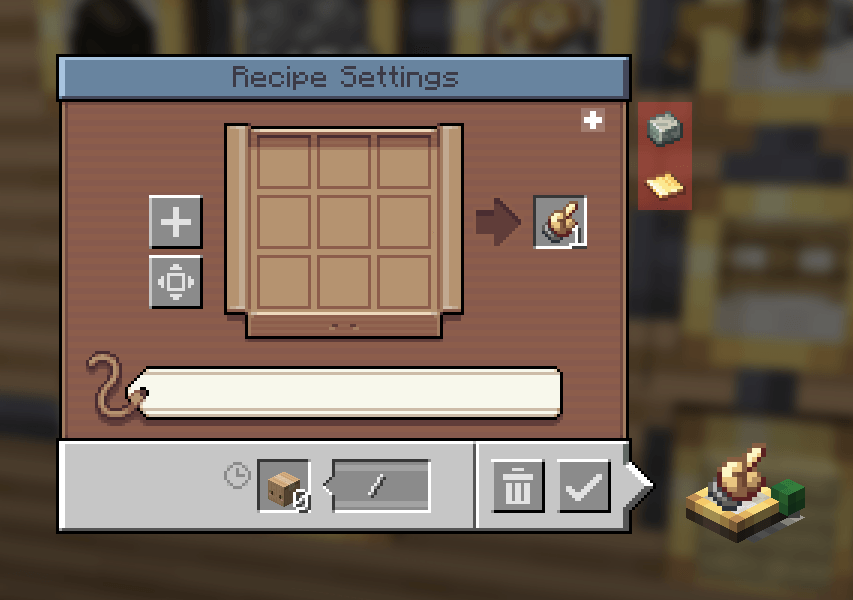
- A single button added to each gauge’s GUI automatically sets up the connection to its upstream gauge, balances quantities, and selects the proper package address from a clipboard placed nearby – provided that the address includes the corresponding JEI recipe type.
Multiplayer note: If you see recipe ingredients displayed as gauges after clicking the button, just close and reopen the GUI – it’s a harmless client-side display quirk.
Please note that I haven’t performed extensive compatibility testing yet, so if you encounter any bugs or have feature suggestions, feel free to leave a comment below or open an issue on the GitHub repository.
常见问题
Create: Gauge Auto Link 支持哪些 Minecraft 版本?
Create: Gauge Auto Link 支持 Minecraft Java 版 1.21.1,可用的加载器:NeoForge。下载时注意选择和你游戏版本一致的文件。
Create: Gauge Auto Link 怎么安装?
先用 PCL2 或 HMCL 启动器安装对应版本的 NeoForge,再把下载的 .jar 文件放进游戏目录的 mods 文件夹,重新启动游戏即可。开启了版本隔离的,mods 文件夹在 versions/版本名 下面。
评论
登录后评论和评分