
Create: Envelope compat
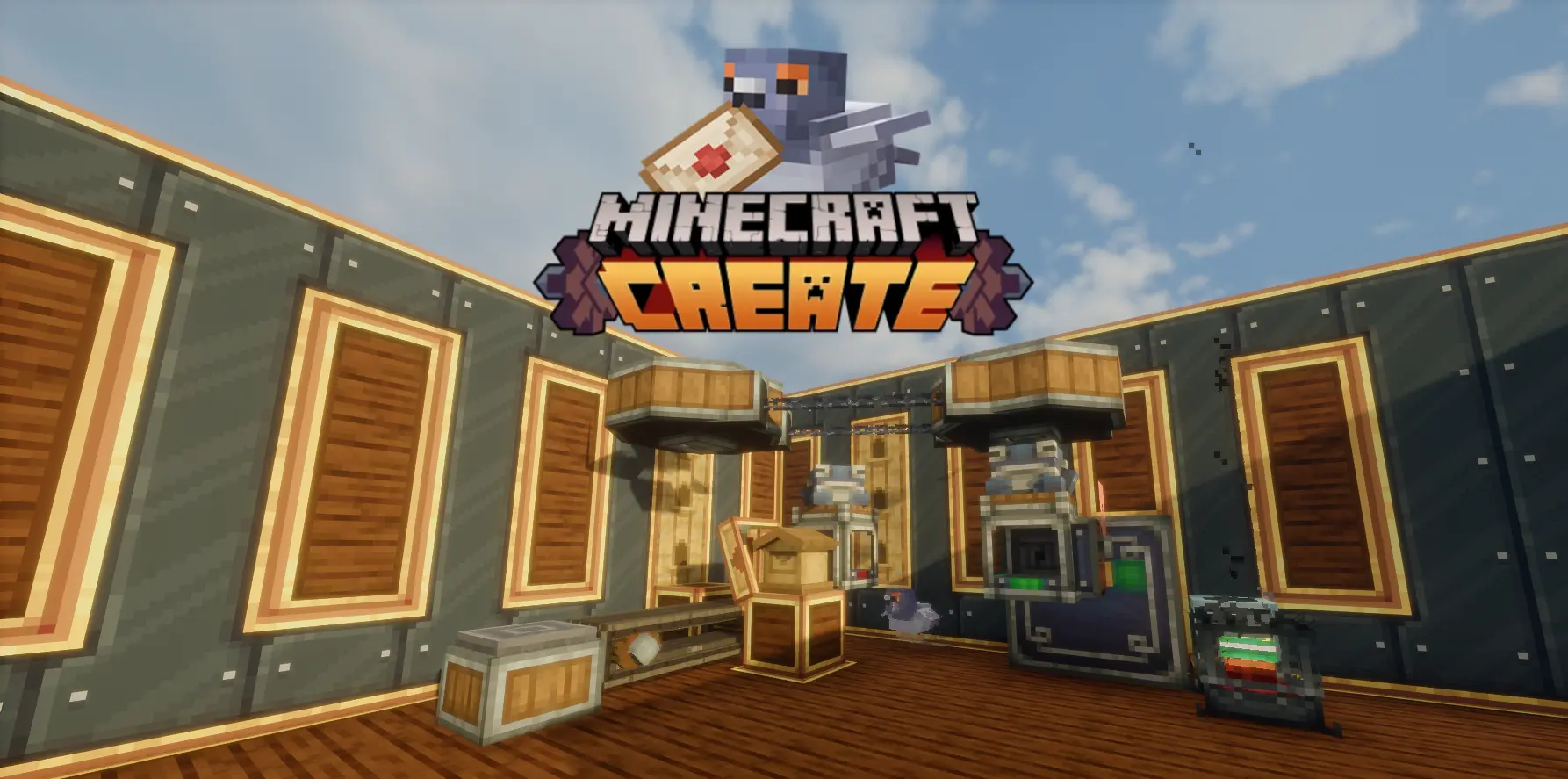
Adds compatibility with Envelope mod to automate pigeons and delivery
截图

介绍
Create: Envelope Compat
BRIDGING THE GAP BETWEEN CREATE AND ENVELOPE


📦 What Is This?
Create: Envelope Compat makes Create packages and Envelope packages the same thing. No more choosing between automation-friendly Create crates and Envelope’s mail system – you get both, seamlessly.
Build fully automated mailrooms where Create packagers, mechanical arms, funnels, and factory gauges all work hand-in-hand with Envelope’s pigeon delivery, mailbox system, addressing, and payback mechanics.
Video Demonstrations
✨ Features
Full Package Interop
- Create packages carry Envelope addresses natively – a package packed by a Create repackager can be sent via pigeon
- Envelope packages are automatically converted to Create packages when extracted from mailboxes (GUI, funnel, hopper, mechanical arm)
- Addresses sync both ways: slap an Address Tag on a Create package and it gets routed right alongside Envelope mail
Packager → Mailbox Pipeline
The packager never unpacks addressed packages – instead it places them directly into the facing mailbox’s SLOT_MAIL, ready for pigeon pickup. This works two ways:
- Pre-addressed packages arriving at the packager are intercepted and routed to the mailbox whole
- Freshly packed packages (items in → crate out) are transferred to the mailbox before the frogport above can snatch them
This means your Create packing setup feeds directly into Envelope’s mail delivery without any intermediate chests, hoppers, or redstone contraptions.
Pigeon Delivery & Lost Mail Return
Once a package lands in SLOT_MAIL, a pigeon picks it up and delivers it to the recipient’s mailbox. If delivery fails (wrong address, no recipient), the package is returned to the sender’s mailbox inbox as lost mail. From there, a funnel or mechanical arm can extract it and feed it back into your Create sorting system.
The complete loop: Packager → Mailbox → Pigeon → Recipient / Lost Mail Return → Funnel → Back to Packager
Factory Gauge Restock
The factory gauge can see inside the package sitting in SLOT_MAIL using virtual item handler slots. When it detects that the gauge’s promised item is inside the crate, the promise is completed. This means your Create restock system works perfectly with mail-sent packages – no special configuration needed.
Mechanical Arm Support
Right-click a mailbox while holding a mechanical arm to link it. The arm can:
- Deposit items into SLOT_MAIL (ready for pigeon dispatch)
- Extract items from the inbox (received mail, returned packages)
No GUI opens when linking the arm connects directly, just like it does with basins, depots, and packagers.
Payback Tag Compatibility
Payback tags work on Create packages through two paths:
- Crafting table: Combine a payback tag with a Create package in the crafting grid
- Shift-click: Right-click a Create package with a payback tag in hand
Payback Packages (the ones the mail service sends as payment) are never converted to Create format – they keep their identity so the pigeon system recognizes them correctly.
Requirements
- Create – because obviously
- Envelope – the mail system this mod extends
常见问题
Create: Envelope compat 支持哪些 Minecraft 版本?
Create: Envelope compat 支持 Minecraft Java 版 1.21.1,可用的加载器:NeoForge。下载时注意选择和你游戏版本一致的文件。
Create: Envelope compat 怎么安装?
先用 PCL2 或 HMCL 启动器安装对应版本的 NeoForge,再把下载的 .jar 文件放进游戏目录的 mods 文件夹,重新启动游戏即可。开启了版本隔离的,mods 文件夹在 versions/版本名 下面。运行环境:客户端和服务端都要装。
Multyfora 的其他作品
查看全部 →
Make it Bigger 2
Changes the default Minecraft title screen size from 44 to 64 px so you can add text under it with texture packs

Aeronautics: simulated copycats
Create copycats with different physical properties for create aeronautics

Halcyon | Data & Essence
A story of reconciliation, told through a magitech mod about exploration and factory-building.

Pondify
A resource-pack for Pond smp, that changes the whole UI
评论
登录后评论和评分