Create Encased (Fly Port)
This is a unofficial port of the "Create Encased" mod for newer Minecraft versions.
截图
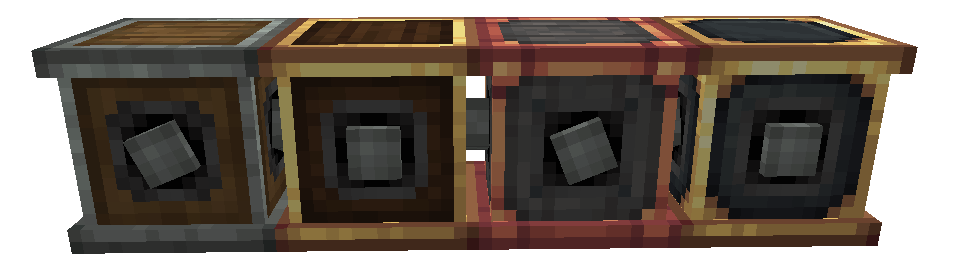
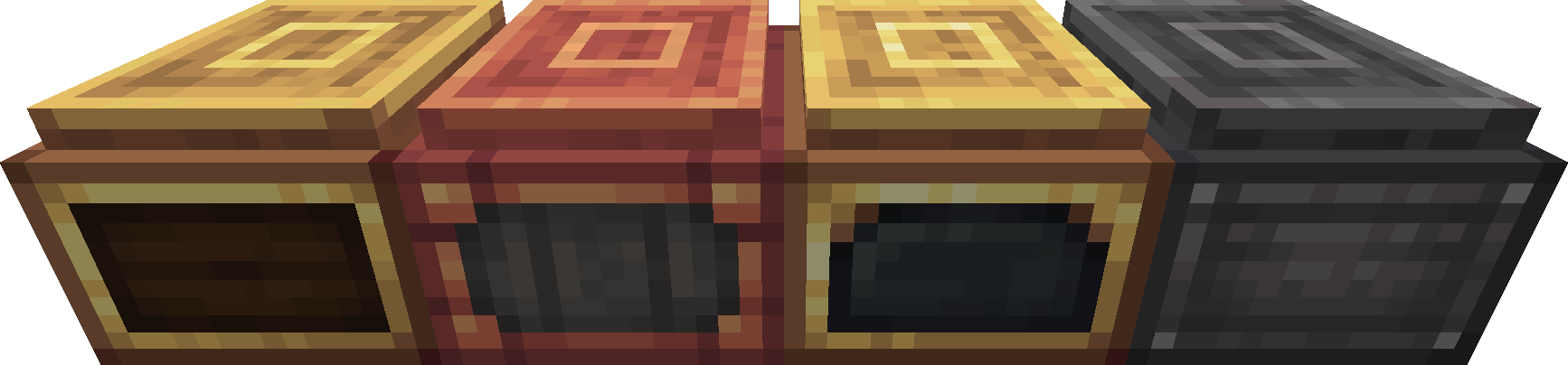
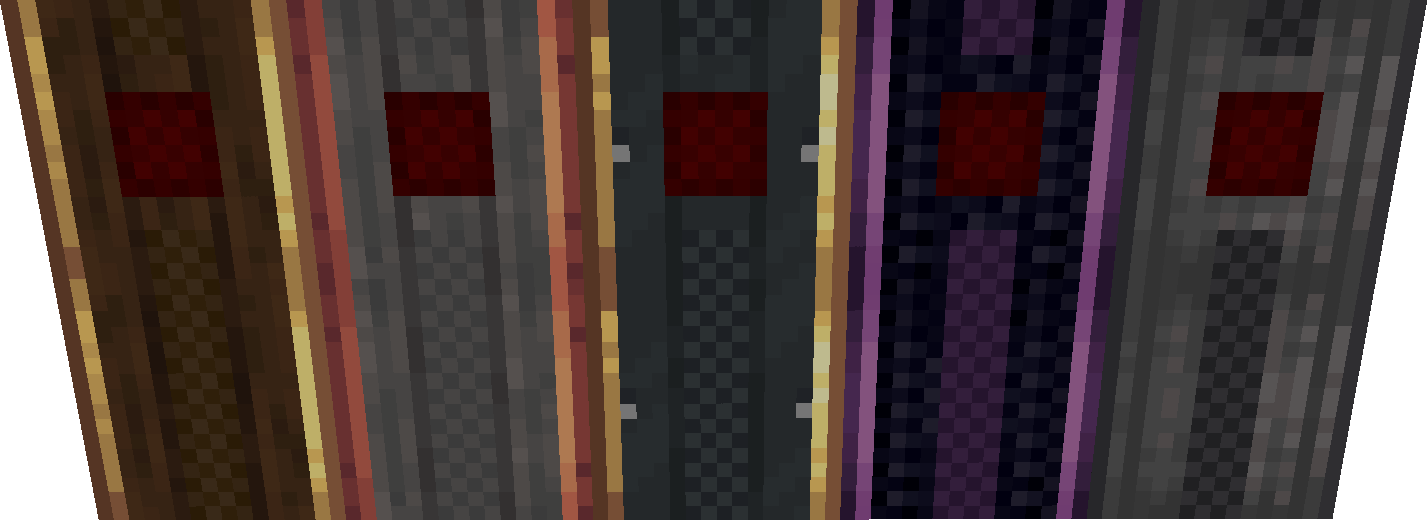
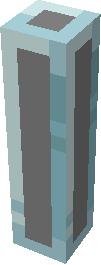

介绍
This is an unofficial port of Create Encased by iglee42 to Create Fly on Fabric, Minecraft 26.2, 26.1.2, 1.21.11, 1.21.10 and 1.21.8.
iglee42 is not involved in this port and doesn’t support it, so please don’t send them bug reports for it. Report issues here instead.
What it does
Create’s machines, shafts, cogwheels and fluid blocks in every casing.
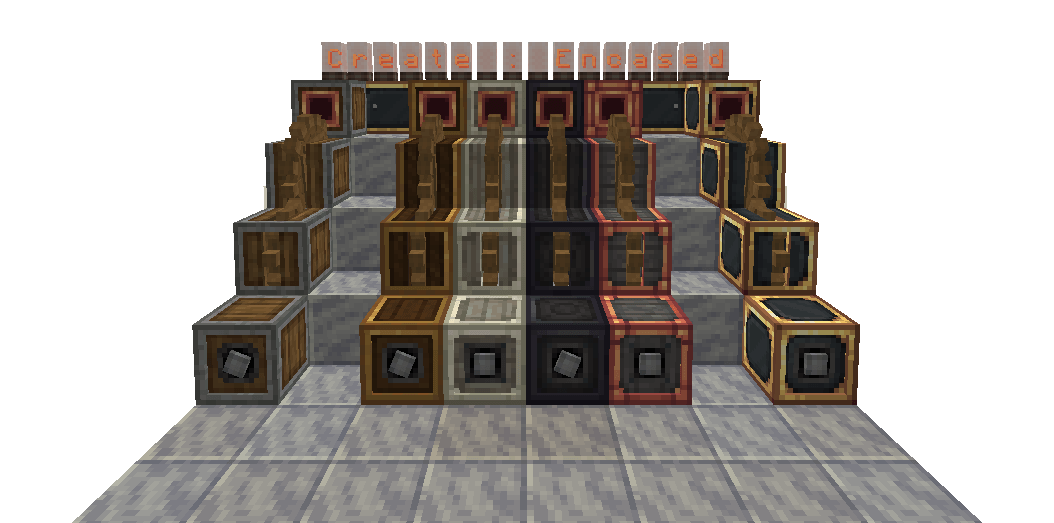
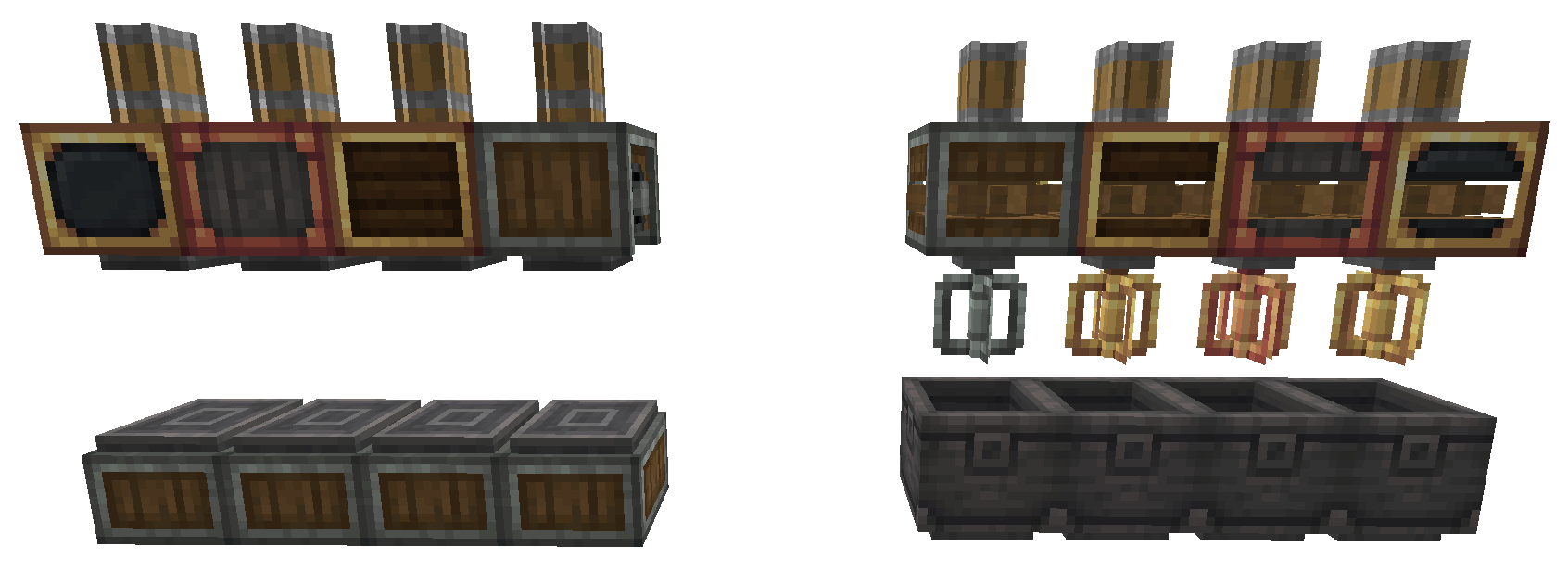
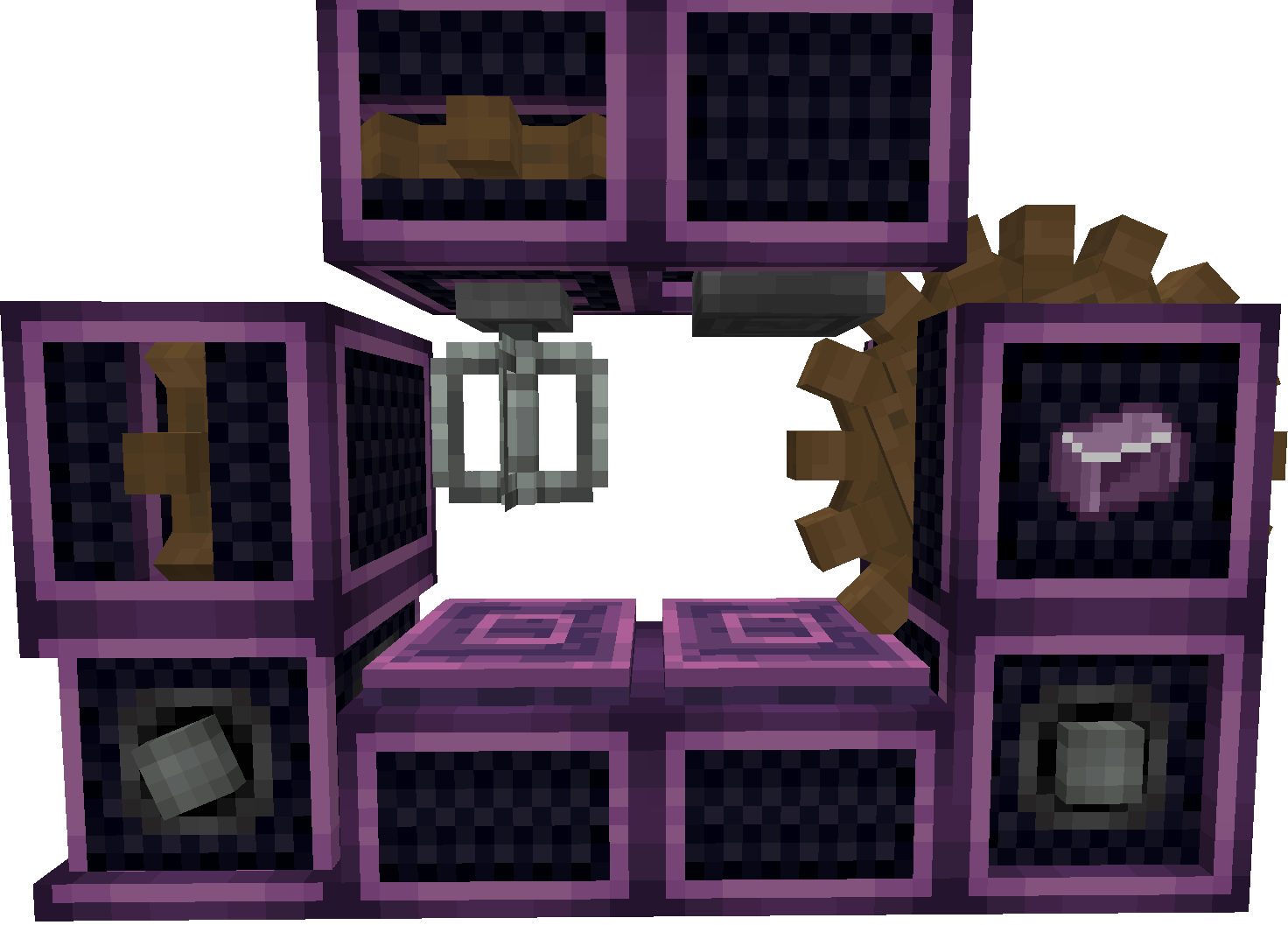
- Casings: andesite, brass, copper, railway, shadow steel, refined radiance, industrial iron and weathered iron, plus new creative and zinc casings. Each set brings its own encased shafts and cogwheels, gearboxes, presses, mixers, depots, chain drives, chain conveyors, gearshifts, clutches, deployers, fans, harvesters, saws, drills, ploughs, rollers, portable storage interfaces and belt casings (as far as the original mod made them for that casing).
- Shafts and cogwheels in every wood type, brass, copper, zinc, andesite, glass and blackstone, and each of them encased in every casing.
- Fluid blocks in andesite, brass and zinc: pipes, glass pipes, pumps, smart pipes, valves, valve handles, tanks, hose pulleys, item drains, portable fluid interfaces, steam engines, whistles and spouts.
- New blocks: configurable gearbox, automatic clutch, creative cogwheel.
- Right-click a machine with another casing to swap its casing, or a shaft or cogwheel with a material to swap its material. Both can be turned off in the config.
743 blocks in all. Every variant works like the Create block it’s made from: same stress, same behaviour on contraptions, same pipes and fluid transfer, same JEI categories and ponder scenes.
Requirements
- Minecraft 26.2
- Fabric Loader 0.19.3+
- Fabric API 0.160.0+26.2 or newer
- Create Fly 26.2-rc-2-6.0.9-1 or newer
- JEI is optional
Install it on both client and server.
Config
config/createcasing/common.json: casing and material swapping, the configurable gearbox’s shaft rules, breaking wooden and glass shafts, and per-block stress values. The stress values are only used when encasedBlocksUsesOwnKeys is on; otherwise every block uses the value of the Create block it’s based on.
Differences from the NeoForge version
- The KubeJS and Slice and Dice / Farmer’s Delight integrations are not included, because those mods have no Fabric 26.2 release. That also means no slicers.
- There’s no REI integration, only JEI.
- Pick-block on an encased shaft or cogwheel always gives you the casing. Minecraft 26.2 no longer tells the block where you’re looking, so it can’t pick the shaft part.
- The side textures of the shadow steel and refined radiance encased cogwheels were missing in the original and are fixed here.
Block and item IDs are the same as in the original, so recipes and datapacks written for it keep working.
Status
Stable. Every feature of the original that has a Fabric 26.2 counterpart is ported, and the core features are checked by automated in-game tests. If something breaks, open an issue with your mod versions and the log.
Credits and licence
Create Encased was made by iglee42. Create Fly is by ZurrTum.
The original code is © 2025 iglee42 under the MIT licence, which this port keeps: LICENSE.
Source: GitHub
常见问题
Create Encased (Fly Port) 支持哪些 Minecraft 版本?
Create Encased (Fly Port) 支持 Minecraft Java 版 1.21.8–26.2,共 5 个版本,可用的加载器:Fabric。下载时注意选择和你游戏版本一致的文件。
Create Encased (Fly Port) 怎么安装?
先用 PCL2 或 HMCL 启动器安装对应版本的 Fabric,再把下载的 .jar 文件放进游戏目录的 mods 文件夹,重新启动游戏即可。开启了版本隔离的,mods 文件夹在 versions/版本名 下面。
FabiMvurice_Interactive 的其他作品
查看全部 →
Create F&M 3 Core
这是 Create F&M 3 整合包的核心模组,用于添加自定义内容。

{Additions}
{Additions} 非常适合你的 Minecraft 原版增强体验。它加入许多原版风格的内容。探索经过改造的生物群系、结构等!

Create F&M 2 [Discontinued]
A create modpack with additions and better terrain generation. Automate things or go explore the world and do Quest´s!
Create: New Age (Fly Port)
This is a unofficial port of the popular "Create: New Age" mod for newer Minecraft versions.
评论
登录后评论和评分