
截图
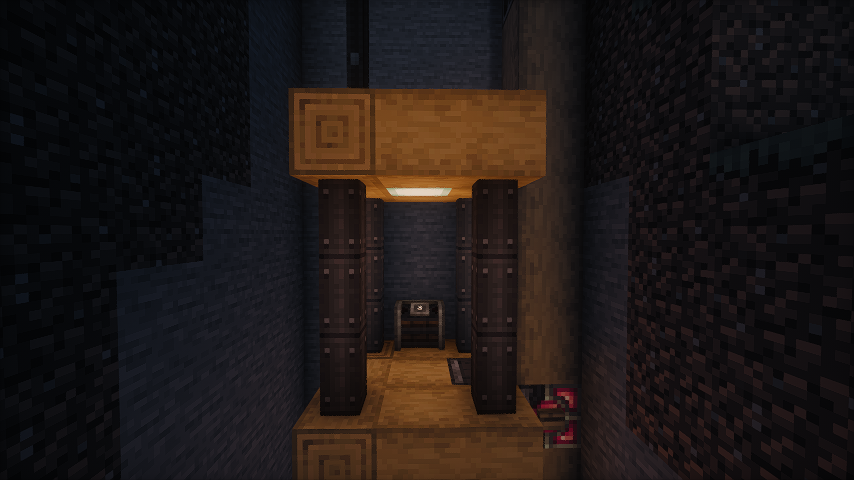

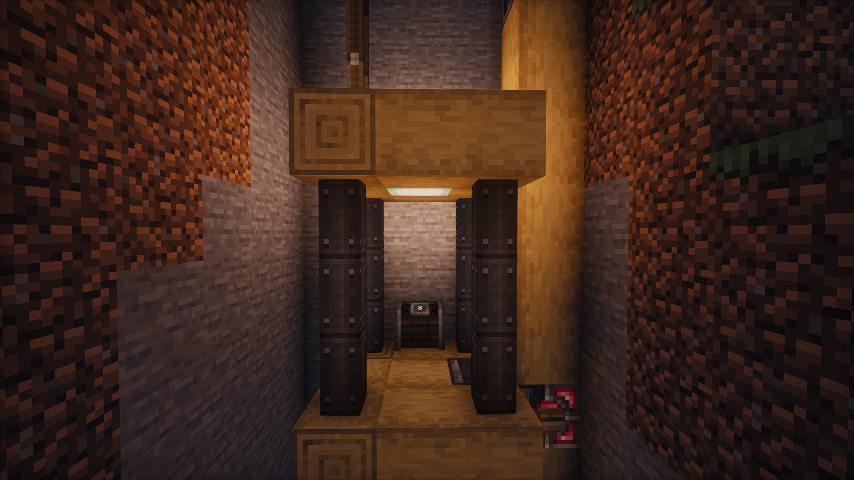
介绍
Create-Dynamic-Lights
Add dynamic lights to the Create mod.
Features
- Dynamic Lighting for Contraptions:
- Automatically create light blocks when Contraptions move.
- Support LambDynamicLights:
- Add and update light sources for LambDynamicLights mod as Contraptions move, allowing for smoother lighting effects.
Dependencies
Fabric
- Create-Fabric (Required)
- LambDynamicLights (Recommended)
Forge
- Create (Required)
- Embeddium/Rubidium Dynamic Lights (Recommended)
Server and Client Support
| Feature | Server Only | Client Only | Both Side |
|—————-|:———–:|:———–:|:———–:|
| Light Block | Yes | No | Yes |
| Dynamic Lights | No | Yes | Yes |
- [x] Only installed on the server.
- You can use the Light Block to create light sources even if the client doesn’t have the mod installed. The client will see the light sources, and the performance impact may be heavy.
- [x] Only installed on the client.
- The client can see the light sources created by the LimbDynamicLights mod but the light sources only has visual effects and no actual light source is created.
Known Issues
- On Fabric, if the mod is installed only on the client side, the client will crash when you modify and save the server configuration.
- For servers, I recommend installing the mod even if you don’t want to use the Light Block effect. This can prevent client crashes and exception logs on the server side.
Preview
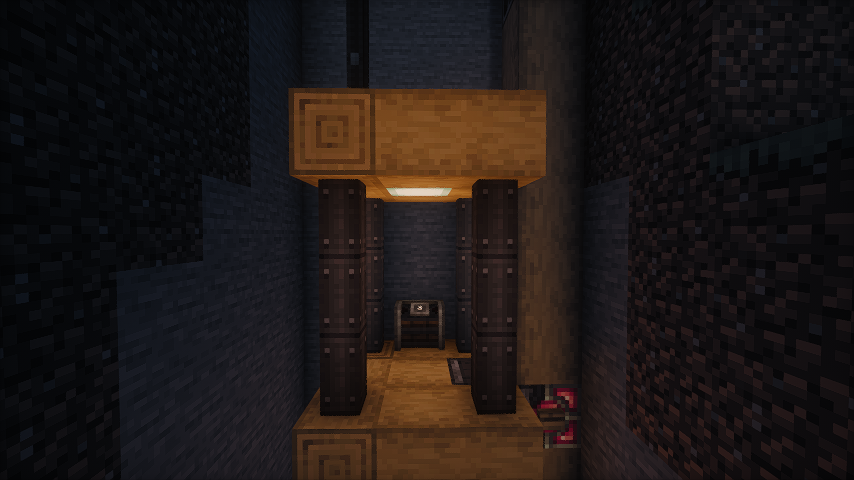
No dynamic light
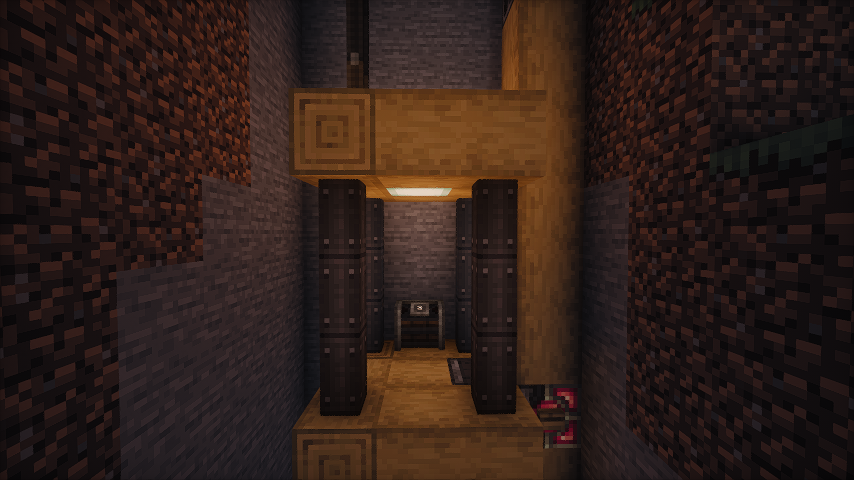
Default dynamic light
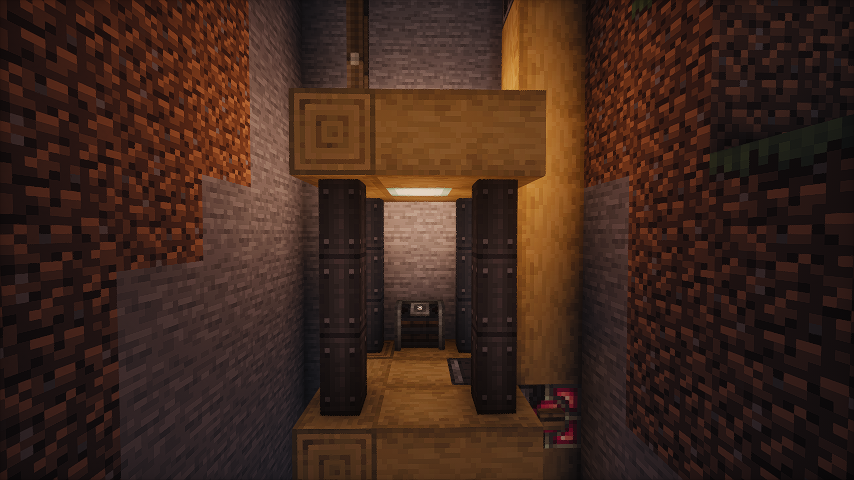
Brighter dynamic light (set the luminance multiplier to 1.2)
Some gifs
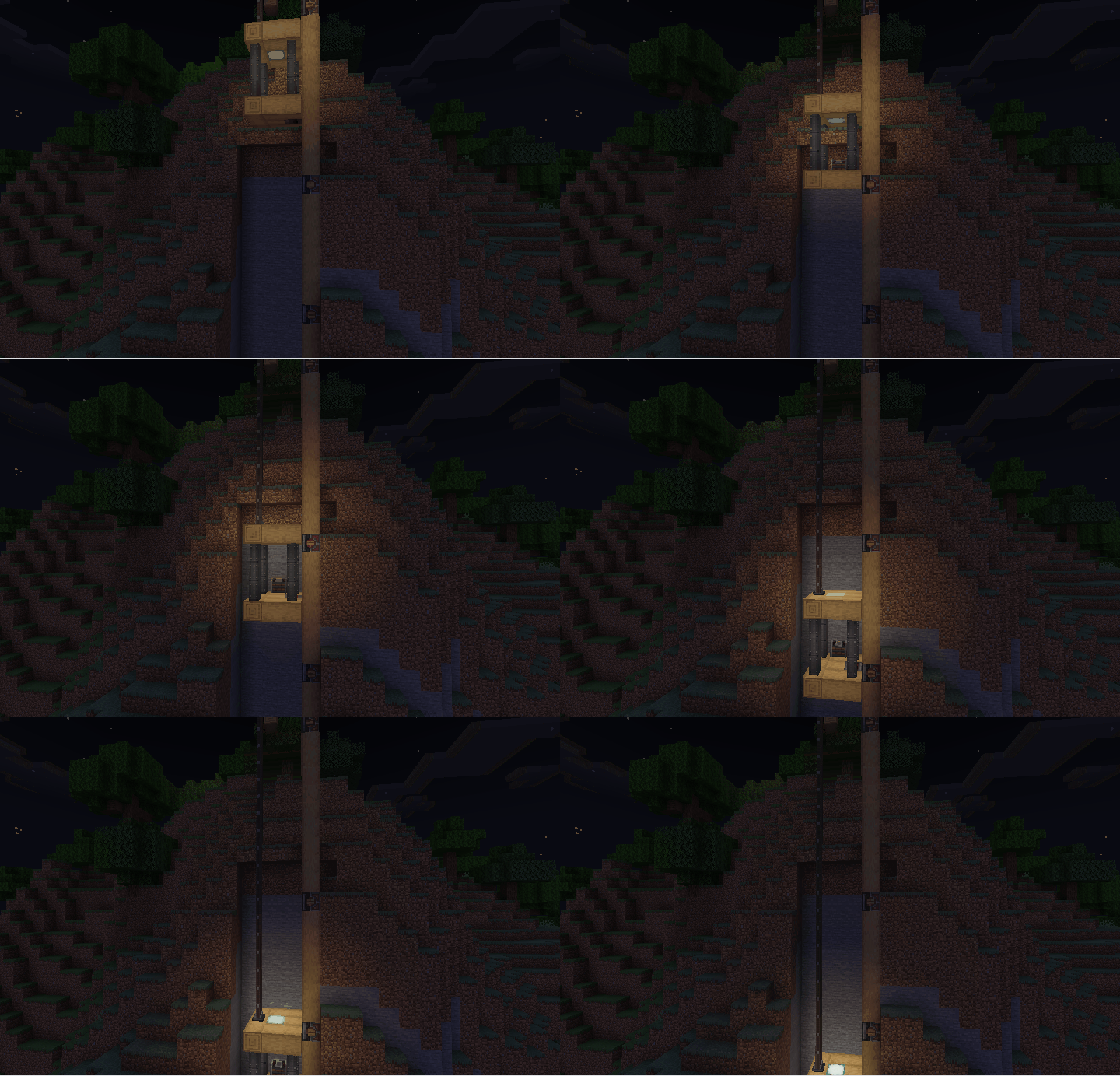
- As the elevator moves, the light illuminates the surrounding area.
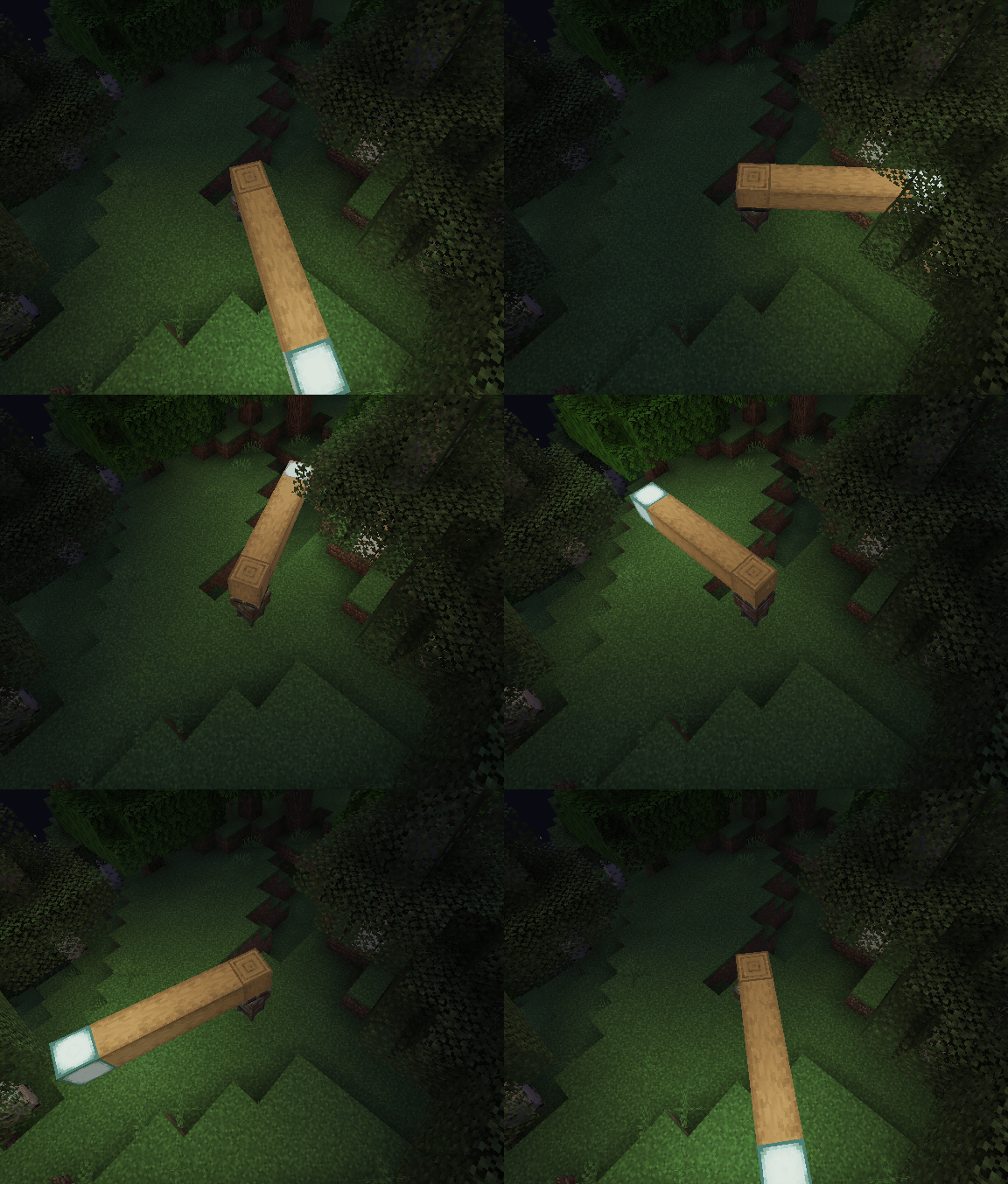
- Enable the light block. As the bearing moves, the light block is created and removed. You can see the light is a little flicker.
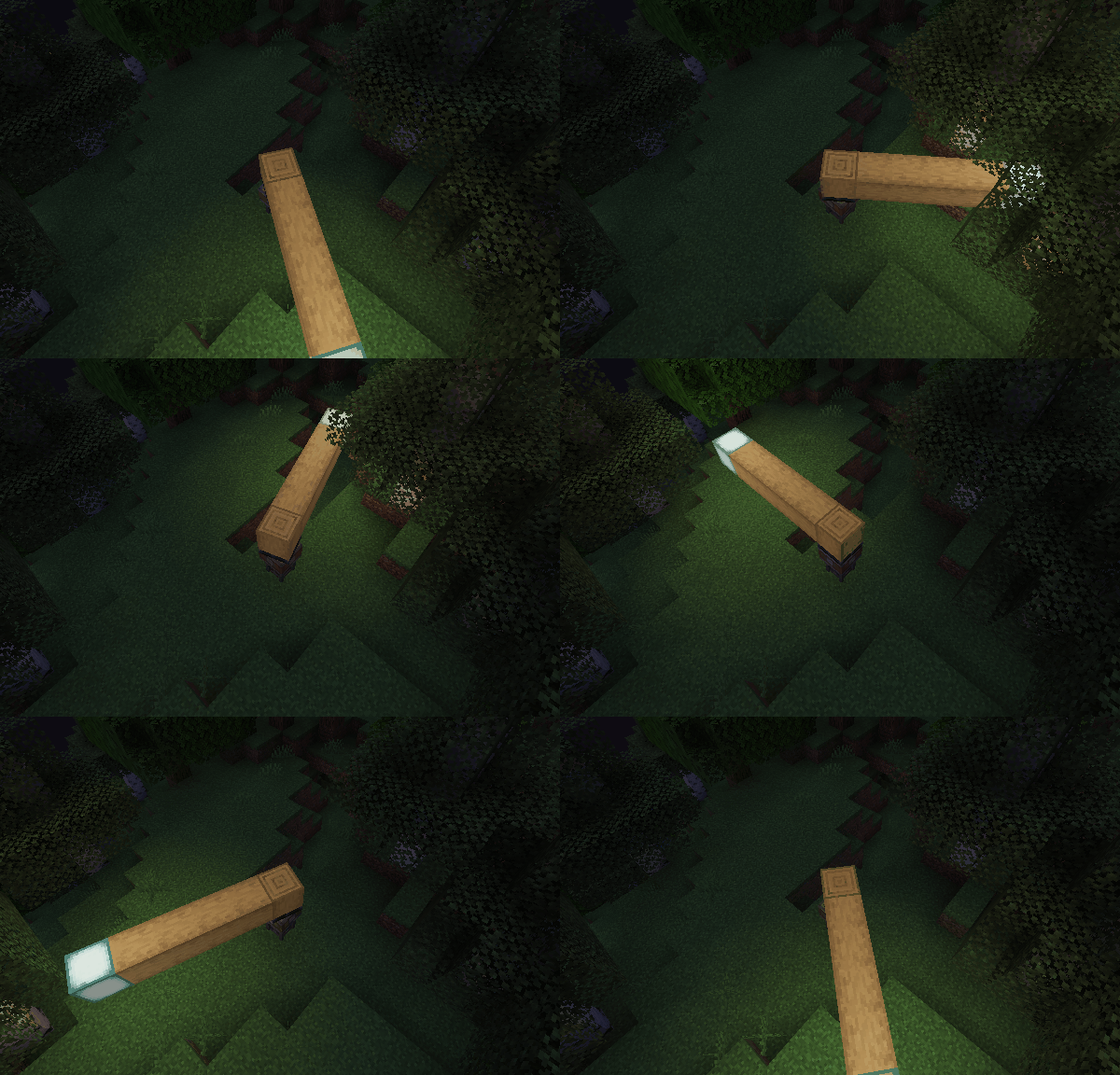
- Disable the light block and enable the LimbDynamicLight. There is no flicker, and the light is smoother.
Q&A
- Q: Why and when to use the light block?
- A: The Light Block is a block that emits light. It’s invisible and intangible, making it ideal for creating light sources in the game world. It can affect the environment by melting ice or snow and preventing mob spawning. However, the Light Block can impact performance, and the light source isn’t smooth when the contraption moves. Therefore, I recommend using the LambDynamicLights mod for smoother lighting effects. There might be two reasons for using the Light Block:
- The client doesn’t have the LambDynamicLights mod installed or this mod installed.
- You want to create a light source that can affect the environment, such as melting ice or snow.
常见问题
Create: Dynamic Lights 支持哪些 Minecraft 版本?
Create: Dynamic Lights 支持 Minecraft Java 版 1.19–1.21.1,共 13 个版本,可用的加载器:Fabric / Forge / NeoForge。下载时注意选择和你游戏版本一致的文件。
Create: Dynamic Lights 怎么安装?
先用 PCL2 或 HMCL 启动器安装对应版本的 Fabric / Forge / NeoForge,再把下载的 .jar 文件放进游戏目录的 mods 文件夹,重新启动游戏即可。开启了版本隔离的,mods 文件夹在 versions/版本名 下面。运行环境:客户端 / 服务端。
leon-o 的其他作品
查看全部 →
Iris & Oculus Flywheel Compat
使用光影包时启用 Flywheel 的优化。

Iris Veil Compat
Bridges Veil shader rendering through Iris shaderpacks so that mods using Veil's shader infrastructure such as Create Aeronautics render correctly when a shaderpack is active
评论
登录后评论和评分