
Create: Creative Cogwheels
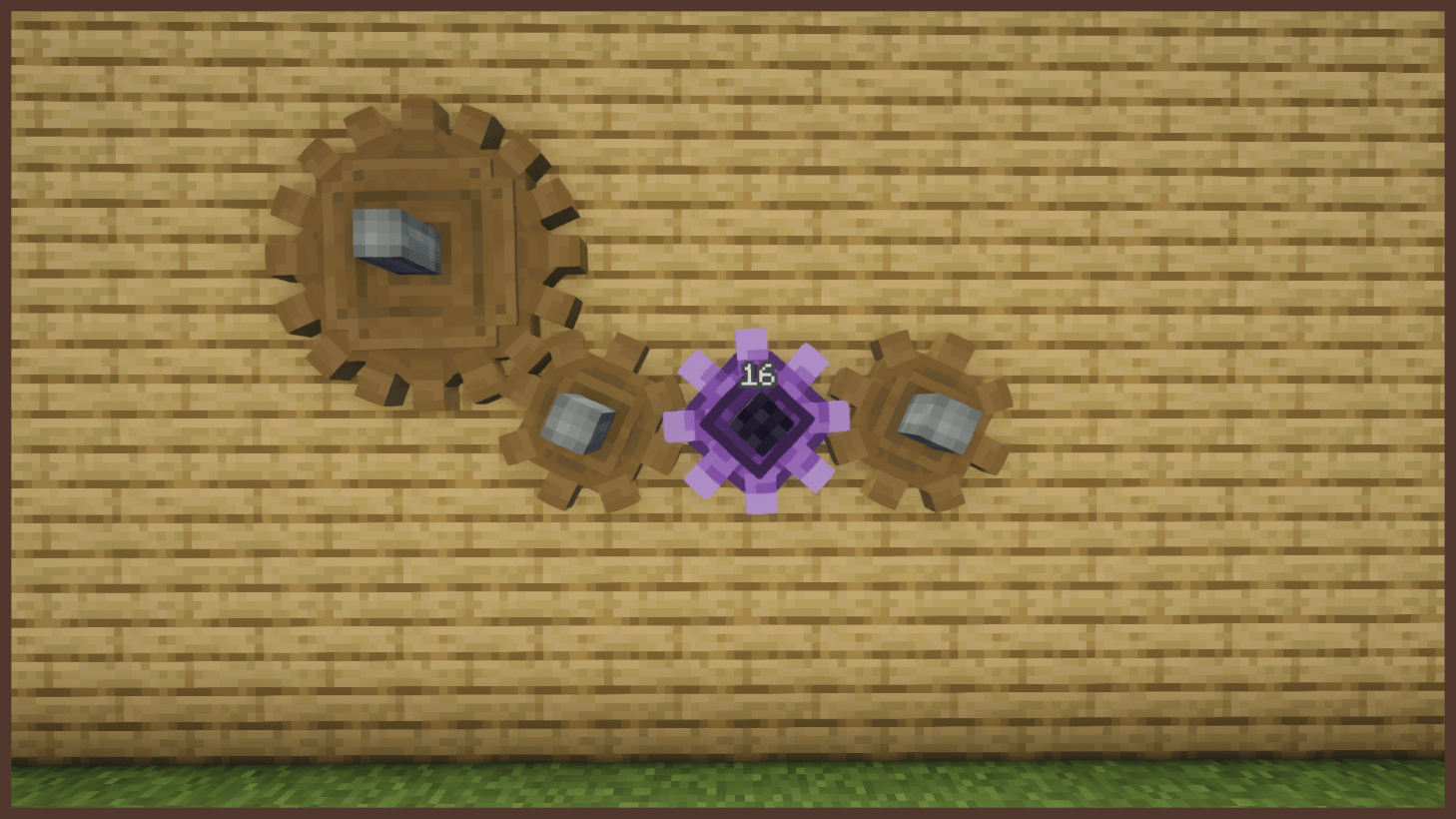
Small and large creative cogwheels for Create that spin on their own with adjustable speed, like the Creative Motor.
截图
介绍
Creative Cogwheels:
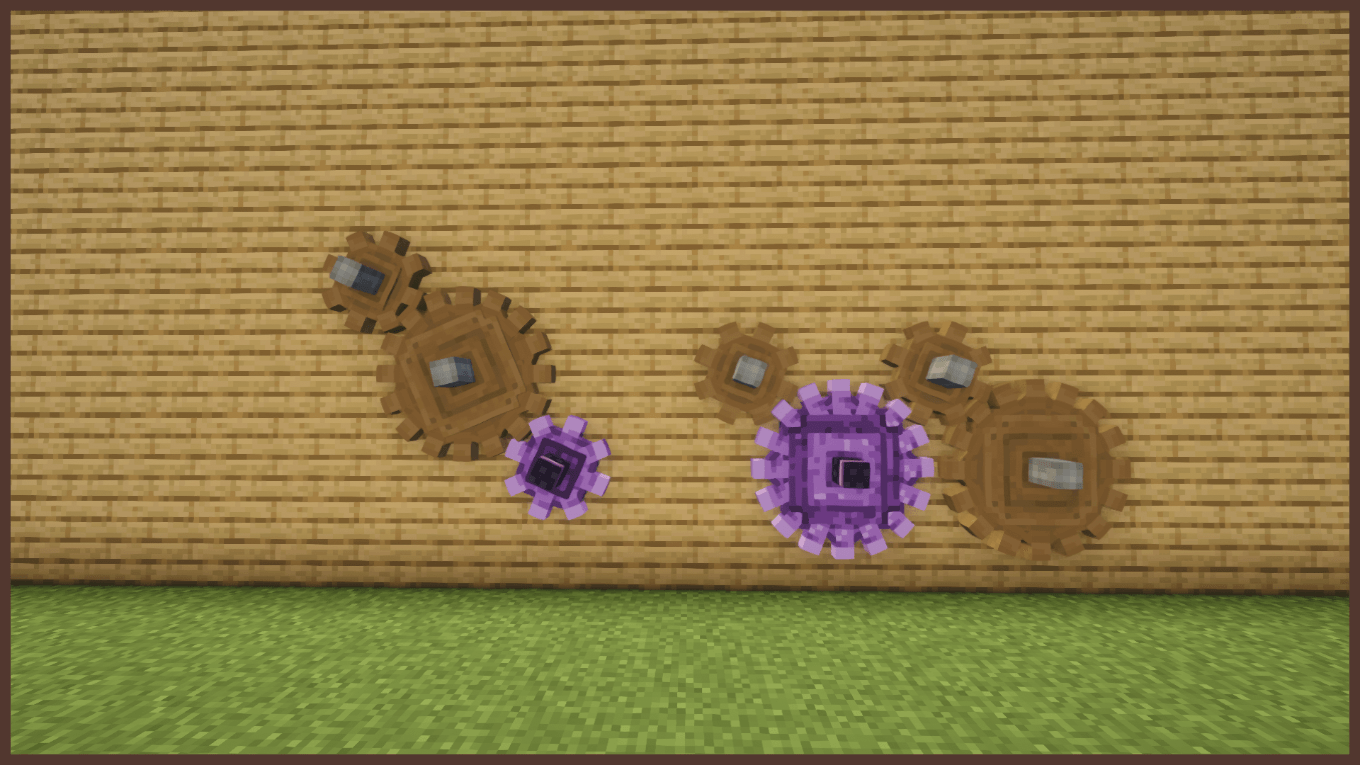
A small addon for Create that adds two cogwheels that spin on their own. They work just like the Creative Motor, but as a cogwheel you can place anywhere in your build.
Features:
– Creative Cogwheel: a small cogwheel that generates rotation by itself
– Large Creative Cogwheel: the large version, like Create’s own
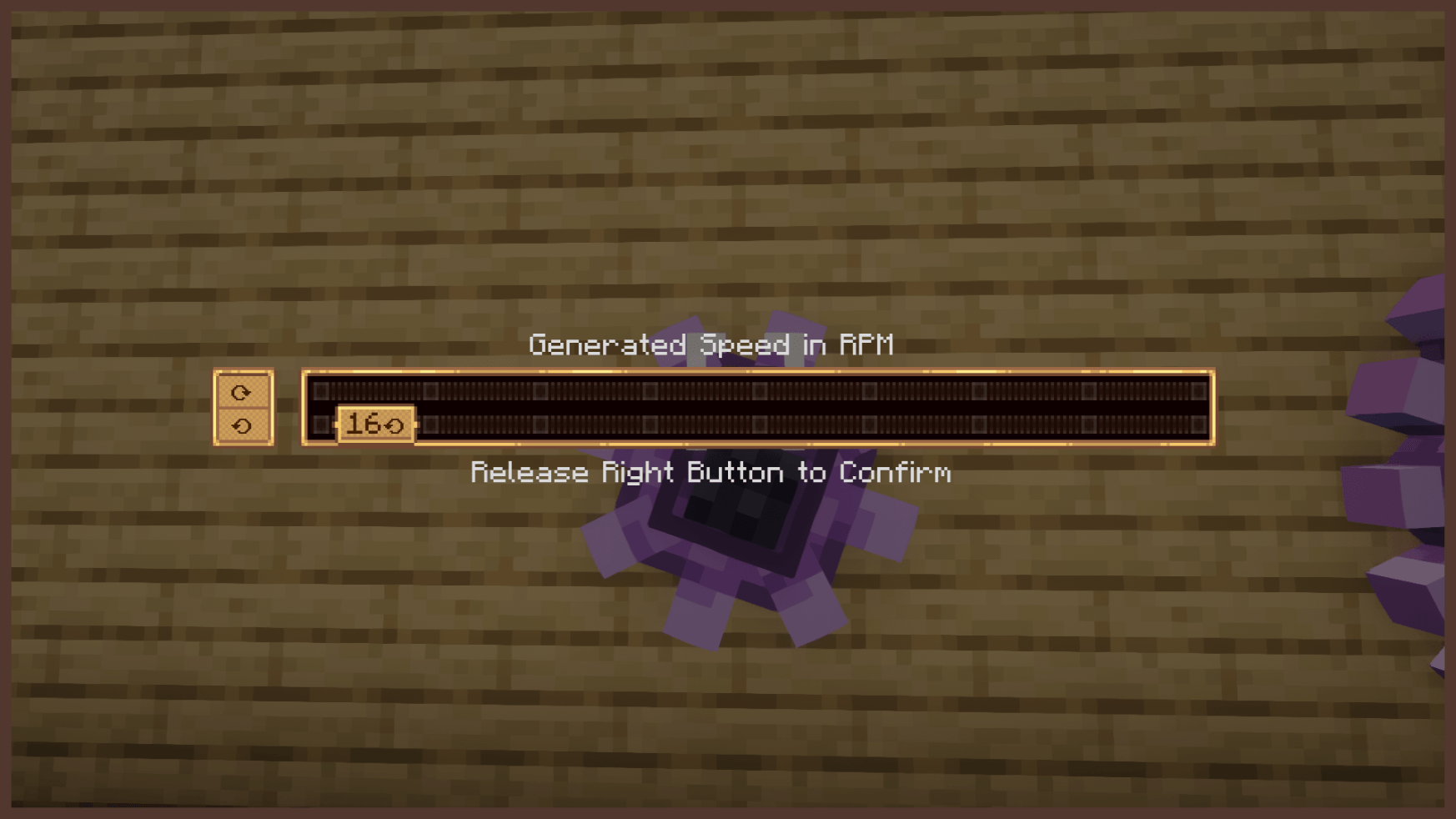
– Adjustable speed from -256 RPM to 256 RPM
– Same stress capacity as the Creative Motor
– Connects to shafts and other cogwheels like a normal cogwheel
– Purple creative look to match the Creative Motor
Perfect for testing contraptions, decorative builds, or anywhere a Creative Motor doesn’t fit.
Requirements:
– Create 6.0.0 or newer
You are free to include this mod in your modpacks!
常见问题
Create: Creative Cogwheels 支持哪些 Minecraft 版本?
Create: Creative Cogwheels 支持 Minecraft Java 版 1.20.1–1.21.1,共 2 个版本,可用的加载器:Forge / NeoForge。下载时注意选择和你游戏版本一致的文件。
Create: Creative Cogwheels 怎么安装?
先用 PCL2 或 HMCL 启动器安装对应版本的 Forge / NeoForge,再把下载的 .jar 文件放进游戏目录的 mods 文件夹,重新启动游戏即可。开启了版本隔离的,mods 文件夹在 versions/版本名 下面。
Leonxkingx 的其他作品
查看全部 →
Underwater Village – Oceanic Structures
探索大量全新的海洋结构!

Spooky Paintings
新增 27 幅全新的惊悚画作

L’s Spooky Music Trader
新增了全新的商人宅邸结构,并加入了一系列恐怖风格的音乐唱片。

L’s Spooky Trees
为森林生物群系添加诡异树木
评论
登录后评论和评分