Create: Computing Ages
Relive the history of computing with Create: build precision machines through seven ages, from punch cards to multi-core chips, and program your own computers.
截图
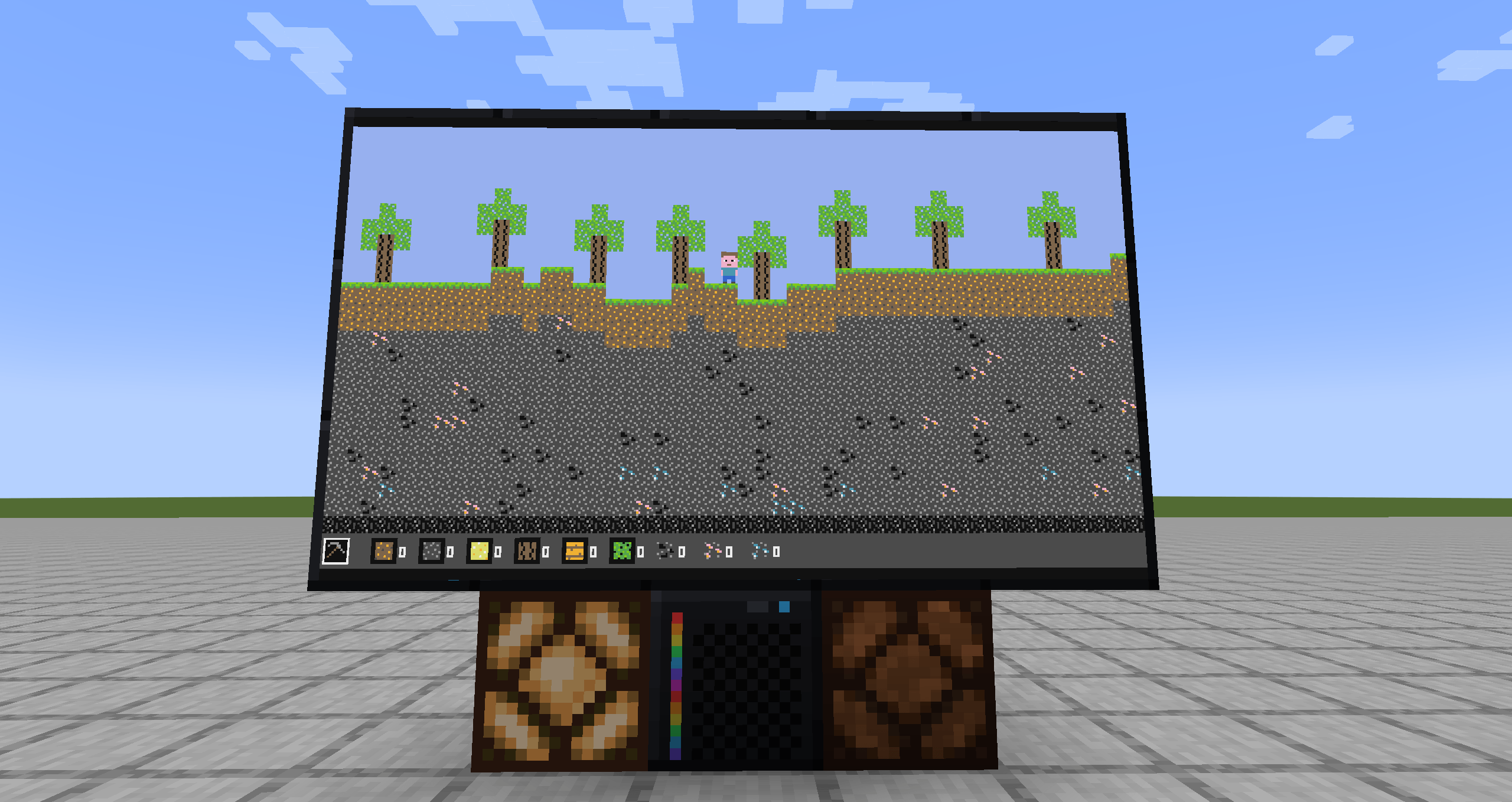
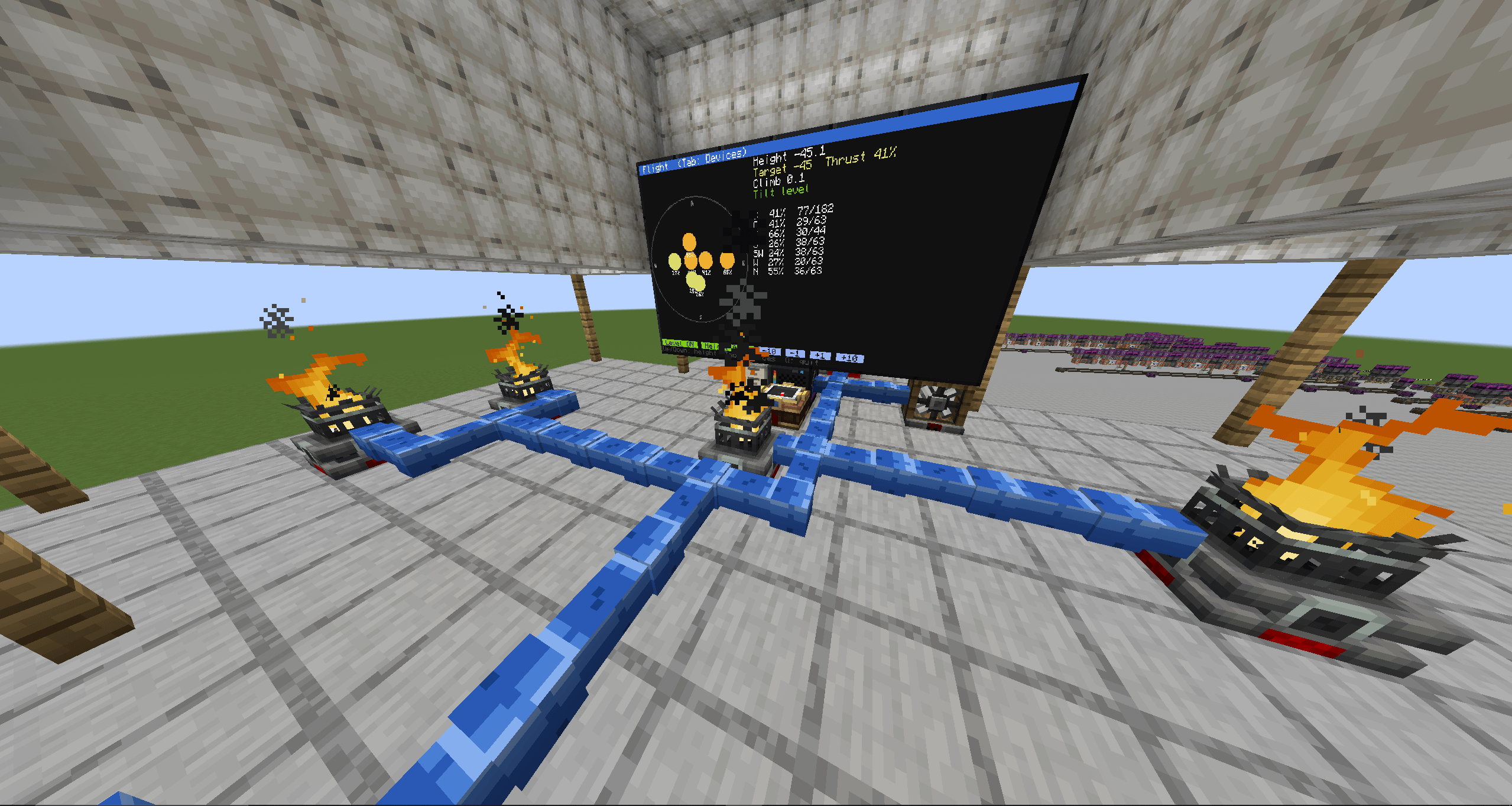
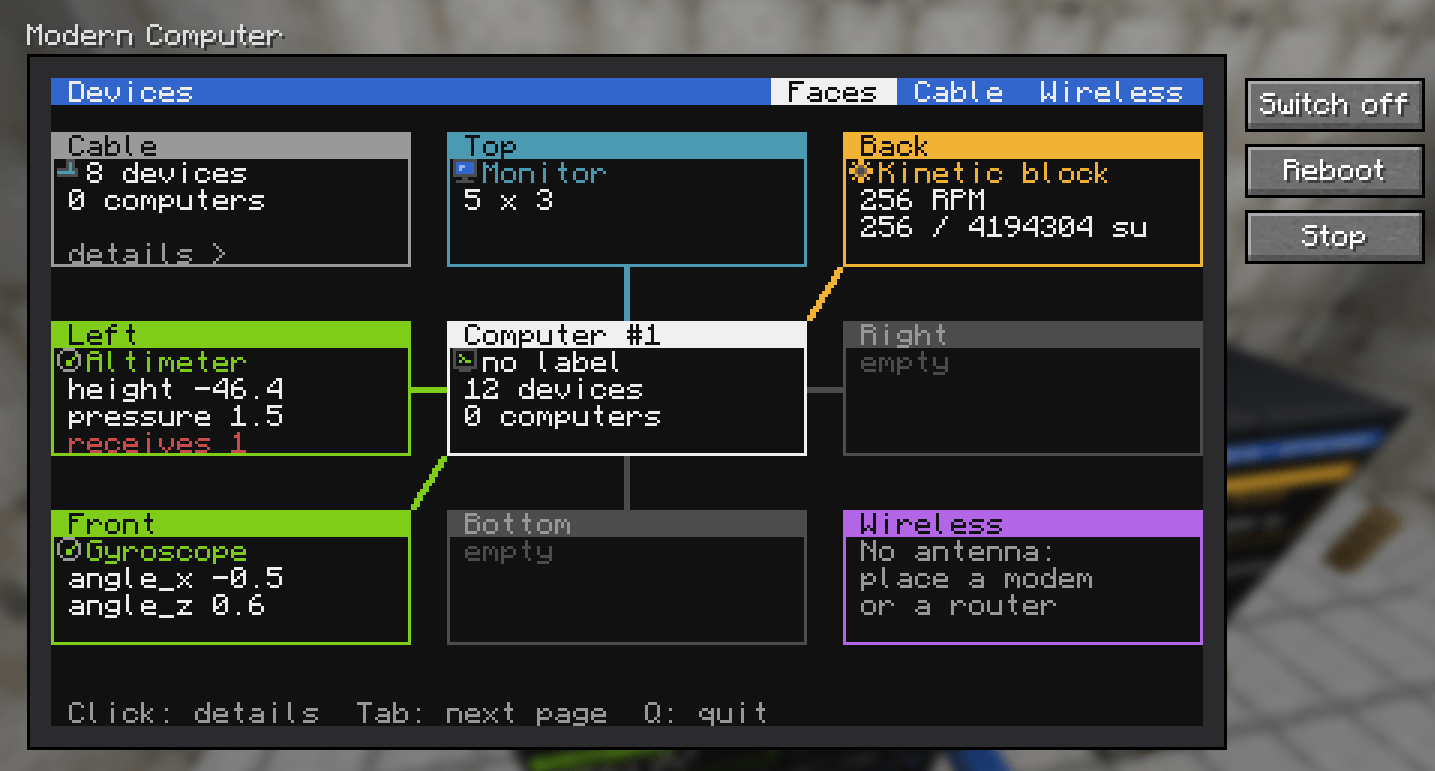
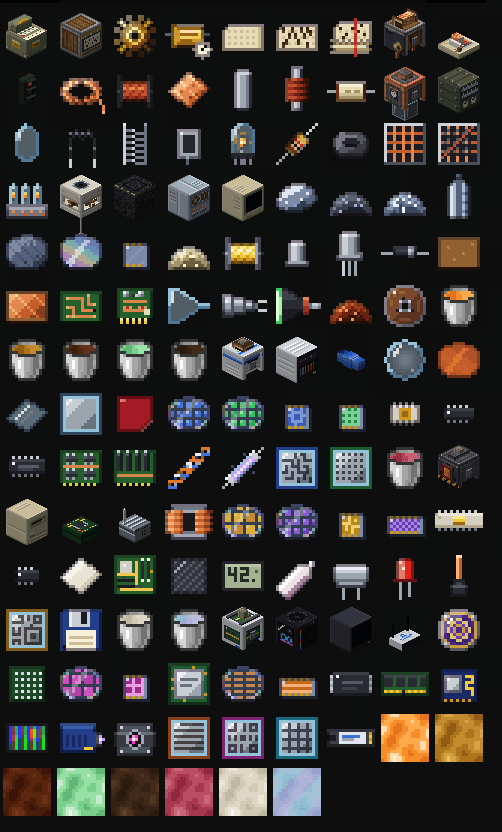
介绍
Create: Computing Ages
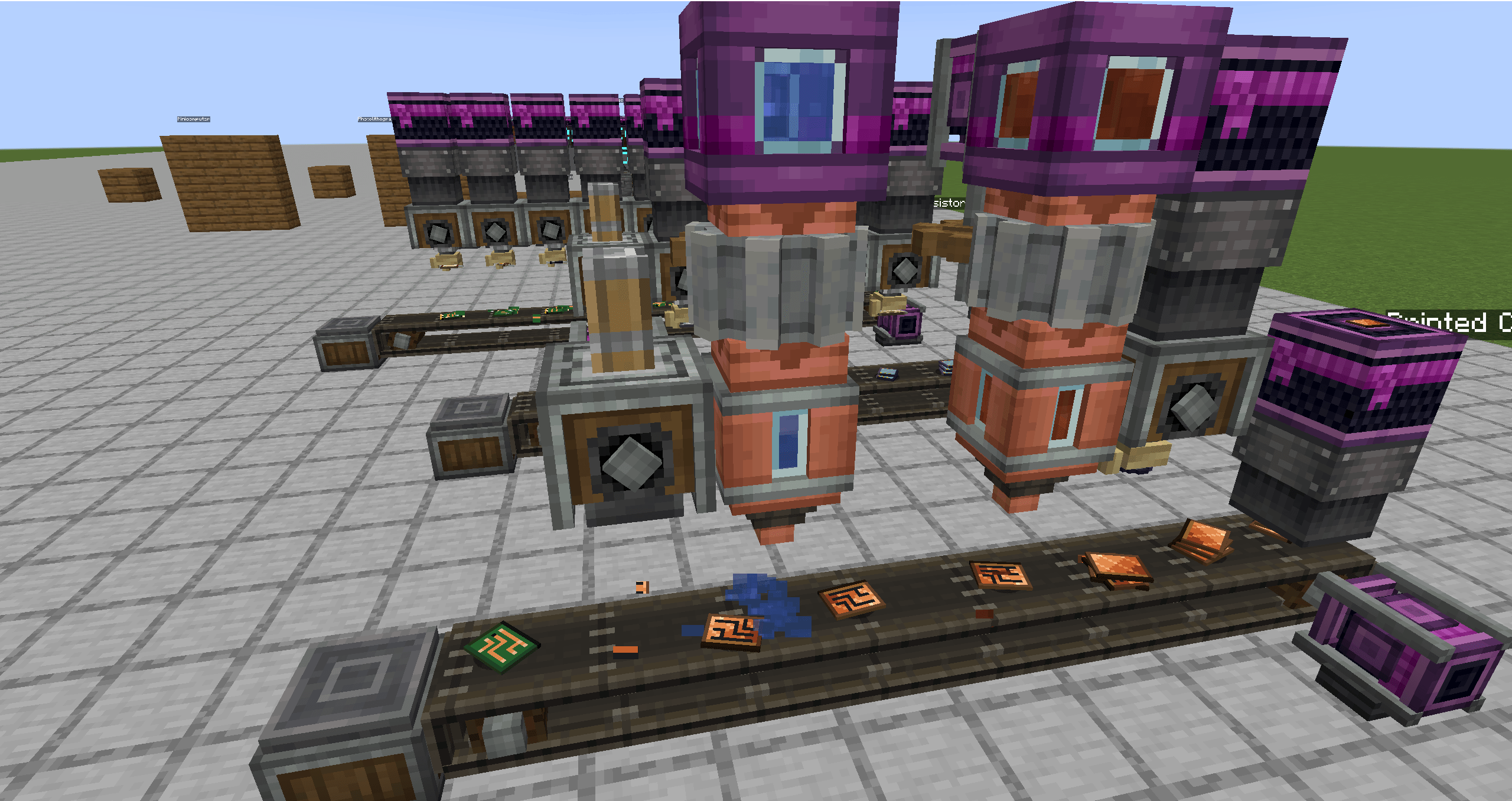
Relive the history of computing with Create. Start with the gears of Pascal’s calculator (1642) and work your way up to multi-core processors etched with EUV light. Everything is made on Create production lines, and each age unlocks a new programmable computer.
/!\ Important
To start coding program I really advise you to check our documentation, in english or in french.
Seven Ages
| Age | Precision machine | Highlights |
|---|---|---|
| I. Mechanical | none | precision gears, punch cards, Jacquard Card Reader |
| II. Electromechanical | Coil Winder | relays, traffic lights |
| III. Vacuum Tube | Vacuum Chamber | triodes, core memory, Tube Computer |
| IV. Transistor | Crystal Puller | silicon wafers, Transistor Mainframe, CRT Monitor |
| V. Integrated Circuit | Photolithography Machine | photomasks, Minicomputer, Data Cable |
| VI. Microprocessor | Ion Implanter | floppy disks, Personal Computer, Microcontroller, Radio Modem |
| VII. Digital | Pick-and-Place Machine | multi-core SoC, SSD, Modern Computer, LCD Monitor, Wi-Fi Router |
You can’t skip an age: each precision machine is built around the computer from the age before.
Features
- Precision machines that work as steps in Create’s sequenced assembly, next to presses, deployers and spouts.
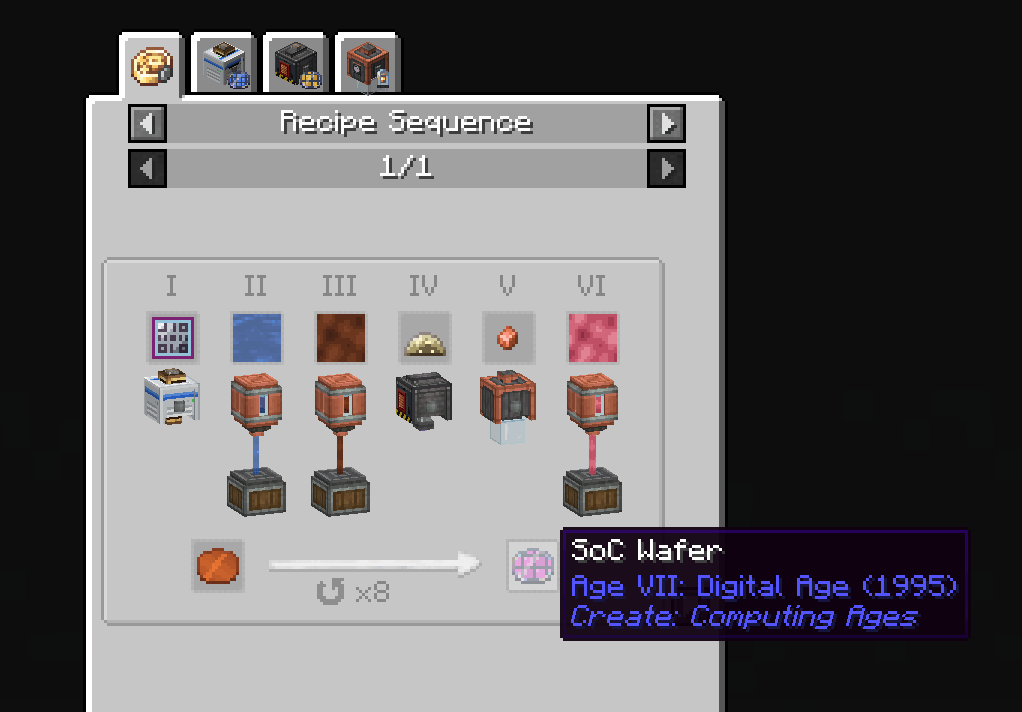
- A realistic silicon chain: reduce quartz to silicon, grow a crystal, saw it into wafers, then expose, develop, etch and dope them layer by layer. The photomask you load decides which chip comes out.
- Six programmable computers, from a tube computer that prints on paper at 400 instructions per second to a modern computer with a 16-color screen running 100,000. They run on rotation, like any Create machine.
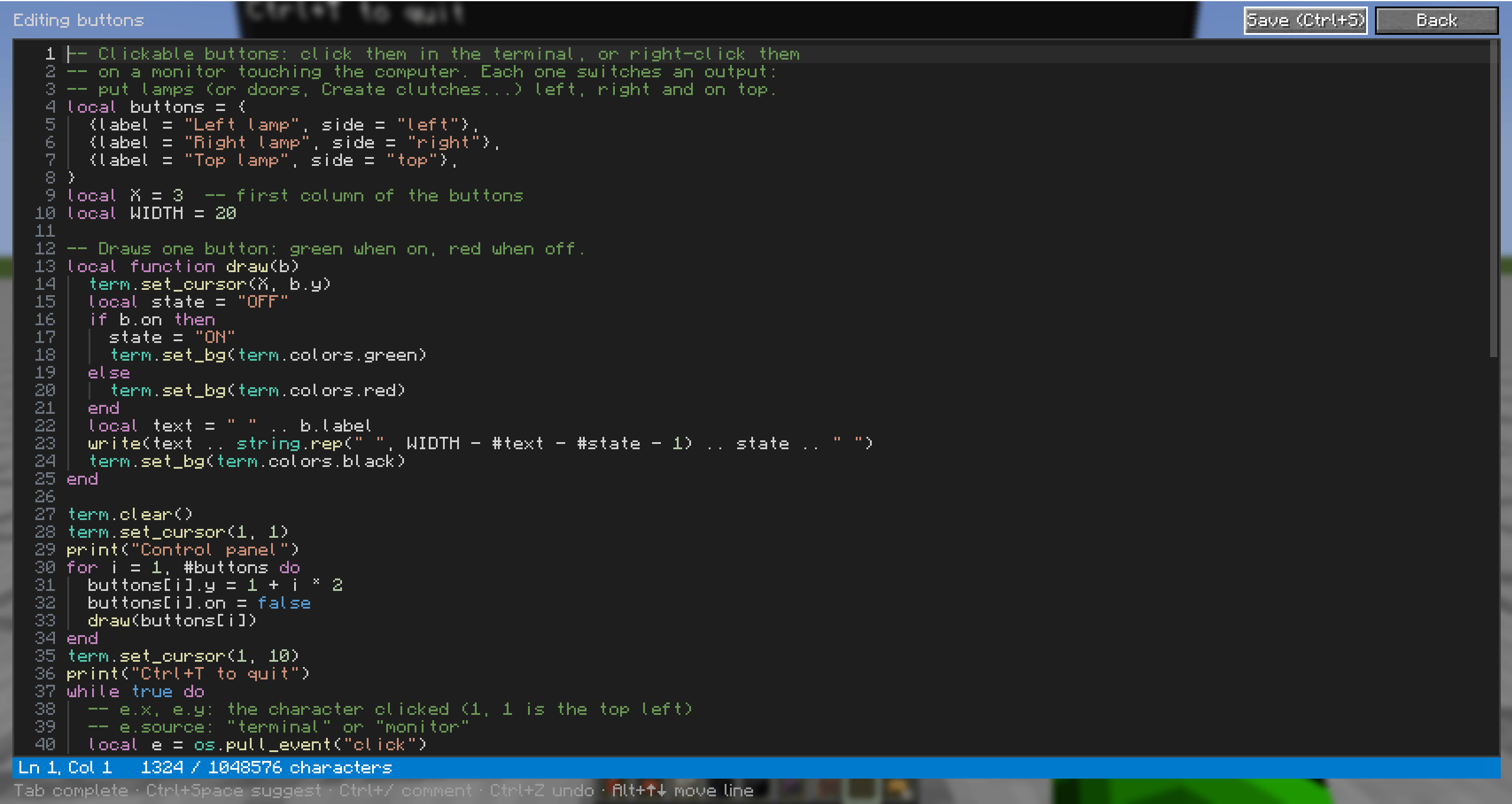
- Brass, a Lua-like language with a built-in editor, a shell, ready-to-run examples and a pixel graphics library.
- World control: redstone, Create Redstone Links and Display Links, inventories, tanks, speed controllers, traffic lights.
- Networking: data cables, radio modems, and Wi-Fi routers that link up into a world-spanning network when they share an SSID.
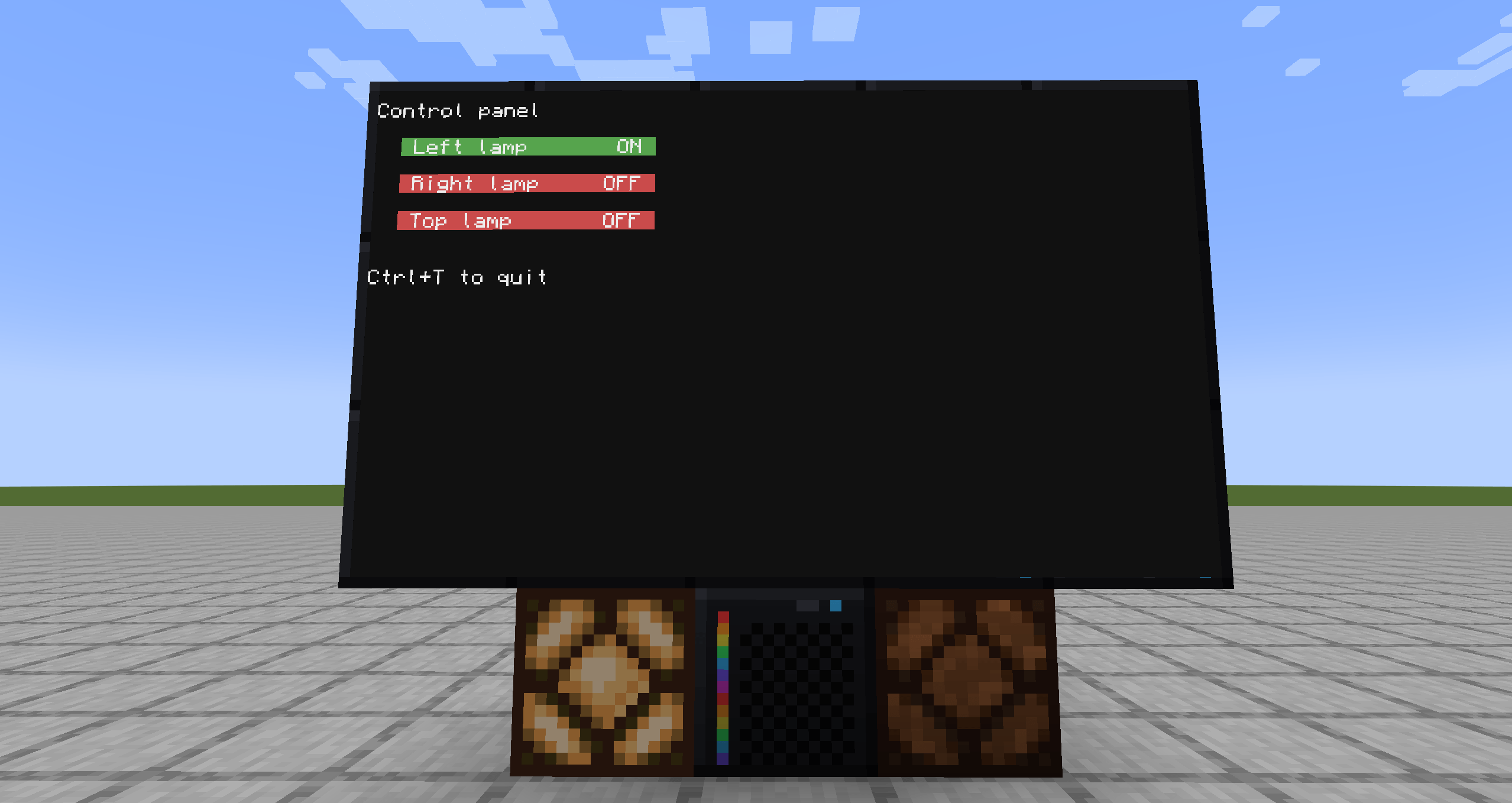
- Multiblock monitors up to 8×6, with clickable buttons.
- Server-friendly: each computer has an instruction budget per tick, so no program can lag the server.
Getting Started
Every machine and computer has a Ponder scene, JEI shows every recipe (including precision machine steps), and an advancement tab with a historical note at each step guides you through the ages. Available in English and French.
Requirements
- Minecraft 1.21.1, NeoForge 21.1.200 or newer
- Create 6.0.10
- Optional: JEI, Create Aeronautics (computers on board read the vehicle’s position and speed, and its sensors become peripherals)
常见问题
Create: Computing Ages 支持哪些 Minecraft 版本?
Create: Computing Ages 支持 Minecraft Java 版 1.21.1,可用的加载器:NeoForge。下载时注意选择和你游戏版本一致的文件。
Create: Computing Ages 怎么安装?
先用 PCL2 或 HMCL 启动器安装对应版本的 NeoForge,再把下载的 .jar 文件放进游戏目录的 mods 文件夹,重新启动游戏即可。开启了版本隔离的,mods 文件夹在 versions/版本名 下面。
评论
登录后评论和评分