
截图

介绍


(so far)


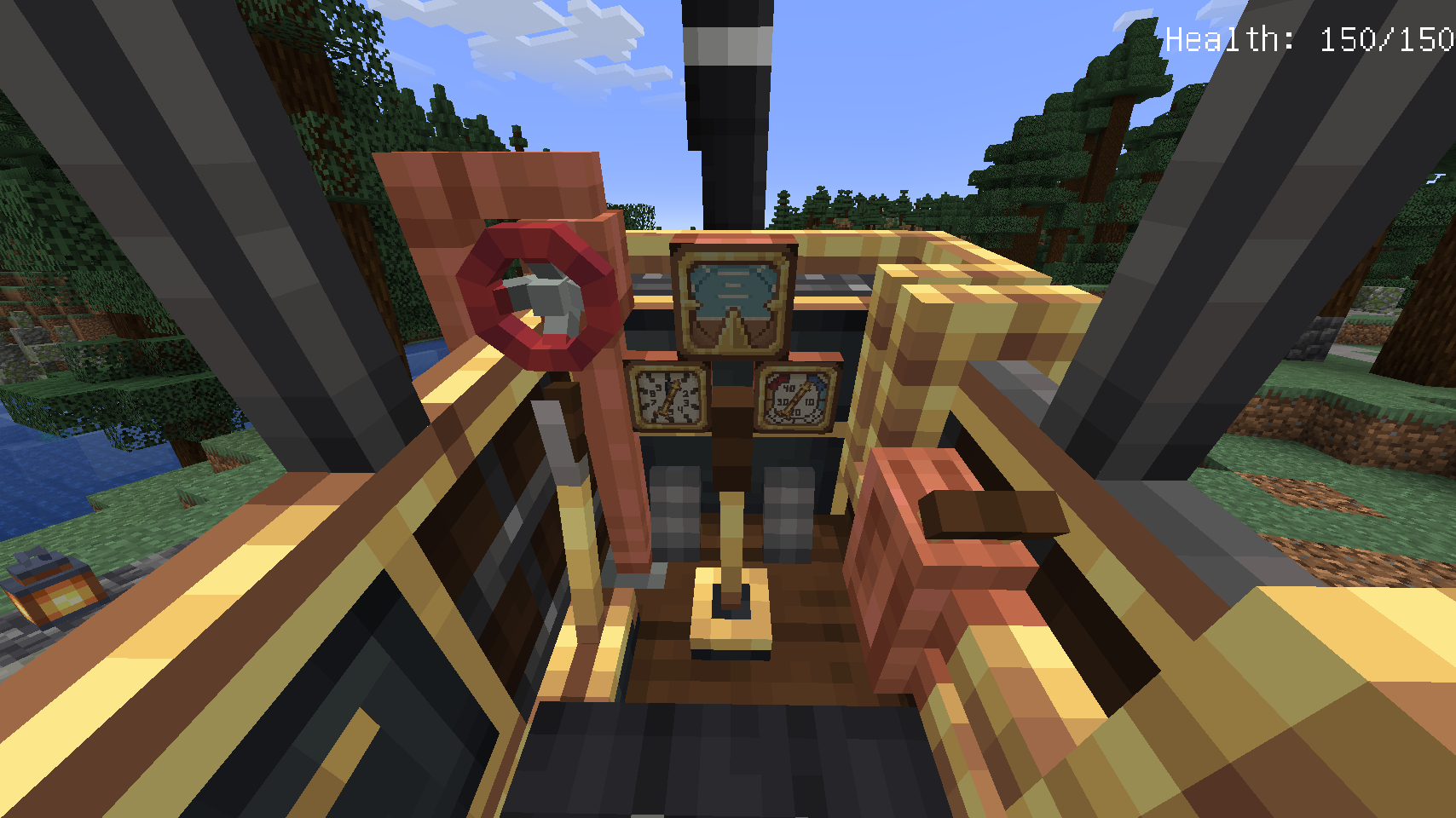
Boilerbox controls:

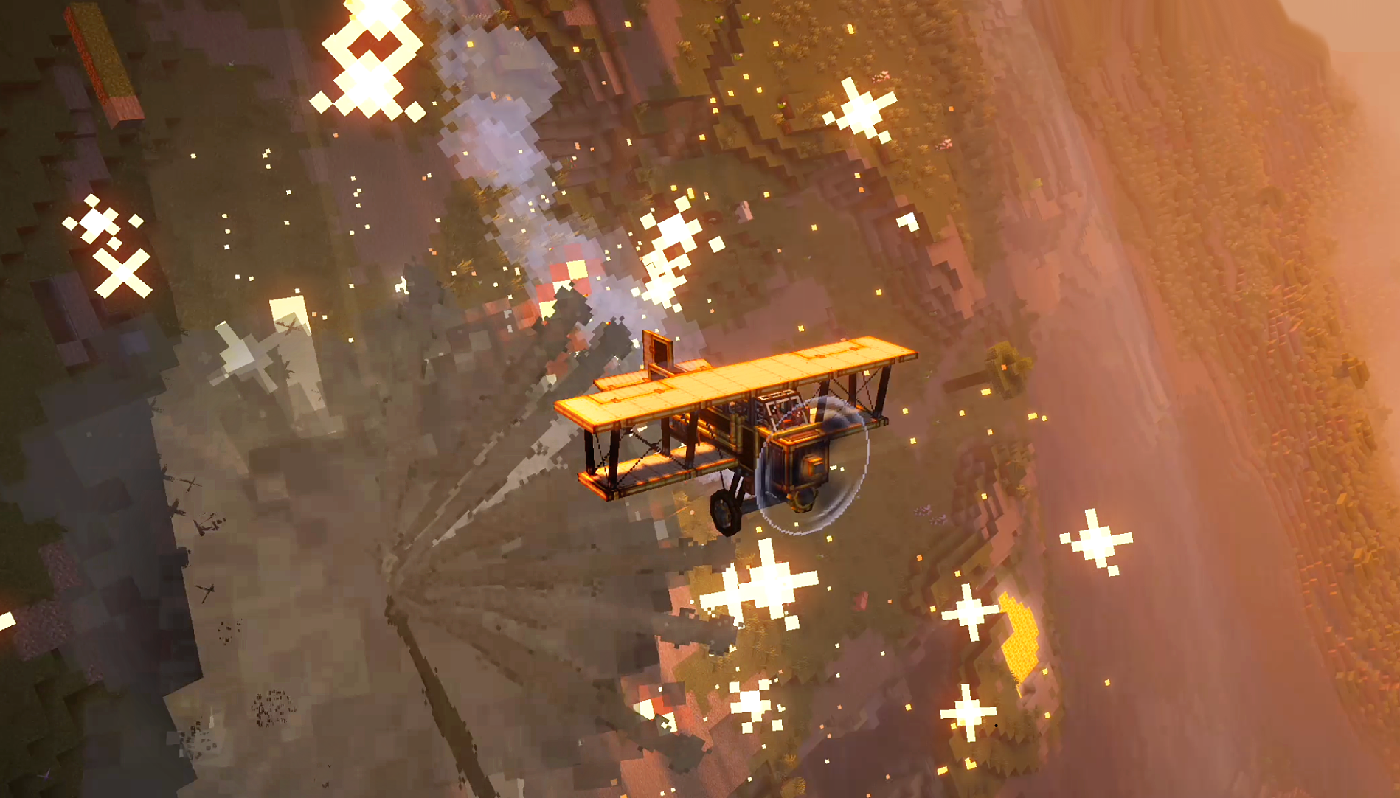
Biplane controls:


Reader Section:
Create: Automotives
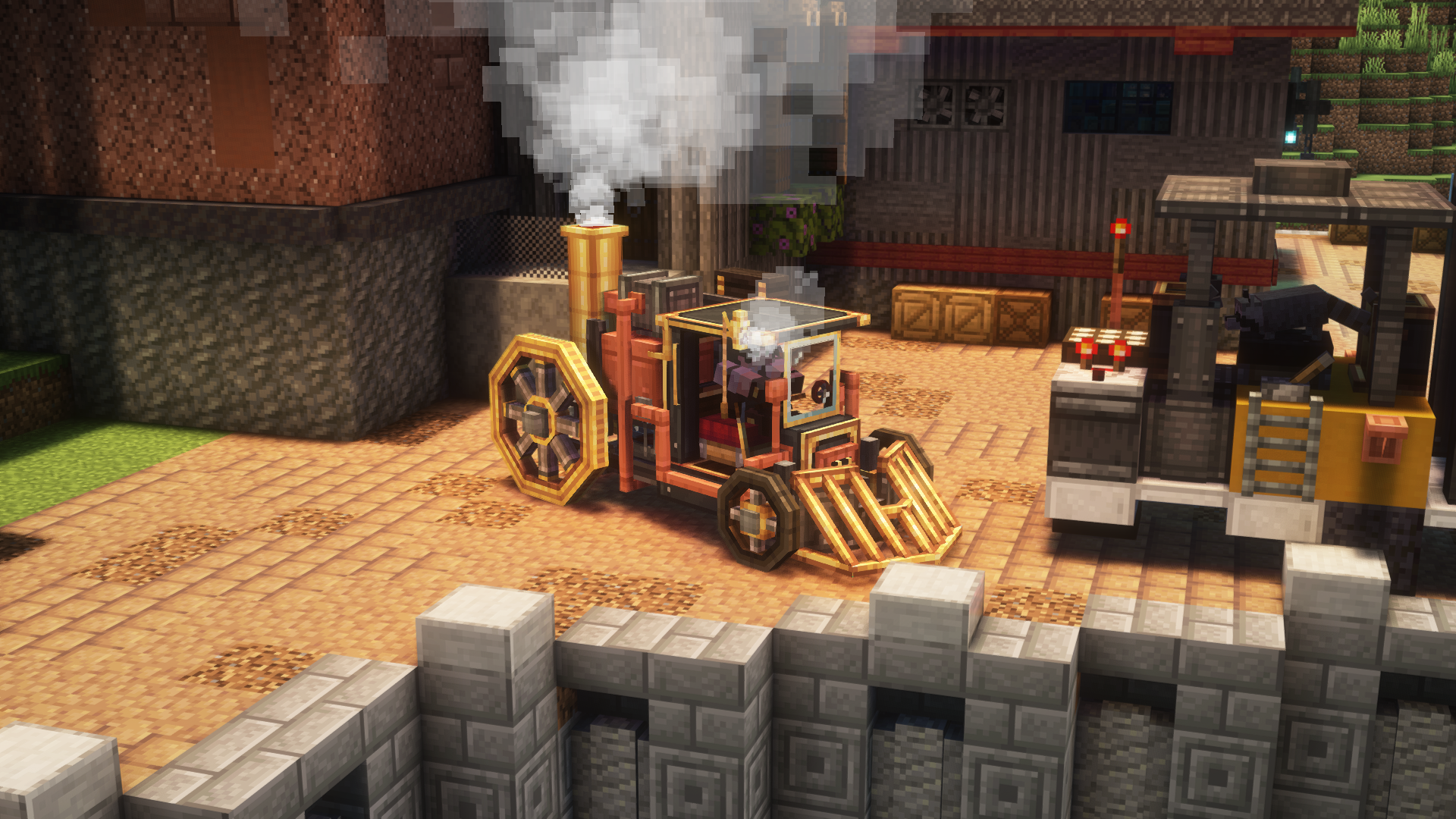
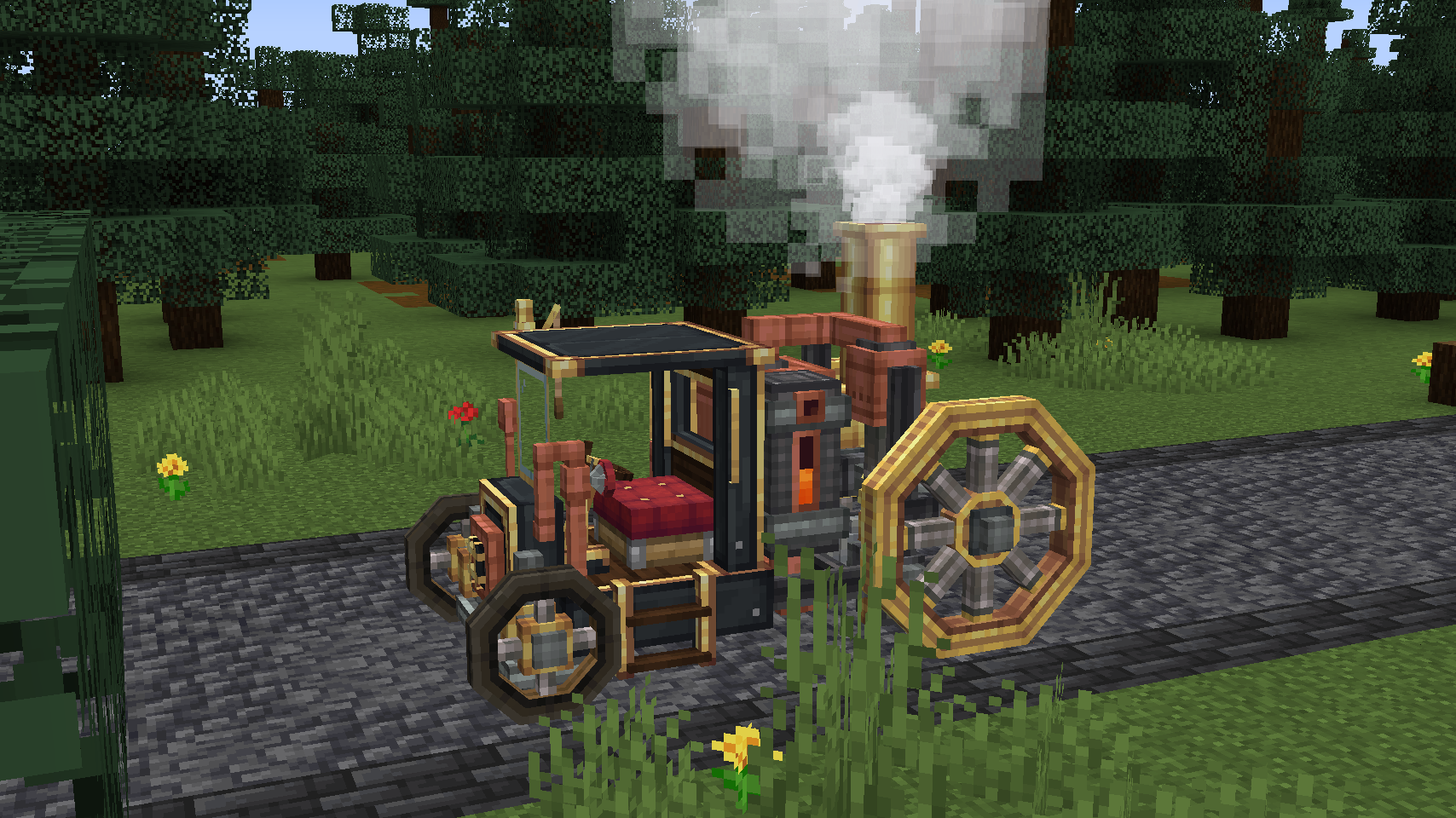
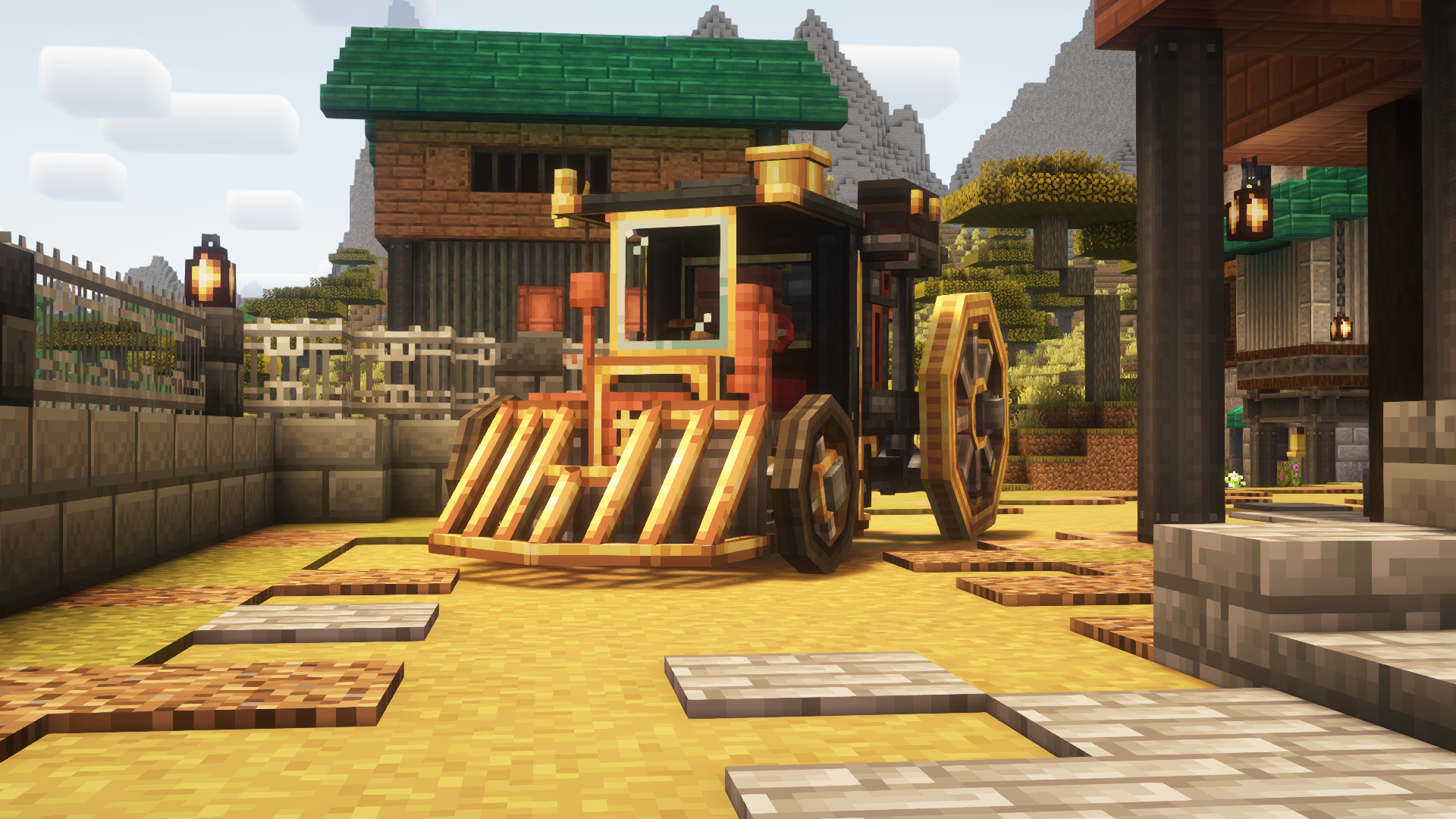
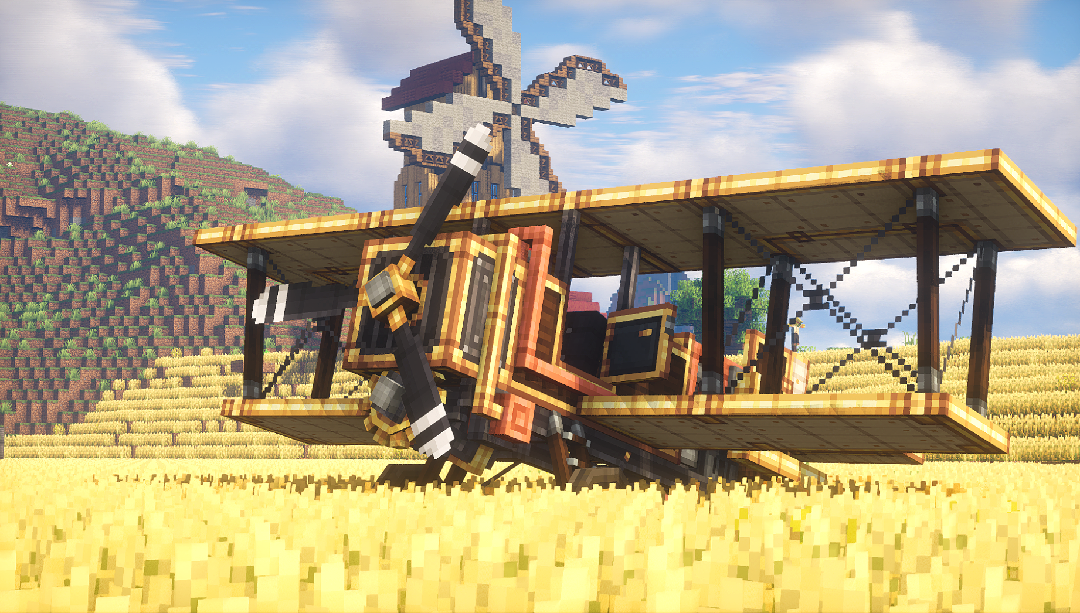
Create: Automotives adds fictional, steam-powered vehicles designed to fit the Create mod’s style and progression.
Features:
- One drivable ground vehicle
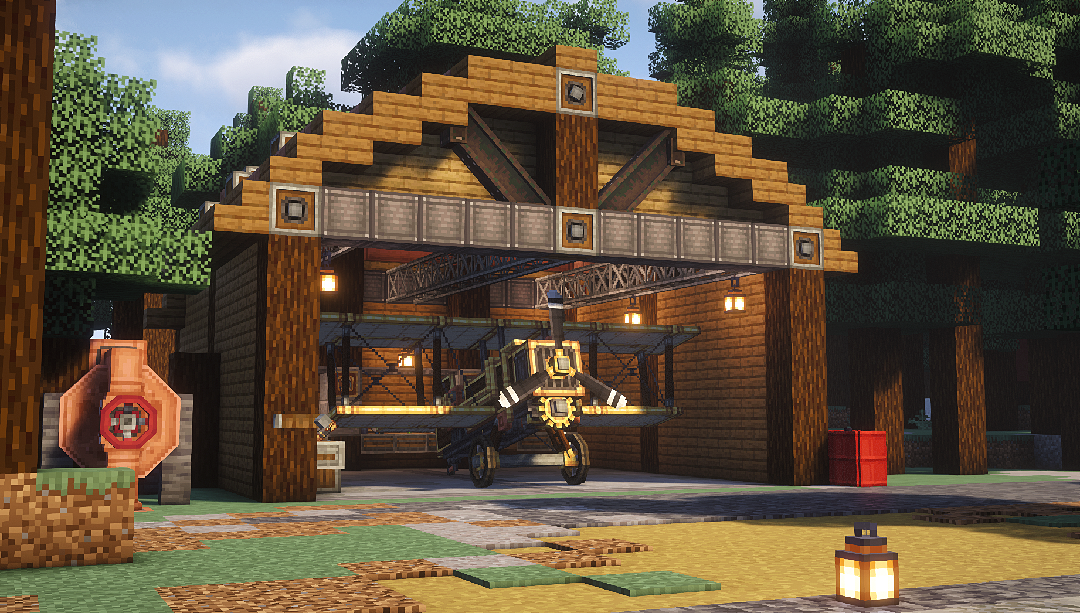
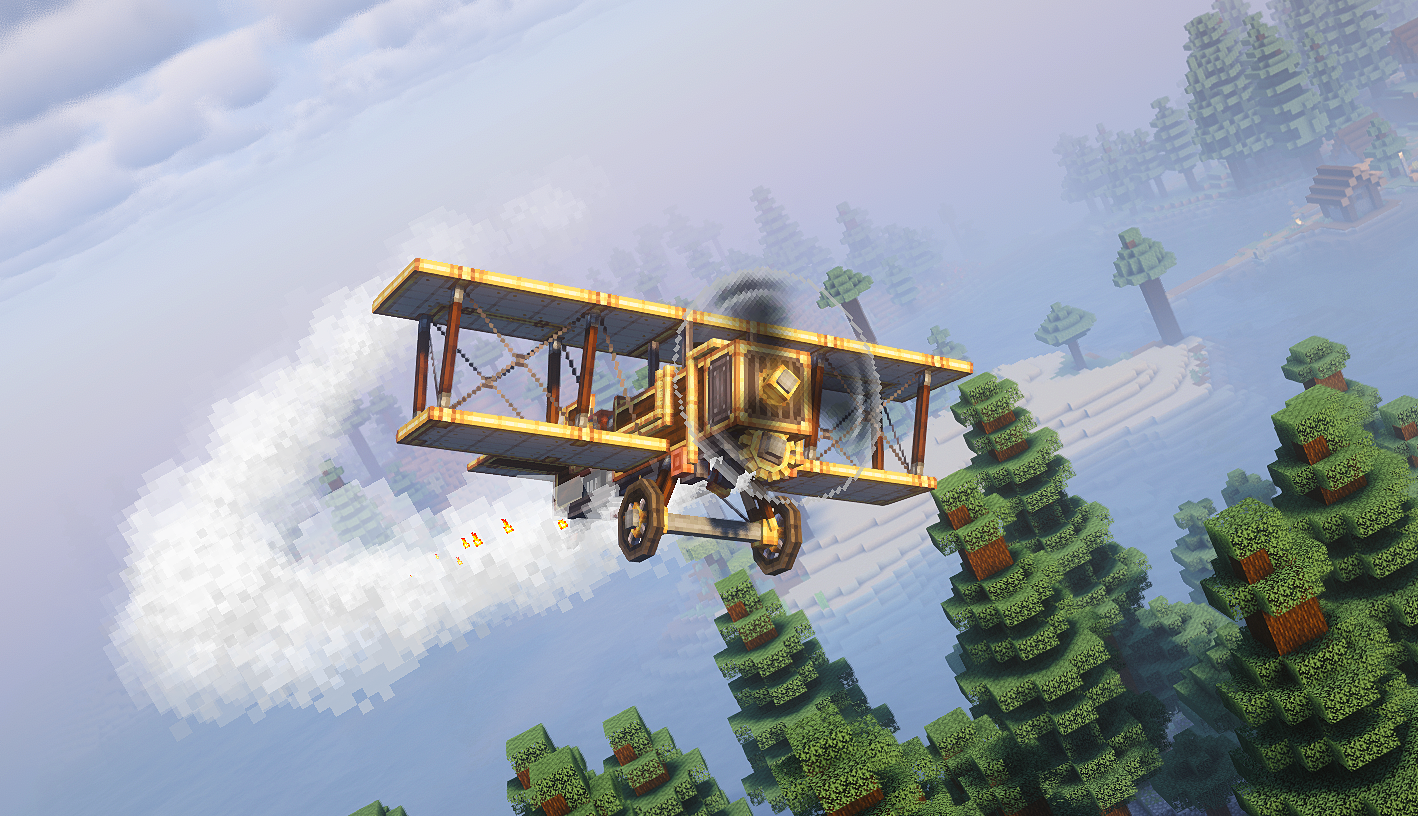
- One flyable airplane
- Upgrade system (choose purpose-focused modules)
- Create-style integration (recipes + progression)
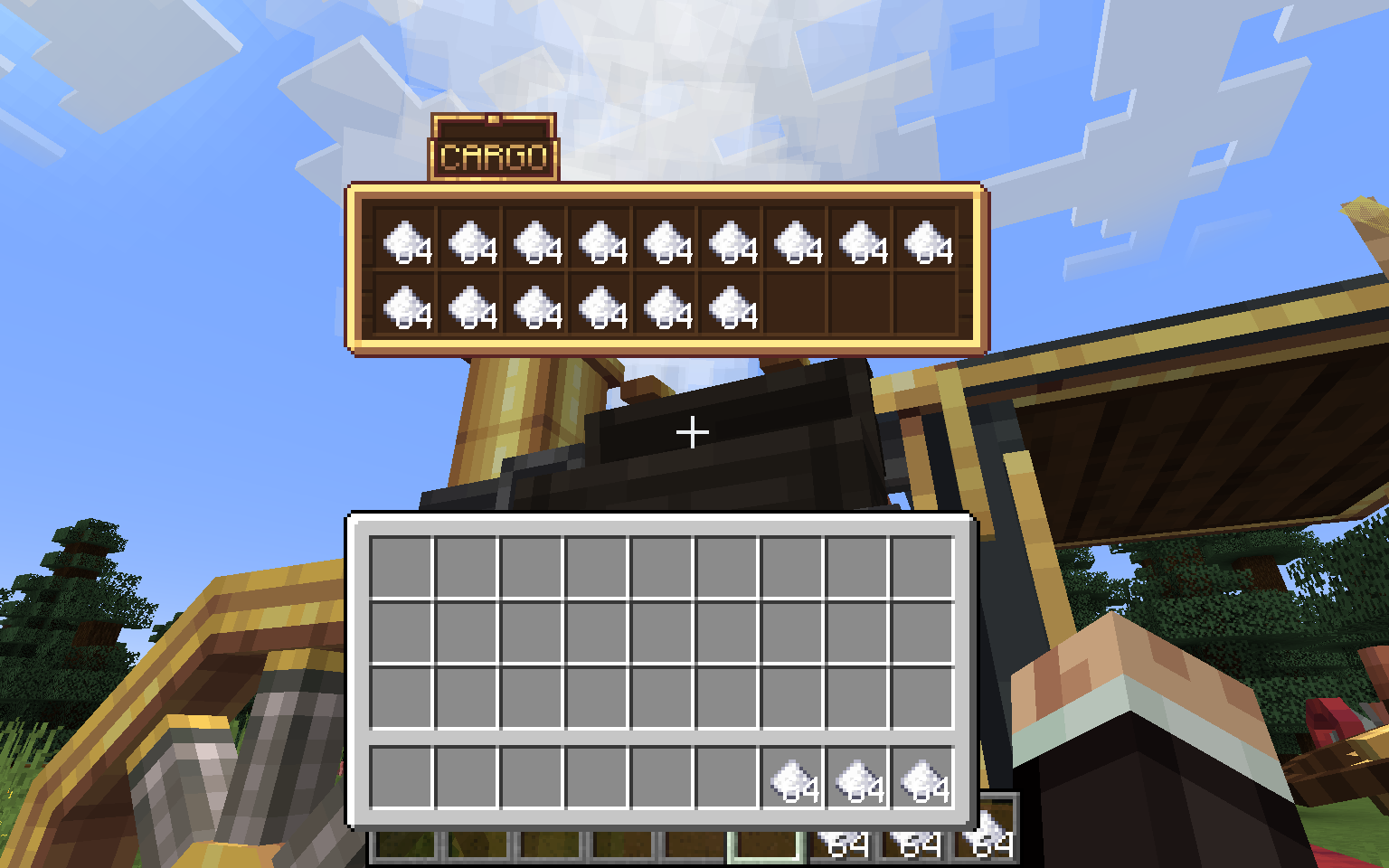
- Extensive sounds/particles and interactable elements
Getting Started:
- Get a mechanical crafter up to craft the Boilerbox / Biplane
- If needed, craft upgrades with the mechanical crafter
- Place the Boilerbox / Biplane, fuel its left hand side main tank with lava buckets
- Place Upgrades with RMB on the green boxes
- RMB the seat, then either RMB the left-hand fuel valve once, than hold it until the burner runs
- Alternatively, you can pull up the panel with U and hold the valve.
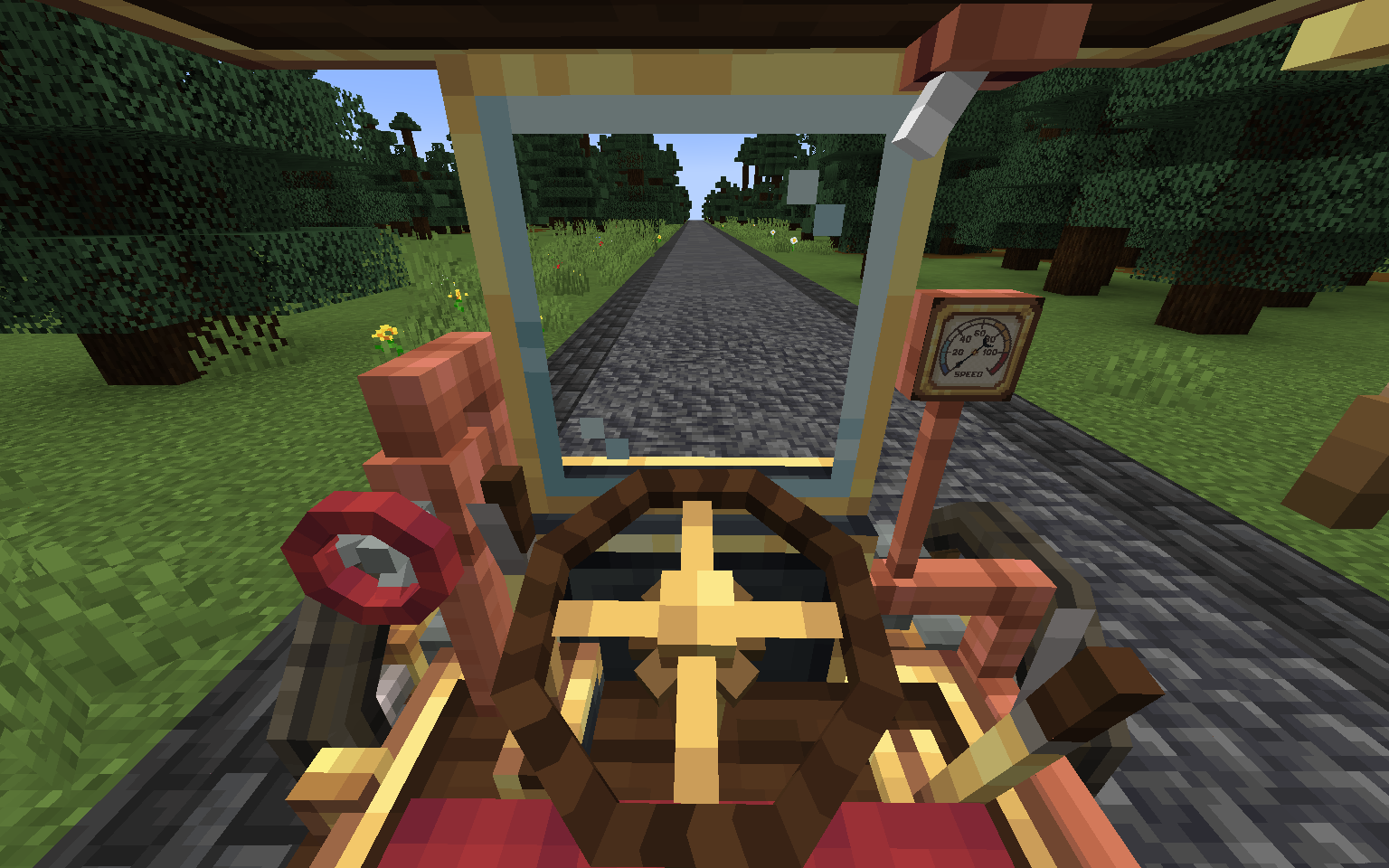
- Driving the boilerbox happens with WASD. Use Space to activate boosters. C to honk the steam whistle. N for handbrake. R/F to shift up and down if you have automatic shifting disabled in config.
- Flying the Biplane is done by pitching (W/S), Rolling (A/D) and Yawing (J/L) the plane. Throttle is controlled with (i/K)
Extra: Weapons are switched with the [V] key and fired with [Space]
How to remove upgrades?
- Use the ratcher item and LMB on the upgrade!
How to pick up vehicles?
- Use the ratcher item and shift+LMB on the vehicle!
常见问题
Create: Automotives 支持哪些 Minecraft 版本?
Create: Automotives 支持 Minecraft Java 版 1.12.2–1.21.1,共 6 个版本,可用的加载器:Forge / NeoForge。下载时注意选择和你游戏版本一致的文件。
Create: Automotives 怎么安装?
先用 PCL2 或 HMCL 启动器安装对应版本的 Forge / NeoForge,再把下载的 .jar 文件放进游戏目录的 mods 文件夹,重新启动游戏即可。开启了版本隔离的,mods 文件夹在 versions/版本名 下面。运行环境:客户端和服务端都要装。
Mr_Mulle 的其他作品
查看全部 →
Immersive Vehicles (MTS)
为 Minecraft 带来逼真的飞机和汽车!
Immersive Vehicles (MTS/IV) – Official Content Pack – [OCP] – Planes, Cars, Helicopters & More!
Immersive Vehicles 模组的官方内容包,包含飞机、汽车、坦克、直升机和卡车!

[SBW] MCSP – ADDON
Add-on featuring military vehicle designed in a vanilla-friendly style.

Immersive Vehicles
Library for realistic cars, planes, decor, and guns for Minecraft!
评论
登录后评论和评分