
截图

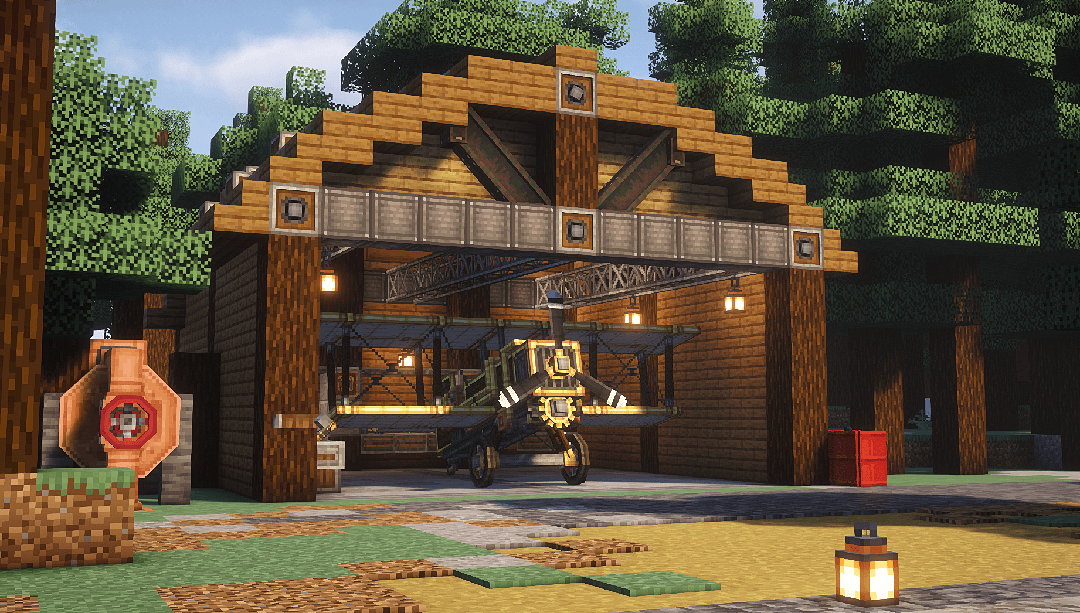
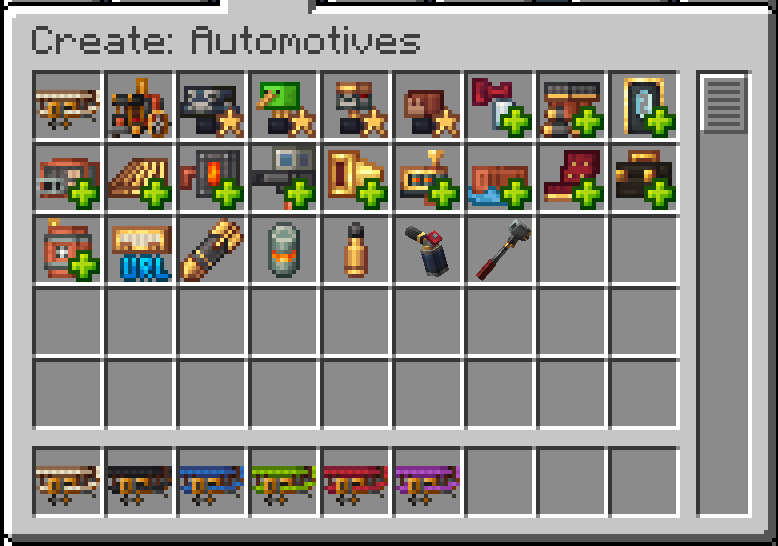
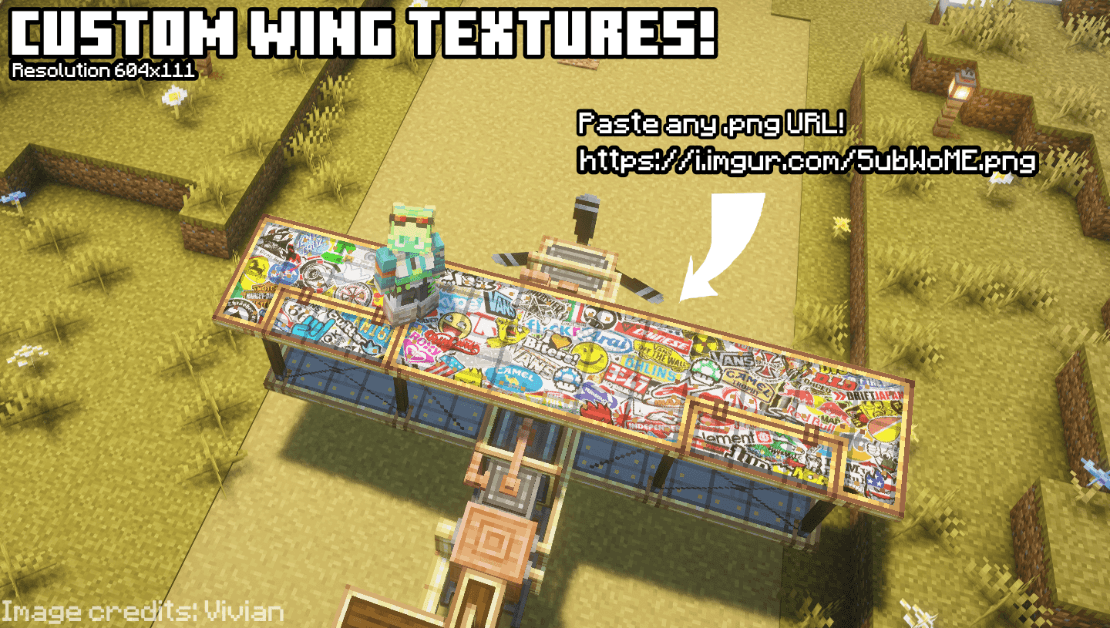
介绍
The “Immersive Vehicles” library is required in order to use this mod!
You’re allowed to use this mod in your modpacks!
You may include this mod in public or private Minecraft modpacks, provided the mod file is unmodified and downloaded from its official Modrinth or CurseForge page


(so far)


Boilerbox Controls:
Biplane Controls:


Reader Section:
Create: Automotives
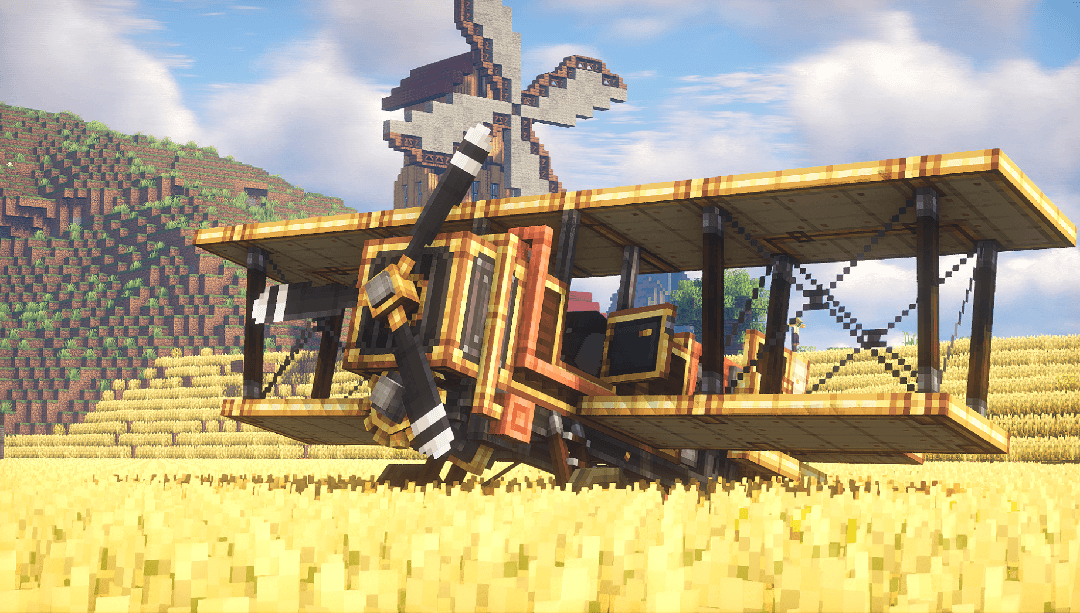
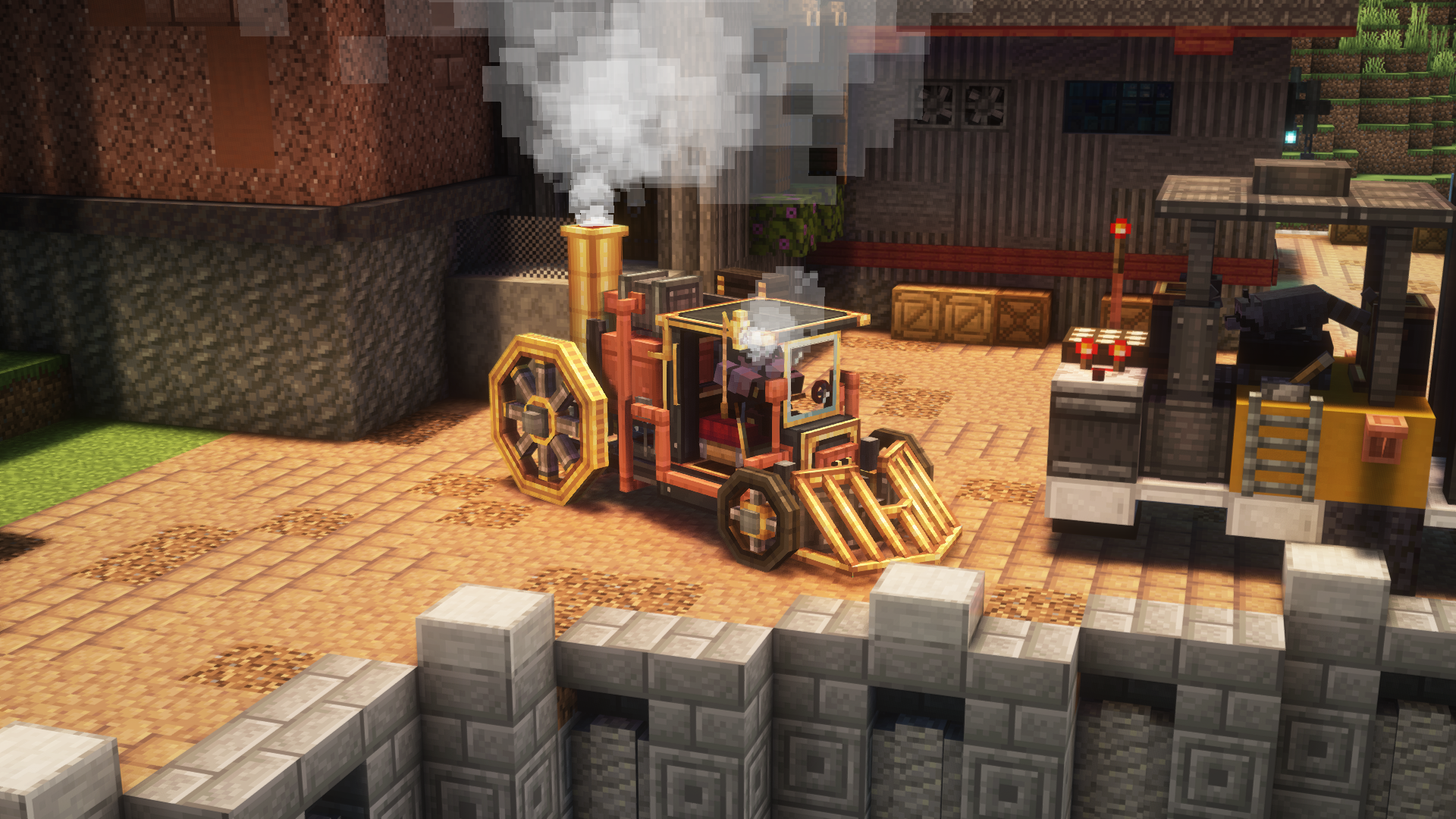
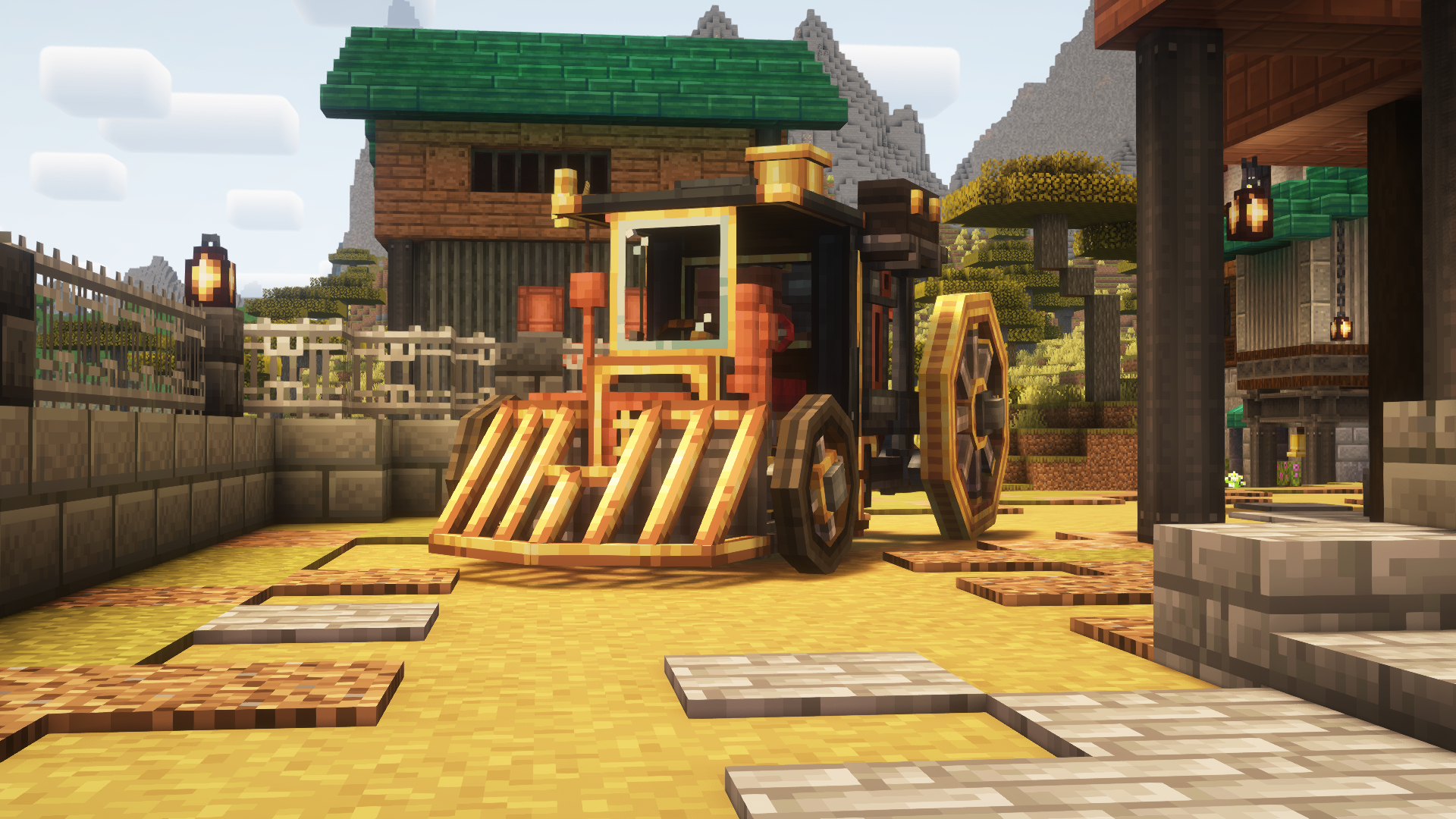
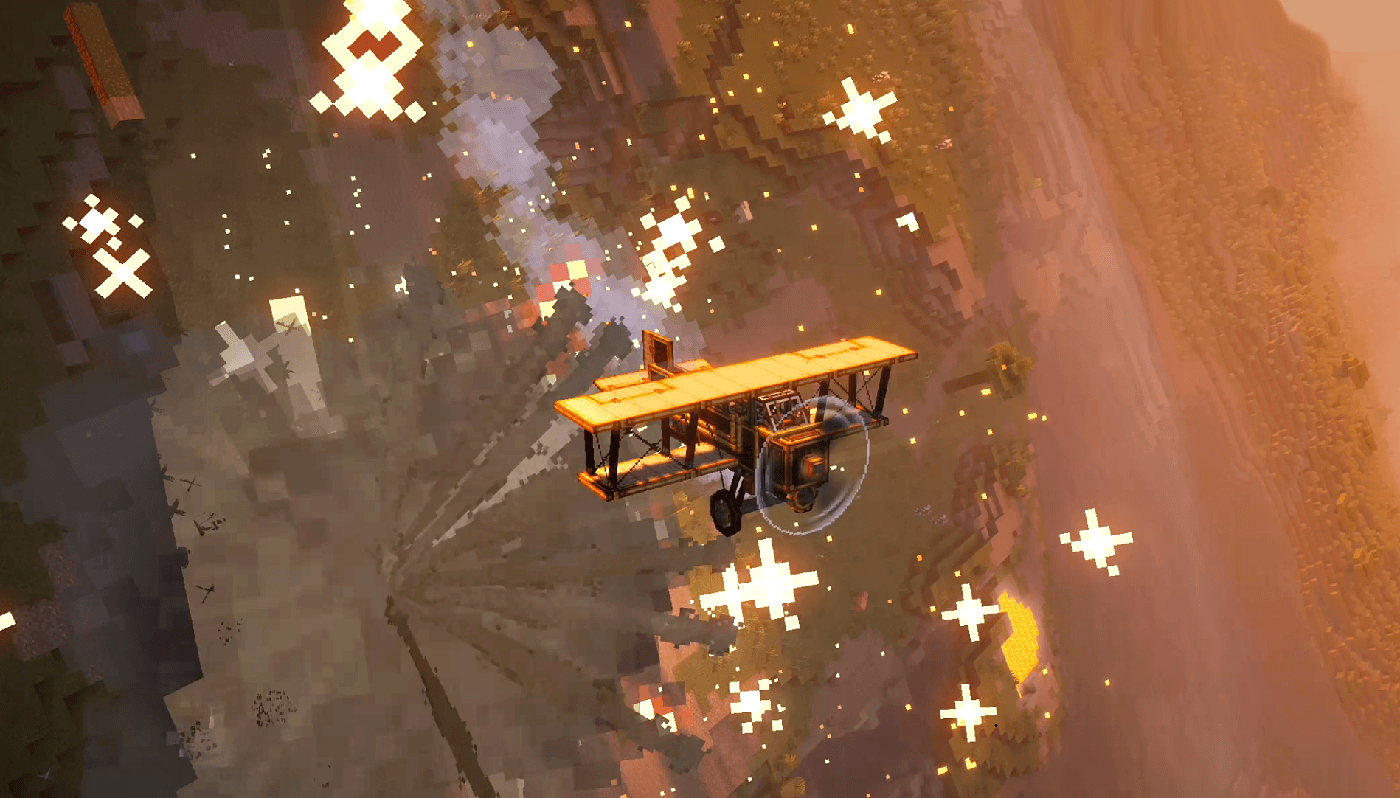
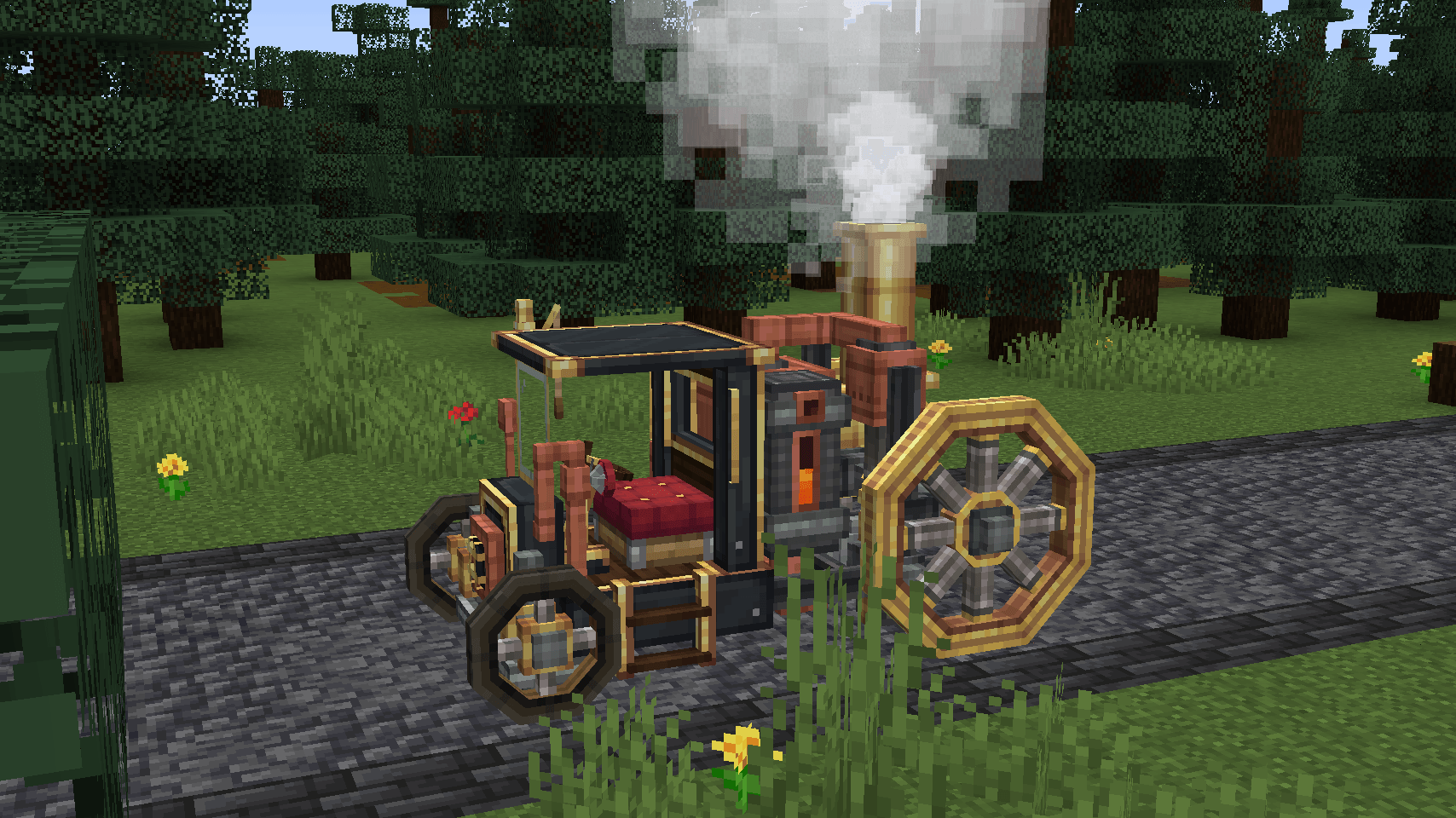
Create: Automotives adds fictional, steam-powered vehicles designed to fit the Create mod’s style and progression.
Features:
– One drivable ground vehicle
– One flyable airplane
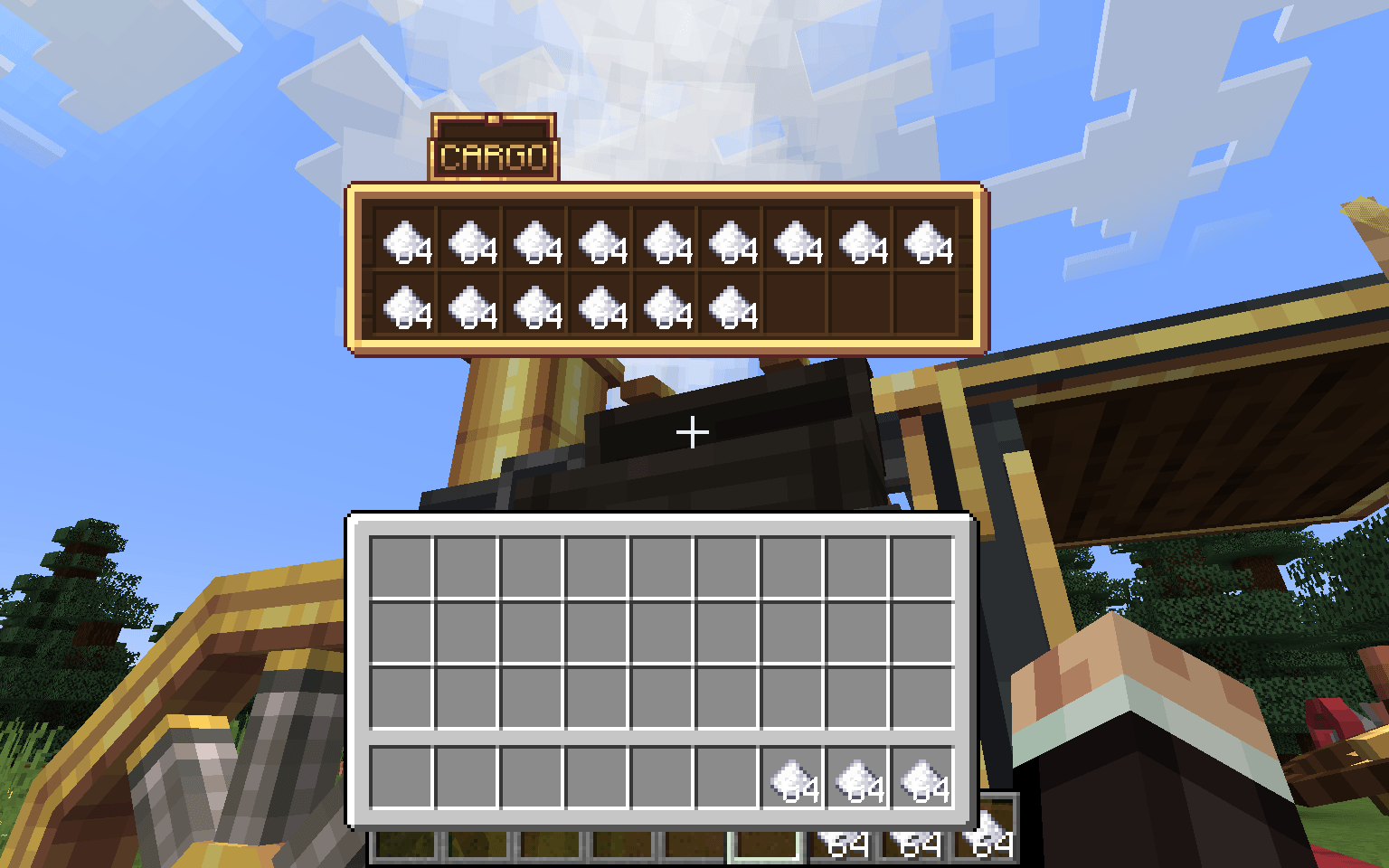
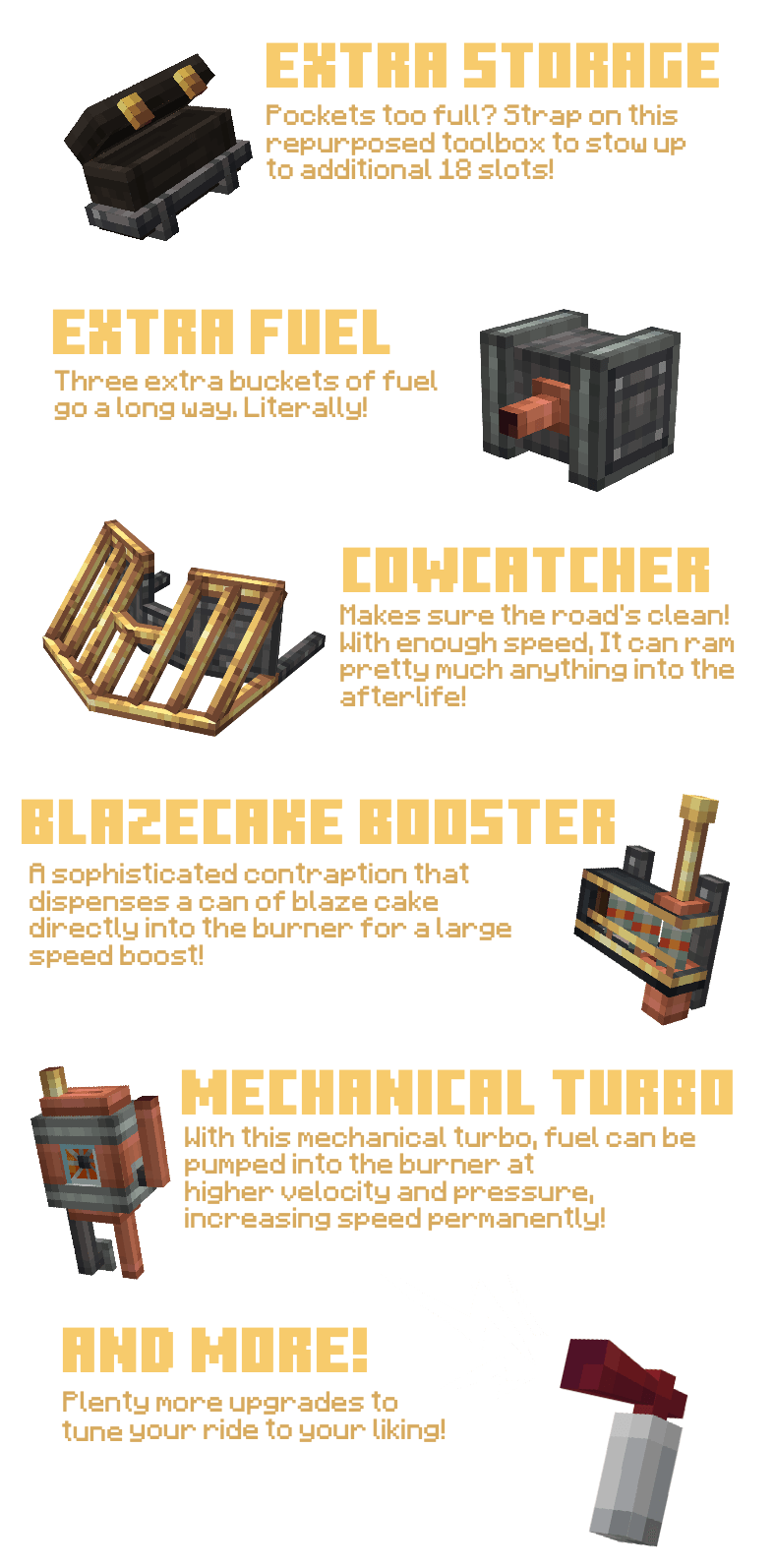
– Upgrade system (choose purpose-focused modules)
– Create-style integration (recipes + progression)
– Extensive sounds/particles and interactable elements
Getting Started:
1. Get a mechanical crafter up to craft the Boilerbox / Biplane
2. If needed, craft upgrades with the mechanical crafter
3. Place the Boilerbox / Biplane, fuel its left hand side main tank with lava buckets
4. Place Upgrades with RMB on the green boxes
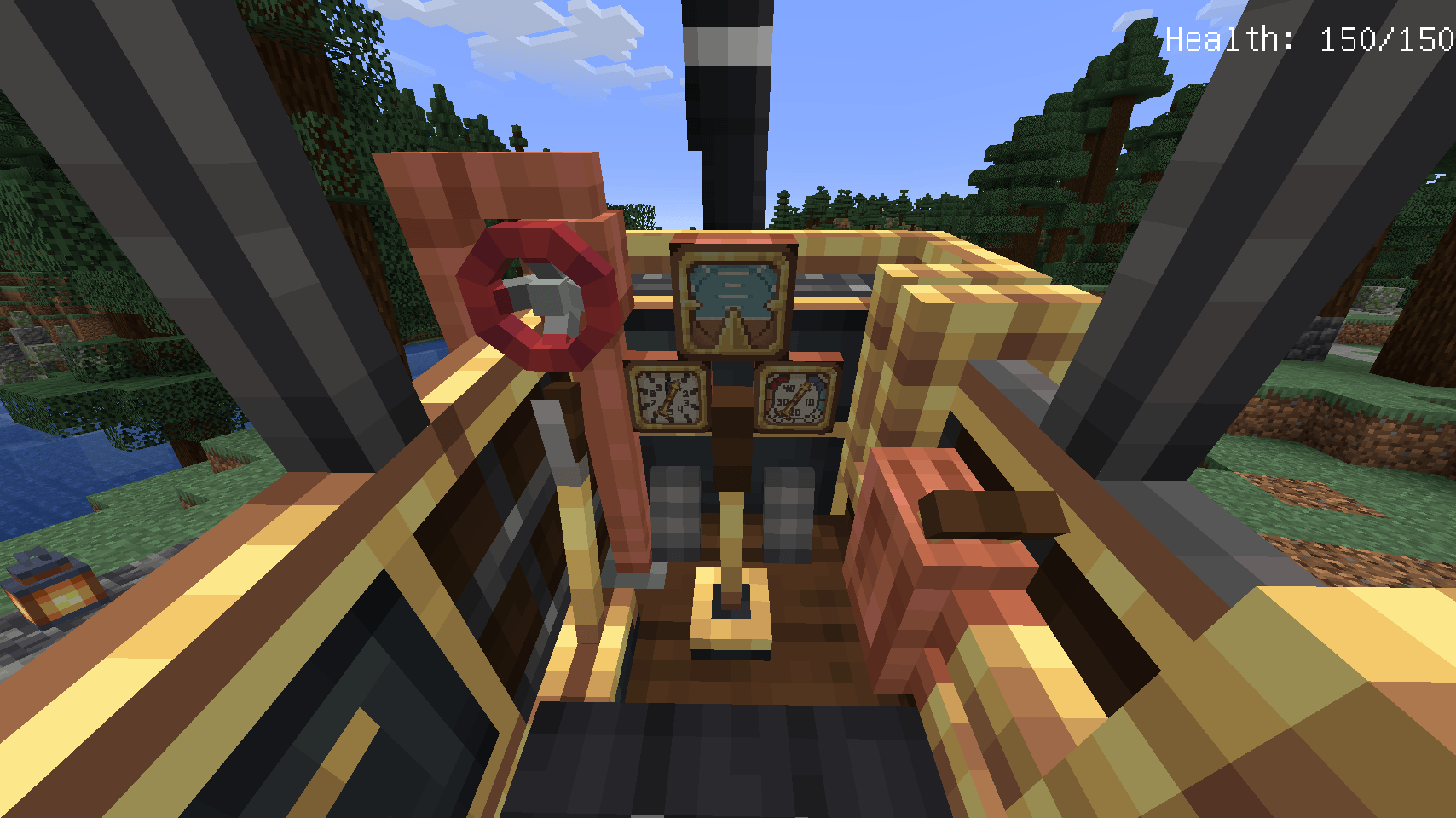
5. RMB the seat, then either RMB the left-hand fuel valve once, than hold it until the burner runs
6. Alternatively, you can pull up the panel with U and hold the valve.
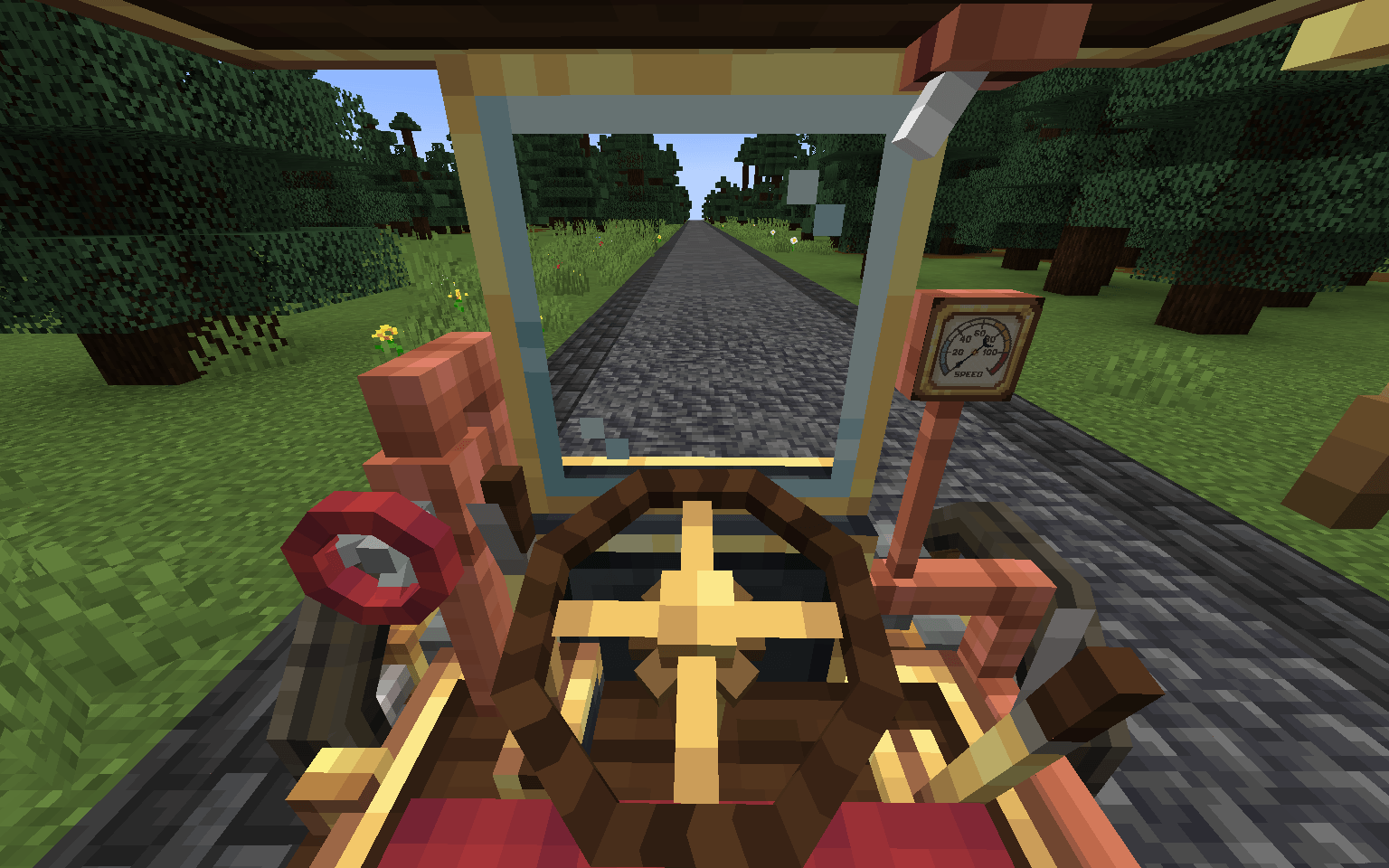
7. Driving the boilerbox happens with WASD. Use Space to activate boosters. C to honk the steam whistle. N for handbrake. R/F to shift up and down if you have automatic shifting disabled in config.
8. Flying the Biplane is done by pitching (W/S), Rolling (A/D) and Yawing (J/L) the plane. Throttle is controlled with (i/K)
Extra: Weapons are switched with the [V] key and fired with [Space]
How to remove upgrades?
– Use the ratcher item and LMB on the upgrade!
How to pick up vehicles?
– Use the ratcher item and shift+LMB on the vehicle!
常见问题
Create: Automotives 支持哪些 Minecraft 版本?
Create: Automotives 支持 Minecraft Java 版 1.12.2–26.1.2,共 9 个版本,可用的加载器:Forge / NeoForge。下载时注意选择和你游戏版本一致的文件。
Create: Automotives 怎么安装?
先用 PCL2 或 HMCL 启动器安装对应版本的 Forge / NeoForge,再把下载的 .jar 文件放进游戏目录的 mods 文件夹,重新启动游戏即可。开启了版本隔离的,mods 文件夹在 versions/版本名 下面。
Mr_Mulle 的其他作品
查看全部 →
Immersive Vehicles (MTS)
为 Minecraft 带来逼真的飞机和汽车!
Immersive Vehicles (MTS/IV) – Official Content Pack – [OCP] – Planes, Cars, Helicopters & More!
Immersive Vehicles 模组的官方内容包,包含飞机、汽车、坦克、直升机和卡车!

[SBW] MCSP – ADDON
Add-on featuring military vehicle designed in a vanilla-friendly style.

Immersive Vehicles
Library for realistic cars, planes, decor, and guns for Minecraft!
评论
登录后评论和评分