
Create: All the Soup as You Go
Store soups in Create tanks, move them through pipes, and fill bowls with a Spout. Includes unique fluids and buckets for Minecraft and Farmer’s Delight soups
截图

介绍
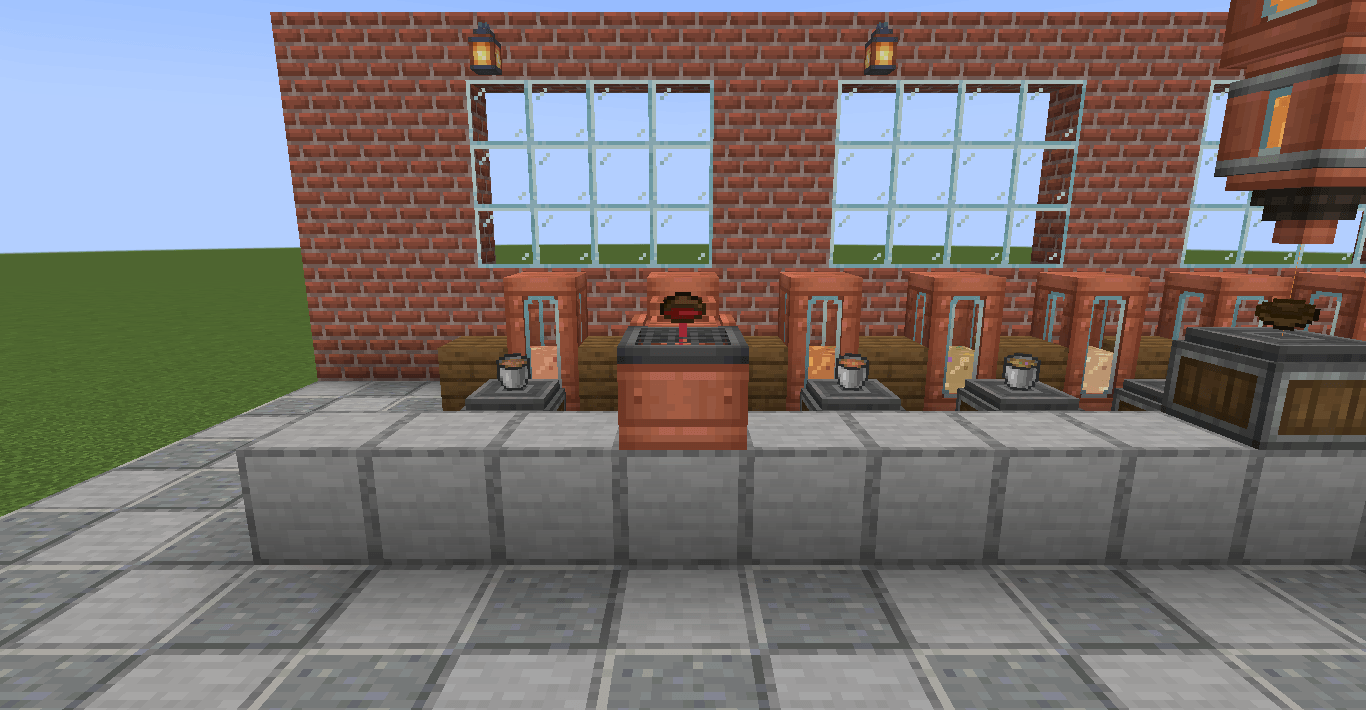
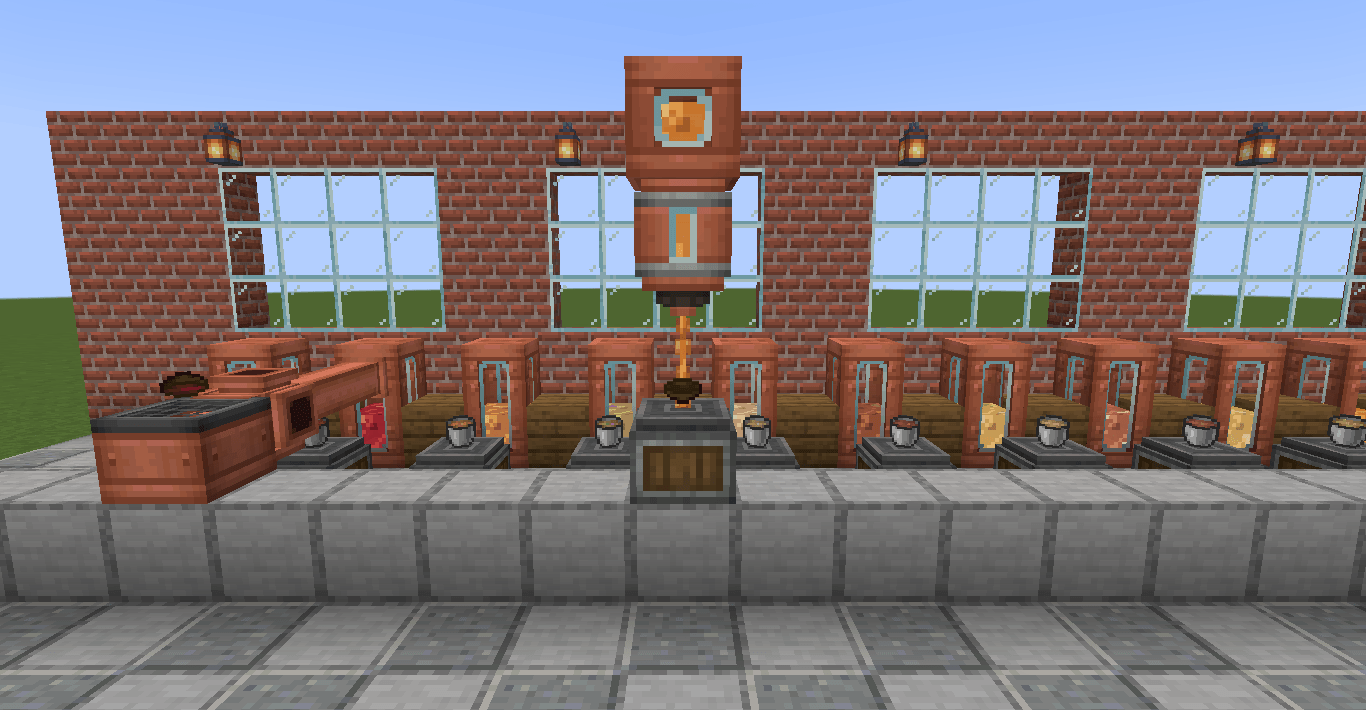
Bring your soup into your Create kitchen. Empty a bowl on an Item Drain, store the soup in tanks, move it through pipes, and use a Spout to serve it again.
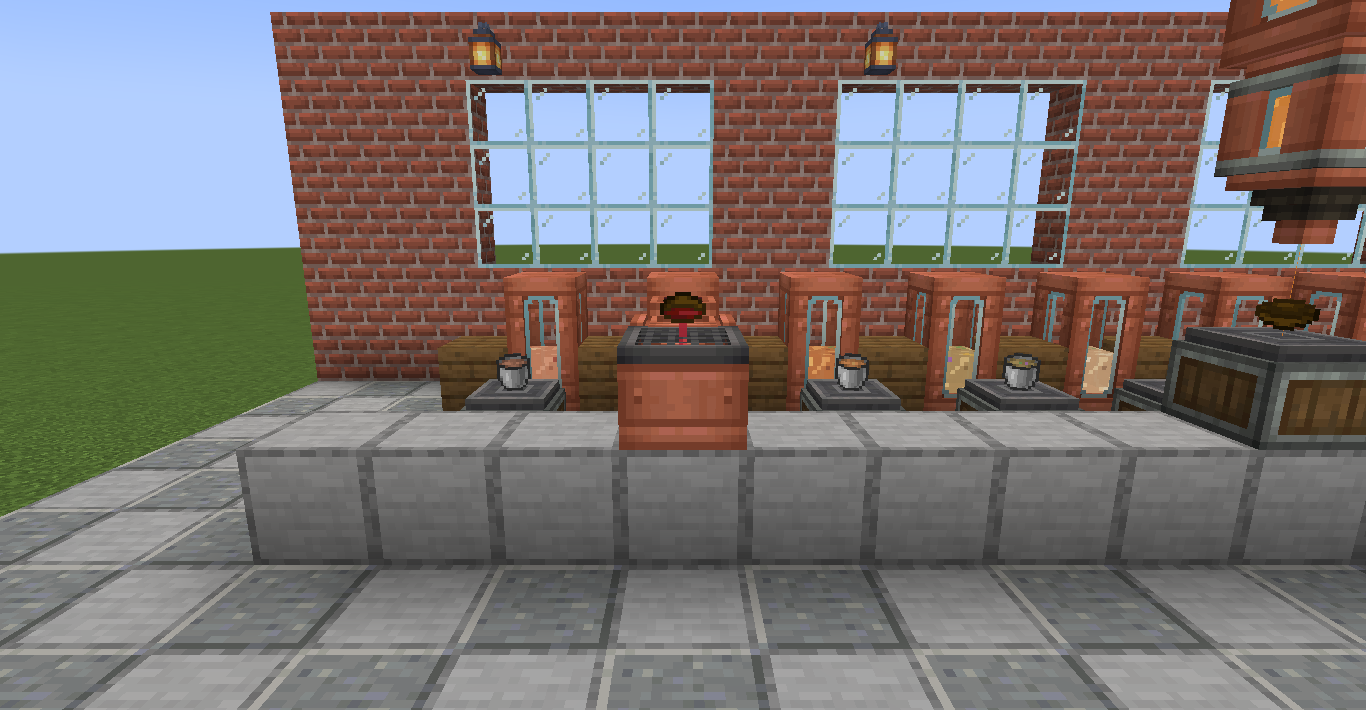
From bowl to tank and back
Each bowl holds 250 mB, so one bucket makes four bowls. Draining returns the empty bowl, and a Spout uses the same amount of soup to fill it again.
Every soup has its own animated fluid texture and bucket. Mushroom stew, beetroot soup and the other dishes stay separate, so you can keep a tank for each recipe.
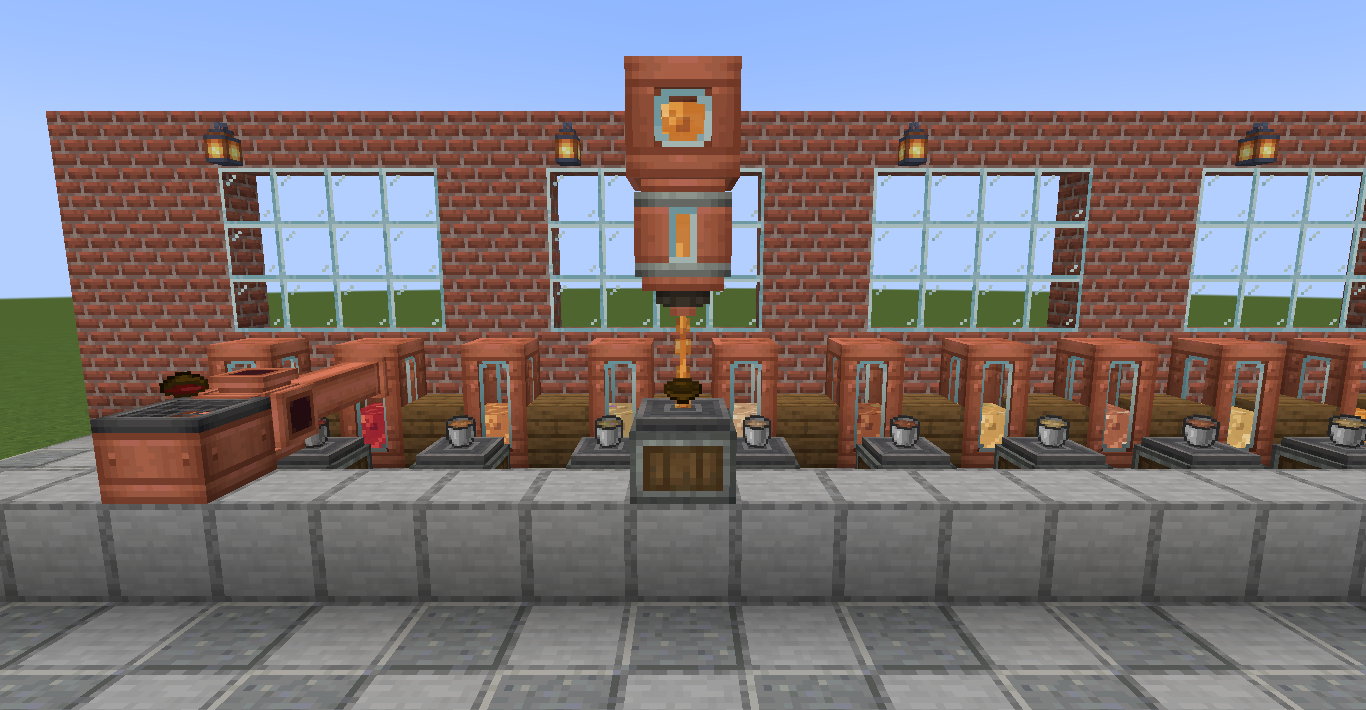
What’s on the menu?
All four Minecraft soups are supported:
- Mushroom stew
- Beetroot soup
- Rabbit stew
- Suspicious stew
With Farmer’s Delight installed, you also get:
- Beef stew
- Chicken soup
- Vegetable soup
- Fish stew
- Pumpkin soup
- Baked cod stew
- Noodle soup
- Onion soup
- Bone broth
Only dishes available in your installed version of Farmer’s Delight are enabled. You still cook the soups normally; this addon handles storing and serving them.
Suspicious stew keeps its effects when moved between bowls, buckets and tanks. Different effect combinations stay separate. Keep it in containers, as pouring it onto the ground loses those effects.

A few useful details
- Find the buckets in creative search and Tools & Utilities.
- Item and fluid names are available in English and Spanish (Spain).
- The fluids work with Create’s tank displays and Jade.
- Farmer’s Delight is optional. Without it, the four Minecraft soups still work.
Installation
Requires Minecraft 1.21.1, NeoForge 21.1.251 and Create 6.0.10 for NeoForge.
Install the addon on both the client and server. Farmer’s Delight 1.3.4 was used for the full menu shown in the screenshots.
常见问题
Create: All the Soup as You Go 支持哪些 Minecraft 版本?
Create: All the Soup as You Go 支持 Minecraft Java 版 1.21.1,可用的加载器:NeoForge。下载时注意选择和你游戏版本一致的文件。
Create: All the Soup as You Go 怎么安装?
先用 PCL2 或 HMCL 启动器安装对应版本的 NeoForge,再把下载的 .jar 文件放进游戏目录的 mods 文件夹,重新启动游戏即可。开启了版本隔离的,mods 文件夹在 versions/版本名 下面。

评论
登录后评论和评分