
截图
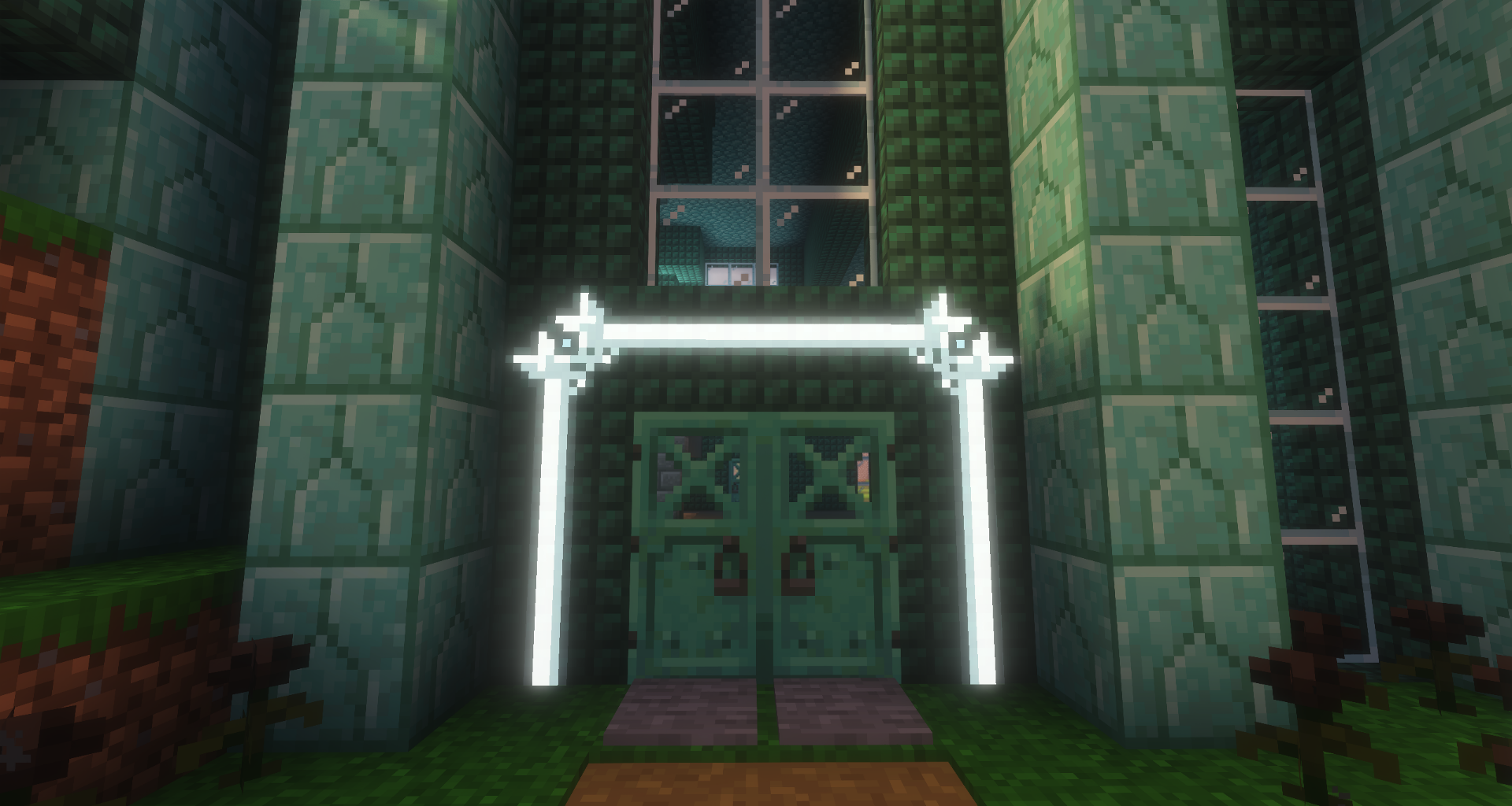
介绍
Welcome to Crazy Painting! The mod allows players to create and show off art in-game through paintings!
First of all, before anything, huge shoutout to Xerca’s Joy of Painting mod. That mod is what inspired me to create my own version with features I wanted to see, on a newer version of the game. Some concepts used from this project are derived from their project.
With that aside…
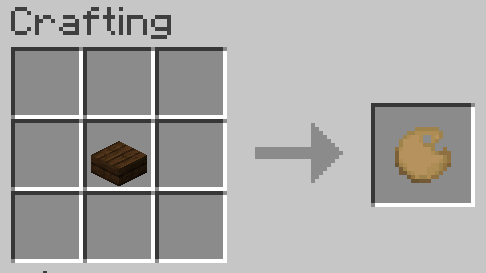
Craft a palette, using one of any wooden slab,
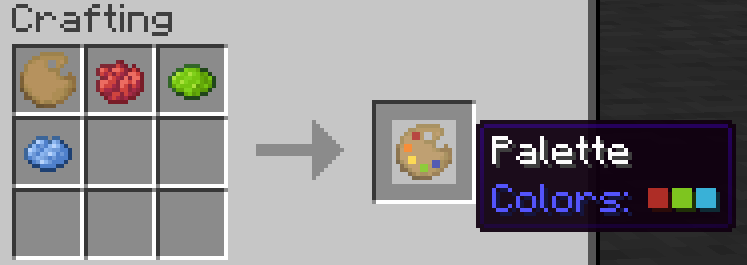
Add some colors to your palette using dyes,
Make a canvas and easel,
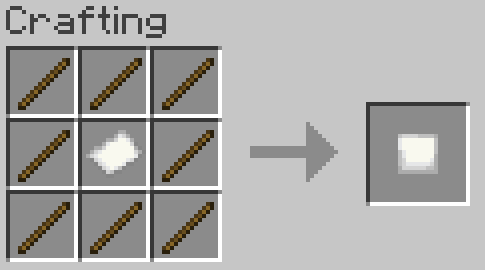
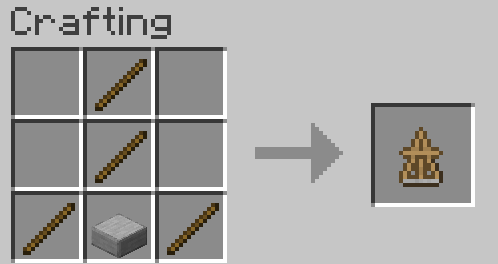
And start painting!
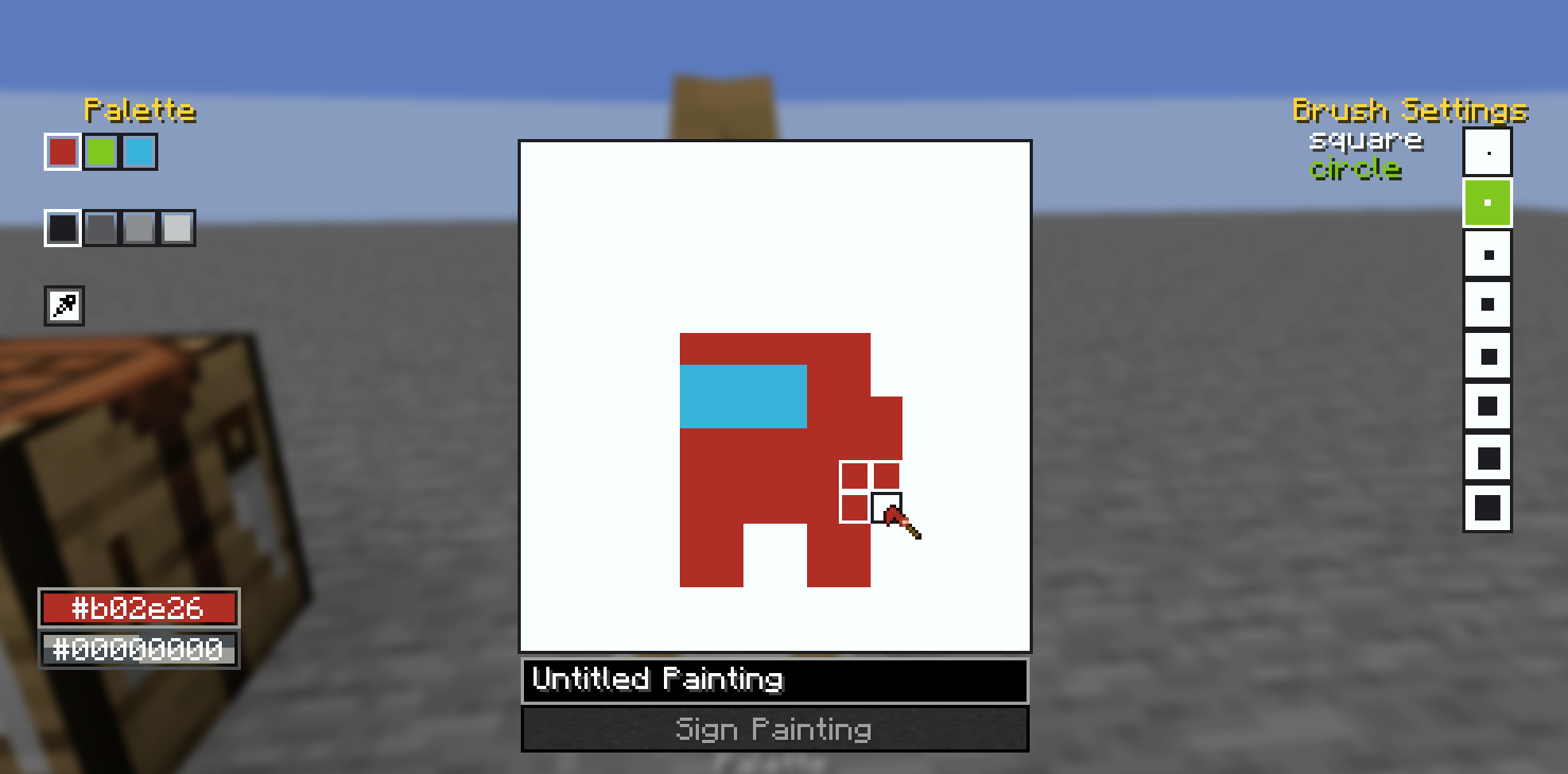
You can also craft larger canvases by combining multiple smaller canvas into a large one in the crafting table, the recipe book can help you with this.
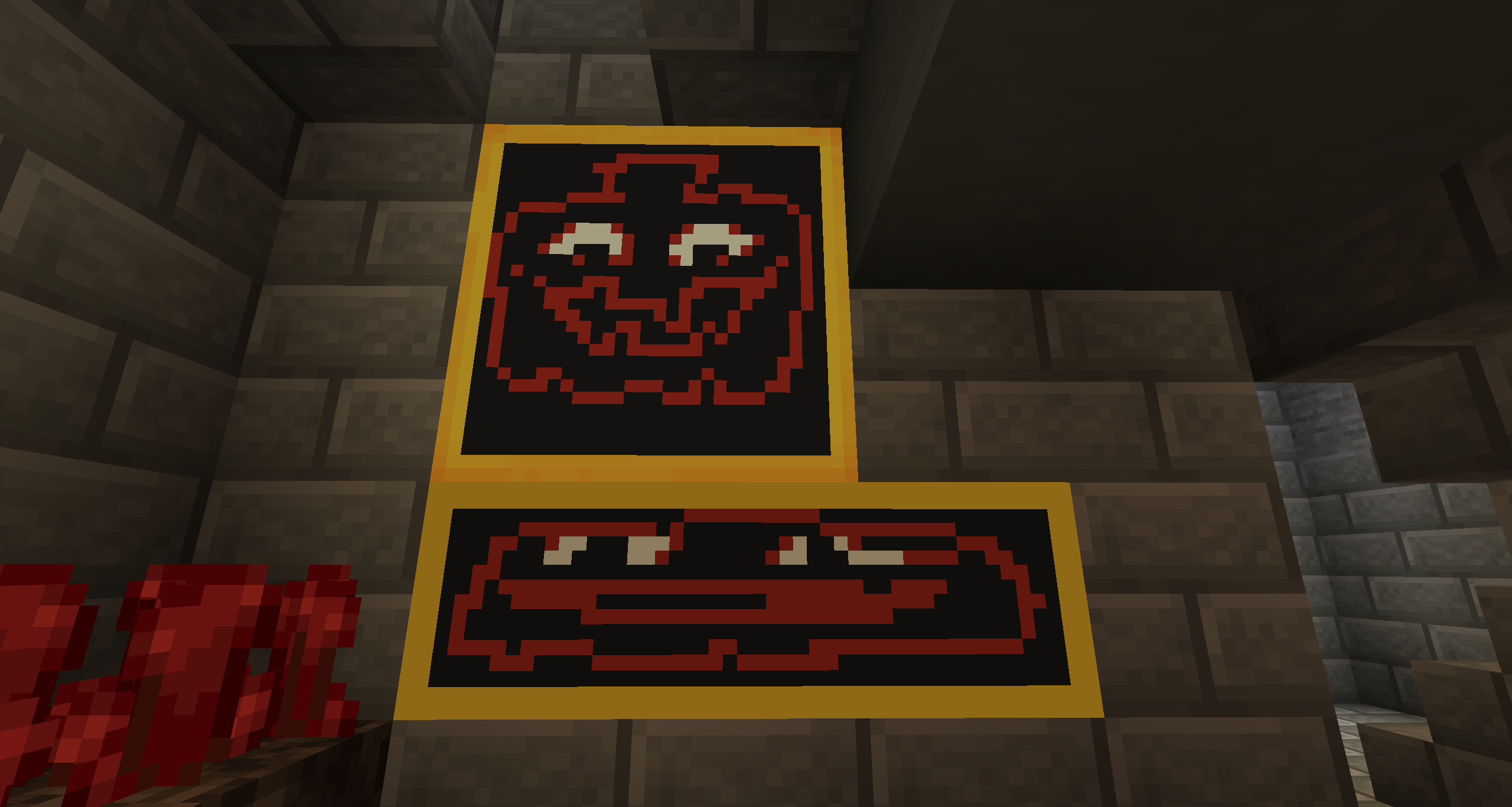
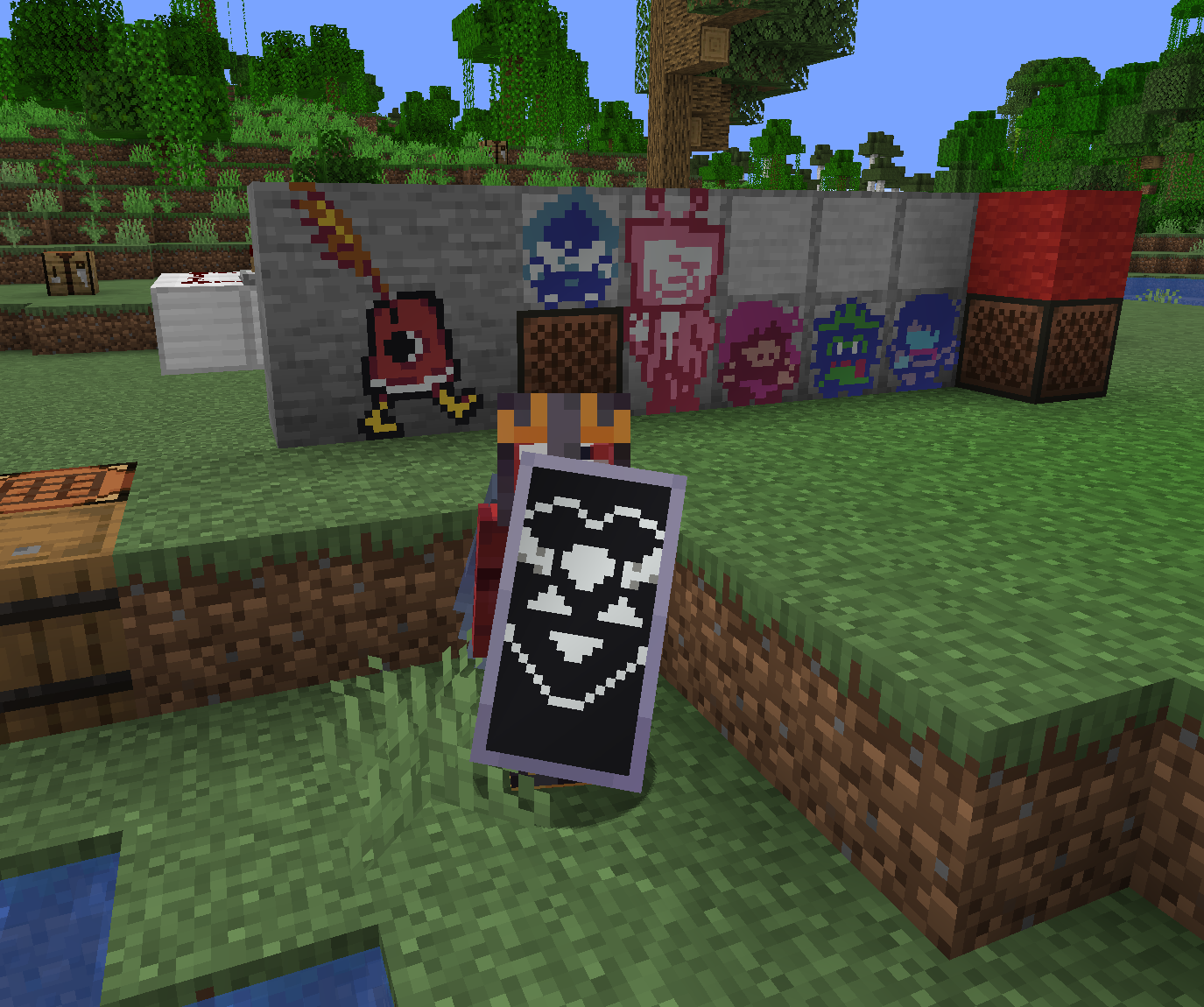
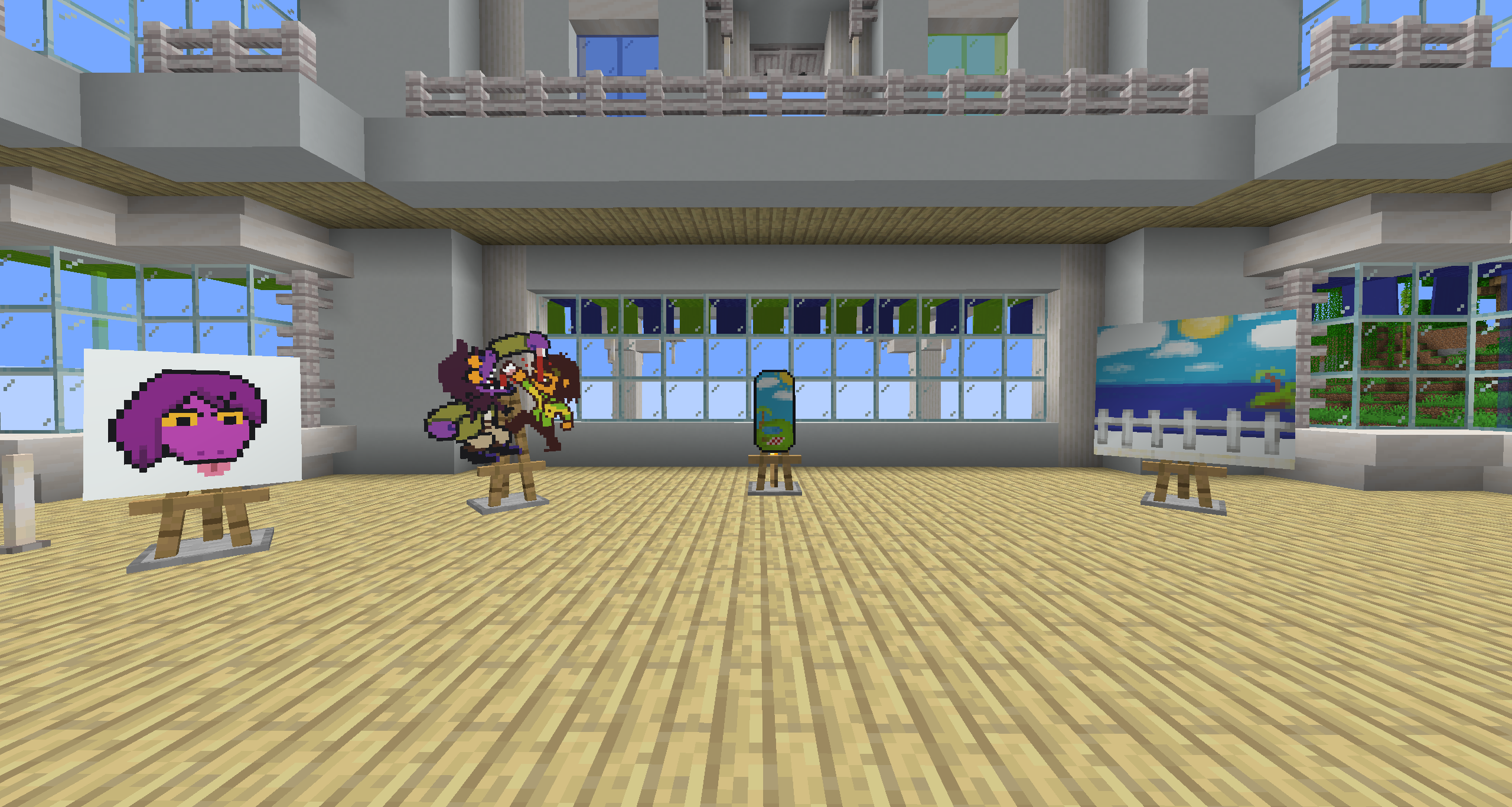
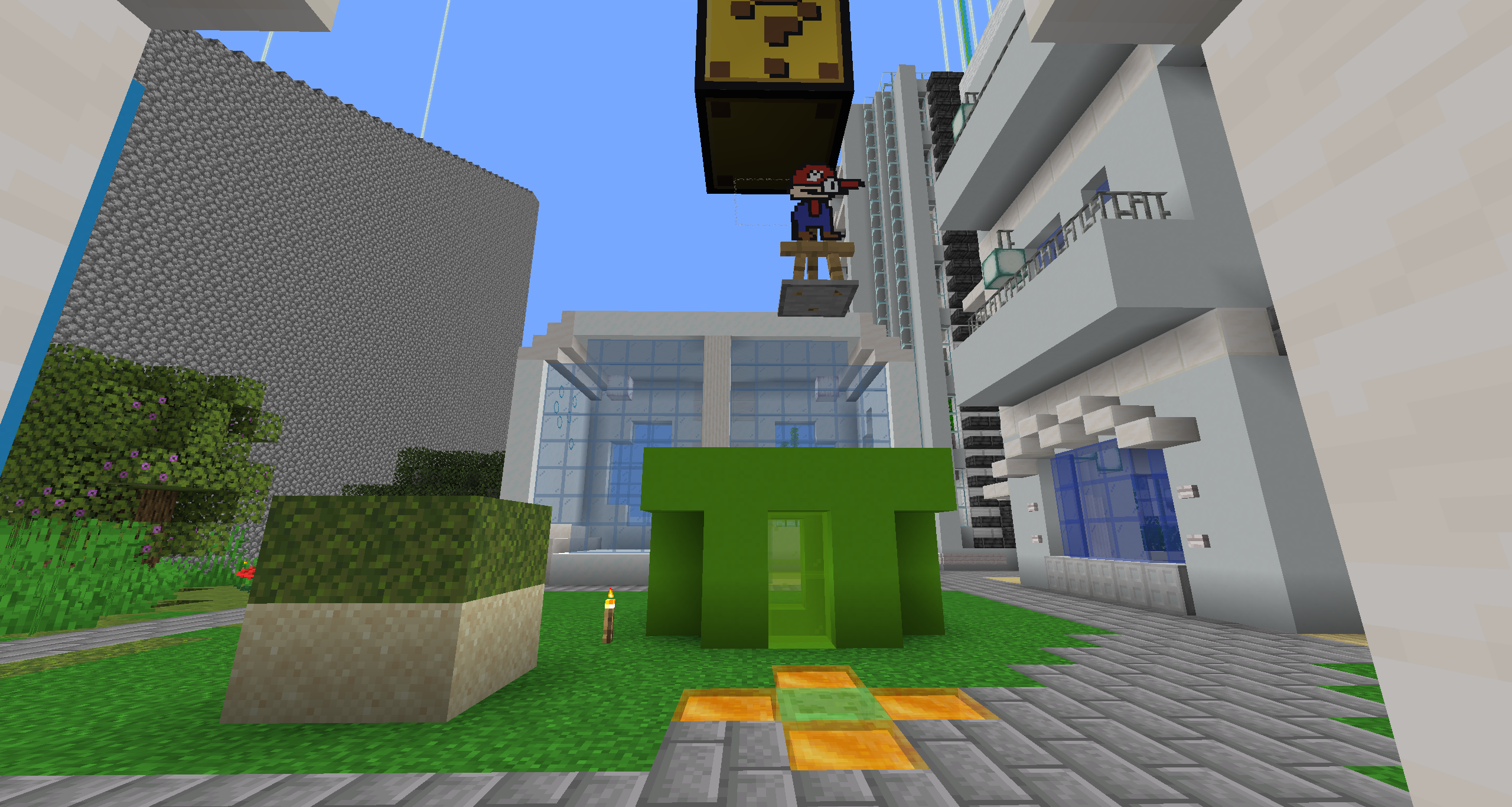
Once you’ve finished your painting, you can display them on an easel, as well as walls, floors, ceilings, and even shields! See the gallery for examples. You may also combine your finished painting with an empty canvas of the same size to create a copy. Copies are treated the same way as written books are in vanilla, where each subsequent copy of a copy gets older until you cannot create copies anymore.
Also, the editor comes with a built-in help button in the top left of the screen, which goes over the controls and features of the editor in more detail.
Also also, this mod’s brushes are data driven! They are stored as .qoi files under assets/crazypainting/brushes/(category_name)/(brush_name).qoi
To actually load these brushes into the game, you need to define them in a json file at the location assets/crazypainting/brushes/brushes.json. For specifics on the formatting, see here. After that, you can load up your resource pack and enjoy your custom brushes!
常见问题
Crazy Painting 支持哪些 Minecraft 版本?
Crazy Painting 支持 Minecraft Java 版 1.21.7–26.1.2,共 4 个版本,可用的加载器:Fabric。下载时注意选择和你游戏版本一致的文件。
Crazy Painting 怎么安装?
先用 PCL2 或 HMCL 启动器安装对应版本的 Fabric,再把下载的 .jar 文件放进游戏目录的 mods 文件夹,重新启动游戏即可。开启了版本隔离的,mods 文件夹在 versions/版本名 下面。运行环境:客户端和服务端都要装。
omoflop 的其他作品
查看全部 →
Heads Hurt Too!
Makes it so when entities wearing skulls take damage, the skull flashes red as well.
Custom GUI
Allows users to do more with GUIs in resource packs

More Block Predicates
Allows resource packs to change block models depending on new conditions!
Resourceful Block Sounds
Resourceful Block Sounds allows resource pack makers to define their own block sound groups, and assign blocks to them
评论
登录后评论和评分