
Crafter Setup By Alatic
Configure which crafter slots are enabled or disabled and have that layout applied automatically whenever you open a crafter.
截图
介绍
Crafter Setup By Alatic
Set which crafter slots are on or off and have that layout applied whenever you open a crafter.
Features
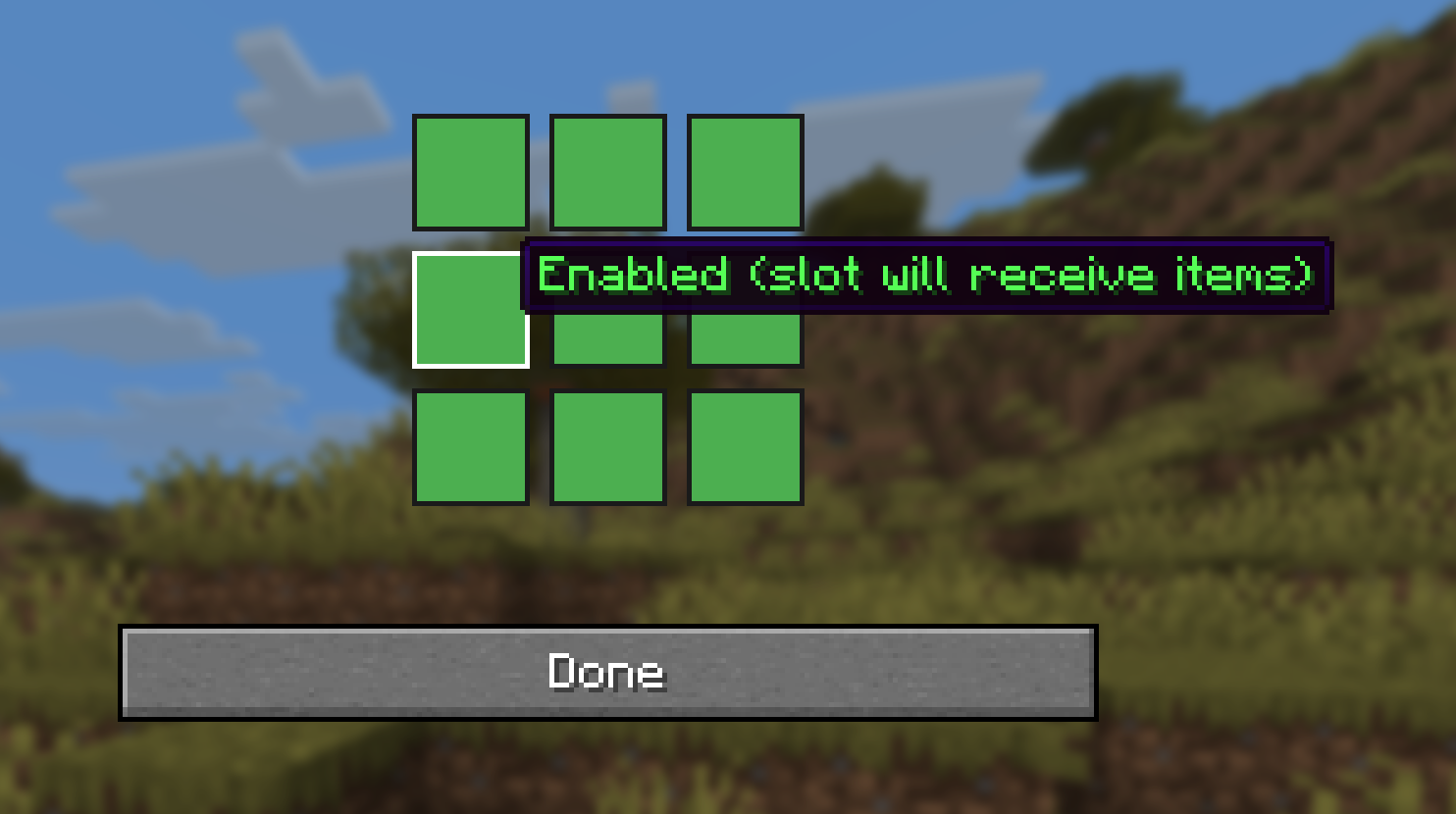
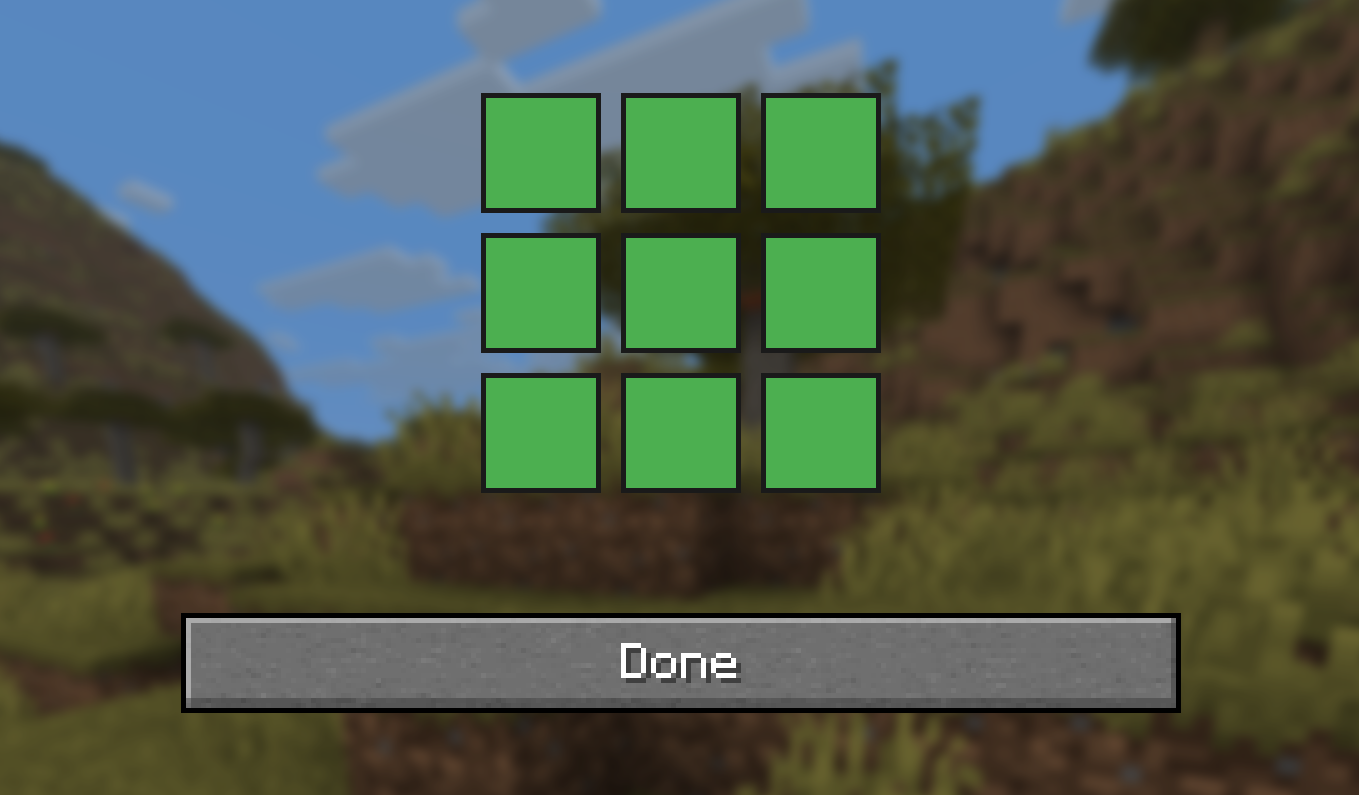
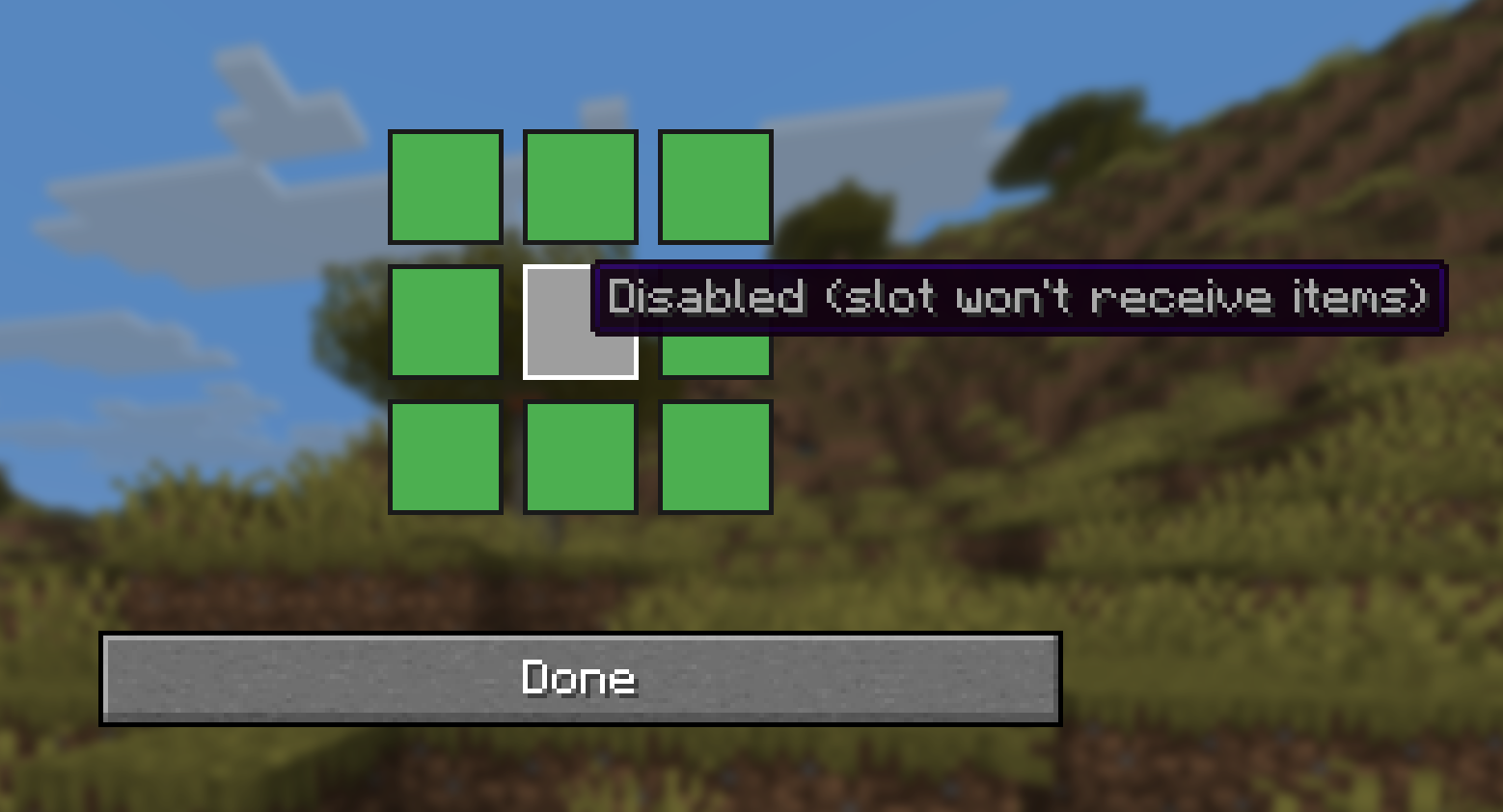
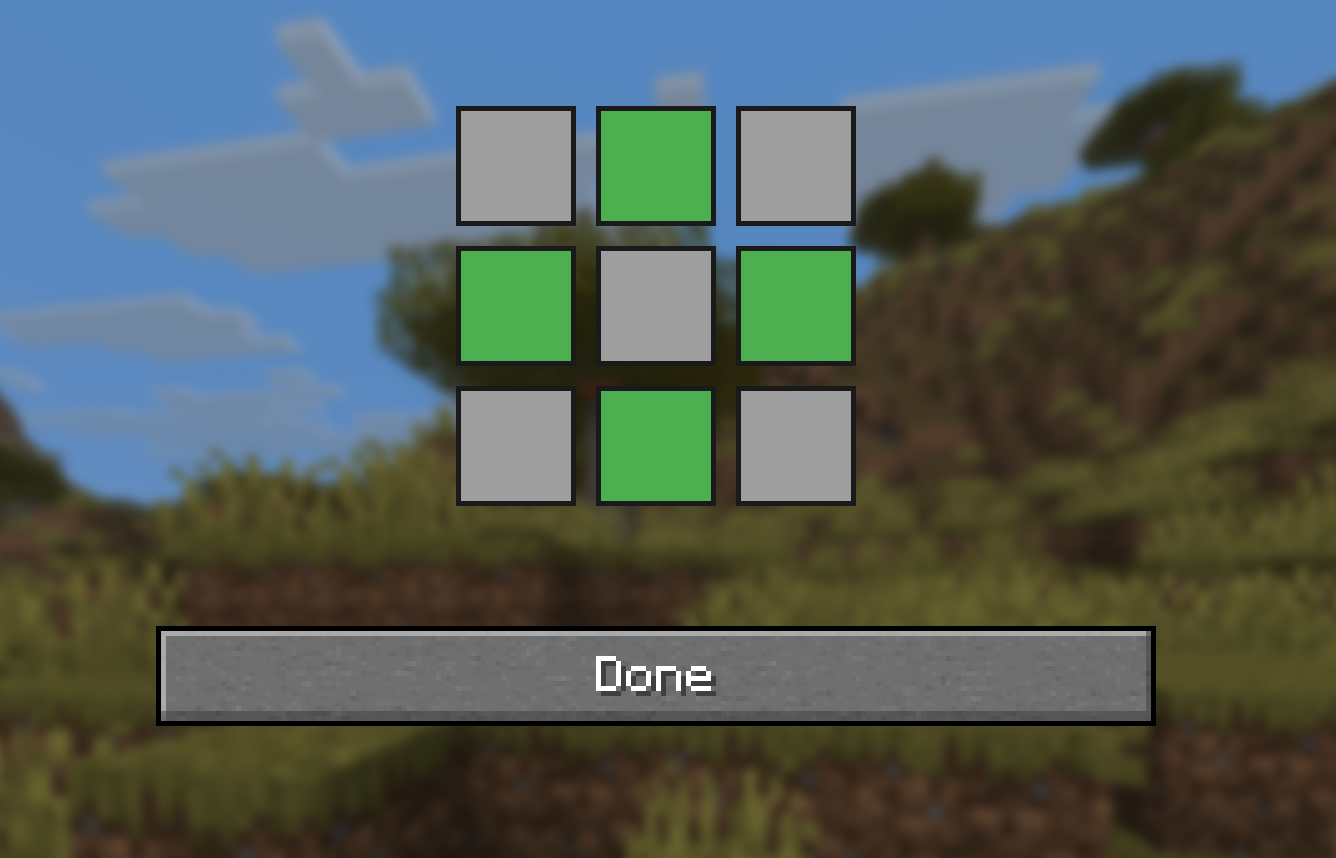
3×3 slot selector – choose which slots are enabled (green) or disabled (gray)
Auto-apply – your saved layout is applied when you open any crafter
Config is saved locally in config/crafter_setup_slots.dat
Multiplayer – your layout is sent to the server when you join and when you save
How to Use
Press ` (backtick key, next to 1) to open the setup screen
Left-click the grid slots to toggle enabled/disabled
Click Done to save and close
Open any crafter – your layout will be applied automatically
Requirements
Minecraft 1.21.11
Fabric Loader
Fabric API
常见问题
Crafter Setup By Alatic 支持哪些 Minecraft 版本?
Crafter Setup By Alatic 支持 Minecraft Java 版 1.21.4–1.21.11,共 3 个版本,可用的加载器:Fabric。下载时注意选择和你游戏版本一致的文件。
Crafter Setup By Alatic 怎么安装?
先用 PCL2 或 HMCL 启动器安装对应版本的 Fabric,再把下载的 .jar 文件放进游戏目录的 mods 文件夹,重新启动游戏即可。开启了版本隔离的,mods 文件夹在 versions/版本名 下面。运行环境:客户端和服务端都要装。
alatic. 的其他作品
查看全部 →
DonutSMP Bal Checker By ALATIC
Bal Checker By ALATIC is a client-side Fabric mod for Donut SMP that displays players’ money balances directly above their usernames in-game. Instantly see how rich nearby players are without opening commands.

LootLight
Client-side loot beams for dropped items. Custom gradients, animations, and bundling. Use /beam to style beams.

No Hide By ALATIC
Toggleable mod that disables Minecraft’s obfuscated text so hidden messages become readable.
评论
登录后评论和评分