
CPM Animator Utils
A QoL utility for Customizable Player Models (CPM) animators to streamline frame management and animation workflow.
截图
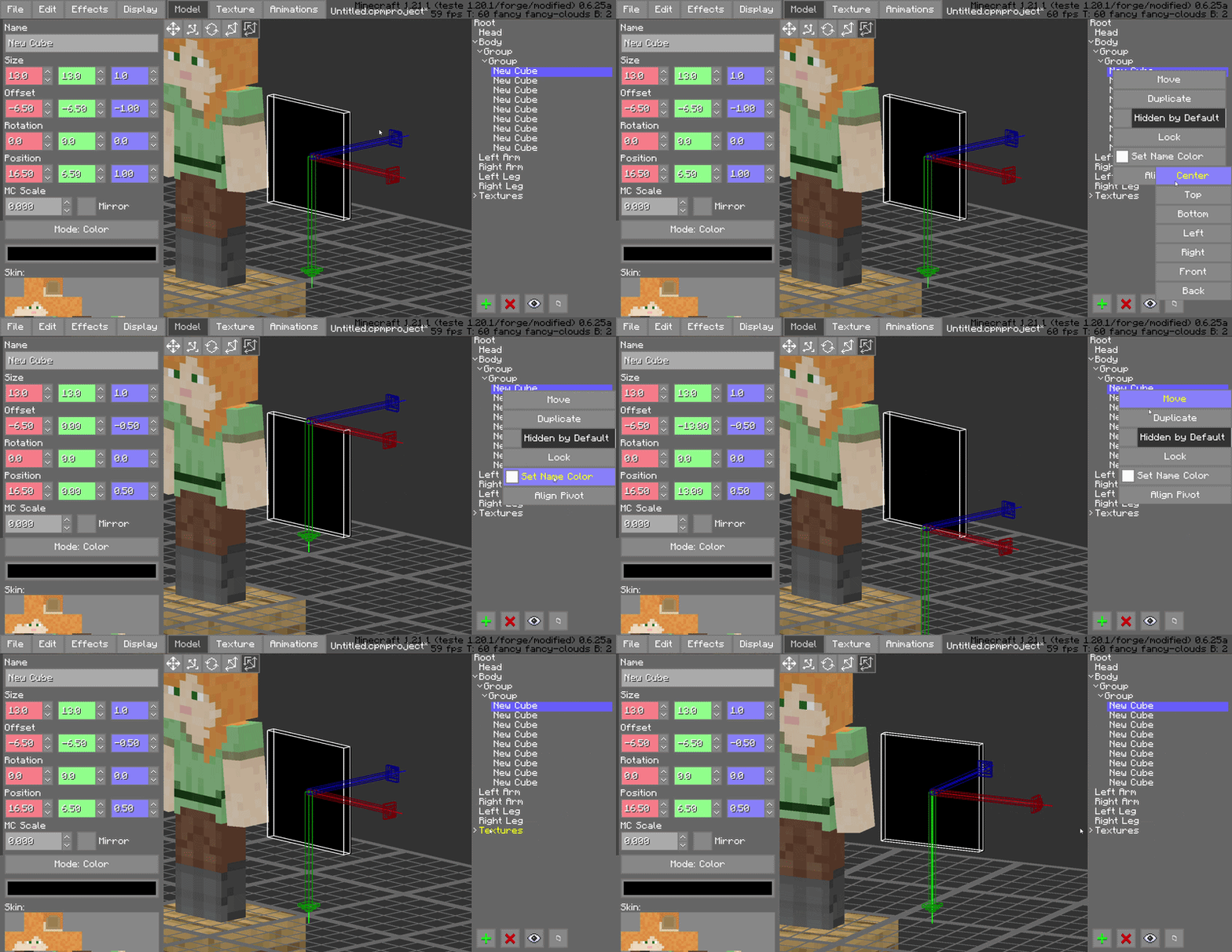
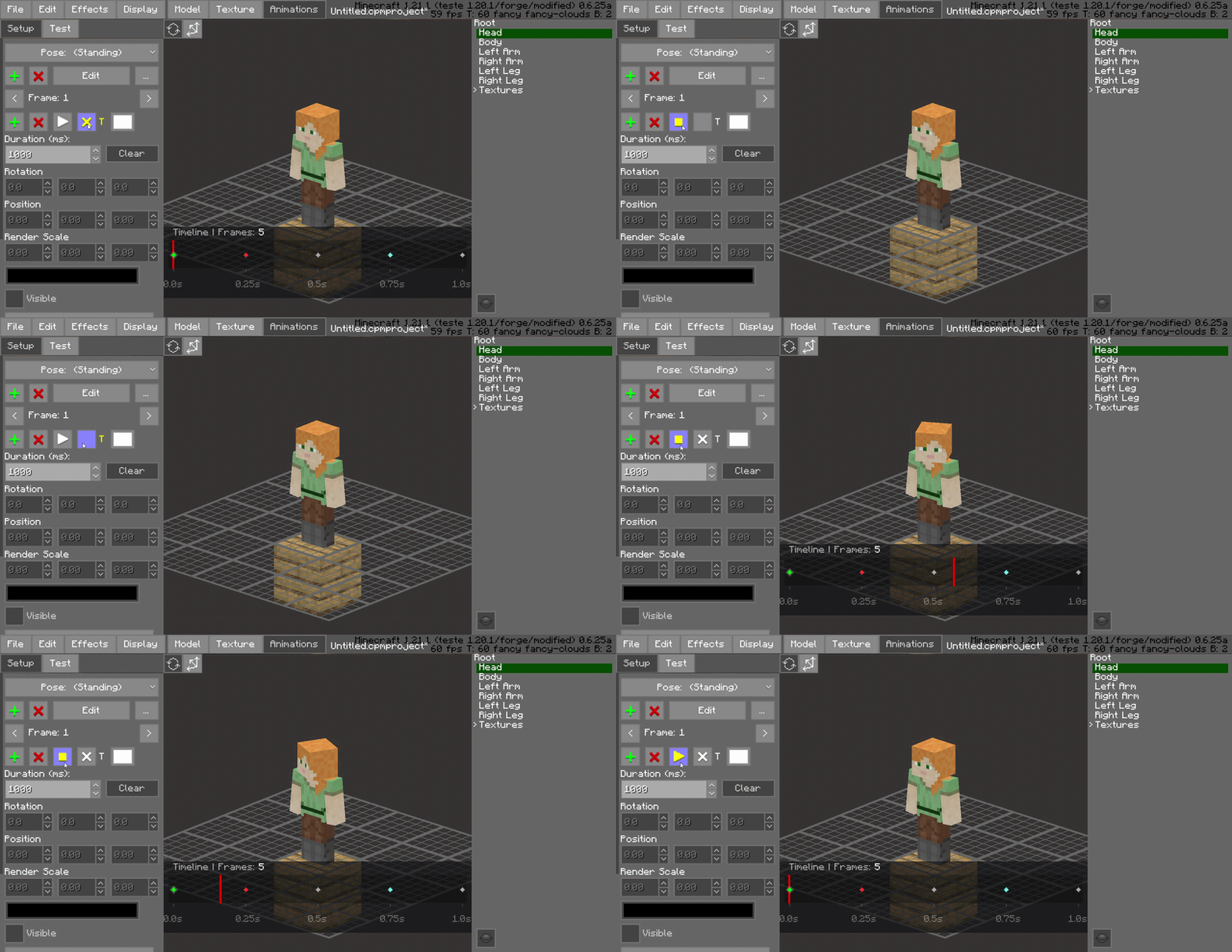
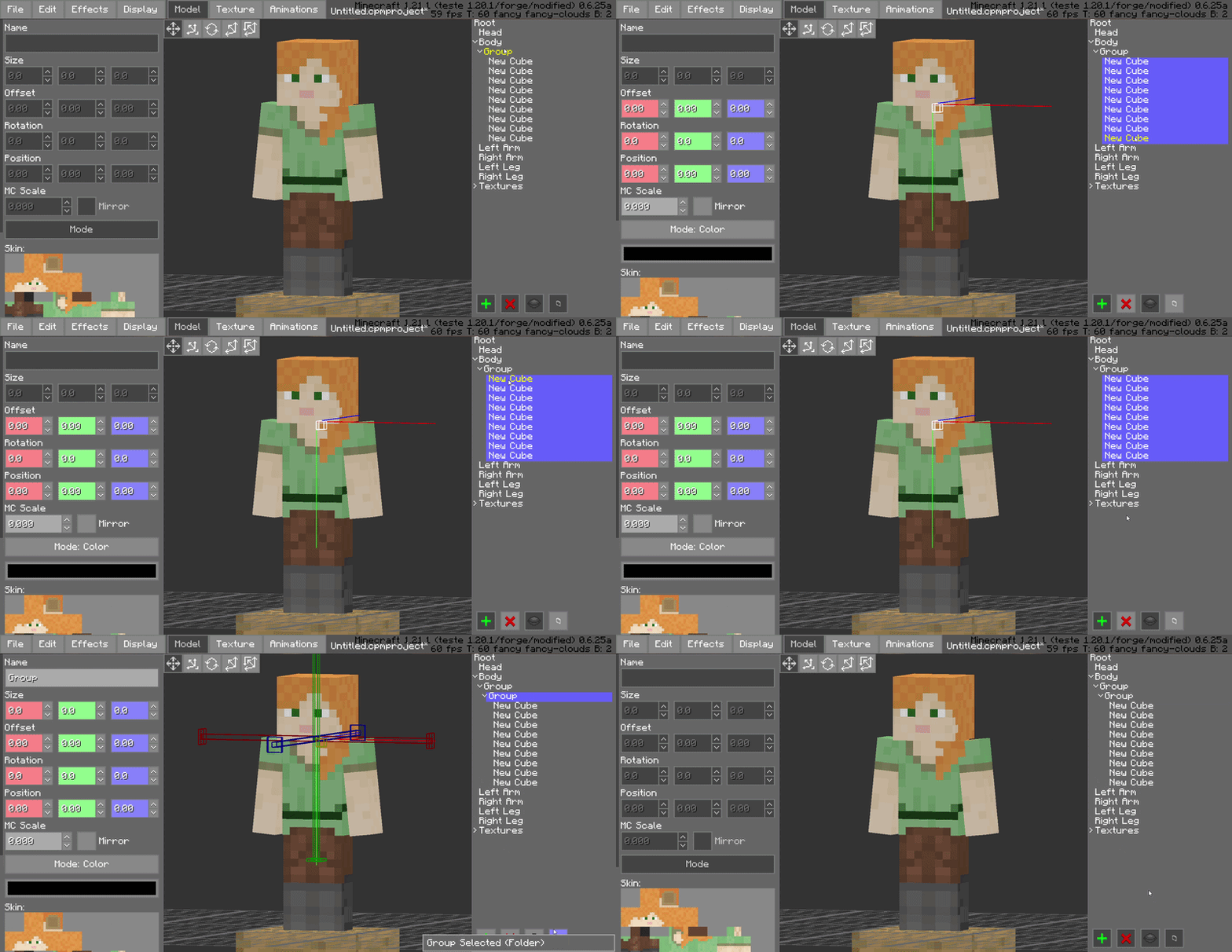
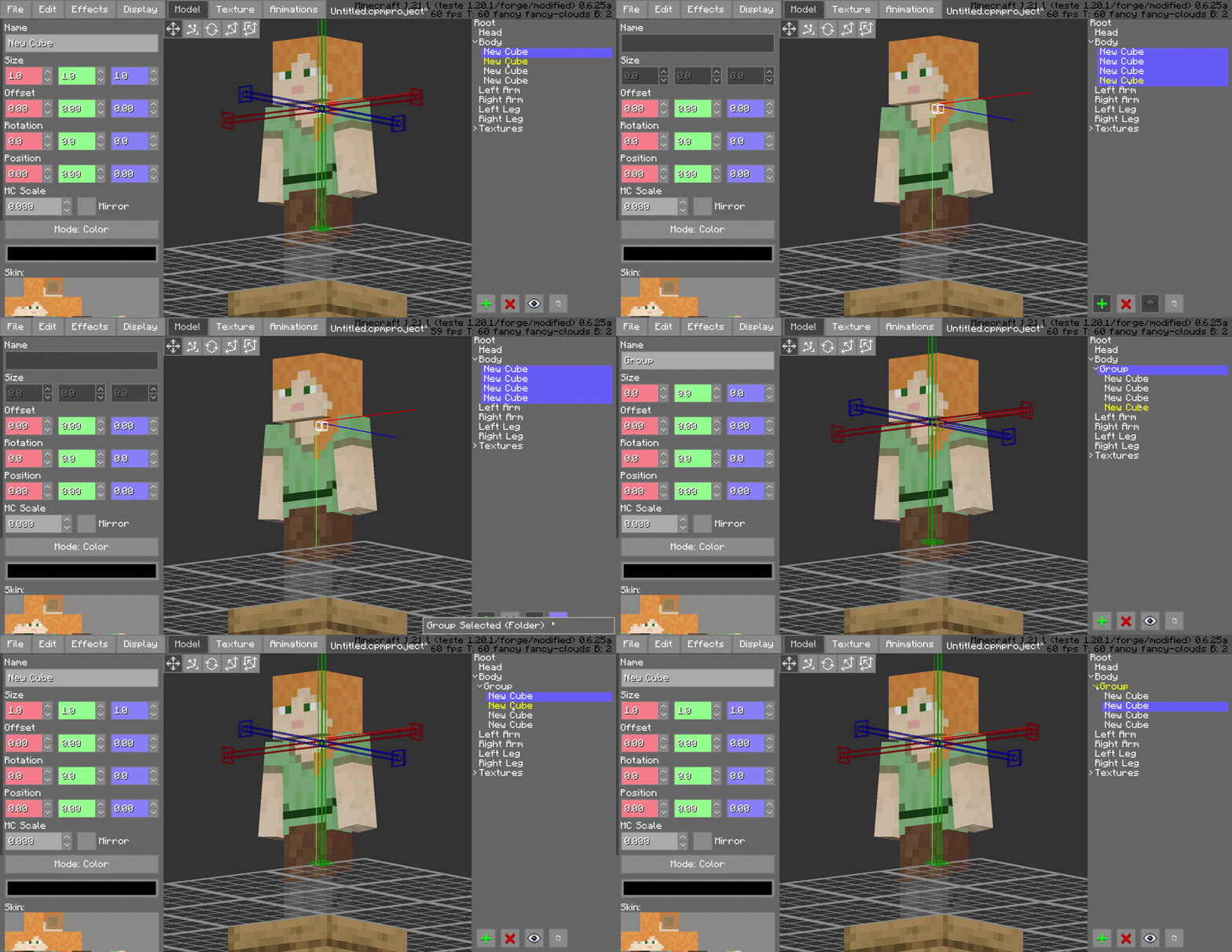
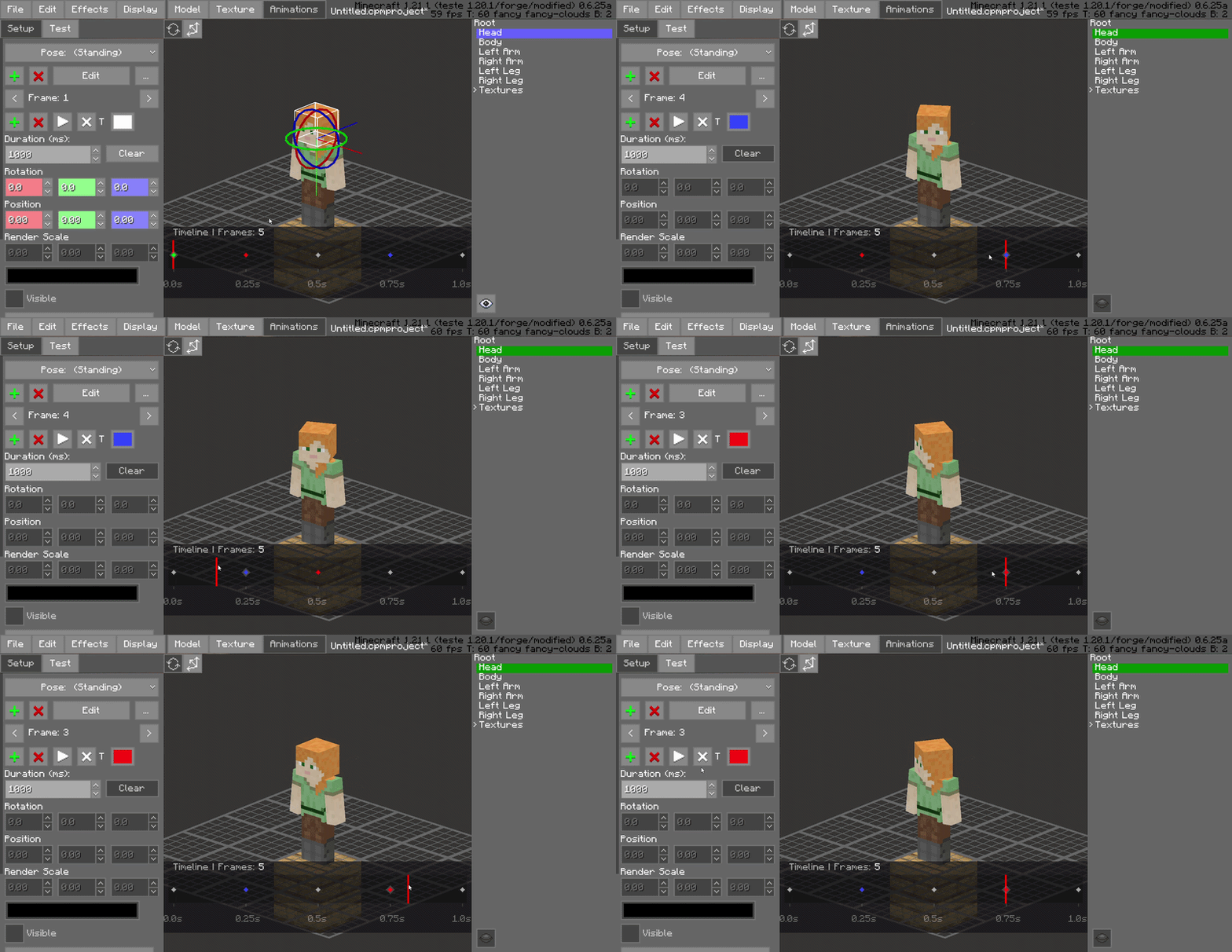
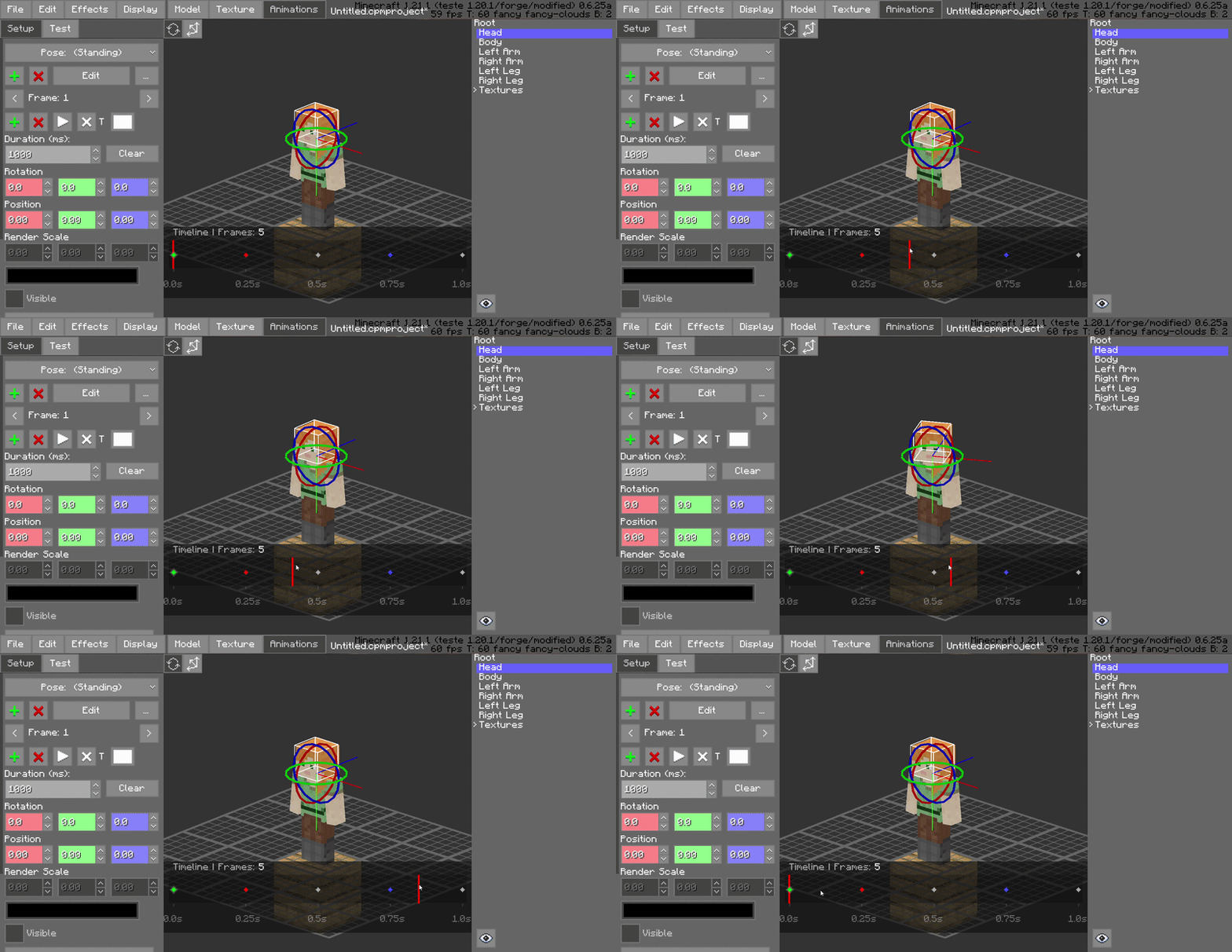
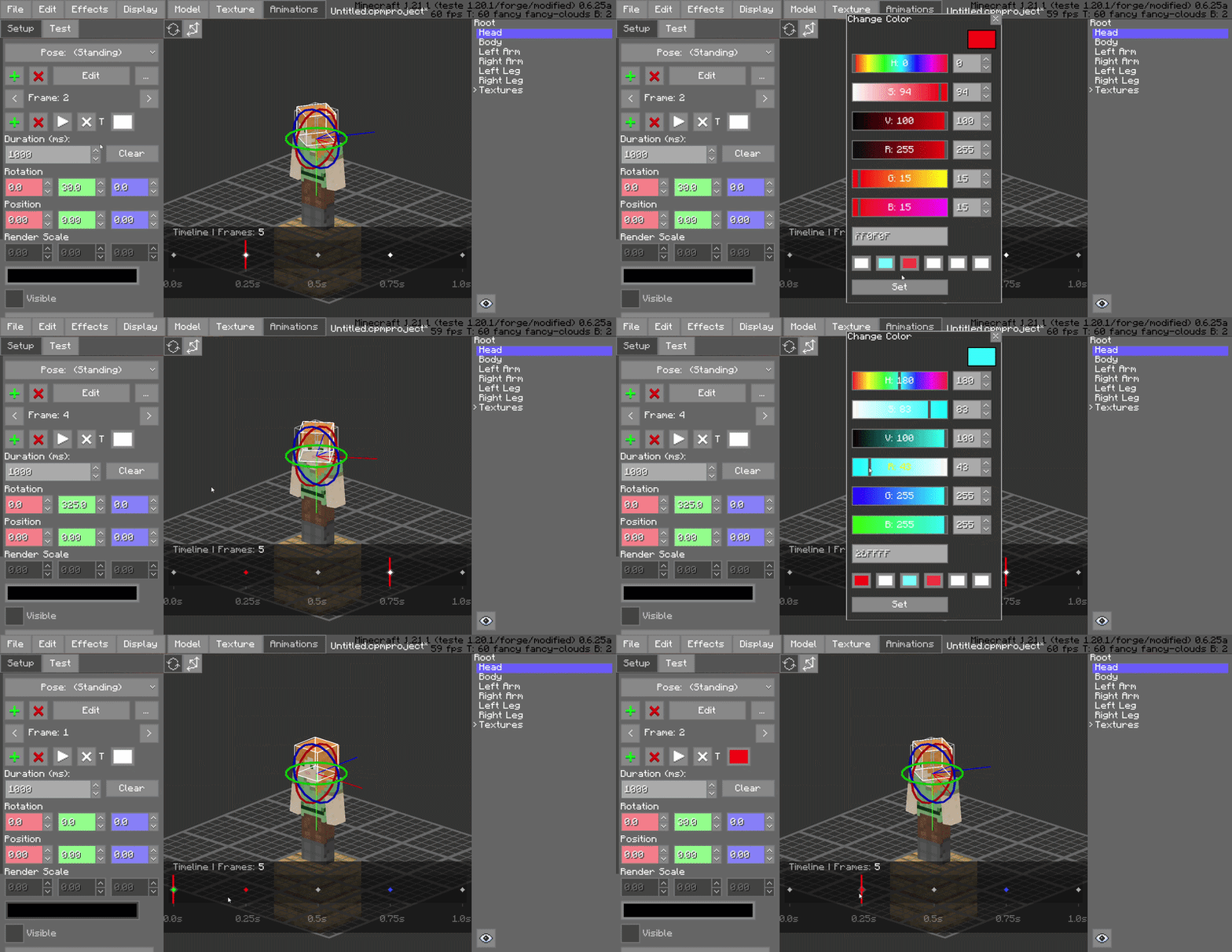
介绍
CPM Animator Utils is a Quality-of-Life (QoL) utility designed to enhance the animation workflow within the Customizable Player Models (CPM) mod. It provides advanced tools for managing, editing, and organizing animation frames, allowing creators to produce complex movements with significantly less manual effort.
Overview
The animation system in CPM is powerful, but managing projects with dozens of frames and complex bone structures can become a bottleneck for creators. CPM Animator Utils addresses this by introducing a more streamlined approach to frame manipulation.
Whether you are a professional modeler or a beginner, this tool is designed to make the “boring” part of animating, like duplicating, shifting, and organizing frames, as fast as possible, so you can focus on the creative side of your models.
Features
Dynamic Timeline Workflow
The enhanced timeline interface is built for high-performance editing, providing a more fluid experience when navigating through hundreds of individual animation keys.
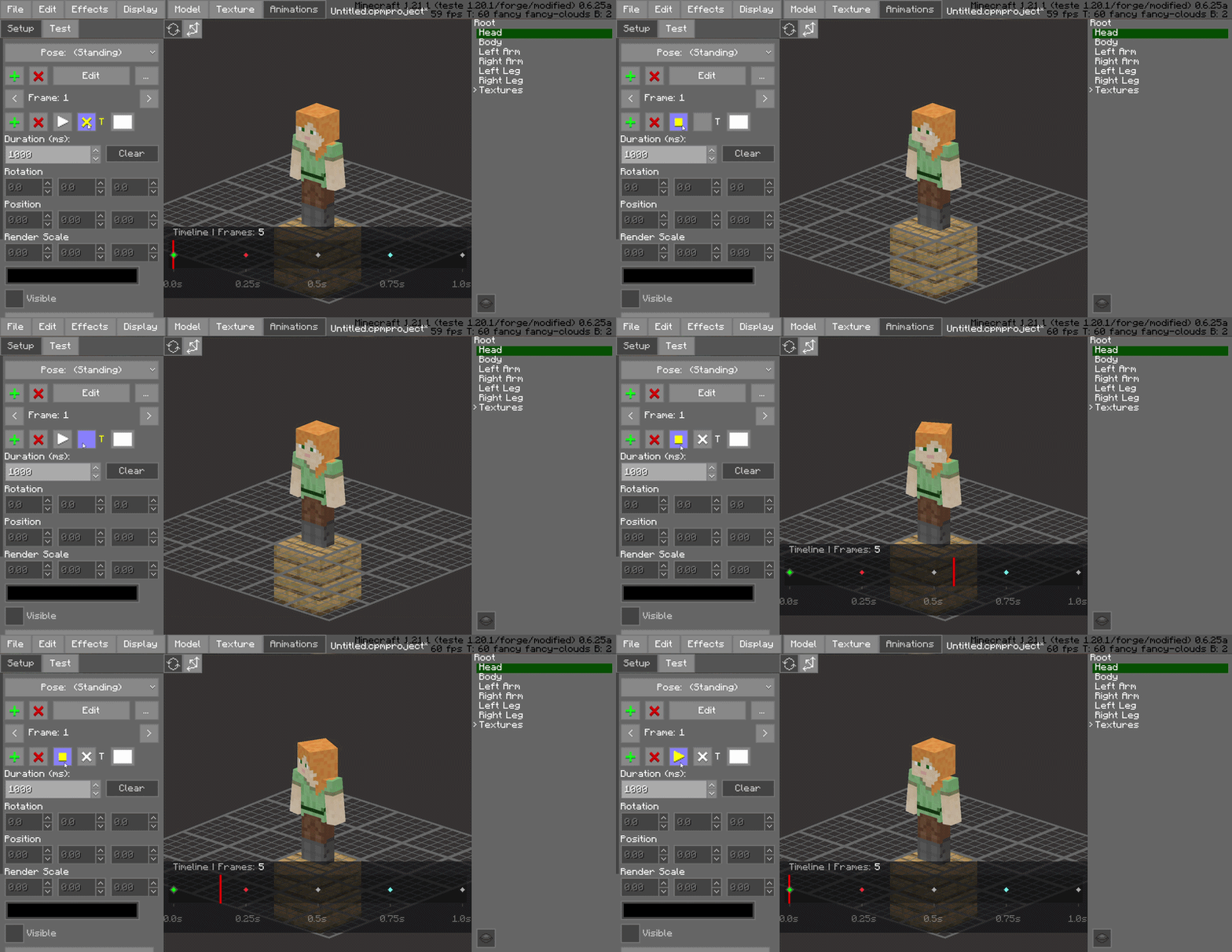
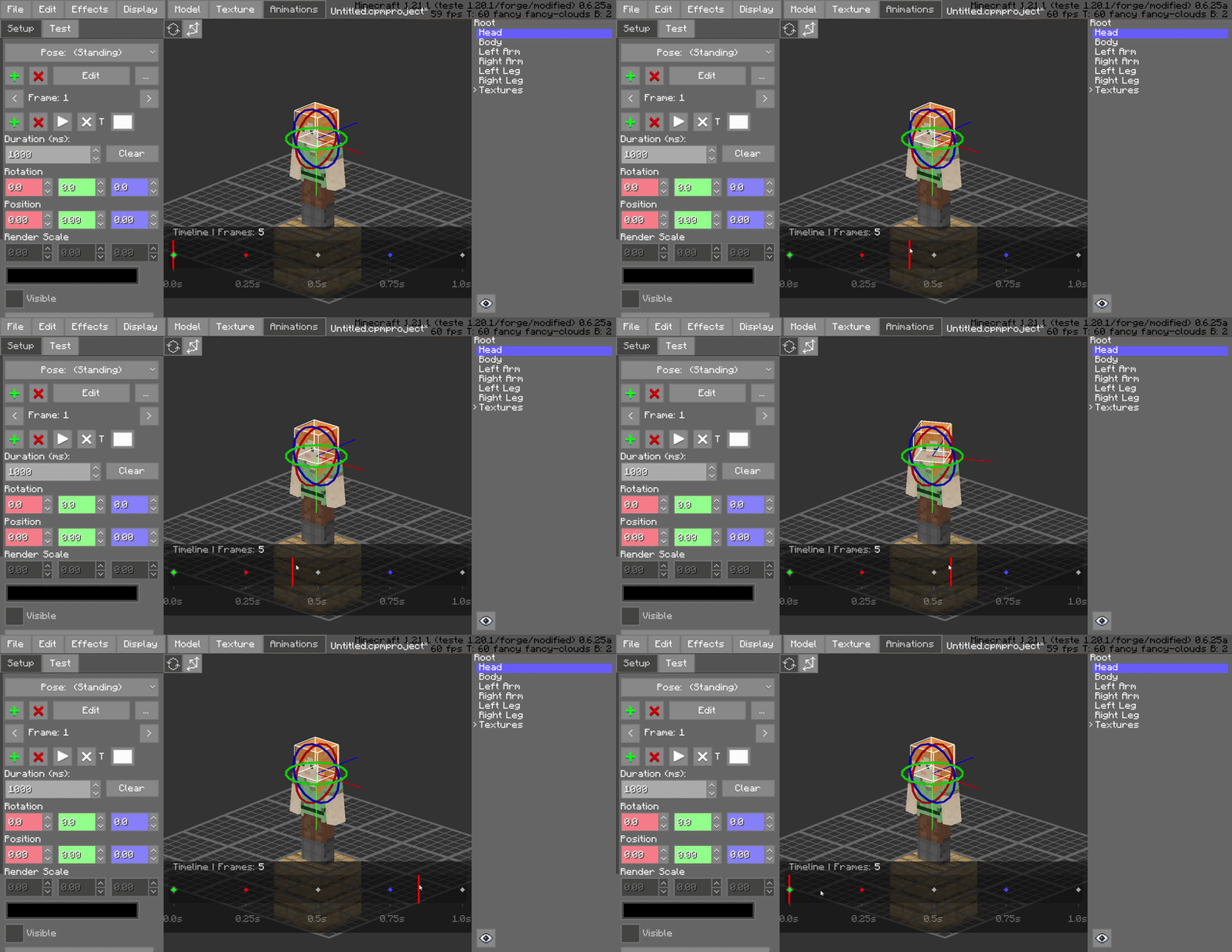
Interactive Playhead Scrubbing
Effortlessly drag the red playhead across the timeline to preview your animation in real-time. This allows for frame-by-frame inspection and immediate feedback on motion smoothing without needing to hit play.
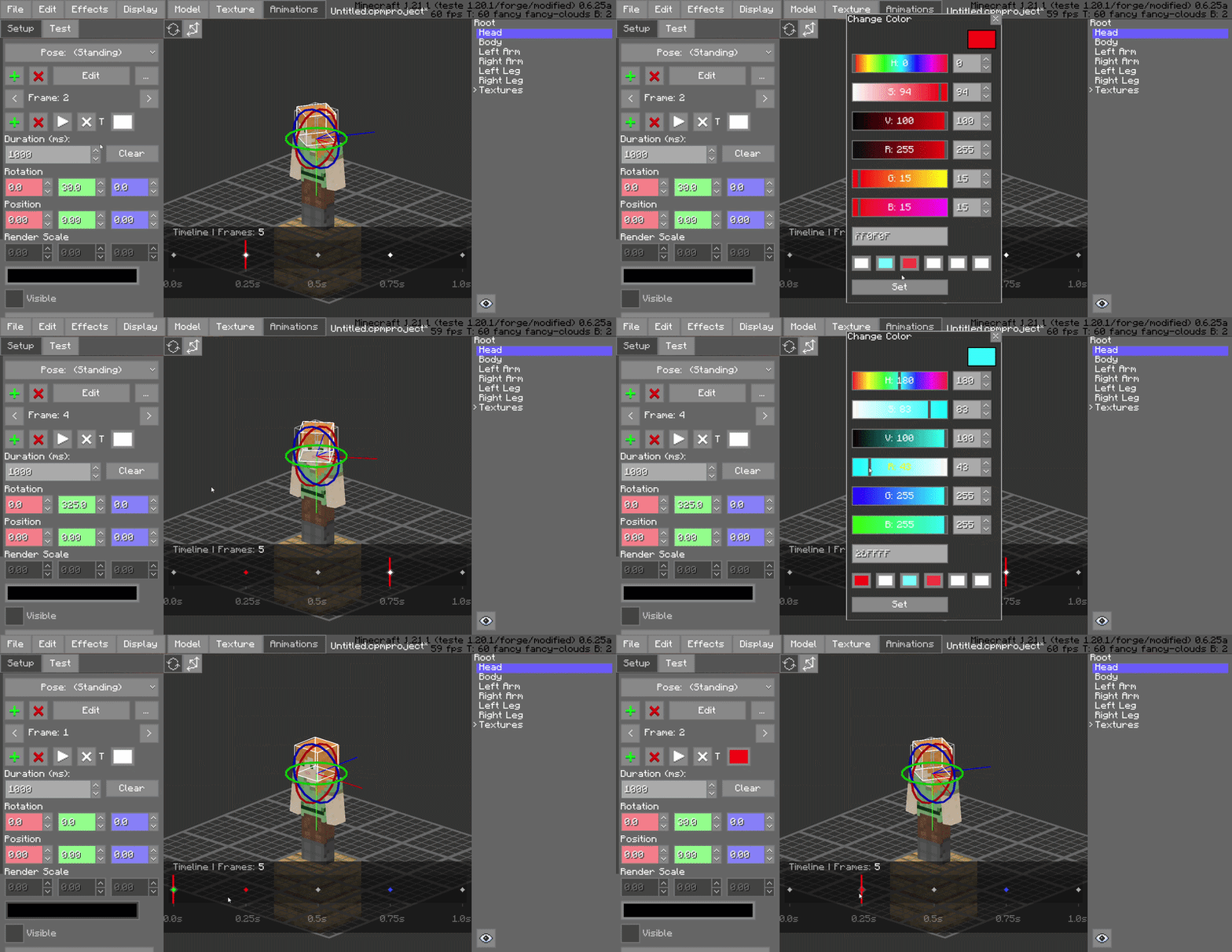
Frame Color-Coding (Painting)
Organize your project visually by “painting” frames with specific colors. Use this to categorize different animation states—such as startup, active, and recovery frames—improving workspace readability at a glance.
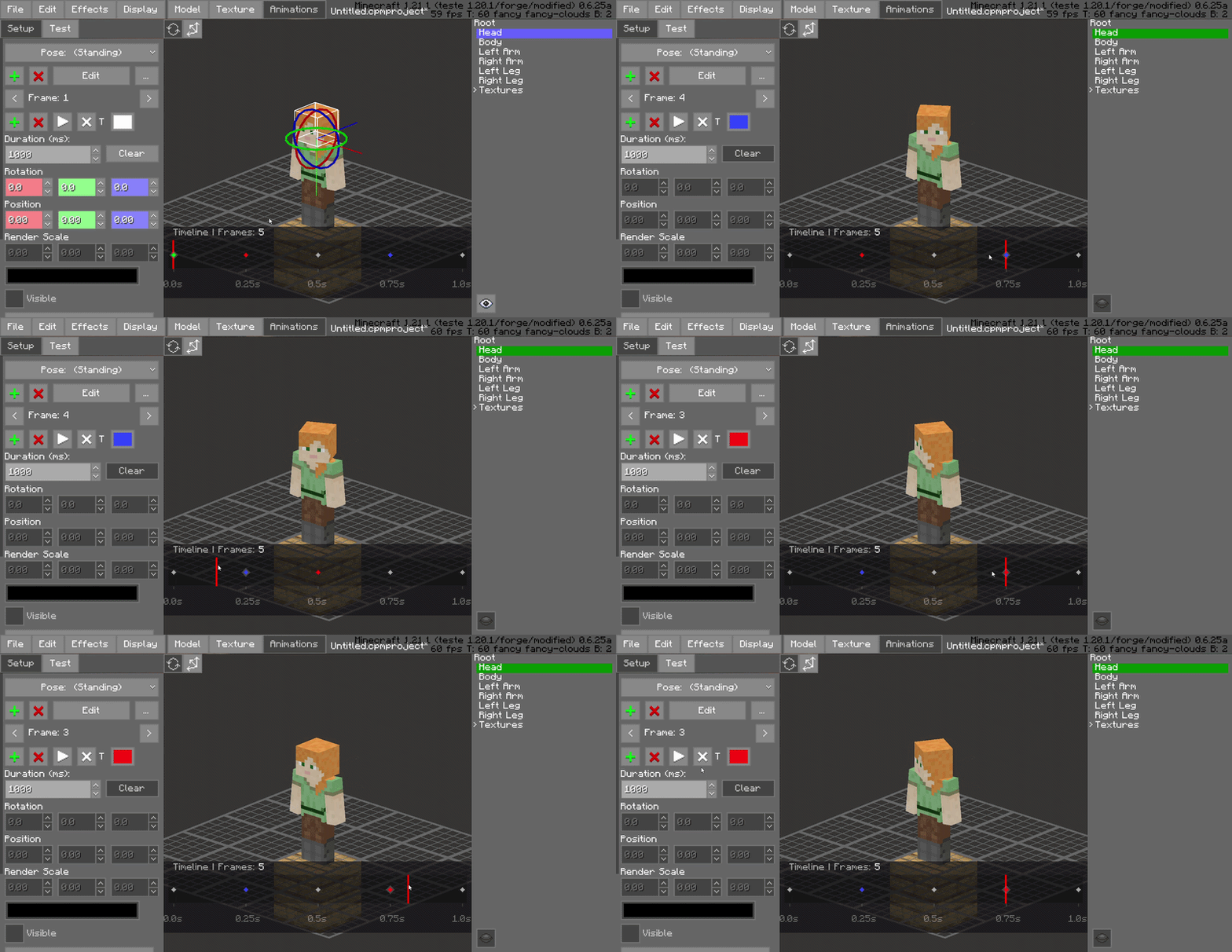
Drag-and-Drop Frame Management
Rearrange your animation sequence instantly. You can click and drag frames to new positions on the timeline, making it easy to experiment with timing and order without manual data entry.
Hierarchical Folder Grouping
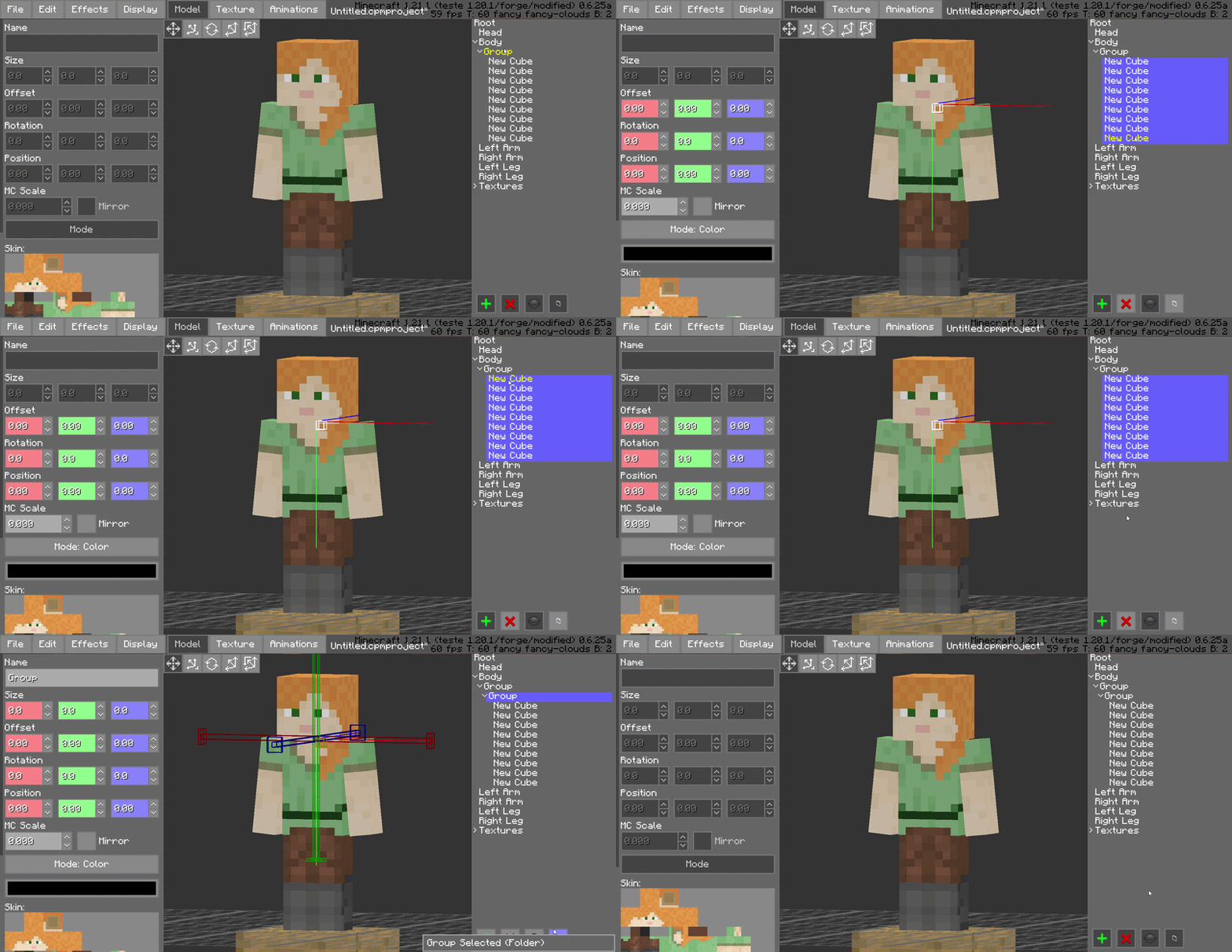
Keep your model tree clean by grouping bones and blocks into organized folders. This is essential for complex models, allowing you to collapse or expand entire sections of the rig to focus on what matters.
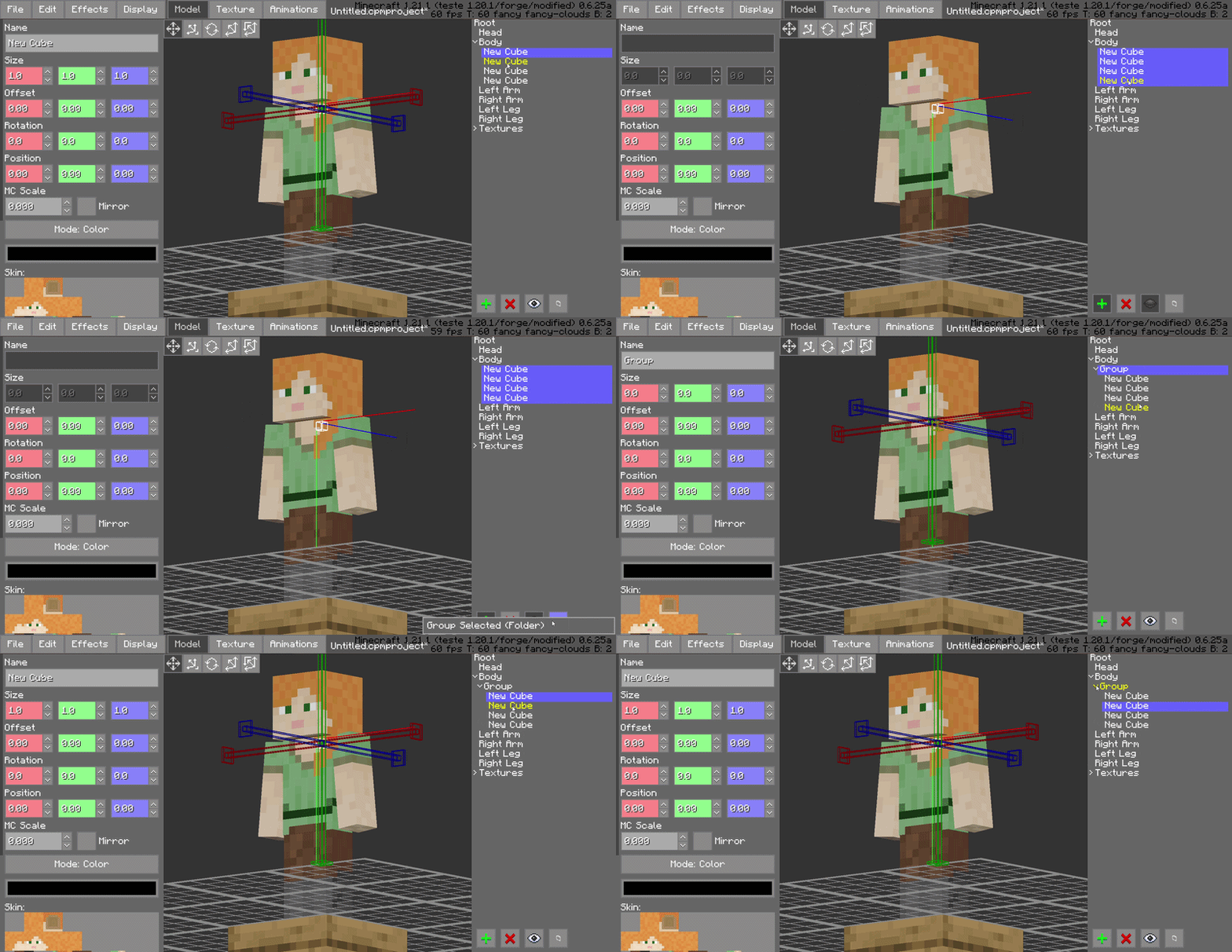
Advanced Shift-Selection
Standardized multi-selection support is here. Use Shift-Selection to pick multiple bones or blocks simultaneously, allowing you to perform bulk rotations, translations, or visibility toggles in a single step.
Pivot Alignment Utility
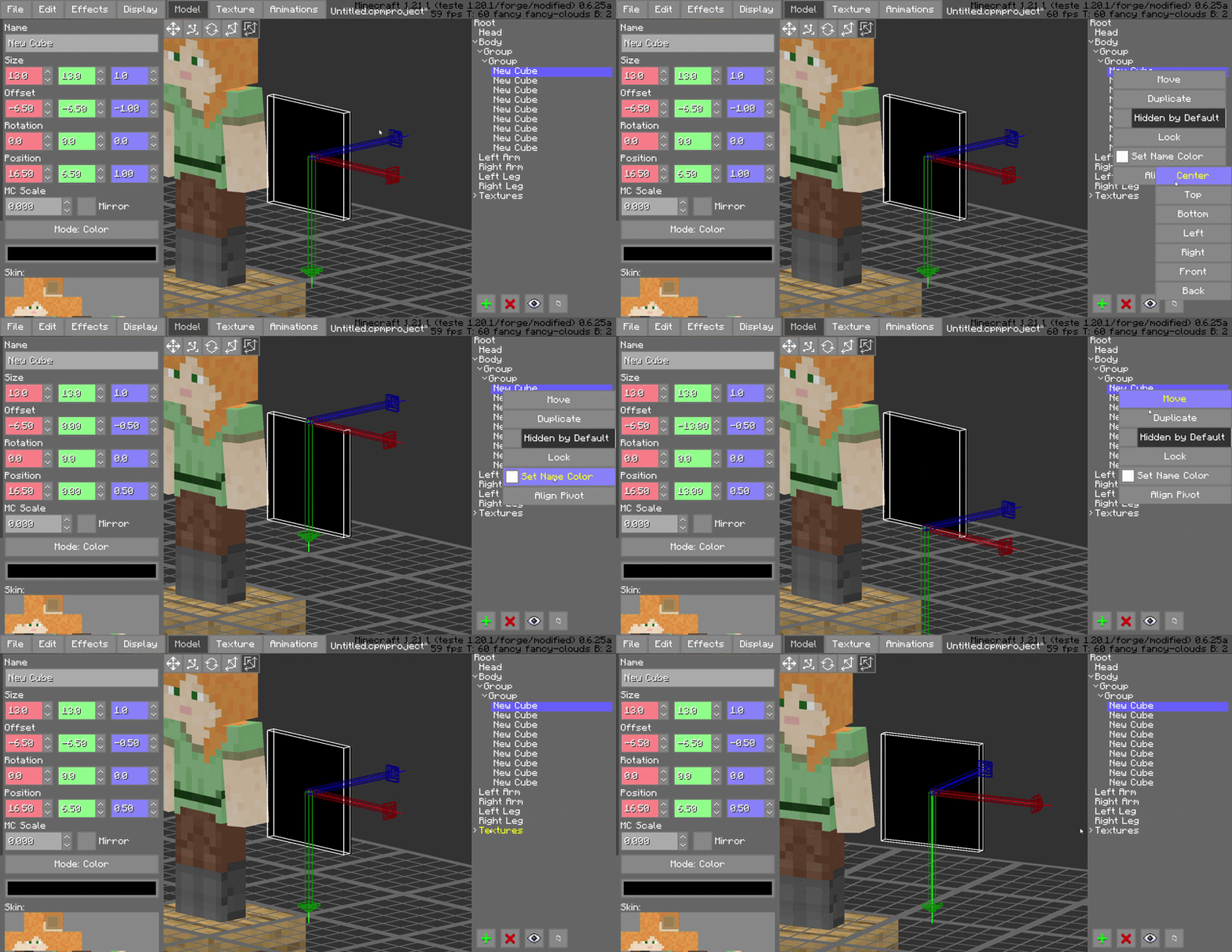
Streamline your rigging process with the dedicated pivot alignment tool. Quickly snap and align pivots to specific coordinates or vertices, ensuring perfect rotations for every joint in your model.
Compatibility
Minecraft Version: 1.18.2 to 1.21.x
Mod Loader: Forge 40.0.0+
Required Dependency: Customizable Player Models (CPM) v0.6.24~v0.6.25
Side: Client-side (Modeling tool)
Why This Mod?
For serious animators, time is the most valuable resource. CPM Frame Editor doesn’t change what CPM can do; it changes how fast you can do it. By removing the repetitive manual tasks of the animation process, it turns a complex modeling session into a smooth experience.
Credits
Author: SatDPhoe


常见问题
CPM Animator Utils 支持哪些 Minecraft 版本?
CPM Animator Utils 支持 Minecraft Java 版 1.18.2–1.21.11,共 25 个版本,可用的加载器:Fabric / Forge / NeoForge。下载时注意选择和你游戏版本一致的文件。
CPM Animator Utils 怎么安装?
先用 PCL2 或 HMCL 启动器安装对应版本的 Fabric / Forge / NeoForge,再把下载的 .jar 文件放进游戏目录的 mods 文件夹,重新启动游戏即可。开启了版本隔离的,mods 文件夹在 versions/版本名 下面。运行环境:仅客户端。
SatDPhoe 的其他作品
查看全部 →
Botania Slots
A Quality-of-Life mod that adds dedicated Curios slots for your Mana Tablets and Rings, decluttering your inventory and reducing server lag.

Babel Core
A modern framework providing web-inspired UI systems, optimized data management, and professional utility hooks for SatDPhoe's mods.

Item Editor
Administrative item editor for Forge 1.20.1. Create and adjust custom items, attributes, enchantments, effects, tooltip flags, and spawn egg entity data through a clean in-game UI.

Magic Team
A server-side addon for Iron's Spells 'n Spellbooks that enforces strict team rules, preventing friendly fire, blocking debuffs on allies, and stopping enemy healing.
评论
登录后评论和评分