
Cozy Timber
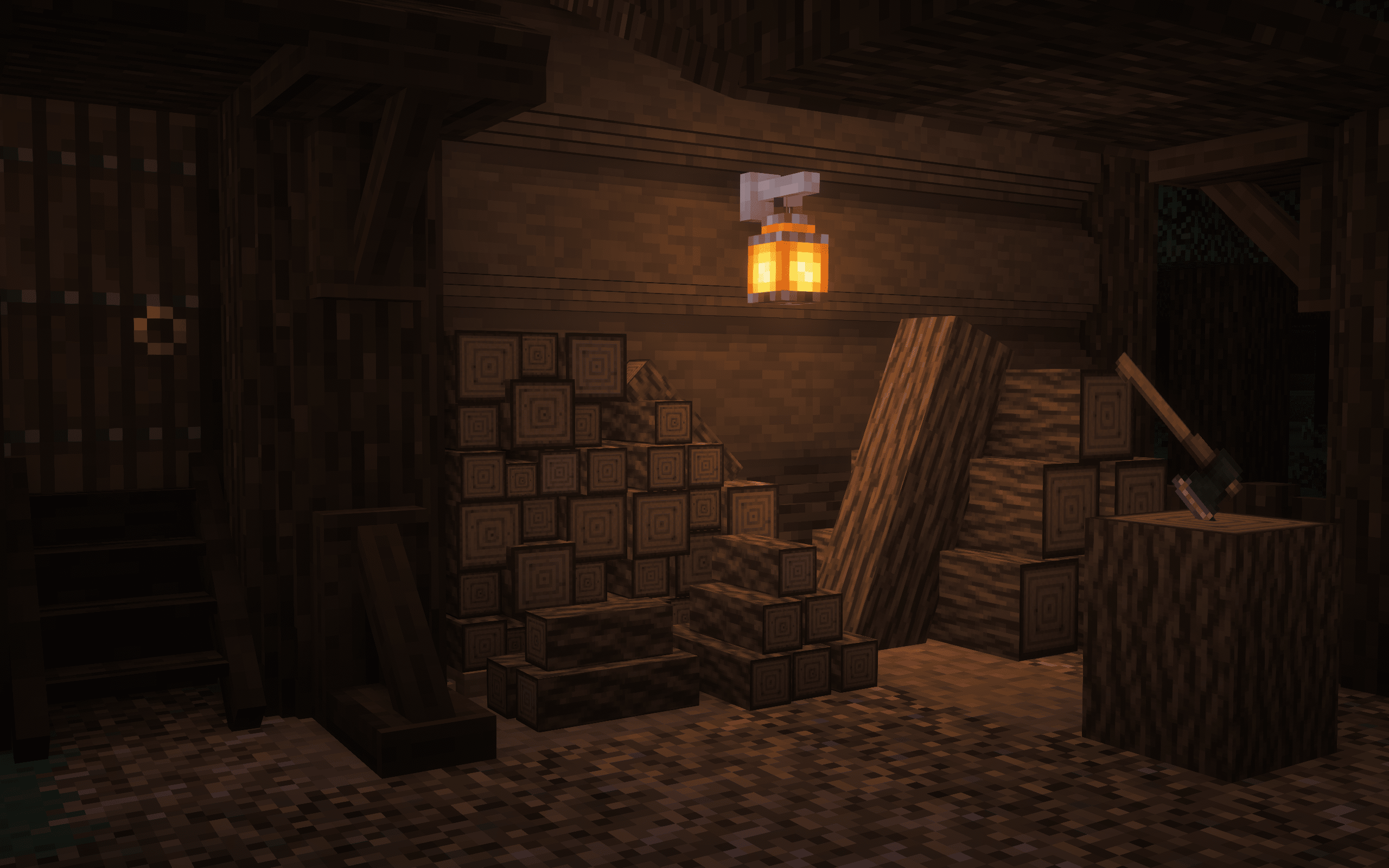
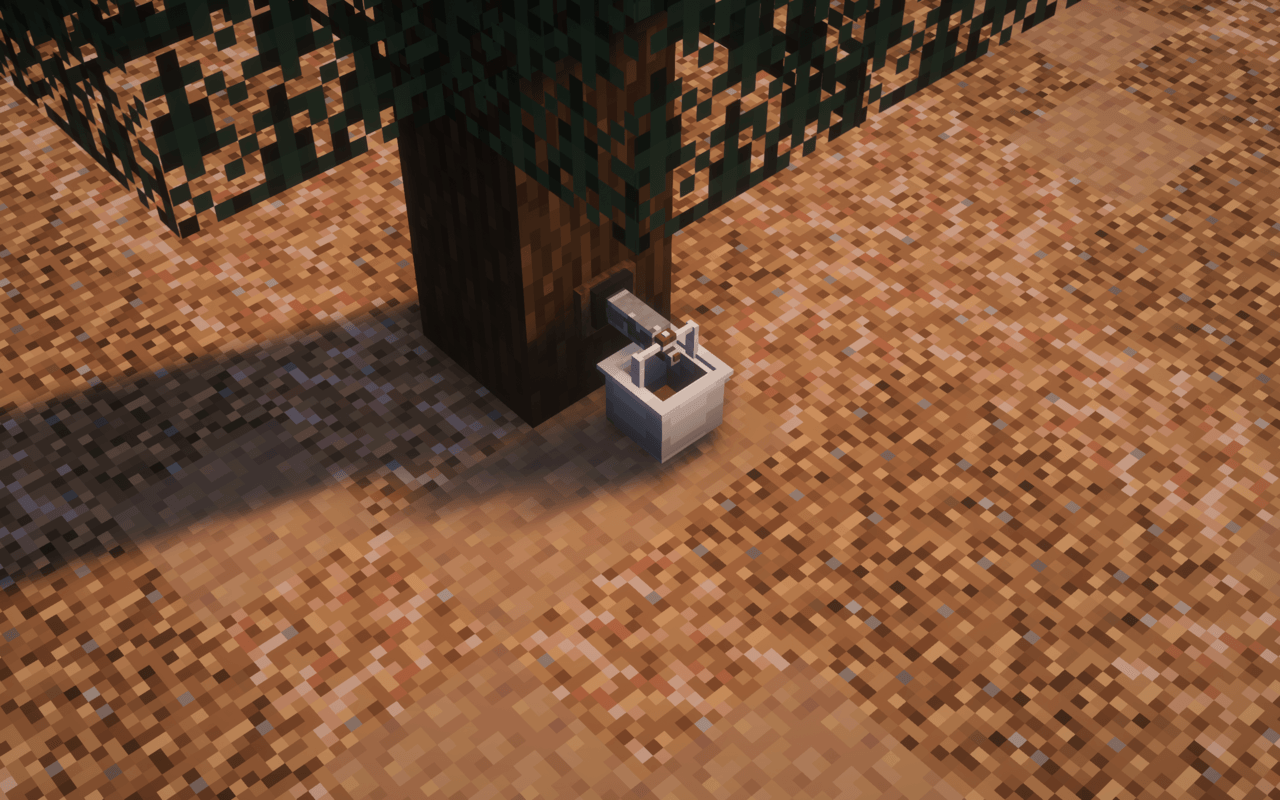
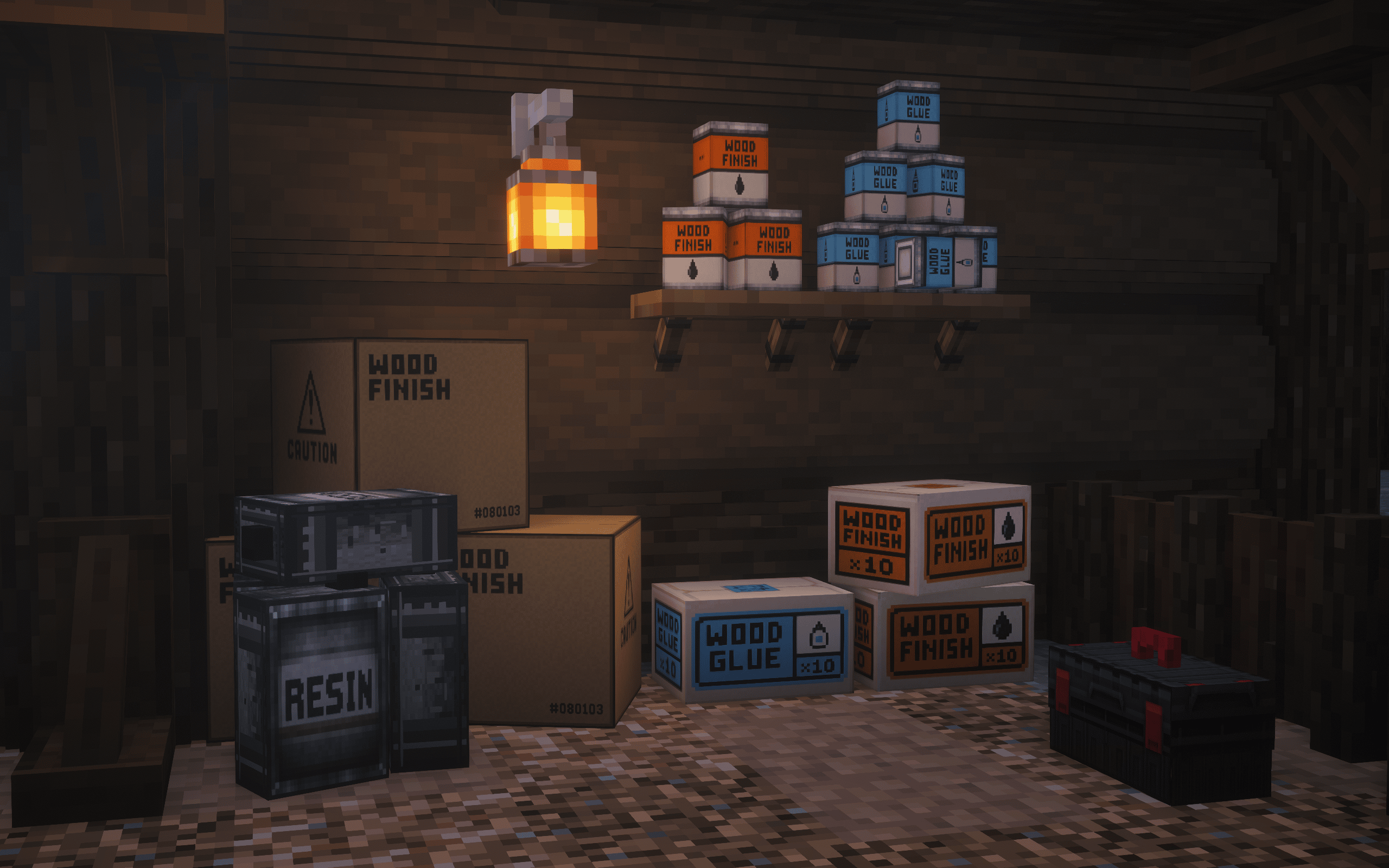
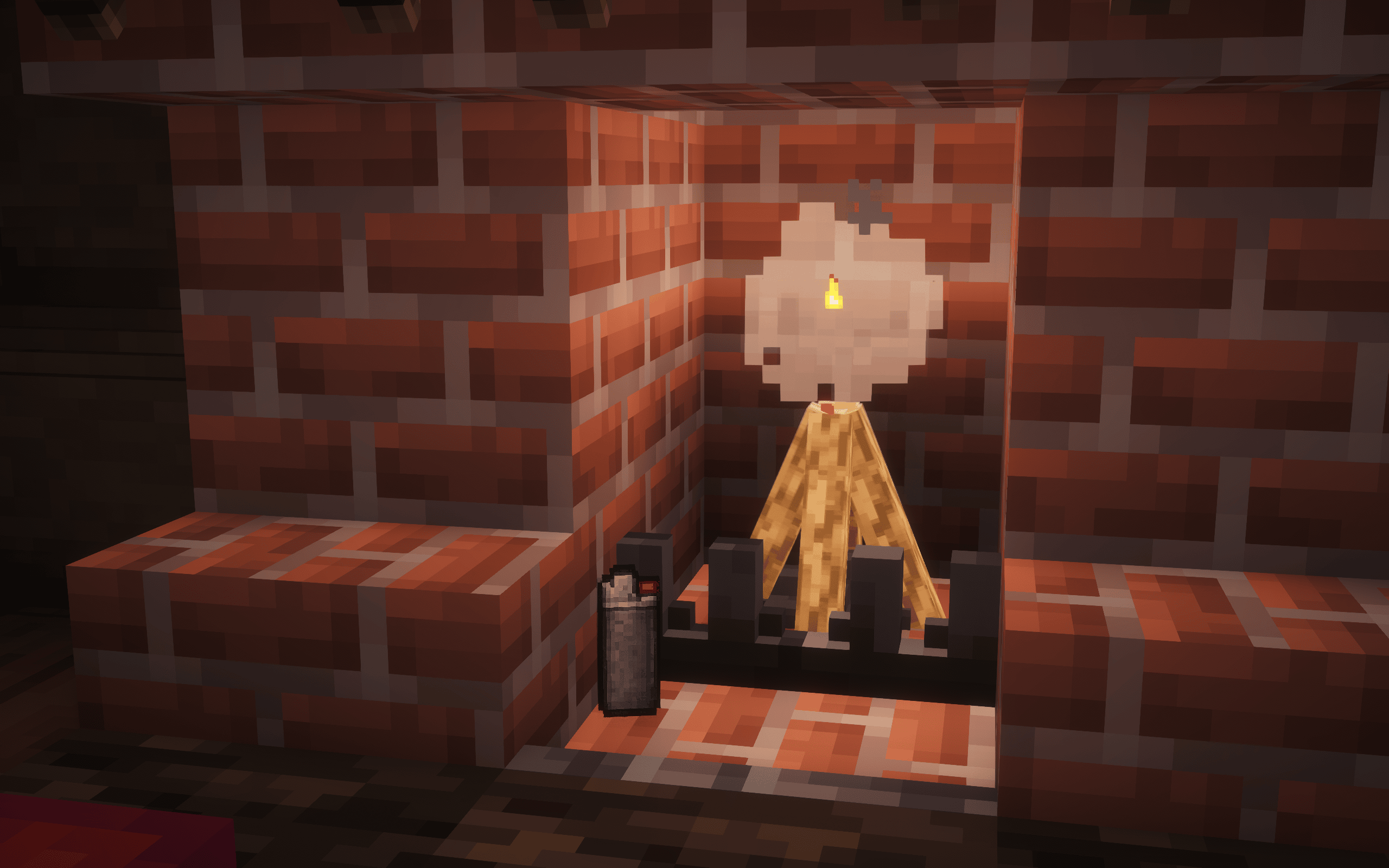
Cozy Timber introduces new wood-themed building blocks, tools, and decorative features to enhance your Minecraft world with immersive, rustic details and more creative building possibilities.
截图

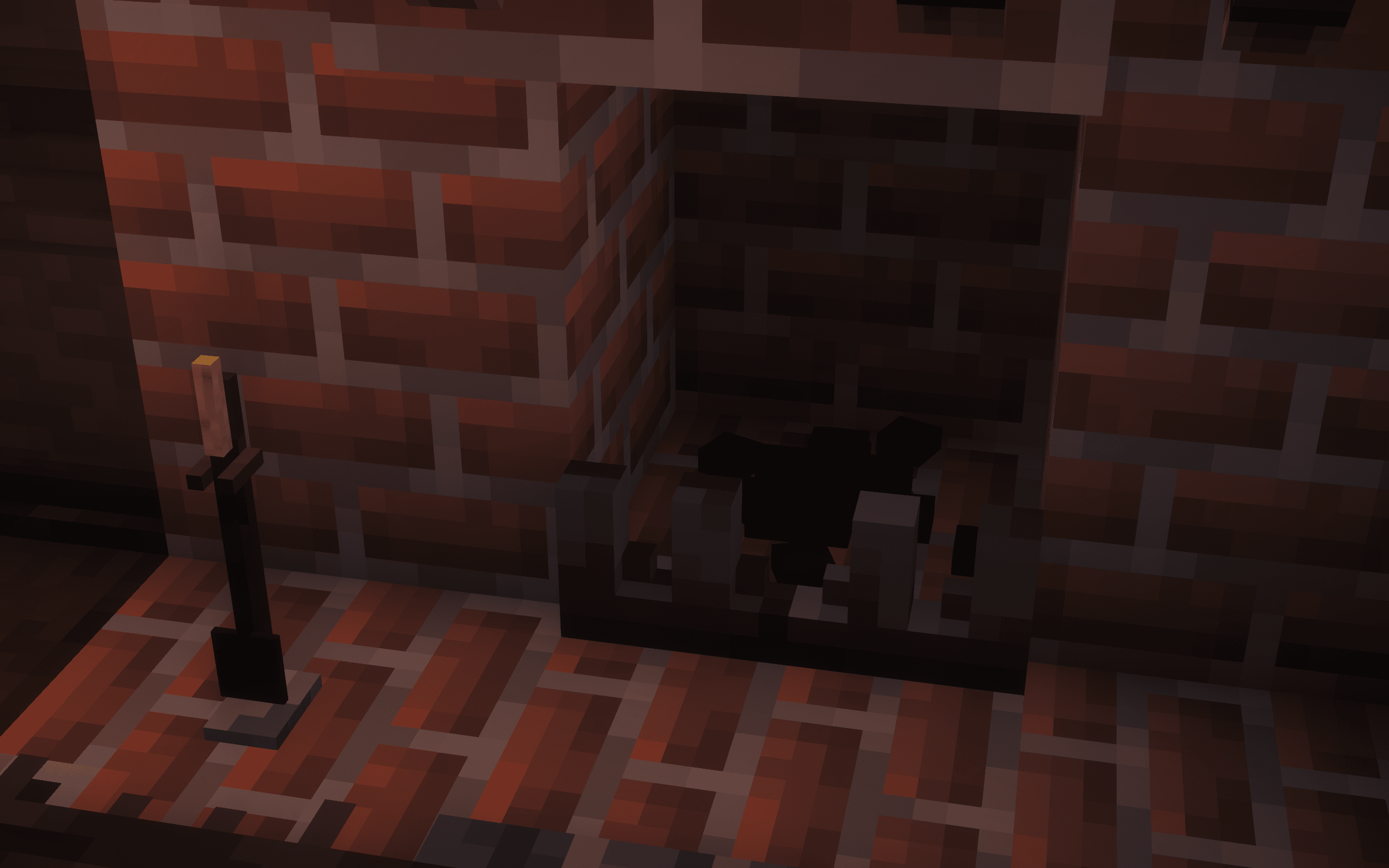
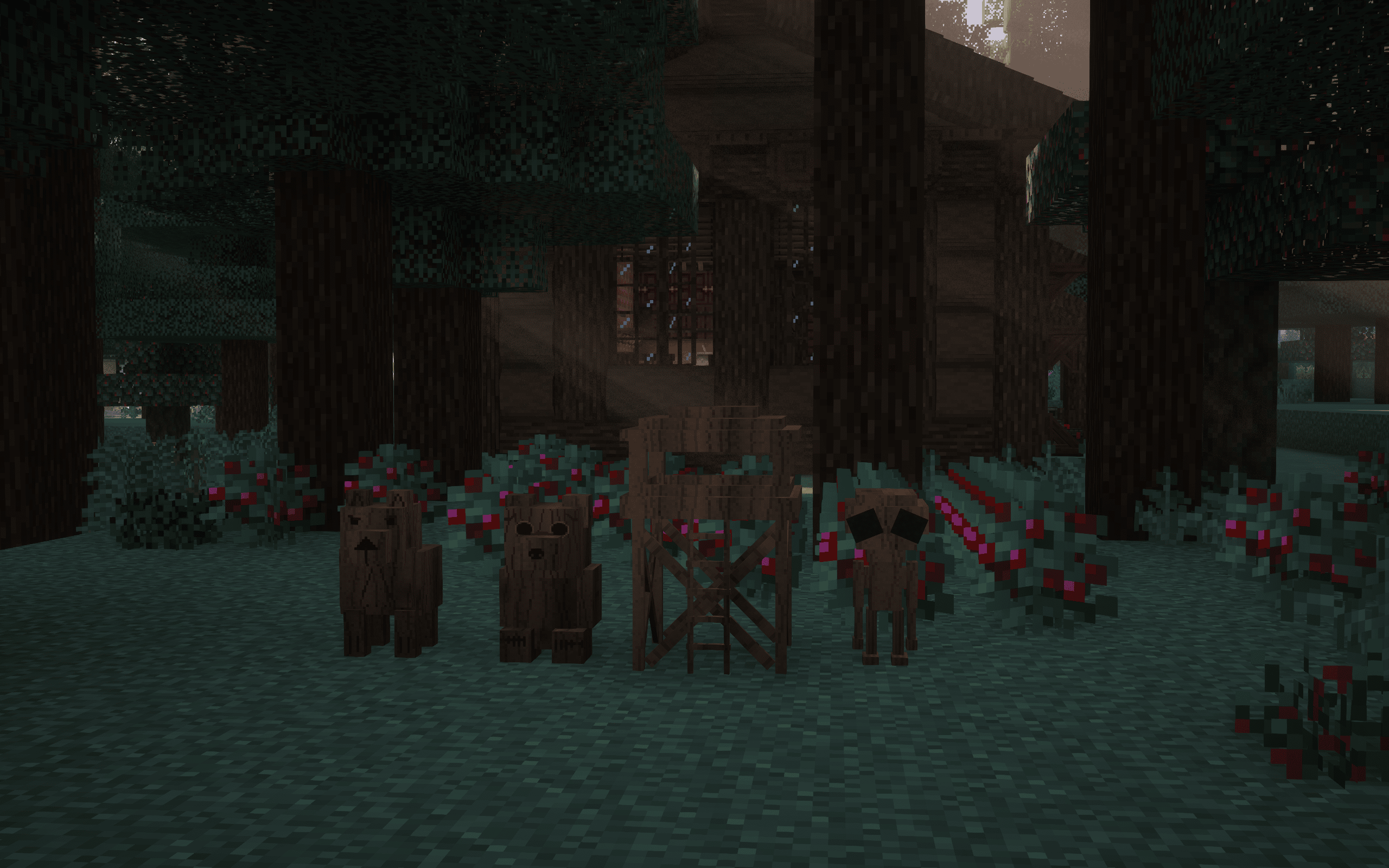
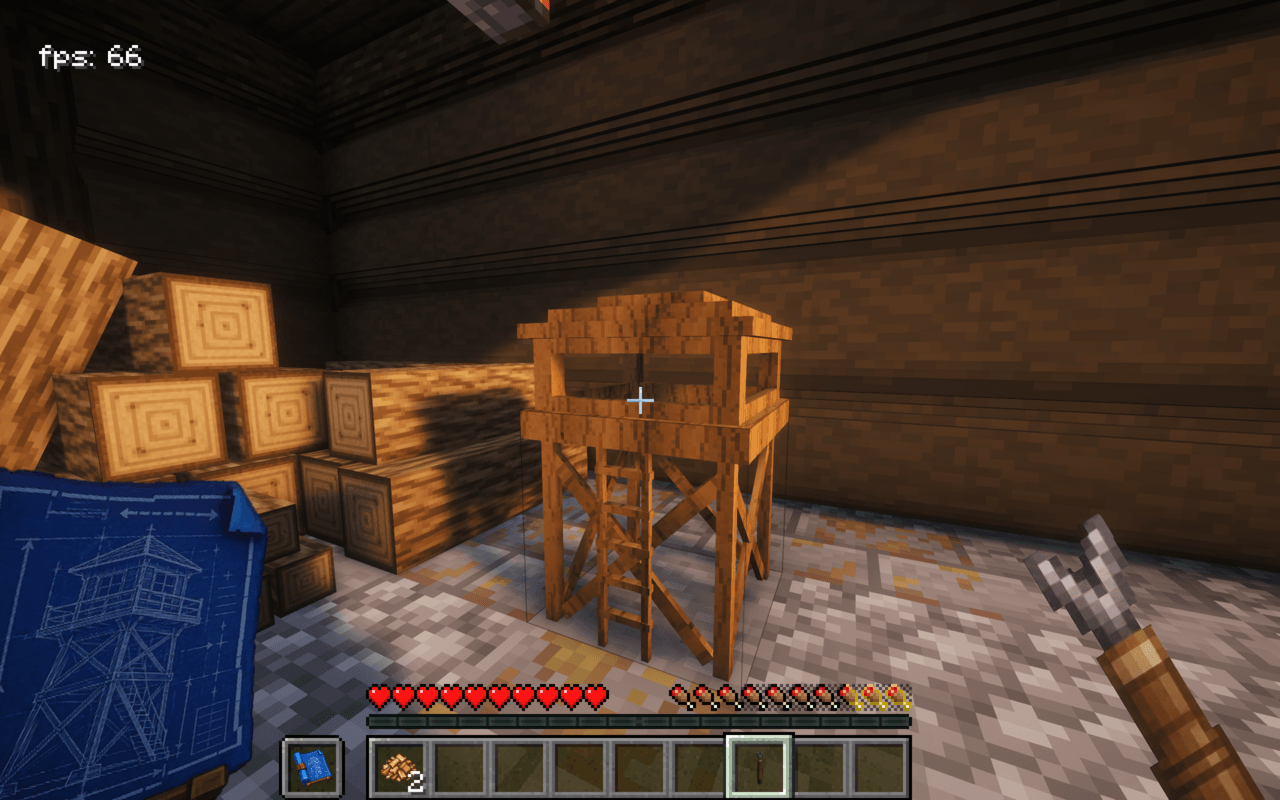
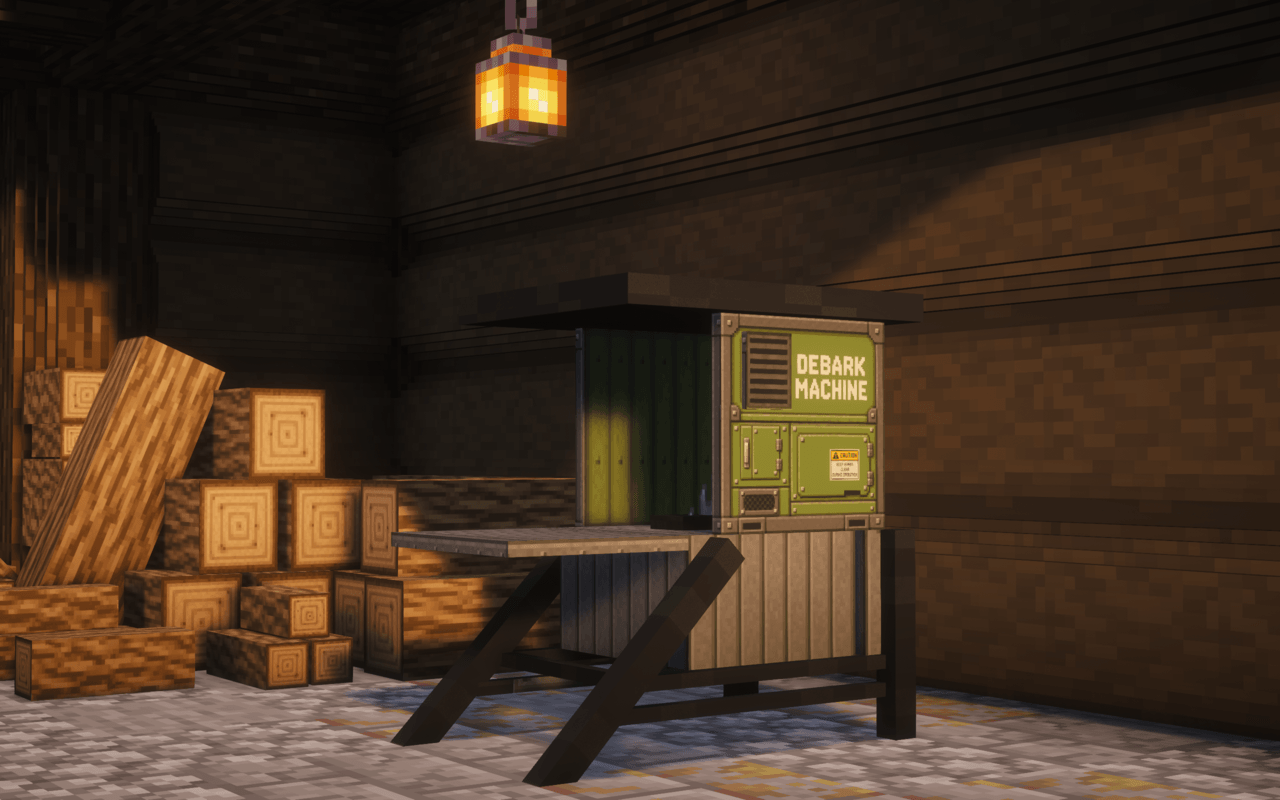

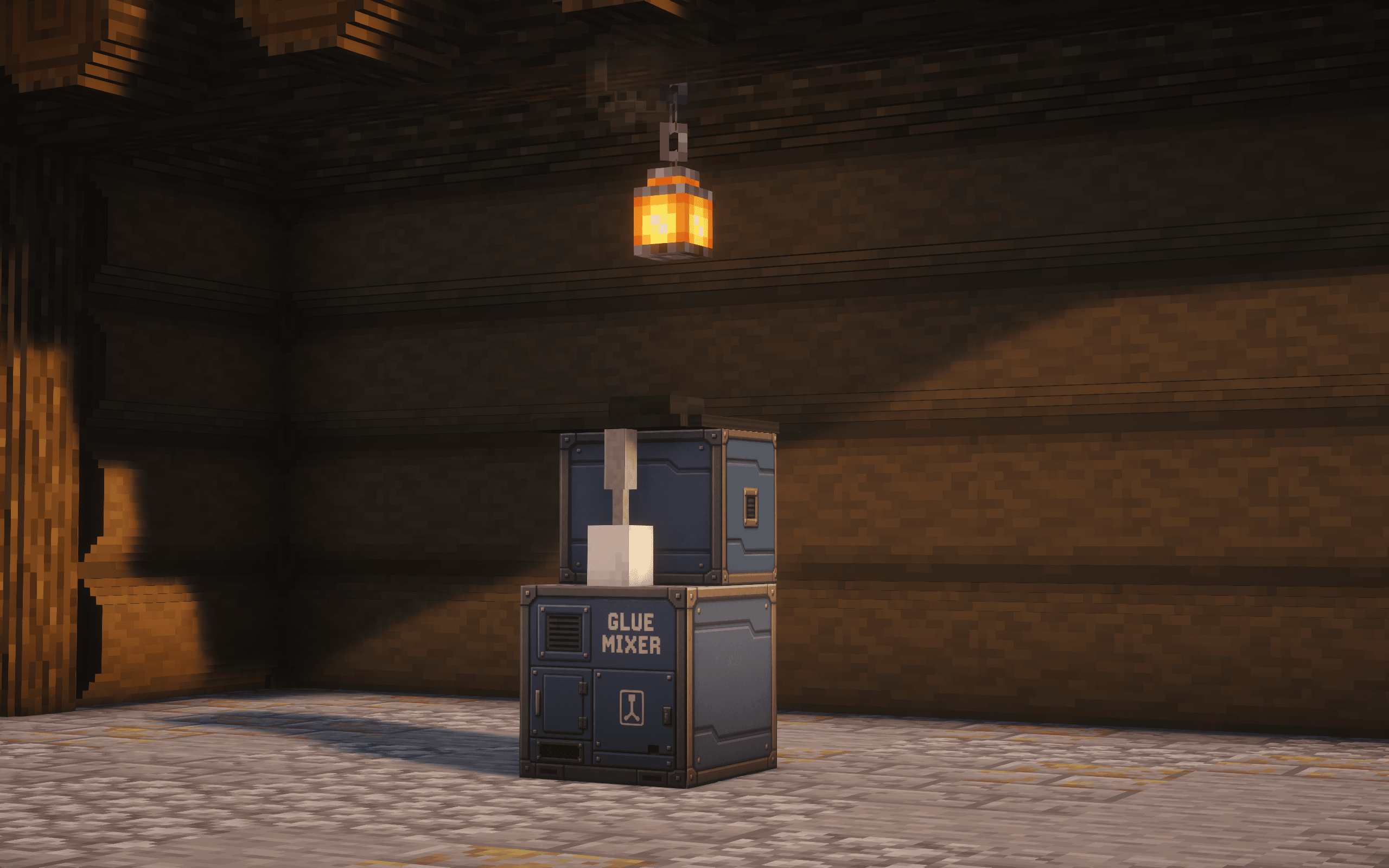

介绍
Cozy Timber
!!!!CHECK GALLERY FOR GUIDE!!!!
Bring warmth, realism, and rustic charm to your Minecraft world!
Cozy Timber is a Minecraft mod that expands the possibilities of wood-based building and decoration by introducing new building blocks, useful tools, and immersive decorative features.
Whether you’re building a small survival cabin, a woodland shelter, or a large rustic settlement, Cozy Timber adds the little details that make your builds feel more natural, realistic, and alive.
Features
🪵 New Wooden Building Blocks
Expand your building possibilities with a variety of wood-inspired blocks designed for rustic and immersive construction.
🪓 New Tools
Discover practical tools that introduce new ways to work with wood and create decorative elements.
🏡 Immersive Decoration
Add natural wooden details to your cabins, shelters, campsites, and survival bases.
🌲 Rustic Building Experience
Create more detailed and atmospheric structures that blend naturally into forests, mountains, and wilderness environments.
🔥 Survival-Friendly Design
Enjoy decorative additions that fit naturally into survival gameplay without losing the authentic Minecraft feeling.
Built for Immersion
Cozy Timber focuses on the small details that make a big difference. Instead of completely changing the Minecraft experience, it expands the creative possibilities of wood while preserving the game’s familiar style.
From simple wilderness shelters to detailed timber structures, every addition is designed to make building feel more rewarding and immersive.
Build naturally. Decorate creatively. Stay cozy.
Created by AggelosDaldon
常见问题
Cozy Timber 支持哪些 Minecraft 版本?
Cozy Timber 支持 Minecraft Java 版 1.20.1,可用的加载器:Forge。下载时注意选择和你游戏版本一致的文件。
Cozy Timber 怎么安装?
先用 PCL2 或 HMCL 启动器安装对应版本的 Forge,再把下载的 .jar 文件放进游戏目录的 mods 文件夹,重新启动游戏即可。开启了版本隔离的,mods 文件夹在 versions/版本名 下面。
AggelosDaldon 的其他作品
查看全部 →
Cozy Rugs
收录 20 多款装饰地毯,让每个家园和建筑都更温馨舒适。

Daldon’s Immersive Survival
A modpack focused on atmospheric exploration, roleplay , realistic survival mechanics, and cozy world-building in a richly enhanced, performance-friendly environment!

Unknown Phenomena Paintings
Strange paintings recovered from forgotten sightings, old tapes, and unexplained encounters.

Pathfinder’s Expansion
Pathfinder’s Spade Addon. Create custom palettes using your own blocks through simple sample slots, with support for Sturdy paths and seamless terrain generation.
评论
登录后评论和评分