
Coordy! Screen Coordinates
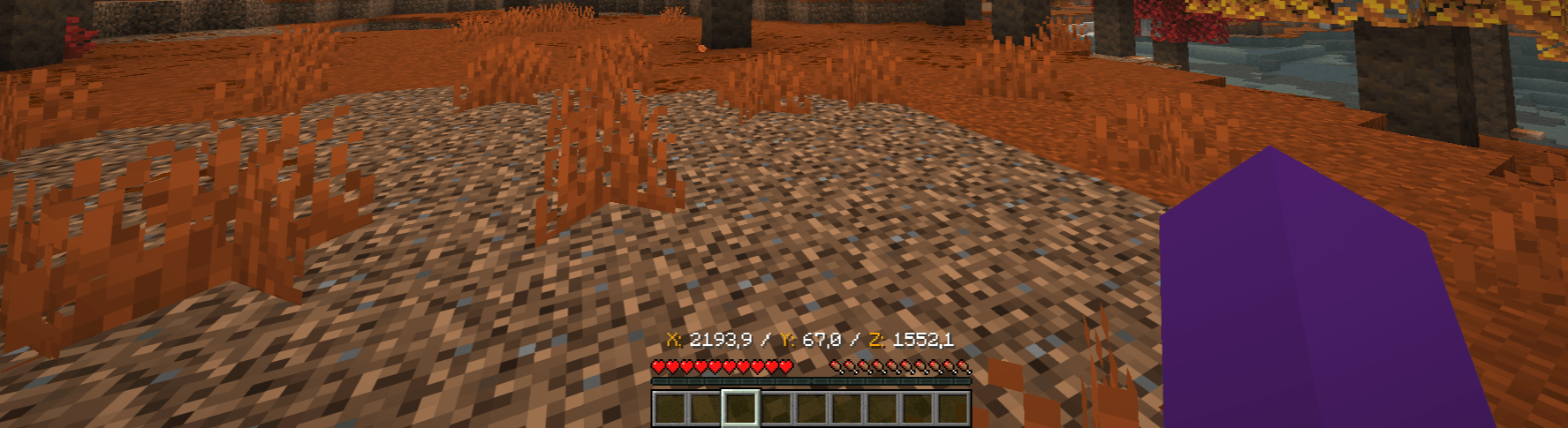
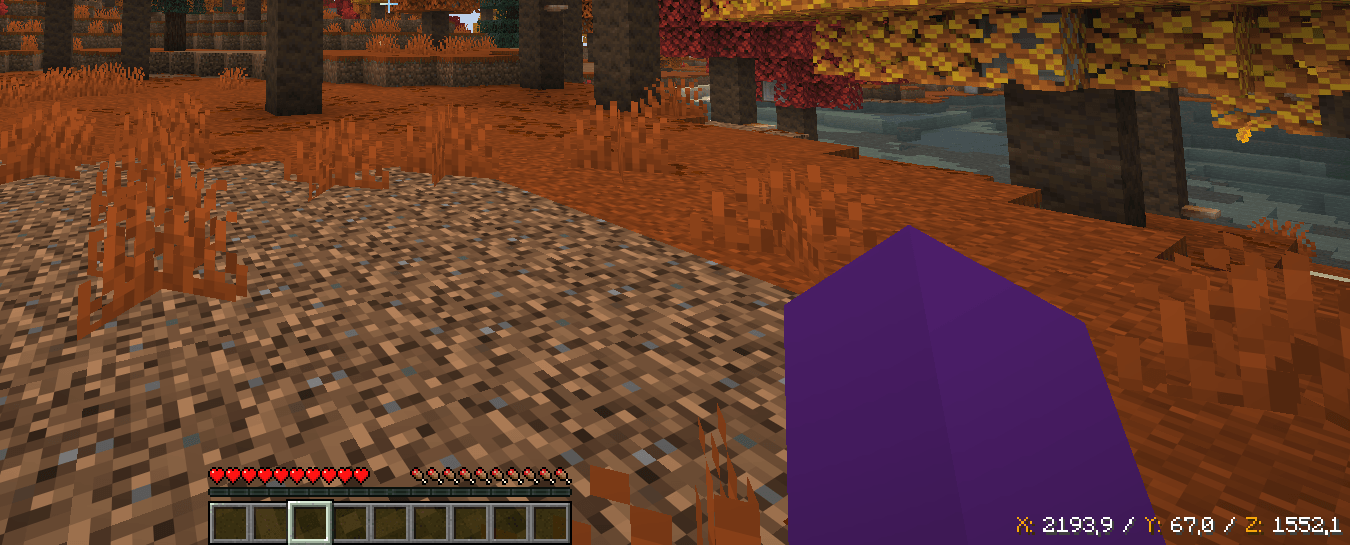
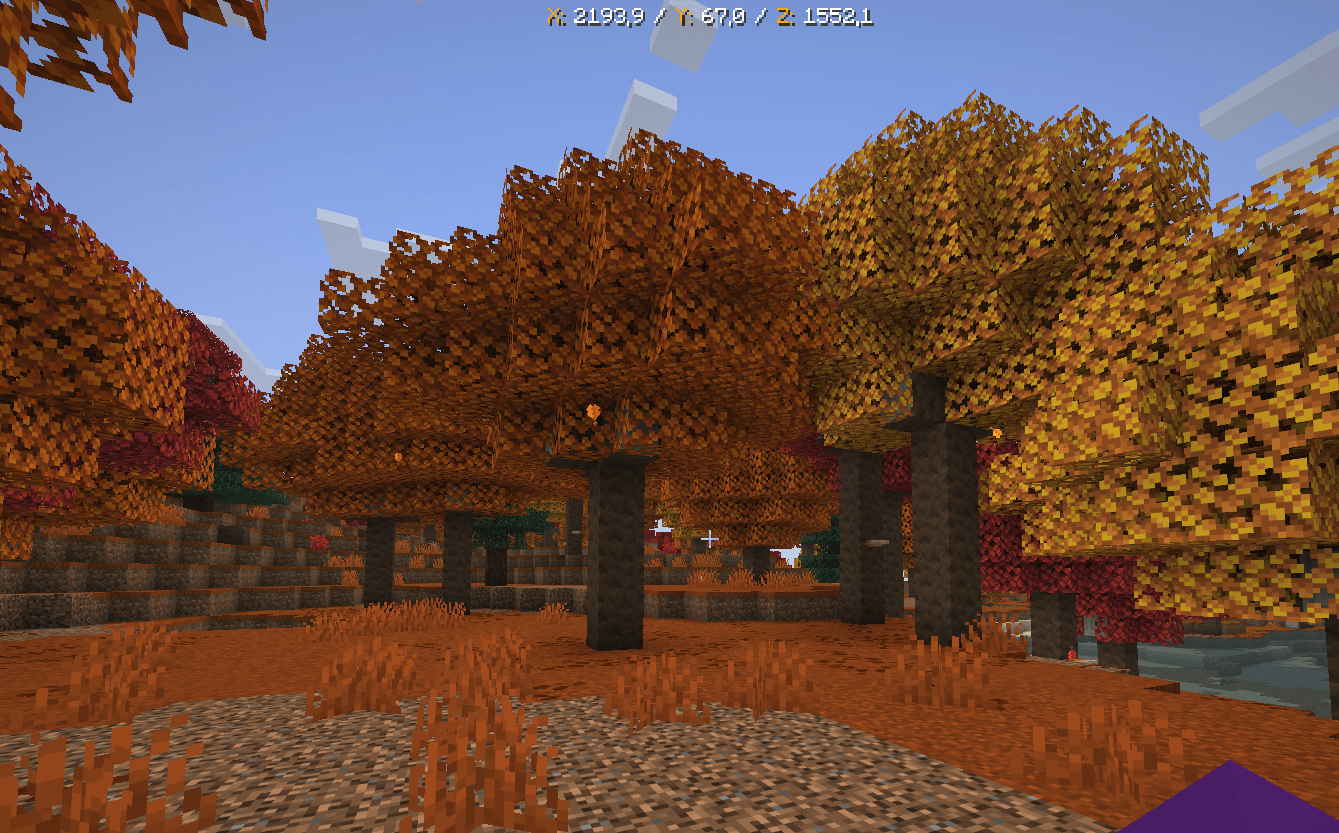
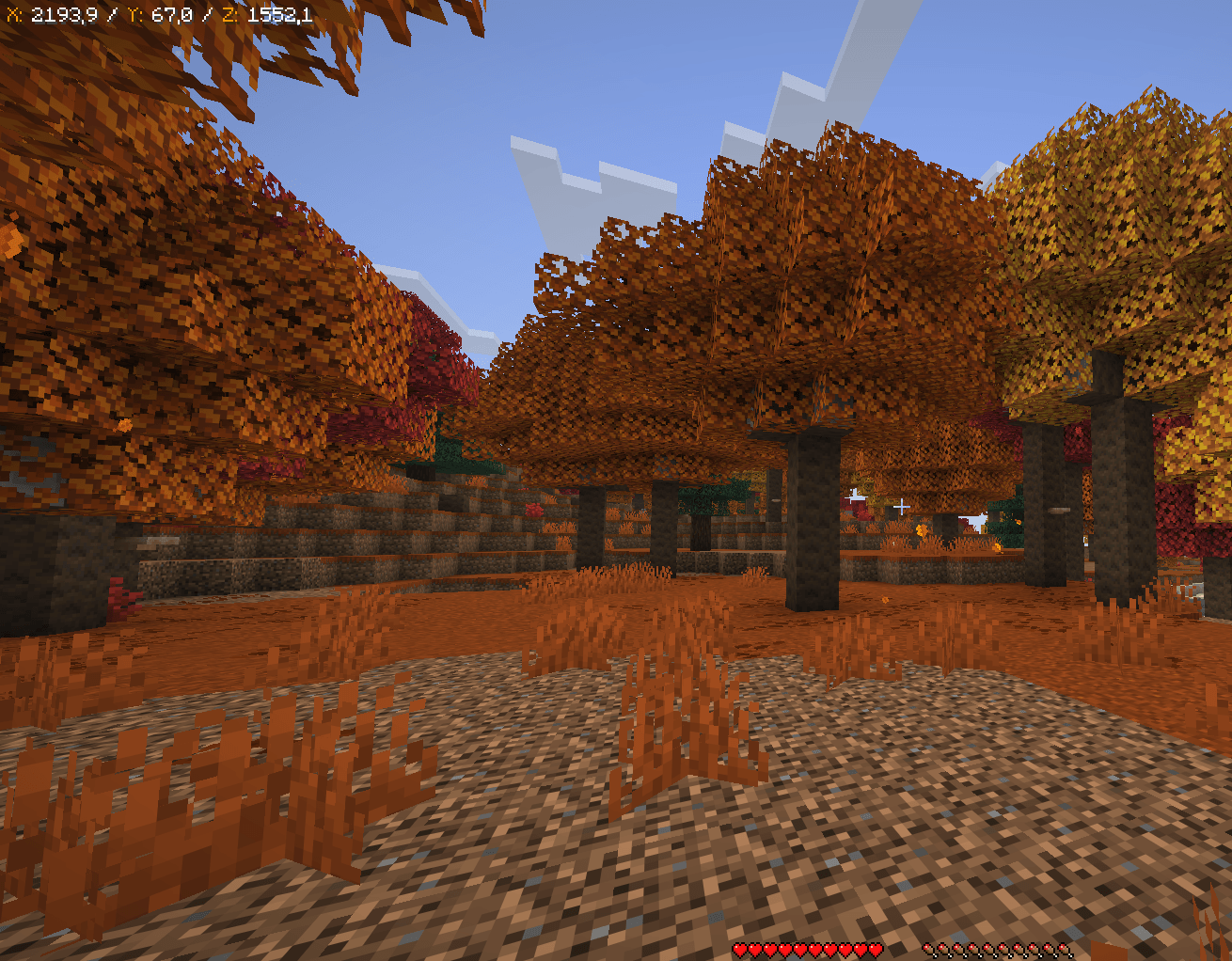
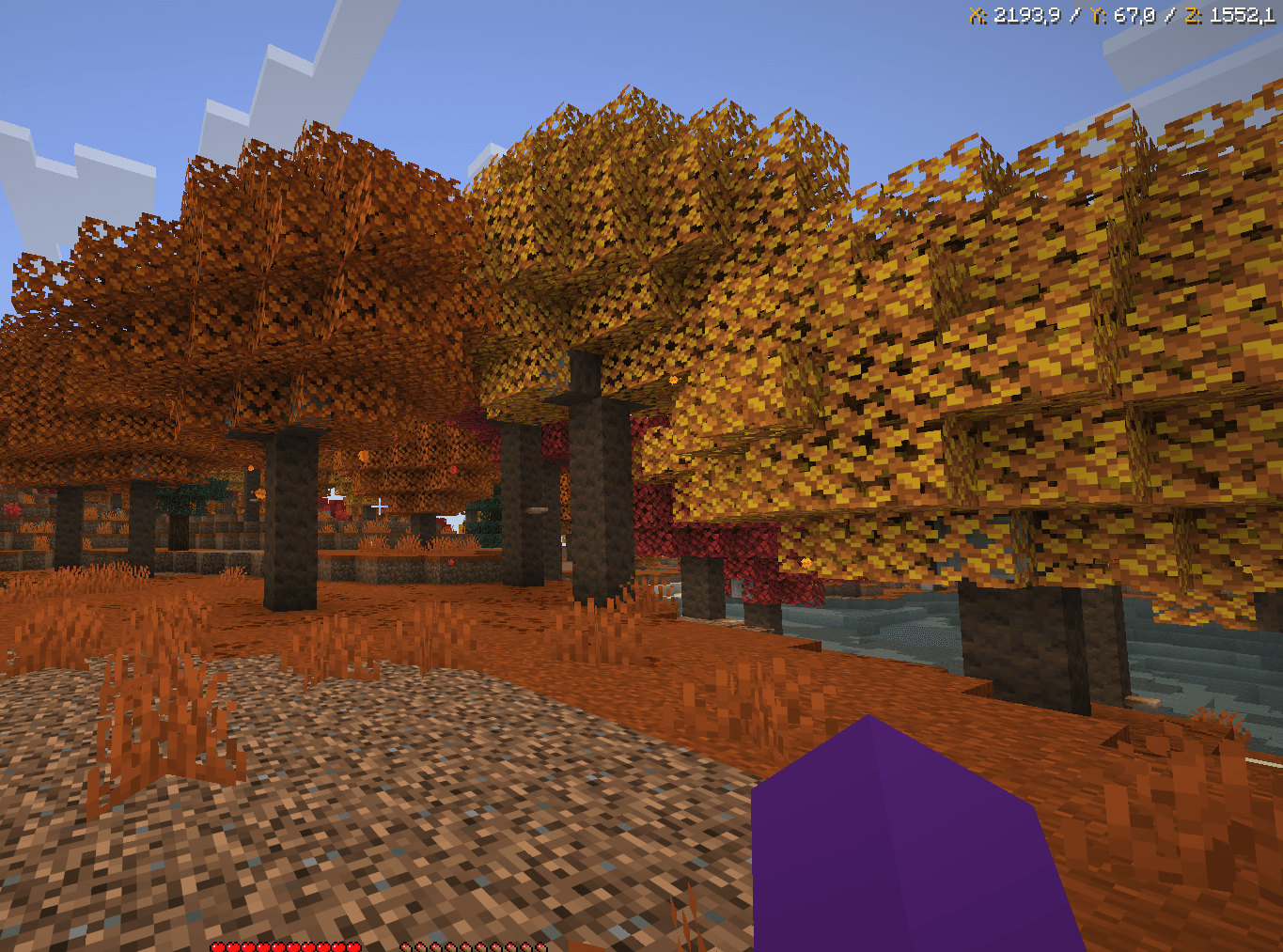
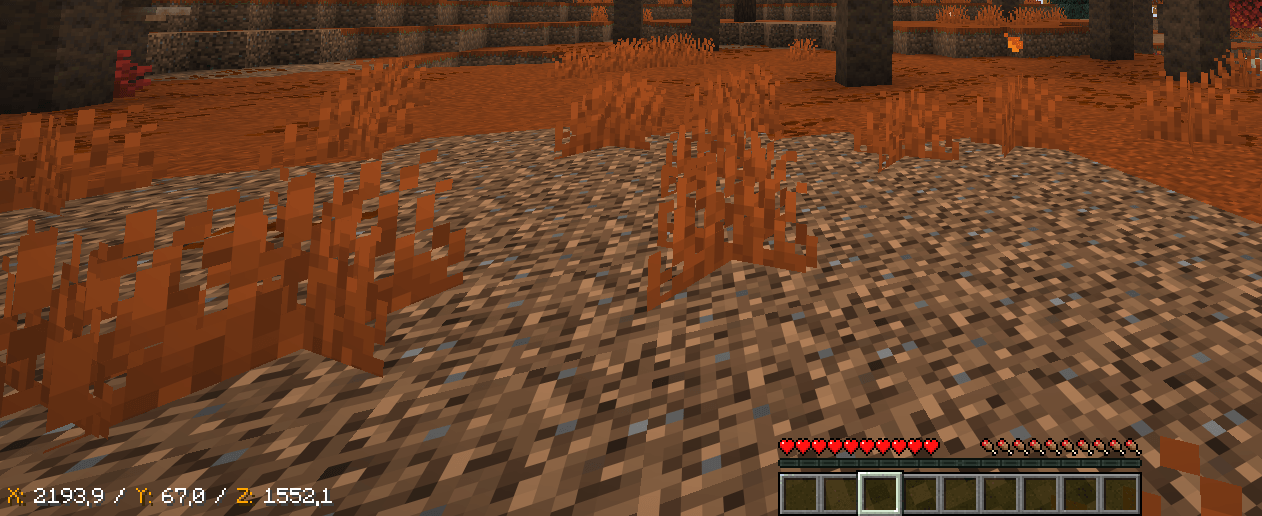
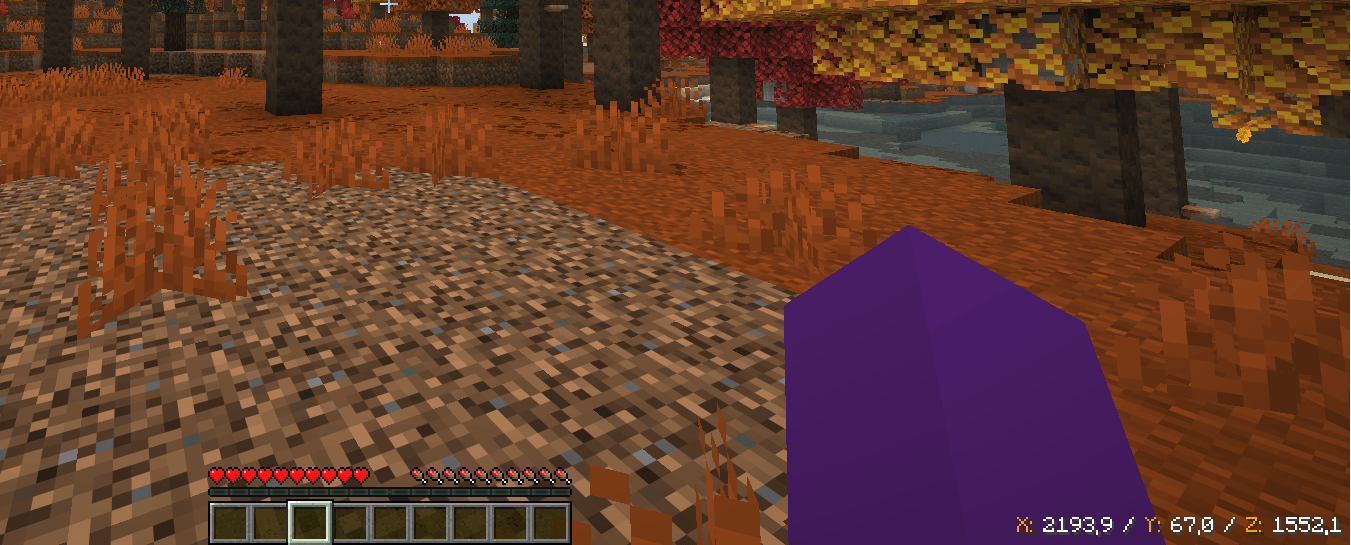
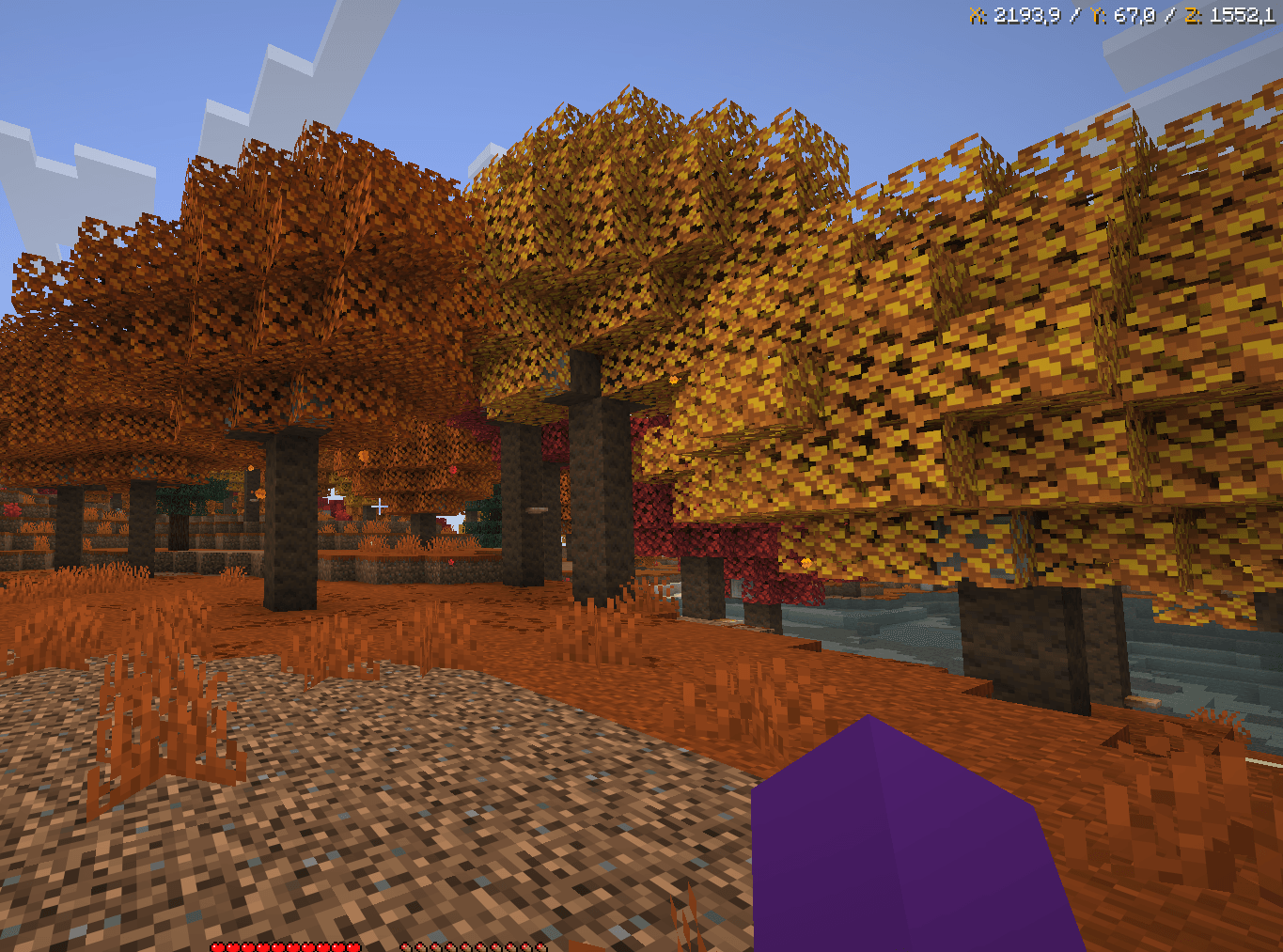
Keep your coordinates on screen with a single key press! Choose from multiple formats and colors to customize your display.
截图
介绍
Quick Coordinates 📍
Keep your coordinates on screen with just a single key press! Quick Coordinates is a lightweight and easy-to-use mod that lets you display your X, Y, and Z coordinates whenever you need them.
Customize your HUD to match your preferences by choosing from 10 color modes, 6 screen positions, multiple text sizes, and different coordinate formats. Everything can be changed instantly in-game without opening any menus!
🎮 How to Use
All controls can be customized in Options → Controls → Key Binds.
-
M — Show or hide the coordinates HUD. It starts hidden.
-
N — Cycle through the available color modes.
-
J — Move the HUD to a different screen position.
-
K — Change the text size.
-
H — Switch between coordinate formats.
🎨 Customize Your HUD
Choose from 10 color modes, including white, black, cyan, red, magenta, pink, orange, and blue combinations.
Place your coordinates wherever you prefer: top center, top left, top right, bottom left, bottom center, or bottom right.
Each customization key cycles through its available options and automatically returns to the first option when it reaches the end.
Simple, customizable, and always within reach. Find your coordinates at a glance and get back to exploring!
常见问题
Coordy! Screen Coordinates 支持哪些 Minecraft 版本?
Coordy! Screen Coordinates 支持 Minecraft Java 版 1.16.5–26.3,共 5 个版本,可用的加载器:Fabric。下载时注意选择和你游戏版本一致的文件。
Coordy! Screen Coordinates 怎么安装?
先用 PCL2 或 HMCL 启动器安装对应版本的 Fabric,再把下载的 .jar 文件放进游戏目录的 mods 文件夹,重新启动游戏即可。开启了版本隔离的,mods 文件夹在 versions/版本名 下面。
评论
登录后评论和评分