
截图

介绍
中文介绍正在准备中,下面暂时显示原文。
CoordsCoordsCoords datapack lets you display your coordinates and current Biome on the in-game HUD.
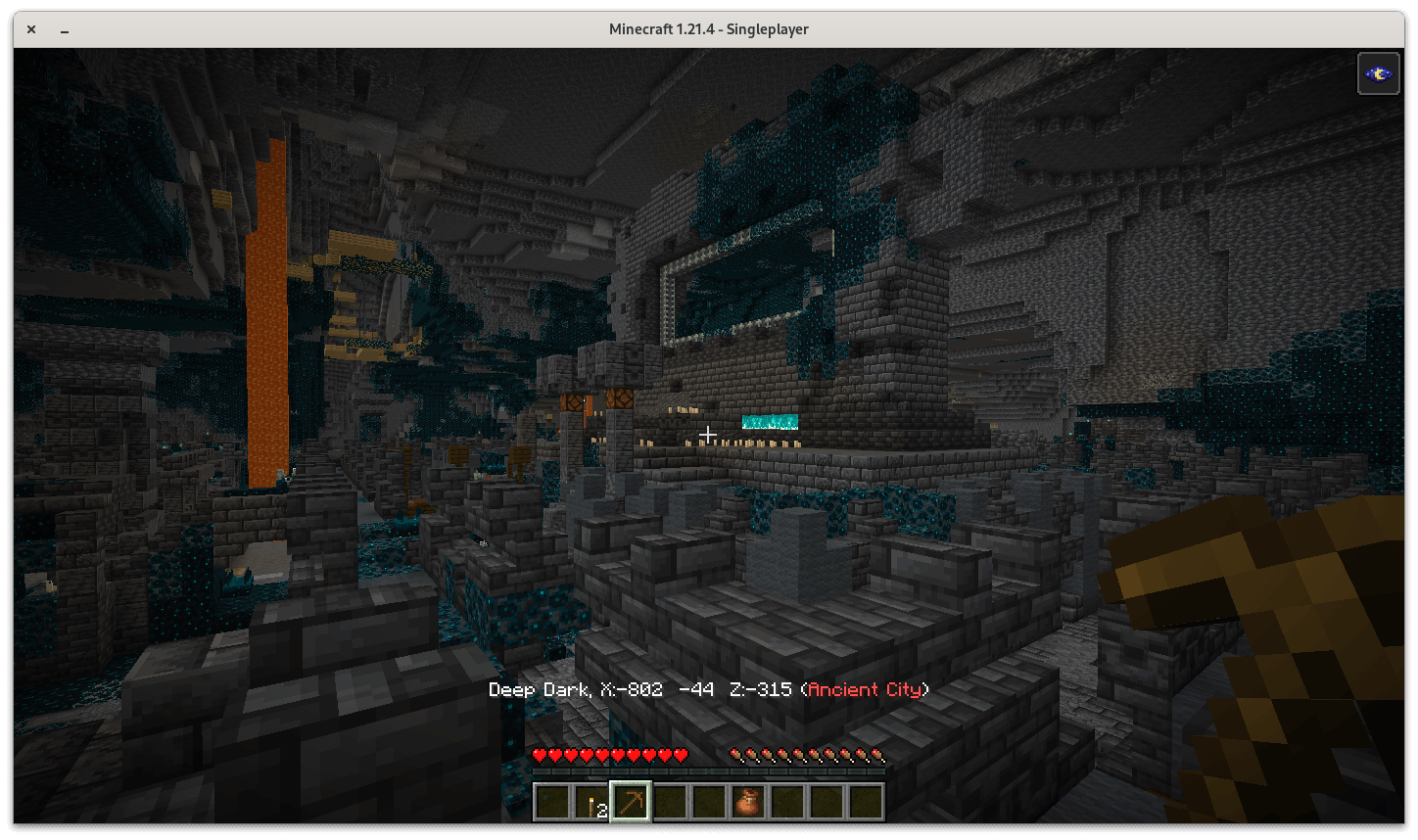
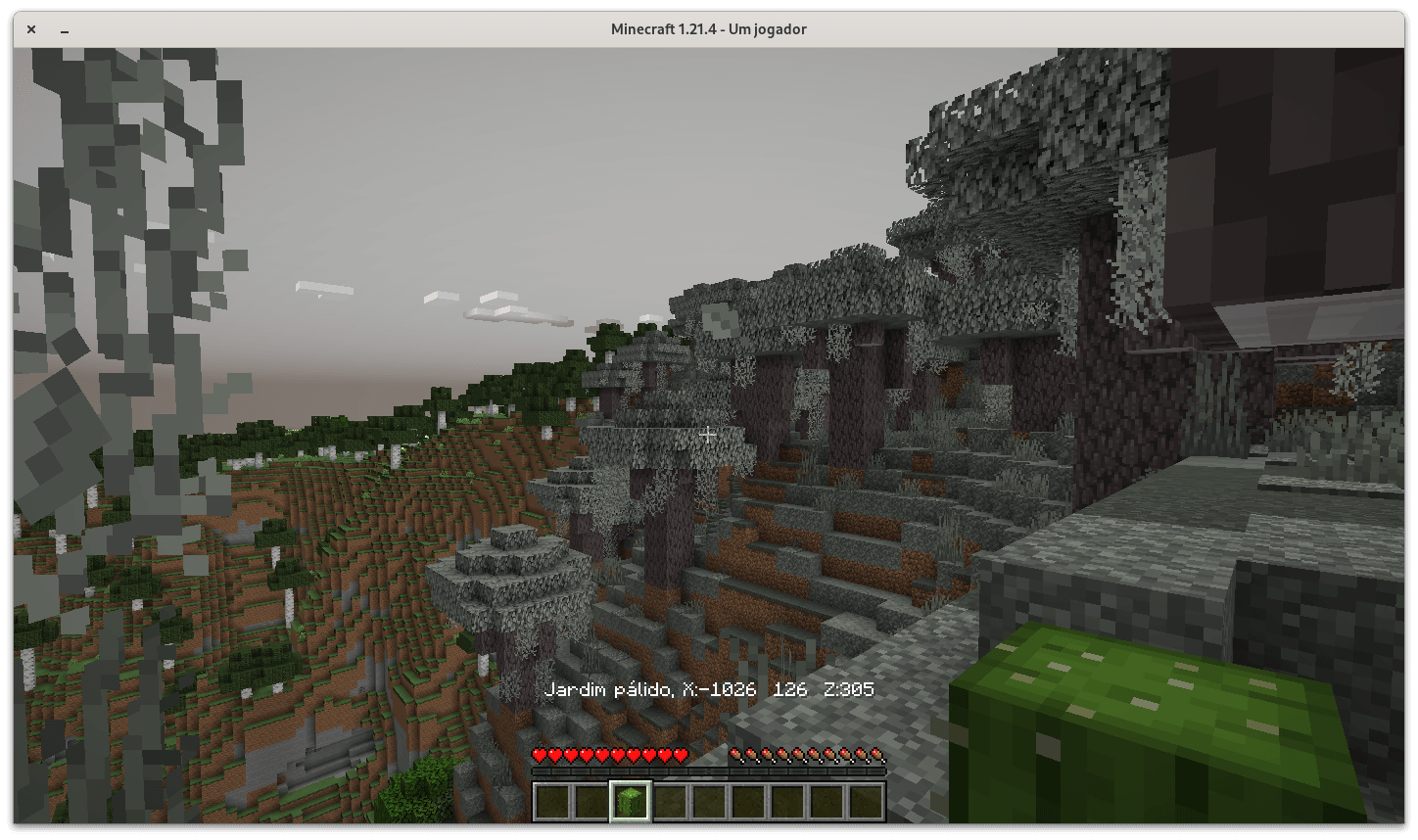
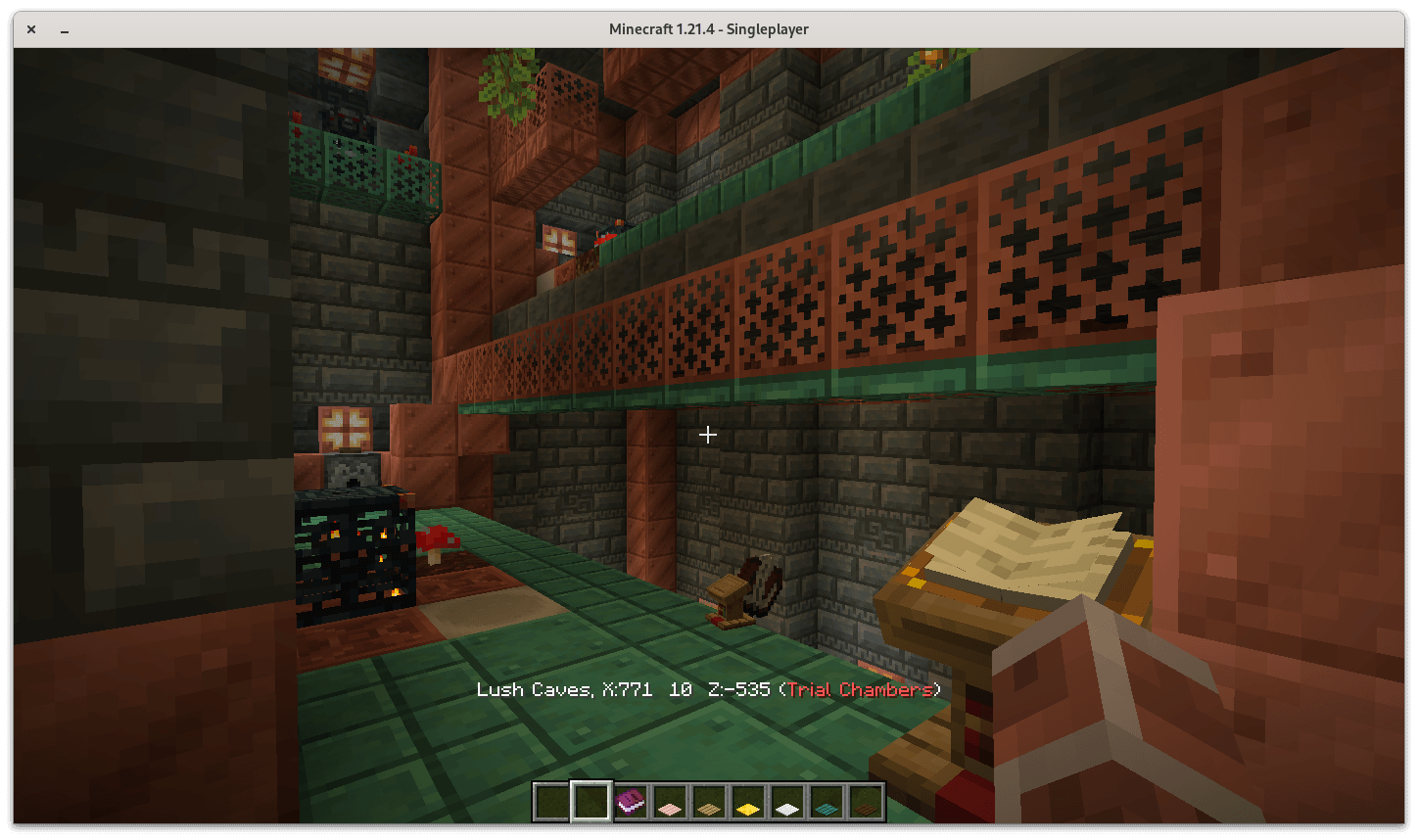
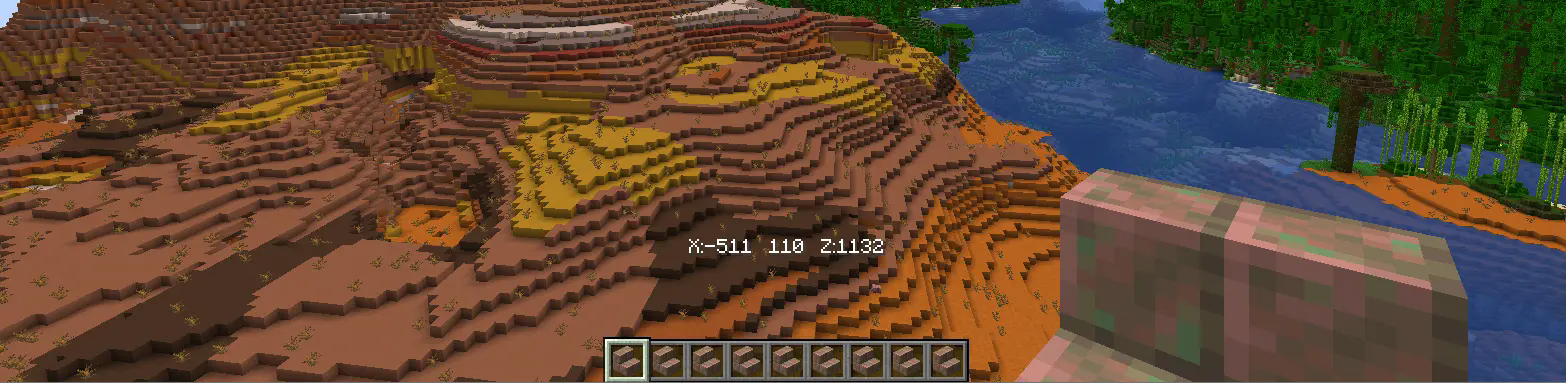
- Optionally, you may enable “minimal” mode that’ll _only_ display your Minecraft coordinates without ever having to press F3.

- Restore settings to the default with “/function coordscoordscoords:enable_defaults”

⌨ INSTALLATION
- Install the CoordsCoordsCoords datapack by locating your worlds’ save, creating a “datapacks” folder, and drag & drop CoordsCoordsCoords.zip

- Uninstall CoordsCoordsCoords by running the command “/function coordscoordscoords:uninstall”

常见问题
CoordsCoordsCoords 支持哪些 Minecraft 版本?
CoordsCoordsCoords 支持 Minecraft Java 版 1.21.3–26.1.2,共 8 个版本,可用的加载器:Fabric / Forge / NeoForge / Quilt。下载时注意选择和你游戏版本一致的文件。
CoordsCoordsCoords 怎么安装?
先用 PCL2 或 HMCL 启动器安装对应版本的 Fabric / Forge / NeoForge / Quilt,再把下载的 .jar 文件放进游戏目录的 mods 文件夹,重新启动游戏即可。开启了版本隔离的,mods 文件夹在 versions/版本名 下面。运行环境:客户端 / 服务端。
评论
登录后评论和评分