Coordinate’s Manager
A Fabric client mod to save locations with coordinates, dimension, screenshots & notes. Browse, search, sort, follow waypoints on HUD, and view photos — all in-game. No server install needed.
截图
介绍
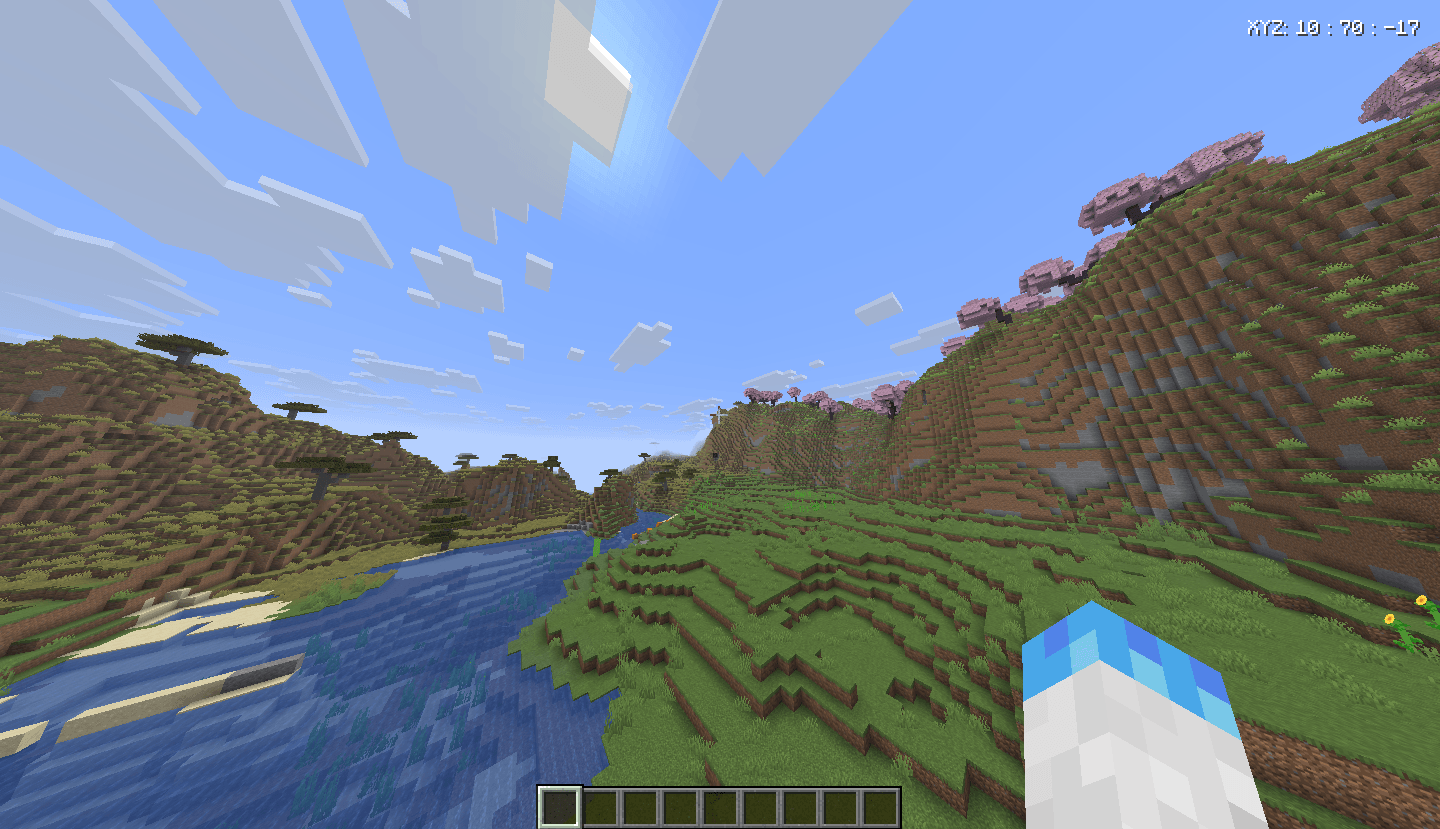
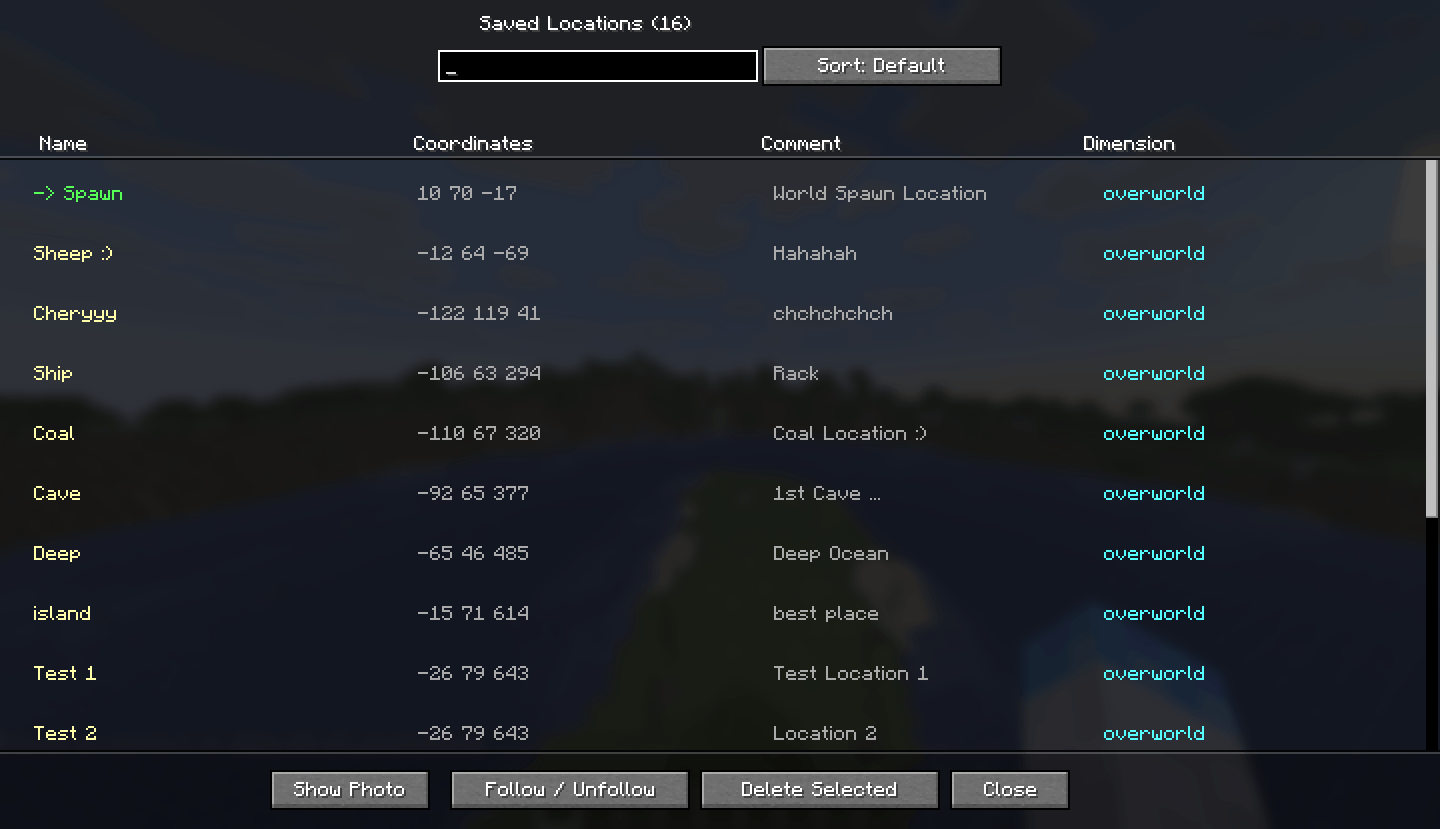
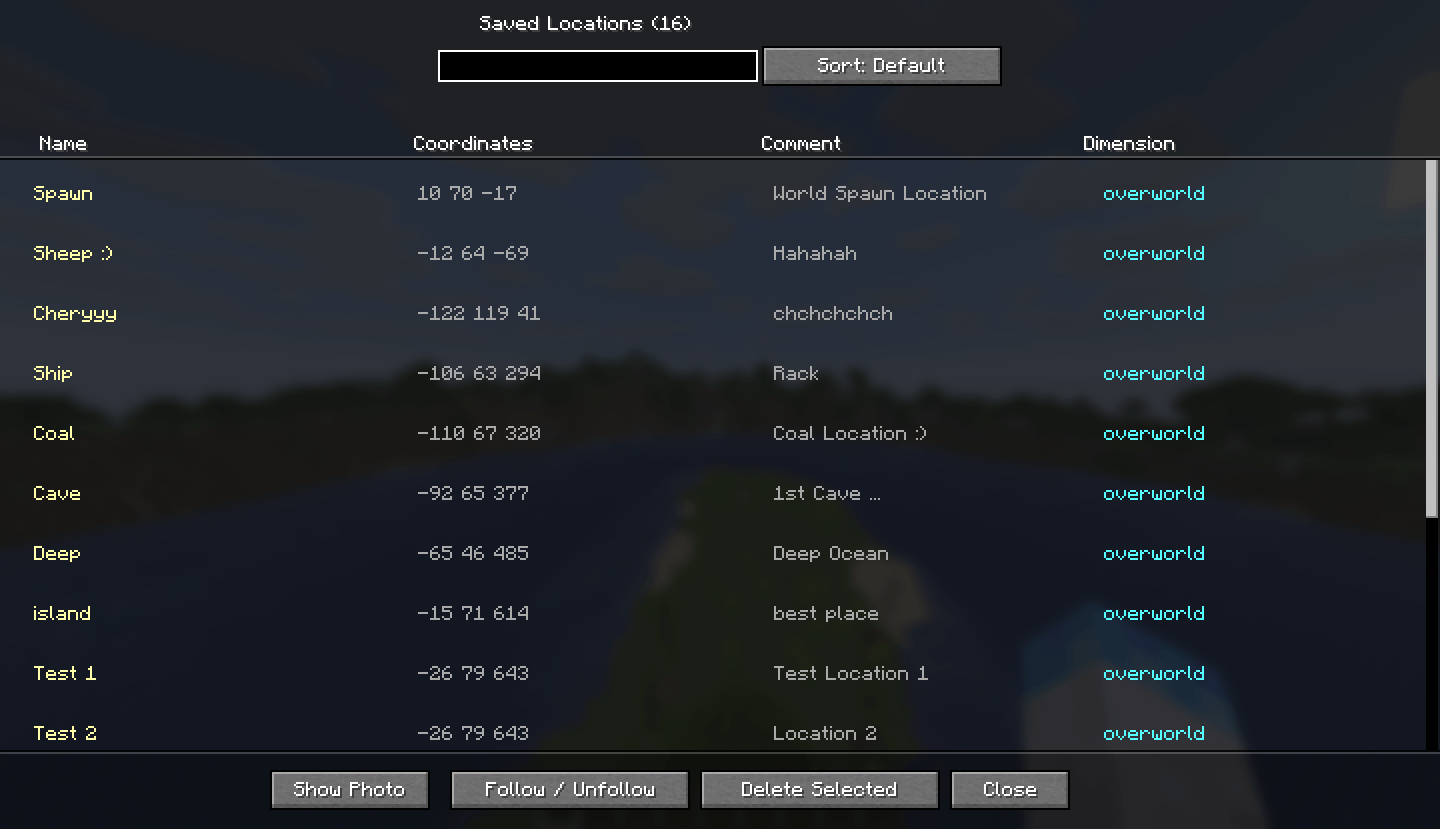
Coords Manager is a lightweight Fabric client mod that lets you bookmark any in-game location with a name, comment, dimension tag, and an automatic screenshot. Browse all your saved spots in a clean in-game list, filter by name, sort by dimension, follow a waypoint on your HUD, and view attached photos — all without leaving Minecraft.
Features
-> Save locations
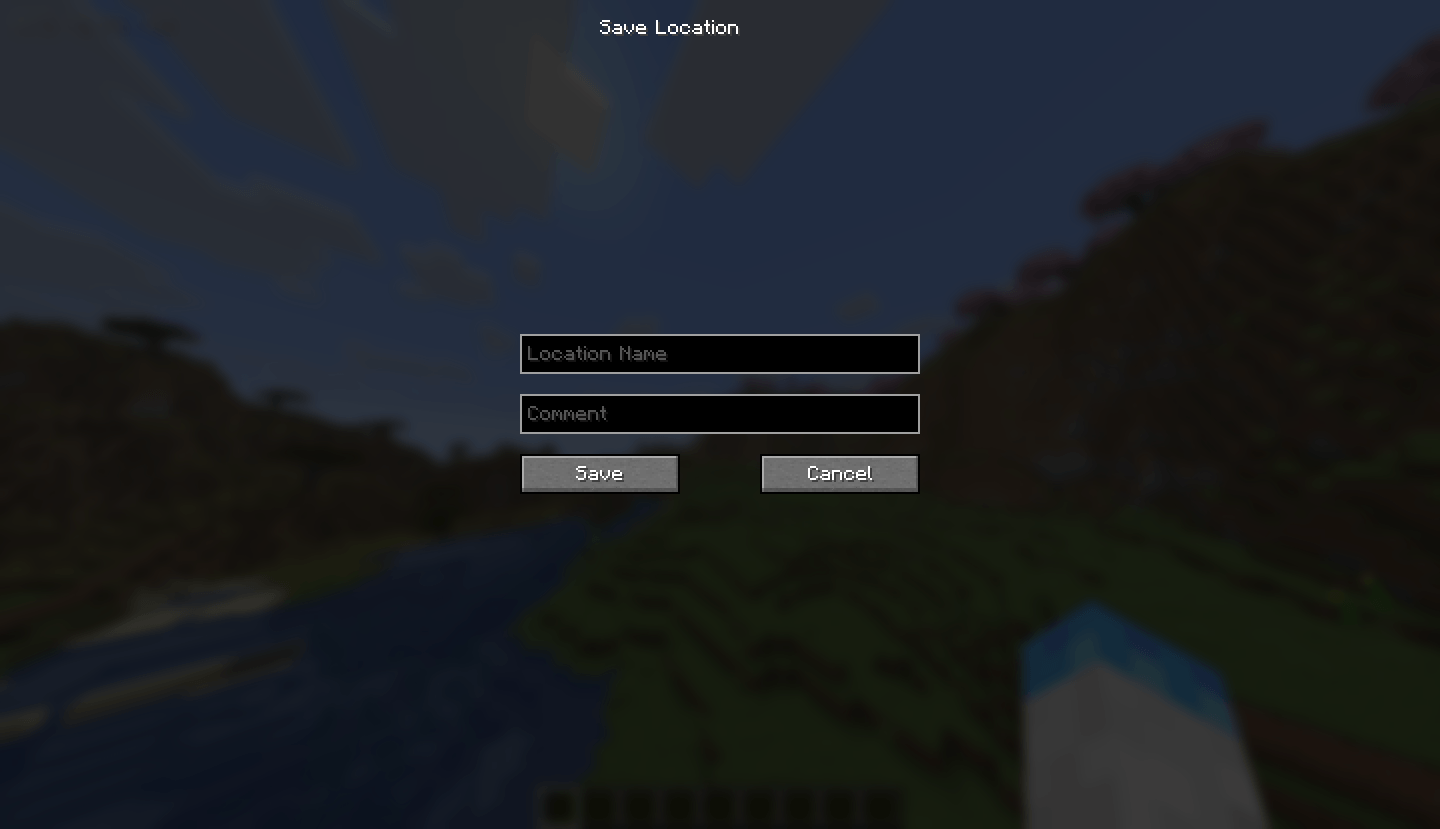
Bookmark any spot with a custom name and comment. Coordinates and dimension are captured automatically.
-> Auto screenshot
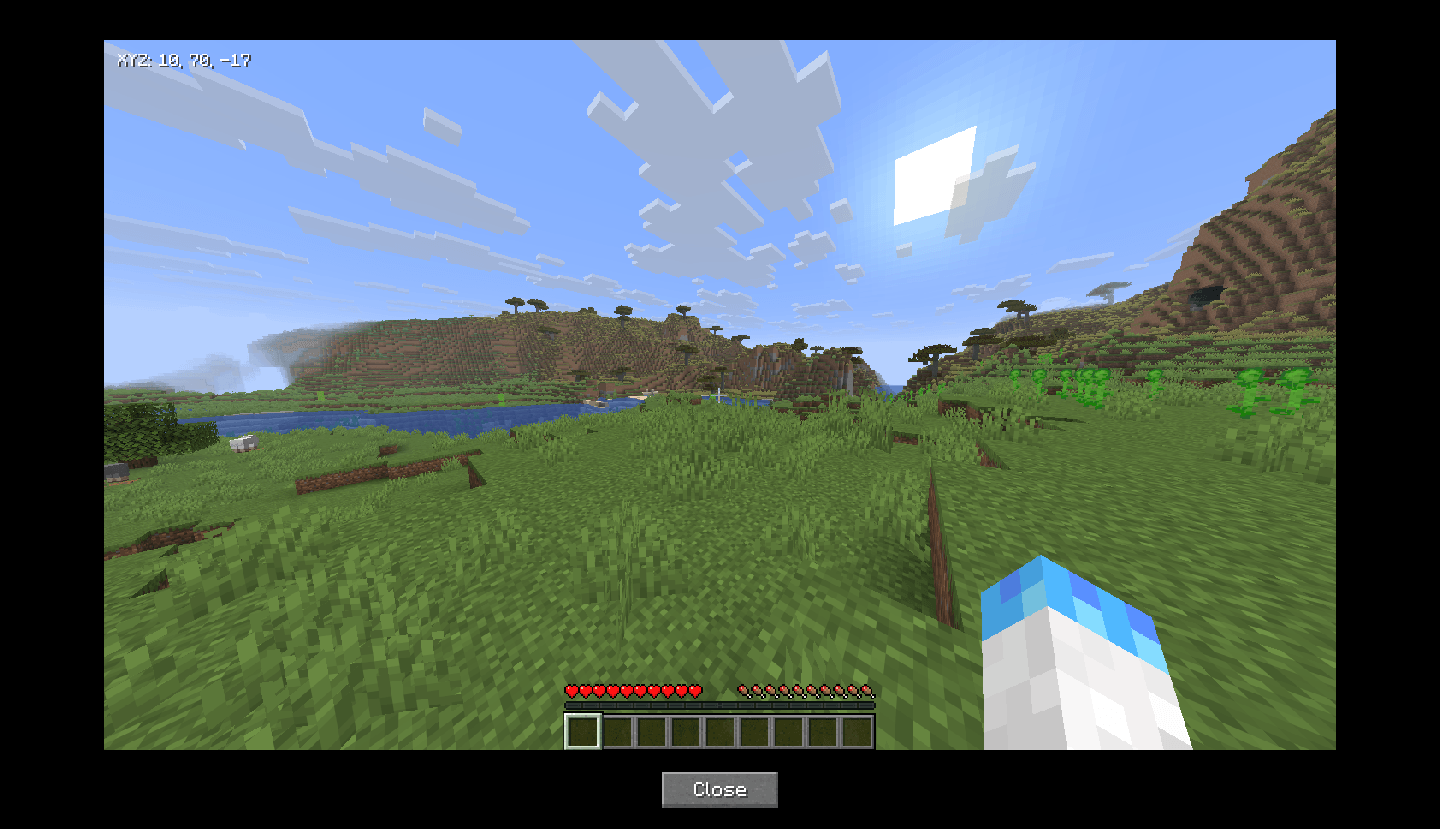
A screenshot is taken automatically when you press the save key and is attached to the location entry.
-> Location list UI
Browse all saved locations in a searchable, sortable in-game screen with name, coordinates, comment, and dimension columns.
-> Follow / HUD waypoint
Follow any location and its coordinates appear on your HUD in the top-right corner at all times.
-> Photo viewer
View the screenshot attached to any saved location directly in-game without opening File Explorer.
-> Per-world storage
Locations are saved separately for each singleplayer world and each multiplayer server automatically.
Keybinds
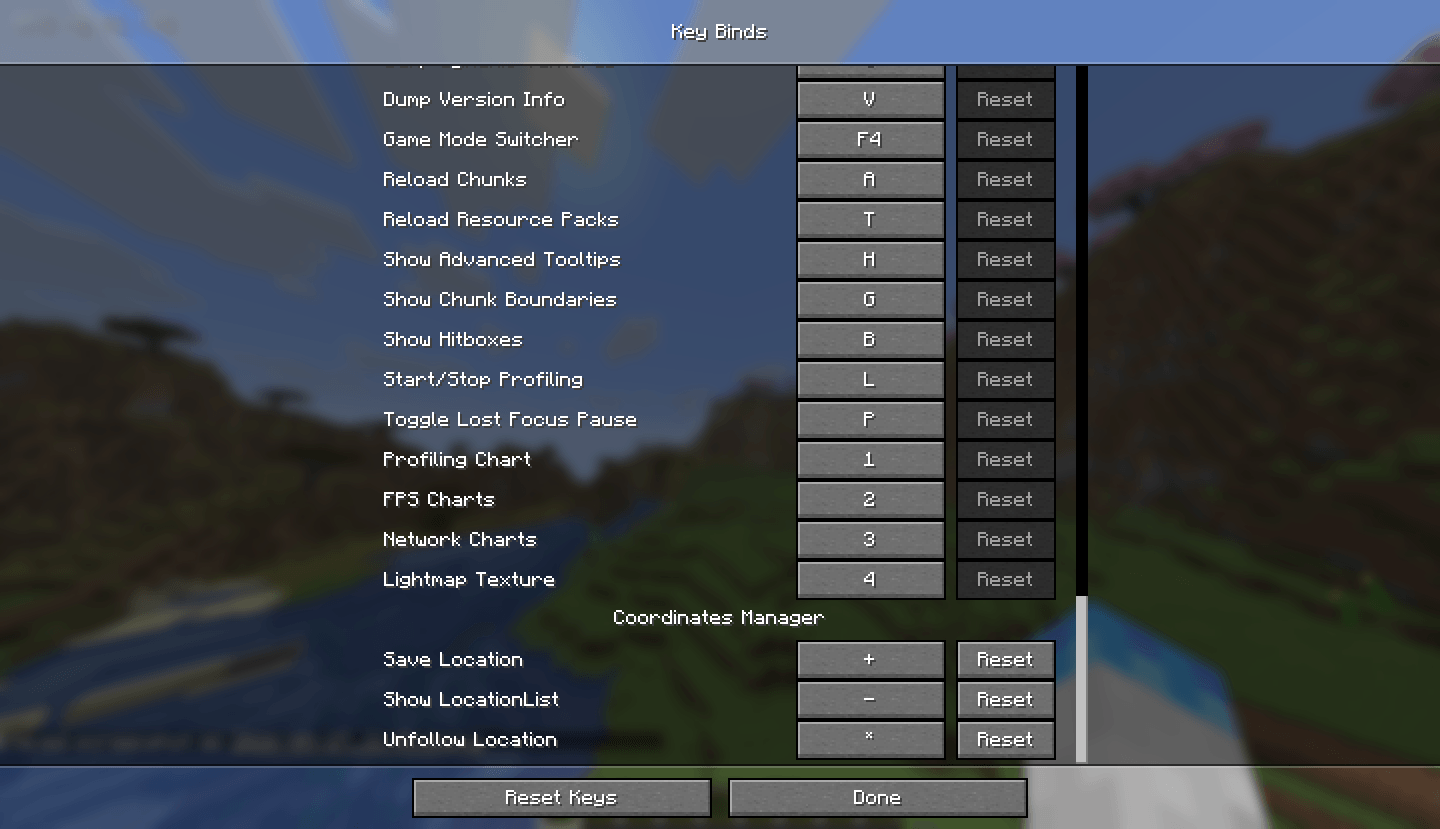
All keybinds can be rebound in Options → Controls → Key Binds → Coord Manager.
How to use
= (Equals key). The screen will close, a screenshot will be taken automatically, and the Save Location dialog will appear after a short delay.L to open the Location List. You can search by name using the search box, and sort entries by dimension (Overworld, Nether, End) using the Sort button.U anytime to stop following.Installation
.minecraft/mods folder..minecraft/mods folder..minecraft/config/coordsmanager/worlds/, organized by world or server name.Requirements
常见问题
Coordinate’s Manager 支持哪些 Minecraft 版本?
Coordinate’s Manager 支持 Minecraft Java 版 26.1–26.2,共 2 个版本,可用的加载器:Fabric。下载时注意选择和你游戏版本一致的文件。
Coordinate’s Manager 怎么安装?
先用 PCL2 或 HMCL 启动器安装对应版本的 Fabric,再把下载的 .jar 文件放进游戏目录的 mods 文件夹,重新启动游戏即可。开启了版本隔离的,mods 文件夹在 versions/版本名 下面。
评论
登录后评论和评分