
截图
介绍
中文介绍正在准备中,下面暂时显示原文。
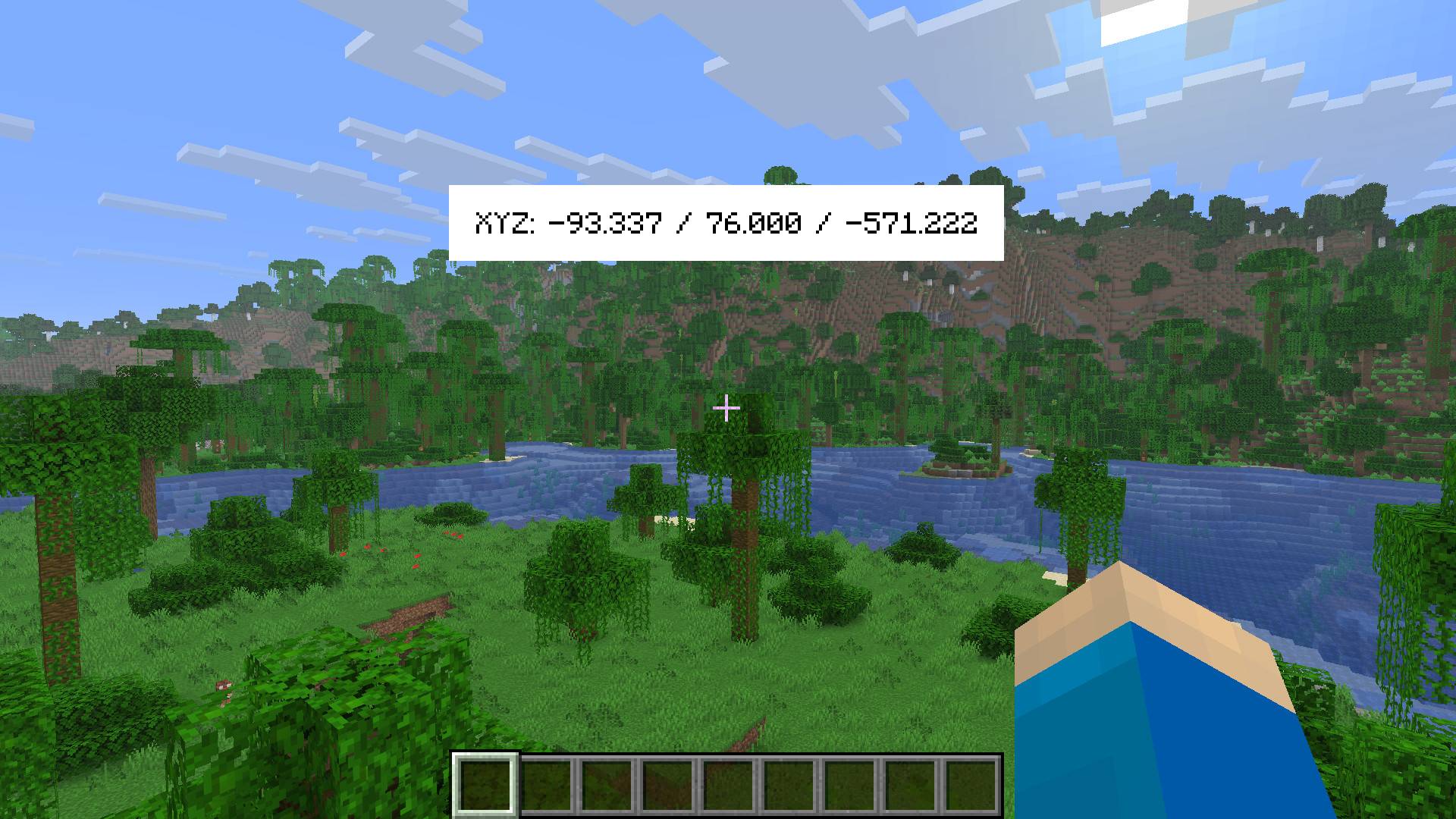
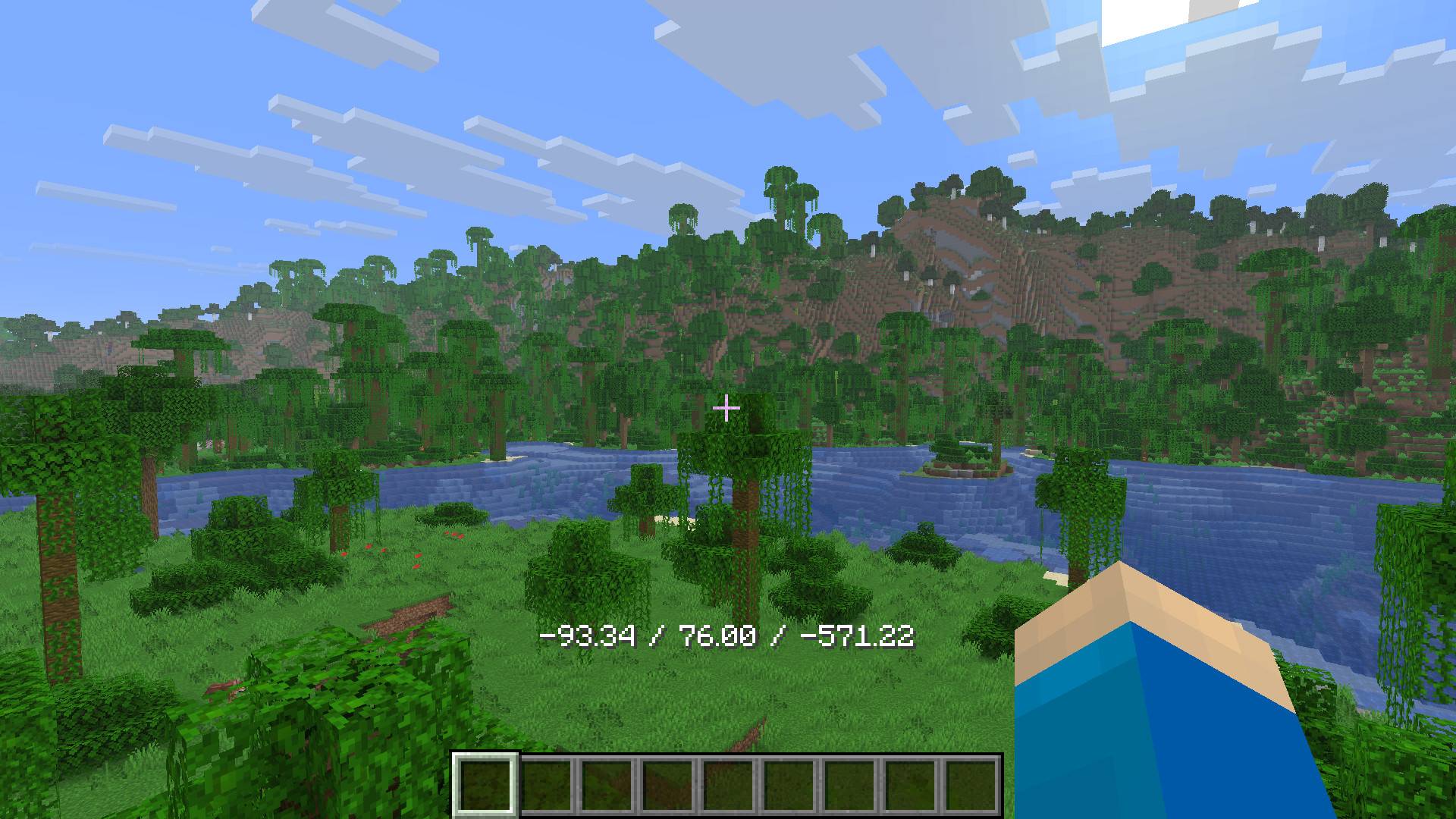
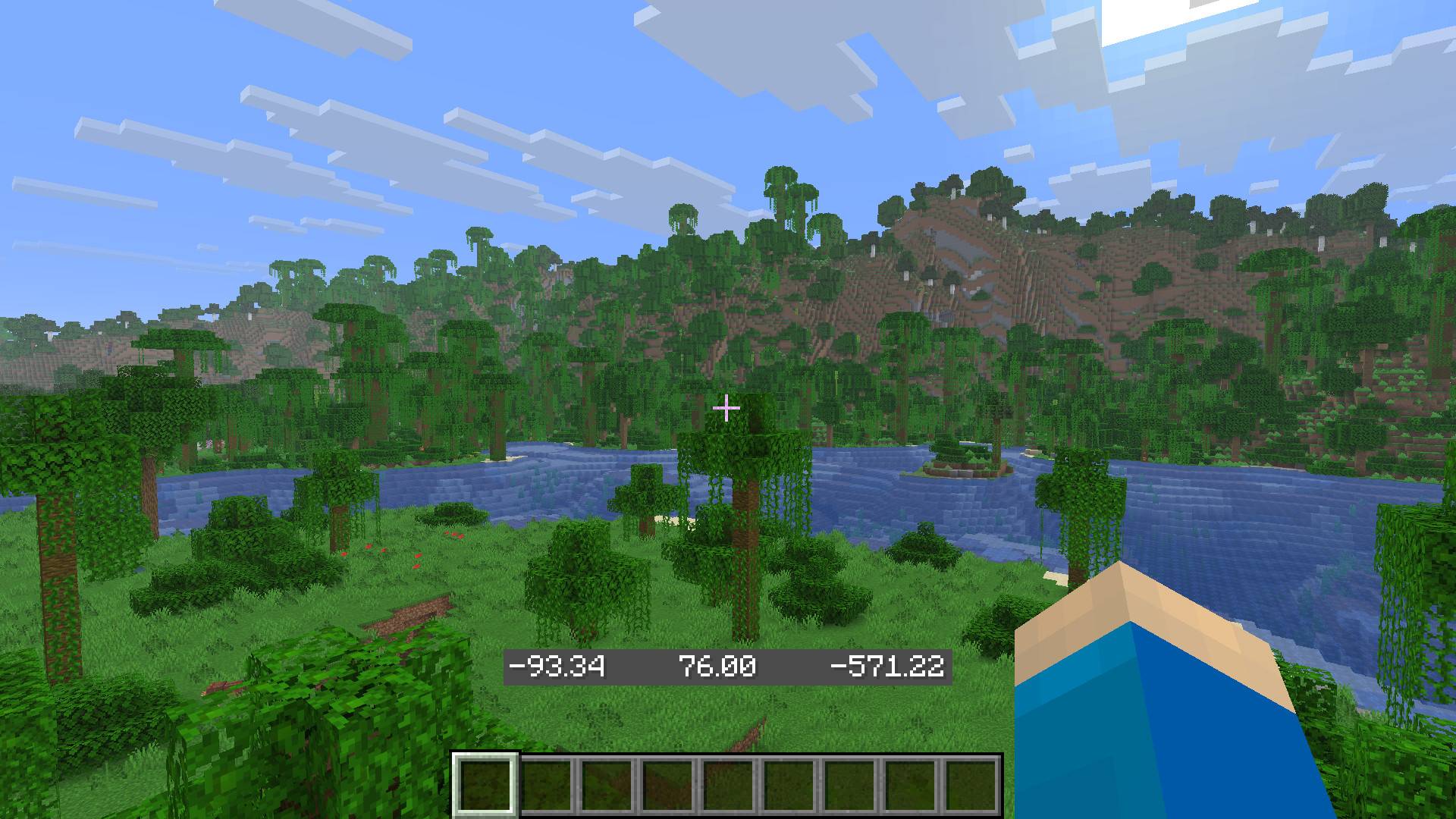
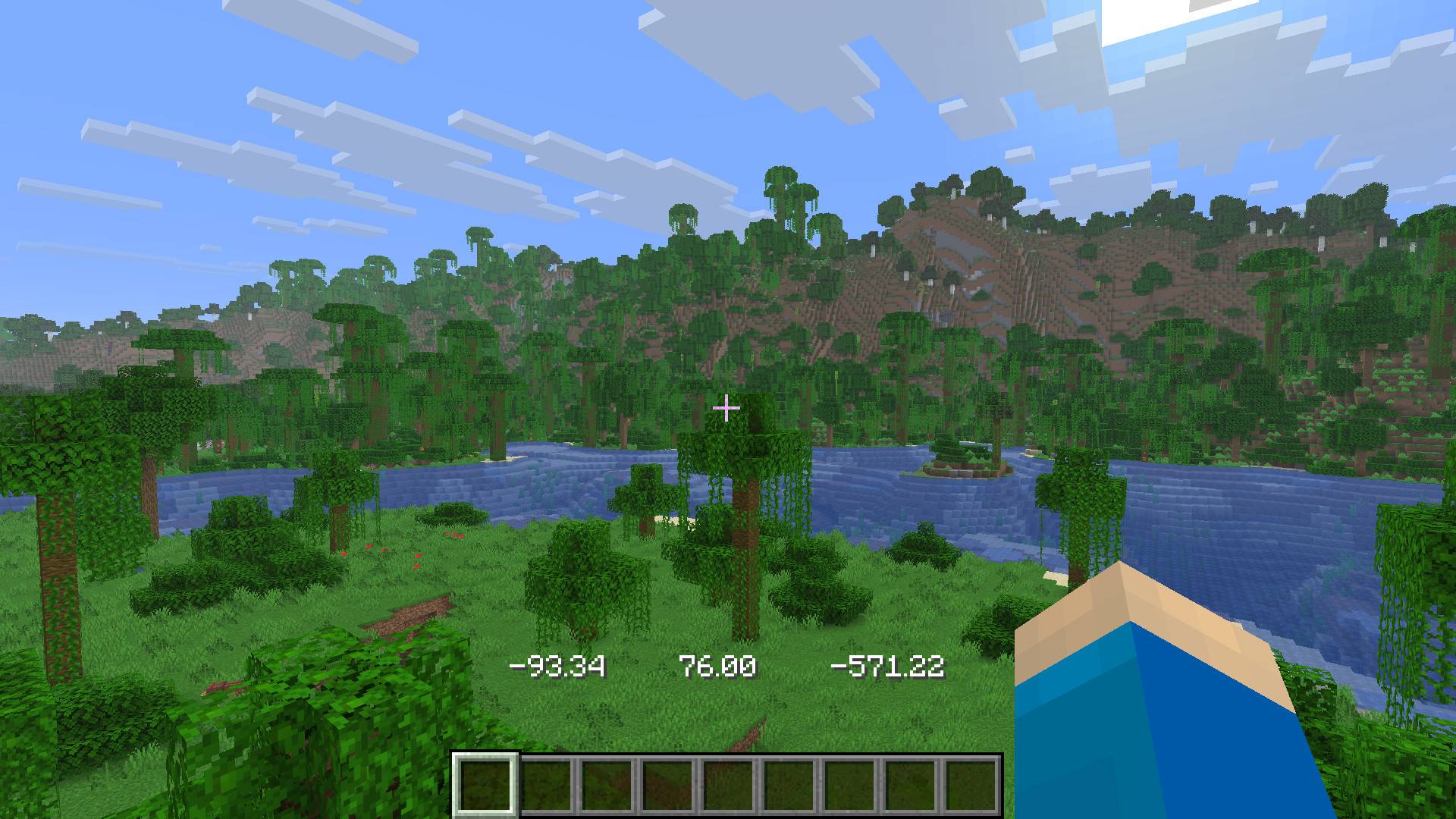
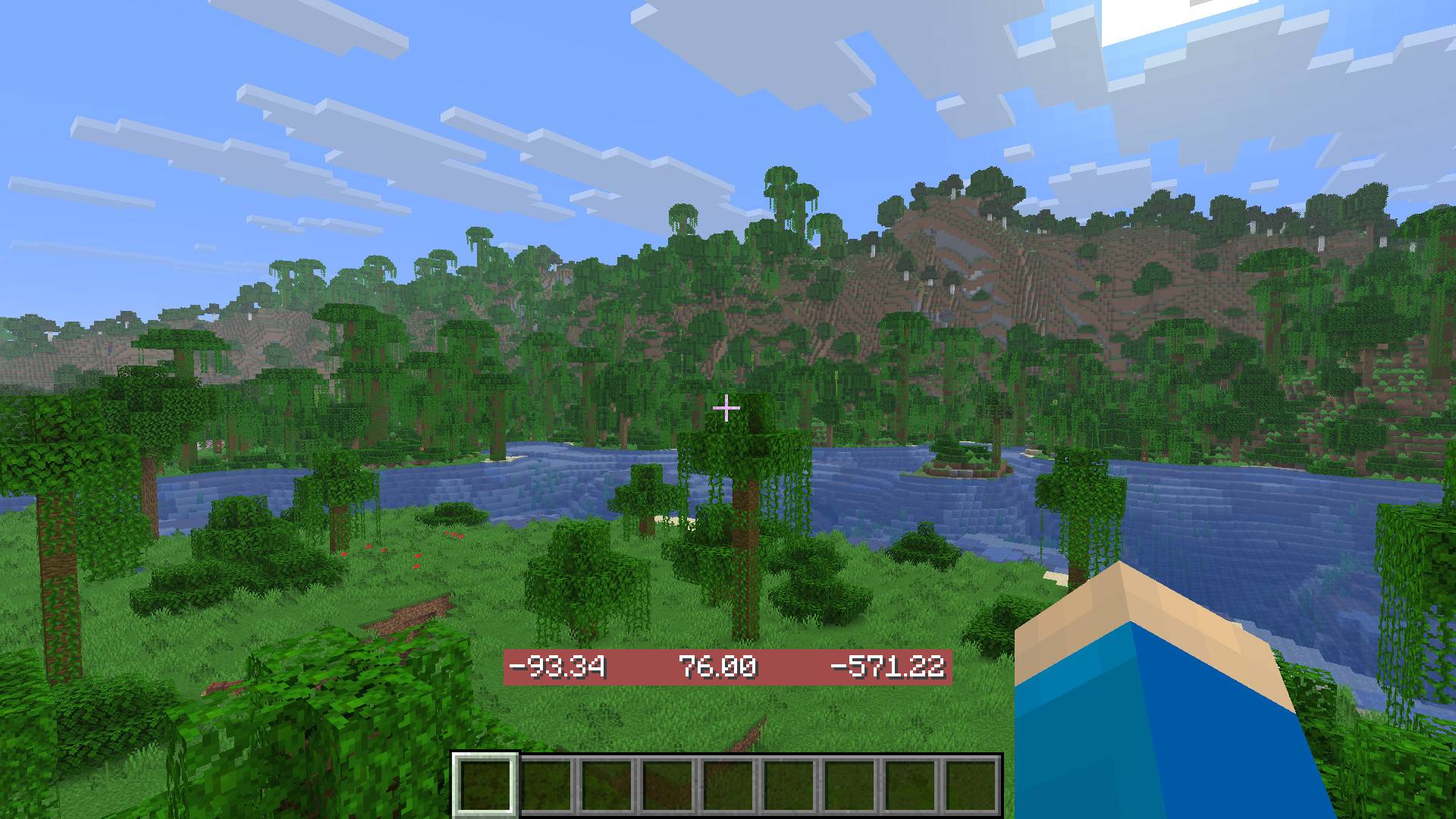
Coordinate Display
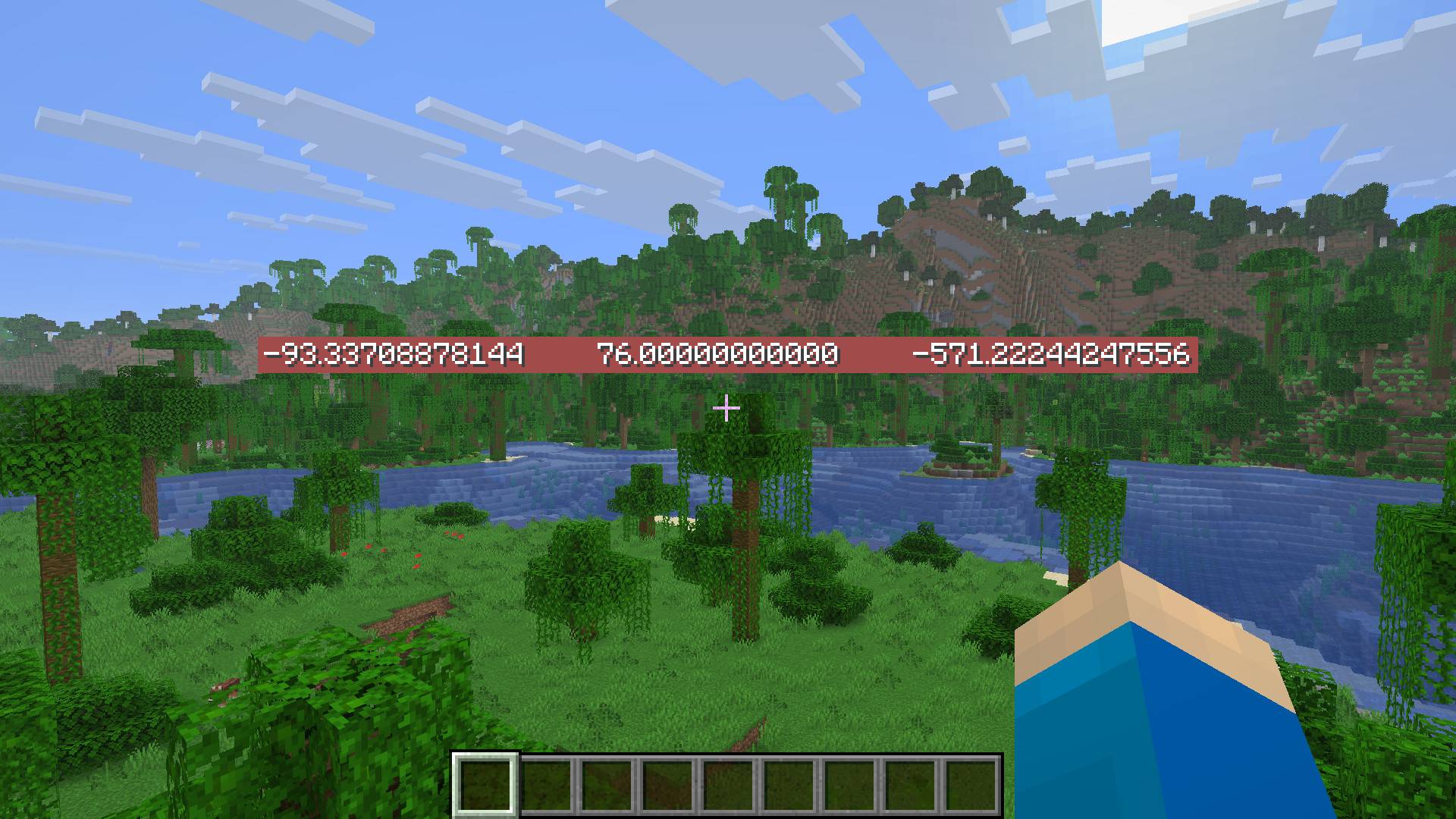
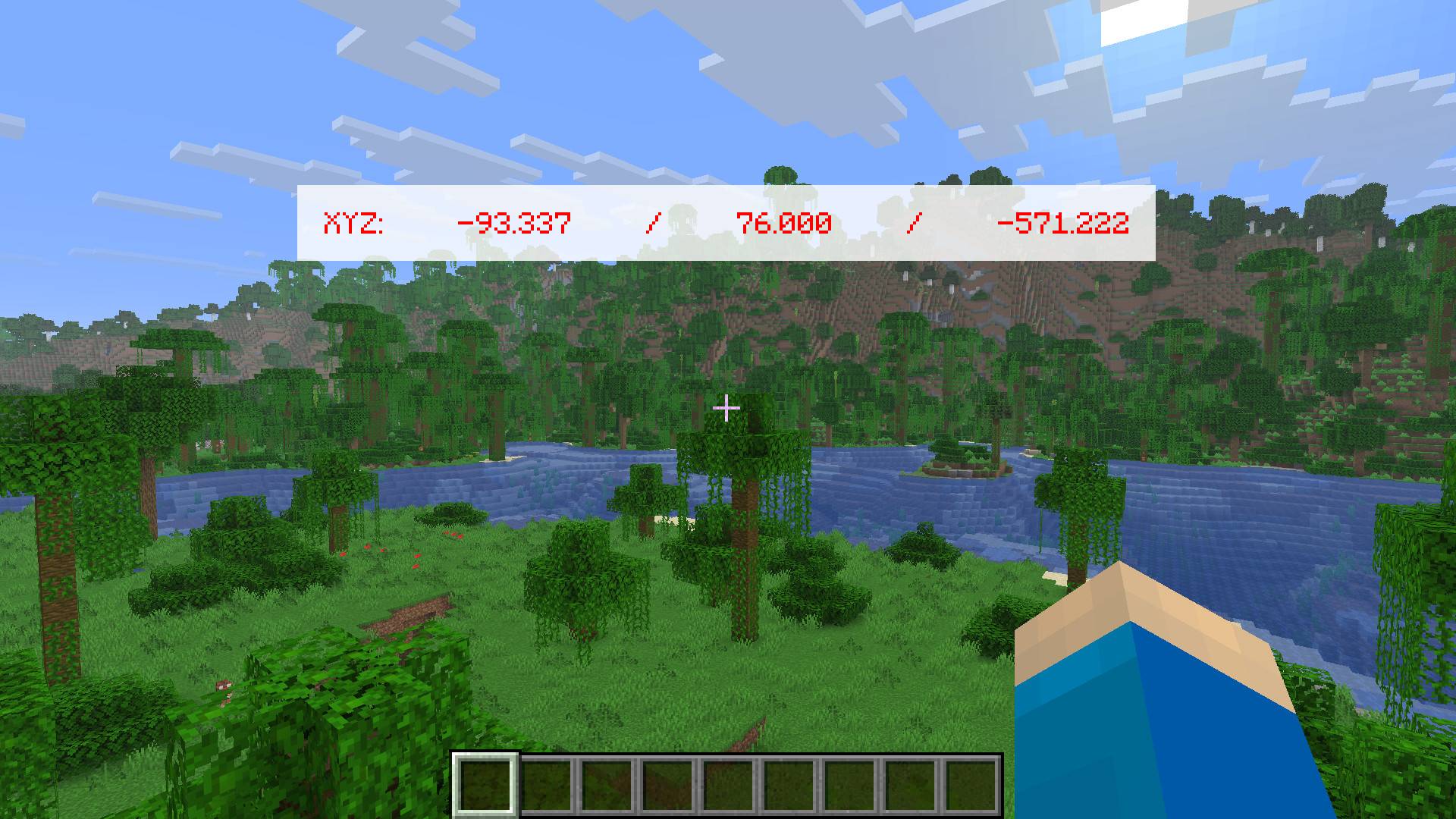
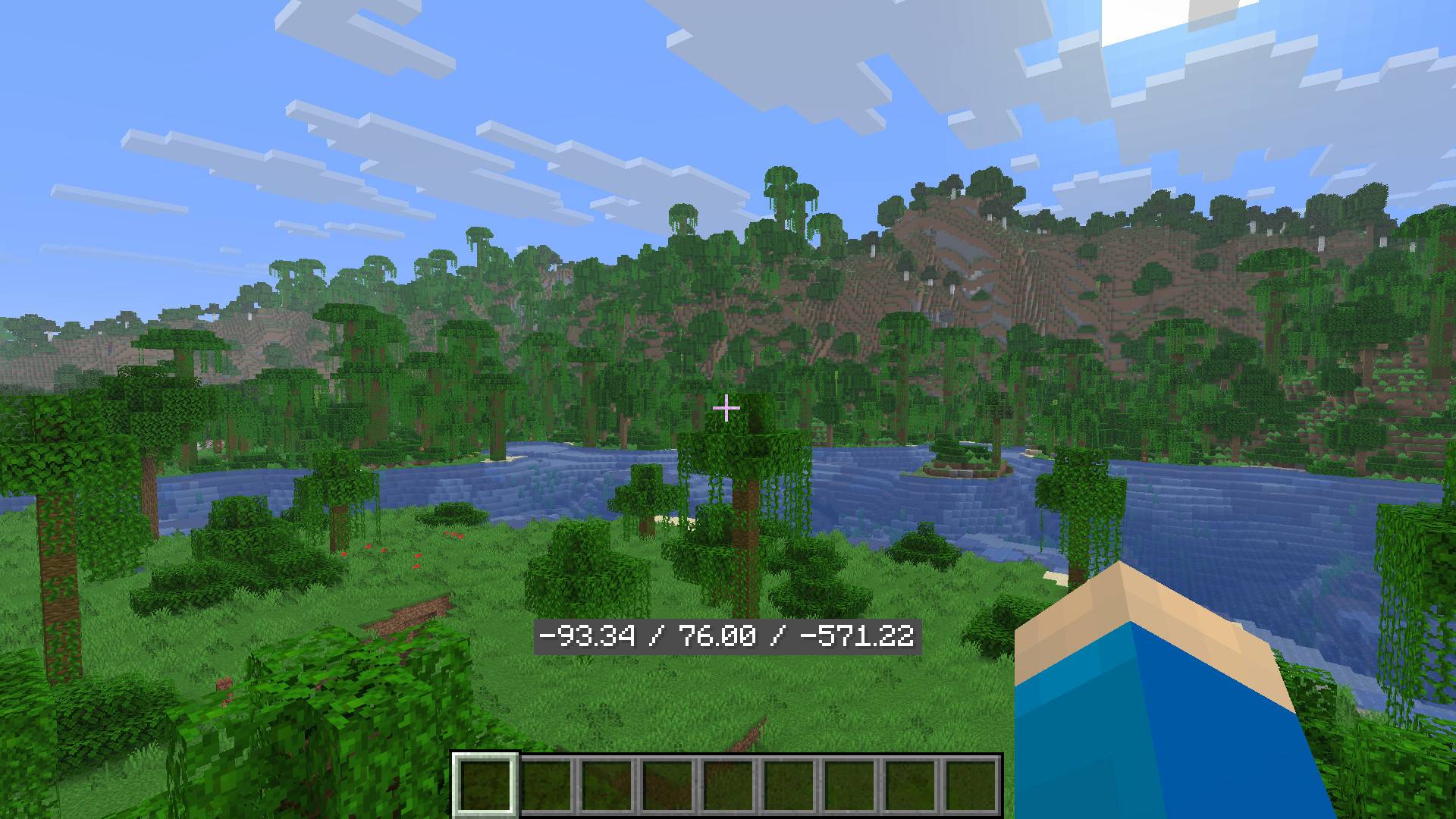
This mod displays your coordinates in a customizable way, which is easy to do using Mod Menu. Alternatively, you can change the “hestr8177_coordinate_display_config.json” file found under the “config” folder. This folder may not appear until you have launched the game with the mod installed first.
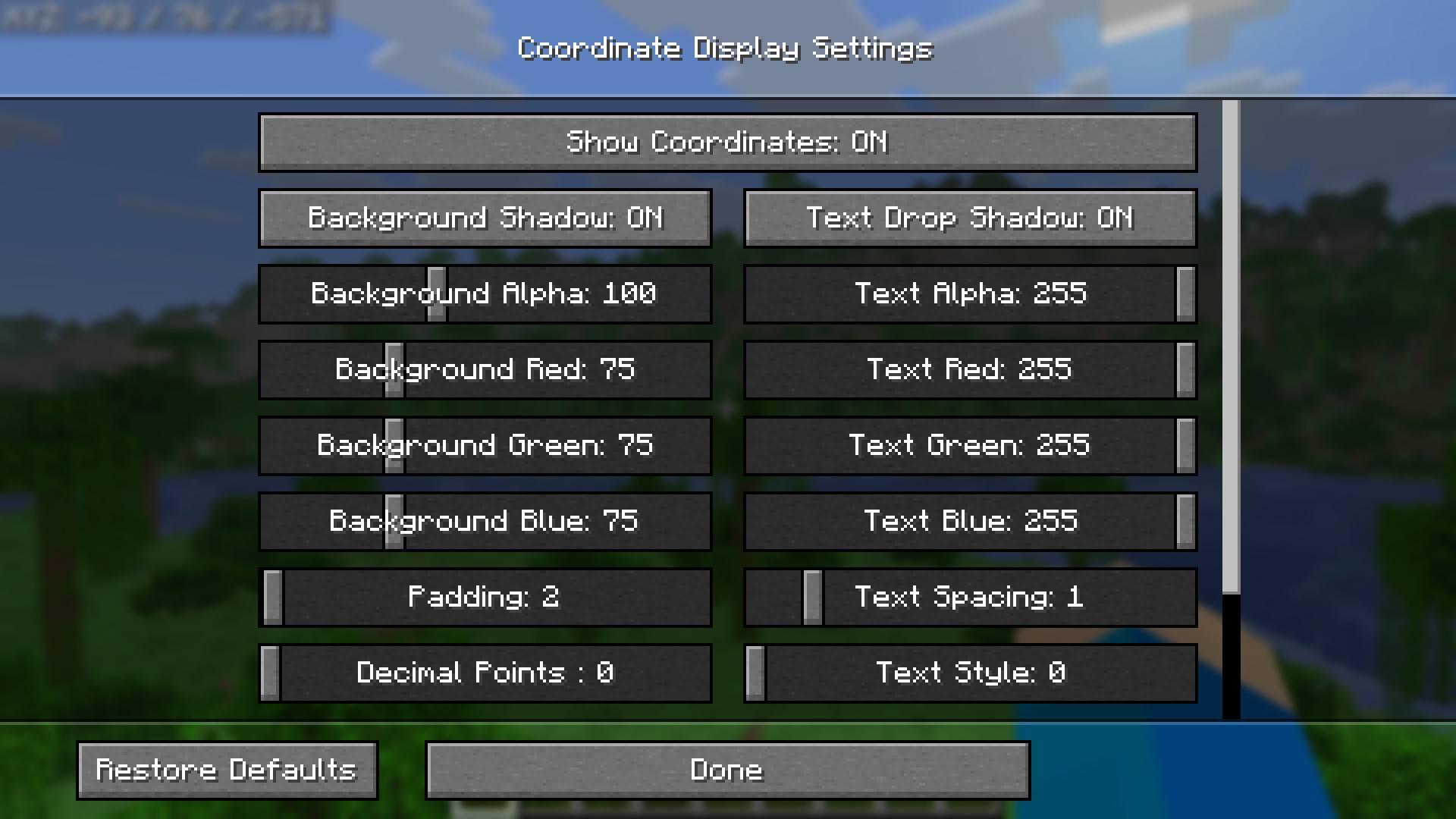
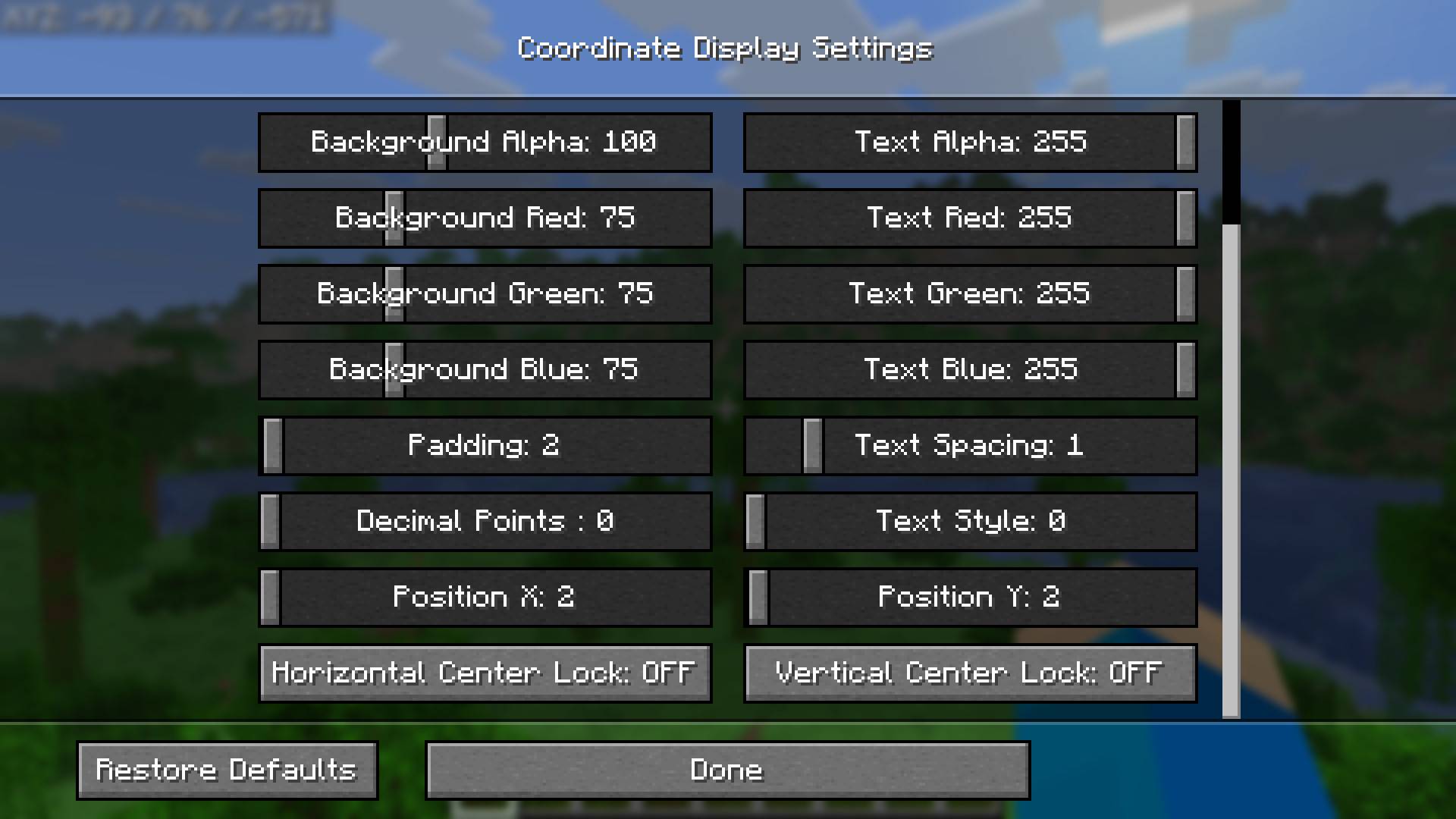
The settings you can change include:
- Show Coordinates: ON/OFF
- Text Alpha (transparency)
- Text RGB
- Text Shadow: ON/OFF
- Amount of decimals
- Text Style
- Text Spacing
- Background Shadow: ON/OFF
- Background Alpha (transparency)
- Background RGB
- Background Padding (size)
- Position of the coordinate display
- Central locking of position hortizontally and/or vertically
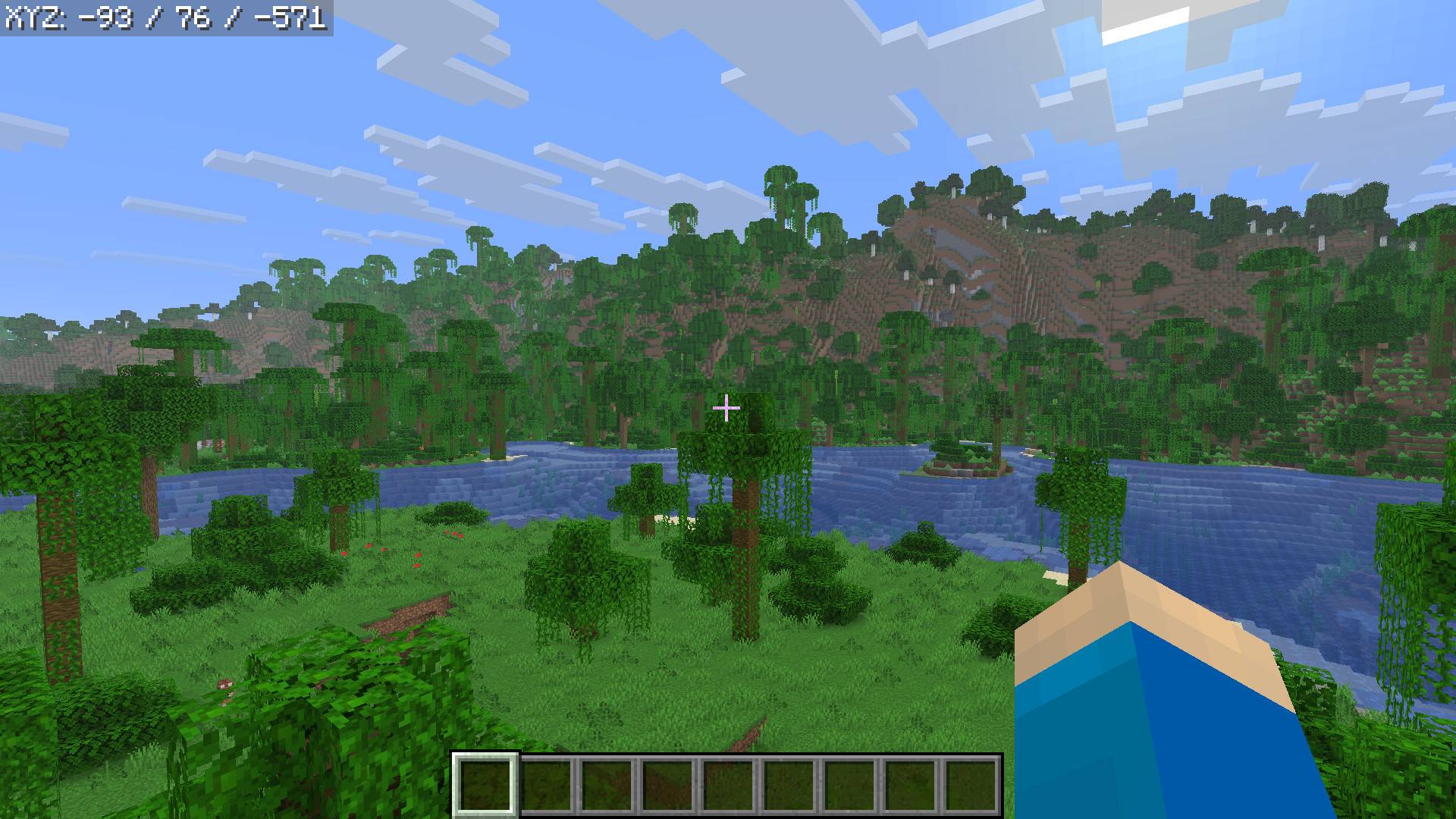
(Image: Default Settings)
(Image: Settings Sreen Part 1)
(Image: Settings Sreen Part 2)
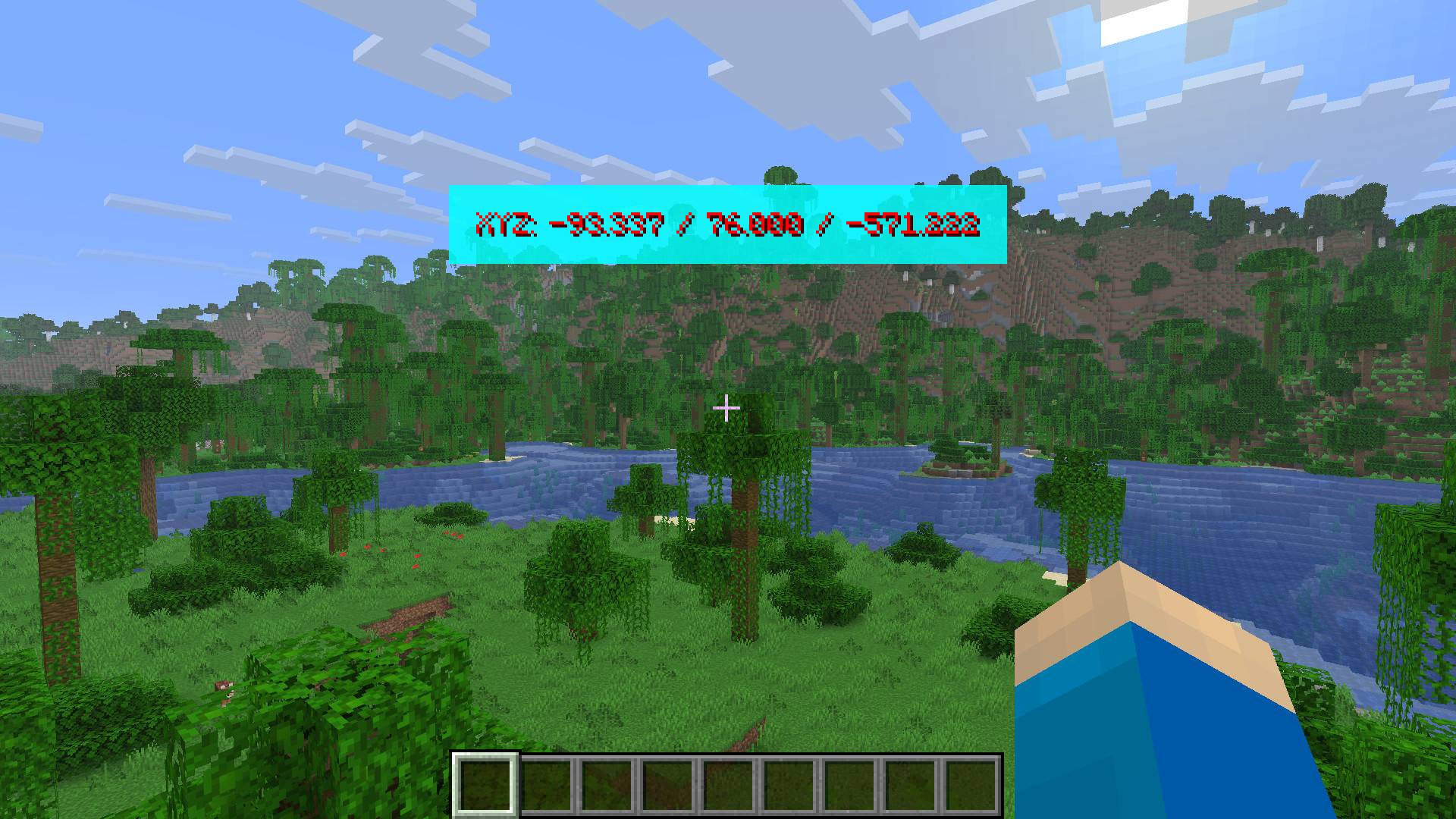
(Images Below: Examples)
常见问题
Coordinate Display Customizable 支持哪些 Minecraft 版本?
Coordinate Display Customizable 支持 Minecraft Java 版 1.21.11,可用的加载器:Fabric。下载时注意选择和你游戏版本一致的文件。
Coordinate Display Customizable 怎么安装?
先用 PCL2 或 HMCL 启动器安装对应版本的 Fabric,再把下载的 .jar 文件放进游戏目录的 mods 文件夹,重新启动游戏即可。开启了版本隔离的,mods 文件夹在 versions/版本名 下面。
评论
登录后评论和评分