Coordinate Converter Mod
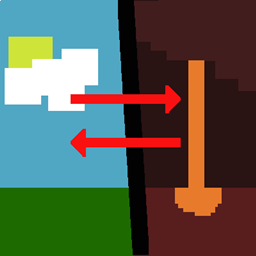
Converts your current overworld coordinates to nether coordinates and vice versa.
介绍
Setup
Just like any other mod, place into your mod folder. This is a client-side mod so it’s not necessary to put into the server-side mod folder.
How to Use
While in game, press F9 to convert your current player coordinates to the corresponding translated coordinates. Ie, if you are in the overworld, it will give you the corresponding nether coordinates. And vice versa in nether. Note that this will only convert overworld to nether and nether to overworld. Custom dimensions are not supported.
Notable commands:\
/dimconv showInActionBar <true/false> – Sets whether or not to show the converted coordinates in the action bar (above the hotbar)</li>/dimconv showFacingDirection <true/false> – Sets whether or not to show the facing direction in the text</li>
To Do
-
Add custom dimension support?
License
MIT
常见问题
Coordinate Converter Mod 支持哪些 Minecraft 版本?
Coordinate Converter Mod 支持 Minecraft Java 版 1.19.2,可用的加载器:Fabric。下载时注意选择和你游戏版本一致的文件。
Coordinate Converter Mod 怎么安装?
先用 PCL2 或 HMCL 启动器安装对应版本的 Fabric,再把下载的 .jar 文件放进游戏目录的 mods 文件夹,重新启动游戏即可。开启了版本隔离的,mods 文件夹在 versions/版本名 下面。
Loyal0713 的其他作品
查看全部 →
Server Sleep Mod
Implements the playersSleepingPercentage gamerule (useless after 1.17 but I didn't pay attention to change logs).
Display Death Coordinates
Mod to show player their death coordinates when they die

A Completely Ethical Mod
Removes most unethical behavior that players can perform on their mobs.

Server Sleep Mod
Implements the playersSleepingPercentage gamerule (useless after 1.17 but I didn't pay attention to change logs).
评论
登录后评论和评分