
Coordex
作者:karlsson1000
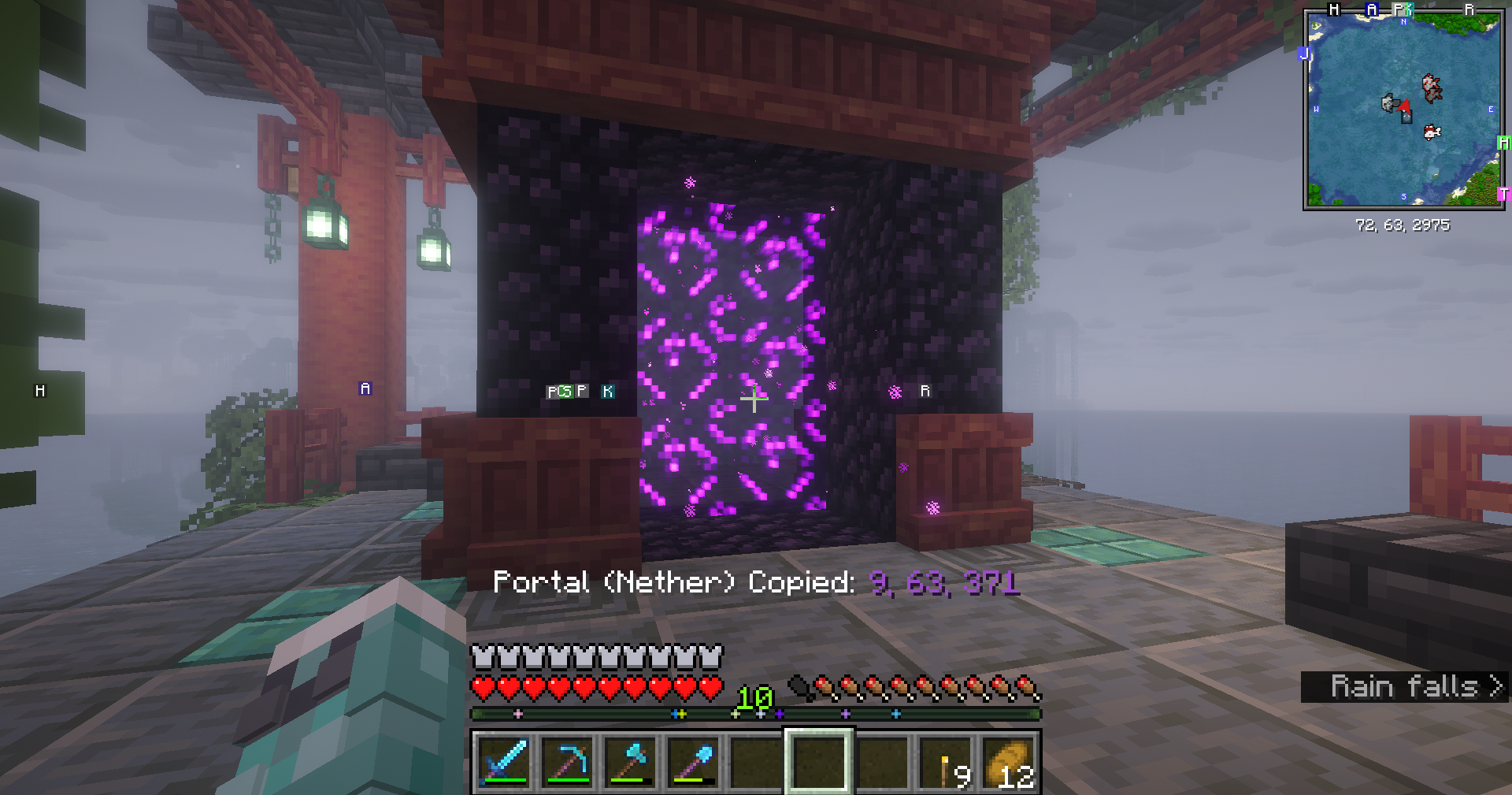
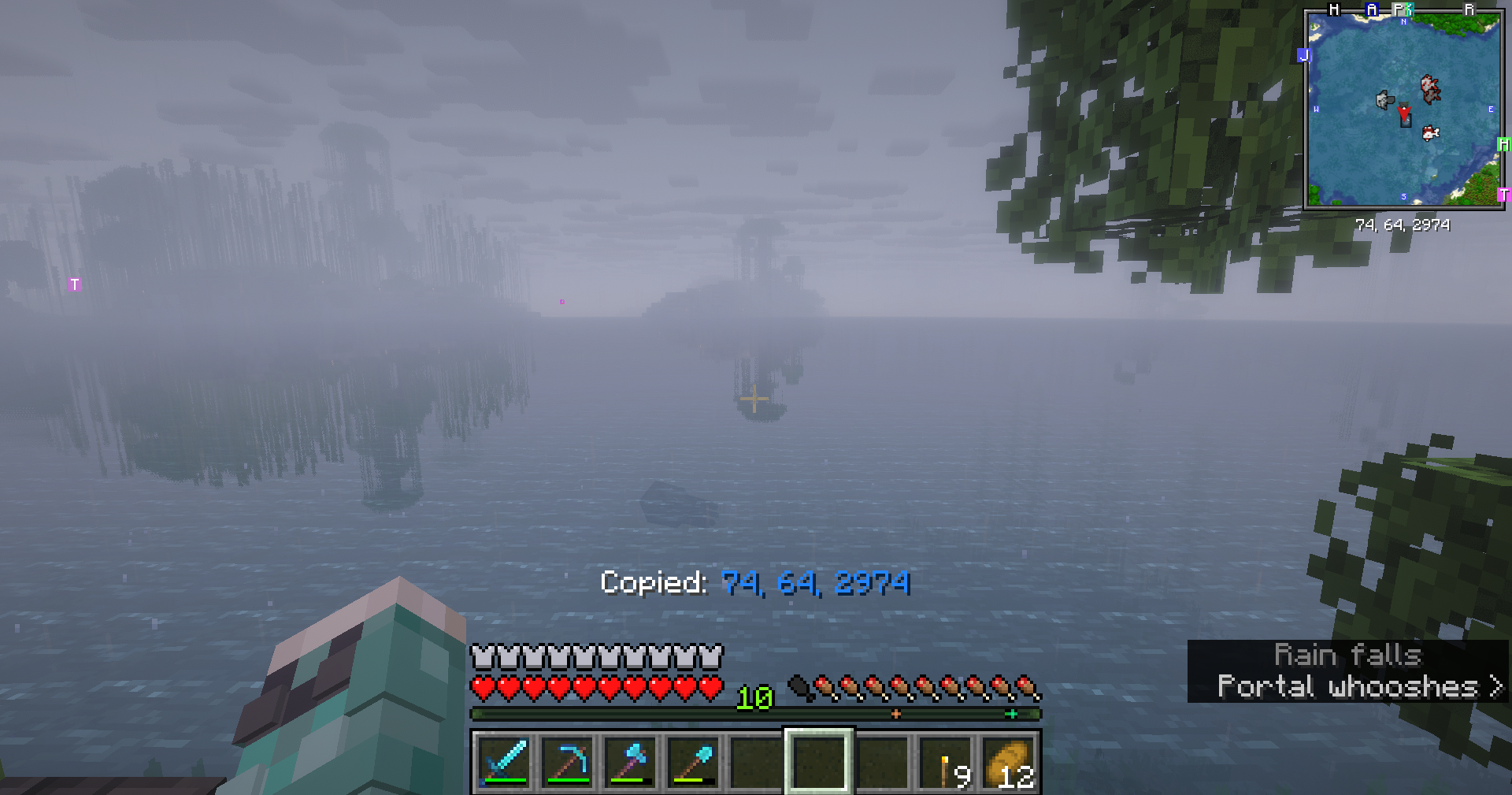
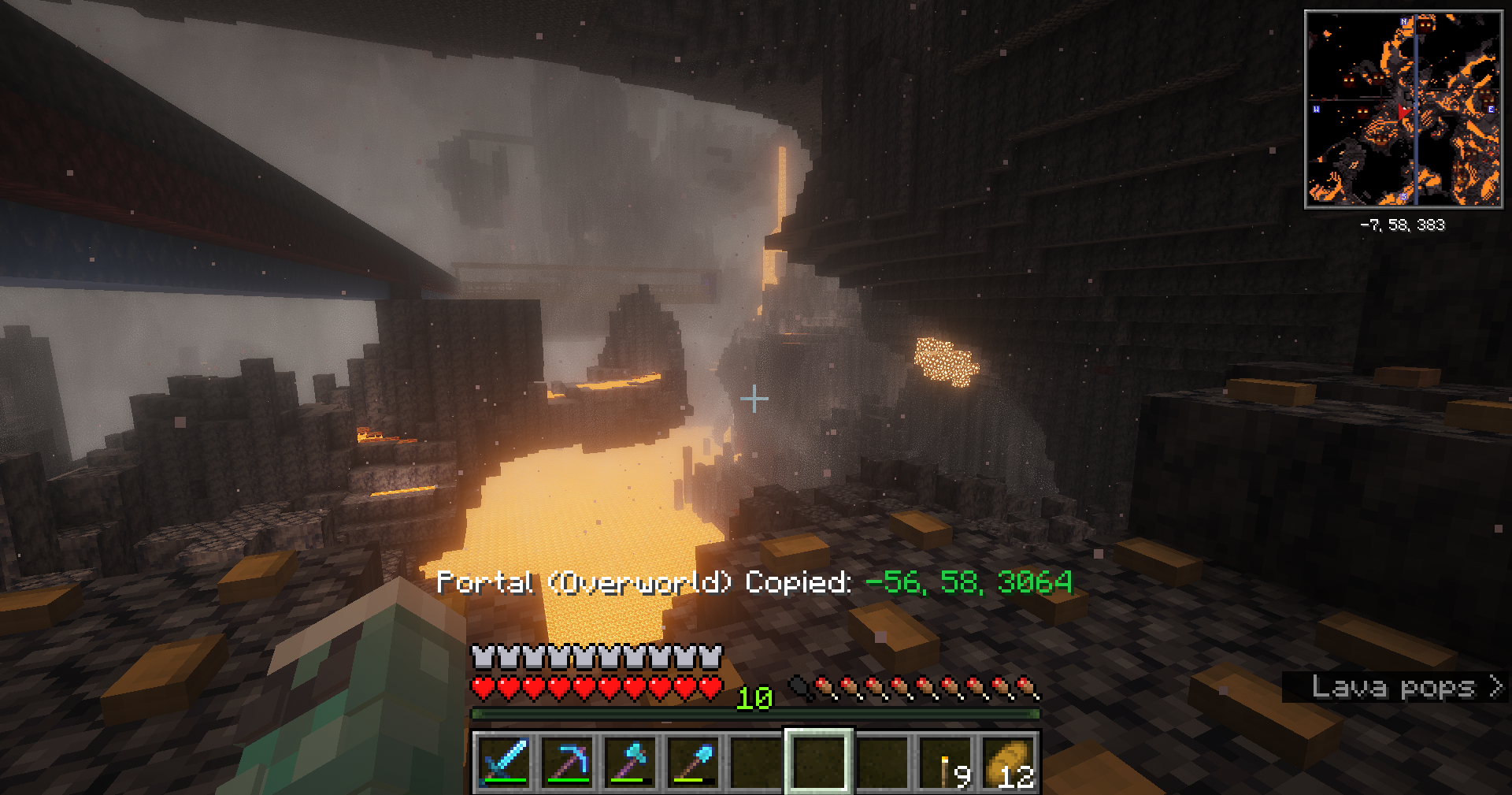
Copy your coordinates, and instantly convert them to the linked Overworld/Nether portal location.
截图
介绍
中文介绍正在准备中,下面暂时显示原文。
Coordex
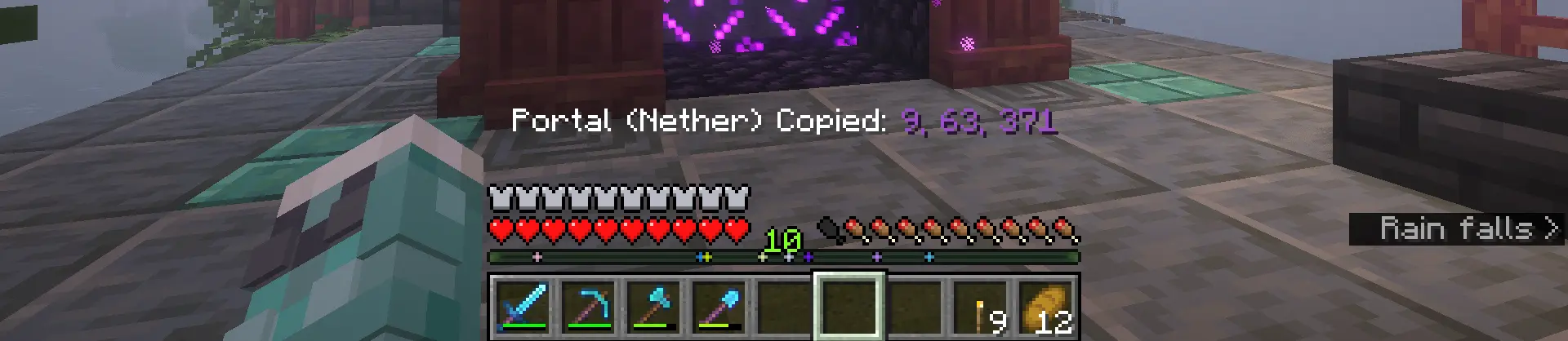
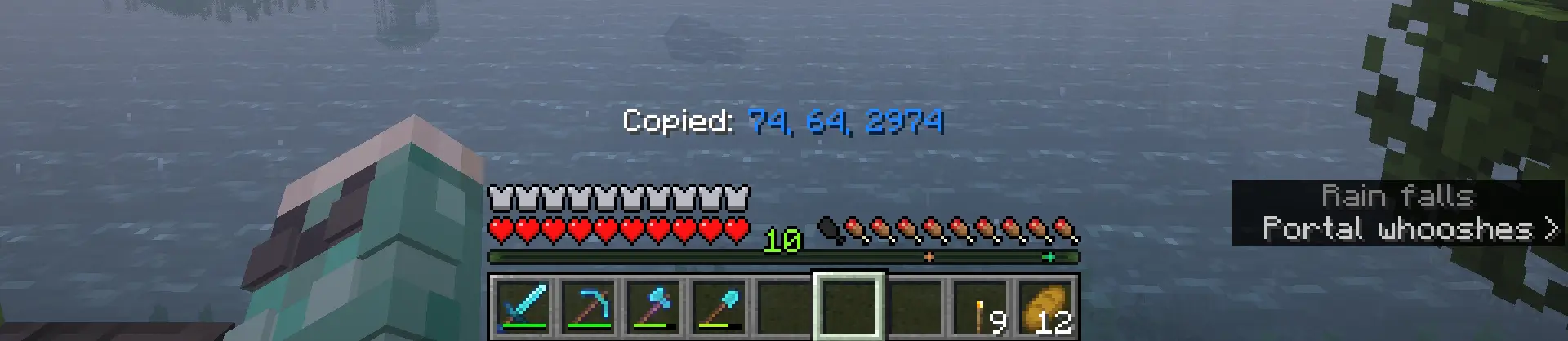
- Copy Coords (F6) – Copies your current X, Y, Z coordinates to your clipboard.
- Copy Portal Coords (F7) – Copies the linked Overworld/Nether coordinates, automatically converting them (÷8 or ×8) depending on which dimension you’re in.
Keybinds can be changed in the control settings.
常见问题
Coordex 支持哪些 Minecraft 版本?
Coordex 支持 Minecraft Java 版 26.1–26.2,共 4 个版本,可用的加载器:Fabric。下载时注意选择和你游戏版本一致的文件。
Coordex 怎么安装?
先用 PCL2 或 HMCL 启动器安装对应版本的 Fabric,再把下载的 .jar 文件放进游戏目录的 mods 文件夹,重新启动游戏即可。开启了版本隔离的,mods 文件夹在 versions/版本名 下面。运行环境:仅客户端。
karlsson1000 的其他作品
查看全部 →
Ping View
by karlsson1000
在 Tab 列表中显示你和其他玩家的延迟。
150.4万
1 个月前
Modrinth

Ping View
by karlsson1000
在 Tab 列表中显示你和其他玩家的延迟。
5.4万
1 个月前
CurseForge

Durability Ping
by karlsson1000
Get alerted when your tools and armor are about to break!
1.9万
4 个月前
Modrinth

FogFree
by karlsson1000
Removes fog from the game.
6,967
2 个月前
CurseForge
评论
登录后评论和评分