
Coordboard
A lightweight Create Aeronautics addon that lets Navigation Tables read coordinates directly from Create Clipboards.
截图
介绍
Coordboard
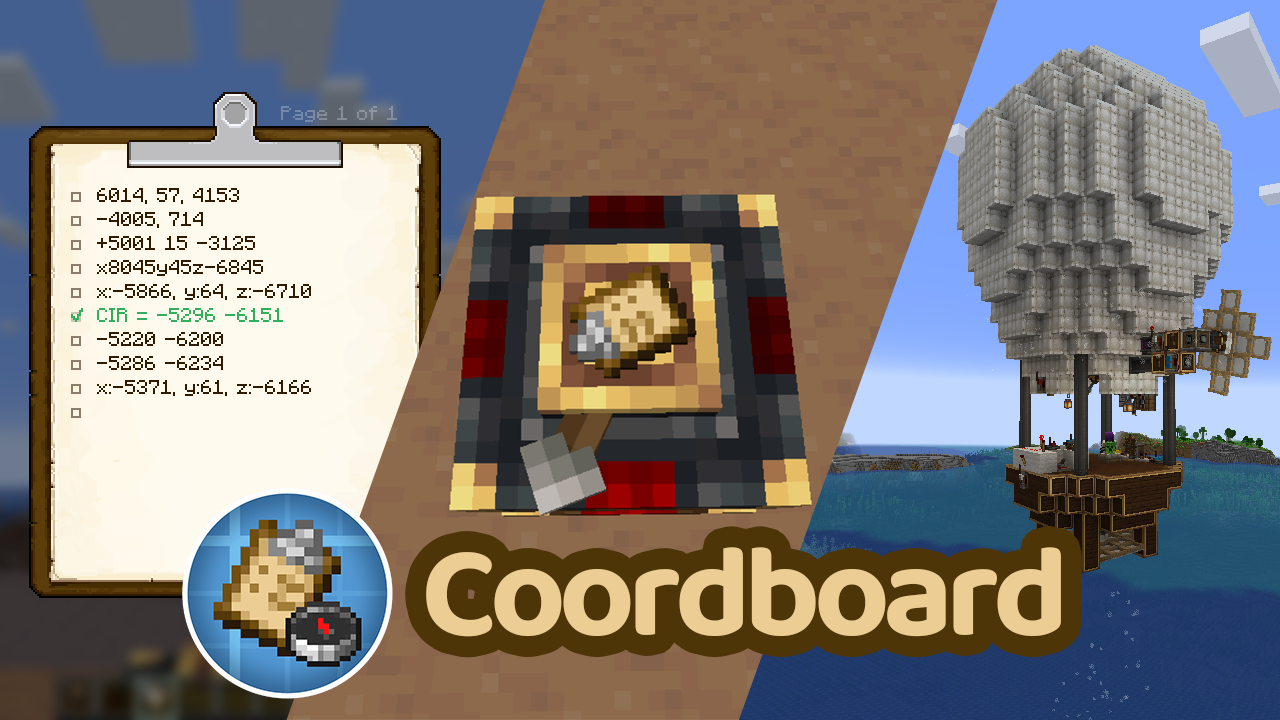
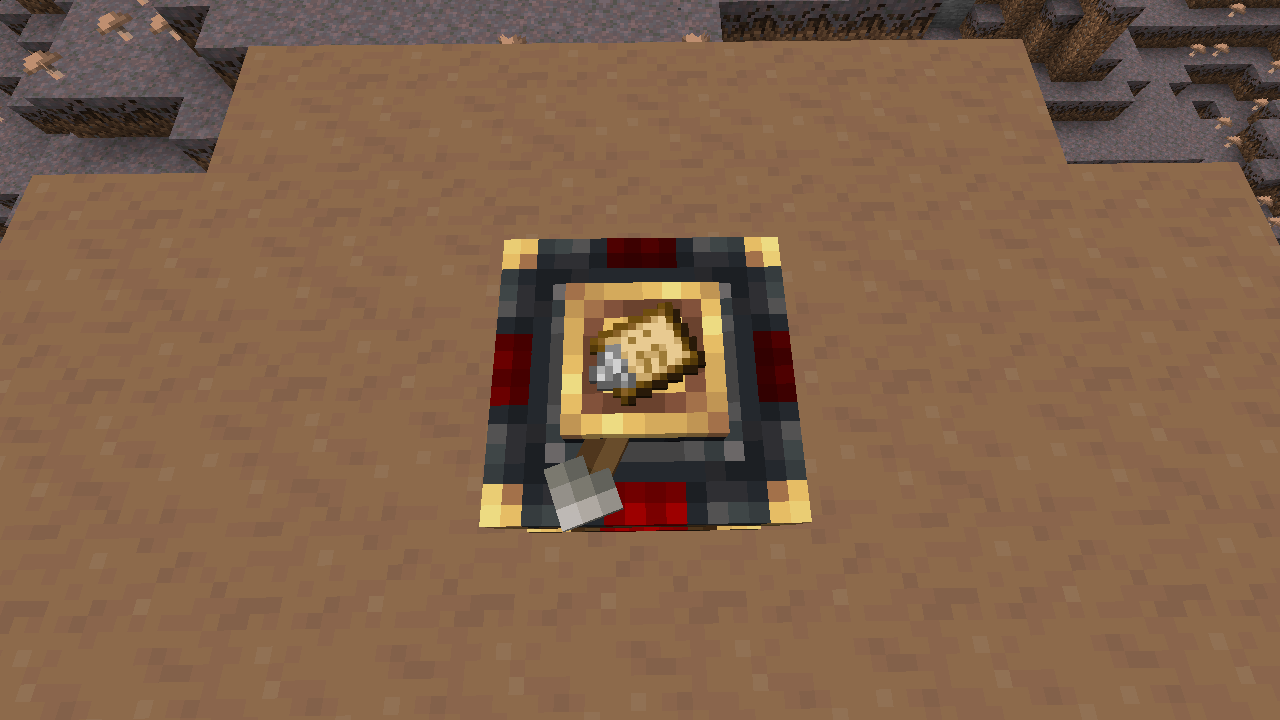
Coordboard is a small server-side addon for Create Aeronautics that allows a Navigation Table to use a Create Clipboard as a navigation target.
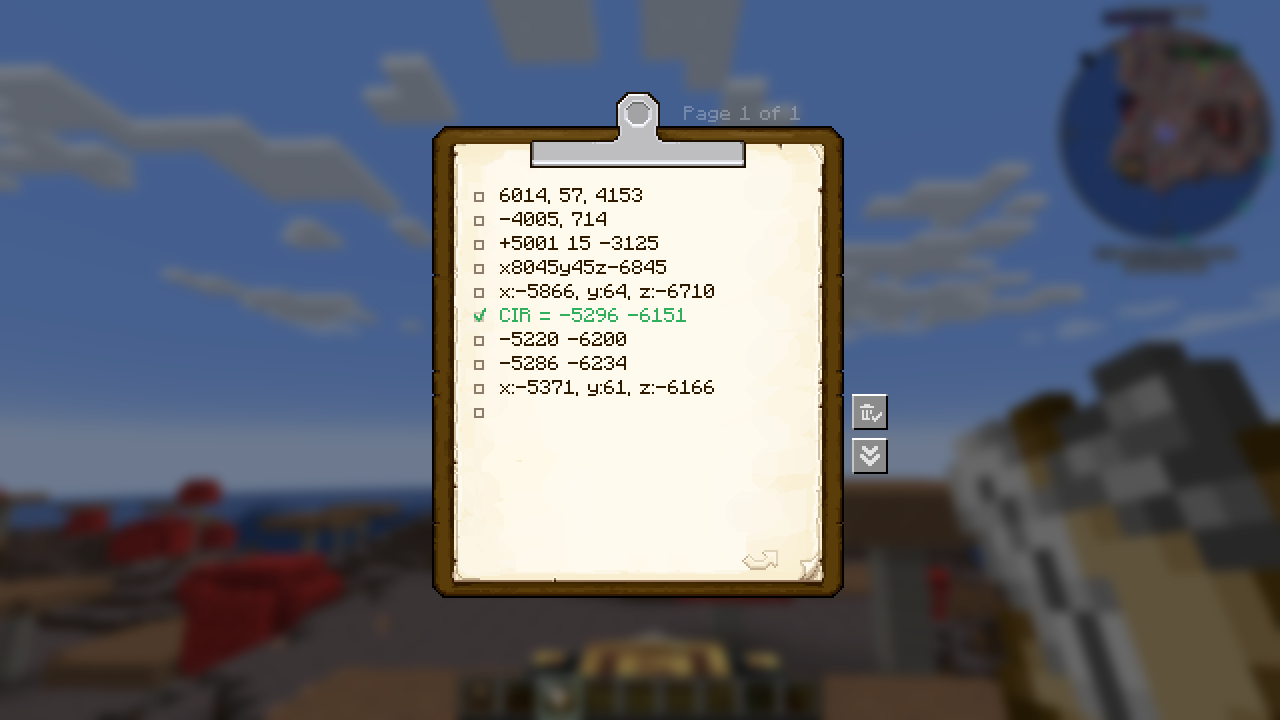
Instead of crafting or carrying dedicated navigation targets, simply write your destination coordinates on a Clipboard, check the desired entry, and insert it into the Navigation Table.
Features
- Use a Clipboard directly in the Navigation Table.
- Read navigation coordinates from a checked Clipboard entry.
- Supports multiple coordinate formats.
- Reads the top-most checked entry on the last opened Clipboard page.
- Fully server-side; clients do not need to install the mod.
Usage
- Write one or more coordinates on a Clipboard.
- Make sure each coordinate entry is written on a single line.
- Check the coordinate you want to navigate to.
- Make sure it is on the last page you opened.
- Insert the Clipboard into a Navigation Table.
The Navigation Table will use the selected coordinate as its navigation target.
Supported Coordinate Formats
Labeled coordinates
X: 120, Z: -450My Sweet Home: x=120 z=-450Two-coordinate format (X Z)
120 -450120, -450Three-coordinate format (X Y Z)
120 64 -450120, 64, -450The Y value is ignored.
Notes
- Coordinates must be written on a single line.
- Only integer coordinates are supported.
- The Y coordinate is ignored.
- If multiple entries are checked, the top-most checked entry on the last opened Clipboard page is used.
- Only checked entries are considered.
Dependencies
- Create 6.0.10+
- Create Aeronautics 1.2.1+
- Minecraft 1.21.1
- NeoForge
Screenshots
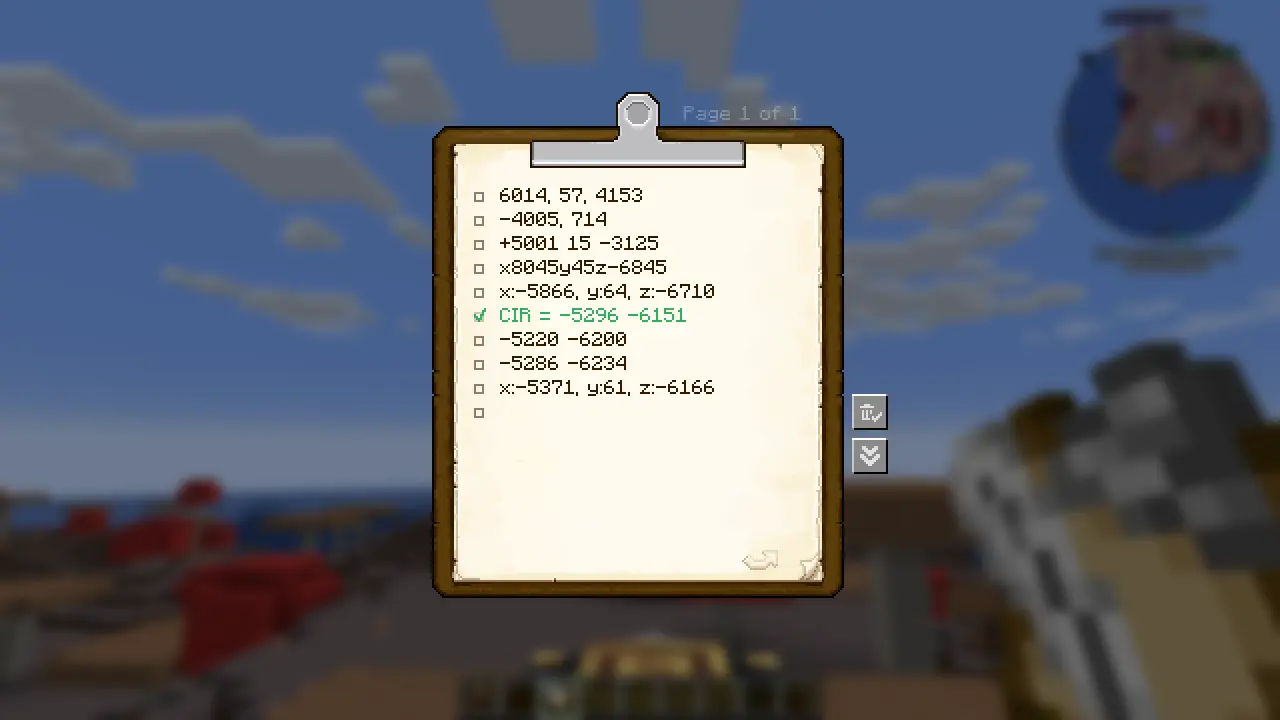
- Clipboard containing coordinate entries.
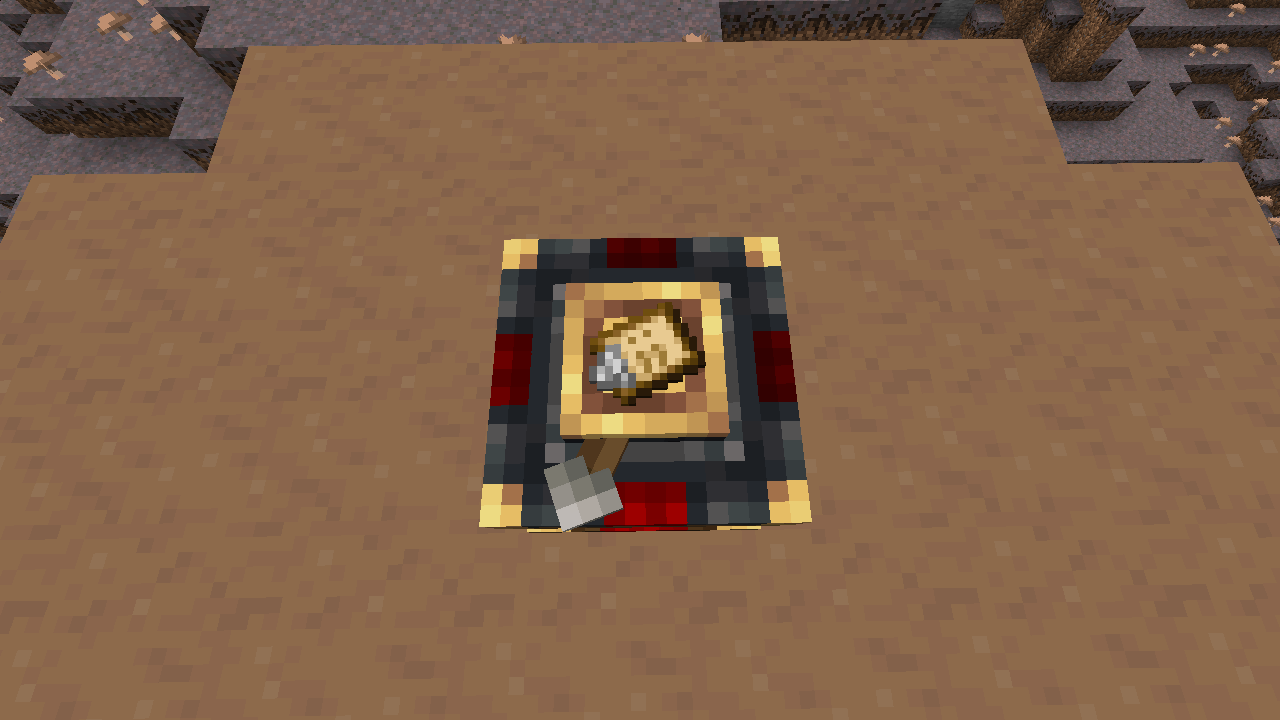
- Navigation Table successfully recognizing a Clipboard as a navigation target.
License
This project is licensed under the MIT License.
Source Code
GitHub: https://github.com/Hexagreen/Coordboard
常见问题
Coordboard 支持哪些 Minecraft 版本?
Coordboard 支持 Minecraft Java 版 1.21.1,可用的加载器:NeoForge。下载时注意选择和你游戏版本一致的文件。
Coordboard 怎么安装?
先用 PCL2 或 HMCL 启动器安装对应版本的 NeoForge,再把下载的 .jar 文件放进游戏目录的 mods 文件夹,重新启动游戏即可。开启了版本隔离的,mods 文件夹在 versions/版本名 下面。运行环境:仅服务端。
评论
登录后评论和评分