
Control Blocks
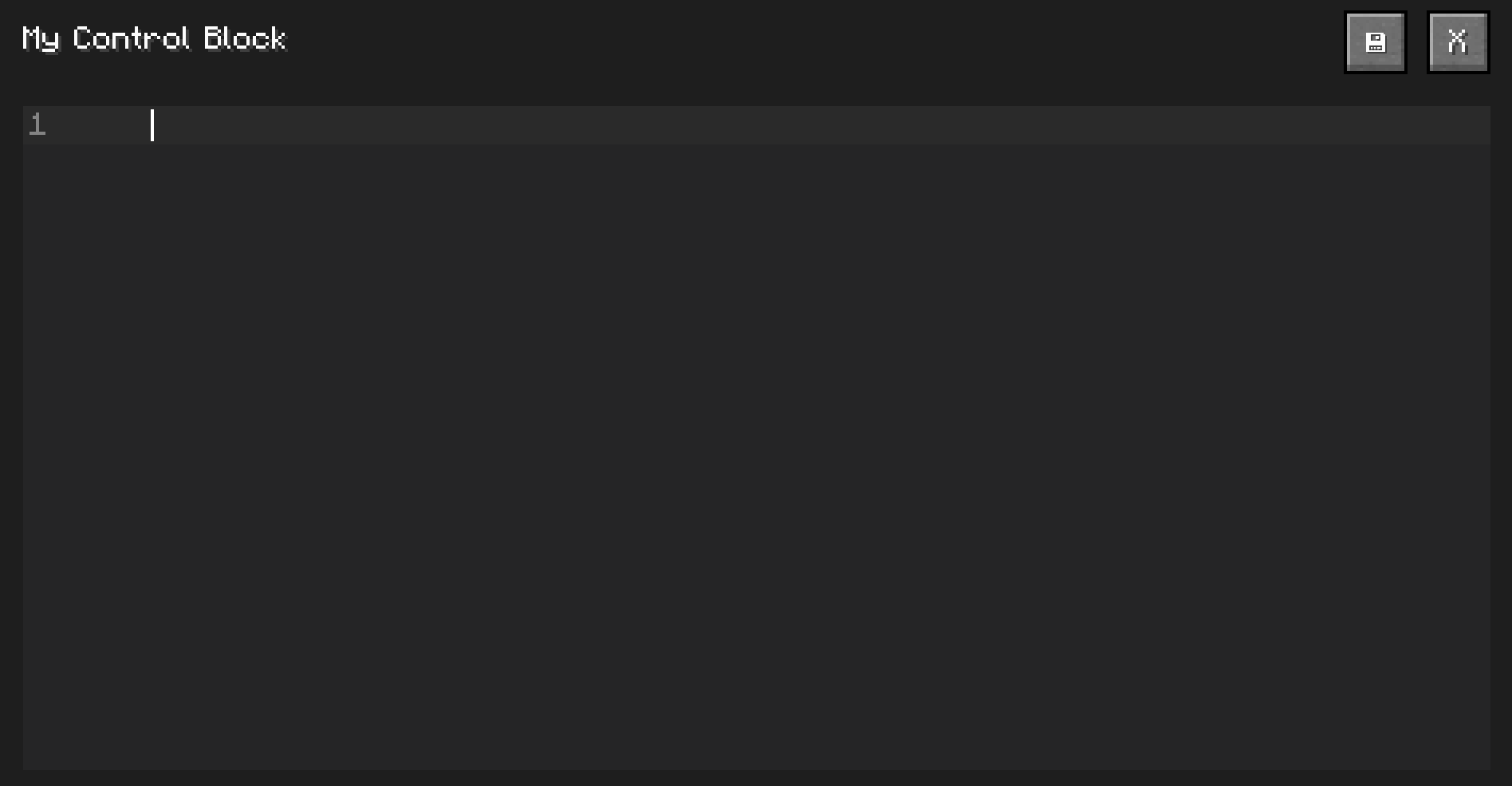
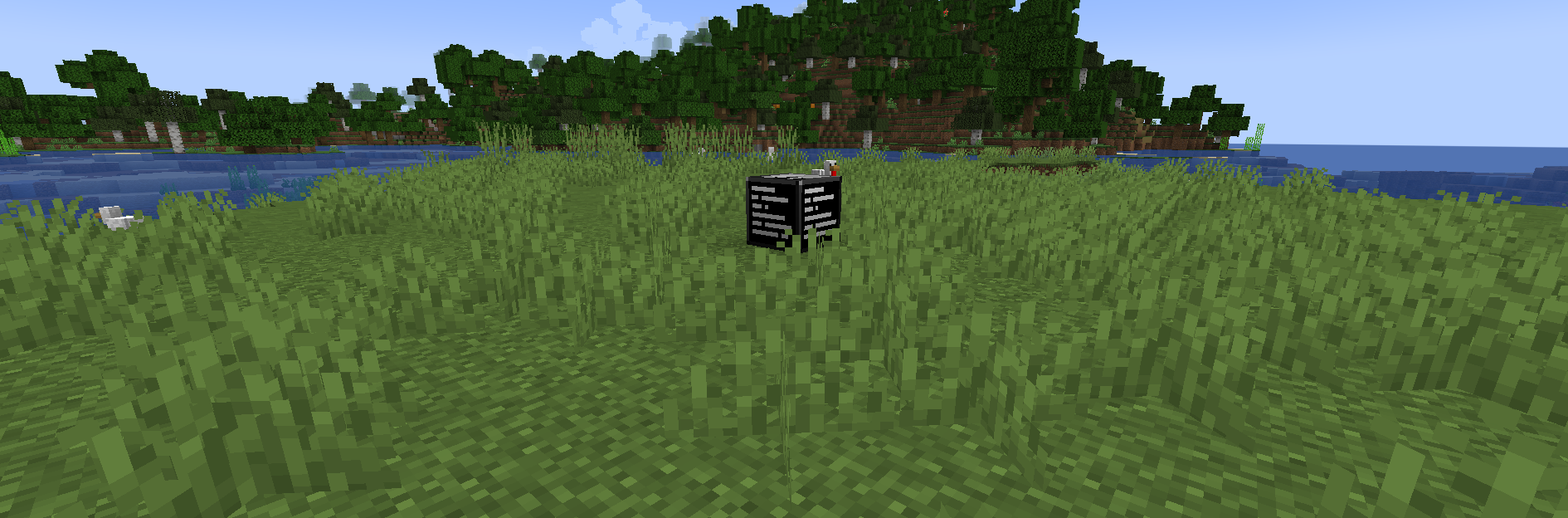
Control Blocks are command blocks, but even better. Do more with less by coding with ControlScript, the mod exclusive Text-Based Coding Language
截图
介绍
Control Blocks Command Blocks You Script
Command blocks are great, and it unlocks so many options, and allows you to make incredible creations, but sometimes, for big projects it either gets much more complicated or too long! That is where this mod comes in, it allows you to _code_ scripts in game that can be triggered in multiple ways such as:
- Power with redstone;
- Powers each said tick;
- Power each said tick on powered with redstone;
You can make minigames, tools, and way more with only one block! With an easy language made just for this mod, with full documentation called Control Script.
Check out our GitBook documentation to learn more in detail about ControlScript at this link.
What version is the mod compatible with?
I’m working to bring this mod to more and more versions/modloaders.
Modloader: Forge
Minecraft Version: 1.20.1 to 1.20.6
Platforms: Curseforge & Modrinth
How to get one?
Control Blocks are like Command Blocks, you can only get them via commands.
/give @p controlblocks:control_block
Check the documentation for full info!
How to support this mod?
I do not yet accept donations, tho, you can share this mod and help it getting known if you want! Also, you can support it by creating a BisectHosting server with my affiliate link or even join my Discord server here.
DOCUMENTATION
This is not the full documentation, check the GitBook for the complete docs at this link.
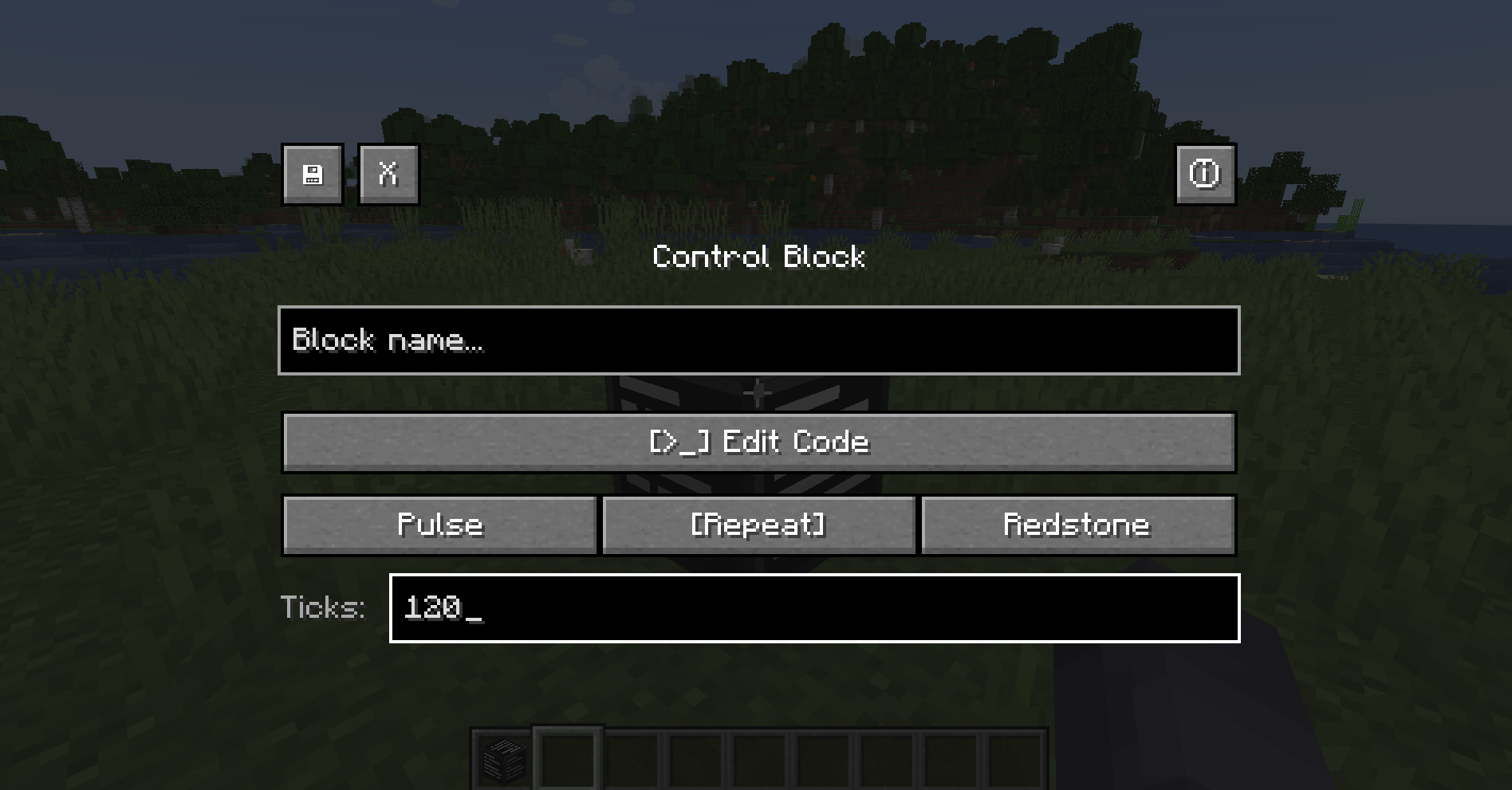
Execution Modes
| Mode |Description |
| ——– |—————————————— |
| Pulse |Runs once when it gets a redstone pulse |
| Repeat |Runs every X ticks on its own |
| Redstone |Runs every X ticks, but only while powered |
ControlScript
ControlScript is a small scripting language written from scratch for this mod — no external libraries, no Lua runtime. Just a clean language that talks directly to Minecraft.
What the language supports
- Variables (
var x = 10) - Math (
+,-,*,/) - String concatenation (
..) - Conditionals (
if / elseif / else / end) - Comments (
--and--[[ ]])
Built-in Functions
| Function |Description |
| ———————- |————————————————– |
| log(message) |Sends a message to all players in chat |
| run(command) |Runs a Minecraft command (op level 4) |
| randint(min, max) |Random integer between min and max |
| round(number) |Rounds to nearest integer |
| abs(number) |Absolute value |
| outpower(level) |Sets redstone output of the block (0–15) |
| outpower(level, ticks) |Pulses redstone output for X ticks then drops to 0 |
| inpower() |Reads the incoming redstone signal level (0–15) |
Quick Example
var player = "@p"
var roll = randint(1, 6)

log("You rolled a " .. roll)
run(give player minecraft:diamond roll)
run() works with any mod’s items and commands — not just vanilla.
See more like Custom Function, get() and more in our documentation at this link.
_Made by Web Demon_
常见问题
Control Blocks 支持哪些 Minecraft 版本?
Control Blocks 支持 Minecraft Java 版 1.20–1.20.6,共 7 个版本,可用的加载器:Forge。下载时注意选择和你游戏版本一致的文件。
Control Blocks 怎么安装?
先用 PCL2 或 HMCL 启动器安装对应版本的 Forge,再把下载的 .jar 文件放进游戏目录的 mods 文件夹,重新启动游戏即可。开启了版本隔离的,mods 文件夹在 versions/版本名 下面。运行环境:客户端和服务端都要装。
评论
登录后评论和评分