
Command Binds
Bind any key to a command or chat message — trigger it with one keypress
截图
介绍
Command Binds
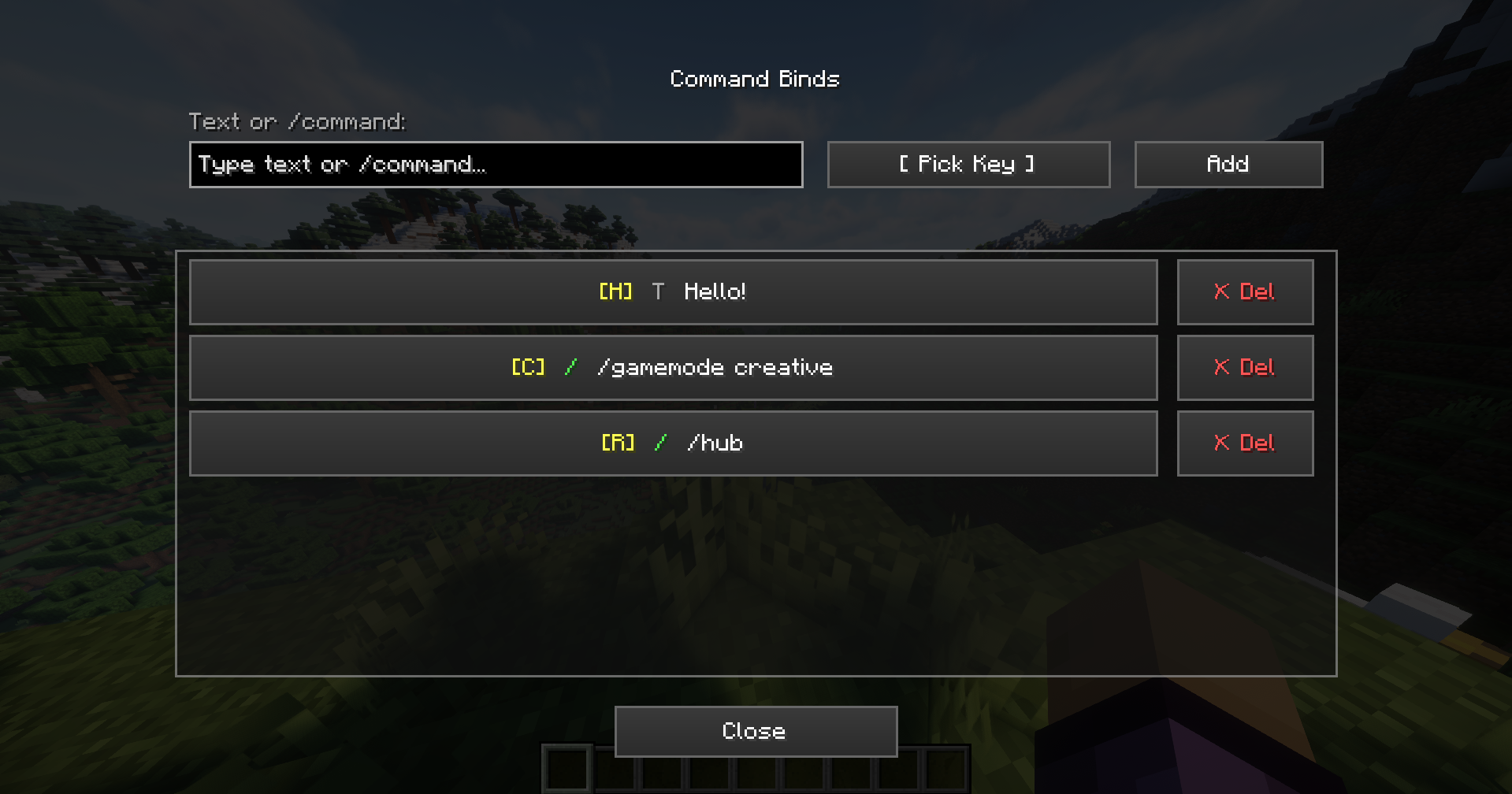
A lightweight client-side mod for Minecraft that lets you map keyboard keys to arbitrary commands or chat text through a clean in-game GUI. No config file editing, no mods menu required – just press “V”, set up your binds, and go. Client-side only – safe to use on any server
Features
- Bind any key to a /command or plain chat message
- In-game GUI – open with “V” (rebindable in Controls settings)
- Scrollable binds list with color-coded badges (green = command, gray = message)
- Edit or delete existing binds directly from the list
- Persistent config – binds survive restarts, saved to config/commandbinds.json
- Works in singleplayer and multiplayer
Usage
| Action | How |
|—|—|
| Open the GUI | Press “V” in-game |
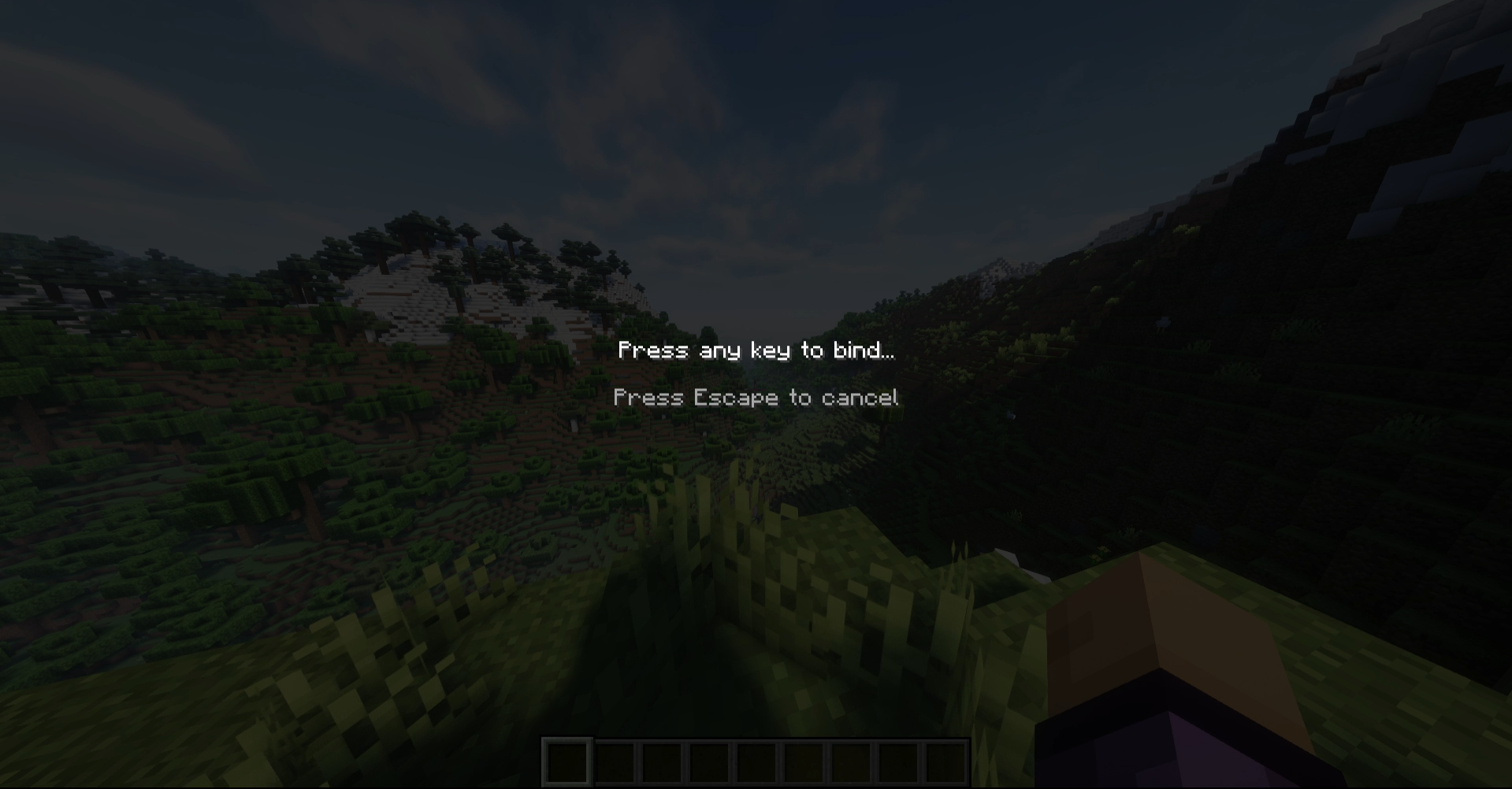
| Add a bind | Type text or /command → click “Pick Key” → press the desired key → click “Add” |
| Edit a bind | Click any row in the list — it loads back into the input fields |
| Delete a bind | Click “✗ Del” on any row |
| Trigger a bind | Press the bound key while no screen is open |
Commands must start with “/” – the mod strips the slash and sends them via the command channel automatically. Everything else is sent as a regular chat message.
Examples
| Key | Input | Result |
|—|—|—|
| F5 | /gamemode creative | Switches to Creative mode |
| F6 | /tp ~ ~50 ~ | Teleports 50 blocks up |
| F7 | Hello everyone! | Sends a chat message |
| F8 | /kill | Instant kill |
Config
Binds are stored in .minecraft/config/commandbinds.json and are loaded automatically on startup. You can edit the file manually if needed – the format is straightforward:
{
  "binds": [
    {
      "keyCode": 294,
      "text": "/gamemode creative",
      "label": "/gamemode creative"
    },
    {
      "keyCode": 295,
      "text": "Hello everyone!",
      "label": "Hello everyone!"
    }
  ]
}
keyCode values correspond to GLFW key codes.
常见问题
Command Binds 支持哪些 Minecraft 版本?
Command Binds 支持 Minecraft Java 版 1.21–26.3,共 17 个版本,可用的加载器:Fabric。下载时注意选择和你游戏版本一致的文件。
Command Binds 怎么安装?
先用 PCL2 或 HMCL 启动器安装对应版本的 Fabric,再把下载的 .jar 文件放进游戏目录的 mods 文件夹,重新启动游戏即可。开启了版本隔离的,mods 文件夹在 versions/版本名 下面。运行环境:仅客户端。
CardeJIbka 的其他作品
查看全部 →
Quick Exp
Quick Exp is a Minecraft mod that allows players to rapidly throw experience bottles by holding the right mouse button.

Chest Stealer
A mod that allows you to quickly and automatically loot items from a chest when you open it.

No Blind
Removes blindness and darkness status effects visuals completely.
No Blind
Removes blindness and darkness status effects visuals completely.
评论
登录后评论和评分