
command rendering
Render entitys, items, rectangles and text with just commands
截图
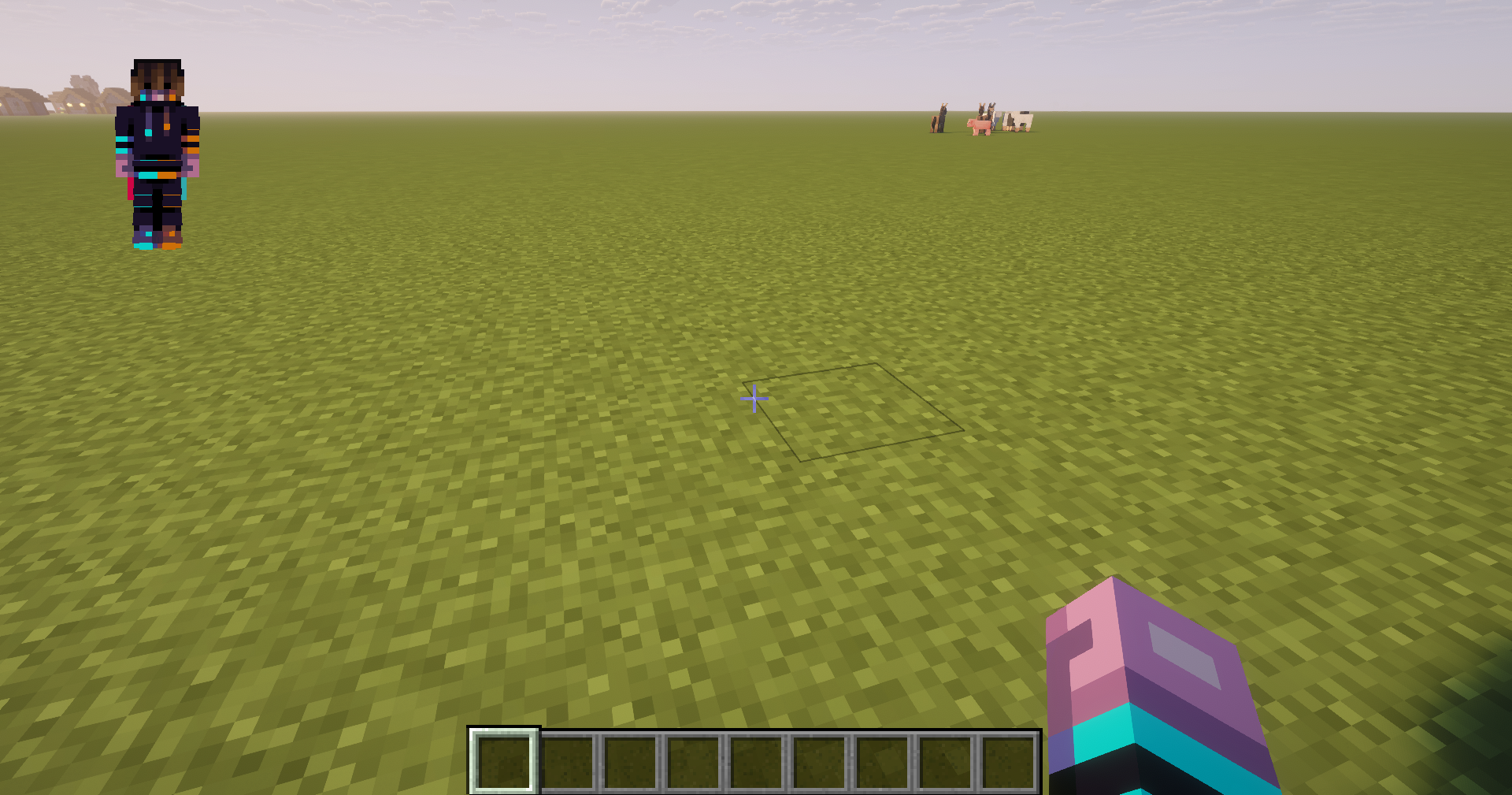
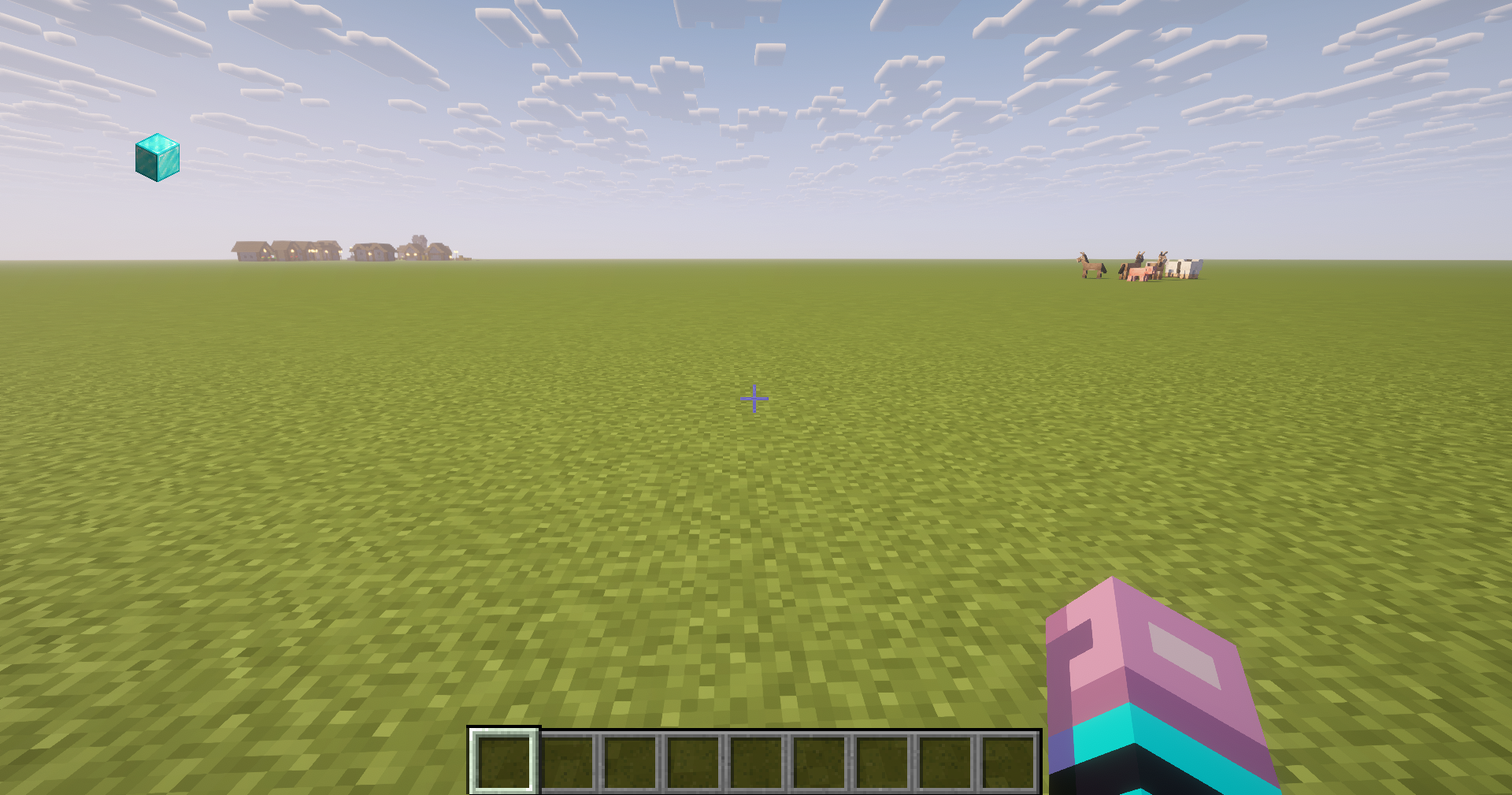
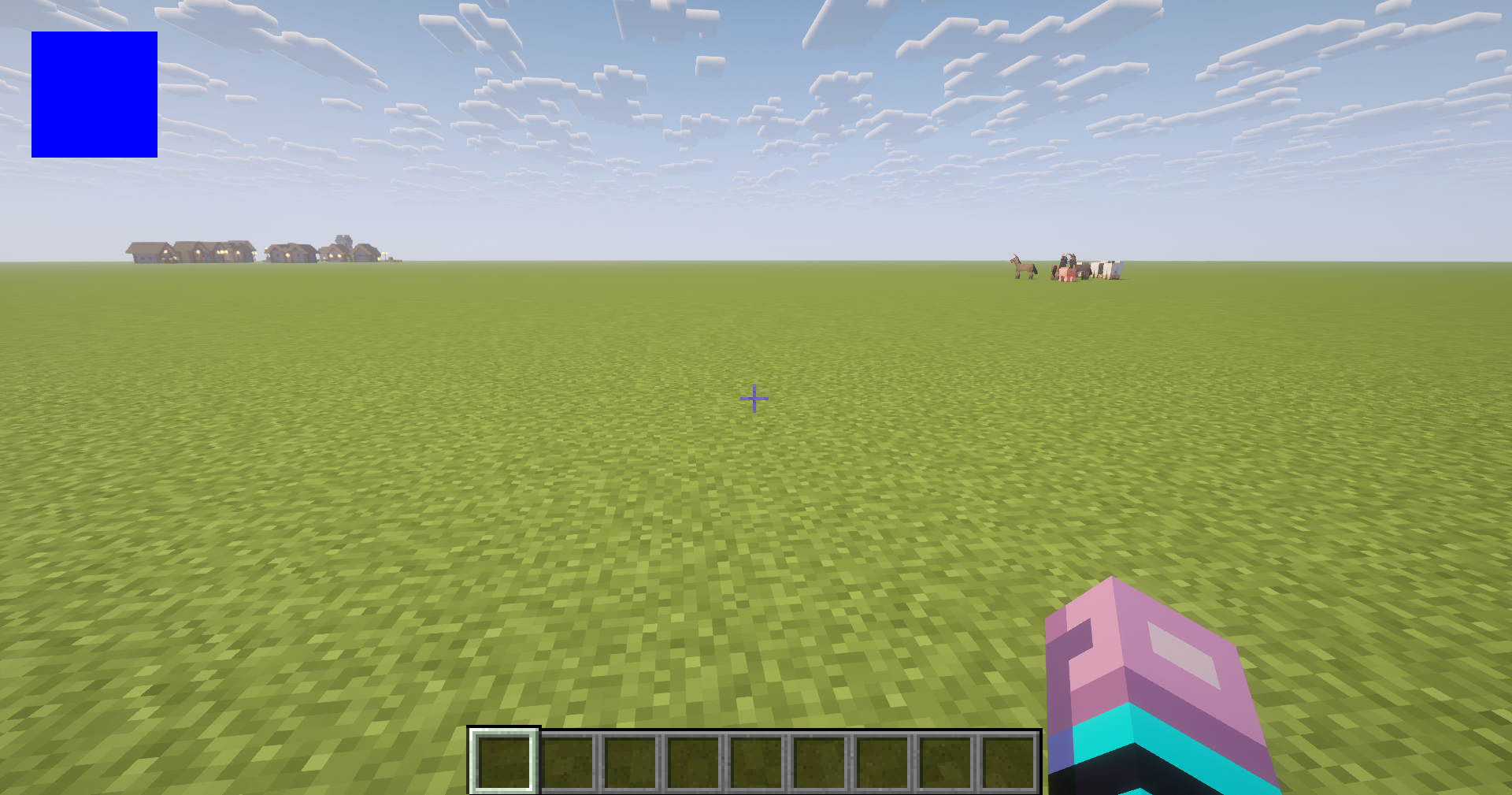
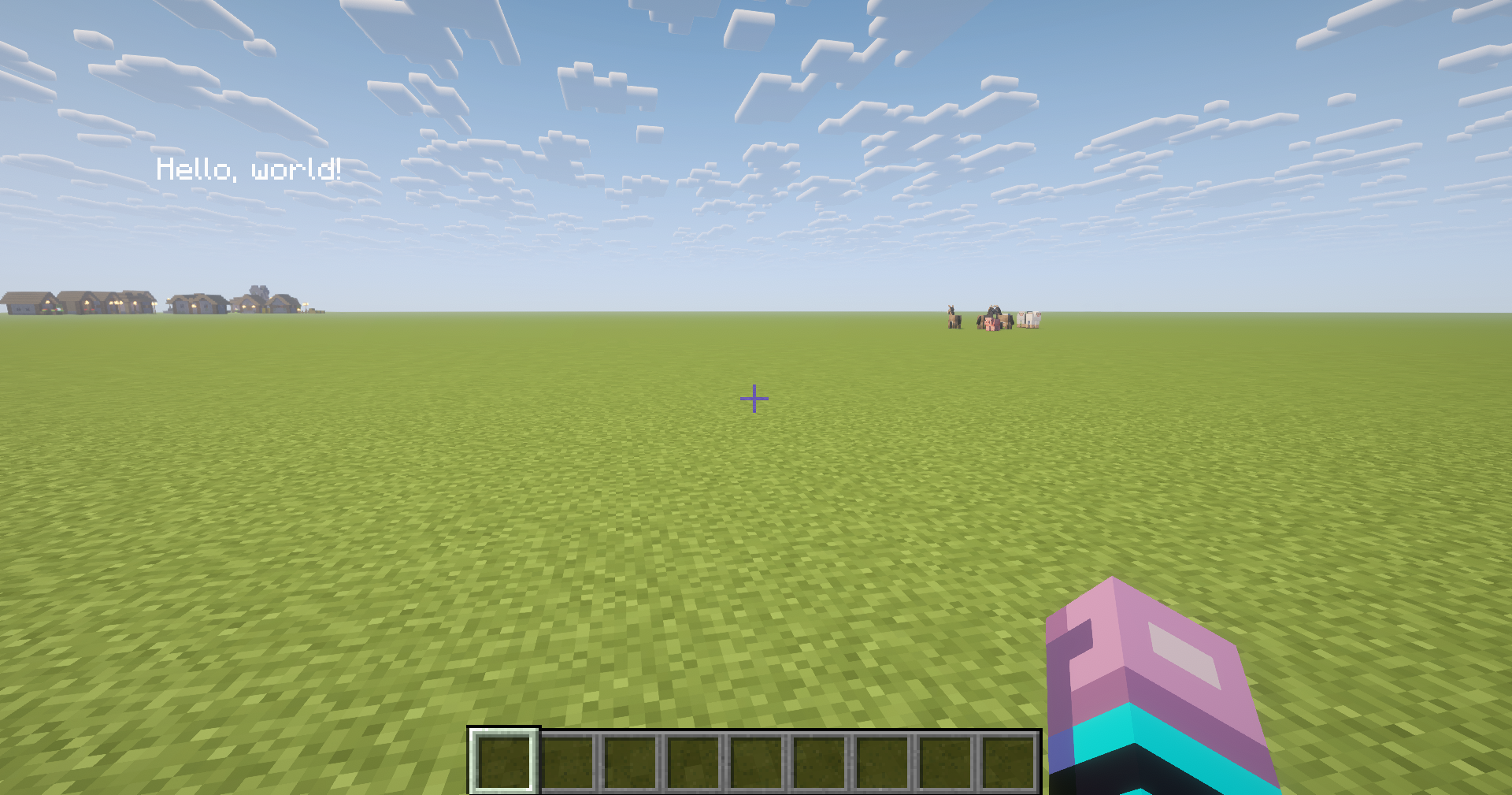
介绍
!WARNING! THIS MOD IS EXPERIMENTAL. RENDERS WILL NOT BE PERSISTENT. IF YOU LEAVE A WORLD, THEY WILL GO AWAY AND YOU NEED TO CREATE THEM NEW.
With this Mod, you can render entitys, items, rectangles and text.
Chat messages (when executing the commands) are now only shown, if gamerule commandblockoutput is ture
1. Render entitys:
To render entitys, you need this Command:
/render add entity
id: The Id is used to modify or delete entrys of this entry
entity: The entity that is rendered
x: The x Coordinate of the screen
y: The y Coordinate of the Screen
depth: The depth on the screen. default: -50
roll: roll of the entity. default: 0
scale: scale of the entity. default: 30
2. Render items:
To render items, you need this Command:
/render add item
id: The Id is used to modify or delete entrys of this entry
item: The item that is rendered
x: The x Coordinate of the screen
y: The y Coordinate of the Screen
depth: The depth on the screen. default: -150
yaw: yaw of the entity. default: 0
pitch: pitch of the entity. default: 0
roll: roll of the entity. default: 0
scale: scale of the entity. default: 16
3. Render rectangle:
To render rectangles, you need this command:
/render add rect
id: The Id is used to modify or delete entrys of this entry
x1: First x on screen
y1: First y on Screen
x2: Second x on Screen
y2: Second y on Screen
depth: The depth on the screen. default: 0
r: Color of Red
g: Color of Green
b: Color of Blue
4. Render text:
To render text, you need this Command:
/render add text “”
id: The Id is used to modify or delete entrys of this entry
x: x on Screen
y: y on Screen
depth: depth on Screen. default: 0
angle: angle of Test. default: 0
scale: scale of text. default: 1
r: Color of Red
g: Color of Green
b: Color of Blue
5. Delete entry
To delete an entry, you need this Command (it removes EVERY entry with this ID):
/render delete
id: entrys to delete
6. Modify entry:
To modify an entry, you need this Command:
/render modify
id: entry to be modified
entry: Thing to be modified. (For example the x Coordinate: x)
value: Thing to be written. (For example the x Coordinate: 10. If you want to modify a text, you need to write “<value")
7. Store values to an entry:
To store values to an entry, you need this Command (Because the mod is not finished yet, only scoreboards are implemented):
/render store “”
id: Id to be stored to
entry: Thing to be stored to (For example the x Coordinate: x)
scoreboard name: name of Scoreboard to be stored from
type: type to be stored. (If you want to write the Value as a text, you need “String”, if you want it as a Number, like the x Coordinate, you need “Number”)
For any questions or bugs, please write a Comment.
常见问题
command rendering 支持哪些 Minecraft 版本?
command rendering 支持 Minecraft Java 版 1.20.1,可用的加载器:Forge。下载时注意选择和你游戏版本一致的文件。
command rendering 怎么安装?
先用 PCL2 或 HMCL 启动器安装对应版本的 Forge,再把下载的 .jar 文件放进游戏目录的 mods 文件夹,重新启动游戏即可。开启了版本隔离的,mods 文件夹在 versions/版本名 下面。运行环境:客户端和服务端都要装。
sebastian0schmirl 的其他作品
查看全部 →
simple gamma
Toggle Night Vision with a Keybind

Customizable FPS Display
Shows your FPS in Game

creeperless
This Mod removes Creeper Spawning

ai utilities
Ai Chatbot Tools in a Minecraft Mod. You can ask a Chatbot questions, summarize big texts or translate sentences using an AI and completely free!
评论
登录后评论和评分