
Command on Interval
A mod runs in-game command with customize configs. 一款可执行游戏内命令的模组,外加自定义设置
截图
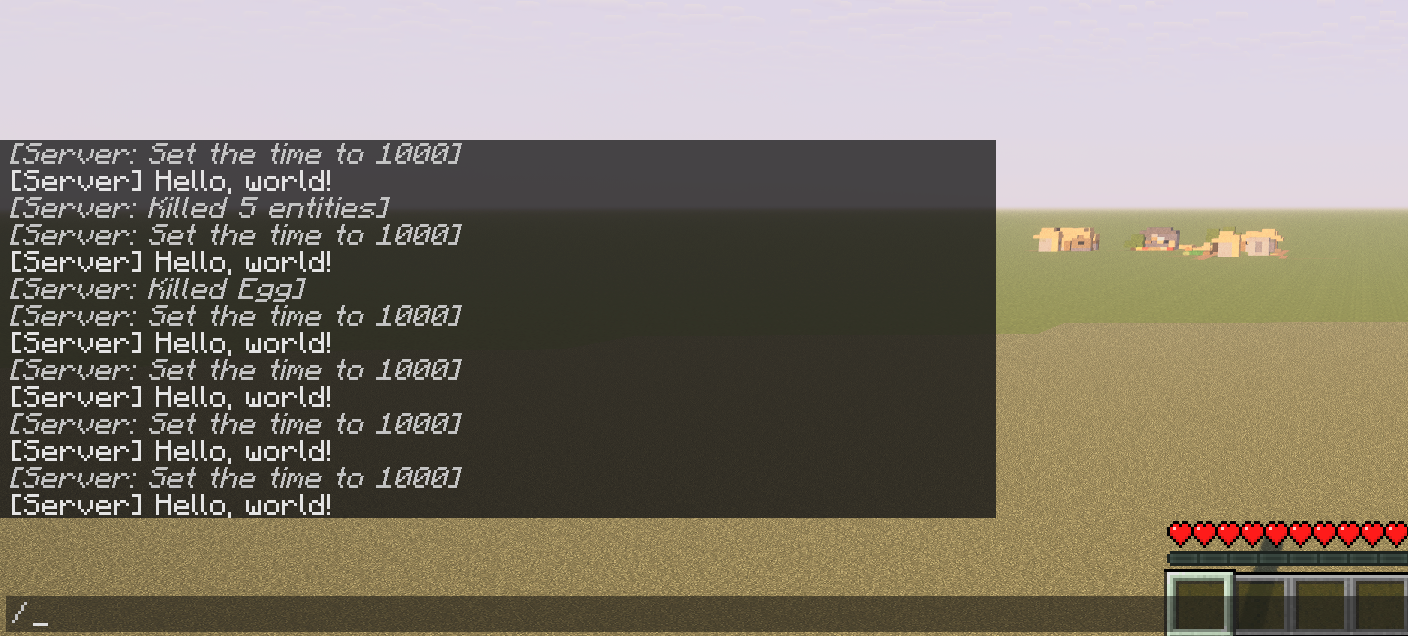

介绍
What is that
A mod runs in-game command with customize configs.\
For now the commands will run as soon as server mod initialize.
Use
Also load the require mod Config Manager\
Remember that Singleplayer contains an integrated server.
Features
- Multi-command support
- Ticks or seconds: Whether use game ticks or seconds (20 ticks) in timing
- Delays: Add delay before command run
- Interval: The cycle of each command does
There’s no reason to run a command from Java code
Example
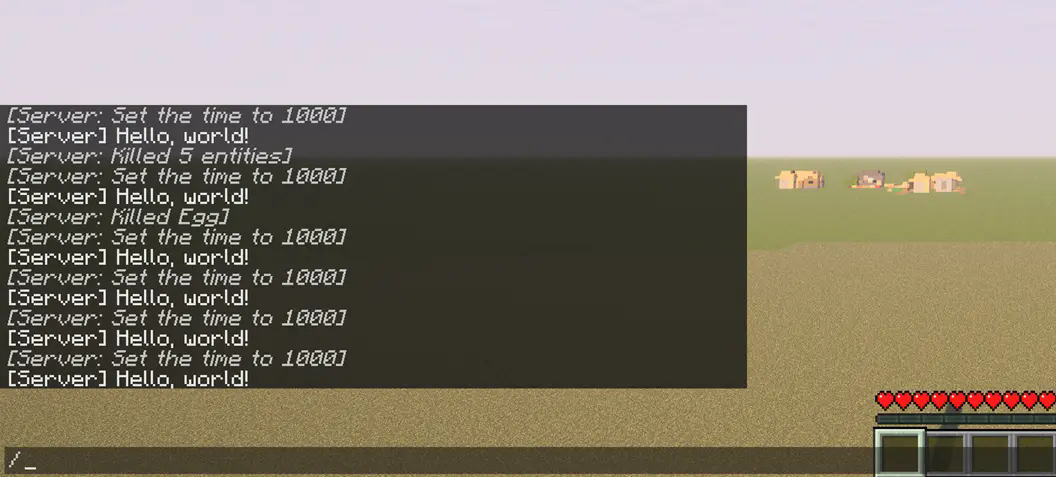
command_on_interval.json:
{
   "0":{
      "enabled":true,
      "unit-use-ticks":false,
      "delay":0,
      "interval":10,
      "command":"say Hello, world!"
   },
   "1":{
      "enabled":true,
      "unit-use-ticks":true,
      "delay":0,
      "interval":180,
      "command":"time set day"
   },
   "2":{
      "enabled":true,
      "unit-use-ticks":true,
      "delay":5,
      "interval":200,
      "command":"kill @e[type=item]"
   }
}
Config
Locate your config in Minecraft installation location.\
Default location using official launcher on Windows:\
%APPDATA%\.minecraft\config\command_on_interval.json\
Or\
C:\Users\YOUR_USER_NAME\AppData\Roaming\.minecraft\config\command_on_interval.json
You will get somethings like that:
{
   "0":{
      "enabled":true,
      "unit-use-ticks":false,
      "delay":0,
      "interval":10,
      "command":""
   }
}
“0”
No. 1 command,you can add
"1"also"2"etc…
enabled
True enable this entry of setting, vice versa
unit-use-ticks
For delay or interval,
trueuse ticks,falseues seconds
delay
Delay before each command runs
interval
Cycles interval for each command
command
In-game command without
/prefix\
Eg.
time set day
icon.png © 2025 by FelixAgairu is licensed under CC BY-NC-SA 4.0
常见问题
Command on Interval 支持哪些 Minecraft 版本?
Command on Interval 支持 Minecraft Java 版 1.21–1.21.1,共 2 个版本,可用的加载器:Fabric。下载时注意选择和你游戏版本一致的文件。
Command on Interval 怎么安装?
先用 PCL2 或 HMCL 启动器安装对应版本的 Fabric,再把下载的 .jar 文件放进游戏目录的 mods 文件夹,重新启动游戏即可。开启了版本隔离的,mods 文件夹在 versions/版本名 下面。运行环境:仅服务端。
FelixAgairu 的其他作品
查看全部 →
Tiny Config Manager Lib
A small json configuration serializer using gson.

Saturative Overhaul
Changes hunger and saturation system. Make food more useful, Make life harder. Learn more in description and github.改写了饥饿饱食度系统,让食物更有用,让生活更艰苦。在详见详情或Github。
评论
登录后评论和评分