
Command History Plus
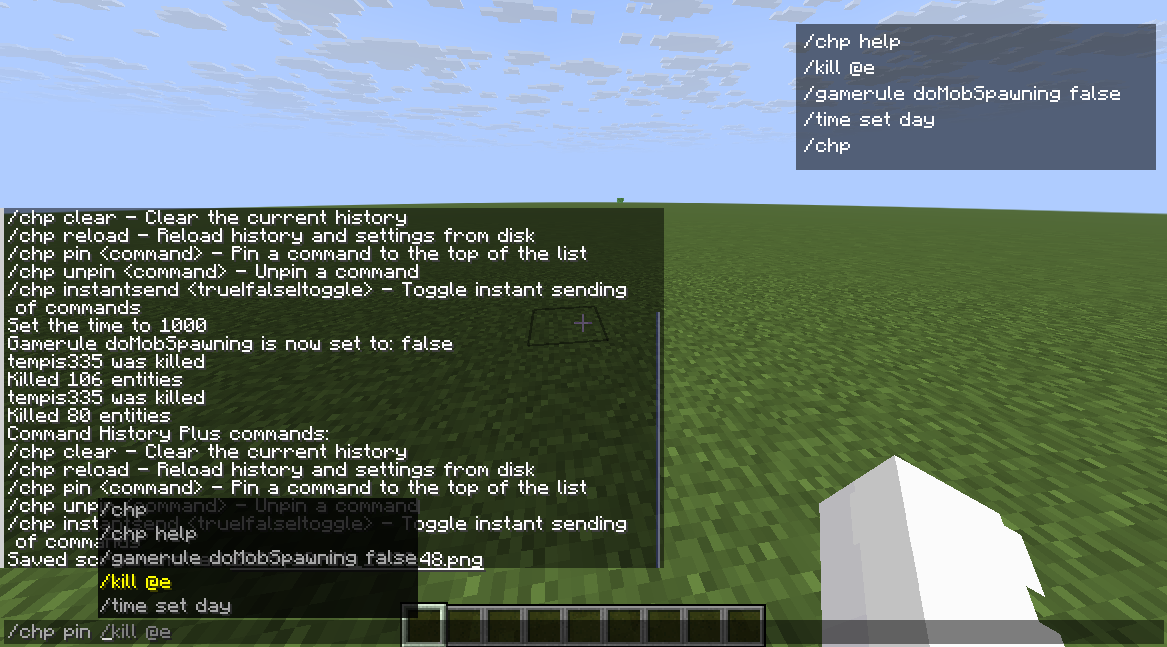
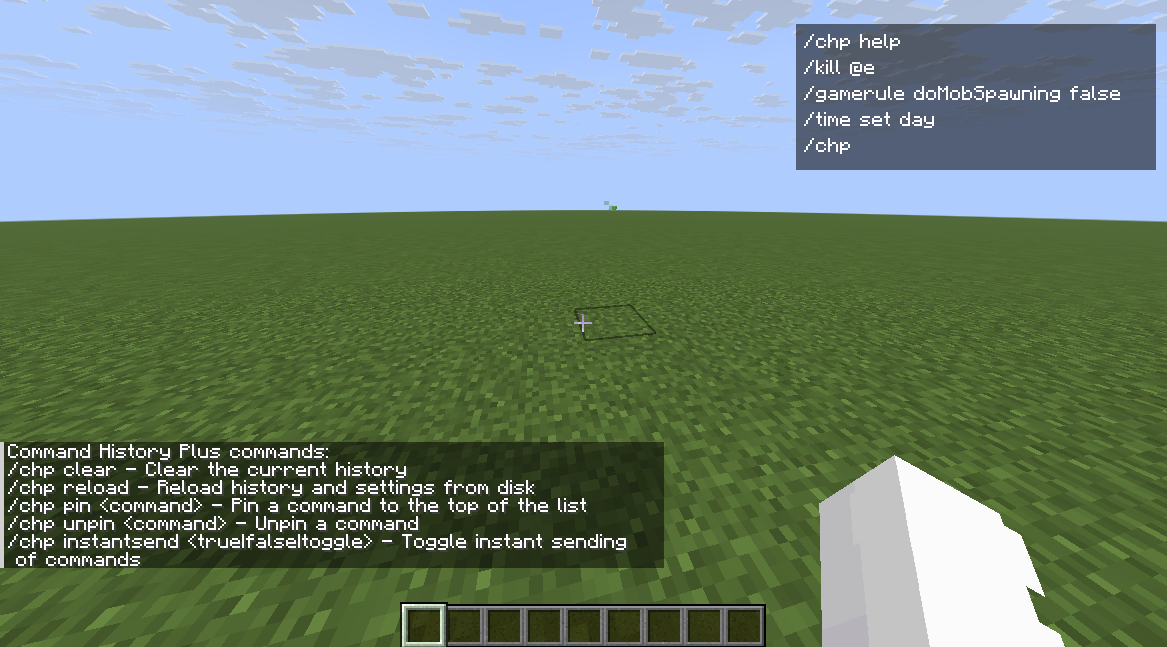
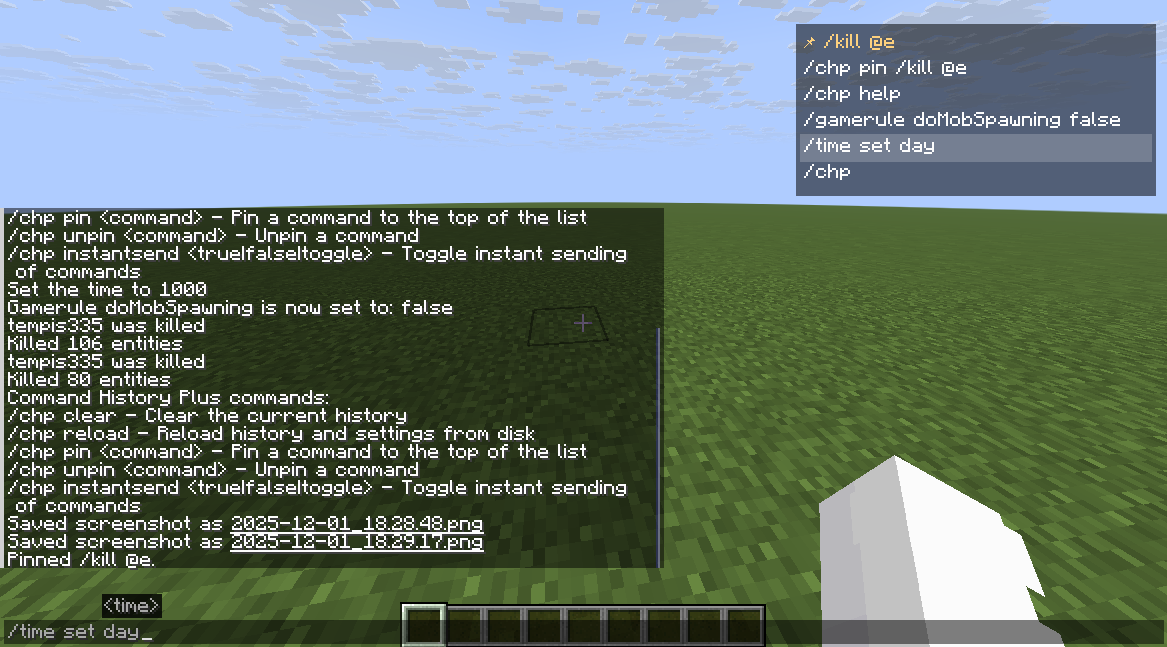
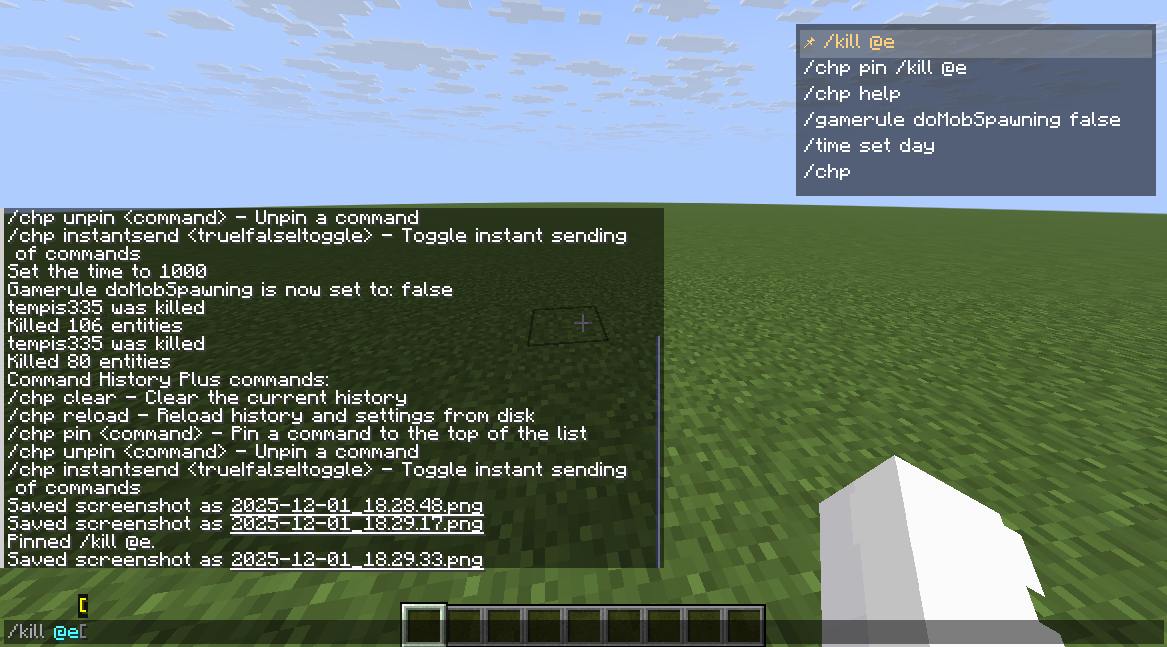
Command History Plus is a lightweight client‑side Fabric mod that keeps your recent commands at hand in a compact overlay on the right side of the screen.
截图
介绍
Command History Plus is a lightweight client‑side Fabric mod that keeps your recent commands at hand in a compact overlay on the right side of the screen.
Features
- On‑screen history overlay
- Shows your recent
/commandson the right side of the HUD. - Mouse wheel scrolling to browse older entries.
- Hover highlight and 📌 icon for pinned commands.
- Click interaction in chat
- Left‑click on an entry while chat is open:
- Inserts the command into the chat box, or
- Sends it instantly if instant send is enabled.
- Right‑click removes a command from history.
- Pinned commands
- Keep important commands always at the top of the list.
- Pinned entries are also suggested for
/chp pinand/chp unpin. - Per‑world / per‑server history
- Separate history profiles for:
- Singleplayer worlds.
- Multiplayer servers.
- Optional mode to store each profile in its own JSON file (enabled by default).
- Configurable history
- Optional limit on the number of stored entries (
historyLimit,0= unlimited). - Option to use instant send for clicks or quick‑insert hotkeys.
- Asynchronous, debounced saving to avoid disk spam.
- Search
- Press the search hotkey and type in chat to filter the overlay by substring.
Keybindings
All keybindings are client‑side and can be changed in Minecraft’s Controls menu.
Toggle history overlay(Hby default) – show/hide the overlay.Insert last command(↑ by default) – insert the most recent command into chat.Insert selected command(↓ by default) – insert the currently hovered/top command.Search in history(Fby default) – toggle search mode; when active, the current chat text is used as a filter.
Commands
All commands are client‑side and only affect your local history.
/chp helpShow a short help message with all subcommands.
/chp clearClear the current profile’s history.
/chp reloadReload history and settings from disk (useful after editing config files by hand).
/chp pin <command>Pin a command so it appears at the top of the list. Auto‑completes from your history and pinned commands.
/chp unpin <command>Unpin a previously pinned command. Auto‑completes from pinned commands.
/chp instantsend <true|false|toggle>Enable / disable / toggle instant send mode:- When on, left‑clicking an entry (or using quick‑insert hotkeys) immediately sends the command.
- When off, the command is only inserted into the chat box.
Data Storage
The mod stores its data under:
config/command_history_plus/config.json– global settings and, optionally, embedded profiles.
Profiles and separate files
The following option controls how histories are stored:
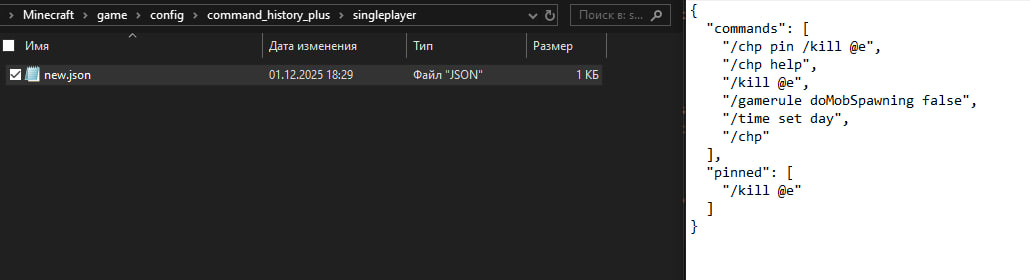
separateProfileFiles(default:true)true– each profile is stored in its own JSON file:- Singleplayer worlds:
config/command_history_plus/singleplayer/<world>.json - Servers:
config/command_history_plus/servers/<address>.json - Other profiles (including
global):config/command_history_plus/profiles/<id>.json false– all profiles are stored together inconfig.jsonunder the"profiles"object (legacy mode, kept for backwards compatibility).
Other important options:
instantSend– whether instant send is enabled.historyLimit– maximum number of entries per profile (0= unlimited).
Localization
Command History Plus currently ships with localization for:
- English (
en_us) - Russian (
ru_ru) - Spanish (Spain) (
es_es) - Spanish (Mexico) (
es_mx) - Portuguese (Brazil) (
pt_br) - German (
de_de) - French (
fr_fr)
Minecraft will automatically pick the language that matches your client settings.
常见问题
Command History Plus 支持哪些 Minecraft 版本?
Command History Plus 支持 Minecraft Java 版 1.19.4–1.21.8,共 5 个版本,可用的加载器:Fabric。下载时注意选择和你游戏版本一致的文件。
Command History Plus 怎么安装?
先用 PCL2 或 HMCL 启动器安装对应版本的 Fabric,再把下载的 .jar 文件放进游戏目录的 mods 文件夹,重新启动游戏即可。开启了版本隔离的,mods 文件夹在 versions/版本名 下面。运行环境:仅客户端。
tempis335 的其他作品
查看全部 →
Disasters Cataclysm
Disasters Cataclysm is a global disaster mod for Minecraft (Fabric) that turns survival into a real challenge. The world is no longer safe: the elements can strike at any moment, but they do it beautifully and naturally.
Disasters Cataclysm
Disasters Cataclysm is a global disaster mod for Minecraft (Fabric) that turns survival into a real challenge. The world is no longer safe: the elements can strike at any moment, but they do it beautifully and naturally.

NotSimple Peniwise
Abandoned Amusement Park is a horror Forge mod that adds an abandoned park theme with animated attractions, custom blocks and items, and three Pennywise encounters with configurable abilities, events, and rewards.

oceans biomes
Create worlds made entirely of oceans with a simple configuration screen. Choose the ocean biome, tweak depth, and enable or disable islands and ocean structures.
评论
登录后评论和评分