Combat Indicators | Health Bars & Damage Numbers
Readable health bars and floating damage numbers that reflect the damage actually dealt.
截图
介绍
Combat Indicators | Health Bars & Damage Numbers
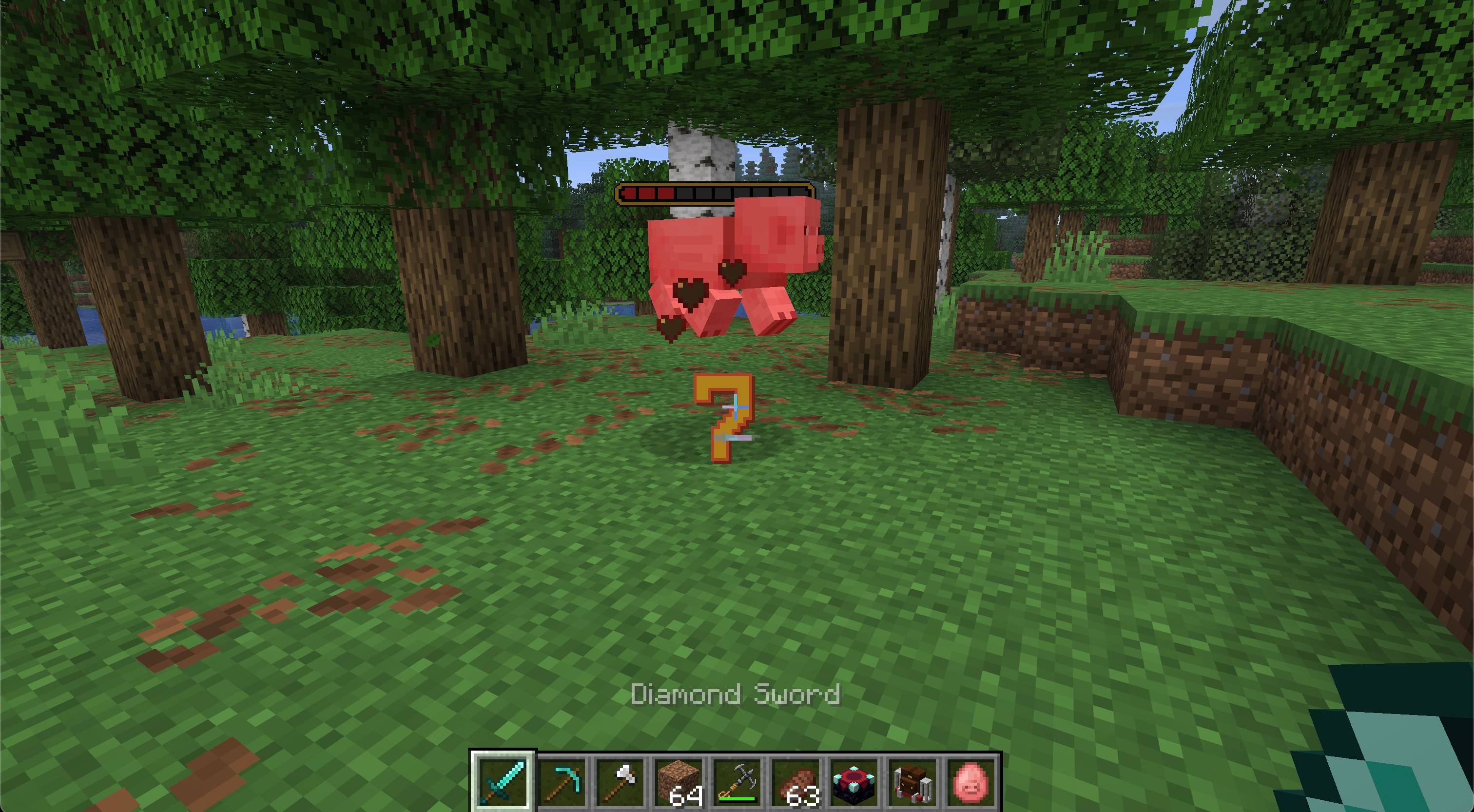
Make every hit easier to read without filling the world with persistent display entities. Combat Indicators adds configurable health bars above living targets and floating damage numbers that stay where each hit landed before rising and fading away.
Features
- Shows world-space health bars for mobs and, optionally, players
- Offers Golden and Classic health-bar styles
- Shows health bars after a hit or keeps them visible while targets are loaded
- Optionally displays current and maximum health
- Reports the damage actually applied after armor, shields, resistance, and absorption
- Keeps each damage number anchored at the original hit location while it rises and fades
- Distinguishes melee, projectile, explosion, fire, magic, environmental, and other damage
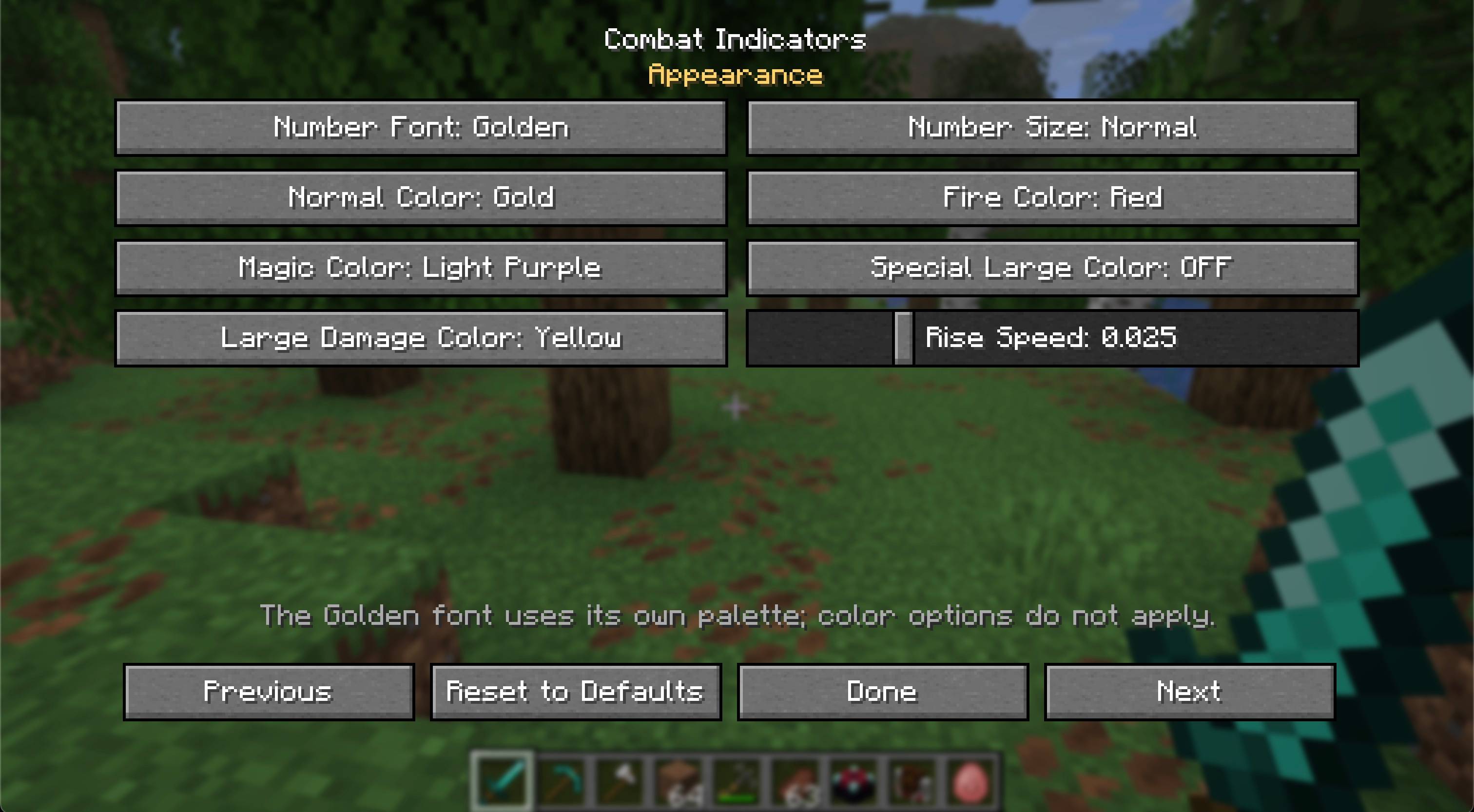
- Offers Minecraft and Golden number styles, three sizes, configurable colors, lifetimes, and rise speed
- Spreads rapid hits apart so their numbers remain readable
- Provides separate visibility controls for mobs, players, and damage categories
- Stores visual preferences locally for each Minecraft installation
- Opens its settings with
/combat-indicatorsor/ci - Includes English and Russian translations
- Works in single-player, integrated servers, and dedicated-server multiplayer
- Dedicated Fabric and NeoForge builds
Installation
Install Combat Indicators and Zero Lib builds matching your mod loader and Minecraft version. Architectury API is also required; Fabric installations additionally require Fabric API.
The mod and its dependencies must be installed on both the client and server. The server provides authoritative damage information, while each player controls how indicators look on their own client.
Requirements
- Minecraft Java Edition 26.2
- Java 25 or newer
- Zero Lib 1.0.3 or newer
- Architectury API
- Fabric API on Fabric
License
Copyright © 2026 Zero Team. All rights reserved. Personal play, multiplayer servers, and free modpacks distributed through CurseForge or Modrinth are permitted under the license included with the mod. Rehosting or redistributing the files elsewhere requires prior written permission.
常见问题
Combat Indicators | Health Bars & Damage Numbers 支持哪些 Minecraft 版本?
Combat Indicators | Health Bars & Damage Numbers 支持 Minecraft Java 版 26.2,可用的加载器:Fabric / NeoForge。下载时注意选择和你游戏版本一致的文件。
Combat Indicators | Health Bars & Damage Numbers 怎么安装?
先用 PCL2 或 HMCL 启动器安装对应版本的 Fabric / NeoForge,再把下载的 .jar 文件放进游戏目录的 mods 文件夹,重新启动游戏即可。开启了版本隔离的,mods 文件夹在 versions/版本名 下面。
zeroteam 的其他作品
查看全部 →
Zero Lib
Zero Team 的 Fabric 和 NeoForge 模组所需的跨加载器共享运行时前置库。
Gravestone | Death Grave & Loot Protection
玩家死亡时,自动在世界中放置一座安全的 3D 墓碑,保护你的物品栏。
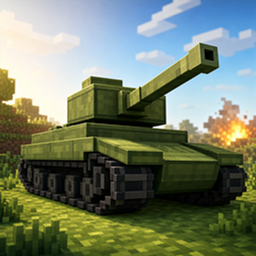
Tanks | Drivable Battle Tank
驾驶可制作的战斗坦克,炮塔可独立瞄准,还能发射爆炸弹药。

Gravestone ZT
玩家死亡时自动在世界中放置一个安全的 3D 墓碑来保护你的物品栏。
评论
登录后评论和评分