
Columbus Utilities
Enhances the Minecraft experience with tools like a coordinate notebook and compass HUD.
截图
介绍
A client-side mod designed to enhance the Minecraft gameplay experience by simplifying various
mechanics and providing useful tools exclusively for the player, without affecting the server or other players.
Currently, the mod includes:
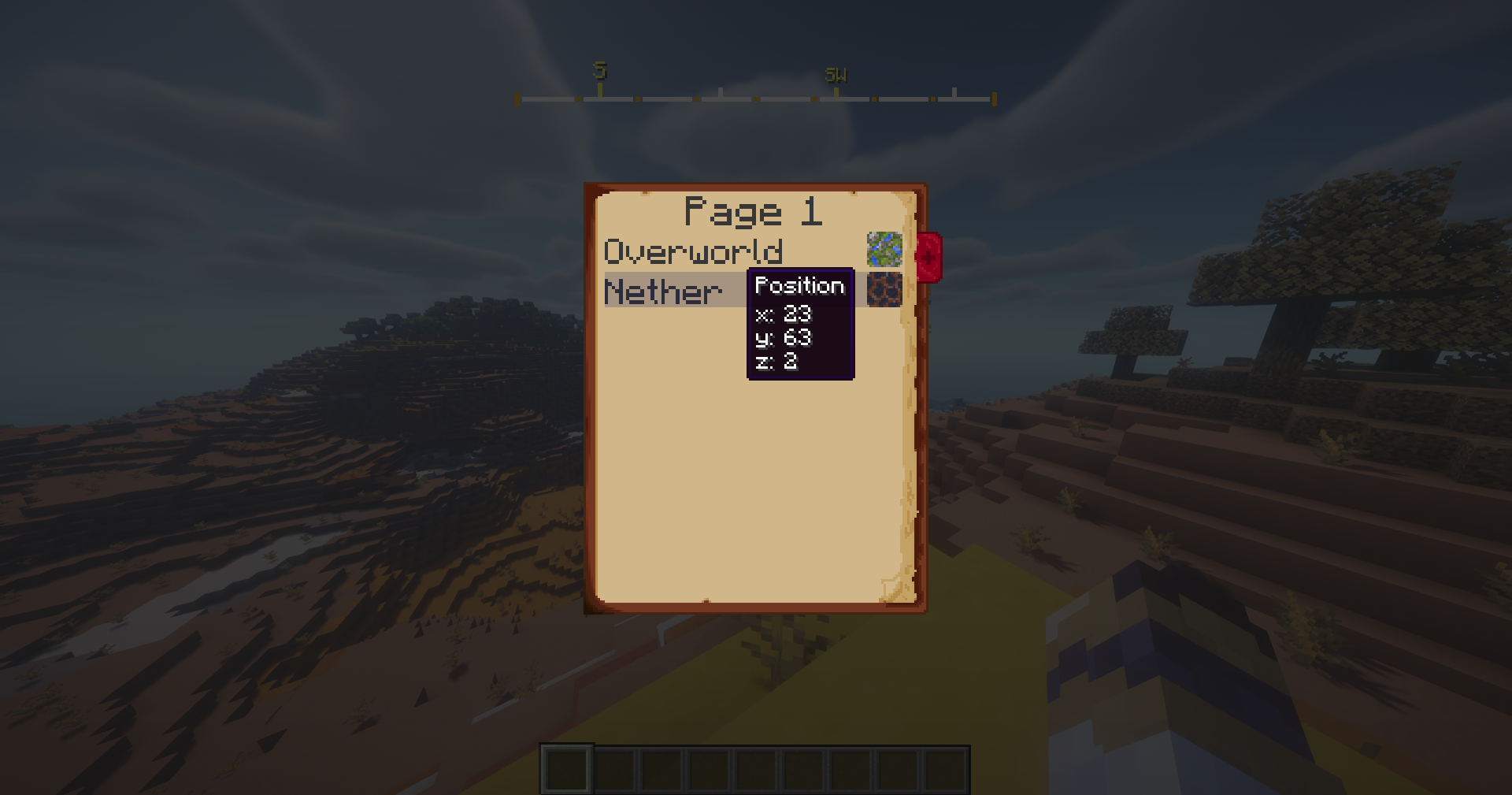
• Notebook: A virtual notebook to save important coordinates, such as your
home, Nether or End portals, or various structures. Death coordinates are
automatically saved, so you’ll always know where to retrieve your spoils of death.
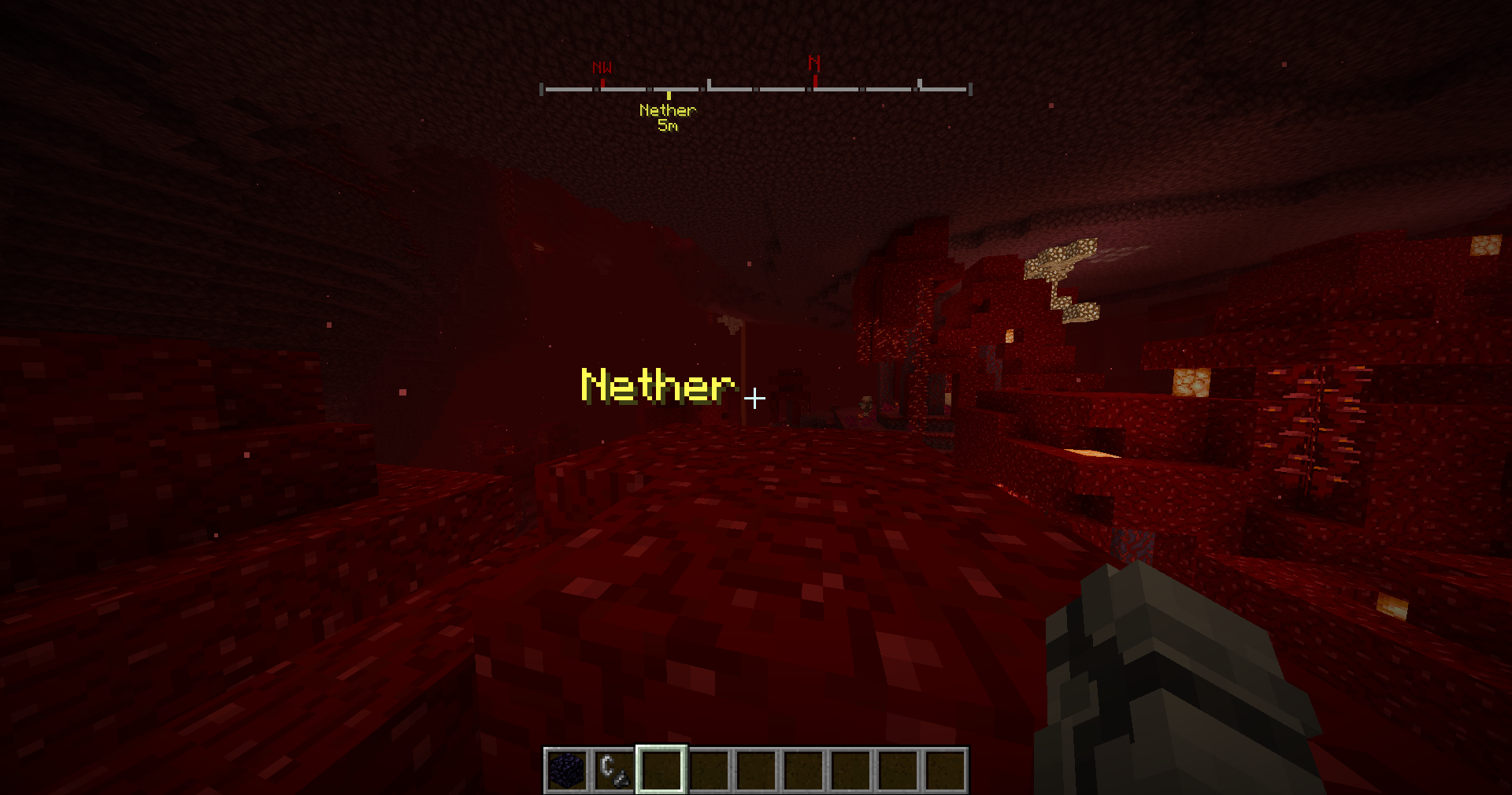
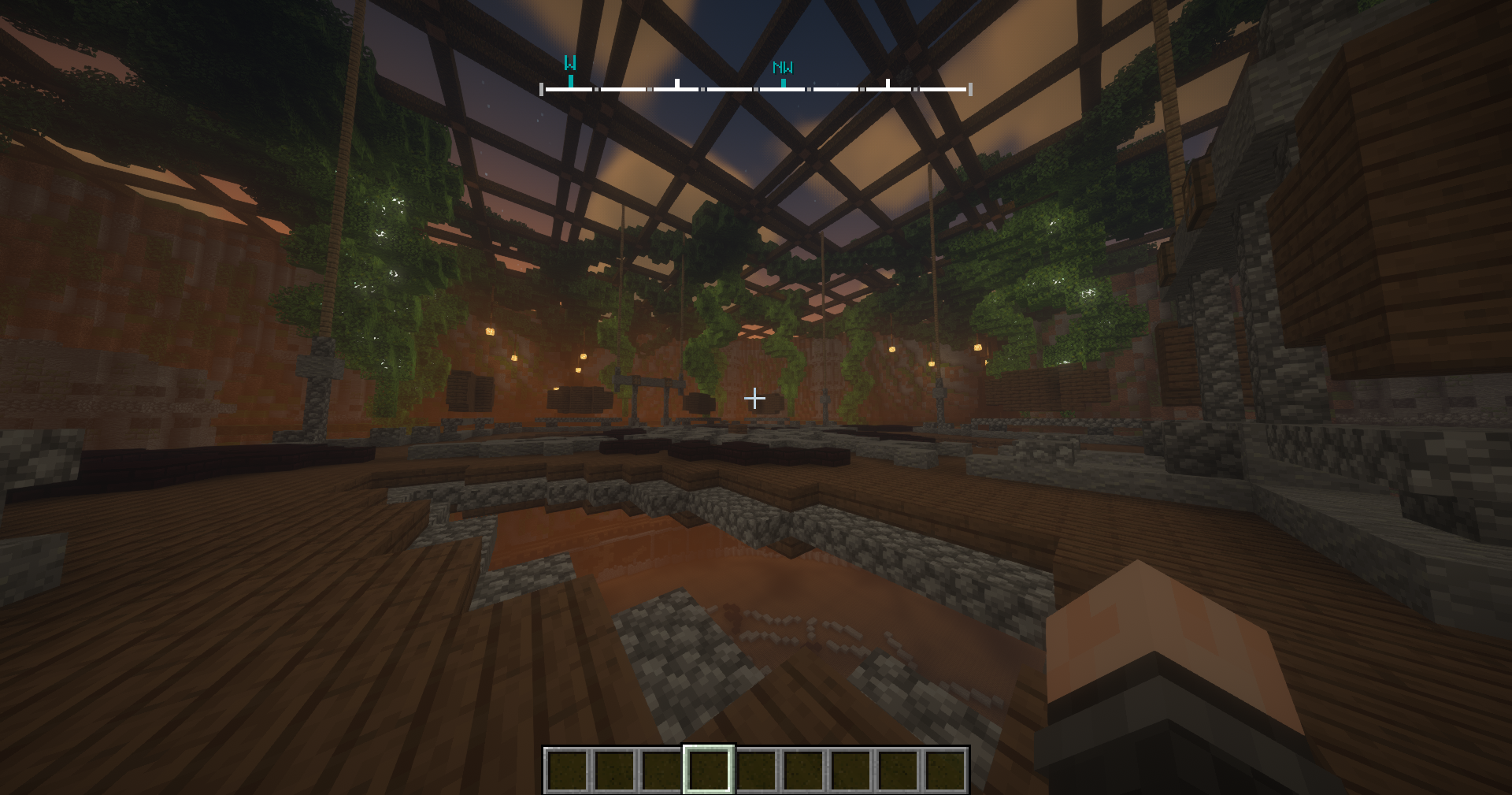
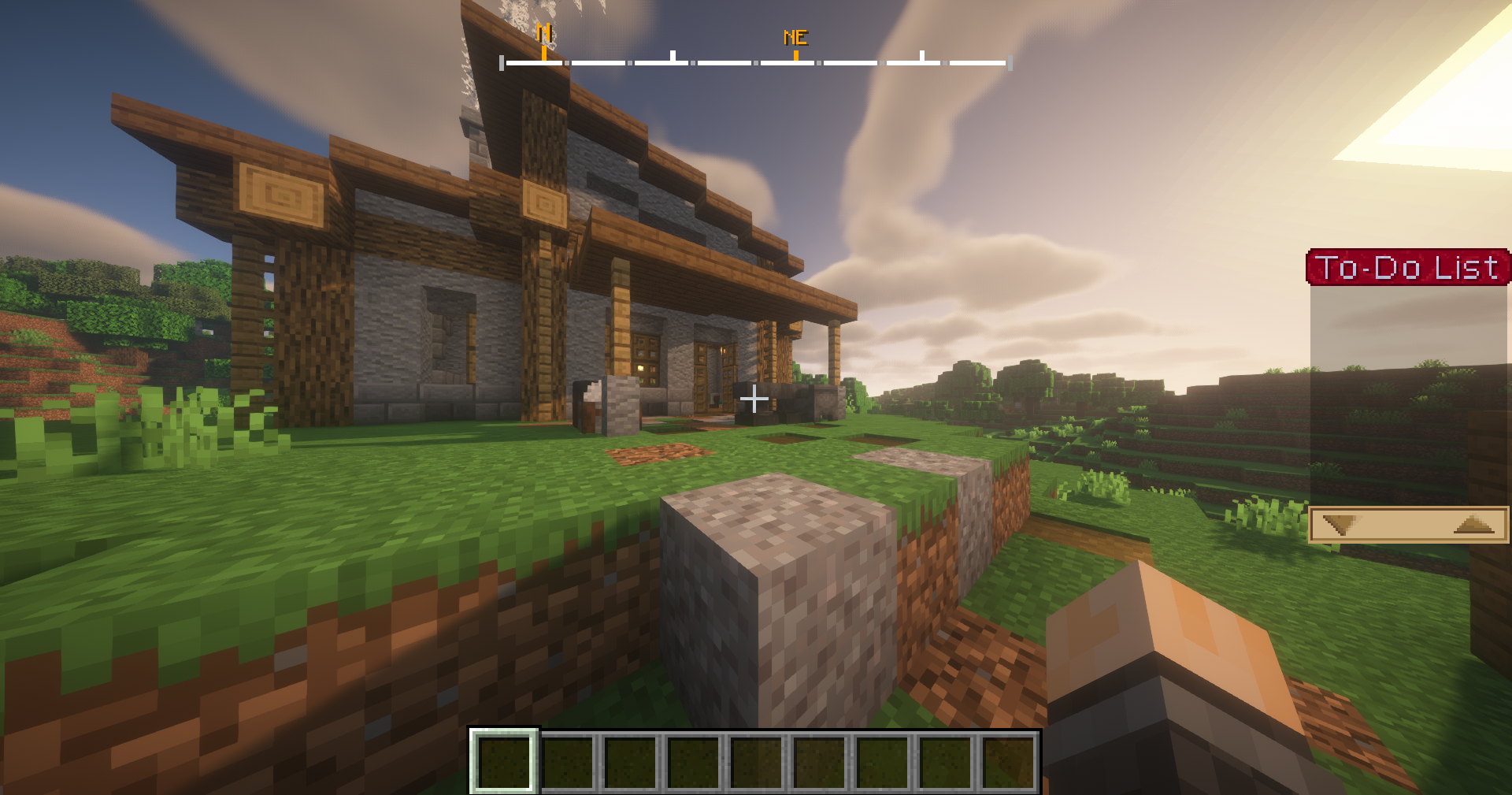
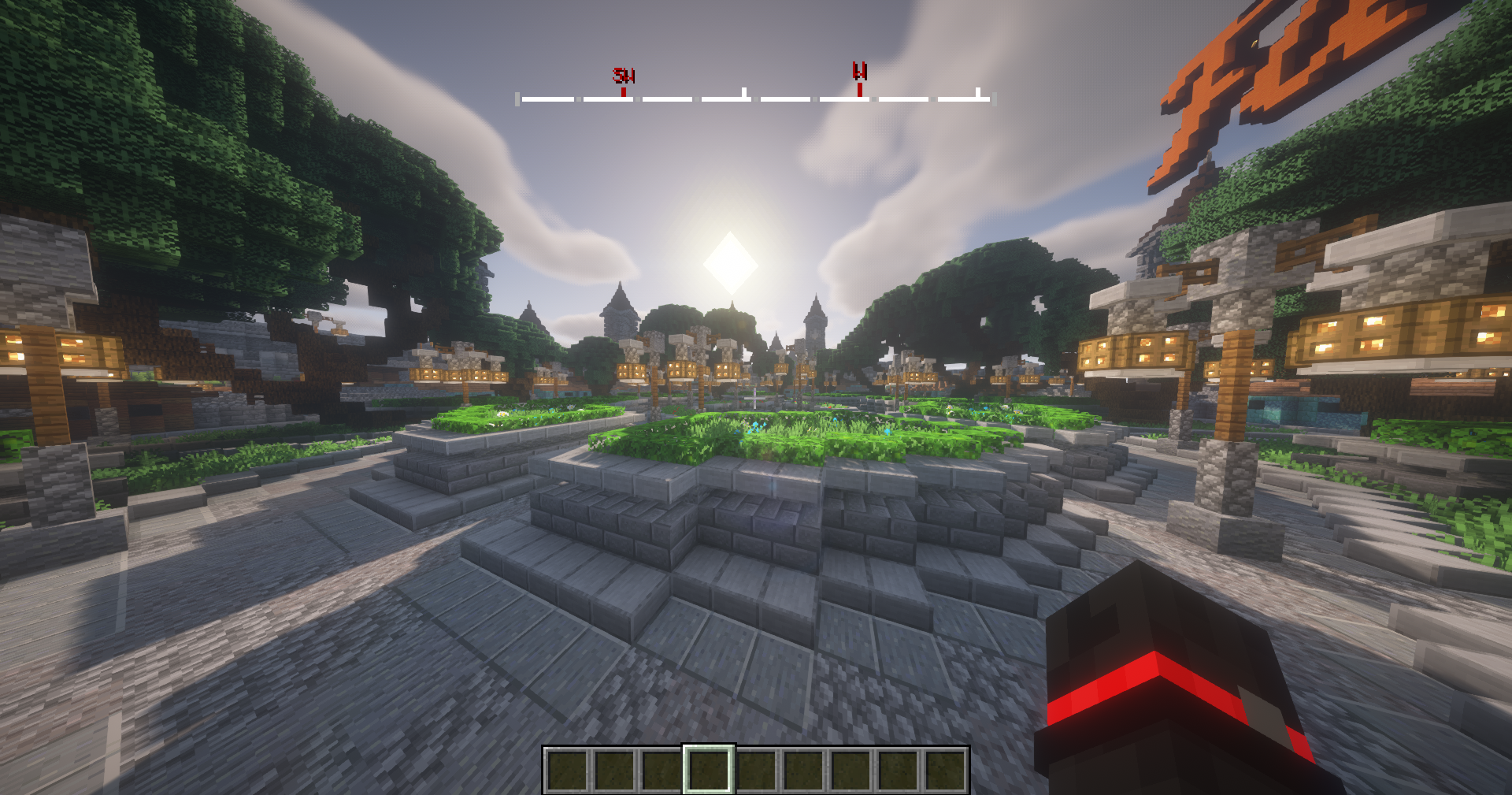
• Compass HUD: An on-screen customizable compass displaying directions
(North, South, East, West) that integrates with the coordinate notebook,
allowing you to easily navigate towards saved coordinates.
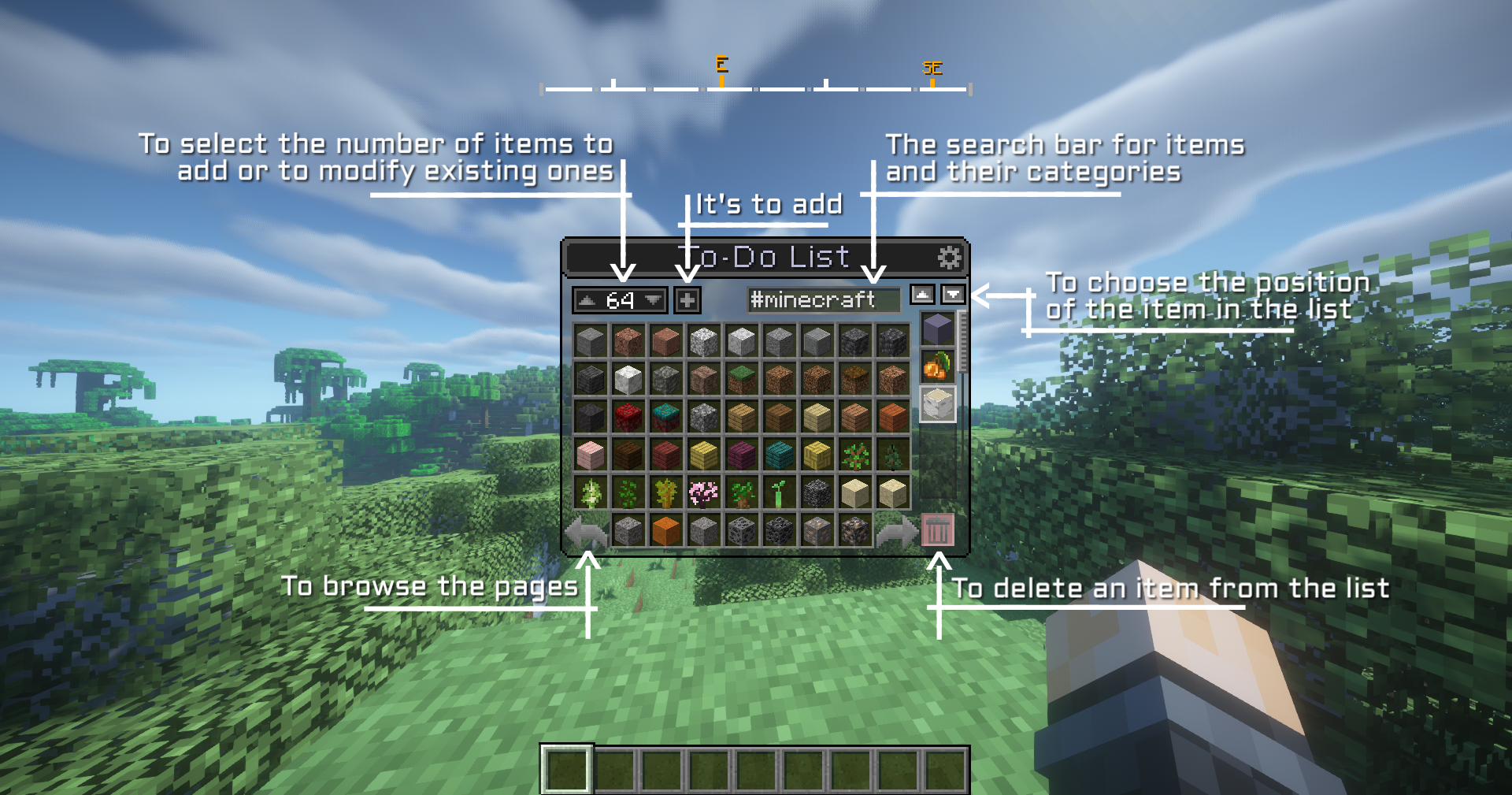
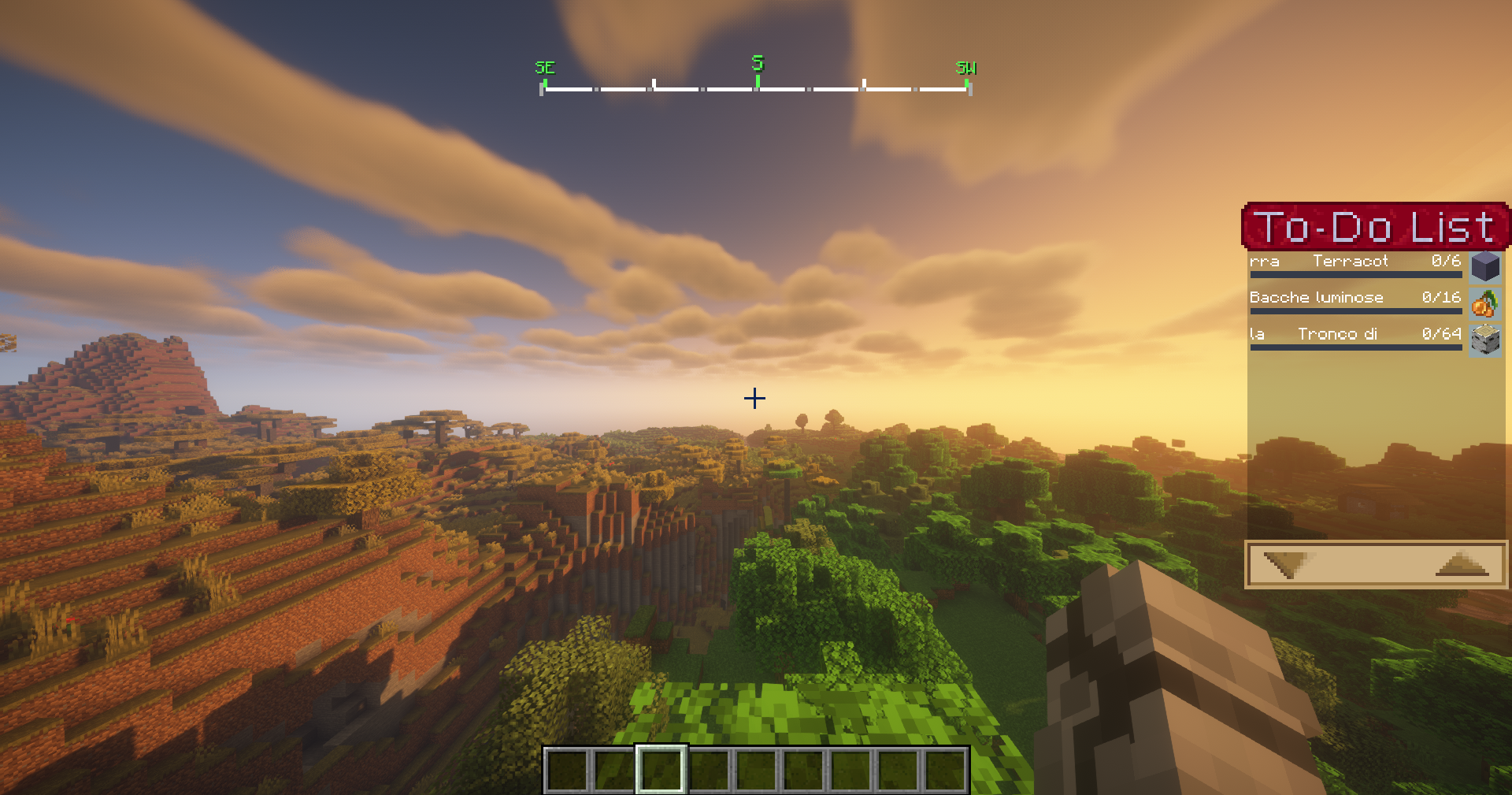
• ToDoList: A useful list to track items that can be helpful to have in the inventory,
convenient for remembering materials to use in the future or items needed for crafting.
Controls:
• Global Settings: Click O
• Open the Coordinates Notebook: Click N
• Open the Retractable To-Do List: Click End/Fine
• To scroll through in the Retractable To-Do List: PagUp and PagDown
• Open the To-Do List Management: Click Shift + End/Fine
The mod will be equipped with more features in the future, to further improve your gaming experience.
FAQ:
• There is no need for adds or relations to make this mod work.
• For an issue, bug, crash or report write a comment and you will receive a response as soon as possible.
常见问题
Columbus Utilities 支持哪些 Minecraft 版本?
Columbus Utilities 支持 Minecraft Java 版 1.19.2–1.20.1,共 2 个版本,可用的加载器:Forge。下载时注意选择和你游戏版本一致的文件。
Columbus Utilities 怎么安装?
先用 PCL2 或 HMCL 启动器安装对应版本的 Forge,再把下载的 .jar 文件放进游戏目录的 mods 文件夹,重新启动游戏即可。开启了版本隔离的,mods 文件夹在 versions/版本名 下面。
Nimblonia 的其他作品
查看全部 →
Portable Blueprints
厌倦了一遍又一遍手动搭建道路、路灯或房屋等建筑?这款模组正适合你!扫描建筑并制作蓝图,只需点击一下就能立即重建!

Redstone Improved
用全新的红石方块提升你的 Minecraft 体验,简化你的造物同时增添更多创意。尝试新机制,优化你的电路,享受更直观、更巧妙的玩法!

GamePad+
GamePad+ 将手柄支持提升到全新水平,为所有玩家带来更自然、更易上手的体验。

Reverse tape
Take advantage of a second chance at the cost of just a little experience.
评论
登录后评论和评分