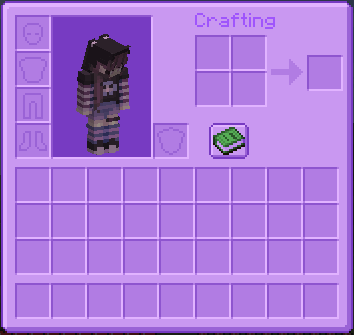
截图
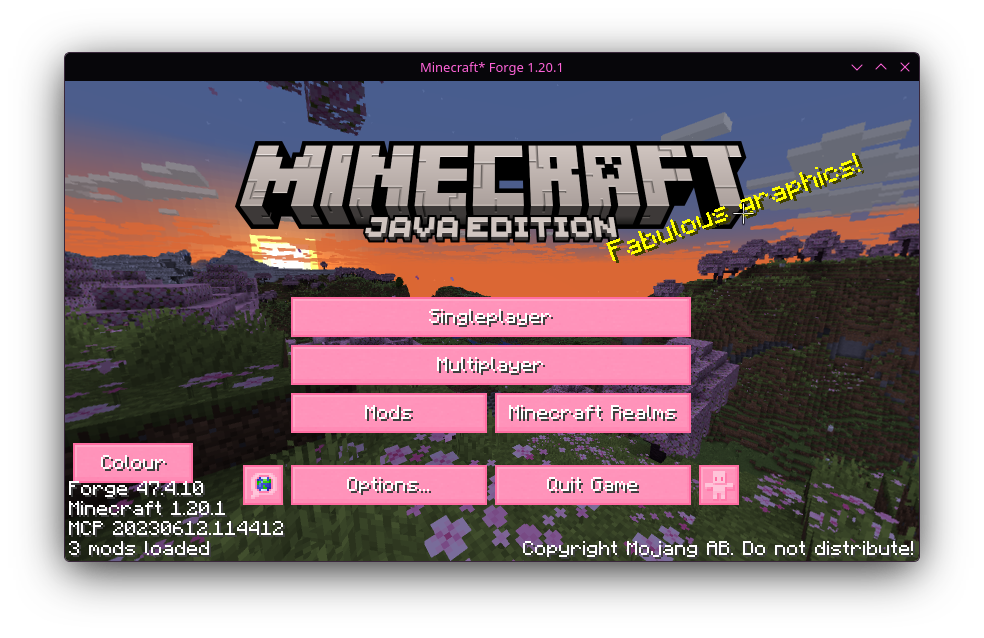


介绍

Colourful Everywhere is a fork of Dark Mode Everywhere by buuz135. This mod uses the power of shaders to dynamically recolour every GUI in the game to whatever palette you want.
Preview
Custom presets!
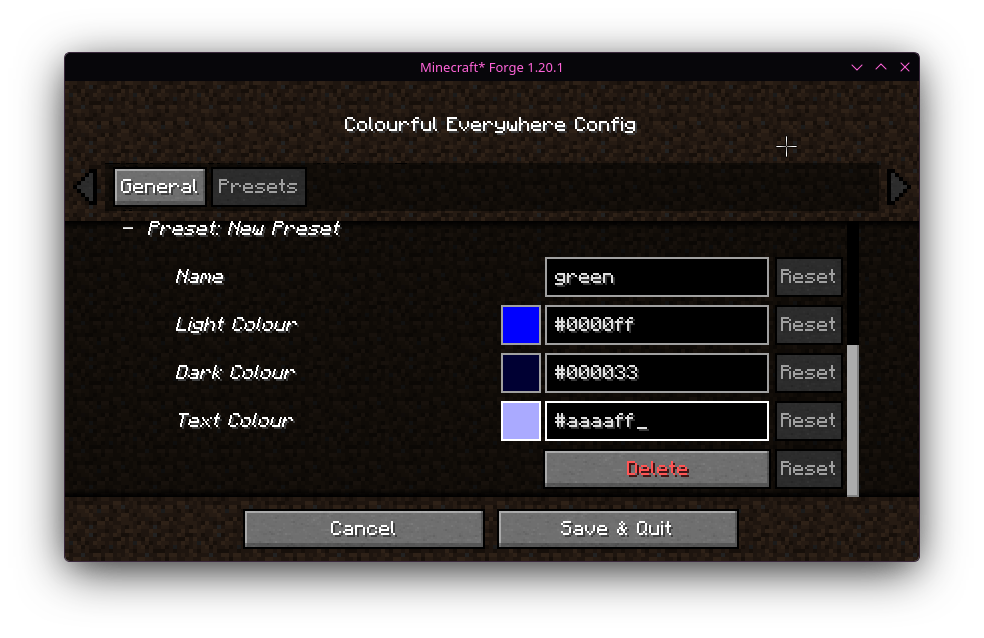
This fork adds a custom config screen that lets you make new presets with custom hex colours. You can also still use the config file.
Shader blacklist
In case something looks weird, you can set a list of methods to stop them being recoloured!
Currently the method shader dump appears to be broken in this fork
#A list of class:method strings (render methods) that the dark shader will not be applied to.
#Each string consists of the class and the method (or any substring) to block the dark shader.
#For example, 'renderHunger' is sufficient to block 'net.minecraftforge.client.gui.overlay.ForgeGui:renderFood' (either will work).
METHOD_SHADER_BLACKLIST = ["mezz.jei.common.render.FluidTankRenderer:drawTextureWithMasking",
"mezz.jei.library.render.FluidTankRenderer:drawTextureWithMasking", "renderCrosshair",
"m_93080_", "renderSky", "m_202423_", "renderHotbar", "m_93009_", "m_193837_",
"setupOverlayRenderState", "net.minecraftforge.client.gui.overlay.ForgeGui",
"renderFood", "renderExperienceBar", "m_93071_", "renderLogo", "m_280037_", "m_280118_",
"net.minecraft.client.gui.Gui", "net.minecraft.src.C_3431_", "renderDirtBackground",
"m_280039_", "m_280039_", "configured.client.screen.ListMenuScreen",
"OnlineServerEntry:drawIcon", "OnlineServerEntry:m_99889_",
"WorldSelectionList$WorldListEntry:render", "WorldSelectionList$WorldListEntry:m_6311_",
"CubeMap:render", "CubeMap:m_108849_", "squeek.appleskin.client.HUDOverlayHandler",
"shadows.packmenu.ExtendedMenuScreen", "dzwdz.chat_heads.ChatHeads:renderChatHead"]
Thanks to buuz135 for creating the original mod! Please report any issues to this mod’s issue tracker, _NOT THE ORIGINAL ONE!!!_
常见问题
Colourful Everywhere 支持哪些 Minecraft 版本?
Colourful Everywhere 支持 Minecraft Java 版 1.20–1.21.1,共 8 个版本,可用的加载器:Forge / NeoForge。下载时注意选择和你游戏版本一致的文件。
Colourful Everywhere 怎么安装?
先用 PCL2 或 HMCL 启动器安装对应版本的 Forge / NeoForge,再把下载的 .jar 文件放进游戏目录的 mods 文件夹,重新启动游戏即可。开启了版本隔离的,mods 文件夹在 versions/版本名 下面。运行环境:仅客户端。
评论
登录后评论和评分