Colored Chat ( like a plugin )
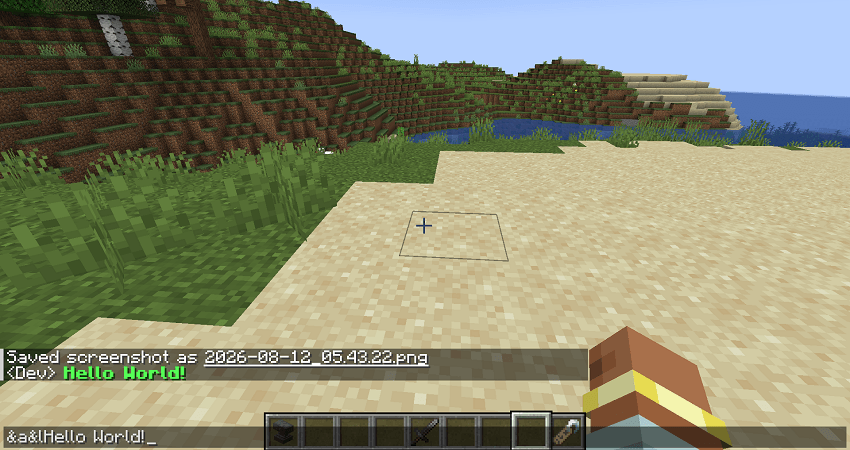
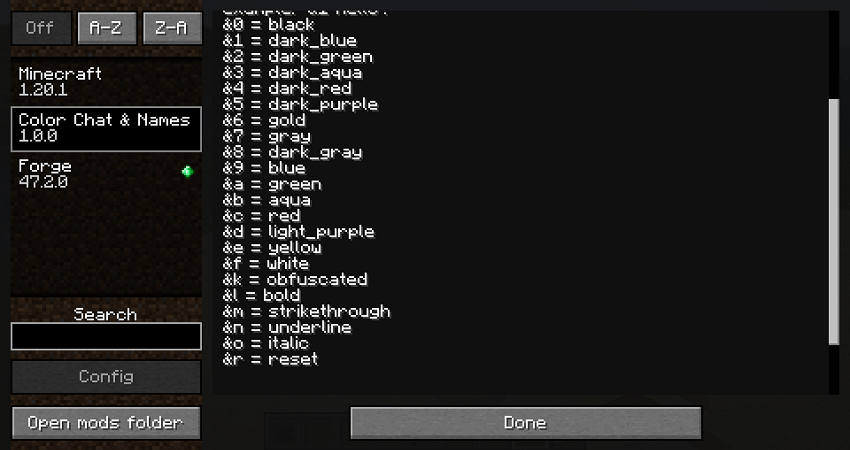
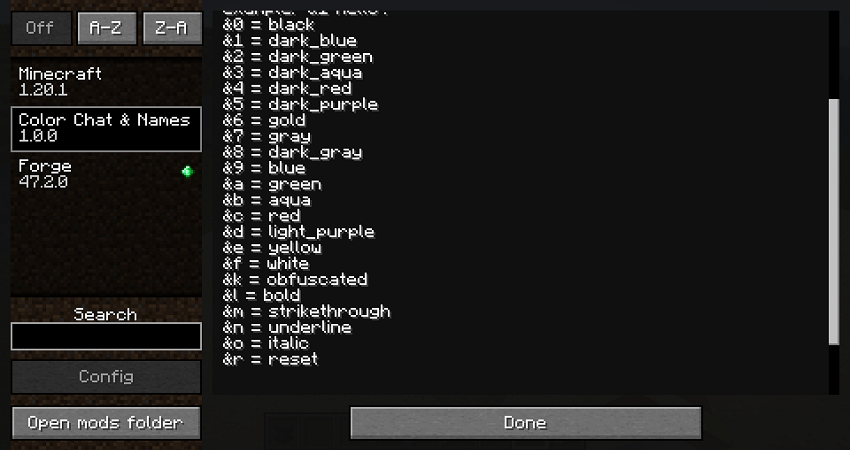
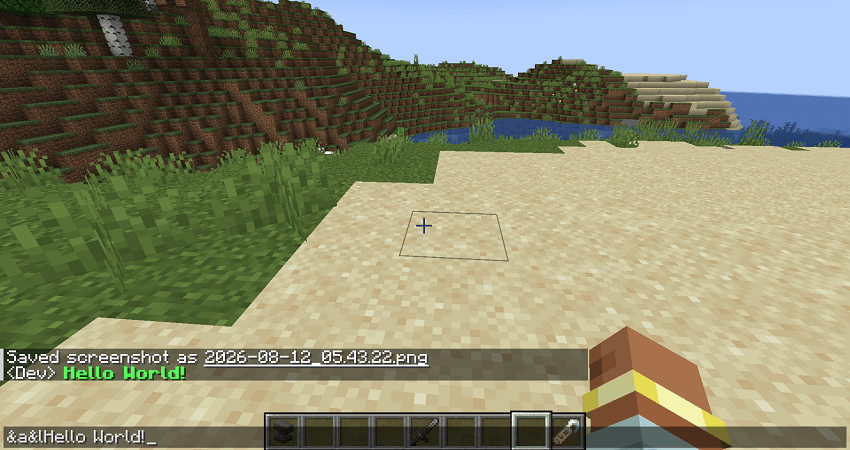
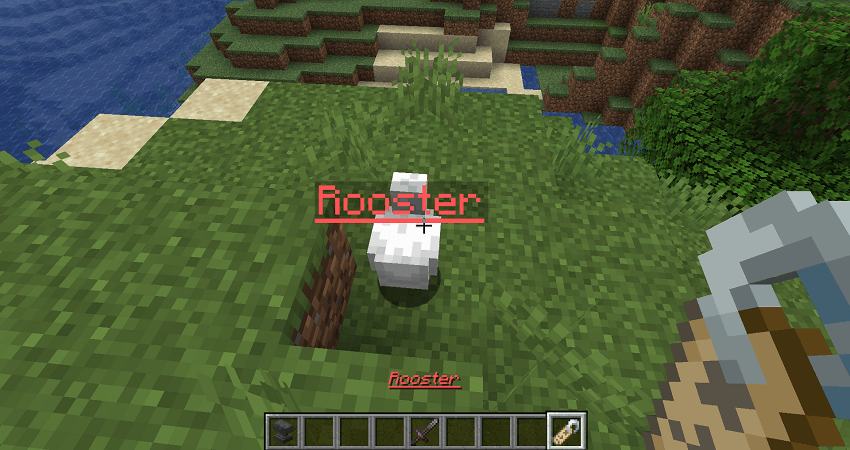
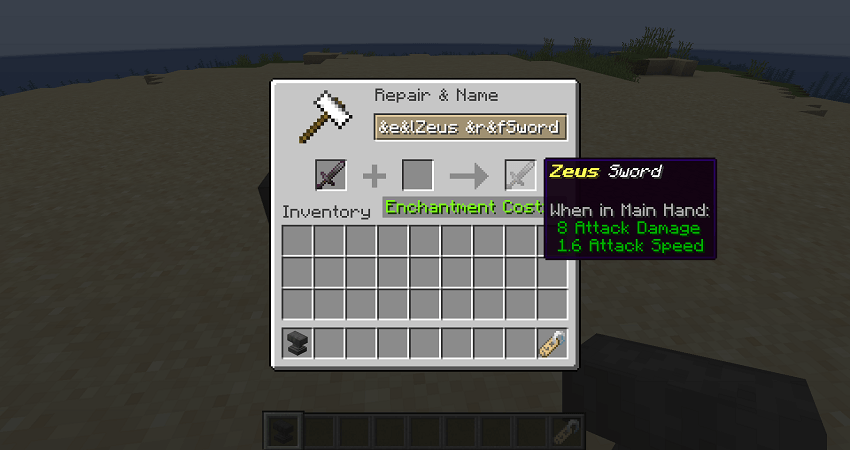
Use `&` codes to color your item names and chat messages. For example: `&1 Hello`
截图
介绍
Colored Chat
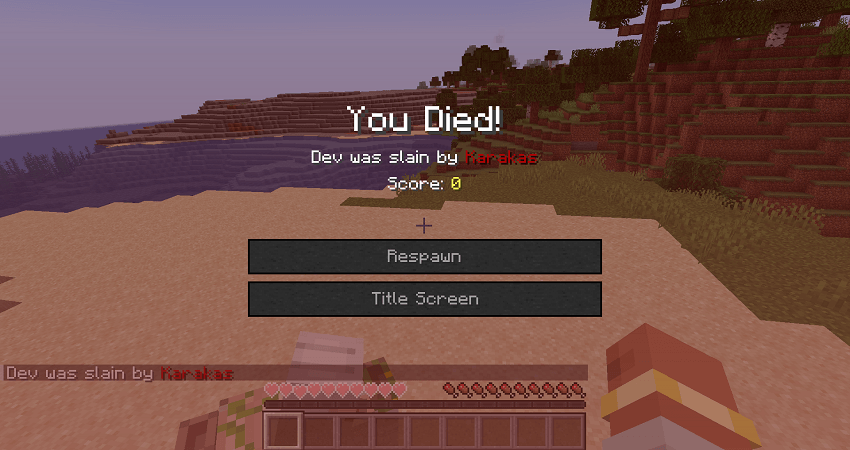
Colored Chat is a lightweight Minecraft mod that lets you easily add colors to chat messages and item names using simple & color codes.
✨ Features
-
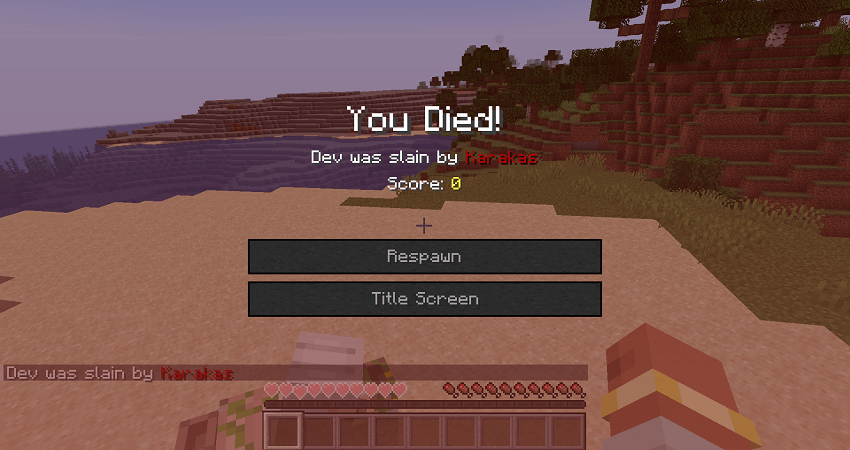
🎨 Color your chat messages using
&color codes. -
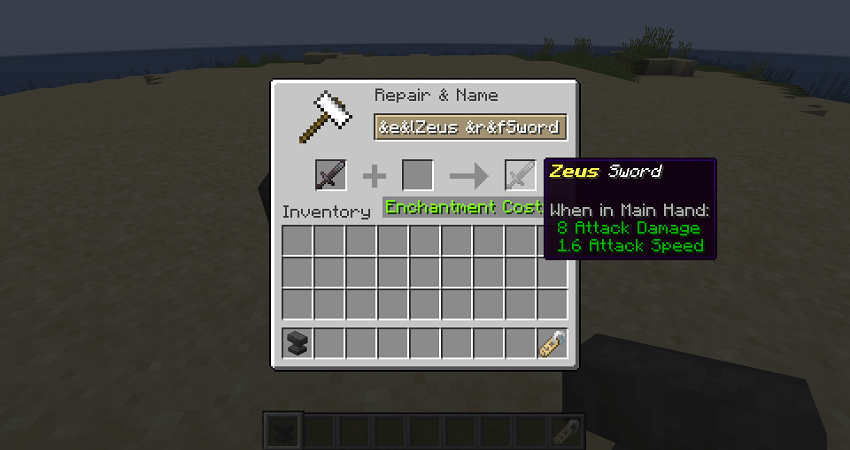
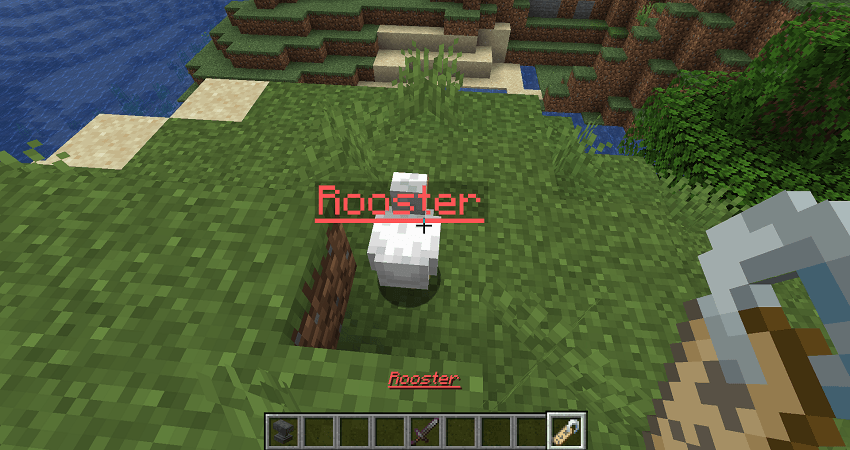
🏷️ Add colors to item names.
-
💬 Works directly with Minecraft’s chat system.
-
⚡ Lightweight and simple to use.
-
🧩 No complicated configuration required.
🎨 How to Use
Simply type & followed by a color code.
Example:&1 Hello
This will display Hello in the corresponding Minecraft color.
You can use the same color-code system for supported item names.
📌 Important
Colored Chat is designed to be simple and lightweight. It does not add player ranks, prefixes, or player-name formatting.
Enjoy colorful chatting! 🌈
常见问题
Colored Chat ( like a plugin ) 支持哪些 Minecraft 版本?
Colored Chat ( like a plugin ) 支持 Minecraft Java 版 1.20.1,可用的加载器:Fabric / Forge / NeoForge。下载时注意选择和你游戏版本一致的文件。
Colored Chat ( like a plugin ) 怎么安装?
先用 PCL2 或 HMCL 启动器安装对应版本的 Fabric / Forge / NeoForge,再把下载的 .jar 文件放进游戏目录的 mods 文件夹,重新启动游戏即可。开启了版本隔离的,mods 文件夹在 versions/版本名 下面。
评论
登录后评论和评分