
截图


介绍
中文介绍正在准备中,下面暂时显示原文。
Colored Blocks Minecraft Mod for Fabric
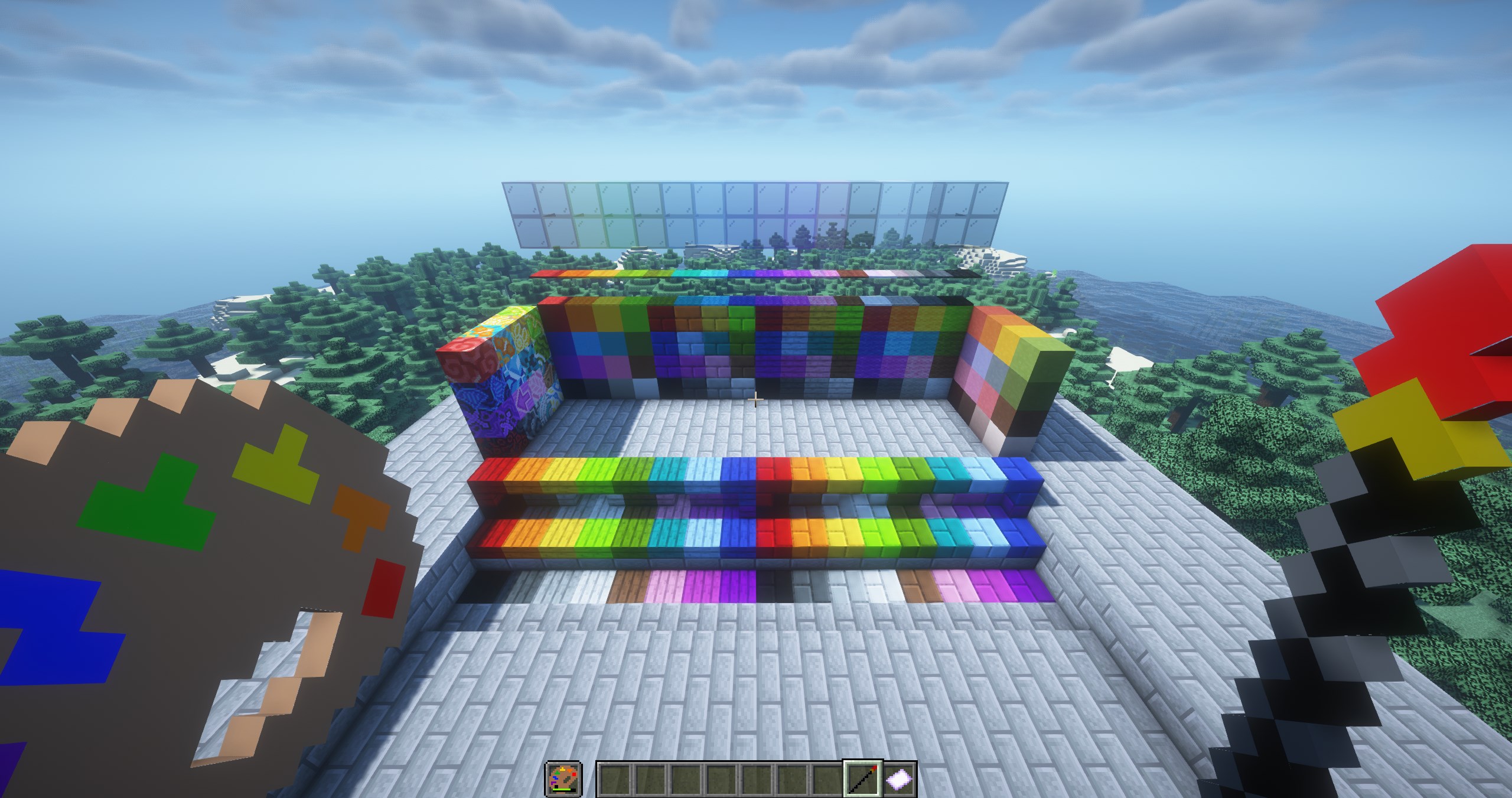
This mod adds custom blocks with 16 color choices.
Makes stone bricks and birch planks colorable and adds the ability to color various other blocks that already have color variations.
Using the three primary components of this mod you can color, clean, and recolor blocks in Minecraft.
Artist Palette
- Held in the off hand slot.
- Damage displayed is the charges remaining.
- Hover over item to show “dye” actions remaining.
- Item has different states for 0%, 25%, 50%, and 75% dye remaining.
- Right click any dye in main hand with palette in off hand to charge (8 charges per dye).
Paintbrush
- Held in the main hand.
- Paintbrush tip shows color picked.
- Shift right click to open the color wheel (releasing shift to exit).
- Right click on a block to color it.
Cleaning Cloth
- Held in the main hand.
- Right click colored blocks in the world to “clean” them.
- If a block doesn’t have a “clean” version, it will change to the white variant of the block.
常见问题
Colored Blocks [Fabric] 支持哪些 Minecraft 版本?
Colored Blocks [Fabric] 支持 Minecraft Java 版 1.19.2,可用的加载器:Fabric。下载时注意选择和你游戏版本一致的文件。
Colored Blocks [Fabric] 怎么安装?
先用 PCL2 或 HMCL 启动器安装对应版本的 Fabric,再把下载的 .jar 文件放进游戏目录的 mods 文件夹,重新启动游戏即可。开启了版本隔离的,mods 文件夹在 versions/版本名 下面。
评论
登录后评论和评分