
Color Filters
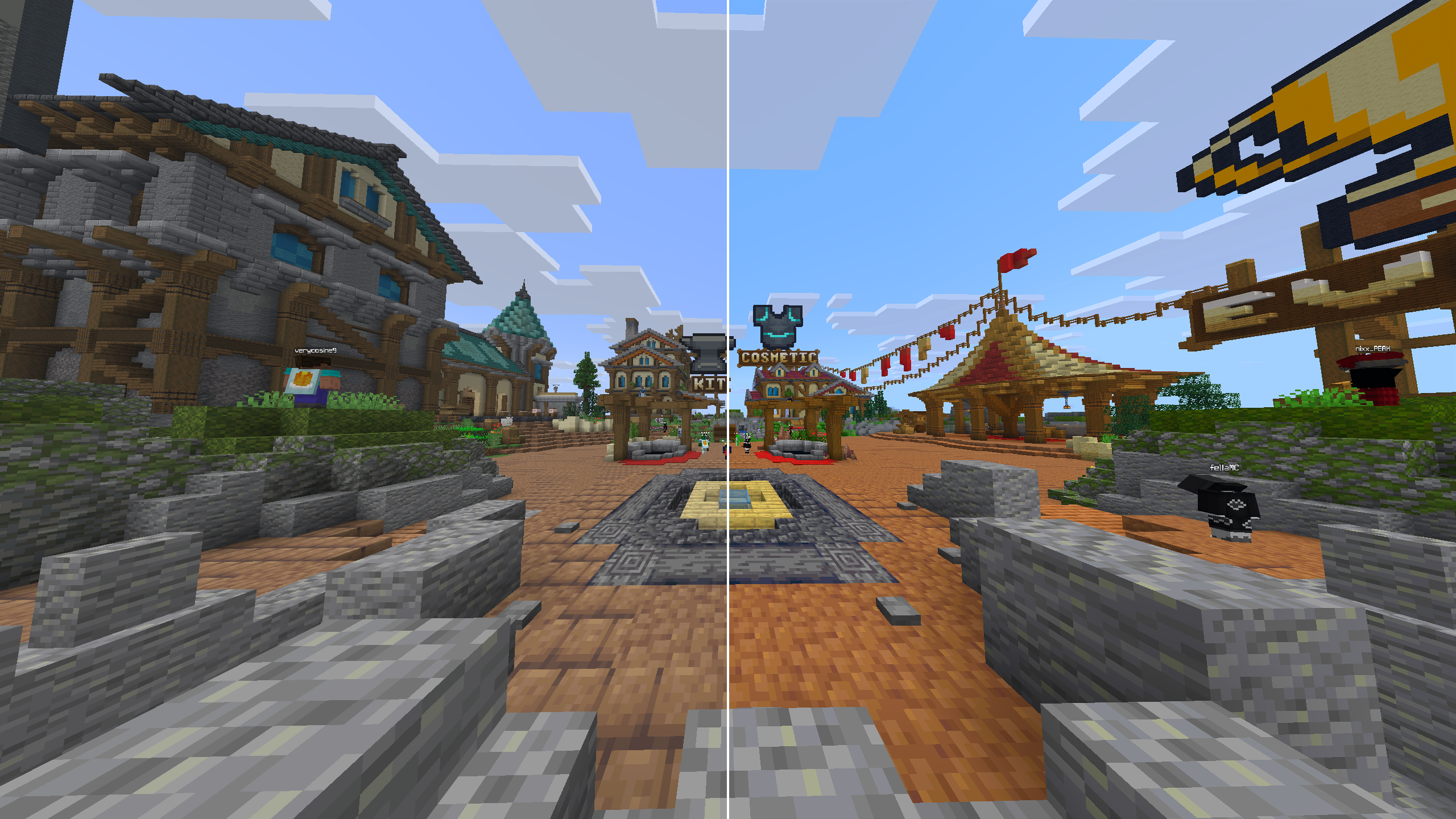
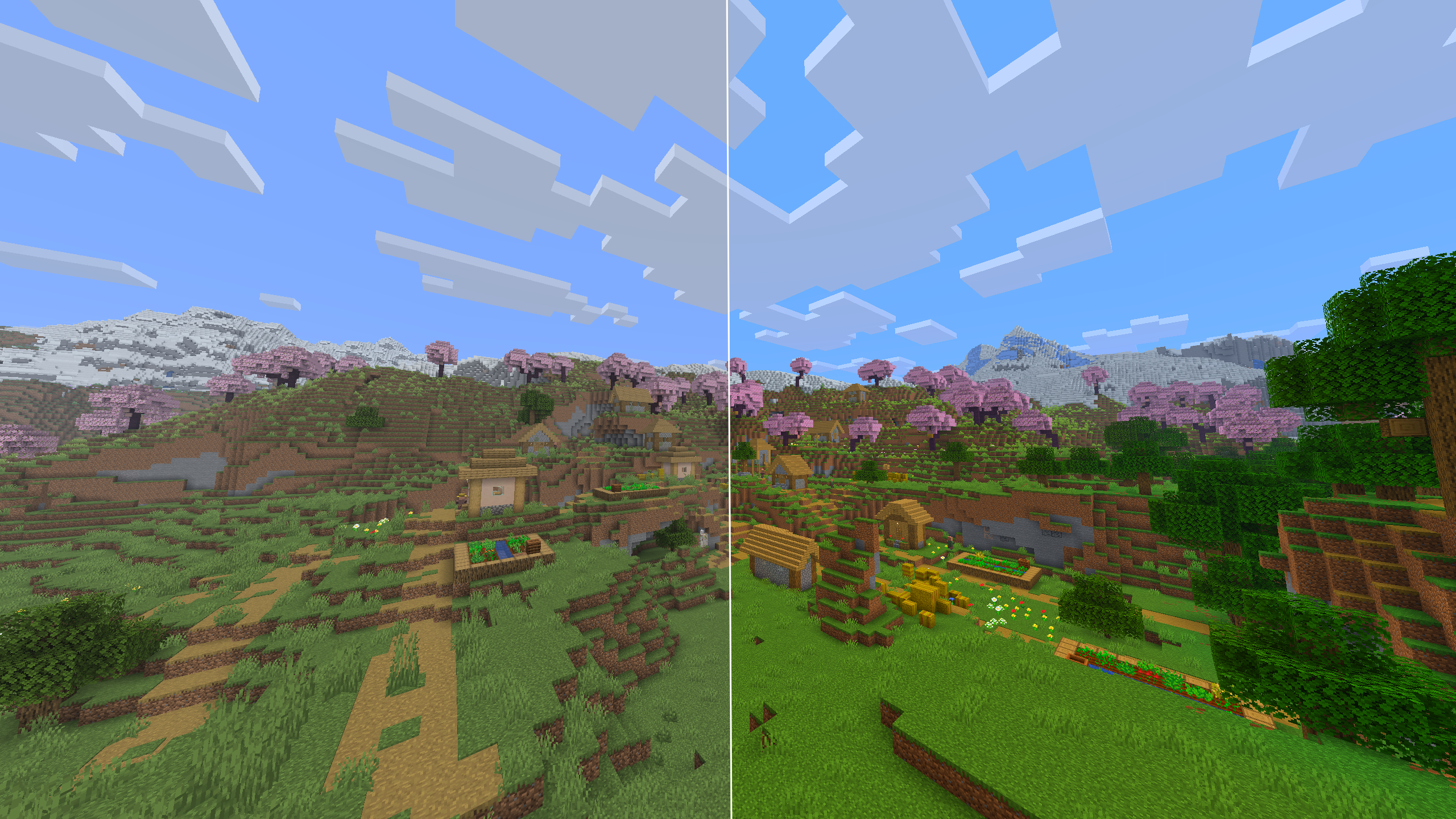
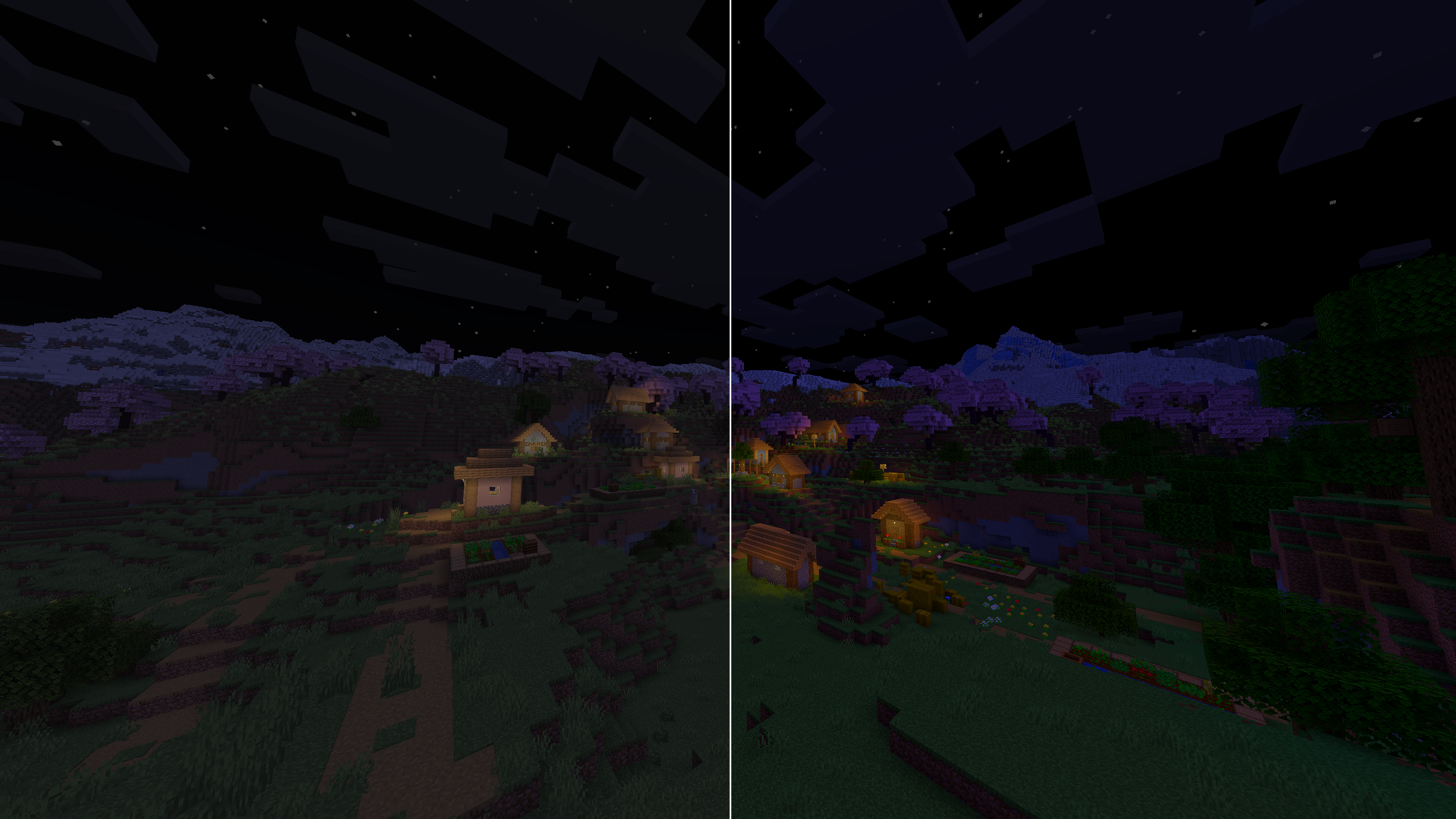
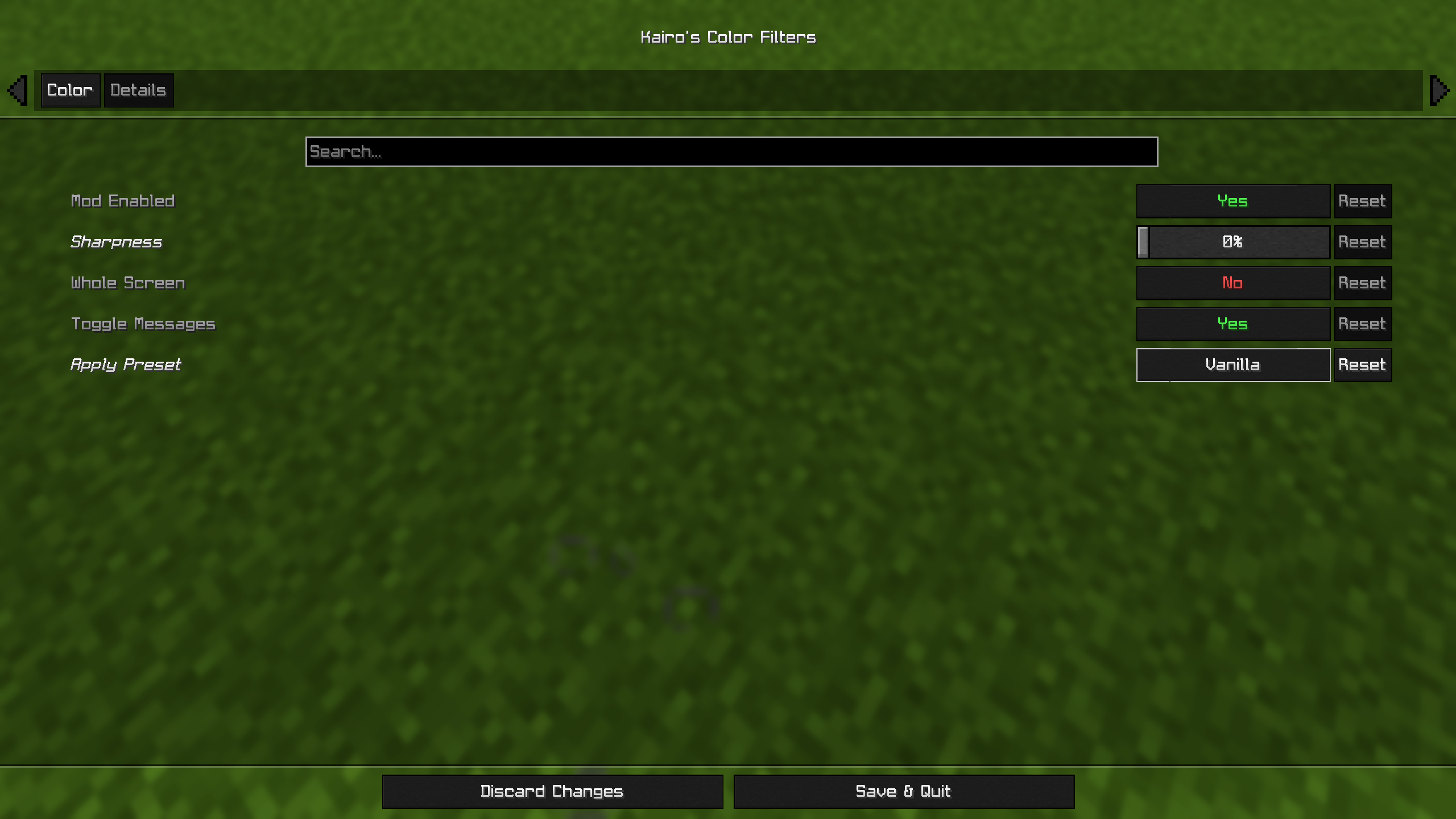
NVIDIA-style color filters inside Minecraft, with presets. Control vibrance, saturation, contrast, sharpness and more, works with all shaderpacks and resource packs!
截图
介绍
Kairo’s Color Filters
Bring NVIDIA-style color filters directly into Minecraft.
Adjust vibrance, saturation, contrast, brightness, sharpening, and more, all from an in-game menu. No external software or shader pack required.
Works with resource packs and is designed to be compatible with shader packs whenever possible.
Presets
One click and you’re done:
- Vibrant — strong colors everywhere, the classic streamer look.
- PvP — punchy colors with clear visibility, made for fights.
- Crisp — sharper textures and cleaner edges.
- Warm / Cool — shifts the whole game warmer or cooler.
- Cinematic — slightly darker, moodier tone.
- Vanilla — one click back to Minecraft’s normal look.
Every preset just sets the sliders, so you can fine tune anything afterward.
Filters
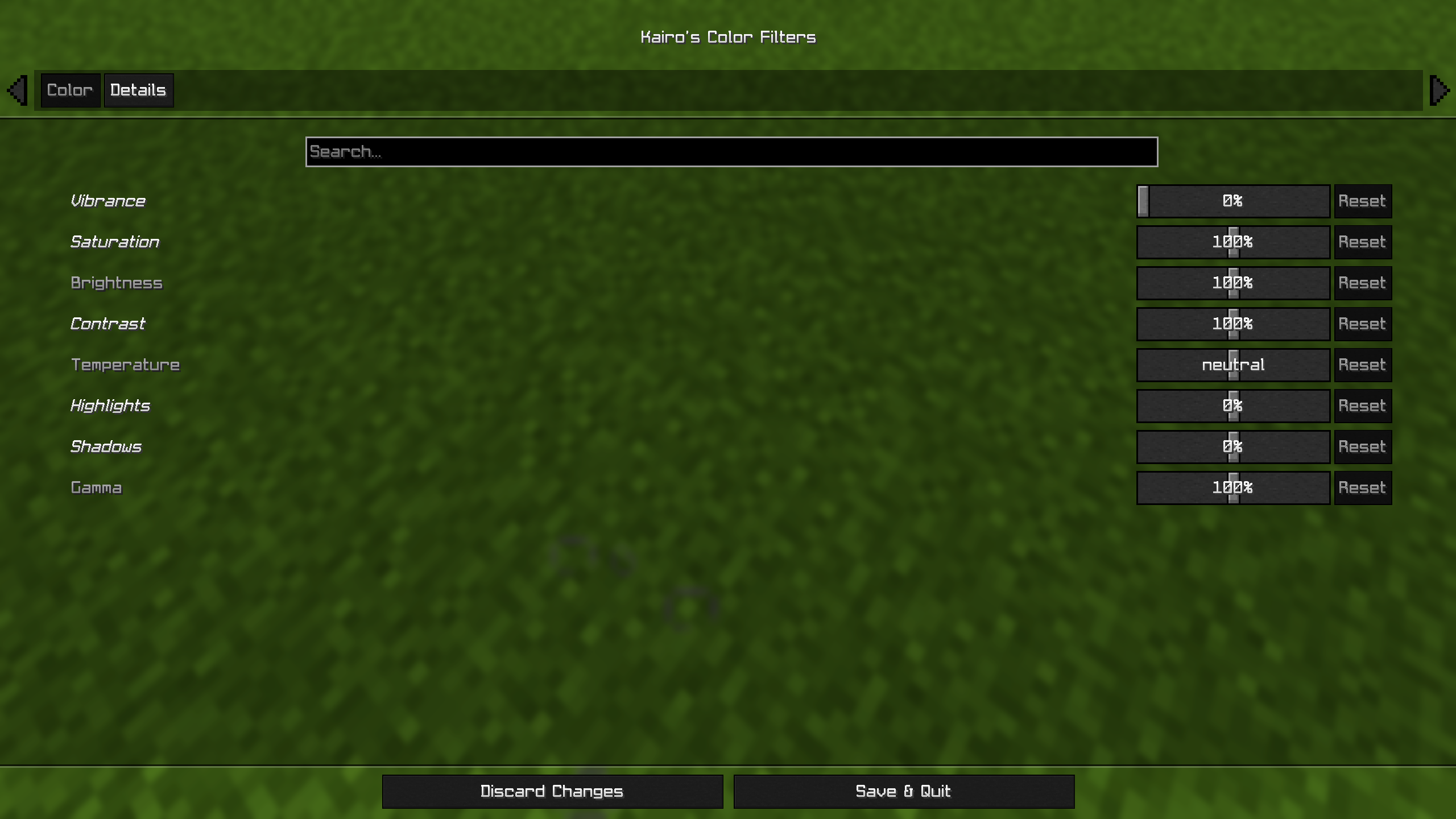
Full color-grading control:
- Vibrance — the main effect. Boosts dull colors more than already-vivid ones, so everything pops without looking radioactive.
- Saturation
- Brightness
- Contrast
- Temperature (warm/cool)
- Highlights
- Shadows
- Gamma
- Sharpness — adaptive sharpening for crisper textures.
Every slider shows its value, has a tooltip, and can be reset individually.
Instant Toggle
Bind the Toggle Color Filters key in Options → Controls and flip the entire effect on and off instantly, perfect for comparing against vanilla mid game. Your settings are kept either way.
Settings
Open the configuration through Mod Menu, or bind the Open Color Filter Settings key in Options → Controls.
Choose between two modes: World Only (default — your HUD stays vanilla) or Whole Screen (filters everything, closest to NVIDIA filters).
The effect is applied on the GPU in a single pass, so the performance cost is basically zero.
Requirements
- Fabric Loader
- Fabric API
- Cloth Config
常见问题
Color Filters 支持哪些 Minecraft 版本?
Color Filters 支持 Minecraft Java 版 1.20–26.3,共 13 个版本,可用的加载器:Fabric。下载时注意选择和你游戏版本一致的文件。
Color Filters 怎么安装?
先用 PCL2 或 HMCL 启动器安装对应版本的 Fabric,再把下载的 .jar 文件放进游戏目录的 mods 文件夹,重新启动游戏即可。开启了版本隔离的,mods 文件夹在 versions/版本名 下面。运行环境:仅客户端。
DevKairo 的其他作品
查看全部 →
Custom Hitsounds
Custom sounds for Minecraft. Import any MP3, WAV or OGG, or record your own. Customize hits, crits, totem pops, kills and 14 total actions.
Custom Hitsounds
Custom sounds for Minecraft. Import any MP3, WAV or OGG, or record your own. Customize hits, crits, totem pops, kills and 14 total actions.

Kairo’s Fire Customizer
Customize first person fire and ground fire. Lower it, shrink it, hide it, or remove the smoke.

Kairo’s Totem Customizer
Lets you fully customize your totem size, color, animation, particles all client side things.
评论
登录后评论和评分