Color-Block-Mod
A Mod that allows you to have every color as a block in Mineraft and inload Images
截图
介绍
THIS IS FOR MINECRAFT/FORGE 1.16.4/35.0.0 AND NEWER! (Only 1.16.x)
Support: https://discord.gg/8pUpWCEUe2
Color–Block–Mod
I’m partnered with Bisect Hosting:

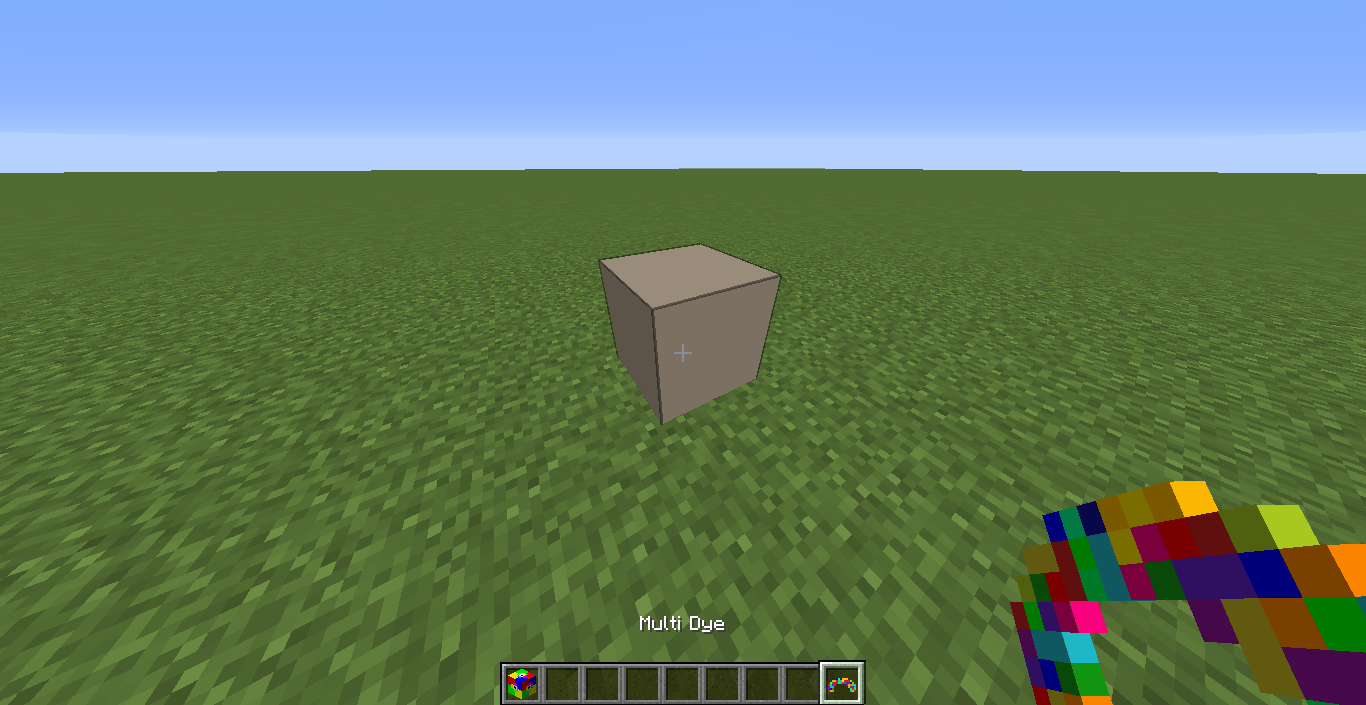
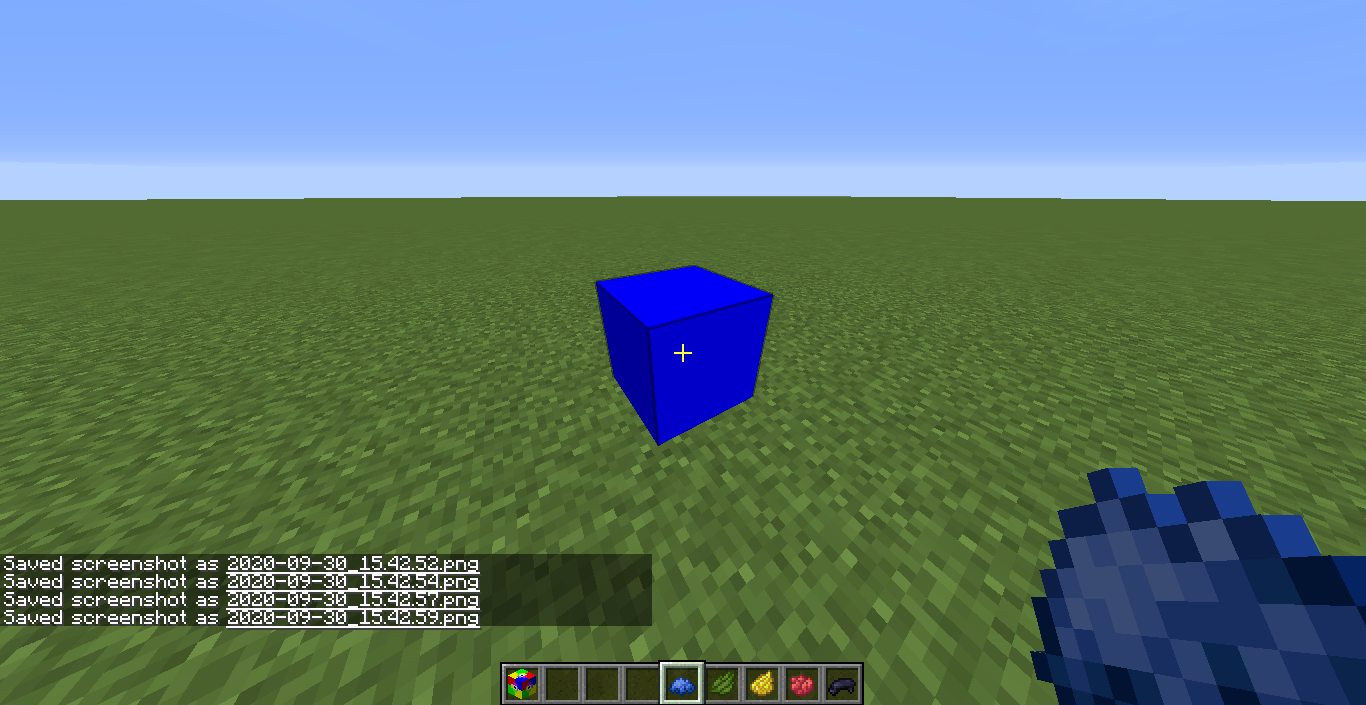
You can color the ColorBlock in every RGB Color. You can customize the Color with Minecraft Dye, an MultiDye Item for Random Colors, a Color-Tool or an GUI
You simply click on the placed ColorBlock with the Dye in your Hand and the Color will update itself
You use MultiDye the same way.
You can use the ColorTool in two ways:
1. You use it like Dye and set the Color in an Anvil, like you rename a Item, then click on the Color-Block.(Decimal-RGB Colors are needed)
2. Sneak-click on an already colored ColorBlock and the ColorTool will adapt this color and have it’s code as name. Then click on the ColorBlock and it will update the Color likein the first example.
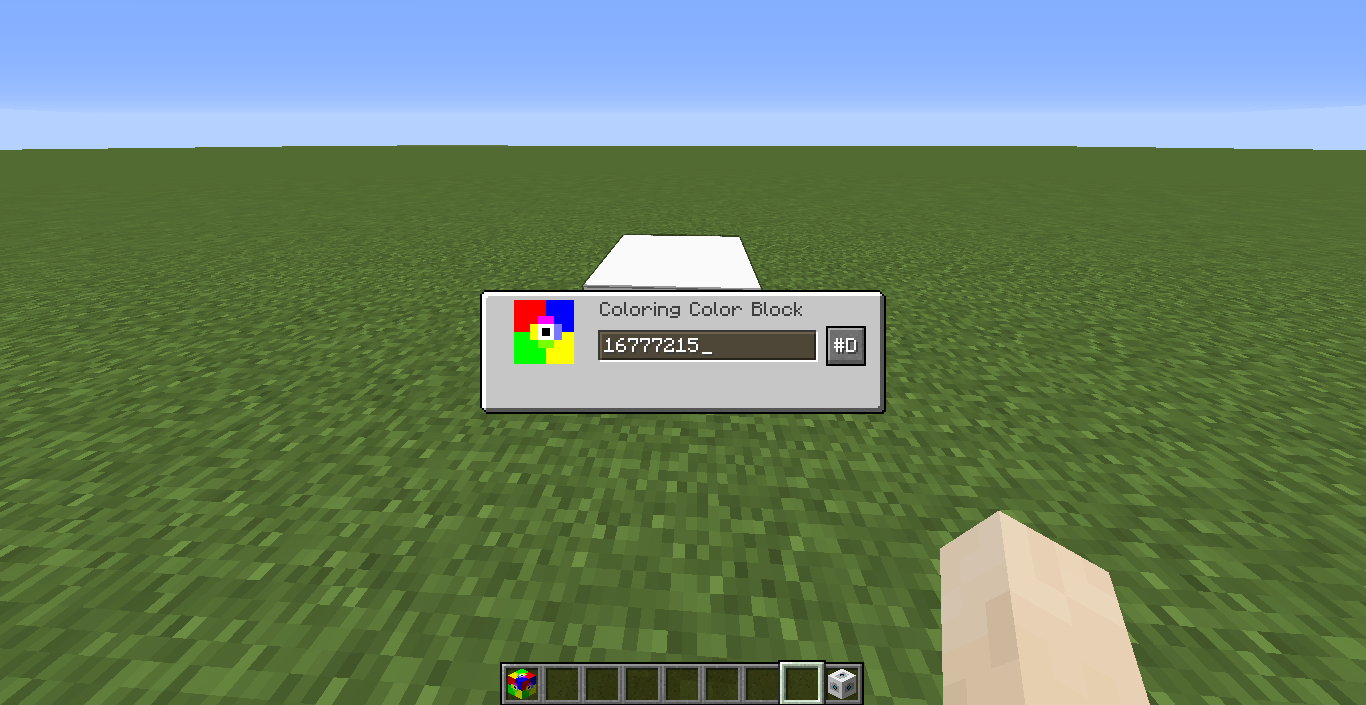
You can open the GUI when you have nothing in your hand. There is a TextField and a Button
In the TextField you write the Color you want the Block to have. With the Button you can choose the numbering system you want to use for the Color.
IMAGE-BLOCK
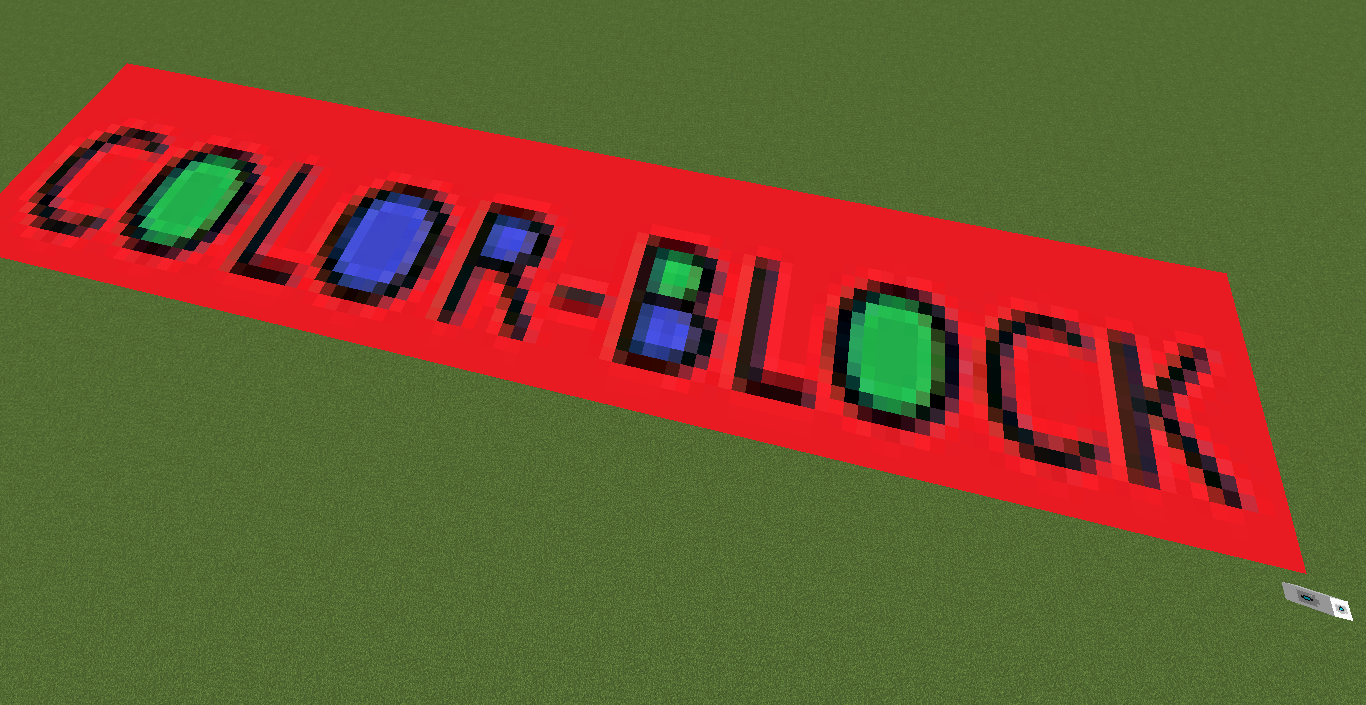
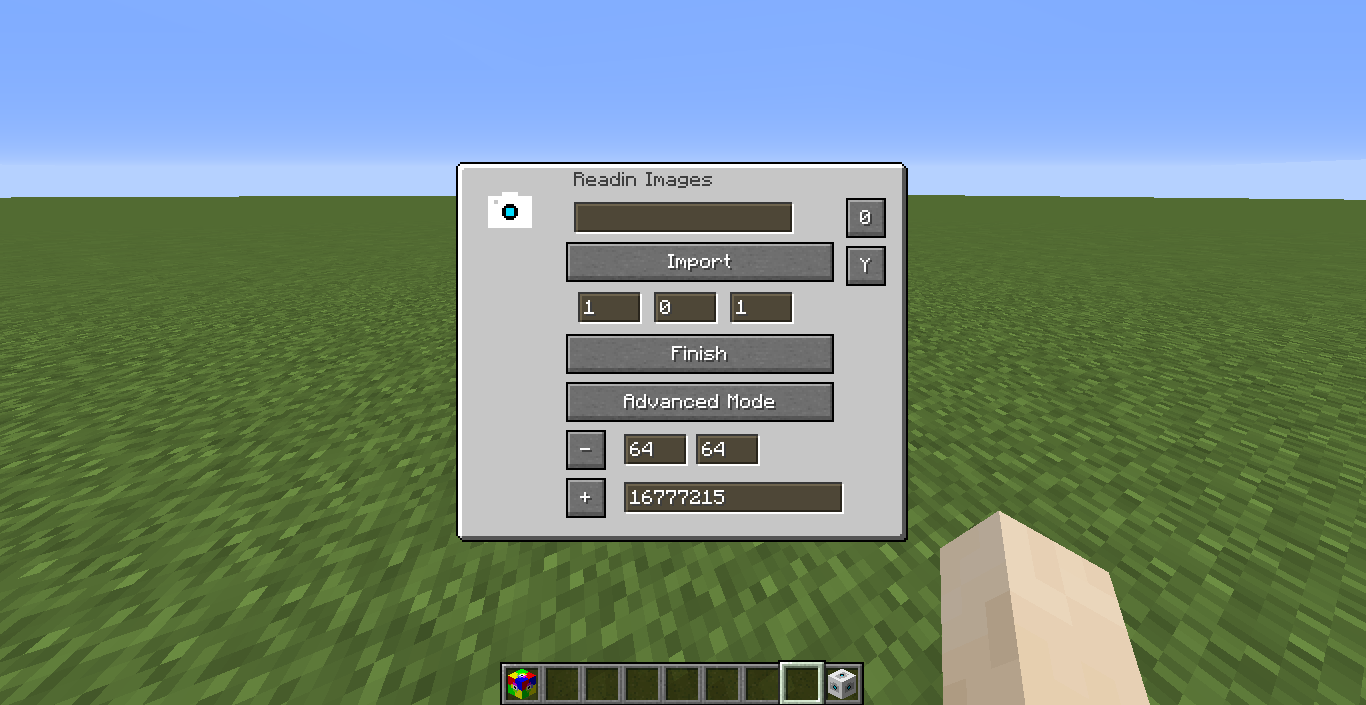
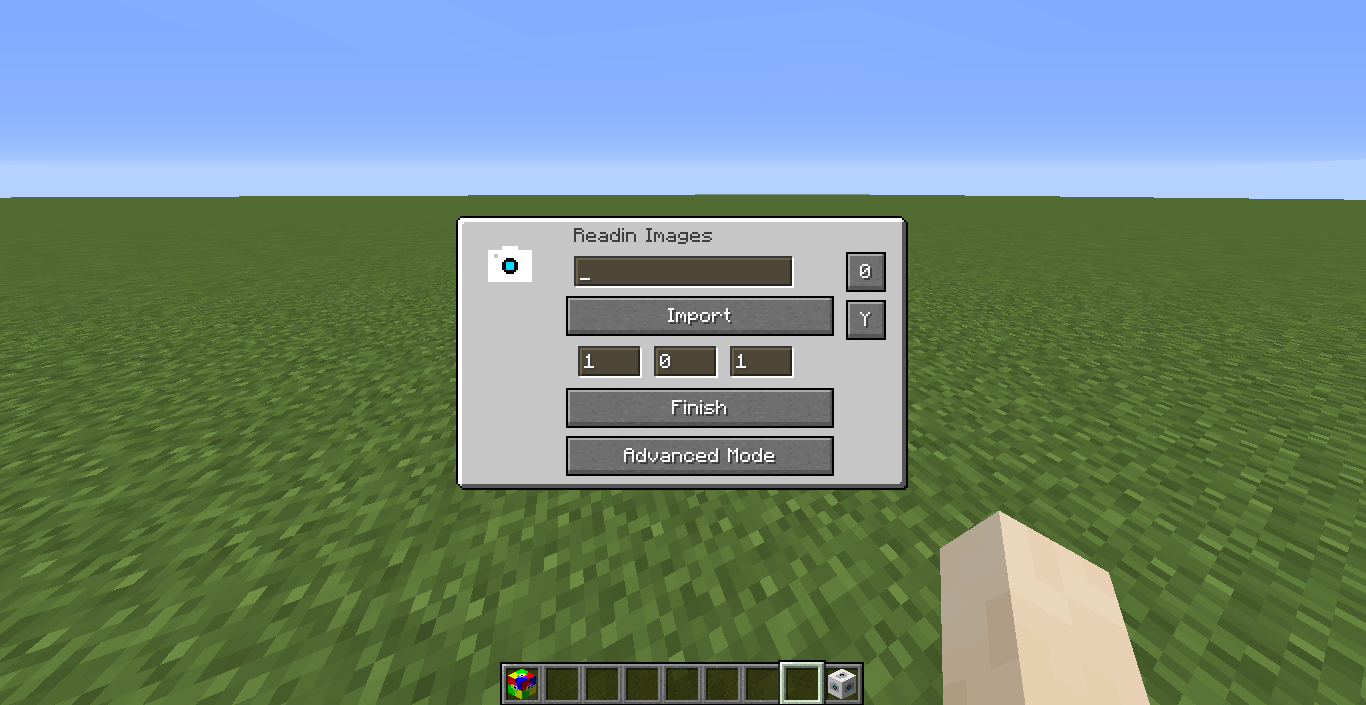
With the ImageBlock you can Import Images from your Filesystem in Minecraft. In the GUI you can write the Path of the Image or choose it with the ImportButton.
You can Rotate the Image or choose the Axis of the Image. With three textfields you can set an Offset to the Block. With the “Finish” Button you build the Image.
Everyone who wants more Options can click the Advanced Mode Button to open the Advanced Mode, where you can choose an max Image Size or if you want empty pixels to be filled
What is the Image Block doing?
– It will place Color Blocks, which are configured to the RGB Color of the Image
– In the Config of the Image Block, you can only change in which rotation or Axis the Image is build.
The “Undo” Button allow Players to remove Images which aren’t like they want. Be careful with the “Fill Empty Pixel” Setting, because Blocks, which are replaced with Air, can’t come back.
Overwritten Colors from other Images can’t be undone.
Take care!
常见问题
Color-Block-Mod 支持哪些 Minecraft 版本?
Color-Block-Mod 支持 Minecraft Java 版 1.16.3–1.16.5,共 3 个版本,可用的加载器:Forge。下载时注意选择和你游戏版本一致的文件。
Color-Block-Mod 怎么安装?
先用 PCL2 或 HMCL 启动器安装对应版本的 Forge,再把下载的 .jar 文件放进游戏目录的 mods 文件夹,重新启动游戏即可。开启了版本隔离的,mods 文件夹在 versions/版本名 下面。
silverminer007 的其他作品
查看全部 →
Shrines Structures
一个可自定义的结构生成模组,为 Minecraft Forge 提供神龛、神庙、房屋等新结构

DynamicRegistries
Allows other mods to create data-pack based registries

More Ores everywhere
This is a Mod for everything. Blocks, Items, Biomes, Dimensions, Structures etc.

Dynamic Registries
Allows other mods to create data-pack based registries
评论
登录后评论和评分