
Colony Dashboard
A lightweight MineColonies HUD showing builders, requests, health, deaths, and citizens at a glance — no menus required. Resizable, persistent settings, and styled like a leather-bound colony ledger.
介绍
Colony Dashboard
A lightweight HUD addon for MineColonies that gives you a quick, glanceable overview of your colony without opening any building menus.
Features
Features
- Builders — see what each builder is currently working on, pulled live from their own progress announcements, with a fallback while they’re still waiting on materials
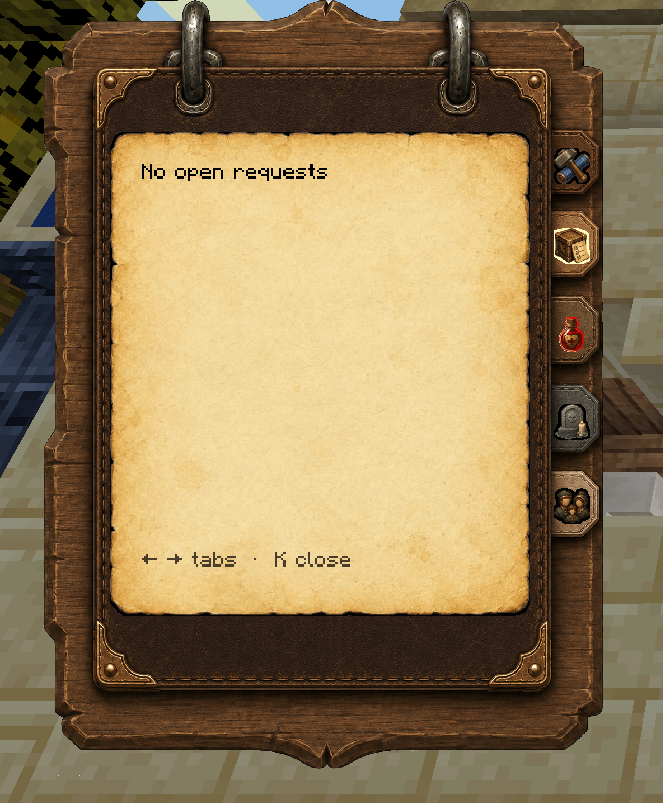
- Requests — every open colony request at a glance, including who’s asking and for what
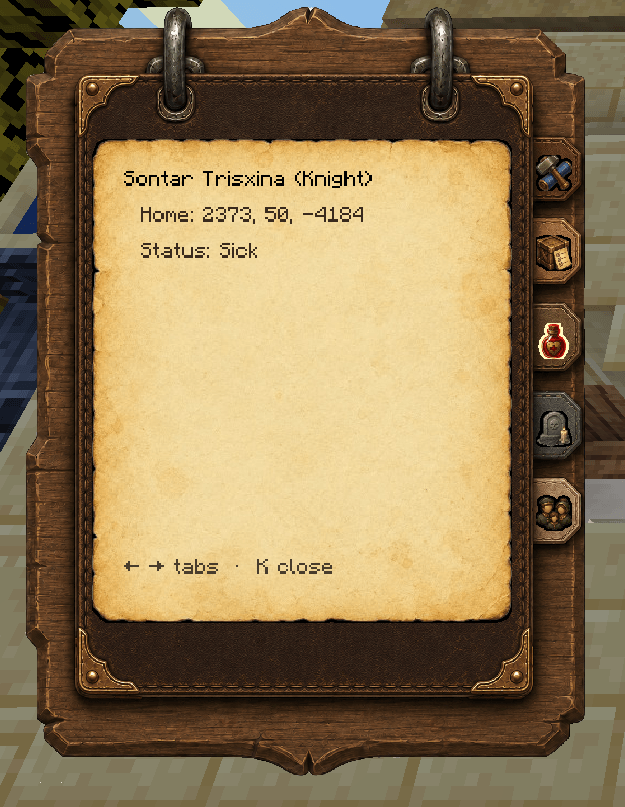
- Health — instantly see who’s sick, their job, and where they live
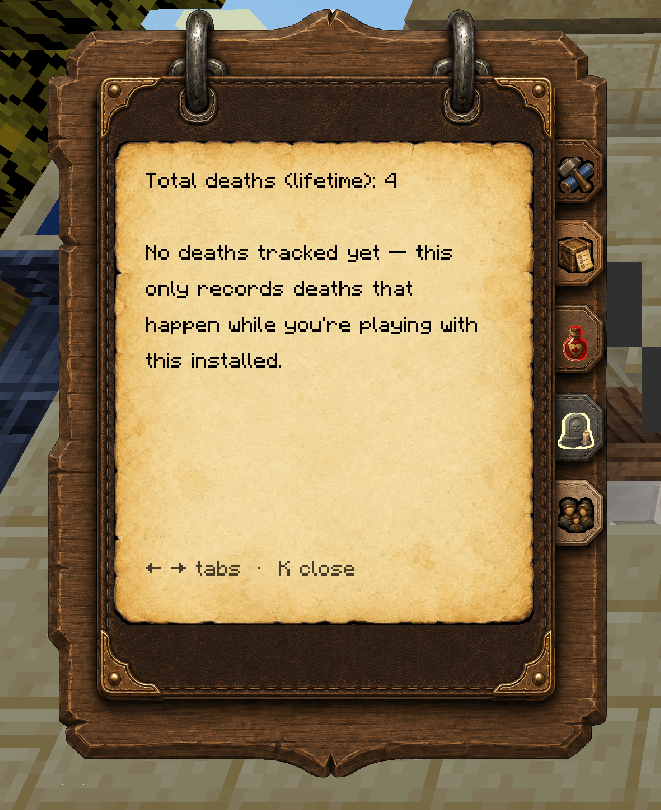
- Deaths — lifetime death count (from MineColonies’ own colony stats), plus a running log of individual deaths with cause and location, captured as they happen
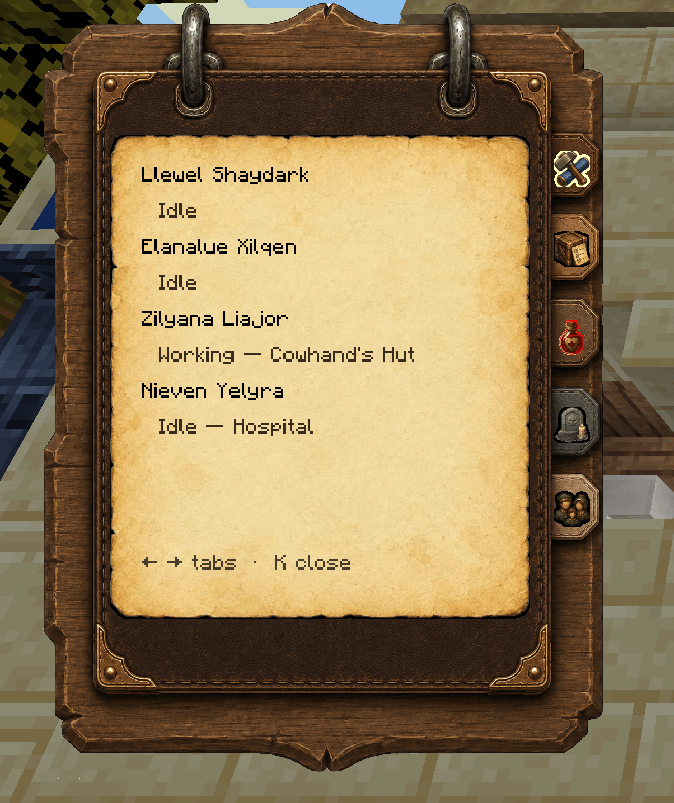
- Citizens — full roster with job and current status
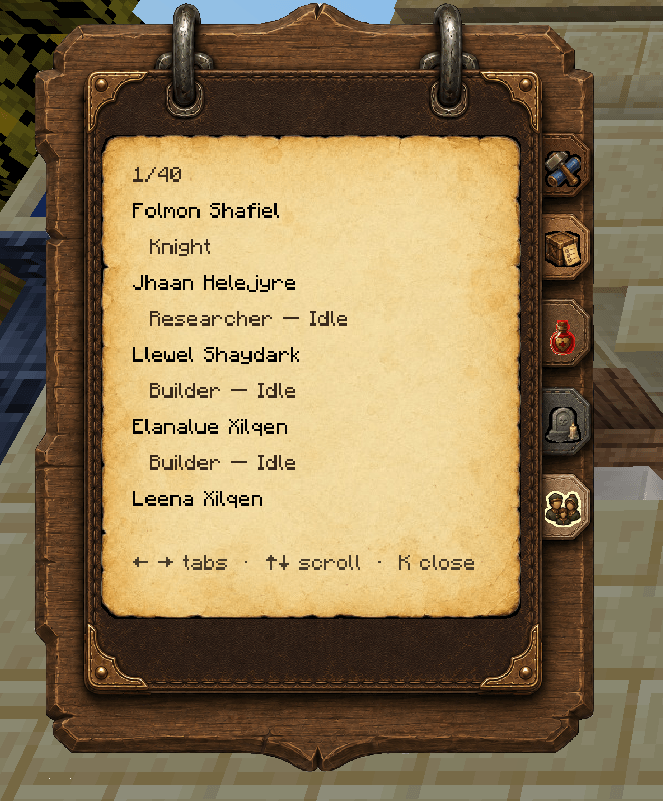
Look & Feel
Styled as a leather-bound clipboard with parchment pages and color-coded tabs — designed to feel like part of the game, not a debug overlay.
Fully Resizable
Both the panel size and text size can be adjusted in real time with dedicated keybinds, so it works whether you’re on a 4K monitor, a laptop, or just prefer things bigger or smaller. Settings are remembered between sessions.
Controls
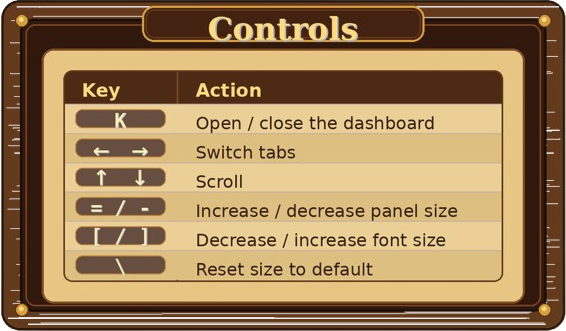
All keybinds are rebindable in Controls settings if they conflict with another mod.
Requirements
- MineColonies (required — this is an addon, not a standalone mod)
- NeoForge, Minecraft 1.21.1
Status
This is an early release — the core features are tested and working, but if you run into a bug or something looks off on your MineColonies version, please report it! Bug reports with your latest.log are especially helpful if something shows a “couldn’t load” warning.
常见问题
Colony Dashboard 支持哪些 Minecraft 版本?
Colony Dashboard 支持 Minecraft Java 版 1.21.1,可用的加载器:NeoForge。下载时注意选择和你游戏版本一致的文件。
Colony Dashboard 怎么安装?
先用 PCL2 或 HMCL 启动器安装对应版本的 NeoForge,再把下载的 .jar 文件放进游戏目录的 mods 文件夹,重新启动游戏即可。开启了版本隔离的,mods 文件夹在 versions/版本名 下面。
Bludeuwedd 的其他作品
查看全部 →
Shenanigans: A Mincolonies Experience
A modpack with Minecolonies, a few tech mods and some other fun things thrown in. Prepare for epic exploration and a little bit of exasperation.

Forge and Fortify
Build thriving colonies, explore dangerous dungeons, and conquer endless waves of enemies in Forge & Fortify - a modpack focused on settlement building and structured combat challenges.

Holiday Blitz
Celebrate the season with colony management, brutal bosses, and stunning Christmas-themed world generation.
评论
登录后评论和评分