
Collision Effects
作者:salty5844
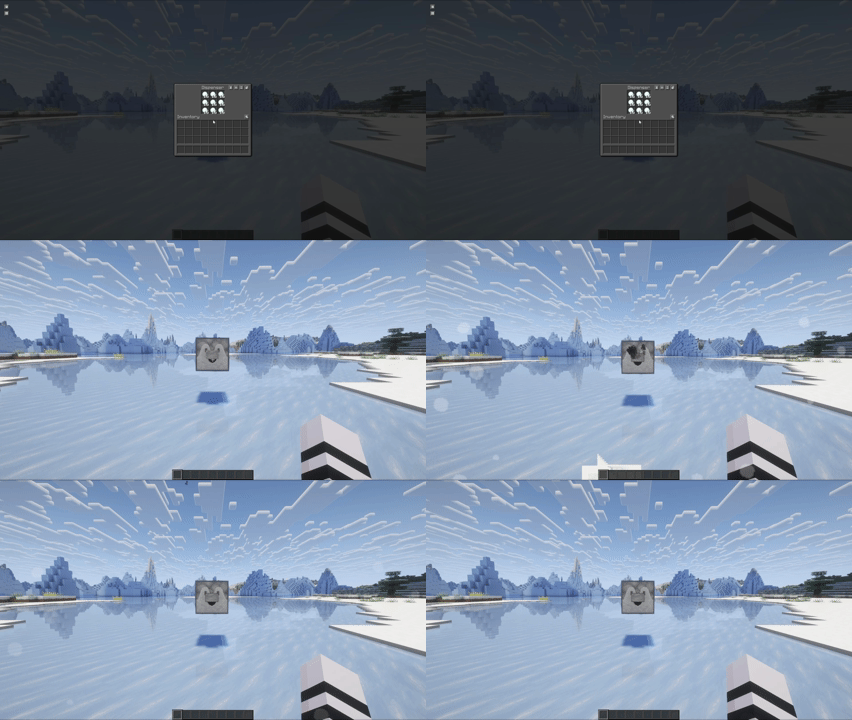
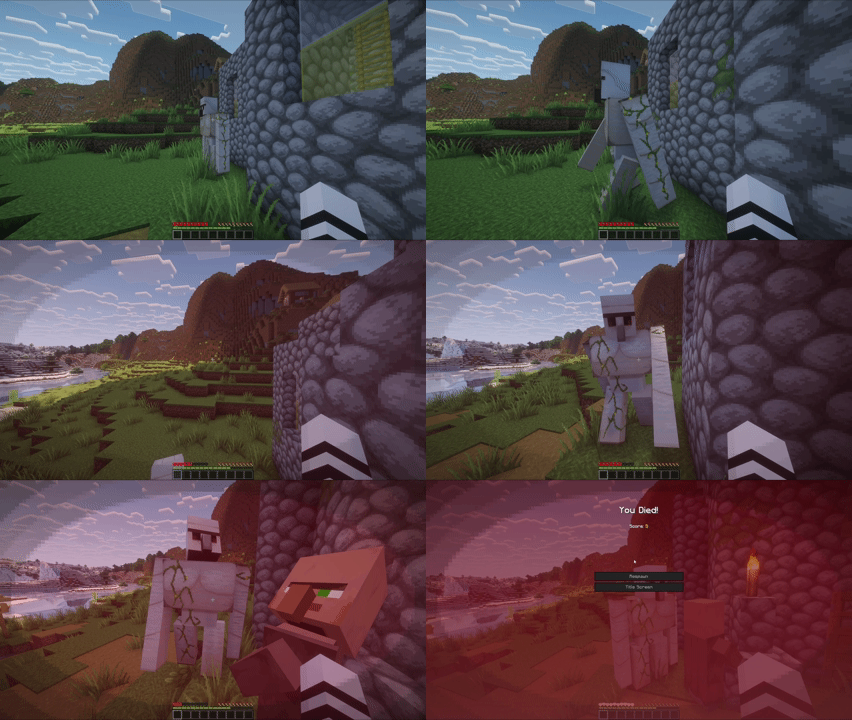
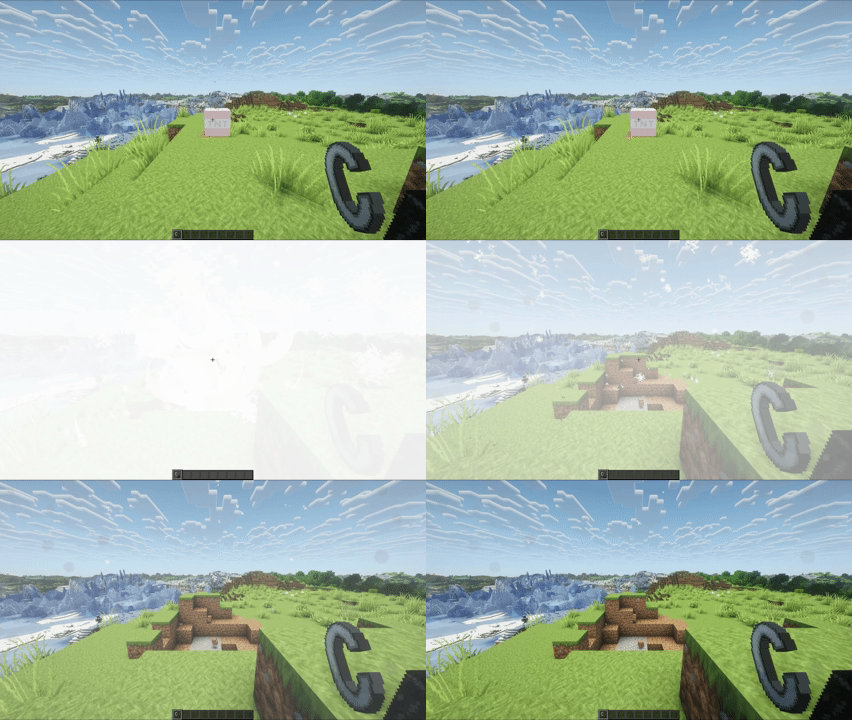
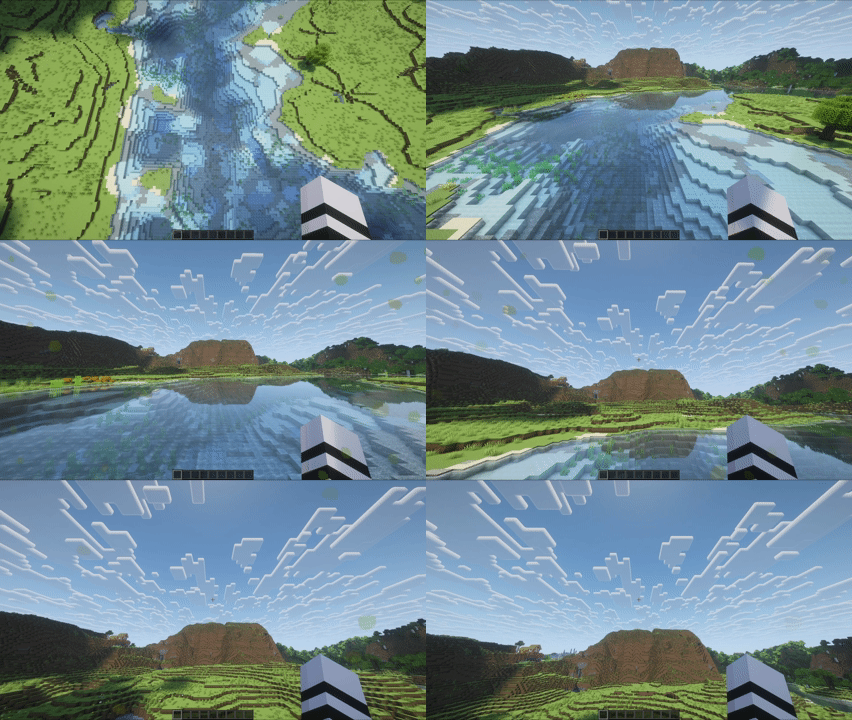
See every impact! HUD particle effects for impacts and environmental interactions
截图
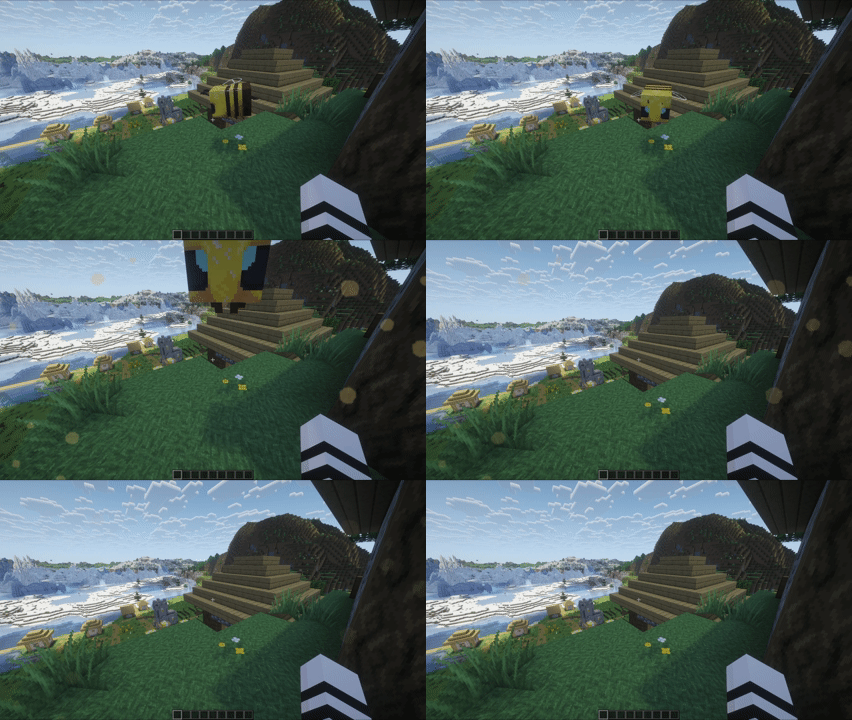
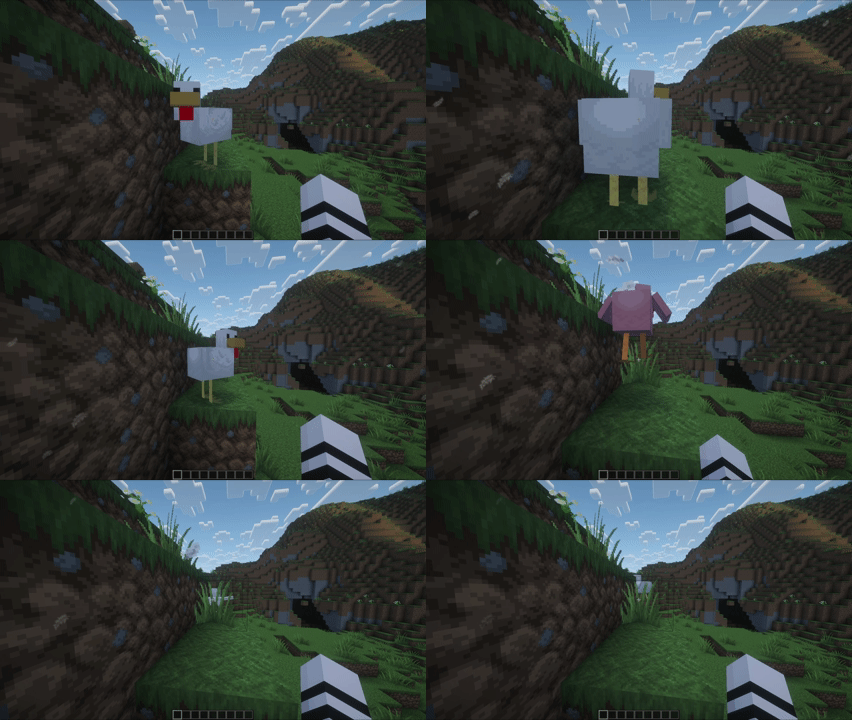
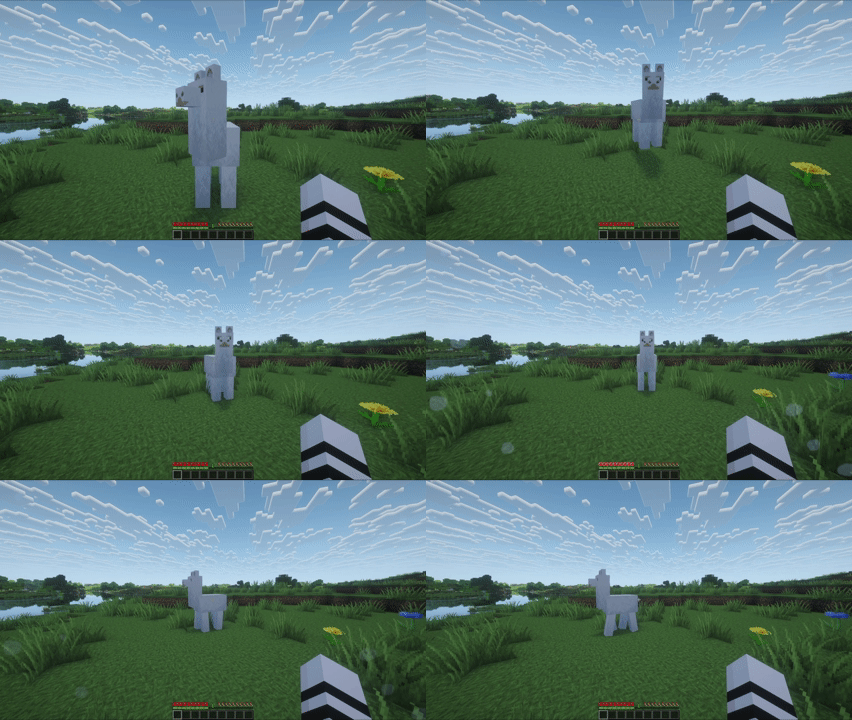
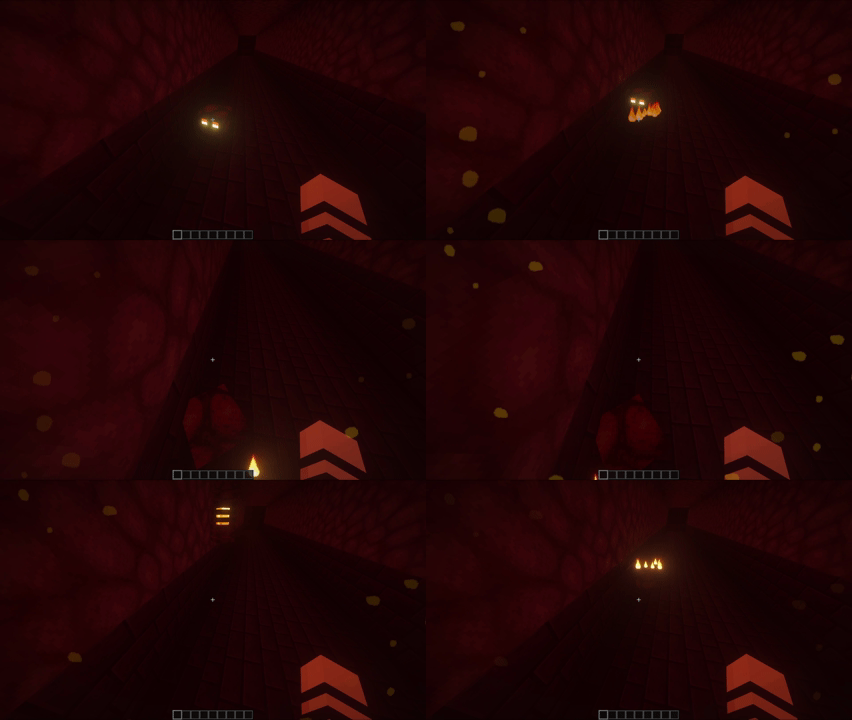
介绍
中文介绍正在准备中,下面暂时显示原文。

See every impact!
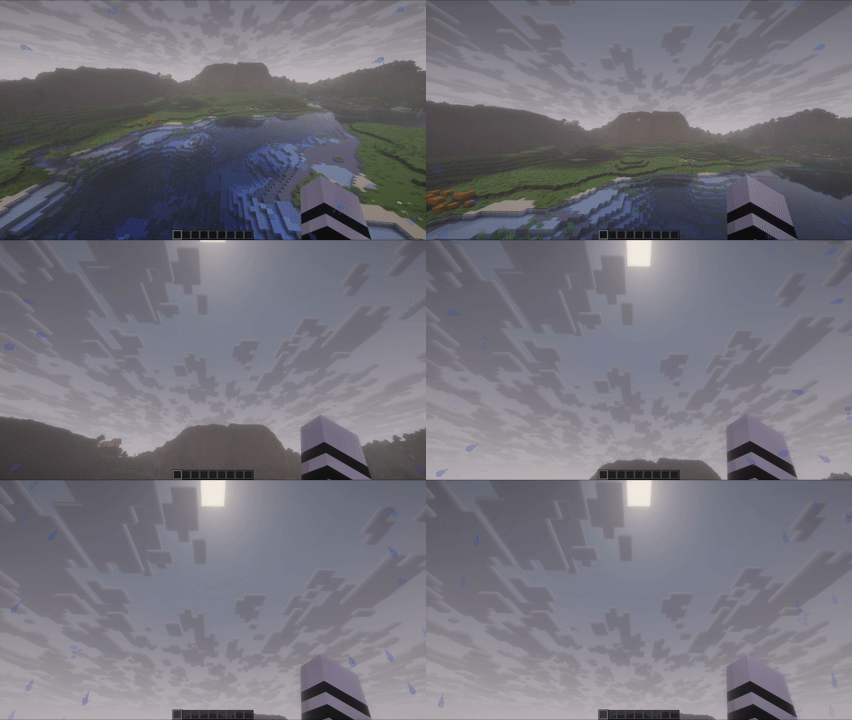
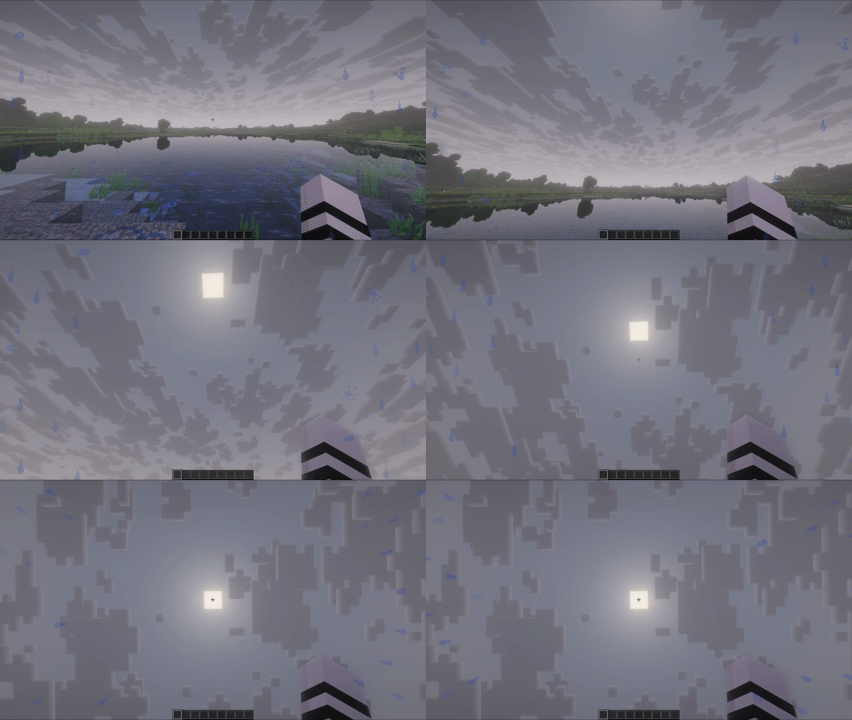
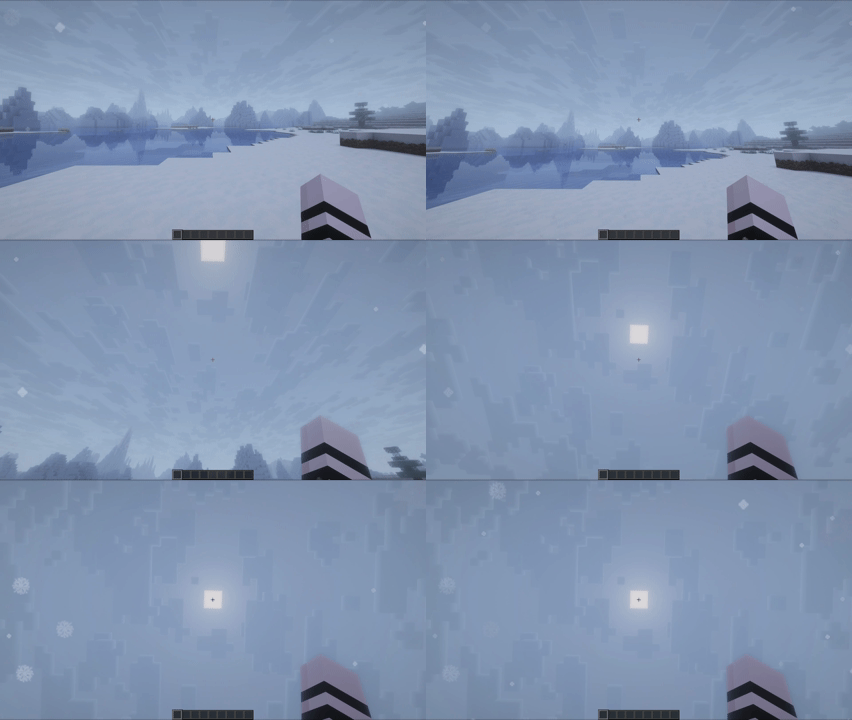
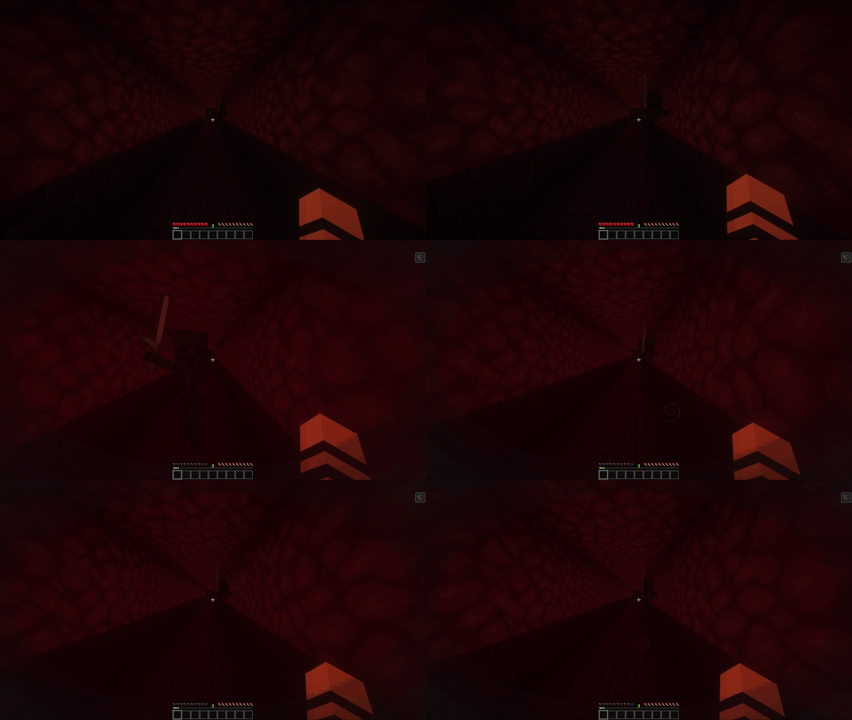
Collision Effects adds dynamic screen overlays for environment and mob interactions to make movement and impacts feel more visceral.
Showcase
|
|
|
|
|
|
|
|
|
|
|
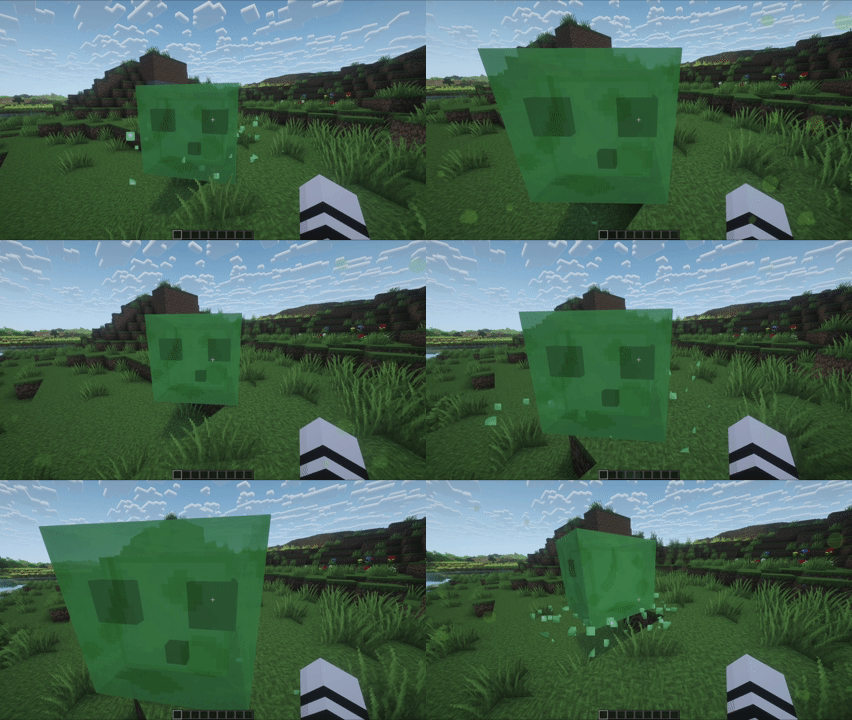 |
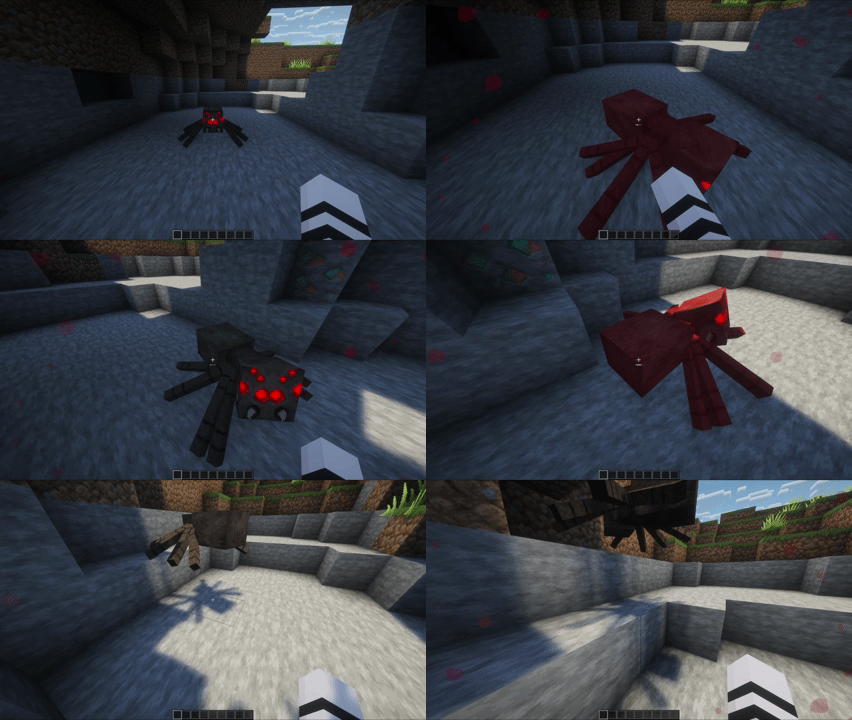 |
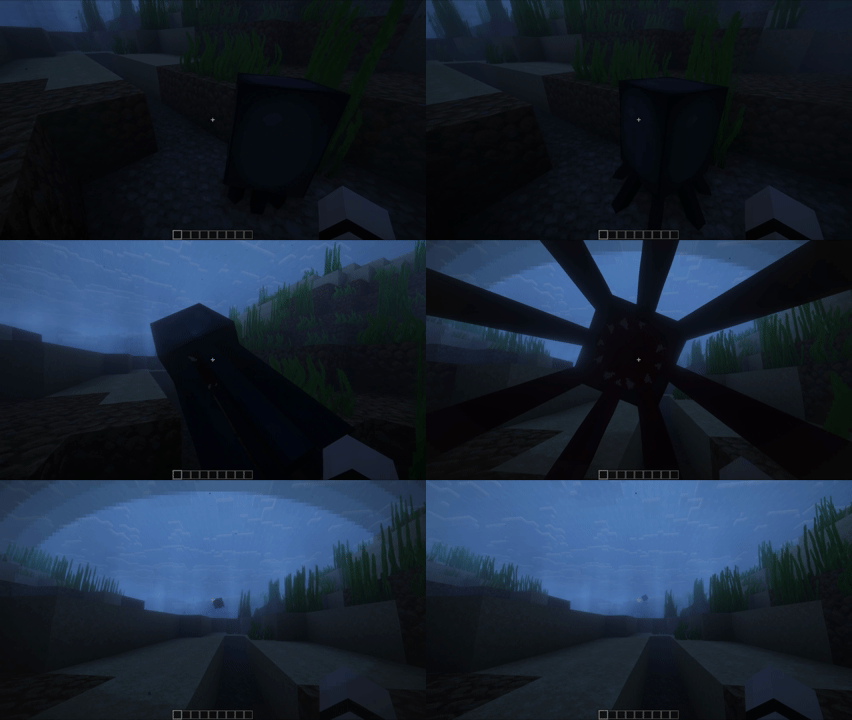 |
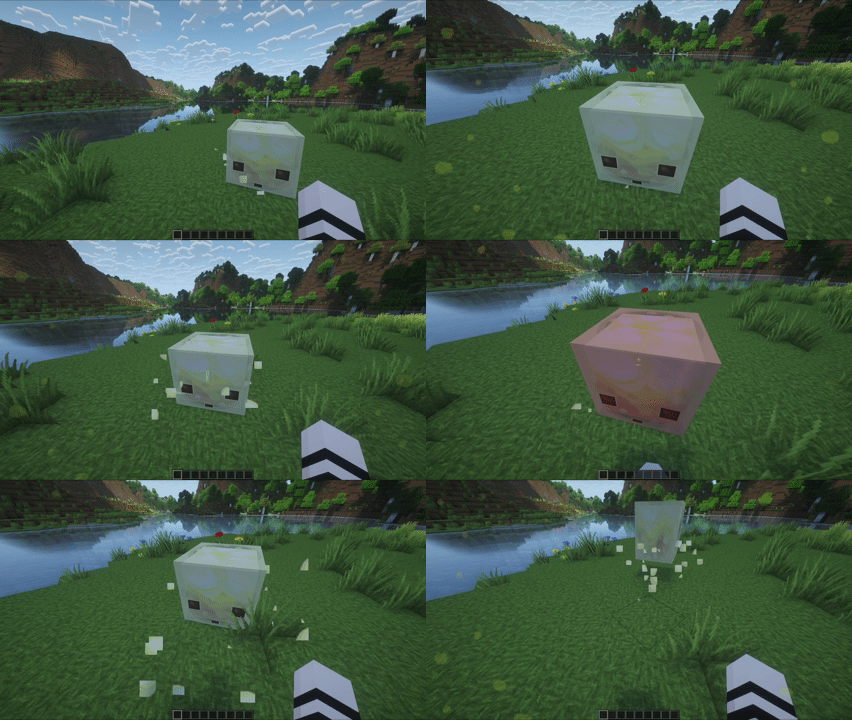 |
 |
 |
 |
Features
- Bugs
- Biome-aware spawn multipliers
- Proximity-based spawn rate
- Damage and Status Overlays
- Instant damage tint
- Low-health tint and vignette
- Explosions
- Debris overlays
- Flash effects for close, forward-facing blasts
- Mob Interactions
- Bee pollen
- Chicken feathers
- Llama spit
- Magma splatters
- Slime splatters
- Snowball clumps
- Spider splatters
- Squid ink vignette
- Sulfur splatters
- Wither vignette
- Water and Lava
- Entry effects
- Exit effects
- Surface swimming effects
- Weather
- Behavior that responds to movement direction and velocity
- Rain streams and splashes
- Snowflakes that build and fade naturally
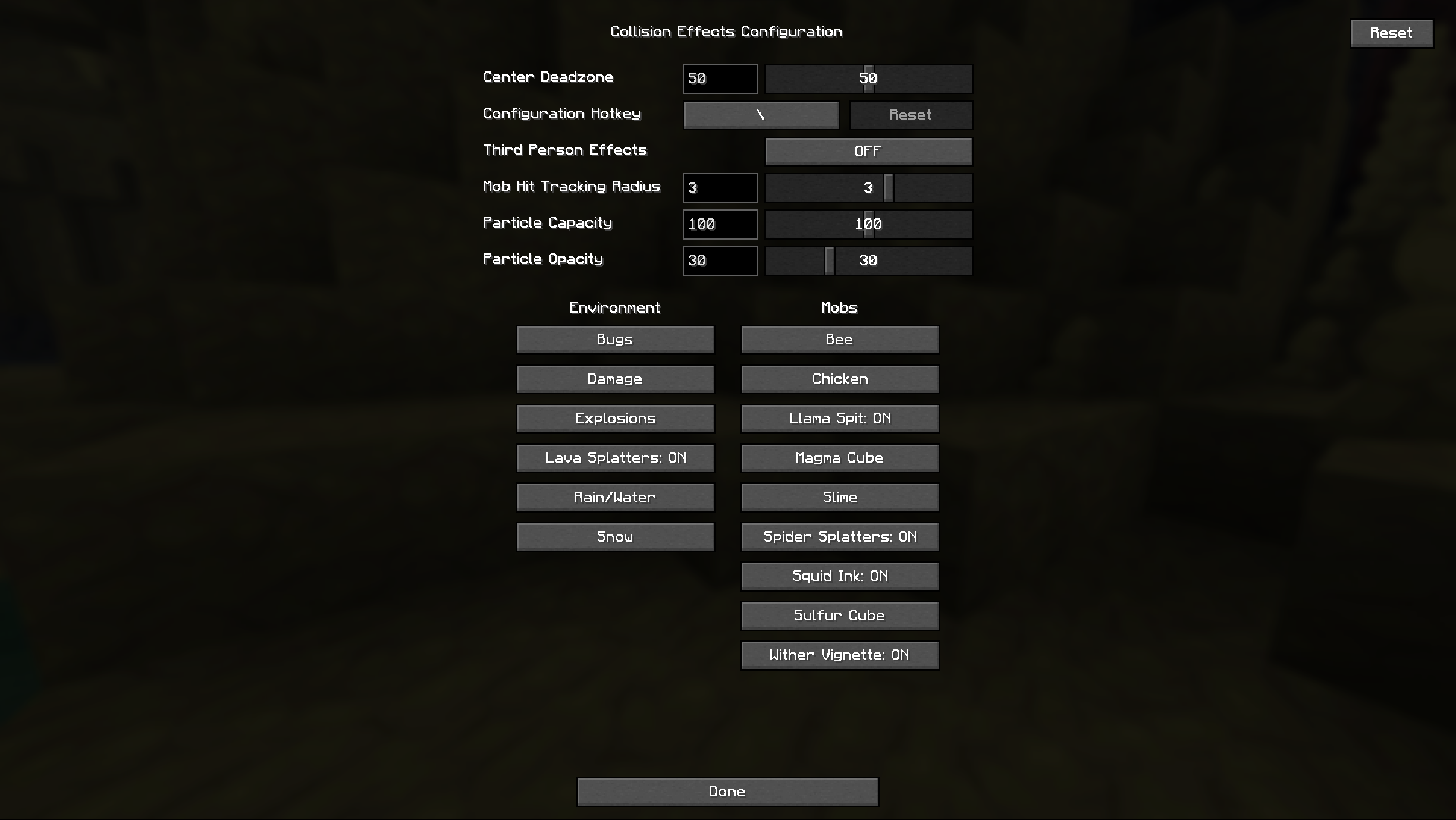
Configuration
Compatible with Mod Menu
Global controls at the top of the config screen:
- Center Deadzone (0-100, default 50)
- Configuration Hotkey (default backslash)
- Third Person Effects (default OFF)
- Mob Hit Tracking Radius (0-5, default 3)
- Particle Capacity (0-200, default 100)
- Particle Opacity (0-100, default 25)
All effects have toggles and some have effect-specific sliders.
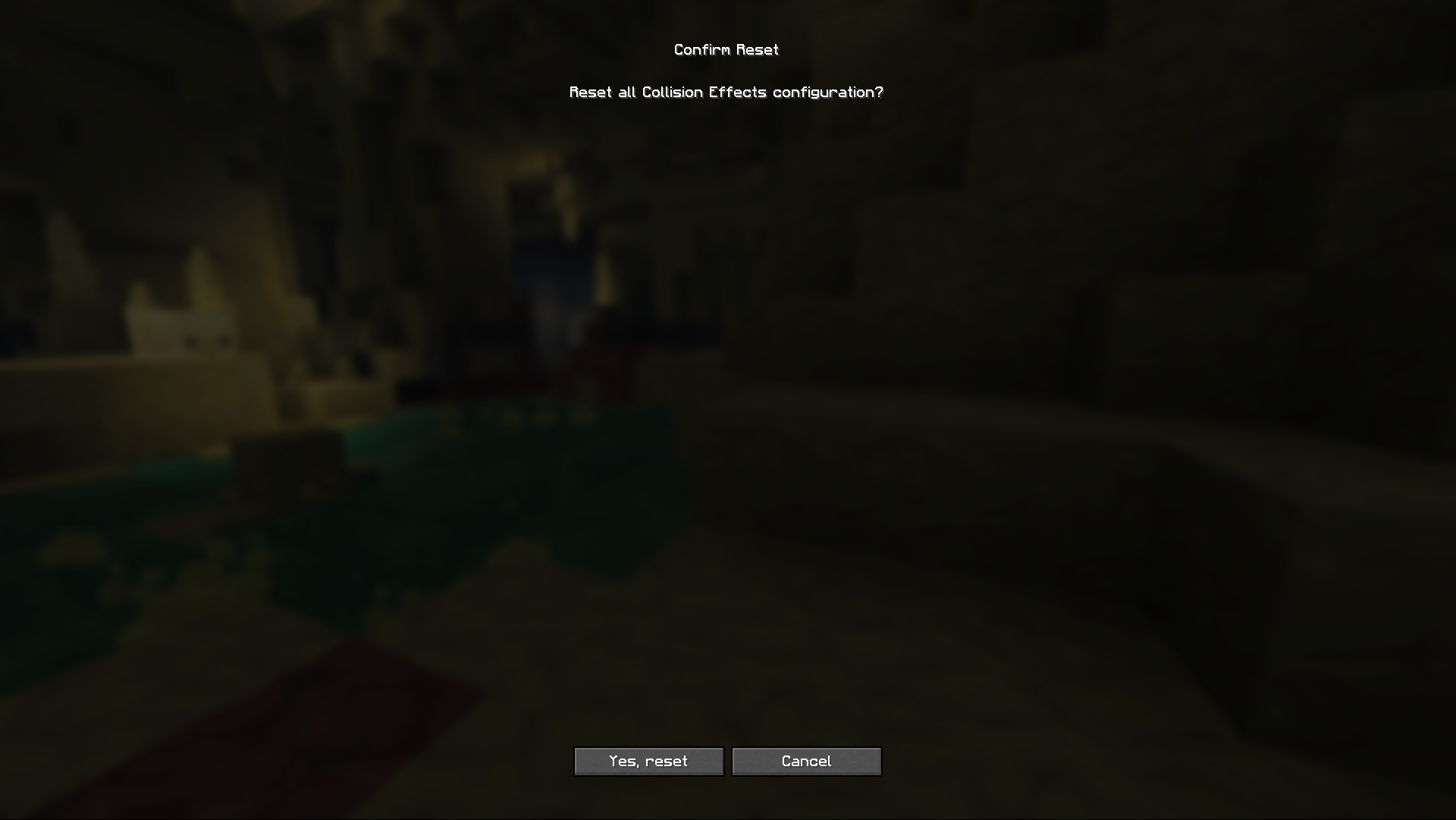
You can reset individual effects or the entire configuration.
If you like cosmetic mods like this, you should check out my modpack!
常见问题
Collision Effects 支持哪些 Minecraft 版本?
Collision Effects 支持 Minecraft Java 版 1.21.11–26.2,共 2 个版本,可用的加载器:Fabric / NeoForge / Quilt。下载时注意选择和你游戏版本一致的文件。
Collision Effects 怎么安装?
先用 PCL2 或 HMCL 启动器安装对应版本的 Fabric / NeoForge / Quilt,再把下载的 .jar 文件放进游戏目录的 mods 文件夹,重新启动游戏即可。开启了版本隔离的,mods 文件夹在 versions/版本名 下面。运行环境:仅客户端。

评论
登录后评论和评分