
截图
介绍
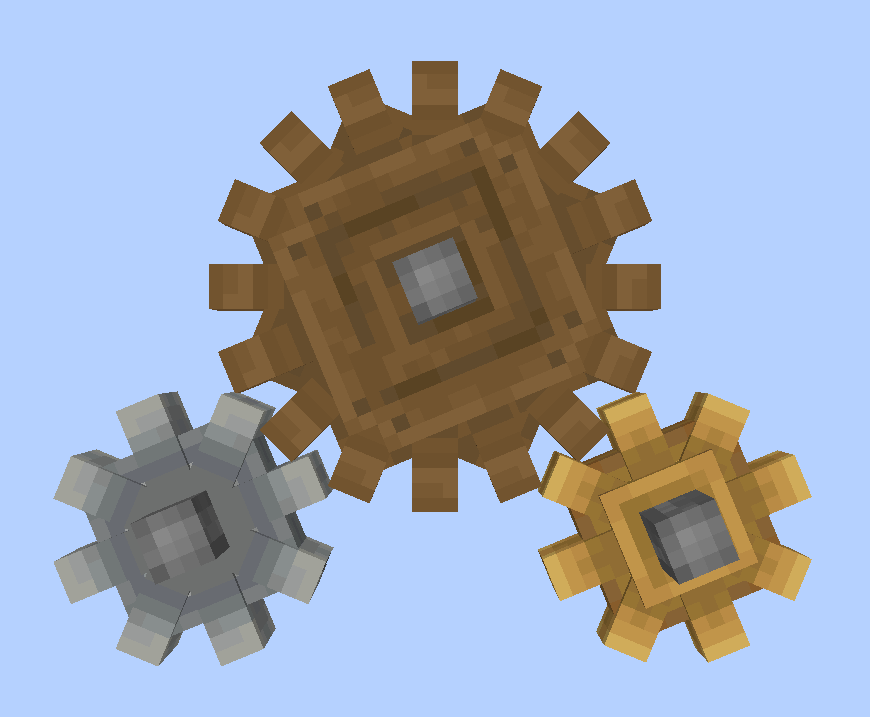
Cogwheel Tweaker makes adding custom Create cogwheels possible. You can specify the properties of your custom cogwheels in Zen-script and data packs.
To generate an example script for custom cogwheels, you can run the /ct example command. With that script, you already have small andesite and brass cogwheels using the prepackaged models and data sets.
To make truly custom cogwheels, you can use data packs provided by mods like openloader to package your assets with your mod pack.
Custom Cogwheels follow the format of adding other custom blocks with Content Tweaker as following:
#loader contenttweaker
import mods.contenttweaker.block.BlockBuilder;
import mods.cogweeltweaker.block.cogwheel.CoTWheelBuilder;
new BlockBuilder()
.withType<CoTWheelBuilder>()
.build("small_cog");
new BlockBuilder()
.withType<CoTWheelBuilder>()
.withLarge(true)
.build("large_cog");
Cogwheel Tweaker requires Create 0.3.1+, Content Tweaker and Craft Tweaker
常见问题
Cogwheel Tweaker 支持哪些 Minecraft 版本?
Cogwheel Tweaker 支持 Minecraft Java 版 1.16.3–1.16.5,共 3 个版本,可用的加载器:Forge。下载时注意选择和你游戏版本一致的文件。
Cogwheel Tweaker 怎么安装?
先用 PCL2 或 HMCL 启动器安装对应版本的 Forge,再把下载的 .jar 文件放进游戏目录的 mods 文件夹,重新启动游戏即可。开启了版本隔离的,mods 文件夹在 versions/版本名 下面。



评论
登录后评论和评分