截图
介绍
⚡ Cobblemon Streamer Mode ⚡
Hey, chat! Ready to stop being innocent little spectators and start making my battle decisions for me?! 🎮✨
Cobblemon Streamer Mode turns your Twitch chat into part of your Cobblemon battles! Available for Cobblemon versions 1.7.3/1.8.0+
It must be installed on the server, but not necessarily on all clients.
Your viewers can vote on what happens next, and when the timer runs out… BAM! The winning choice gets picked automatically.
Your brilliant strategies? Your carefully planned battle tactics?
Hehehe… those belong to chat now. 💜
🗳️ Chat Gets to Choose!
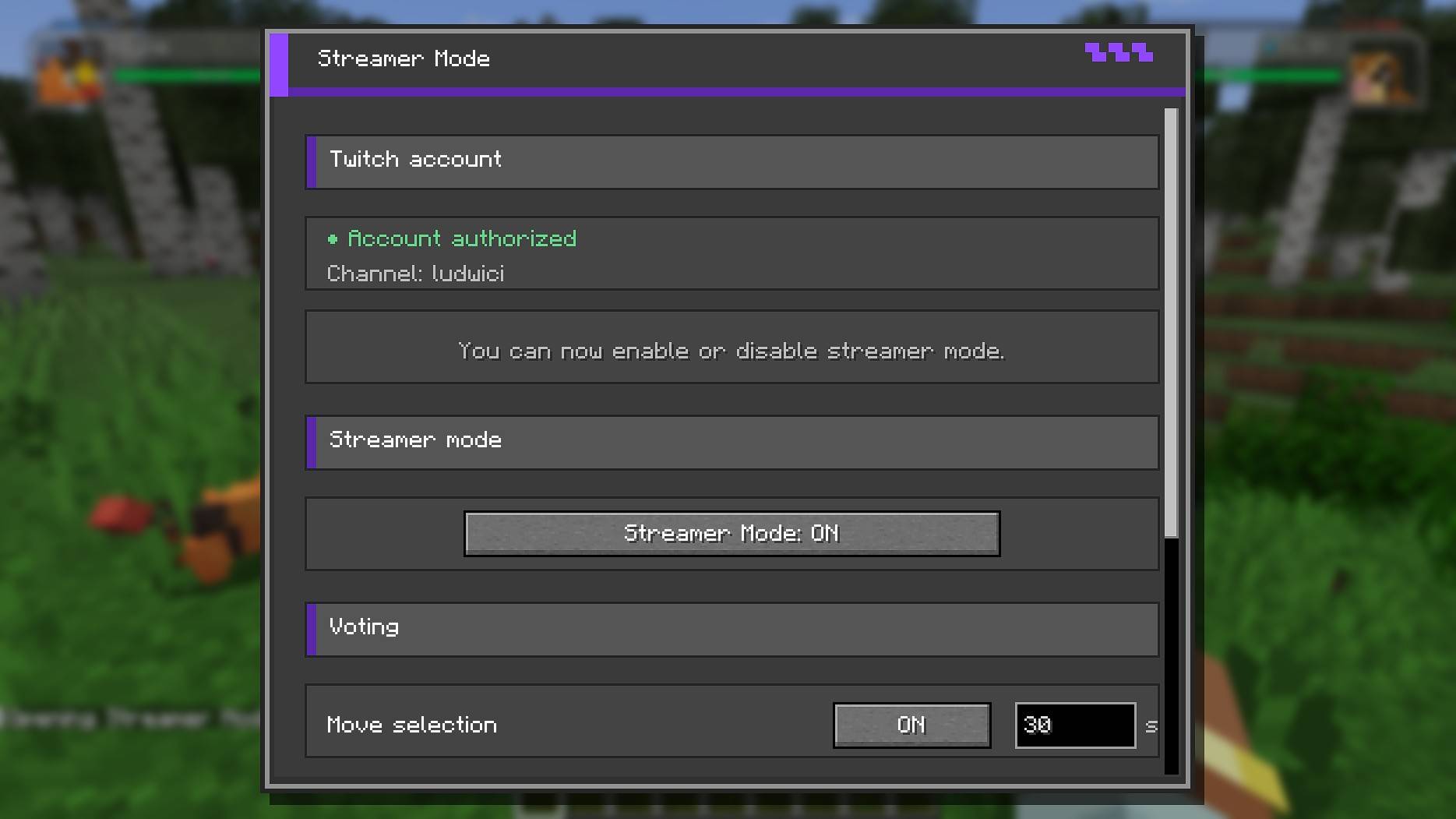
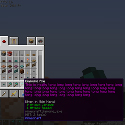
Just use command ‘/streamermode’ to show your personal settings:
Link your Twitch account and configure the settings.
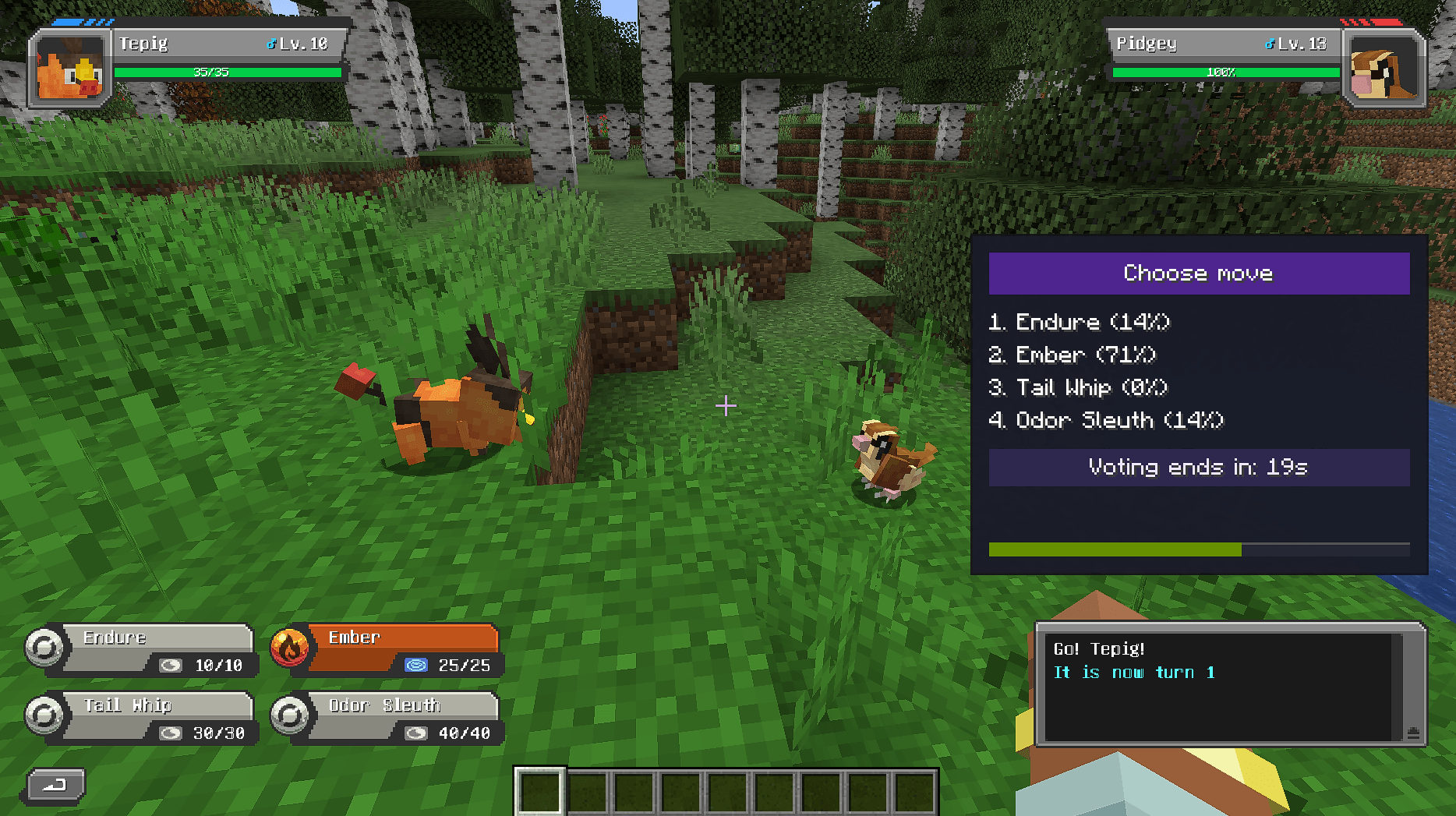
During supported battle actions, viewers can vote for:
- ⚔️ Which move to use
- 🎯 Which target to attack
- 🔄 Which Pokémon to switch to
Voting is super simple!
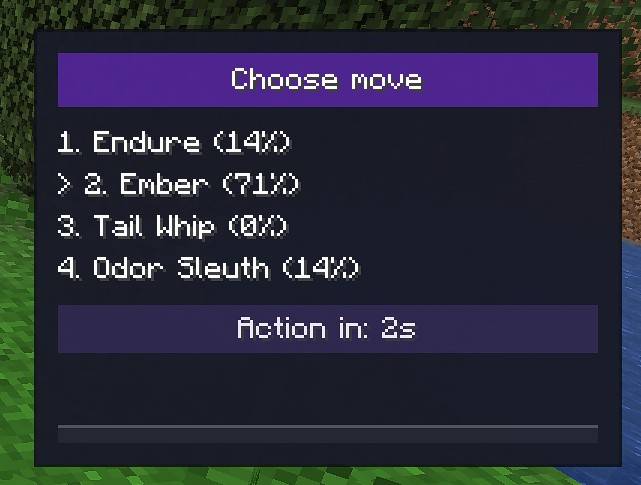
Viewers just send the number of their choice in Twitch chat:
1
2
3
4
And that’s it!
When the voting timer reaches zero, the most popular option wins.
If there’s a tie? Random winner!
Nobody voted because chat was too busy spamming emotes? Random choice!
Chaos is part of the fun. ✨
⚙️ Make It Your Stream
Not every streamer wants maximum chaos all the time.
You can individually enable or disable voting for different battle choices and give each one its own voting duration.
Want chat to choose your Pokémon but keep control over your moves?
Go for it!
Want them controlling everything?
You are very brave.
You can also decide whether each viewer gets one vote or can vote multiple times.
💜 Easy Twitch Integration
Connect your Twitch account directly from the game and Streamer Mode will automatically use your channel.
No need for your viewers to install anything.
If they can type in Twitch chat, they can vote!
🎮 Singleplayer & Multiplayer
Whether you’re adventuring alone or battling on a multiplayer server, Streamer Mode lets your audience join in on the action.
Turn it on when you want some audience participation, turn it off when you need to regain control of your life.
Probably.
✨ Your battle. Your Pokémon. Chat’s decisions.
Give your viewers a vote and see just how trustworthy your community really is.
Good luck, streamer! ⚡
My modpacks:
Check my other mods:





常见问题
Cobblemon Streamer Mode 支持哪些 Minecraft 版本?
Cobblemon Streamer Mode 支持 Minecraft Java 版 1.21.1,可用的加载器:Fabric / NeoForge。下载时注意选择和你游戏版本一致的文件。
Cobblemon Streamer Mode 怎么安装?
先用 PCL2 或 HMCL 启动器安装对应版本的 Fabric / NeoForge,再把下载的 .jar 文件放进游戏目录的 mods 文件夹,重新启动游戏即可。开启了版本隔离的,mods 文件夹在 versions/版本名 下面。



评论
登录后评论和评分