
Cobblemon – Smart Rotom
SmartRotom aims to bring the Rotom Phone from Pokémon Scarlet and Violet to Minecraft, integrating with Cobblemon to combine the Pokédex, portable PC, healing, trading, map, and social features into a single interface.
截图
介绍
SmartRotom adds the Rotom Phone from Pokémon Scarlet and Violet to Minecraft, with several features for Cobblemon. It comes with different cases to customize its appearance. Hold it in your hand and right-click to open it.
From your phone, you can view the map, access the Community interface, and use a camera with selfie mode, portrait mode, filters, and photo editing tools. Your photos are saved to the gallery, where you can share them with other players. SmartRotom also supports optional mods that expand the phone’s features.
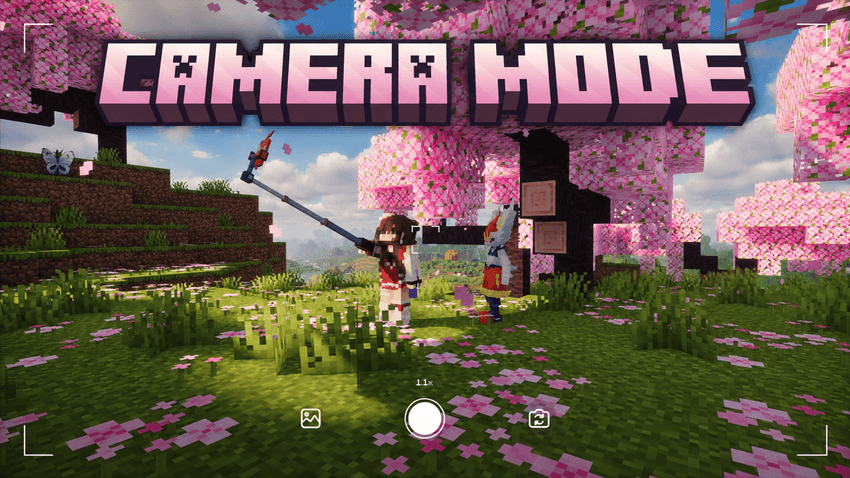
SmartRotom’s camera lets you take photos in first-person or selfie mode. You can adjust the zoom, choose the aspect ratio, set a timer, and apply filters before taking a photo. Portrait mode lets you focus on Pokémon, players, or mobs while blurring the background. Photos are saved to your gallery, where you can share them in posts or send them through private messages.
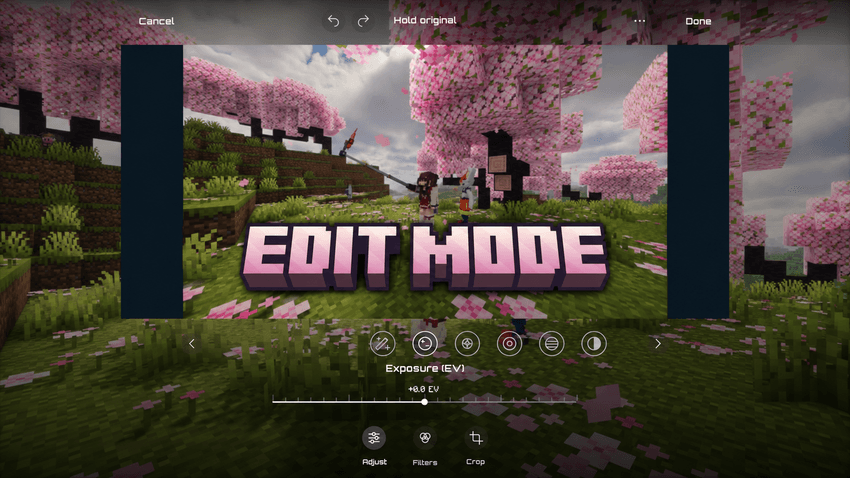
SmartRotom’s photo editor lets you adjust exposure, brightness, contrast, saturation, temperature, and more. It includes filters with adjustable intensity, sharpening, vignettes, and highlight and shadow controls. You can also save your own custom filters to use again.
You can crop, rotate, and straighten your photos, compare your changes with the original, and undo or redo adjustments before saving.
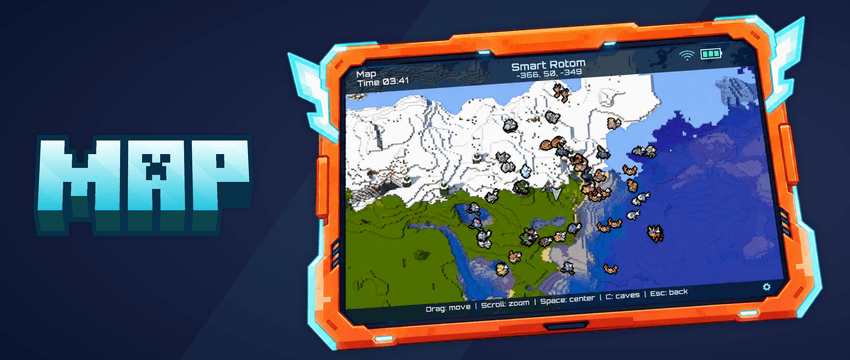
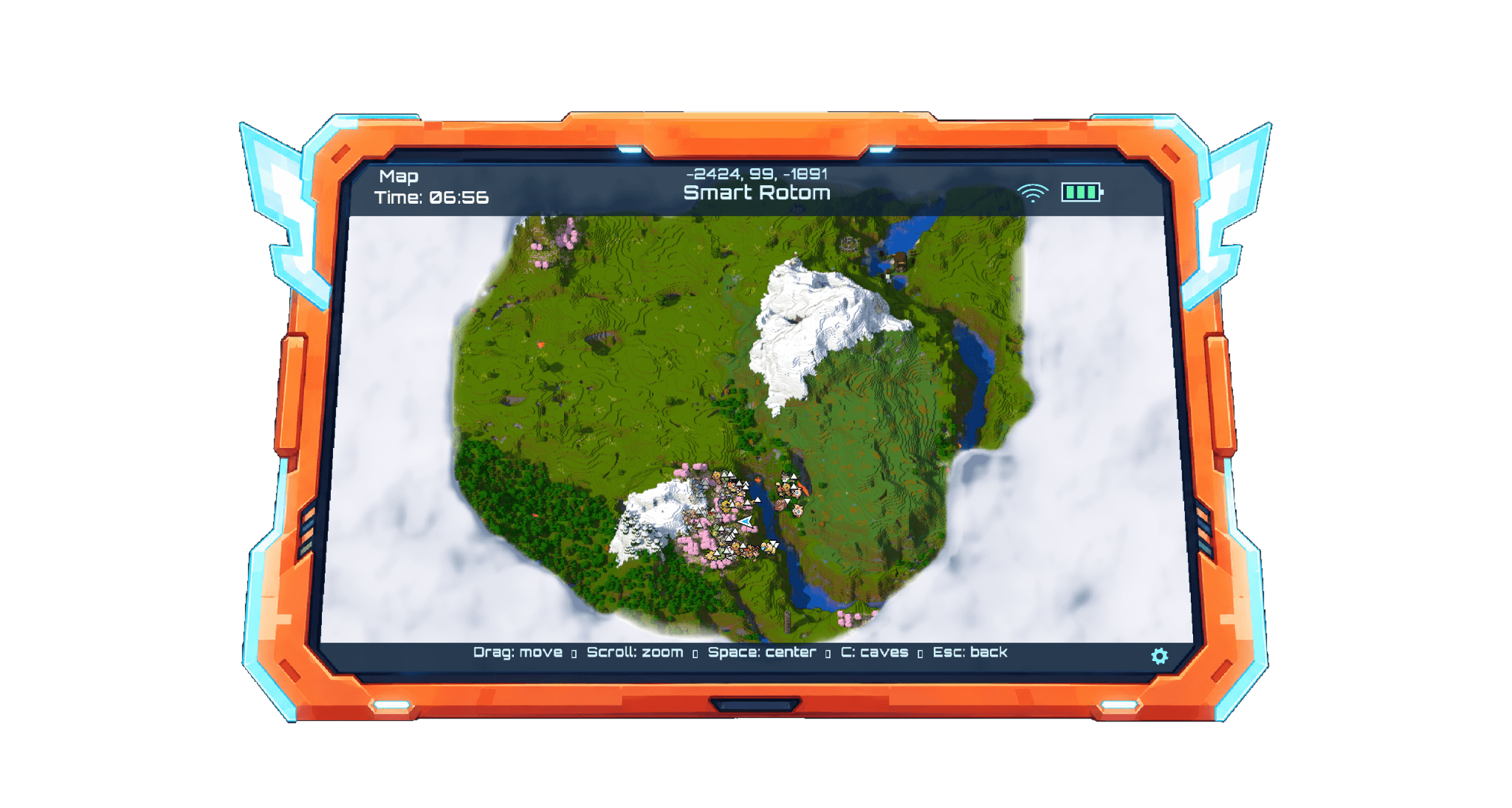
SmartRotom’s map lets you explore your world directly from your phone. You can create, rename, and delete waypoints from the map. When selecting a waypoint or Waystone, you can view its information and, if cheats are enabled, teleport to it quickly.
SmartRotom offers optional compatibility with Waystones, displaying your travel points and their different variants. The map uses Diorama, integrated directly into SmartRotom, so you do not need to install it separately. Credits to Diorama’s creator for their work.
You can configure a keybind to open the map from the controls. You do not need to hold the SmartRotom; having it in your inventory is enough.
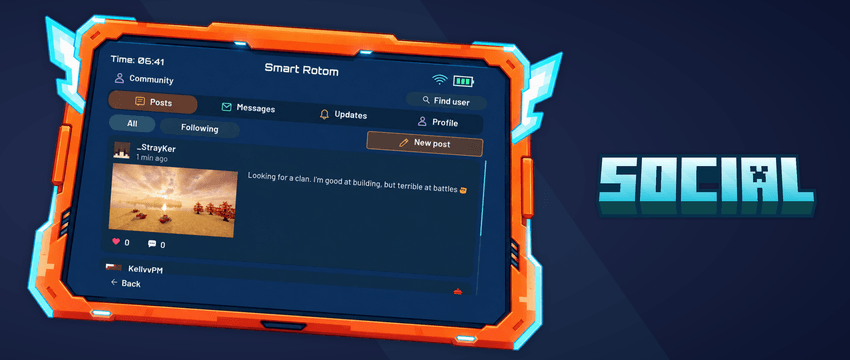
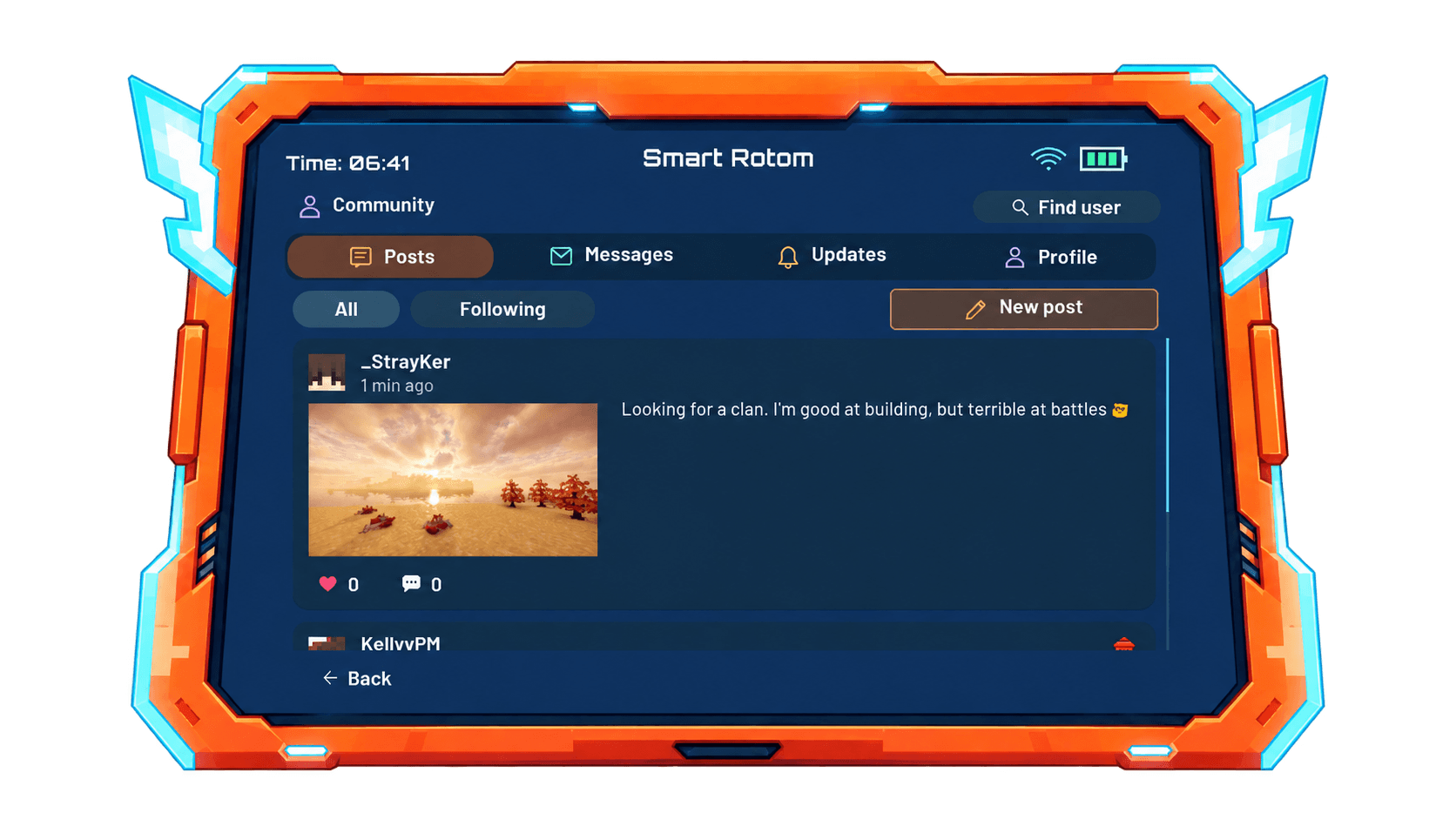
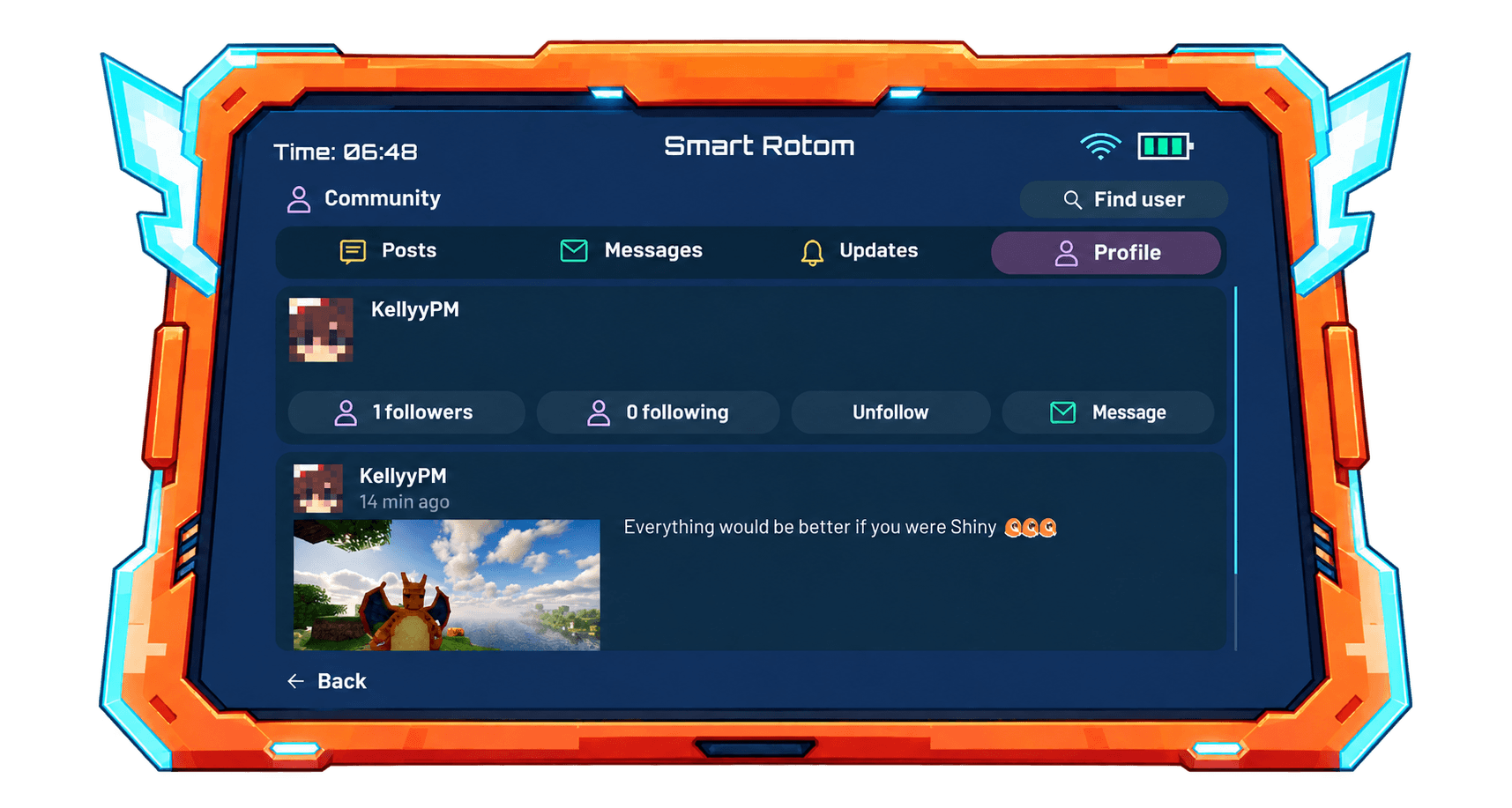
SmartRotom lets you share photos in posts, follow other players, and have your own followers. You can browse profiles, customize your own, like posts, and leave comments in the community.
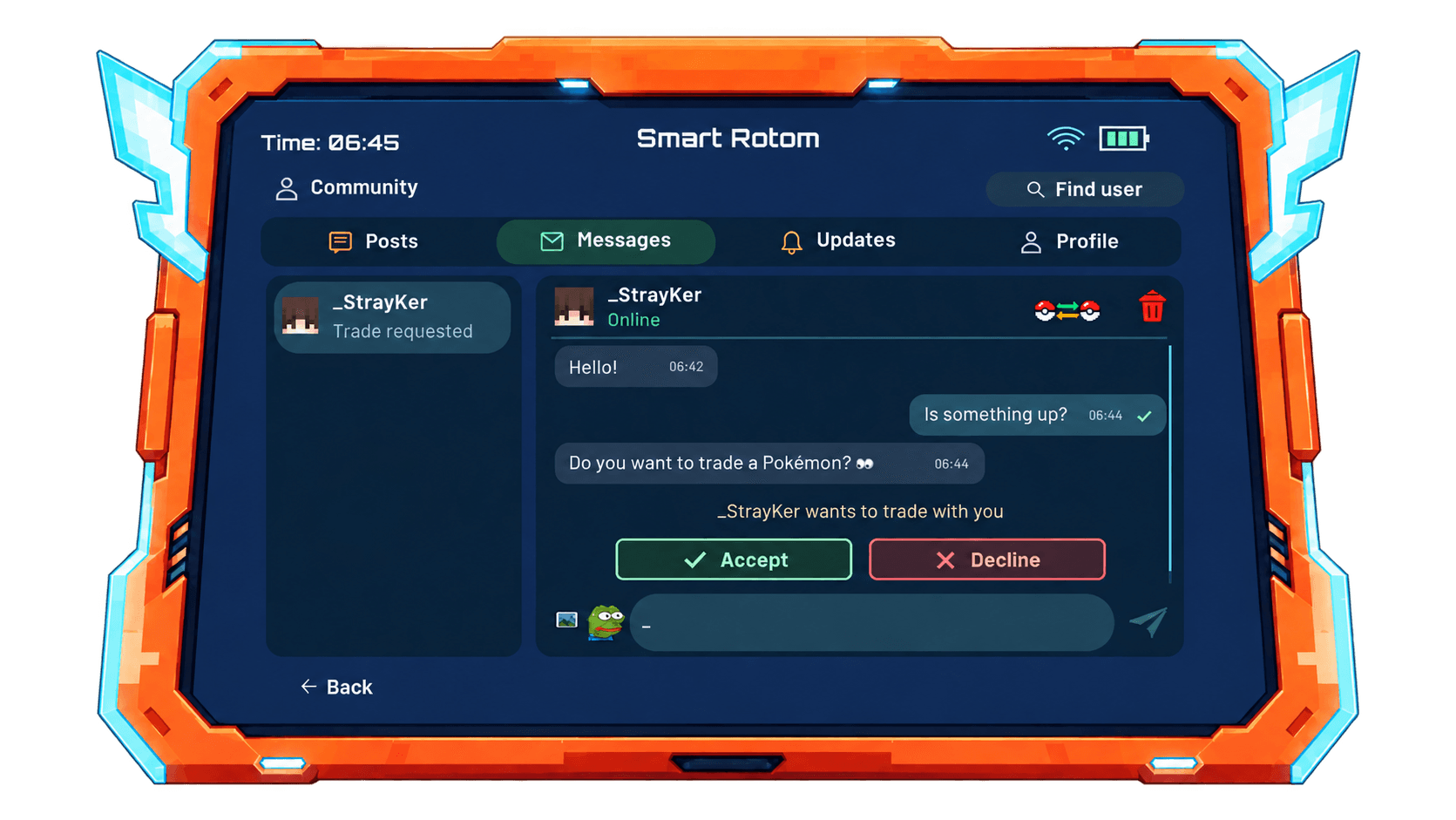
You can also send private messages, share photos through chat, and trade Pokémon over long distances with other players. SmartRotom offers optional compatibility with Emojiful; installing it is recommended for using emojis in chats, private messages, and posts.
EXTRA:
PokéNav and FishingNav can be added through optional upgrades. Combine either item with any SmartRotom variant in a crafting table to get an upgraded SmartRotom.
Open the PokéNav interface with the configured key while carrying the upgraded SmartRotom in your inventory. To use FishingNav, press Shift + right-click while holding your upgraded SmartRotom.
常见问题
Cobblemon – Smart Rotom 支持哪些 Minecraft 版本?
Cobblemon – Smart Rotom 支持 Minecraft Java 版 1.21.1,可用的加载器:Fabric。下载时注意选择和你游戏版本一致的文件。
Cobblemon – Smart Rotom 怎么安装?
先用 PCL2 或 HMCL 启动器安装对应版本的 Fabric,再把下载的 .jar 文件放进游戏目录的 mods 文件夹,重新启动游戏即可。开启了版本隔离的,mods 文件夹在 versions/版本名 下面。
StrayKer 的其他作品
查看全部 →
Z-Project
A challenging zombie survival experience with PvP combat, firearms, and custom features for our private server.

CobbleQuests
CobbleQuests adds catching, breeding, gathering, and fishing quests to Cobblemon. It includes a smart watch with portable services, trainer levels, and rewards for completing each generation’s Pokédex.
CobbleFishing
Adds a Stardew Valley-inspired fishing minigame to Cobblemon, with difficulty tiers, group encounters, and custom fishing enchantments.
评论
登录后评论和评分