
Cobblemon PokéPing
Receive notifications when a specific Pokémon spawns on a server or in singleplayer. With Discord webhook support and in-game chat messages.
截图


介绍
PokéPing
Receive notifications for wild Pokémon in Cobblemon on a server or in singleplayer!
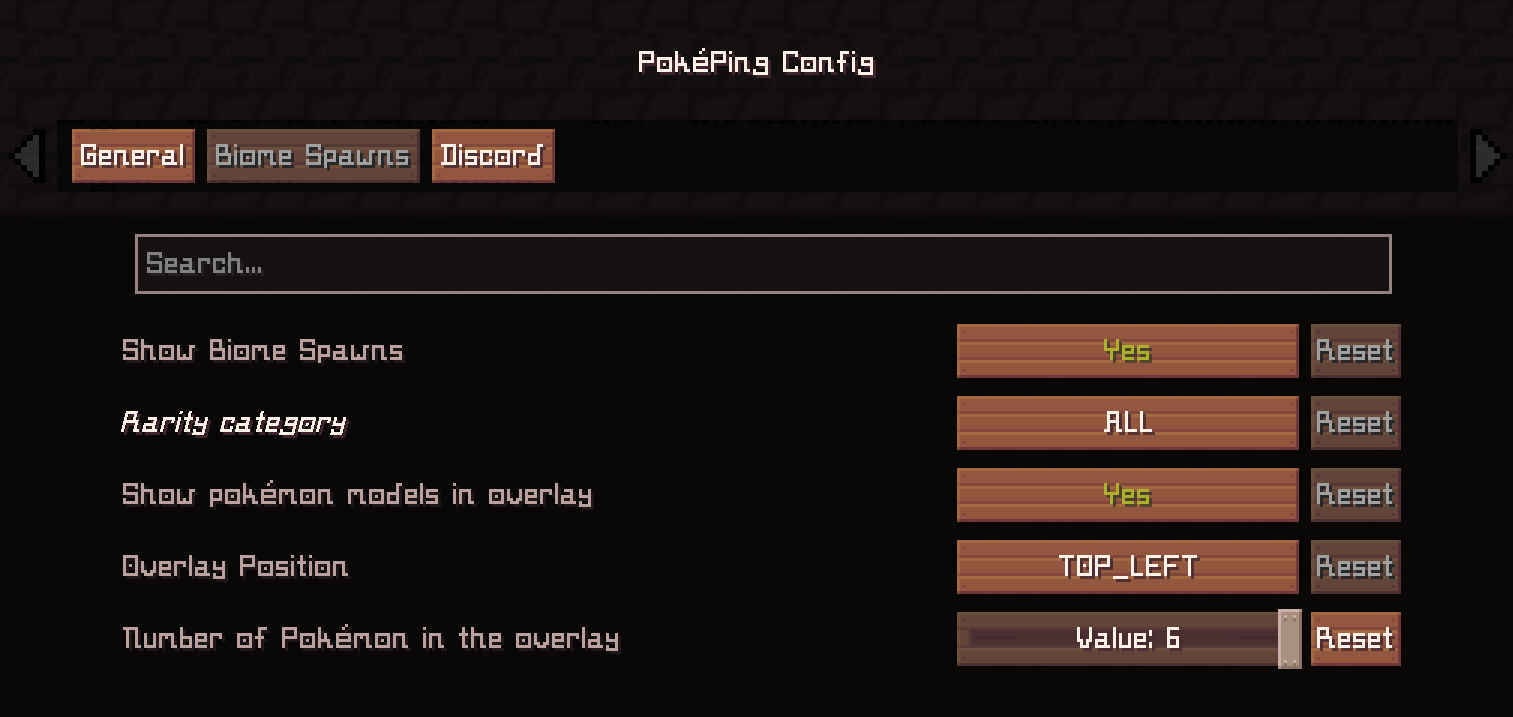
With the config (editable in the file or directly through ModMenu), you can easily choose which Pokémon trigger notifications.
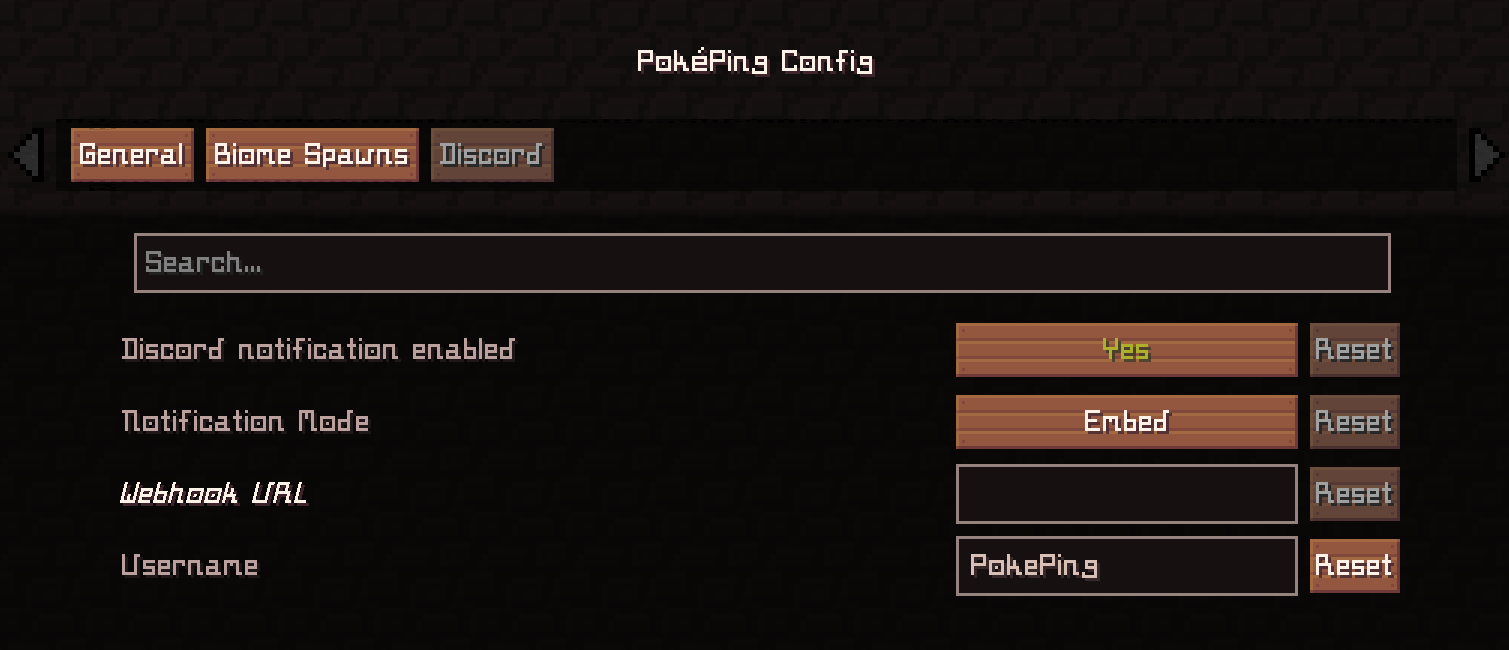
You can also enable Discord webhooks to be notified when you are afk, for example.
✨ Features
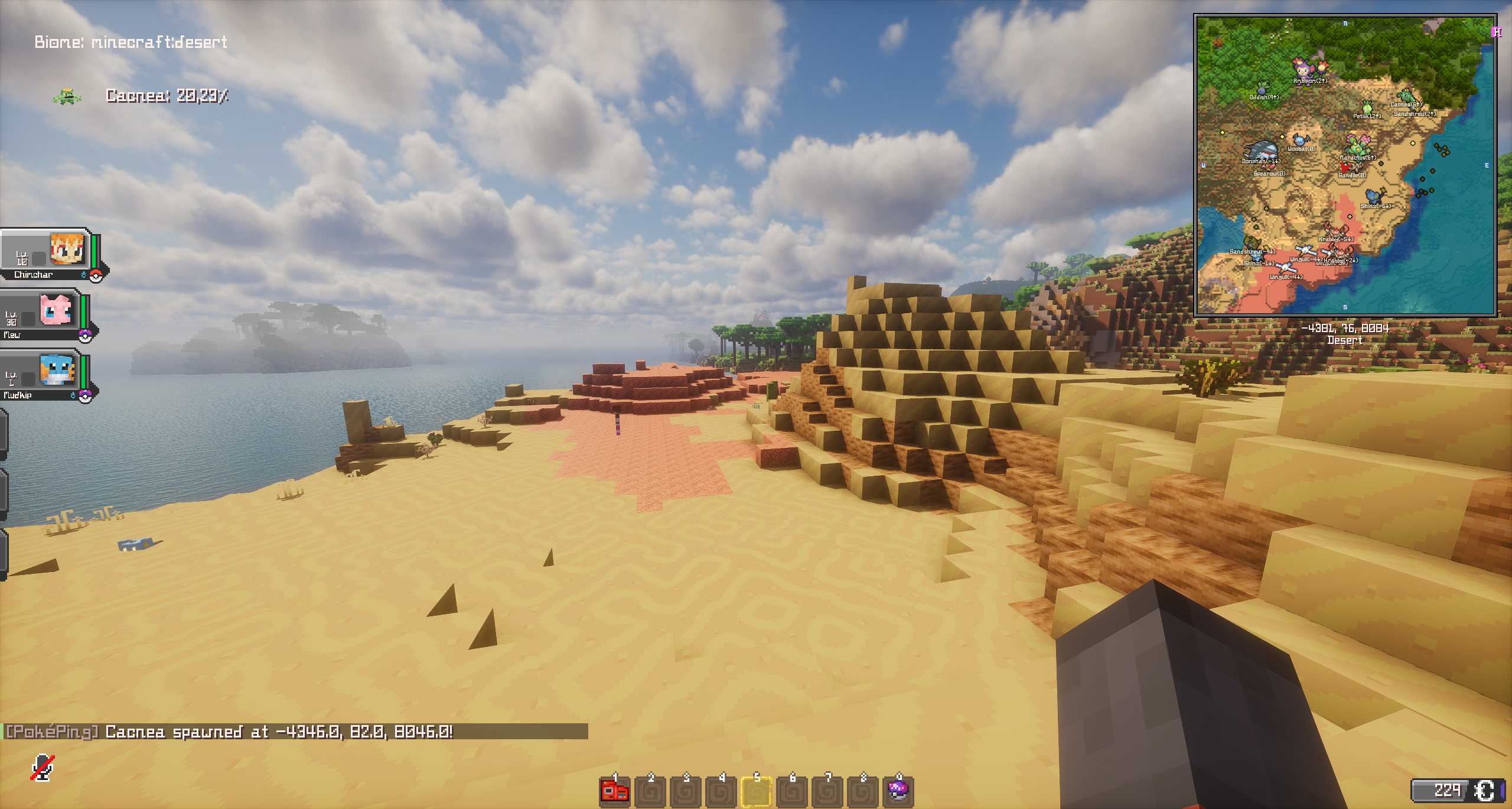
- Shows notifications in Minecraft chat when selected Pokémon spawn nearby
- Edit config in ModMenu or “
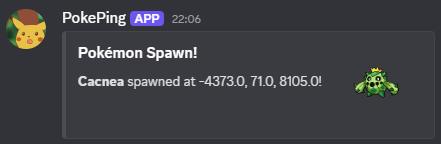
config/pokeping.json“ - Optional Discord webhook support (text or embed messages)
- Can be disabled via config without restarting Minecraft
- Language support for: English, German
- Version 1.0.4^ (WIP): Biome spawn checks for singleplayer and server (Not 100% perfect / accurate. I can only use Cobblemons spawn files with the biome tags (#cobblemon:is_grassland) on the server and compare whether the current biome matches this tag)
💡 Example Use Case
Want to get notified when a rare starter Pokémon like Squirtle appears while you are exploring?
Add “squirtle” (Available Cobblemon Names) to your list in the config, and PokéPing will notify you when it spawns. And via Discord if you have set up a webhook for a Discord channel. _(Translated Pokémon names does also work, like “Schiggy” for squirtle in german)_
In-Game Notification
Discord Webhook (Embed Mode)
Discord Webhook (Text Mode)
🔗 Dependencies
- Required:
- Cobblemon
- Fabric Language Kotlin
- Optional:
- Mod Menu
⚙️ Tested With:
Minecraft: 1.20.1
- Fabric Loader: 0.16.14
- Fabric API: 0.92.5+1.20.1
- Cobblemon: 1.5.2
- Fabric Language Kotlin: 1.13.2+kotlin.2.1.20
Minecraft: 1.21.1
- Fabric Loader: 0.18.5
- Fabric API: 0.116.13+1.21.1
- Cobblemon: 1.7.3+1.21.1
- Fabric Language Kotlin: 1.13.10+kotlin.2.3.20
Notes:
- Make sure to keep your webhook URL private – anyone with this URL can post into your Discord channel
常见问题
Cobblemon PokéPing 支持哪些 Minecraft 版本?
Cobblemon PokéPing 支持 Minecraft Java 版 1.20.1–1.21.1,共 2 个版本,可用的加载器:Fabric。下载时注意选择和你游戏版本一致的文件。
Cobblemon PokéPing 怎么安装?
先用 PCL2 或 HMCL 启动器安装对应版本的 Fabric,再把下载的 .jar 文件放进游戏目录的 mods 文件夹,重新启动游戏即可。开启了版本隔离的,mods 文件夹在 versions/版本名 下面。运行环境:仅客户端。
评论
登录后评论和评分