
Cobblemon Challenge
Cobblemon Challenge is an extremely simple plugin for Cobblemon that makes challenging your friends and rivals to flat-level Pokemon battles easier. Now with team preview gui!
截图
介绍
Cobblemon Challenge
Cobblemon Challenge is an extremely simple plugin for Cobblemon that makes challenging your friends and rivals to flat-level Pokemon battles
easier! Use the /challenge command to send a battle request to a nearby trainer, which they will be able to either accept or deny. This is a server-side plugin that only needs to be installed on the Server.
Easy Flat-Level PVP:
Tired of levelling all your pokemon to level 100 for competitive battling? Wait no longer. With one simple command, you can challenge others to a PVP match where all your pokemon are set to a specific level. This change is non-permanent is will not persist outside the battle. Any held items consumed in a challenge will also have no actual effect on a pokemon’s held item:
Example:
/challenge TurtleHoarder level 100
- challenges TurtleHoarder to a level 100 battle
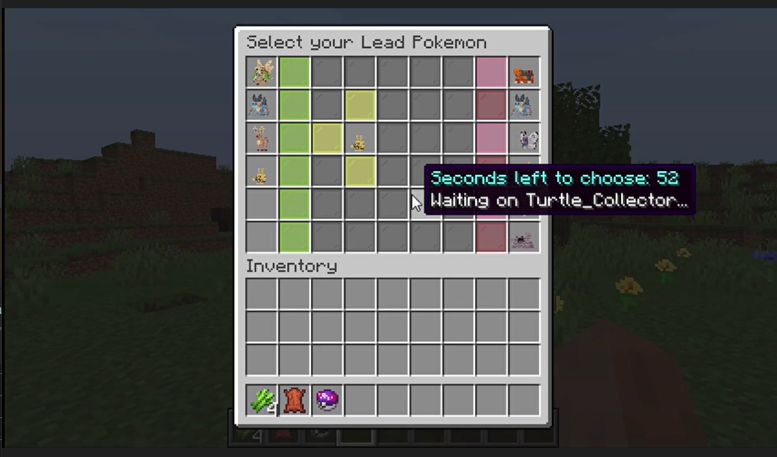
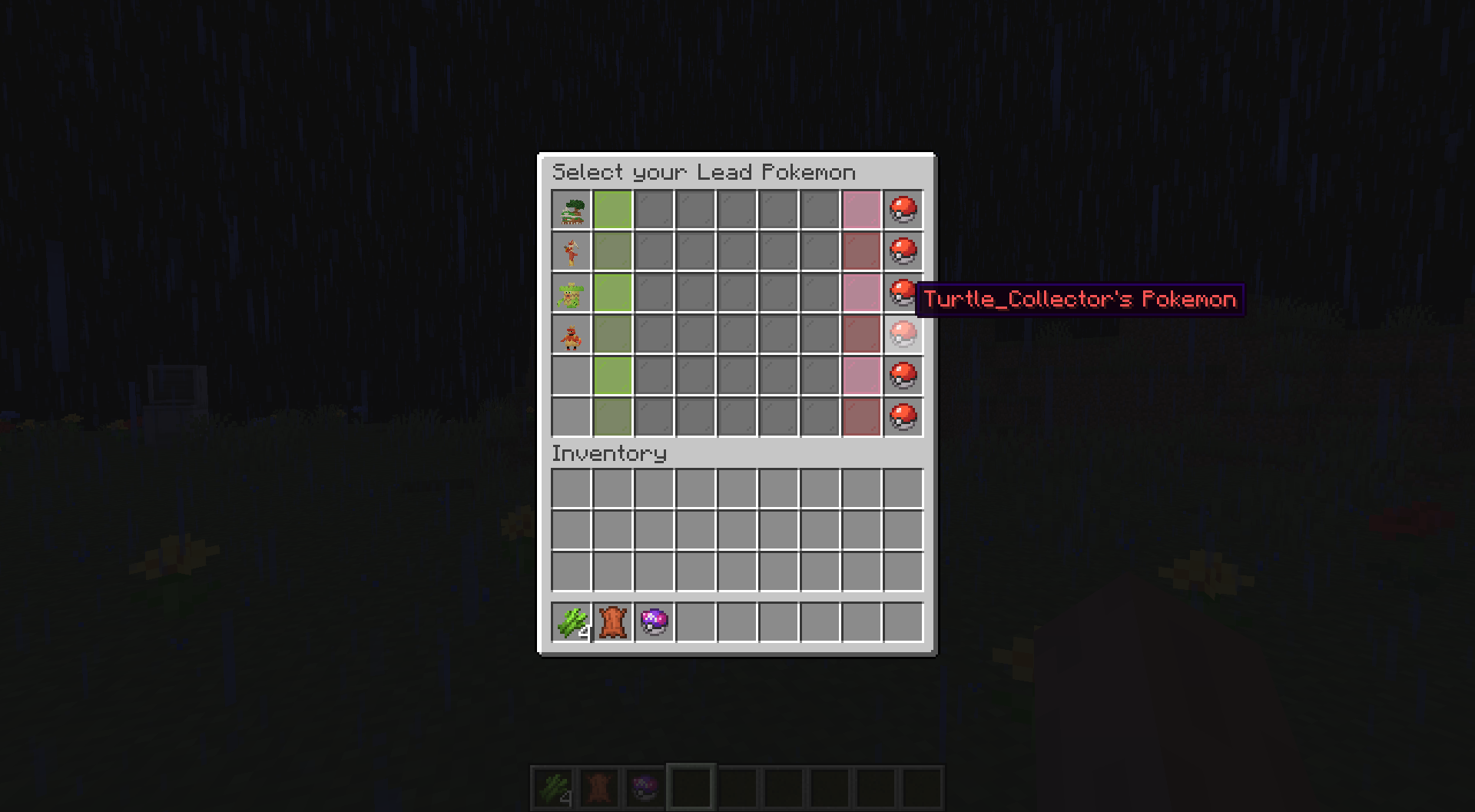
## Lead Pokemon & Team Preview GUI:
**Select your lead pokemon to send out first and preview both your team and the enemy team [If enabled].**

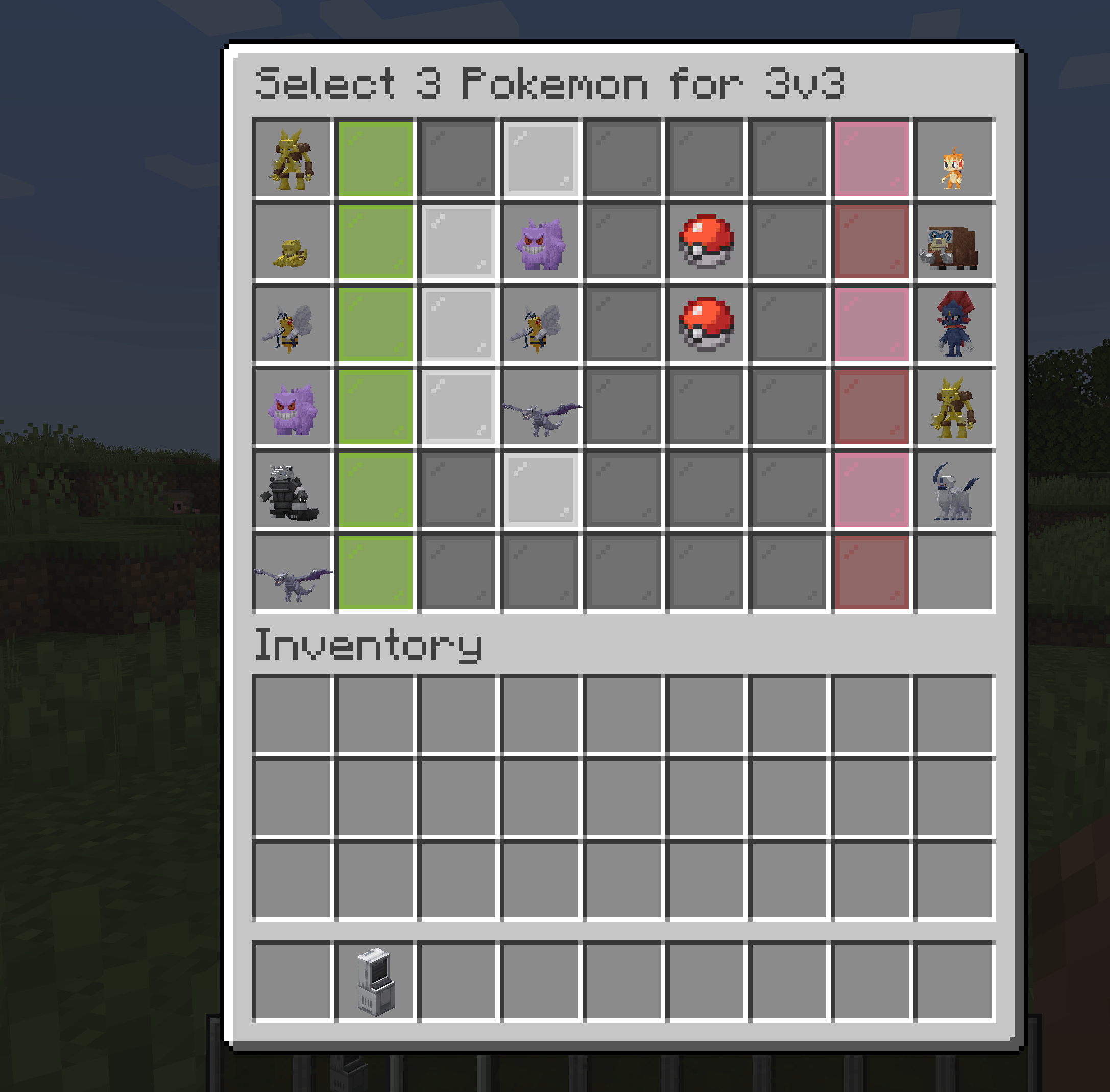
(As of 2.0) Challenge to 3v3, 1v1, etc.:
You can challenge other players to limited pokemon battles where you select the pokemon from your party to battle. You can use commands similar to below:
/challenge3v3 level
/challenge1v1 level

Double battles are also supported via the /challengedouble command:
## Hide your Pokemon if you desire:

Don't want your rival to know your team? Just use the nopreview option to keep your team hidden!

Example: 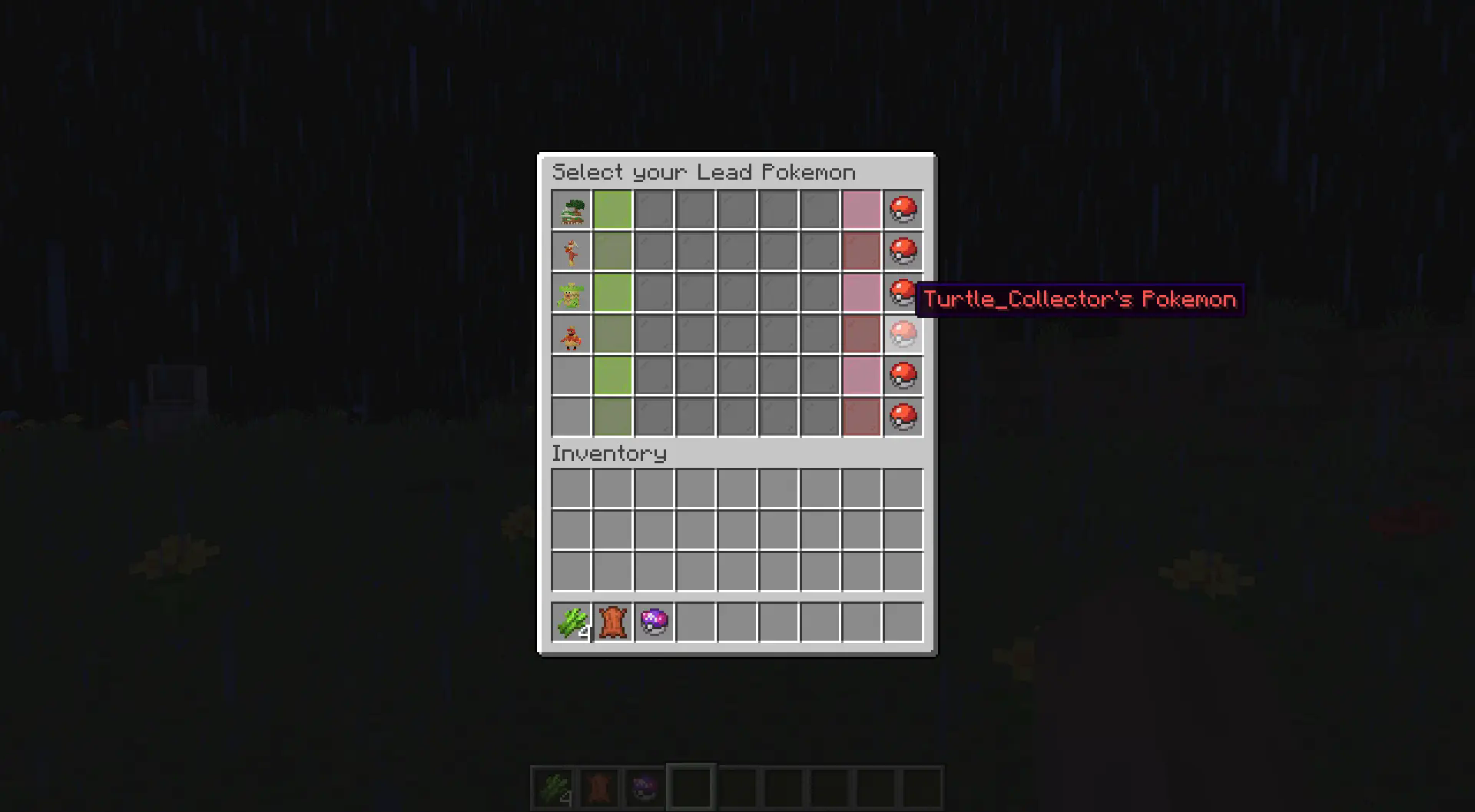
Cobblemon Compatibility Versions:
Please use the following versions for your Cobblemon Server. Using incompatible versions will likely cause your game to crash during battles! Older versions are available on Curseforge
Cobblemon 1.6.0 -> Challenge 1.2.0 / Challenge 2.0.0+
Cobblemon 1.5.0 -> Challenge 1.1.8
Cobblemon 1.4.1 -> Challenge 1.1.7
Commands:
Example: “/challenge TurtleHoarder level 100“ – challenges TurtleHoarder to a level 100 battle
Configurations:
These server settings can be changed by altering the values in the config file located in the config folder of your server:
_challengeDistanceRestriction_ – The value that determines if challenges are restricted by distance. Set to false if you would
want no restrictions on distance. This value is set to true by default.
_maxChallengeDistance_ – If challengeDistanceRestriction is set to true, then this value defines the max distance
that a challenge can be sent. This is set to 50 blocks by default.
_defaultChallengeLevel_ – The value that determines the level of a challenge if there is not level specified by the challenger.
This is set to 50 by default for lvl 50 battles.
_challengeExpirationTime_ – The value that determines how long a challenge should be pending before it expires. This is
set to 60000 milliseconds / 1 minute by default.
_challengeCooldownTime_ – The value that determines how long a player must wait before sending a consecutive request. This value is
set to 5000 milliseconds / 5 seconds by default, though players will need to wait until their existing challenge expires before sending another one.
常见问题
Cobblemon Challenge 支持哪些 Minecraft 版本?
Cobblemon Challenge 支持 Minecraft Java 版 1.19.2–1.21.1,共 3 个版本,可用的加载器:Fabric / Forge / NeoForge。下载时注意选择和你游戏版本一致的文件。
Cobblemon Challenge 怎么安装?
先用 PCL2 或 HMCL 启动器安装对应版本的 Fabric / Forge / NeoForge,再把下载的 .jar 文件放进游戏目录的 mods 文件夹,重新启动游戏即可。开启了版本隔离的,mods 文件夹在 versions/版本名 下面。运行环境:仅服务端。
评论
登录后评论和评分